
Introduction
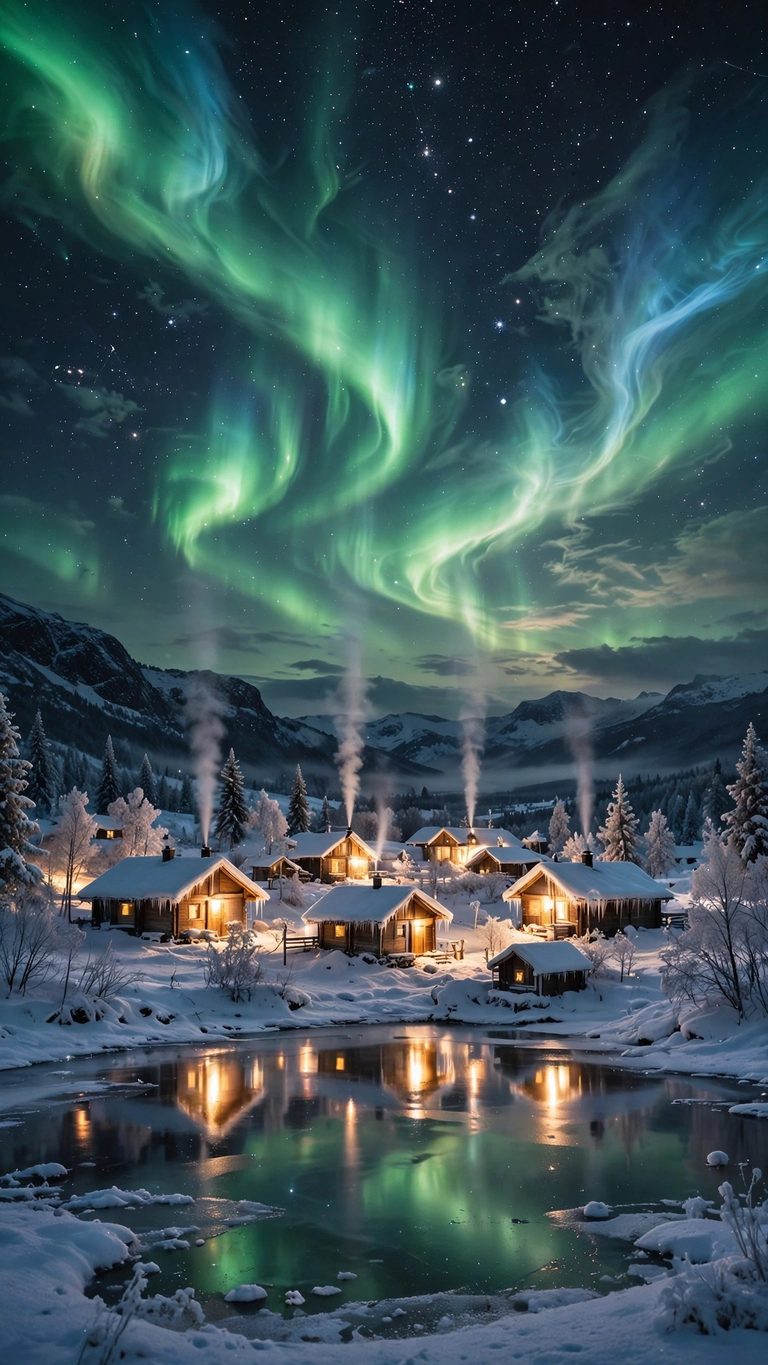
Look up. Ribbons of green light unspool across a sky thick with stars, rippling and folding like silk in a slow cosmic dance. Below, a tiny snow-covered village glows with warm windows, smoke rising straight from chimneys into the windless air. On a frozen rooftop, the aurora’s reflection shimmers. A villager stands in the snow, face tilted skyward, caught in pure wonder. This is the Aurora Over Snow Village, and it might be the most beautiful ten seconds you ever generate.
The northern lights are a bucket-list sight for hundreds of millions of people who will never see them in person. That gap between longing and access is exactly what makes aurora content explode online. This AI video prompt builds a dreamlike night scene where the aurora dances over a tiny village, complete with the human moment, the gazing villager, that turns a pretty sky into a story. It is slow, it is cinematic, and it is engineered to stop thumbs mid-scroll.
The Prompt
Paste this exact prompt into your AI video generator to summon the lights:
Breathtaking night scene of aurora borealis dancing in green ribbons over a tiny snow-covered village, lights reflecting off frozen rooftops, a villager gazing up in wonder, smoke rising straight in still air, stars everywhere, pure magic, slow cinematic pan, ultra realistic, dreamlike
Why This Prompt Works
Awe is the most shareable emotion on the internet, and the aurora is awe in its purest visual form. Research on viral content consistently finds that awe-inspiring material gets shared more than funny or cute material, because sharing awe is a way of saying I experienced something bigger than myself. The Aurora Over Snow Village is built to trigger exactly that response. The dancing green ribbons, the impossible stillness of the smoke rising straight, the tiny human figure dwarfed by the sky: every element is scaled to make the viewer feel small in the best possible way.
The scene also exploits scarcity. Real aurora footage requires travel to the Arctic, clear skies, solar activity, and luck, which means most viewers have never seen the lights move in real life. AI generation collapses that barrier, and audiences reward the access with attention. Aurora clips routinely outperform other night-sky content by wide margins, and the #Aurora tag community is one of the most active and generous in the travel niche, sharing and stitching standout clips across platforms.
Compositionally, the prompt is a masterclass. The warm village windows balance the cold green sky, giving the frame a color harmony that feels intentional and cinematic. The reflection on the frozen rooftops doubles the light show. The villager gazing up provides a surrogate: viewers project themselves into that small figure and feel the wonder firsthand. And the slow cinematic pan is the right camera language, patient enough to let the ribbons ripple, grand enough to feel like the opening shot of a film. Stars everywhere adds the final texture, a sky so dense it looks like the village is floating in space.
Shareability closes the loop. Aurora videos get sent to partners with messages like we have to go, saved to travel dream boards, and used as phone wallpapers. Each of those actions tells the algorithm the content has lasting value, which extends its reach for weeks. A single great aurora render can quietly collect views long after posting day.
How to Use This Prompt
Aurora scenes are forgiving to generate but reward careful settings. Follow these steps.
- Copy the full prompt from the
block above. The phrases dancing in green ribbons and slow cinematic pan define the motion of the lights and the camera.
- Paste it into Veo 3, Runway Gen-4, Kling 2, Pika, or Sora. Veo 3 and Sora render aurora ribbons with the most natural fluid motion; Kling produces excellent star fields.
- Set 9:16 vertical and match the post settings: 9:16 vertical, 10 sec, slow pan. Use the slowest pan preset available so the lights have time to ripple across the frame.
- If your tool offers a start and end frame or camera path, keep the pan lateral and level. A tilting pan can make the village slide unnaturally and break the dreamlike stillness.
- Generate three takes and compare the aurora motion: you want smooth, silky ribbons, not flickering or strobing bands. Keep the render where the green gradients look fluid.
- Export at the highest resolution and bitrate possible. Dark scenes with subtle gradients compress badly, so quality settings matter more here than in daylight clips.
Post it late in the evening when night-sky content gets its best engagement, and watch the saves roll in.
Pro Tips & Creative Variations
The aurora is your light source, so changing its character changes everything. Try a rare red and purple aurora variant for a clip that even aurora veterans have seldom seen; unusual colors earn comments from skywatchers debating their realism. A faint, barely-there aurora over a moonlit village feels subtle and photographic, while an explosive sky-filling storm of ribbons feels like the climax of a sci-fi film. Each version finds a different audience.
Change the foreground to multiply the series. Replace the village with a frozen lake that mirrors the entire sky, and you get perfect symmetry that performs brilliantly as a wallpaper-style loop. A lone cabin with one lit window and a dog sitting in the snow watching the lights becomes an emotional story in ten seconds. A Sami-style tent with reindeer silhouettes adds cultural texture that travel audiences love. The sky stays the star; the ground tells a new story each time.
Add a human narrative beat for deeper engagement. A couple wrapped in a blanket watching together invites romantic tagging. A photographer with a tripod silhouetted against the ribbons speaks to every camera lover. A child pointing upward melts comment sections. These tiny figures cost the model almost nothing to render and pay for themselves in emotional connection.
For advanced creators, build an aurora timelapse series: the same village at dusk, under the full aurora, and at dawn, posted as a trilogy. Trilogies earn profile visits as viewers hunt for the other parts, and profile visits convert to follows. Tag the series with #Aurora and #Dreamy to ride both the skywatcher and the aesthetic communities at once.
Frequently Asked Questions
Q: Which AI video tool makes the most realistic aurora motion?
A: Veo 3 and Sora currently produce the smoothest, most silk-like aurora ribbons. Kling 2 is a strong budget alternative with beautiful star fields. Avoid high motion intensity settings, which can make the lights flicker instead of flow.
Q: My aurora looks flat or posterized. How do I fix it?
A: Flat auroras usually come from low bitrate or aggressive compression. Export at maximum quality, and if your tool has a quality or detail booster, enable it for night scenes. Adding volumetric glow and silky gradient to the prompt wording can also help the model render smoother light.
Q: Can I make the aurora loop seamlessly?
A: Yes, and aurora loops are among the most-watched ambience content online. Generate the clip, then crossfade the last second into the first in your editor. Because the ribbons move continuously, the seam hides well. Loop it to several minutes for a stunning sleep or relaxation video.
Q: Is it misleading to post AI aurora footage without labeling it?
A: Transparency builds trust. Most platforms now encourage or require AI labels on synthetic media, and viewers in the aurora community value honesty. Label it as AI-generated in the caption or with the platform's AI tag; the wonder survives labeling, and your credibility grows.
Some videos entertain, and some remind people the universe is beautiful. The Aurora Over Snow Village prompt does the second kind. Generate your ten seconds of dancing green light, share it under a #Dreamy evening sky, and give your audience a reason to look up. Try the prompt tonight and share the wonder.
Related Viral Prompts
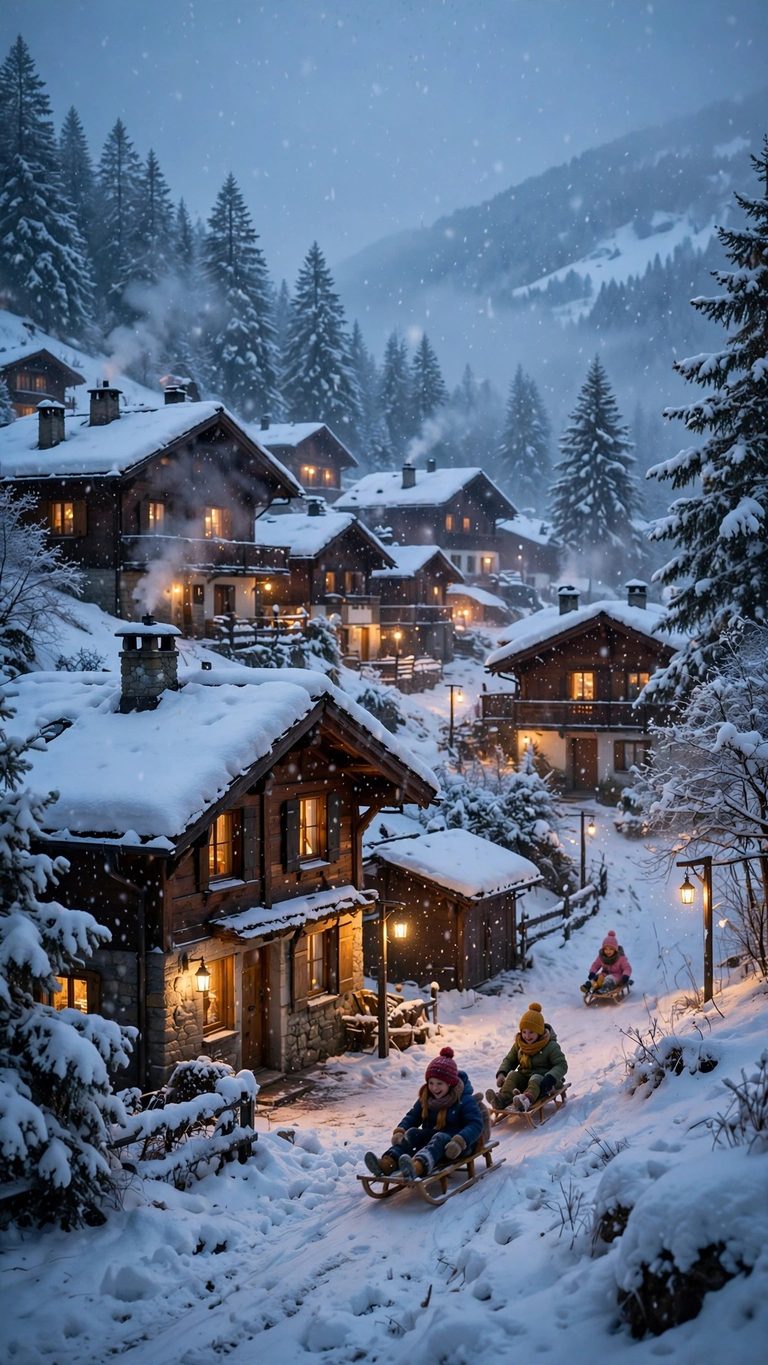
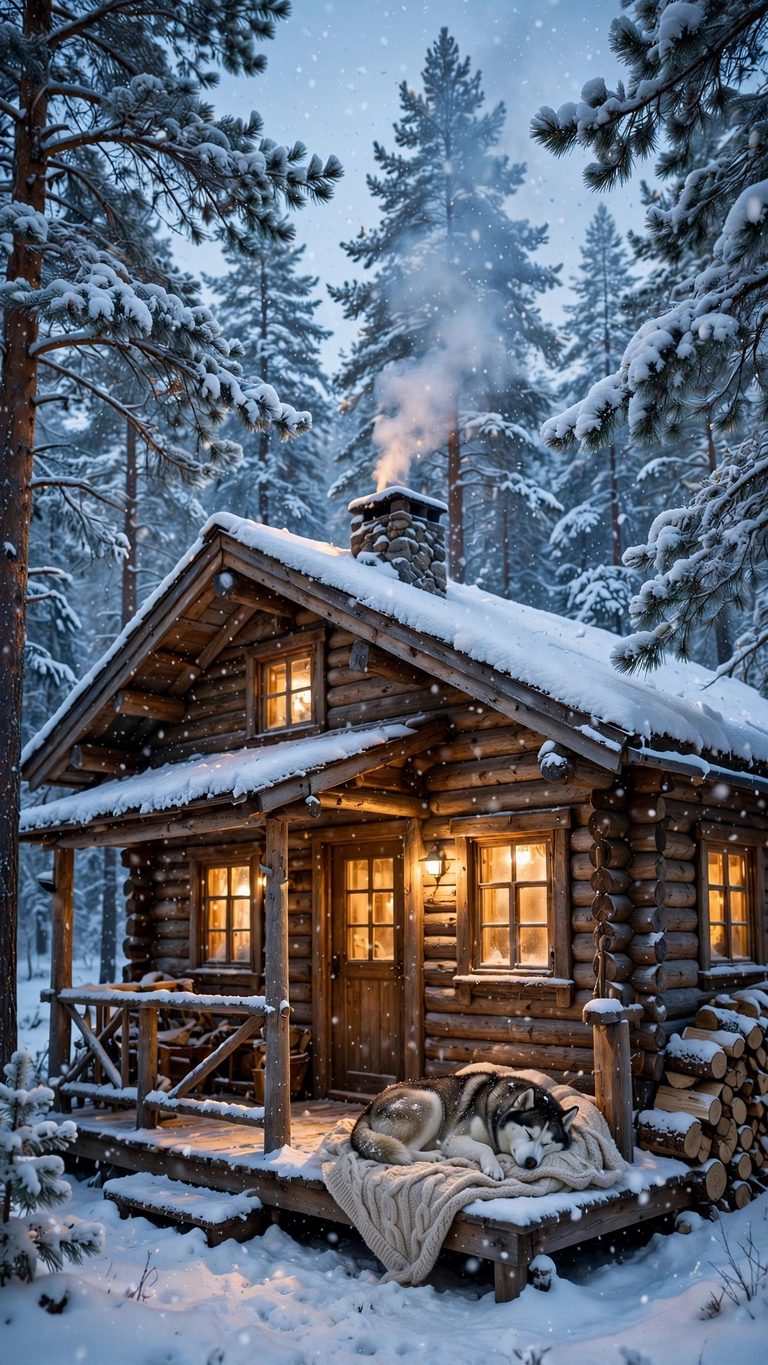
- Snow Cabin Cozy Interior AI Photo Prompt: Warm Hygge Winter Photography Magic for Viral Winter Cozy Posts
- Snow Leopard Portrait AI Photo Prompt: Majestic Wildlife Photography Secrets for Viral Winter Content
- Frozen Waterfall Blue Ice AI Photo Prompt: Breathtaking Winter Landscape Photography That Wows Every Viewer
# A I V i d e o # P r o m p t B a z a r # A u r o r a # S n o w V i l l a g e # D r e a m y

Leave a Reply