
Introduction
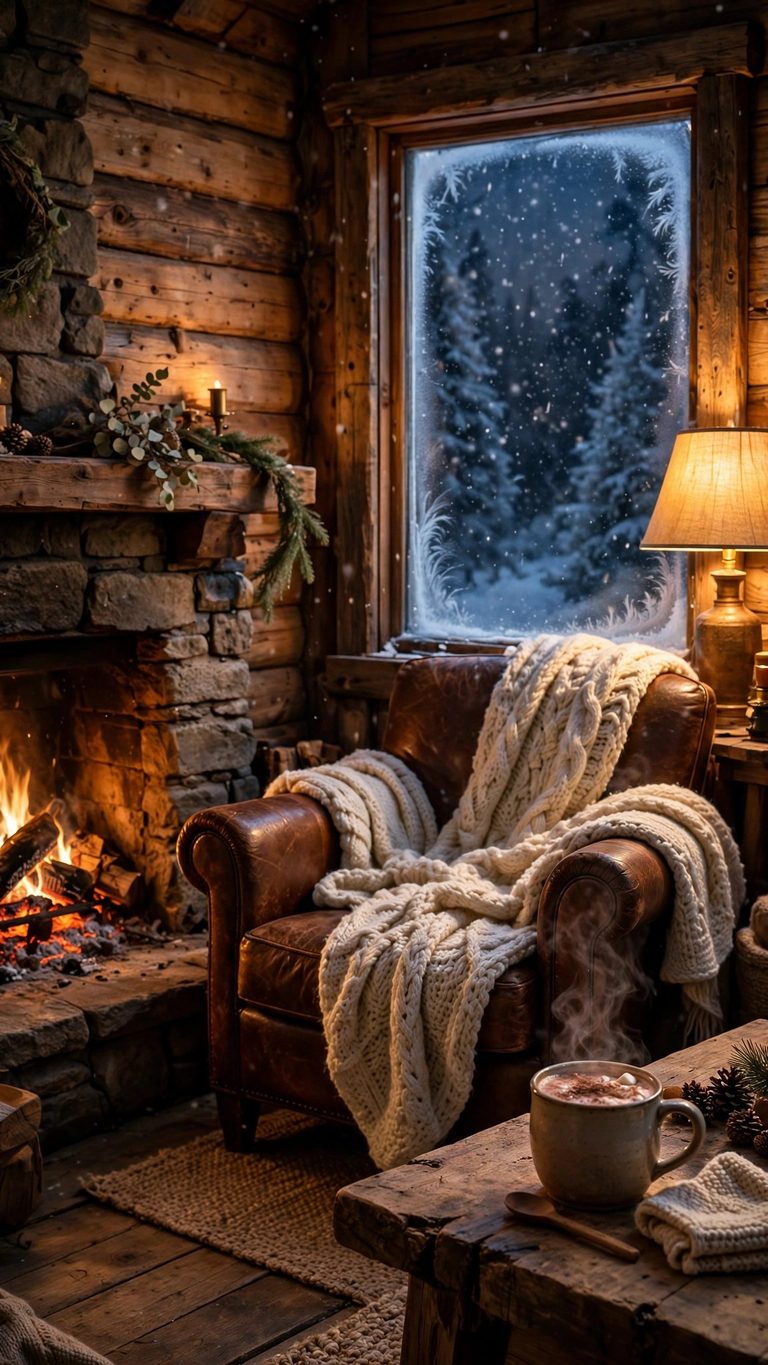
Picture this: outside the window, snow is falling in thick, silent curtains. Inside, a stone fireplace crackles and pops, throwing dancing orange light across a wooden cabin living room. A chunky knit blanket is draped over a worn leather armchair, and on the rustic table beside it, a mug of hot cocoa still steams. The window glass is frosted at the edges, framing the falling snow like a living painting. This is the scene our cozy cabin AI photo prompt creates, and it is pure winter magic bottled into a single image.
Hygge, the Danish idea of cozy contentment, has become one of the most powerful visual trends on social media, and nothing captures it better than a warm cabin interior on a snowy day. Interior shots like this one pull viewers in because they promise comfort. Your thumb stops scrolling, your shoulders drop, and for a moment you can almost smell the woodsmoke and cocoa. That emotional pause is exactly what makes this kind of winter photography go viral again and again every single season.
The Prompt
Copy the exact prompt below and paste it into your favorite AI image generator. It is ready to use with no edits needed, just pick your tool and generate.
Ultra cozy interior photograph of a wooden snow cabin living room, crackling stone fireplace, chunky knit blankets on a leather armchair, steaming hot cocoa on a rustic table, frosted window revealing falling snow outside, warm golden lamp light, inviting hygge atmosphere, rich textures, ultra detailed, 8k, professional interior photography, photorealistic
Why This Prompt Works
This prompt works because it is built on contrast, and contrast is what makes images unforgettable. The blazing warmth of the fireplace and lamplight plays directly against the cold blue snow visible through the frosted window. The human eye is wired to notice that kind of opposition, warm versus cold, shelter versus storm, and it holds attention far longer than a one-note image. Color psychology backs this up: warm golden tones trigger feelings of safety, nostalgia, and relaxation, which is why cozy interior photos consistently earn more saves and shares than almost any other winter content.
There is also the texture story. Chunky knit blankets, rough stone, smooth leather, rising steam, these are tactile details that make a flat image feel touchable. AI generators excel at texture when you name each material explicitly, and this prompt names every one of them, which is why the output looks convincingly photographic instead of flat or cartoonish. The #CozyCabin community on social platforms thrives on exactly this layered richness, and interior aesthetic posts tagged #Interior routinely outperform outdoor shots on saves because people collect them for inspiration boards.
Finally, the composition tells a story without a single person in the frame. An empty armchair by the fire invites the viewer to imagine themselves sitting in it. That open invitation is a shareability superpower: people send these images to friends with messages like this is us this winter. Story-driven interiors outperform empty room shots every time, and this prompt bakes the story right in.
How to Use This Prompt
Using this prompt is simple because it was written to work across every major image generator. For Midjourney v7, paste the prompt into the imagine bar and add –ar 9:16 –style raw for the most photographic result. The 9:16 portrait ratio matches the original settings and is ideal for Reels, TikTok, Shorts, and Pinterest pins. If the first result feels too polished, add –stylize 100 to keep it natural or –chaos 10 for a slightly different furniture arrangement.
For DALL-E 3, paste the prompt as-is into the chat and ask for a vertical portrait image. DALL-E follows descriptive prompts very literally, so the fireplace, blankets, and cocoa will all appear as specified. For Flux, use the same 9:16 portrait setting and consider adding guidance around 3.5 for strong prompt adherence. For Stable Diffusion, load an SDXL photorealism checkpoint, set 30 to 40 steps, CFG around 7, and a 768 by 1344 portrait canvas. Whichever tool you use, keep the words photorealistic and professional interior photography in the prompt, because those are the anchors that keep the result looking like a real photograph instead of a digital painting.
Pro Tips & Creative Variations
Once you have the base image, the real fun begins with variations. Swap the time of day: ask for blue twilight pressing against the window instead of daytime snow, and the fireplace glow becomes dramatically more intense. Add a sleeping dog or a curled-up cat on the rug for an instant emotional multiplier, pet content layered on cozy content is nearly unbeatable for engagement. Try a person reading a book in the armchair, seen from behind, to deepen the story without needing a face.
Change the design language for fresh looks. Request a Scandinavian minimalist version with pale wood and white sheepskins, or a rustic hunting-lodge version with antlers, dark timber, and a bearskin rug. The pro tips from the original post still apply: always keep the frosted window, because it is the storytelling window into the winter outside, and always specify fireplace flame detail so the fire looks alive rather than painted on.
For close-up spin-offs, crop the concept: generate a macro shot of just the steaming cocoa mug with the blurred fireplace behind it, or an extreme close-up of the knit blanket texture with snow visible through a blurred window. These detail shots make perfect carousel companions to the wide interior shot. You can also go seasonal by adding a small decorated Christmas tree in the corner, which turns the image into holiday content that rides the December engagement wave.
Frequently Asked Questions
Q: Which AI generator gives the most realistic cabin interior?
Midjourney v7 and Flux currently produce the most photographic interiors, with Midjourney slightly ahead on lighting warmth and material texture. DALL-E 3 is excellent at including every described element exactly as written, so use it when the fireplace, blankets, and cocoa all need to appear. Stable Diffusion with a photorealism SDXL model gives you the most control for fine-tuning.
Q: What aspect ratio should I use?
Use 9:16 portrait, which is the ratio this prompt was designed for. It fills a phone screen edge to edge on TikTok, Reels, Shorts, and Pinterest, which is where cozy interior content performs best. For a blog hero image or YouTube thumbnail, regenerate at 16:9 landscape.
Q: How do I keep the image from looking like AI art?
Keep the words photorealistic, professional interior photography, and ultra detailed in the prompt, and avoid fantasy or illustration style words. Small imperfections help: ask for a slightly rumpled blanket or an uneven stack of firewood, because perfect symmetry is the biggest giveaway of AI generation.
Q: Can I use these images commercially?
Most generators grant commercial rights on paid plans, but check your specific plan terms. DALL-E 3 images are generally cleared for commercial use, while Midjourney rights depend on your subscription tier. When in doubt, review the current terms of service before selling prints or using the image in ads.
Your turn to light the fire. Copy the prompt, paste it into your favorite generator, and watch a cozy winter cabin appear in seconds. Then try one variation, maybe the sleeping dog or the twilight version, and share your favorite result. Warm images win cold seasons, so start generating today.
Related Viral Prompts
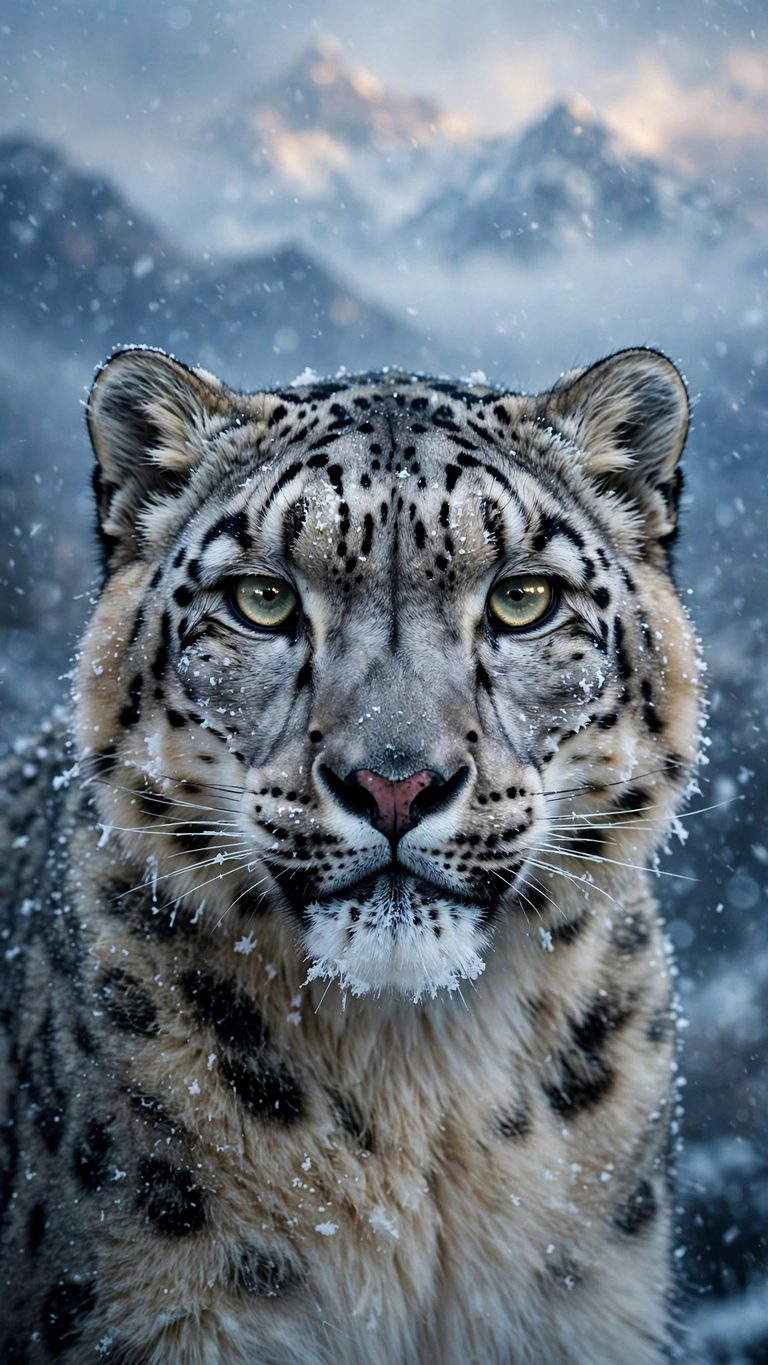
- Snow Leopard Portrait AI Photo Prompt: Majestic Wildlife Photography Secrets for Viral Winter Content
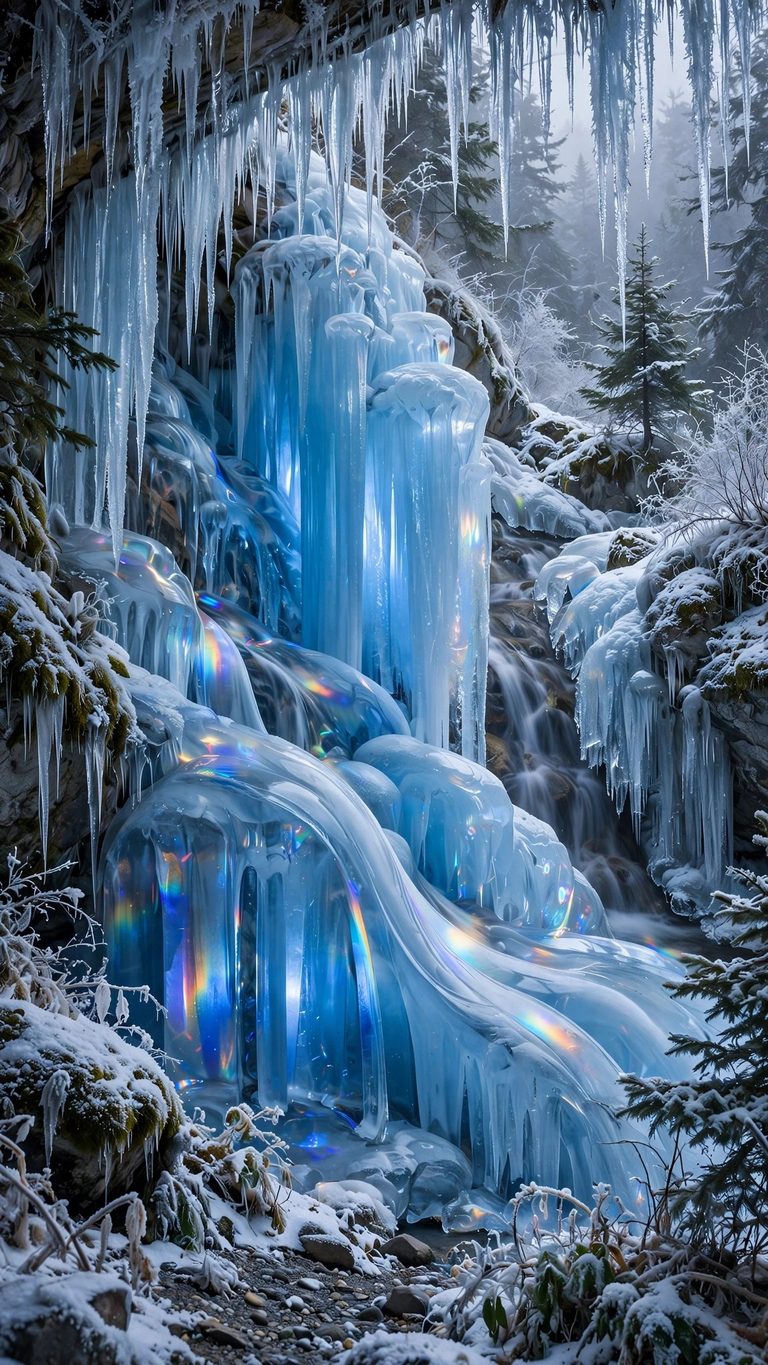
- Frozen Waterfall Blue Ice AI Photo Prompt: Breathtaking Winter Landscape Photography That Wows Every Viewer
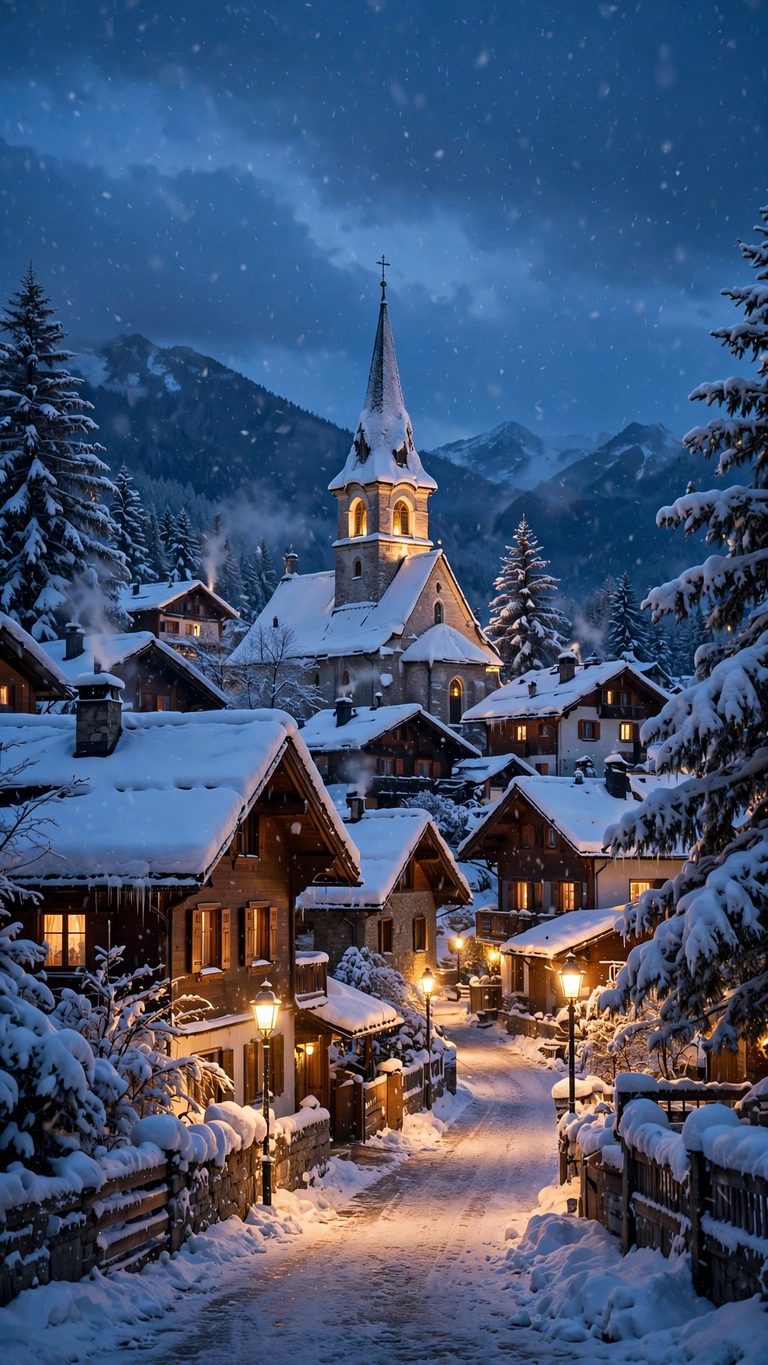
- Winter Village Lights AI Photo Prompt: Storybook Evening Photography Magic for Viral Winter Holiday Posts
# A I V i d e o # P r o m p t B a z a r # A I P h o t o # C o z y C a b i n # I n t e r i o r

Leave a Reply