
Introduction
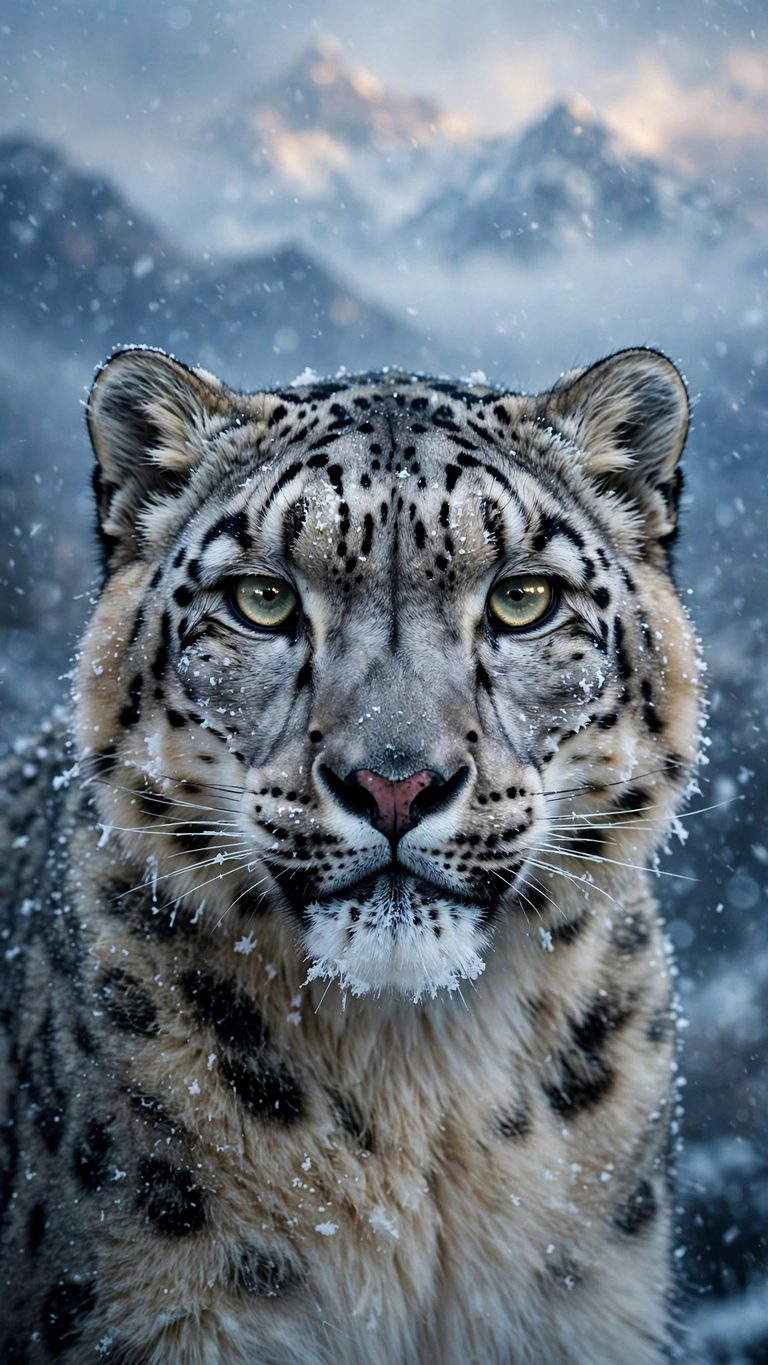
Lock eyes with the ghost of the mountains. A snow leopard stares straight into the camera, its pale green eyes sharp enough to cut glass, while snowflakes settle onto its thick smoky-grey fur. Each rosette on its coat is rimmed with frost. Its pink nose stands out like a small warm ember against the cold blue world behind it. The Himalayan peaks blur into softness, leaving nothing between you and one of the rarest big cats on Earth. This is the portrait our snow leopard AI photo prompt delivers, and it stops thumbs mid-scroll.
Wildlife portraits have a permanent place in viral content because they trigger something primal: the thrill of a close encounter with a creature we may never meet in real life. Snow leopards are especially magnetic. They are elusive, endangered, and impossibly beautiful, so even people who never follow wildlife accounts will pause for this face. That pause is the first step toward a like, a share, and a follow, and this prompt is engineered to earn it.
The Prompt
Copy the exact prompt below and paste it into your favorite AI image generator. It is ready to use with no edits needed, just pick your tool and generate.
Majestic close-up portrait photograph of a snow leopard in falling snow, thick smoky-grey spotted fur rimmed with frost, piercing pale green eyes staring directly into the lens, pink nose, Himalayan peaks blurred behind, cold blue tones with warm eye catchlight, regal wild beauty, ultra detailed fur, 8k, professional wildlife photography, photorealistic
Why This Prompt Works
The number one reason this prompt works is direct eye contact. Research on visual attention consistently shows that faces, and especially eyes looking at the viewer, capture and hold attention longer than almost any other element. A predator gaze aimed down the lens creates an instant emotional jolt, a mix of awe and intimacy, that viewers feel in their chest before they even process what they are seeing. The prompt reinforces this by specifying piercing pale green eyes staring directly into the lens along with a warm catchlight, the tiny reflection that makes eyes look alive.
The second reason is rarity. Snow leopards live high in remote mountain ranges and are famously difficult to photograph, so the subject itself carries built-in curiosity value. Content tagged #SnowLeopard benefits from this mystique, and the broader #Wildlife audience is always hungry for big cat portraits that feel intimate rather than distant. The prompt also nails the atmosphere: falling snow adds motion and depth, the blurred Himalayan peaks give epic scale without distracting, and the cold blue tones with one warm accent, the eyes, create a color story that pops in any feed.
Finally, the fur detail does heavy lifting for realism. By describing thick smoky-grey spotted fur rimmed with frost and demanding ultra detailed fur, the prompt pushes the generator toward the fine texture work that separates a convincing wildlife photograph from an obvious render. Viewers zoom in on fur, whiskers, and noses, and when the detail holds up at full size, comments and shares follow.
How to Use This Prompt
Start by pasting the prompt into your generator of choice. In Midjourney v7, use –ar 9:16 –style raw for maximum photographic realism, since the raw style reduces the painterly smoothing that can make animal fur look plastic. Add –v 7 explicitly if you run an older default. For Flux, generate at a 9:16 portrait ratio with guidance around 3.5 so the eye contact and frost details stay faithful to the description.
DALL-E 3 handles this prompt well through simple chat: paste it and request a vertical portrait, and it will compose the leopard, snowfall, and blurred peaks reliably. In Stable Diffusion, choose an SDXL photorealism or wildlife photography checkpoint, run 30 to 40 steps with CFG near 7, and use a portrait canvas like 768 by 1344. If the eyes come out asymmetric, a common AI weakness, regenerate with the word symmetrical gaze added, or inpaint just the eye region at higher detail. Keep photorealistic and professional wildlife photography in every version, because those phrases anchor the photographic look across all four tools.
Pro Tips & Creative Variations
Small tweaks create dramatically different moods. For a harsher, more dramatic portrait, ask for the leopard emerging from a snowstorm with wind-blown fur and narrowed eyes. For a softer, more shareable version, request gentle snowfall, a slightly tilted head, and the cat mid-blink with one snowflake on its nose, cuteness layered on majesty is a proven engagement formula. A side-profile version with the leopard looking toward distant peaks tells a wilder, more cinematic story than the frontal stare.
Play with the environment for variety. Move the cat to a rocky Himalayan ledge at dawn with pink light on the snow, or place it against a dark pine forest background so the pale fur glows with rim lighting. The original pro tips remain essential: always mention frost on the fur, always specify the catchlight in the eyes, and keep the background softly blurred so nothing competes with that face.
For carousel or series content, generate three matching portraits: the frontal stare, a close-up of just the eyes and nose filling the frame, and a wider shot of the leopard walking through falling snow. Post them as a swipeable set with a fact about snow leopards in the caption, and you have educational wildlife content that the algorithm loves. Black and white conversions also work beautifully here, since the fur texture carries the image even without color.
Frequently Asked Questions
Q: Why do animal portraits with eye contact perform so well?
Direct gaze triggers the brain’s face-detection and social-attention systems, which evolved to prioritize eyes looking at us. On social feeds this translates into longer view time, and longer view time signals the algorithm to show the post to more people. A predator’s stare adds adrenaline to the mix, making the reaction even stronger.
Q: How do I avoid weird AI artifacts in the fur and face?
Use –style raw in Midjourney and photorealism checkpoints in Stable Diffusion, and always include ultra detailed fur and photorealistic in the prompt. Generate at high resolution and zoom to 100 percent to check the eyes, nose, and whiskers. If something looks off, inpaint or regenerate just that region rather than starting over.
Q: What is the best aspect ratio for wildlife portraits?
9:16 portrait is ideal for TikTok, Reels, Shorts, and phone wallpapers, and it fills the frame with the animal’s face for maximum impact. Use 4:5 for Instagram feed posts and 16:9 only if you need a wide banner or video thumbnail with space for text.
Q: Can I create a whole series with consistent results?
Yes. Keep the core description identical and only change the pose, angle, or background sentence. Using the same seed in Midjourney or Stable Diffusion also helps lock in a consistent coat pattern and eye color across the series, which makes carousels feel professionally shot.
Now it is your turn to meet the mountain ghost. Copy the prompt, generate your snow leopard portrait, and try one variation that makes it yours, a blizzard, a dawn ledge, or the extreme eye close-up. Post your favorite and watch the comments roll in. Wild beauty like this deserves to be seen.
Related Viral Prompts
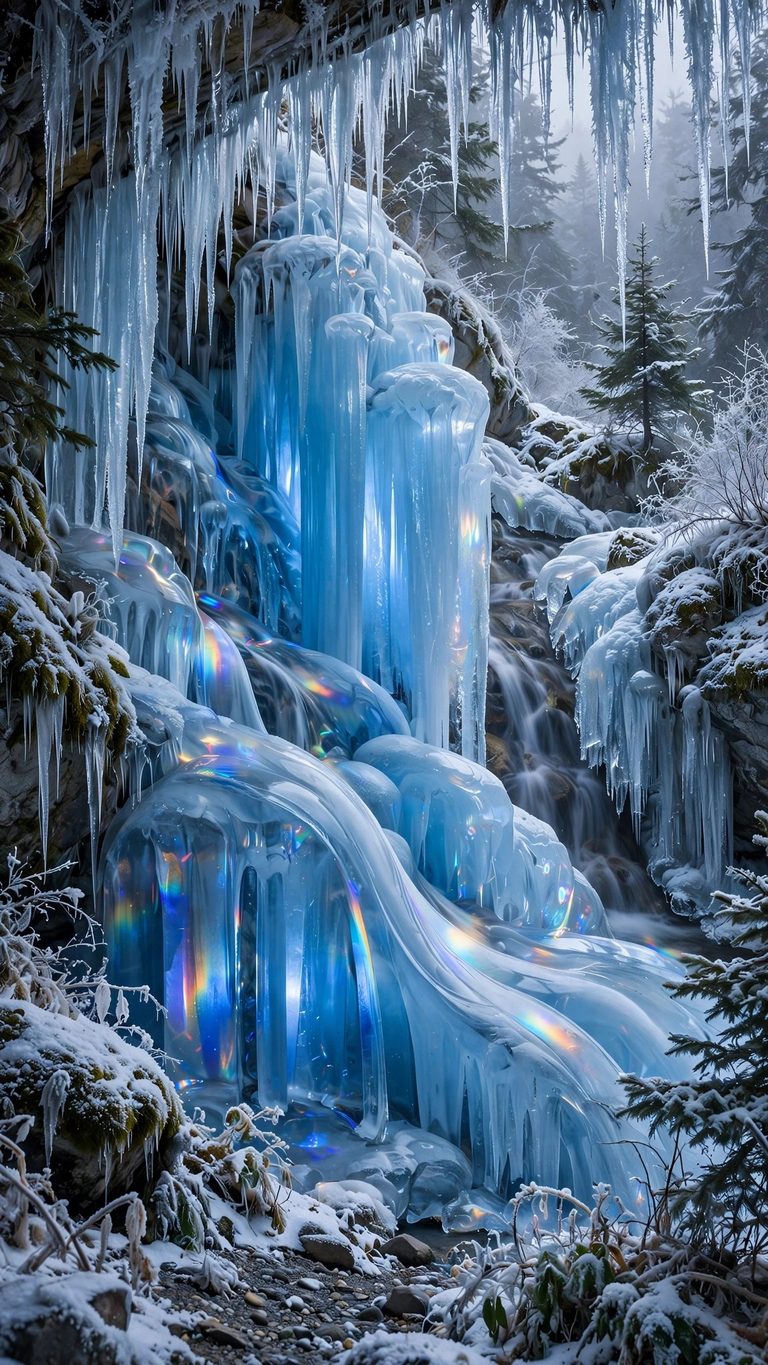
- Frozen Waterfall Blue Ice AI Photo Prompt: Breathtaking Winter Landscape Photography That Wows Every Viewer
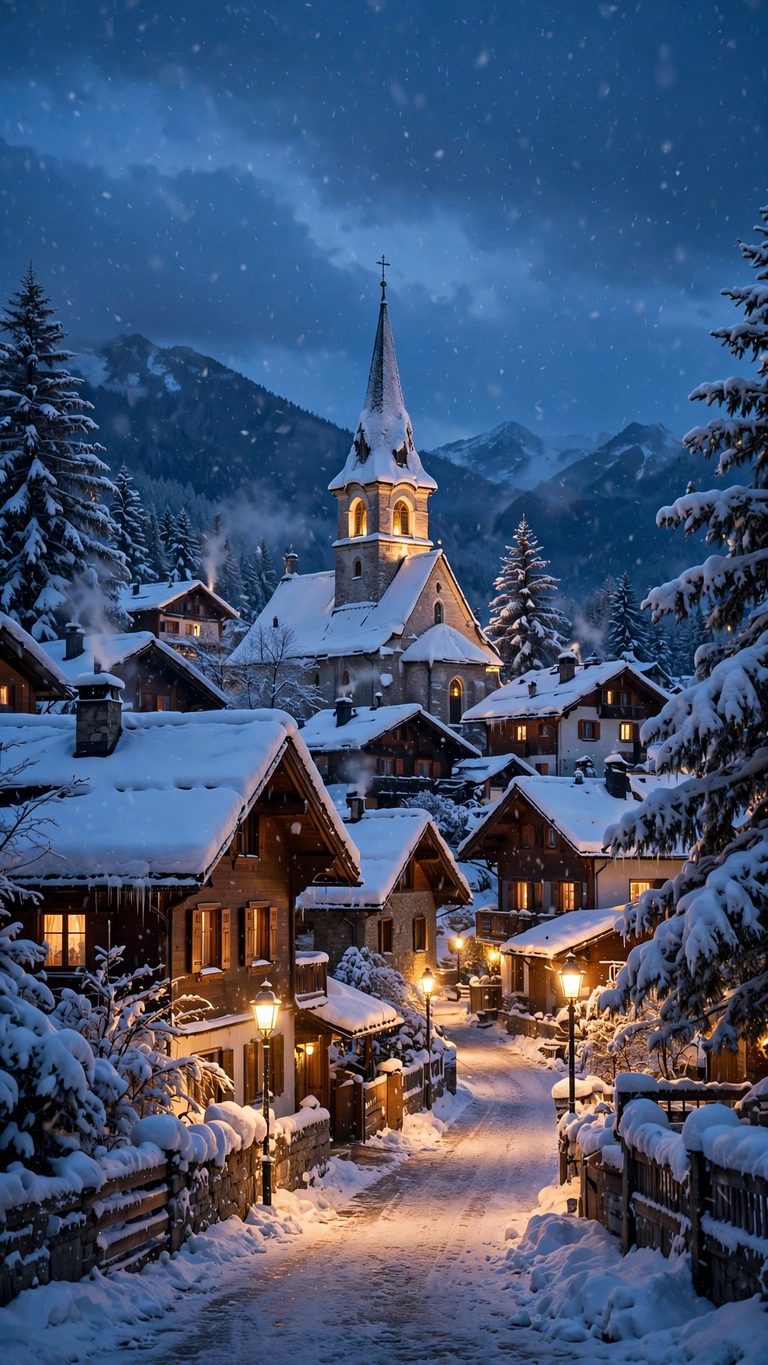
- Winter Village Lights AI Photo Prompt: Storybook Evening Photography Magic for Viral Winter Holiday Posts
- Ice Skater Motion AI Photo Prompt: Dynamic Winter Sports Photography That Instantly Stops the Scroll
# A I V i d e o # P r o m p t B a z a r # A I P h o t o # S n o w L e o p a r d # W i l d l i f e

Leave a Reply