
Introduction
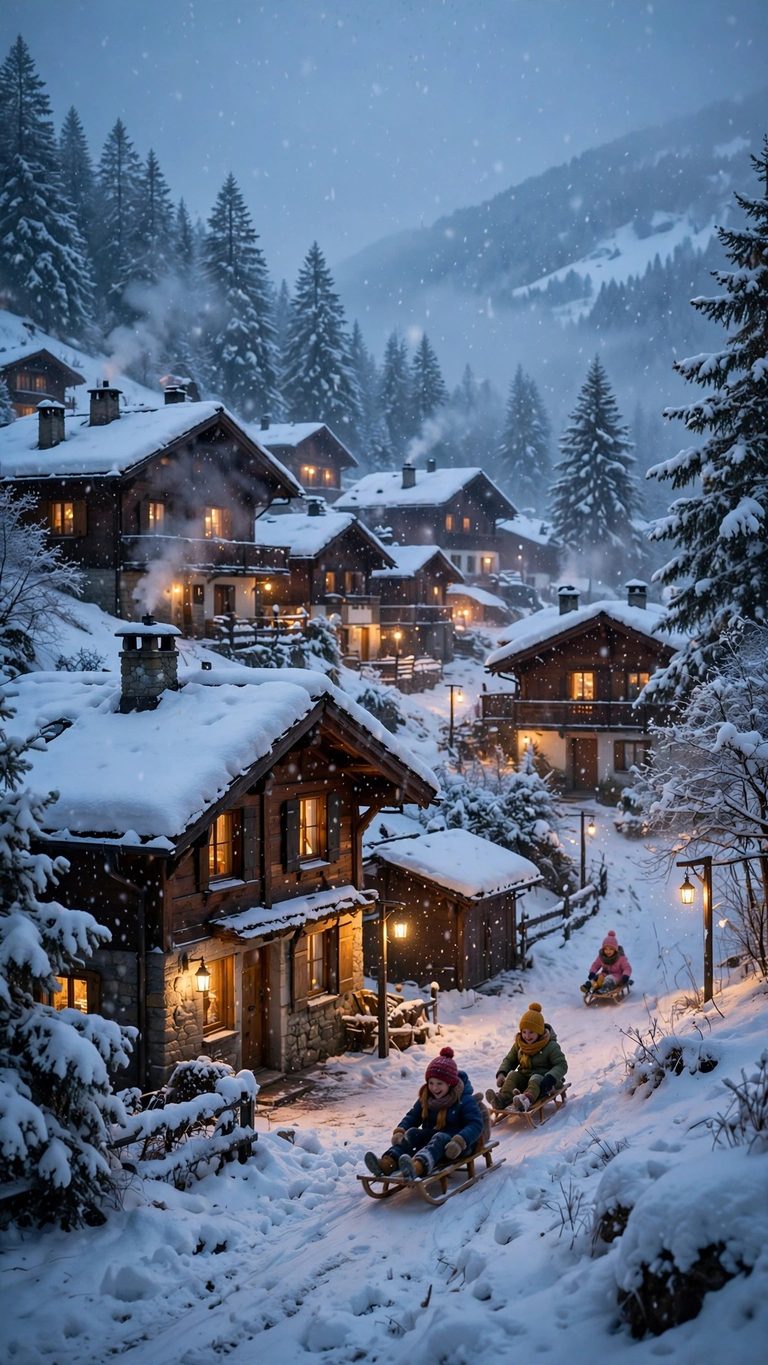
There is a specific kind of evening that only exists in deep winter, when the sky turns indigo and the first snowflakes drift over a quiet mountain village. Cottage windows glow with warm golden light, and thin ribbons of smoke curl from chimneys into the still air. Nearby, children sled down a small hill, their laughter echoing through snow-heavy pines. It is the kind of scene that makes you want to wrap up in a blanket and simply watch the world turn white.
This snowfall village AI video prompt captures that exact atmosphere. Whether you are a creator chasing the cozy winter aesthetic, a marketer building a seasonal campaign, or simply a lover of snowy evenings, this prompt gives you a cinematic winter postcard in seconds. Every frame tells a story of warmth and nostalgia that viewers cannot resist.
Snowfall clips are among the most saved videos on social platforms because they offer calm in a noisy feed. Below you will find the exact prompt, why it works, and how to generate it on Veo 3, Runway, Kling, Pika, and Sora.
The Prompt
Here is the exact prompt. Copy it character for character into your AI video generator to recreate this scene:
Enchanting scene of a cozy mountain village during gentle evening snowfall, warm golden windows glowing, smoke curling from chimneys, snowflakes drifting through lamplight, children sledding down a small hill, pine trees heavy with snow, peaceful winter magic, slow cinematic drift, ultra realistic, cozy atmosphere
Why This Prompt Works
Why does a snowy village evening stop people mid-scroll? The answer lies in visual psychology. Human brains are wired to notice contrast, and this prompt is built on one of the most powerful contrasts in visual storytelling: cold blue snow against warm golden window light. That single pairing triggers feelings of safety, comfort, and home. Viewers do not just see a village; they feel the warmth they imagine inside those cottages. It is an emotional shortcut that makes the video instantly shareable.
Winter content also follows a predictable seasonal trend. Every year, as temperatures drop and holidays approach, searches and shares for cozy winter scenes surge. Platforms reward this with higher reach because engagement rates on seasonal content climb. A gentle snowfall scene is also inherently calming. The slow, predictable motion of drifting snowflakes lowers visual tension, which is why viewers rewatch these clips as background ambience and save them for later. Rewatches and saves are exactly the signals that algorithms use to push a video further.
There is also a nostalgia factor. A mountain village with children sledding and smoke curling from chimneys recalls storybook winters, holiday movies, and childhood memories. Nostalgia is one of the strongest drivers of comments, because people share their own memories in response. Add the cinematic slow drift specified in the prompt, and you get a premium, film-like quality that stands out from the flood of low-effort AI clips. In short, this prompt combines emotional contrast, seasonal timing, calming motion, and nostalgia into one highly shareable package.
How to Use This Prompt
Getting this scene right is simple. Copy the prompt exactly as written into your favorite AI video generator. For the best results, choose a 9:16 vertical aspect ratio, since this content is designed for short-form feeds like TikTok, Reels, and Shorts. Set the duration to 10 seconds, which matches the gentle slow drift of the camera movement in the scene. Ten seconds is the sweet spot for this kind of ambient winter content: long enough to let the snowfall feel meditative, short enough to loop seamlessly.
- Veo 3: Paste the prompt, select 9:16, and set the clip length to 10 seconds. Veo 3 handles cinematic drift and falling snow exceptionally well, so keep the default motion settings and let the slow drift do the work.
- Runway: Use text-to-video mode with the full prompt. Choose a 10-second generation and enable any cinematic or film-look enhancement to deepen the golden window glow against the blue snow.
- Kling: Kling excels at realistic particle motion, so the drifting snowflakes will look especially natural. Set 9:16 vertical and a 10-second duration.
- Pika: Pika is great for quick iterations. Generate at 9:16, and if the children sledding look unnatural, regenerate with a slightly simplified version of the scene while keeping the core prompt intact.
- Sora: Sora’s strength is coherent scene composition. The full prompt with all its layered details, lamplight, smoke, sledding, pines, will render beautifully in a 10-second vertical clip.
After generation, add a subtle film grain or a soft vignette in your editor to enhance the cinematic feel. Loop the clip so the snowfall appears endless, and pair it with gentle ambient music or the faint sound of wind. Export in high resolution so the snowflakes and lamplight stay crisp on mobile screens.
Pro Tips & Creative Variations
Once you have the base scene, the fun begins. This prompt is a launchpad, and small changes can create entirely new moods. Try a dawn version by swapping evening snowfall for first light, so the village wakes under pale pink skies. Or push the coziness further: add a close-up beat of a steaming mug on a windowsill in the foreground, giving viewers a point-of-view anchor that makes the scene feel personal and intimate.
- Change the time of day: A blue-hour version with deeper shadows feels more cinematic, while a golden-hour version feels warmer and more nostalgic. Both perform well; test which your audience prefers.
- Add wildlife: A deer stepping through the pines or an owl perched on a snow-laden branch adds a storytelling layer that invites comments.
- Festival variation: Add string lights and a small Christmas market to the village square for a holiday edition that rides the seasonal trend even harder.
- Weather intensity: The original calls for gentle snowfall. Try a heavier blizzard version for drama, or a light flurry version for maximum calm.
- Camera language: The base uses a slow drift. Experiment with a slow push-in toward the glowing windows to create a sense of arriving home.
- Sound design: Pair the visual with crackling fireplace audio or distant sleigh bells. Sound is half the cozy equation.
Keep the warm window glow as your anchor in every variation. That golden light is the emotional core of the scene, and as long as it contrasts with the cool snow, the video will keep its heart-melting power. Fans of #Winter content respond strongly to this contrast, so protect it in every edit you make.
Frequently Asked Questions
Q: What is the ideal length for this AI video prompt?
A: Ten seconds is ideal. It gives the slow drift enough time to feel cinematic while staying short enough to loop perfectly on short-form platforms. Loops increase watch time, which boosts distribution.
Q: Which AI video tool gives the most realistic snowfall?
A: Kling and Veo 3 currently produce the most natural-looking falling snow, with individual flakes that drift realistically through lamplight. Runway and Sora are also excellent for the overall cinematic composition.
Q: Can I use this prompt for commercial holiday campaigns?
A: Yes, the generated video works wonderfully for seasonal ads, greeting posts, and brand warm-up content. Just check the commercial terms of whichever generator you use, and add your own branding in the edit.
Q: How do I make the scene feel less generic?
A: Add one specific storytelling detail, like the children sledding, a cat in a window, or a unique village landmark. Specific details are what turn a pretty scene into a memorable one that viewers comment on.
A snowfall village evening is more than a pretty scene; it is an emotional experience you can now create in seconds. Copy the prompt, generate your 10-second vertical clip, add your own creative twist, and share the cozy magic with your audience. Try it today and watch the saves and shares roll in.
Related Viral Prompts
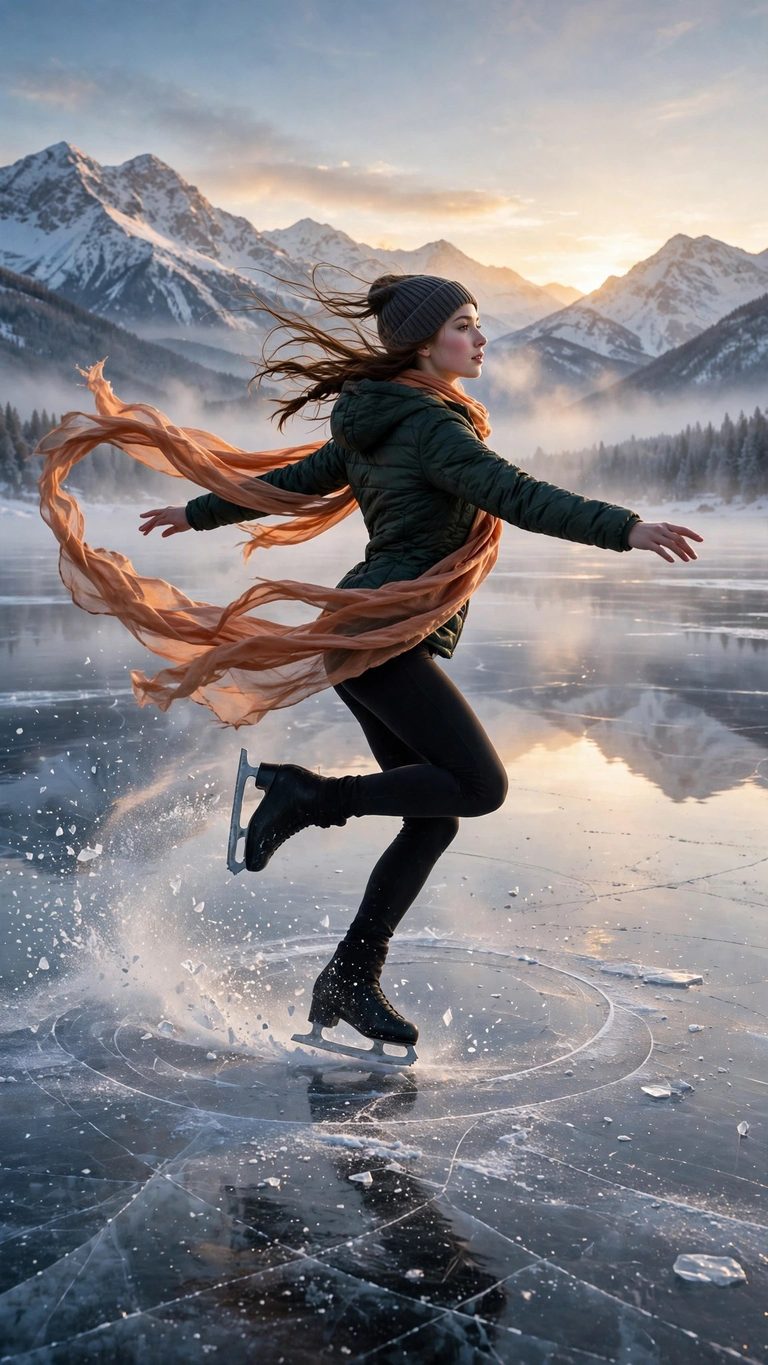
- Frozen Lake Ice Skating AI Video Prompt: Create an Elegant Winter Sunrise Glide That Feels Like Pure Magic
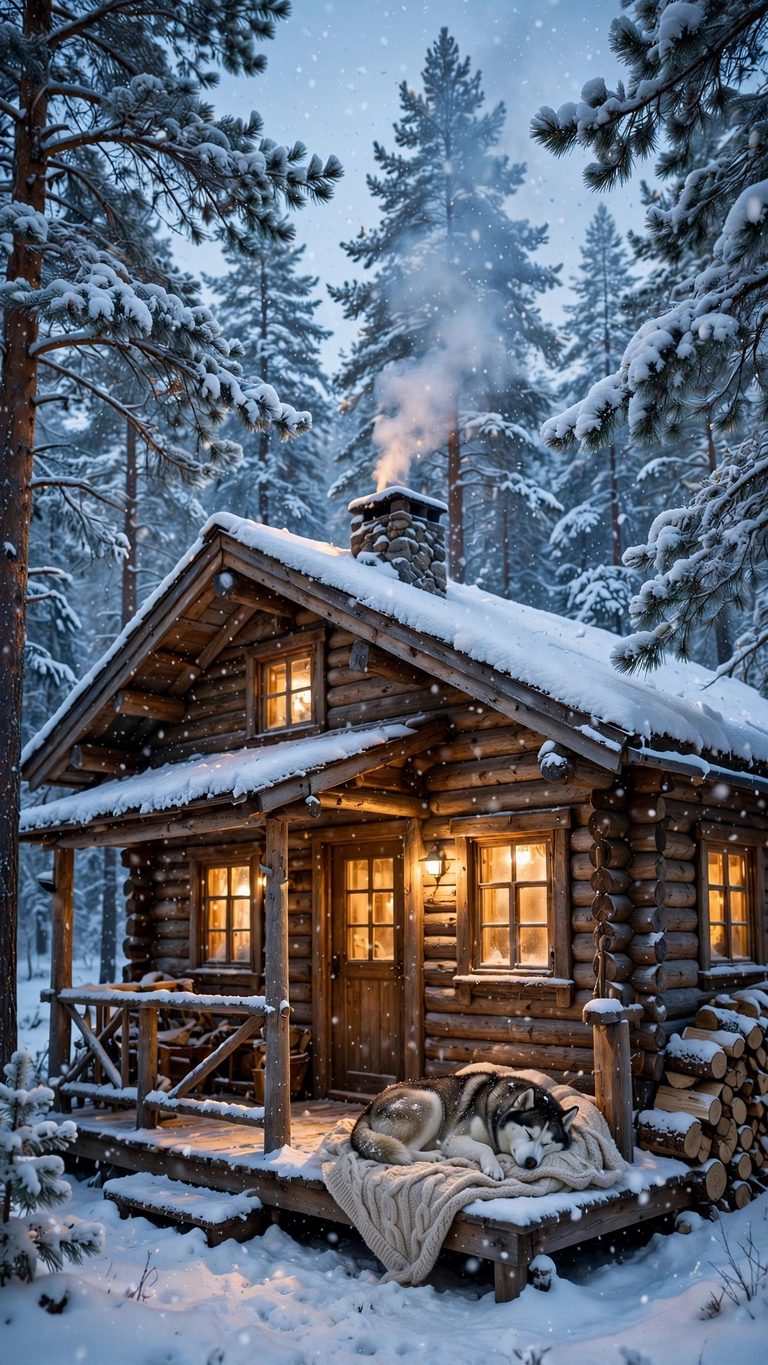
- Snowy Cabin Chimney Smoke AI Video Prompt: Create a Cozy Hygge Winter Escape Deep in the Snowy Pines
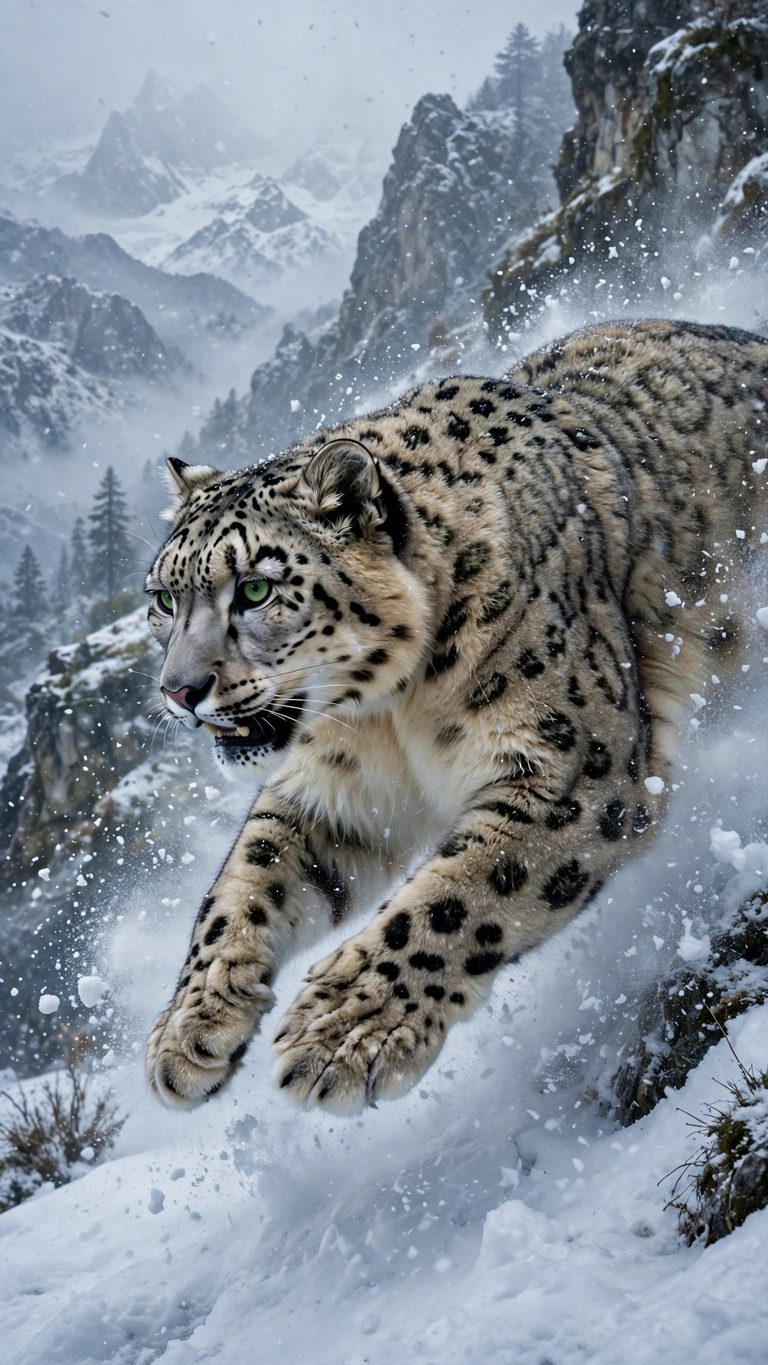
- Snow Leopard Hunt AI Video Prompt: Create a Breathtaking Himalayan Slow Motion Wildlife Moment in Snow
# A I V i d e o # P r o m p t B a z a r # S n o w f a l l # V i l l a g e # W i n t e r

Leave a Reply