
Introduction
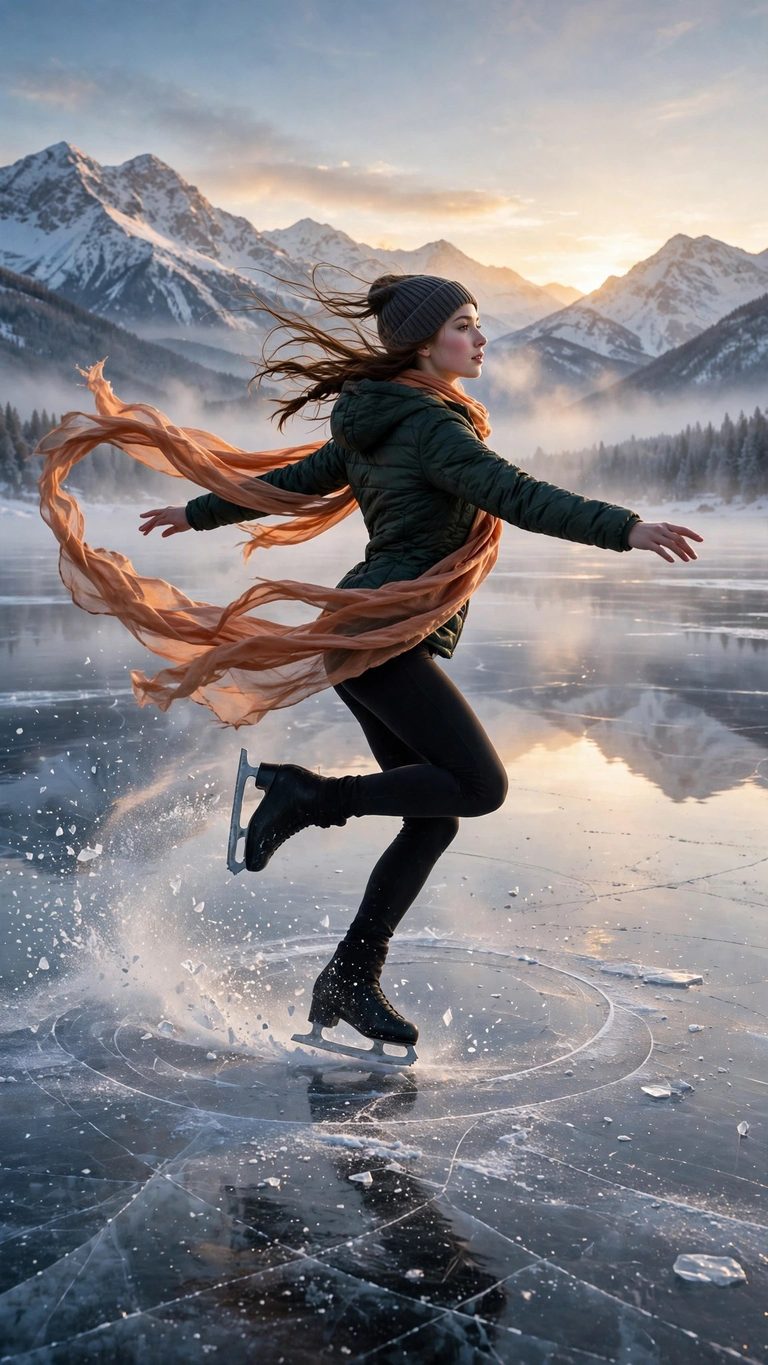
Picture a vast frozen lake at sunrise, its surface polished to a mirror by the cold. A lone skater glides across the ice, blades carving sparkling trails that catch the first golden light. Mist rises off the frozen surface in slow waves, and snow-capped mountains reflect perfectly below. A scarf flows behind like a ribbon in the wind. Then the spin: an elegant slow-motion rotation that seems to suspend time itself.
This frozen lake ice skating AI video prompt captures that breathtaking moment in a single elegant shot. The mix of athletic grace and pristine winter beauty gives it a premium feel that stands apart from typical seasonal clips. It appeals to sports fans, nature lovers, and anyone who wants to watch something beautiful.
Awe is one of the most viral emotions there is, driving shares more reliably than humor or surprise. Below you will find the exact prompt, why it triggers that awe response, and how to generate it on Veo 3, Runway, Kling, Pika, and Sora, plus variations to keep your content fresh.
The Prompt
Here is the exact prompt. Copy it character for character into your AI video generator to recreate this scene:
Graceful shot of an ice skater gliding across a vast frozen lake at sunrise, blades carving sparkling trails, mist rising off the ice, snow-capped mountains reflecting in the frozen surface, scarf flowing behind, elegant slow motion spin, crisp winter air, cinematic, ultra realistic, breathtaking
Why This Prompt Works
The psychology of awe is well documented: when people witness something vast and beautiful, like a skater spinning on an endless mirror of ice beneath towering mountains, their sense of self temporarily shrinks and their desire to share expands. Researchers call this the small-self effect, and it is a direct driver of viral sharing. This prompt manufactures that effect deliberately. The vast frozen lake creates scale, the sunrise creates beauty, and the slow-motion spin creates a moment of suspended perfection that viewers feel compelled to pass on.
Winter content trends also favor elegance right now. Feeds are saturated with cozy cabin clips, so an athletic, graceful scene stands out by contrast. Slow motion is the secret weapon here. By stretching the spin across time, the video becomes mesmerizing rather than merely pretty. Mesmerizing content gets rewatched, and rewatching is one of the strongest ranking signals on every short-form platform. The sparkling blade trails add a detail that rewards repeat viewing: viewers notice new glints of light each time they watch.
Finally, the dual-audience effect multiplies reach. Sports audiences engage with the athleticism, while aesthetic audiences engage with the beauty. When a video satisfies two different audience segments, the algorithm tests it in both pools, effectively doubling its chances of breaking out. The cinematic sunrise lighting and ultra-realistic rendering give the clip a documentary quality that builds trust, so viewers treat it as real footage and share it as a genuine wonder rather than just another AI experiment.
How to Use This Prompt
Start by copying the full prompt exactly as written. Set your generator to 9:16 vertical format for short-form platforms, and choose an 8-second duration to match the slow-motion pacing of the scene. Eight seconds is perfect here: it gives the glide and the spin room to breathe without overstaying, and it loops cleanly for ambient rewatching.
- Veo 3: Paste the prompt and select 9:16 at 8 seconds. Veo 3 renders reflections and mist beautifully, so the mountain reflections in the ice will look stunning with default settings.
- Runway: Use text-to-video with the full prompt. If the skater’s form looks off, regenerate; Runway usually nails the pose within two or three tries at this duration.
- Kling: Kling’s motion realism shines in slow motion. Set 9:16 vertical and 8 seconds, and let its physics engine handle the scarf flow and blade trails.
- Pika: Great for fast drafts. Generate at 9:16, then upscale the best take so the sparkling ice trails stay sharp.
- Sora: Sora keeps the whole composition coherent, which matters when the scene has layered elements like mist, mountains, and reflections all at once.
In the edit, consider adding a very subtle slow zoom to emphasize the spin. Pair the clip with elegant piano or ambient strings, and keep any text overlay minimal so the ice mirror stays the hero. Export at the highest resolution your platform allows, because the sparkle details are what sell the realism.
Pro Tips & Creative Variations
This prompt is a foundation for a whole series of elegant winter videos. The easiest variation is changing the time of day: a sunset version bathes the ice in rose and amber tones, while a blue-hour version feels more mysterious and cinematic. You can also change the skater’s story. Add a second skater for a pairs routine, or frame the skater as a tiny silhouette against the vast ice to emphasize the epic scale of the landscape.
- Close-up variation: Ask for an extreme close-up of the blades carving sparkling trails. Detail shots like this make excellent hook clips for the first second of a longer video.
- Wardrobe storytelling: A flowing red scarf against white ice creates an unforgettable color accent. Small color choices have outsized impact in monochrome winter scenes.
- Weather mood: Add gently falling snow for romance, or keep the air crystal clear for maximum reflection sharpness.
- Location swap: Replace the mountains with a frozen forest or distant glaciers to create a fresh video without changing the core action.
- Camera language: The original is a graceful wide shot. Try a low tracking shot that follows the blades for a more dynamic, sporty feel.
- Series potential: Generate three versions, morning, noon, and dusk, and post them as a trilogy. Series content builds returning viewers.
Whatever you change, protect the two elements that create the awe: the mirror-like ice reflection and the slow-motion spin. Those are the visual anchors that make viewers stop, watch, and share. Keep them, and every variation will carry the same elegant power.
Frequently Asked Questions
Q: Why 8 seconds for this ice skating prompt?
A: Eight seconds matches the slow-motion pacing perfectly. It is long enough for the glide and spin to feel graceful, yet short enough to loop seamlessly, which encourages the rewatching that drives viral reach.
Q: How do I get realistic ice reflections?
A: Veo 3 and Sora handle reflections most reliably. Keep the phrase about snow-capped mountains reflecting in the frozen surface in your prompt, and generate at the highest quality setting your plan allows.
Q: The skater looks unnatural in my generation. What should I do?
A: Human motion is the hardest thing for AI video. Regenerate two or three times, and try simplifying to a glide without the spin for one version. Often the third generation nails the pose.
Q: What music works best with this clip?
A: Elegant piano, ambient strings, or soft cinematic pads. Avoid anything with heavy beats, which fights the graceful slow-motion mood. Let the visuals carry the rhythm.
An ice skater on a frozen lake at sunrise is winter elegance at its peak. Copy this prompt, generate your 8-second vertical clip, and let the slow-motion spin do the talking. Try it today and give your audience a moment of pure, shareable awe. Your next viral winter video is one copy-paste away, so grab the prompt and start creating now.
Related Viral Prompts
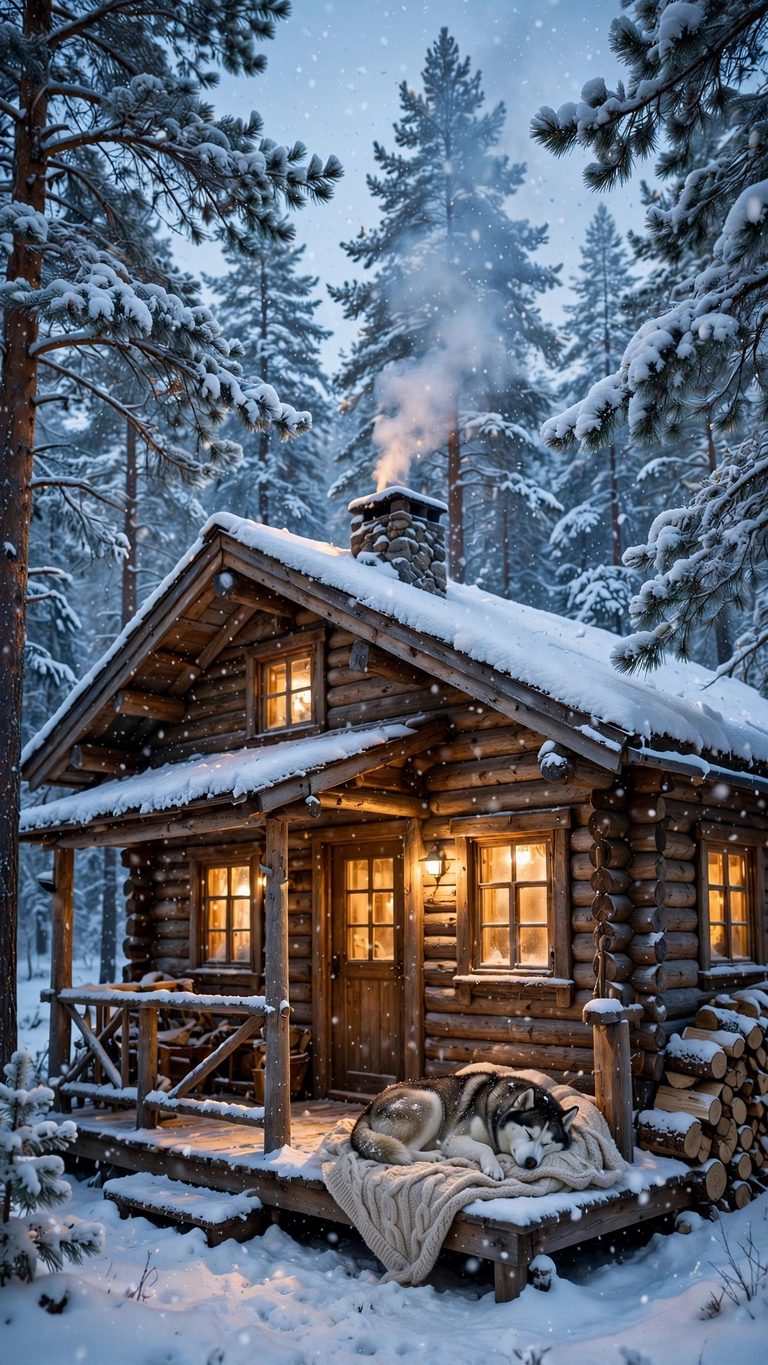
- Snowy Cabin Chimney Smoke AI Video Prompt: Create a Cozy Hygge Winter Escape Deep in the Snowy Pines
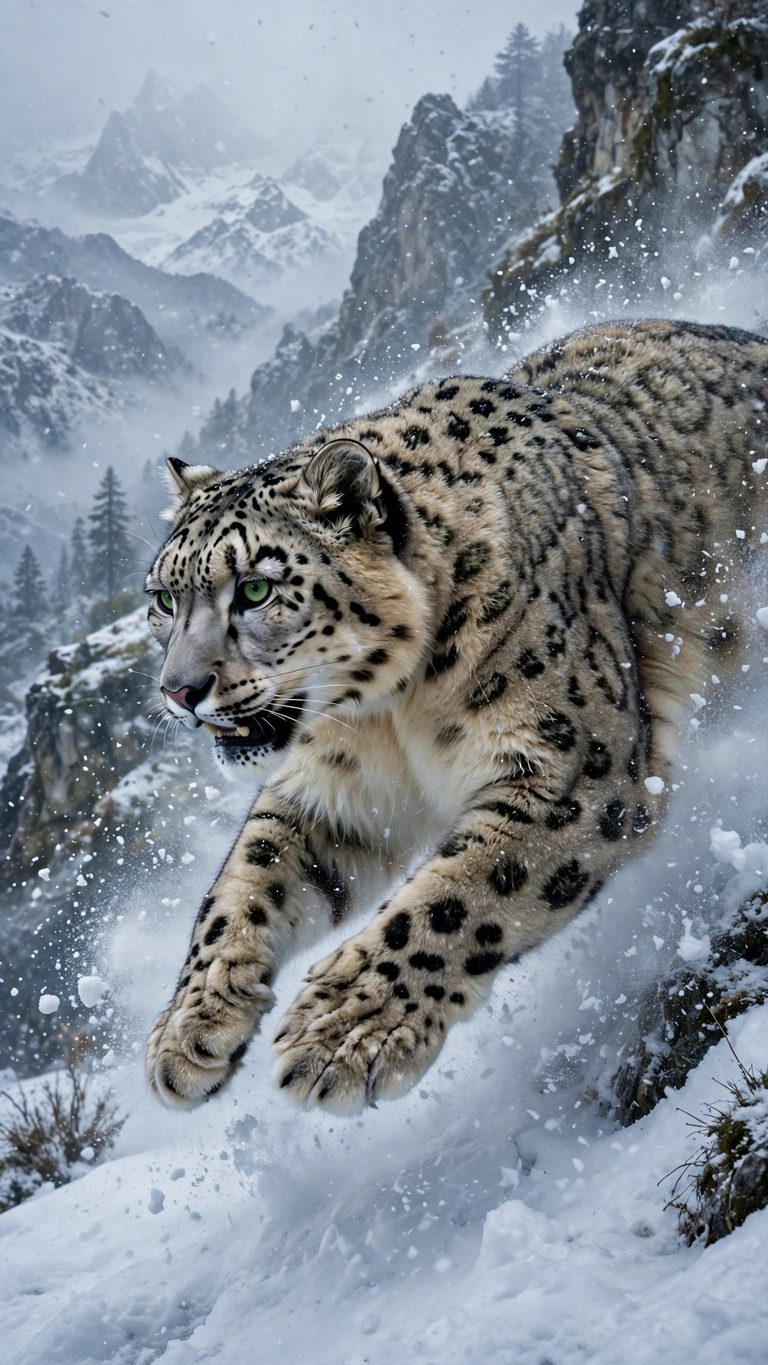
- Snow Leopard Hunt AI Video Prompt: Create a Breathtaking Himalayan Slow Motion Wildlife Moment in Snow
- Frozen Waterfall AI Video Prompt: Create a Magical Blue Ice Winter Wonderland That Truly Stops the Scroll
# A I V i d e o # P r o m p t B a z a r # I c e S k a t i n g # W i n t e r # E l e g a n t

Leave a Reply