
Introduction
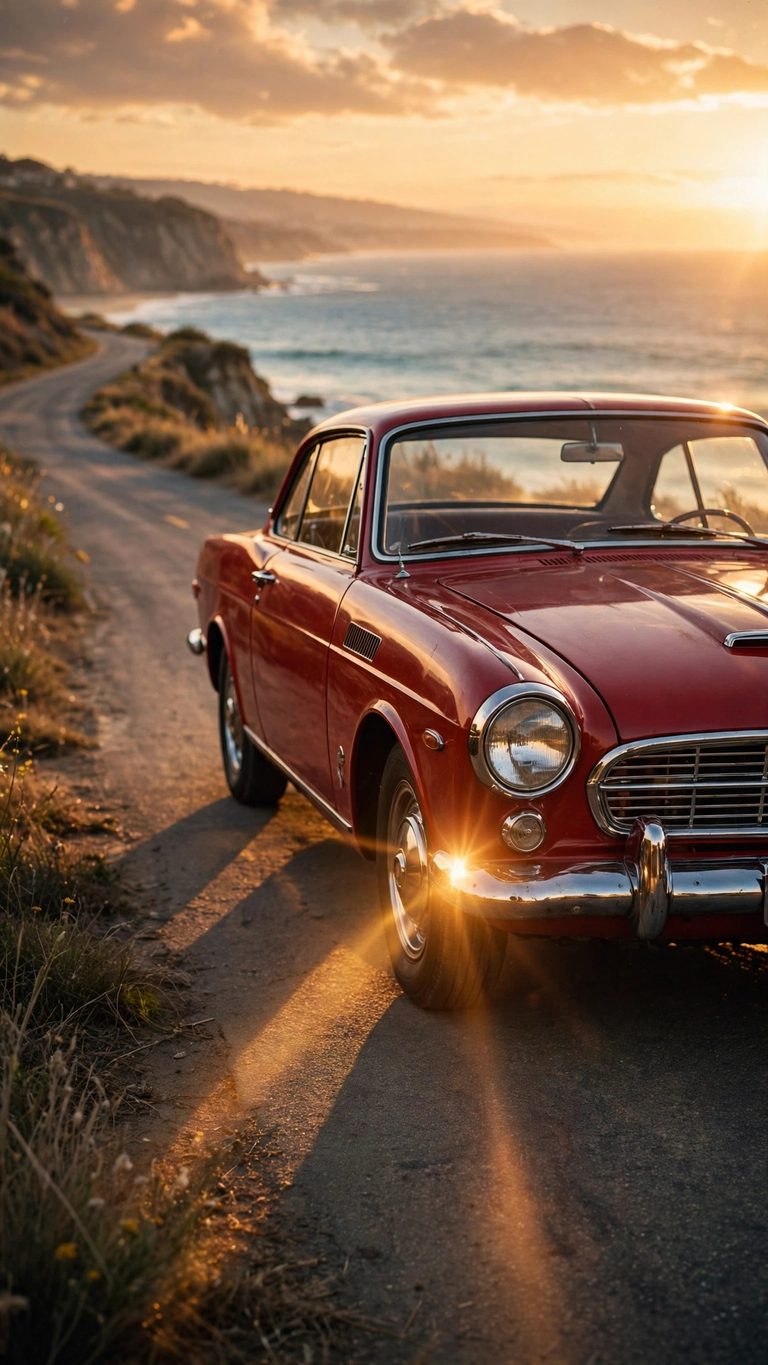
The sun is melting into the Pacific, painting the sky in bands of gold and rose. On an empty coastal road, a cherry-red 1960s vintage coupe sits parked at the perfect angle, long shadows stretching across the asphalt. Warm light flares across the chrome bumpers. Behind it, the ocean horizon glows. It looks like a still from a lost Hollywood road movie, the kind of frame that makes you feel nostalgic for a decade you never lived through. That is the magic of this AI photo prompt. Vintage car photography has a devoted audience, from #VintageCar collectors to retro lifestyle pages, because old machines carry stories in every dent and chrome curve. Pairing that nostalgia with a cinematic sunset creates an image with instant emotional pull. You do not need a classic car, a coastline, or a film crew. You need this prompt, an AI image generator, and about sixty seconds. The result is a portrait with film grain, golden light, and Americana soul that looks like it was shot on location at golden hour.
The Prompt
Here is the exact prompt. Paste it as-is for your first generation to capture the intended cinematic mood.
Cinematic portrait photograph of a 1960s cherry-red vintage coupe parked on an empty coastal road at sunset, long shadows, warm golden light flaring across the chrome, ocean horizon behind, shallow depth of field, film grain texture, nostalgic Americana mood, ultra detailed, 8k, photorealistic
Why This Prompt Works
This prompt succeeds because it layers three powerful visual triggers: nostalgia, golden light, and cinematic framing. Nostalgia is one of the strongest emotions in visual marketing. The 1960s coupe is not just a car, it is a time machine. Chrome bumpers, round headlights, and tail fins signal an era of optimism and open roads, and viewers project their own daydreams onto it. That is why vintage car content gets saved and shared at such high rates: people are not liking a car, they are liking a feeling. Then comes the light. Sunset, or golden hour, is the most flattering light in photography because it is warm, directional, and low, which sculpts the car’s curves with long shadows and makes chrome flare dramatically. The prompt explicitly asks for warm golden light flaring across the chrome, which tells the AI to render those bright specular highlights that make the image feel sun-drenched and real. The empty coastal road and ocean horizon do two jobs at once: they provide a clean, uncluttered backdrop that keeps all attention on the car, and they add the romance of the open road, a core theme of Americana. Shallow depth of field mimics a fast portrait lens, softly blurring the background so the coupe stays tack sharp. And film grain texture is the secret weapon: a hint of grain tells the viewer’s brain this is an analog photograph, which deepens the nostalgic illusion and hides the tiny imperfections that can betray an AI image. Together with ultra detailed, 8k, and photorealistic, these cues push the model toward a frame that feels shot, not generated, which is exactly what makes people stop, stare, and share.
How to Use This Prompt
Follow these steps to get the best result. First, copy the full prompt from the box above without editing it. Second, open your image generator. In Midjourney v7, paste the prompt and append –ar 9:16 for the intended 9:16 portrait format, which frames the car vertically with sky above and road below for a dramatic poster feel. In Flux, set your canvas to a portrait ratio like 768 by 1344 and run 30 or more steps for clean detail. DALL-E 3 users can paste the prompt in ChatGPT and ask for a vertical image. Third, generate three to four variants and look for the one where the sunset colors feel natural and the chrome highlights are not blown out. Fourth, if the grain looks too heavy, regenerate with a slightly shorter prompt or upscale the cleanest version, since upscalers often smooth noise nicely. The original post settings recommend 9:16 portrait in Midjourney v7 or Flux, and Flux in particular renders film grain and natural light beautifully. Pro move: save the seed of your favorite result so you can create a matching series, same car, same road, different times of day, for a cohesive vintage collection.
Pro Tips & Creative Variations
This prompt is a launchpad for an entire retro universe. Change the era and the machine: a 1950s pastel-blue convertible with whitewall tires gives you rock-and-roll diner energy, while a 1970s mustard-yellow muscle car leans into gritty road-movie attitude. Swap the setting too: a desert highway at dusk with a lone gas station sign, a Route 66 main street with neon motel signs, or a pine forest road in autumn fog each rewrite the story completely. Play with the light: blue hour, the twenty minutes after sunset, turns the sky deep indigo and makes headlights and taillights glow, which is stunning with the chrome. For a moodier take, add light rain and wet asphalt reflections to double the drama. You can also adjust the human element: a driver with rolled-up sleeves leaning on the fender, or a couple watching the sunset from the hood, adds lifestyle storytelling that performs extremely well on social feeds. Detail lovers can zoom the concept inward: ask for a close-up of the chrome grille with the sunset reflected in it, or the steering wheel framed against the glowing horizon through the windshield. For print-worthy results, generate at the highest resolution your tool allows and add a subtle vignette in any free editor to draw the eye to the car. If you run a retro or #Photography themed page, batch a series of five: same coupe, five American landscapes, and you have a mini road-trip story arc that followers will binge.
Frequently Asked Questions
Will the AI get the 1960s details right? Mostly yes. Models trained on vast photo libraries know the visual language of sixties coupes: chrome, fins, round lights. Small details like badges or interior trim may be slightly off, but at portrait scale the overall impression is convincingly vintage. If accuracy matters, describe the features you want rather than naming a real model.
Why does film grain help an AI image? Grain mimics analog film, which makes the image feel photographed rather than rendered. It also masks minor AI artifacts in textures like asphalt and chrome. Use it sparingly though: too much grain looks noisy on phone screens, so pick the variant with balanced texture.
Can I make this a landscape image instead? Absolutely. The prompt works in 16:9 too, which is better for desktop wallpapers and YouTube thumbnails. Just change the aspect ratio in your tool. The vertical 9:16 version is optimized for mobile feeds, so choose based on where you will publish.
How do I avoid the sunset looking fake or oversaturated? Pick the variant with the most natural sky gradient. If all versions look neon, simplify the prompt by removing one adjective, or add soft natural sunset tones. Upscaling the calmest version usually gives the most believable result.
Golden hour, chrome, and an open coastal road: this AI photo prompt bottles pure Americana nostalgia into a single frame. Copy the prompt, generate your 9:16 portrait, and watch a 1960s coupe glow against the sunset. Then take it further with new eras, new roads, and new skies. Your next viral vintage post is one generation away, so go create it.
Related Viral Prompts
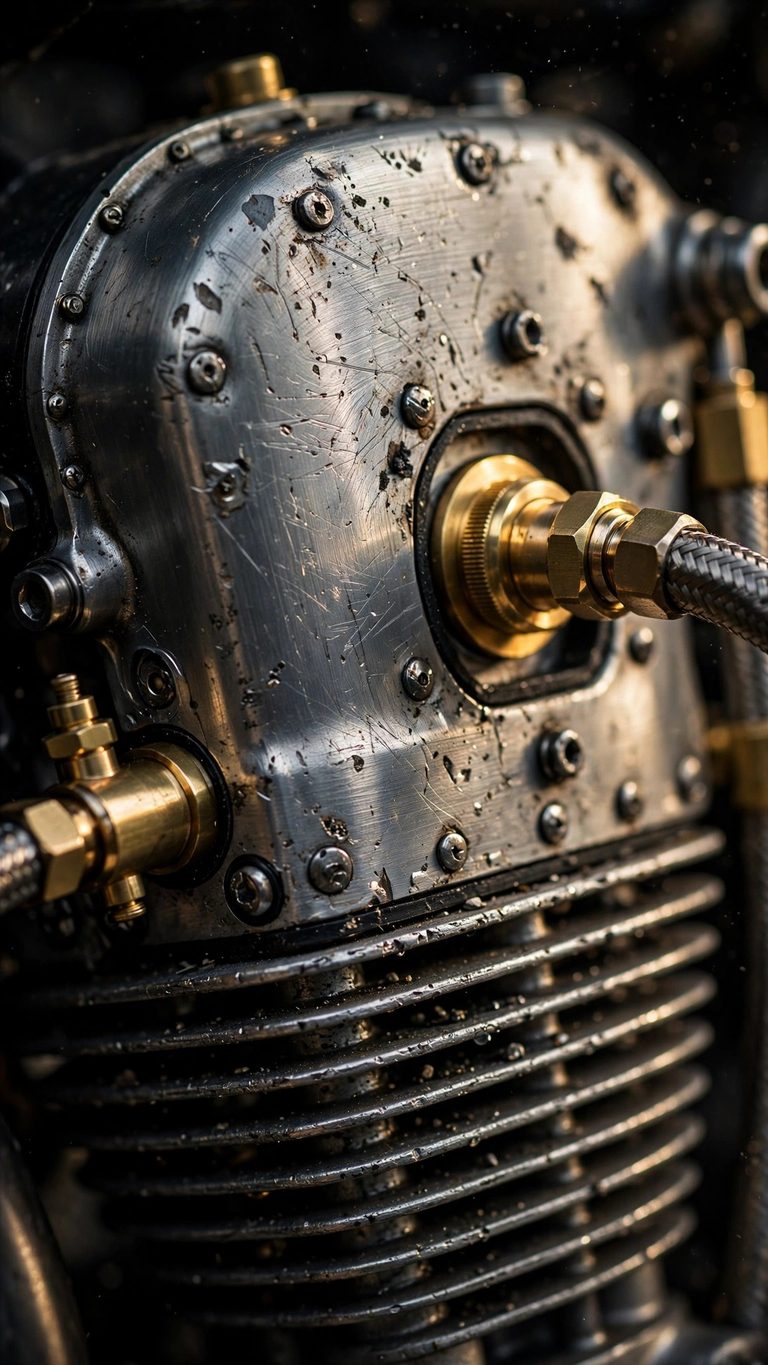
- Cafe Racer Engine AI Photo Prompt: Capture Extreme Macro Motorcycle Detail Shots With Dramatic Moody Studio Lighting
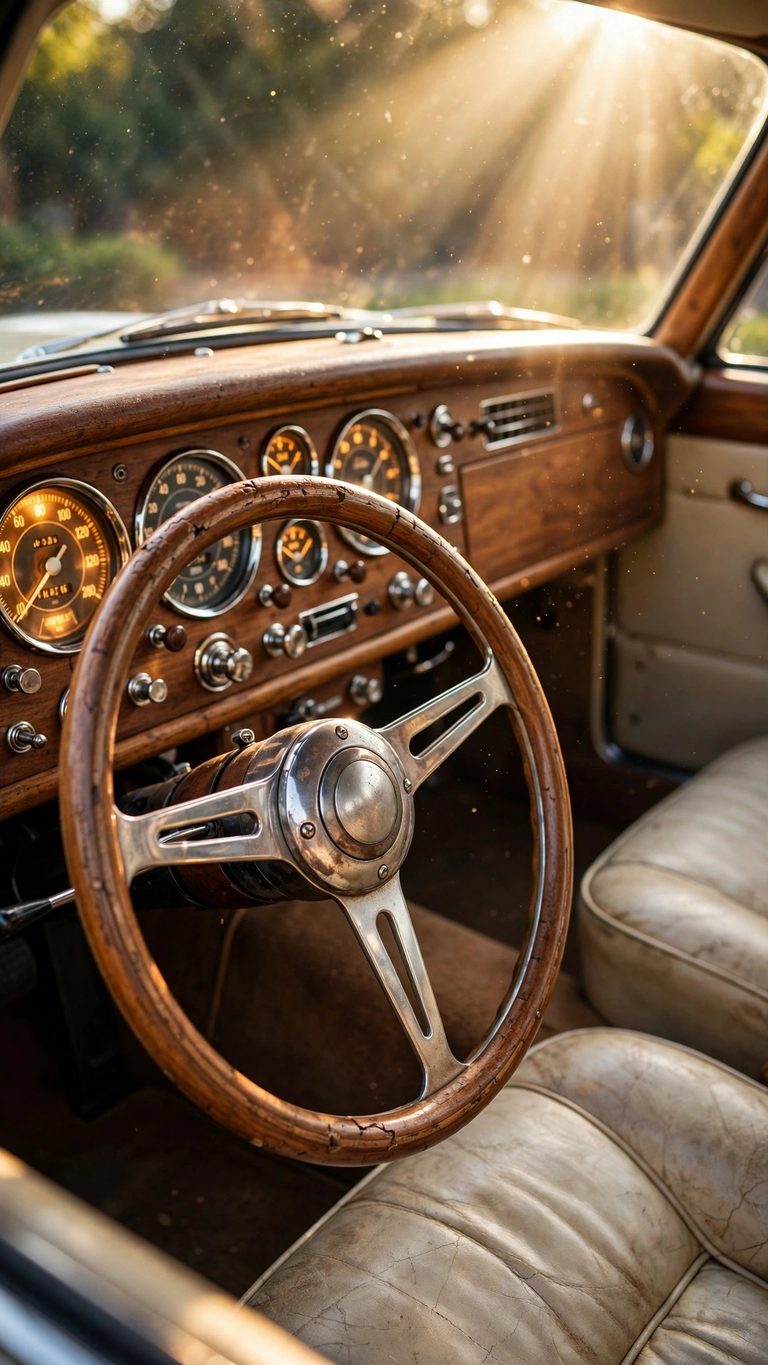
- Classic Car Interior AI Photo Prompt: Create Luxurious Vintage Cockpit Photos With Walnut Wood and Warm Golden Light
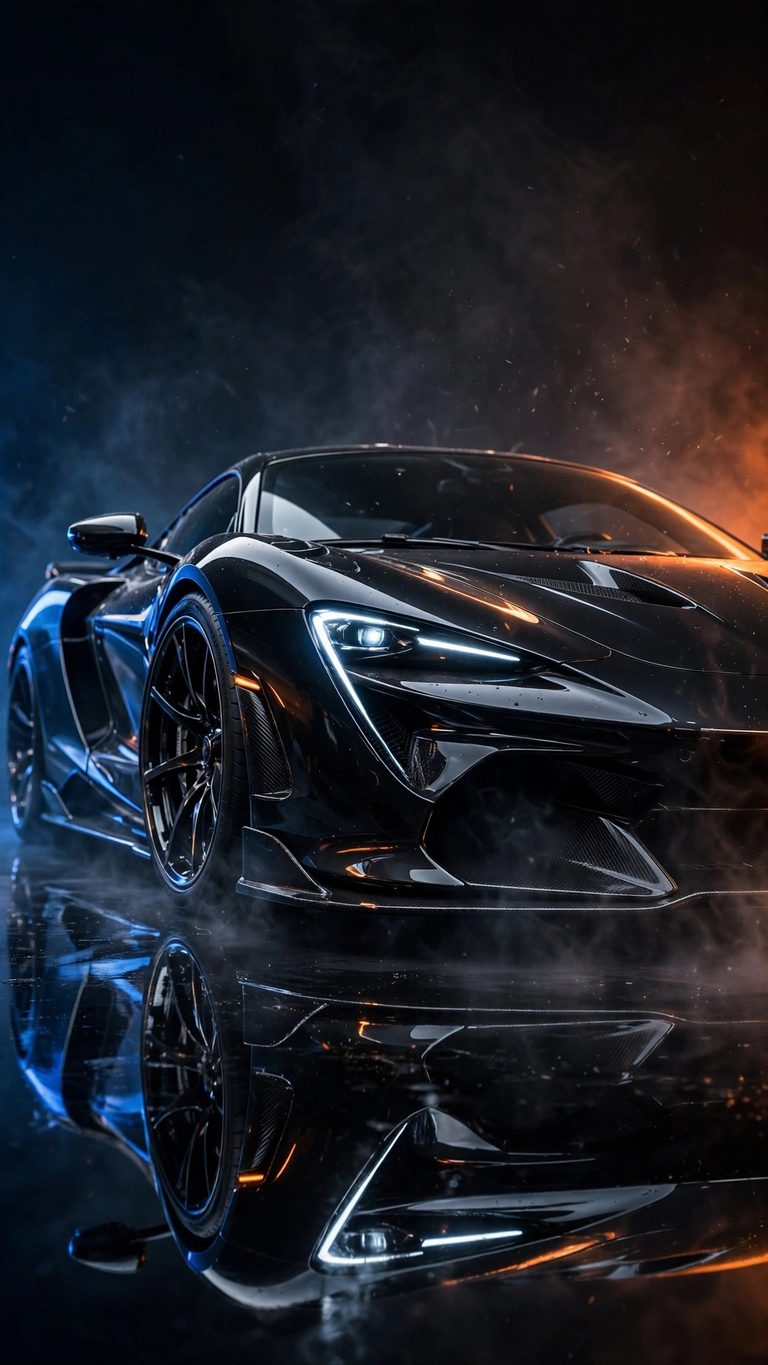
- Supercar Rain Night AI Photo Prompt: Generate Moody Neon Reflection Street Photography With Cinematic Noir Vibes
# A I P h o t o # P r o m p t B a z a r # V i n t a g e C a r # S u n s e t # P h o t o g r a p h y

Leave a Reply