
Introduction
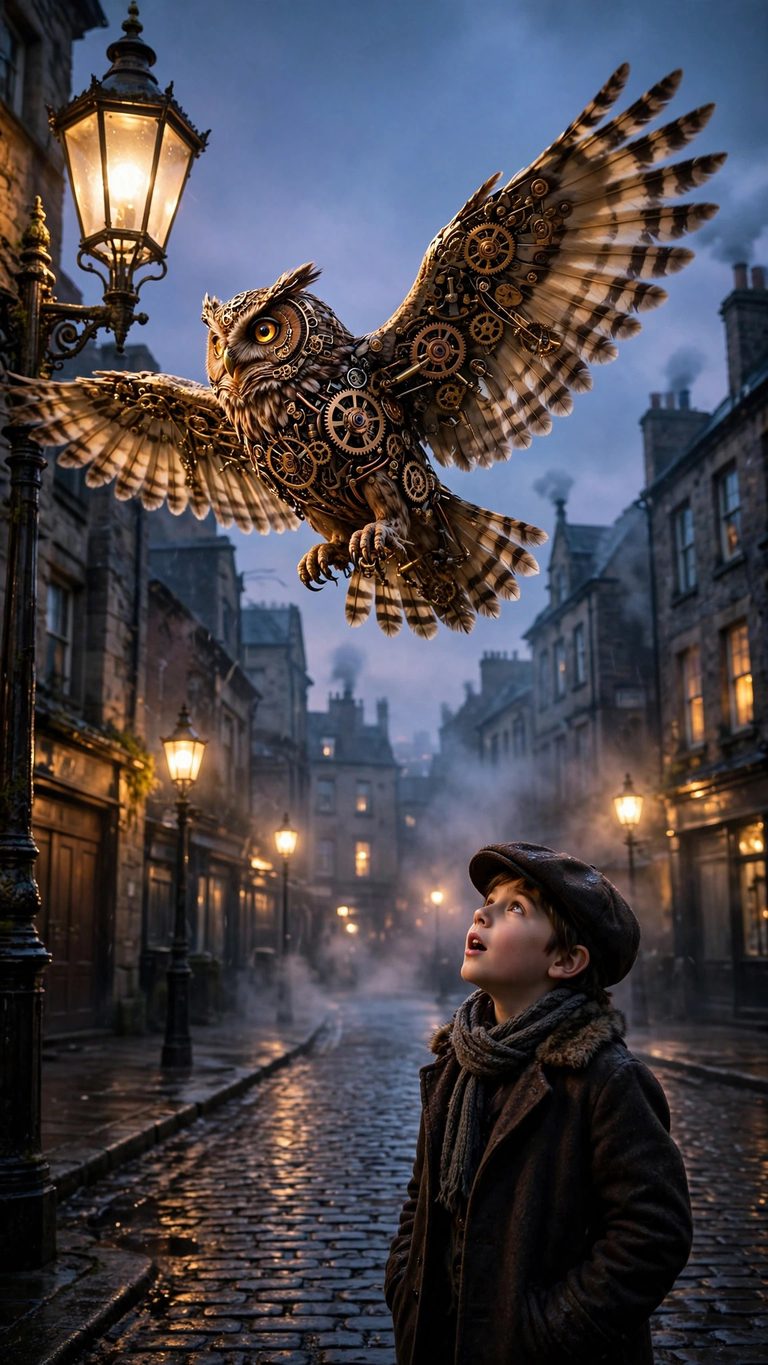
There is a particular hour at dusk when steampunk stops being a costume and starts feeling like a place you could actually visit. The gas lamps flicker on one by one, chimney smoke curls into a violet sky, and something mechanical glides silently between the rooftops. That is the world this AI video prompt builds: a clockwork owl with etched brass feathers and glowing amber eyes, launching from a lamppost into the twilight above gaslit cobblestone streets.
What makes the Clockwork Owl Flight scene so magnetic is its emotional anchor. Below the soaring bird stands a boy, frozen mid-step, face upturned in pure wonder. In eight seconds, the viewer becomes that boy. The camera follows the owl’s graceful glide as its gear-driven wings whirr softly, each feather catching the lamplight like a polished coin. For creators chasing that scroll-stopping mix of craftsmanship and fairy-tale magic, this prompt is a goldmine: short enough for TikTok, Reels, and Shorts, yet rich enough to feel like a moment from a much bigger story.
The Prompt
Copy the exact prompt below and paste it directly into your AI video generator of choice. Do not change a word on your first run, so you can see the baseline quality before customizing.
Magical steampunk scene of a beautiful clockwork owl with brass feathers and glowing amber eyes taking flight from a lamppost at dusk, its gear-driven wings whirring softly, soaring over gaslit cobblestone streets, a boy watching in wonder from below, camera following its graceful glide, enchanting twilight mood, ultra realistic
Why This Prompt Works
This prompt succeeds because it layers three kinds of specificity that AI video models respond to exceptionally well. First, it gives the model a precise hero subject: not just an owl, but a clockwork owl with brass feathers and glowing amber eyes. That material detail, brass, tells the model exactly what texture, color, and reflectivity to render, while glowing amber eyes hand it a focal light source to work with. AI video generators thrive on concrete nouns, and this prompt is packed with them: lamppost, gear-driven wings, gaslit cobblestones, rooftops.
Second, the prompt choreographs motion instead of leaving it to chance. Gear-driven wings whirring softly, taking flight, soaring, camera following its graceful glide: these are explicit action beats. Models like Veo 3, Runway, Kling, Pika, and Sora all convert motion verbs into camera and subject trajectories, so a prompt that says following its graceful glide gets you a tracking shot rather than a static stare. The enchanted twilight mood is also a masterstroke. Twilight gives the model permission to use dramatic, high-contrast lighting, which hides small generation flaws while making everything look more cinematic.
Third, the prompt includes a human emotional anchor, the boy watching in wonder from below. Viewers connect with faces and reactions far faster than they connect with machinery. That single line of human presence turns a technical showcase into a story, and stories get shared. Combined with the magic words ultra realistic at the end, which push the model toward photographic detail instead of cartoonish abstraction, every clause here earns its place.
How to Use This Prompt
Follow these steps to get the best result on any major AI video platform, including Veo 3, Runway, Kling, Pika, and Sora:
- Set your canvas to 9:16 vertical before anything else, matching the intended portrait framing of a lamppost launch and a soaring glide.
- Choose an 8-second duration to match the prompt’s pacing, a takeoff, a glide, and a gentle pass over the rooftops.
- Paste the prompt exactly as written into the text prompt field, keeping ultra realistic at the end as your style anchor.
- Add a negative prompt if your tool supports one, such as blurry, distorted wings, extra legs, watermark, cartoon, to clean up common artifacts.
- Generate two to three variations and pick the take where the owl’s wing motion looks smoothest, then add subtle wing-whirr audio and a soft orchestral swell for the final post.
If your generator offers a camera control mode, select a follow or tracking option rather than a static frame, since the prompt explicitly calls for the camera to follow the glide. Render at the highest resolution your plan allows, because brass textures and glowing eyes reward pixel density.
Pro Tips & Creative Variations
Once the baseline render looks good, start customizing. The dusk setting is a mood dial you can turn freely. Swap dusk for a rain-soaked midnight and the amber eyes become headlights in the dark, or push it to a golden sunrise and the brass feathers catch fire with morning light. You can also restyle the owl itself: describe copper feathers with verdigris patina for an aged look, or silver gears and blue glowing eyes for a colder, more mysterious machine. Each material change rewrites the lighting of the whole scene, so small edits have big payoffs.
Change the point of view for a completely different video. A first-person take, gliding on the owl’s back over the rooftops, turns the clip into a ride. A low-angle shot from the boy’s perspective makes the owl enormous and mythic. Or pull back to a wide aerial view and add a whole parliament of clockwork owls crossing the moon, which plays beautifully as a series. You can even swap the setting: gaslit London becomes a brass-and-steam Venice, with the owl skimming over canal water, or a mountain village where the owl threads between snow-dusted chimneys.
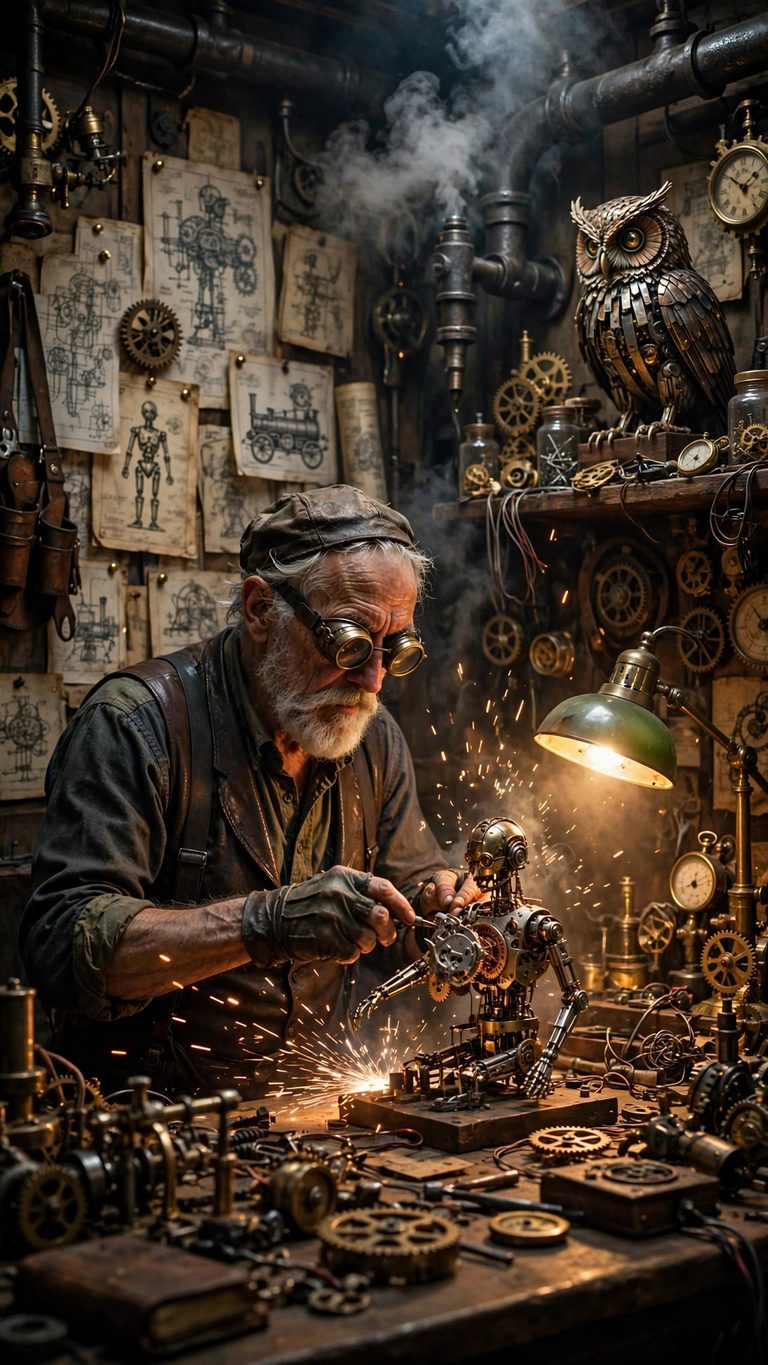
For series builders, this prompt is the perfect episode one. Keep the owl’s description identical across videos and send it to a clockwork airship dock, a steam station, or a midnight workshop. Consistent character descriptions are the closest thing to character continuity that current AI video tools offer, and viewers love recognizing the same brass hero across a feed.
Frequently Asked Questions
Which AI video tool gives the best result for this prompt?
Veo 3 and Kling currently handle mechanical detail and smooth flight motion best, while Runway gives you the most camera control for the tracking shot. Pika is the fastest option for quick variations, and Sora renders gorgeous twilight lighting. All five will produce a usable clip from this prompt, so start with whichever tool you already pay for.
Can I use this prompt in landscape 16:9 instead of vertical?
Yes. The prompt was tuned for 9:16 vertical, but nothing in the wording depends on portrait framing. For 16:9, add wide cinematic panorama to the end and consider adding more environmental detail, such as distant rooftops or a moon, so the wider frame does not feel empty.
Why does my owl sometimes have distorted wings?
Wing articulation is one of the hardest motions for AI video models. Shorten the clip to 5 seconds to reduce the chance of drift, add distorted wings to your negative prompt, and generate multiple takes. The cleanest take is usually the second or third, since seed variation matters more than prompt tweaks here.
Can I sell or monetize videos made with this prompt?
The prompt text itself is yours to use freely, but the video output is governed by your AI tool’s terms of service. Most paid plans on Veo 3, Runway, Kling, Pika, and Sora grant commercial rights to generated videos, while free tiers often do not. Check your plan’s license before running ads or selling the footage.
The Clockwork Owl Flight prompt proves that the best AI videos are built from specific materials, choreographed motion, and one human moment of wonder. Paste it in, render your takeoff, and watch a brass bird carry your feed into the twilight. Try this steampunk AI video prompt today and let your own clockwork owl take flight.
Related Viral Prompts
- Steampunk Submarine Dive: Cinematic AI Video Prompt of a Brass Submarine Descending Into the Deep Ocean
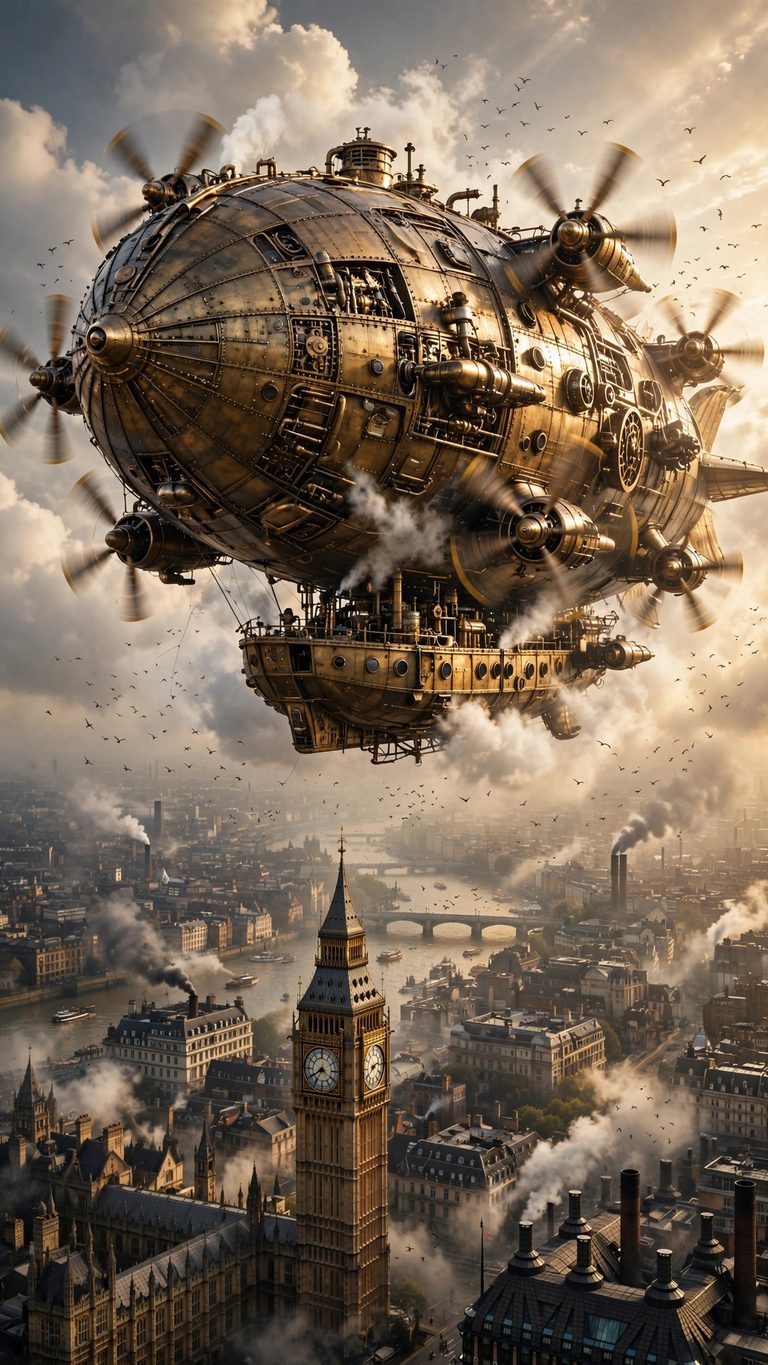
- Airship Dock at Sunset: Golden Steampunk AI Video Prompt of a Zeppelin Sky Harbor at Twilight for Cinematic Clips
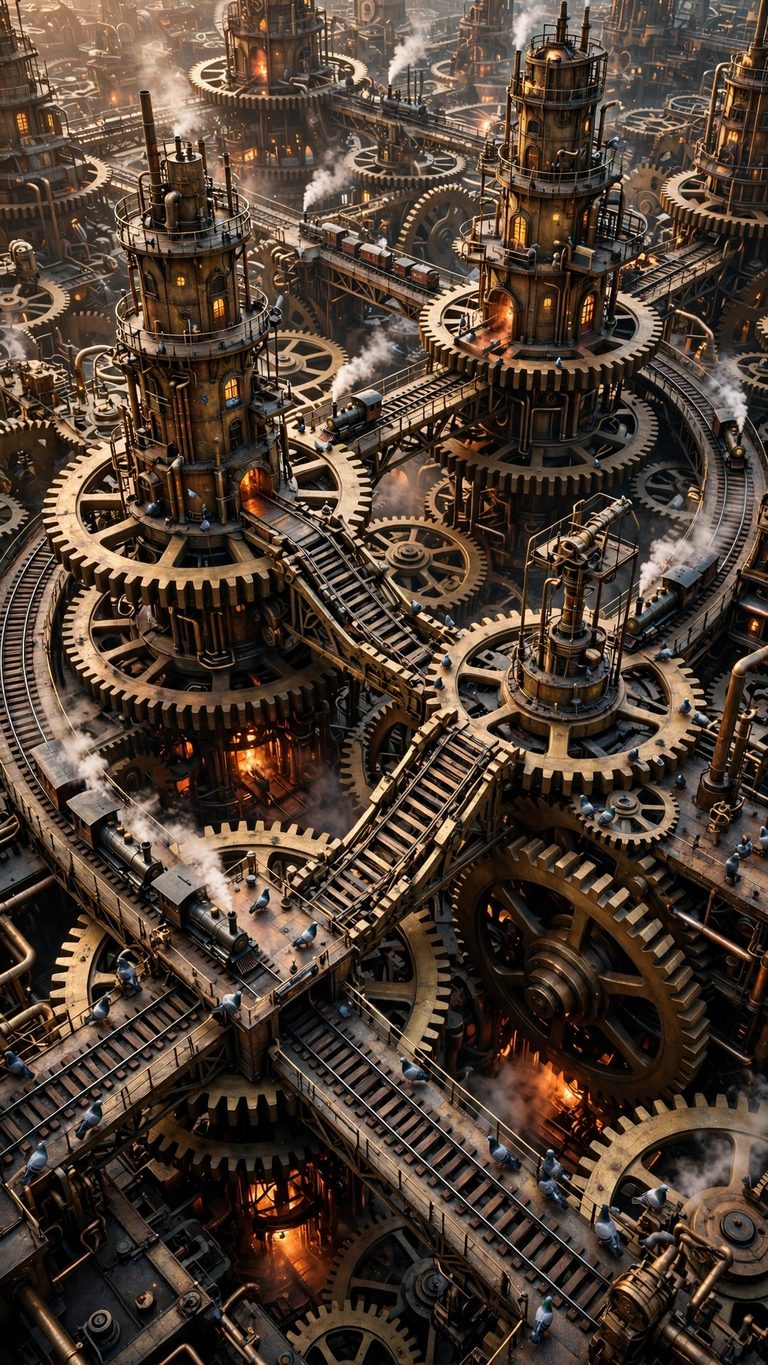
- Steam Station Crowd: Bustling Victorian AI Video Prompt of a Brass Locomotive in a Steampunk Railway Station
# A I V i d e o # P r o m p t B a z a r # S t e a m p u n k # C l o c k w o r k O w l # M a g i c a l

Leave a Reply