
Introduction
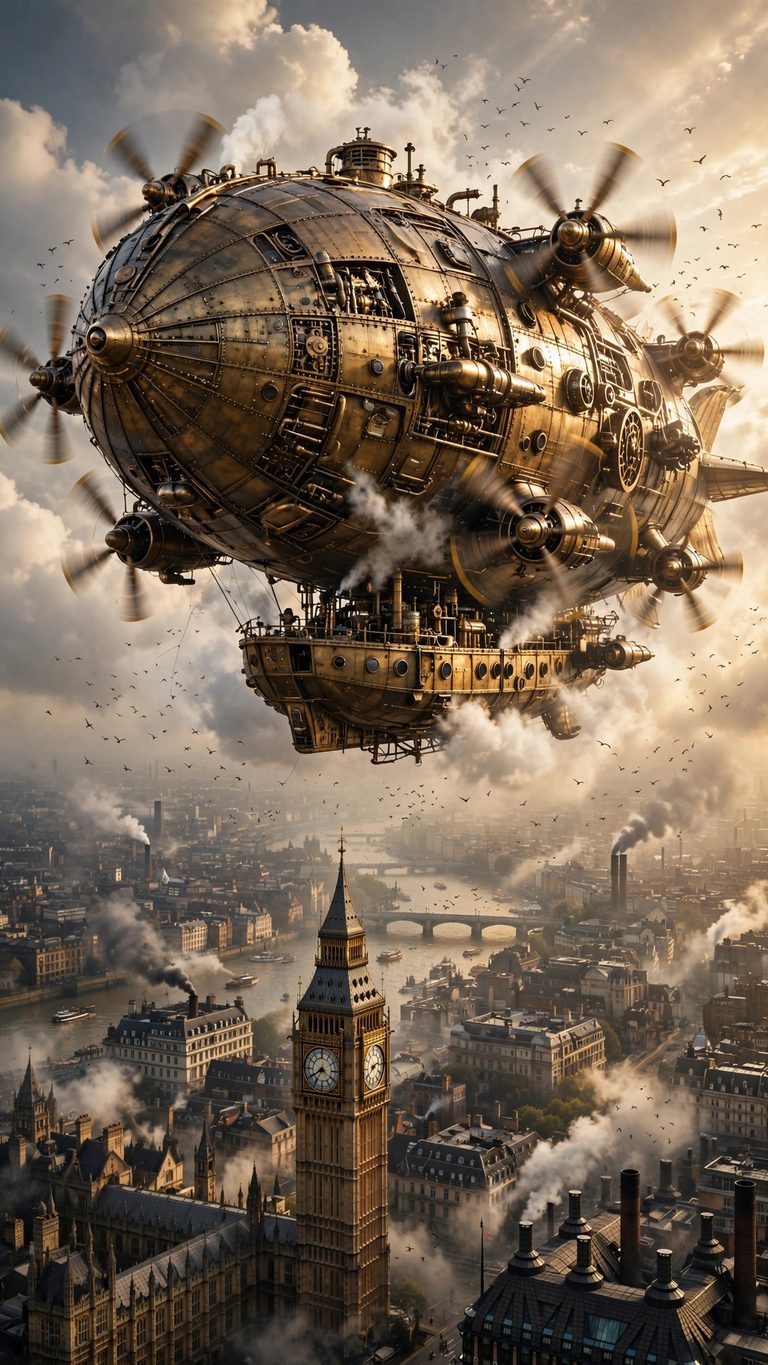
Imagine the sky above Victorian London splitting open, not with storm clouds, but with the polished hull of a colossal brass airship. Its propellers spin in a lazy, thunderous rhythm as white clouds part around the riveted metal, and below, Big Ben stands frozen mid-chime while chimney smoke curls upward to meet the vessel’s shadow. This is the signature steampunk fantasy: an age of steam and brass that never ended, where engineering became art and the sky became a highway. The scene carries a sense of grand adventure, the kind that makes a viewer stop scrolling and lean closer. Golden afternoon light catches every rivet and panel line, turning the airship into a floating cathedral of metal. Tiny birds scatter from its path, a small detail that sells the enormous scale. Whether you are building a channel about alternate history, crafting a music video backdrop, or simply chasing that viral aerial shot, this prompt delivers the single most iconic image of the steampunk genre, a brass leviathan gliding over the most recognizable skyline of the Victorian era.
The Prompt
Copy the prompt below exactly as written and paste it into your favorite AI video generator.
Majestic steampunk scene of a colossal brass airship with spinning propellers gliding above Victorian London, white clouds parting around its hull, Big Ben and chimney smoke below, tiny birds scattering, camera sweeping alongside the gleaming metal hull, golden afternoon light reflecting off rivets, sense of grand adventure, ultra realistic, cinematic
Why This Prompt Works
This prompt succeeds because it layers its details the way a cinematographer layers a shot. First, it establishes a clear hero subject: a colossal brass airship with spinning propellers. Then it places that subject inside a world the viewer instantly recognizes: Victorian London, Big Ben, chimney smoke. That pairing of fantasy and familiarity is the core engine of steampunk’s appeal. The prompt also directs the camera explicitly, asking for a sweep alongside the gleaming hull, which tells the model to create lateral motion rather than a static postcard. Lighting is specified as golden afternoon light, which naturally flatters brass and gives the render warm, filmic tones instead of flat gray. Motion cues are scattered throughout: propellers spinning, clouds parting, birds scattering, smoke rising. Each one is a small physics instruction that keeps the ten seconds of footage alive. Finally, the emotional direction, “sense of grand adventure,” plus the closing style tags “ultra realistic, cinematic,” push the model toward a blockbuster look. The result feels less like a random generation and more like a frame pulled from an expensive period adventure film, which is exactly what makes viewers share it.
How to Use This Prompt
This prompt is ready to copy and paste. Choose the AI video tool that fits your workflow and follow the steps below.
- Copy the prompt exactly as written in the box above, including the style tags at the end like “ultra realistic” and “cinematic”. These quality modifiers are what keep the output looking like a film frame rather than a cartoon.
- Veo 3: Paste the prompt into the text-to-video field, set the aspect ratio to 9:16 for vertical shorts, pick a duration of 8 to 10 seconds, and generate two variations so you can choose the better hull reflection or crowd detail.
- Runway: Use the prompt in Gen-4 or the current video model, lock the camera motion setting to match the described move (for example “sweeping aerial” means a lateral glide), and generate at 1080p.
- Kling: Paste the prompt, enable professional mode for richer detail, and let the built-in physics handle the steam, smoke, and fabric motion.
- Pika: Use the prompt as the core text input, then add negative prompts like “blurry, distorted, extra limbs, watermark” to clean up the render.
- Sora: The prompt works as-is in storyboard mode; if you want a longer cut, split the scene into two beats (wide establishing shot, then the described camera move) and generate each separately.
- Post and publish: Export vertical 9:16, add the caption and hashtags from this post, and upload to your shorts, reels, or TikTok feed.
For this aerial scene, Veo 3 and Runway handle the sweeping lateral camera move best, keeping the huge hull stable while the clouds and skyline drift past.
Pro Tips & Creative Variations
Once you have a clean render of the airship over London, the fun begins with customization. Change the lighting to a moonlit night with gas lamps glowing on the hull for a completely different mood, or push it to a stormy dusk with lightning behind the clouds for drama. Swap the camera move: instead of sweeping alongside, ask for a slow push-in toward the bow, or a dramatic pass from below that reveals the gondola and hanging cargo nets. Add fleet depth by appending “three smaller airships trailing in the distance” to suggest an entire armada. You can change the landmark too: replace Big Ben with the Eiffel Tower, the Statue of Liberty, or a harbor of tall ships to localize the fantasy. For a grittier industrial feel, add “black coal smoke, grimy hull patches, tattered flags.” For elegance, try “white sails, polished copper trim, pennant banners streaming.” If the hull looks too clean, the word “weathered” adds believable age. Small human touches raise the realism: tiny figures waving from an observation deck, or signal flags hoisted on a mast. Render two versions, one golden-hour and one night, and cut them together for a 20-second cinematic loop.
Frequently Asked Questions
Do I need to edit the prompt before using it?
No. It was written and tested for text-to-video models. Copy it exactly for your first generation. Edit only after you see the result and know what you want to change, such as the time of day or camera angle.
Which AI video tool gives the best steampunk look?
Veo 3 and Runway currently render brass, gears, and atmospheric smoke with the most convincing realism. Kling is excellent for motion fluidity, while Pika and Sora are strong on stylized or cinematic framing. Try two tools and compare.
Why does my video look cartoonish instead of realistic?
Usually because the style tags were dropped or the model defaulted to a stylized render. Keep “ultra realistic, cinematic” in the prompt, and in tools like Pika add negative prompts such as “cartoon, anime, flat colors”.
Can I use the generated video commercially?
That depends on the terms of the AI tool you use, so check your plan’s license before monetizing. The prompt itself is free to use and adapt for your own creative projects.
Steampunk lives in that brass hull gliding over London. Copy the prompt, generate your airship, and take your viewers on the grandest adventure the Victorian sky ever saw.
Related Viral Prompts
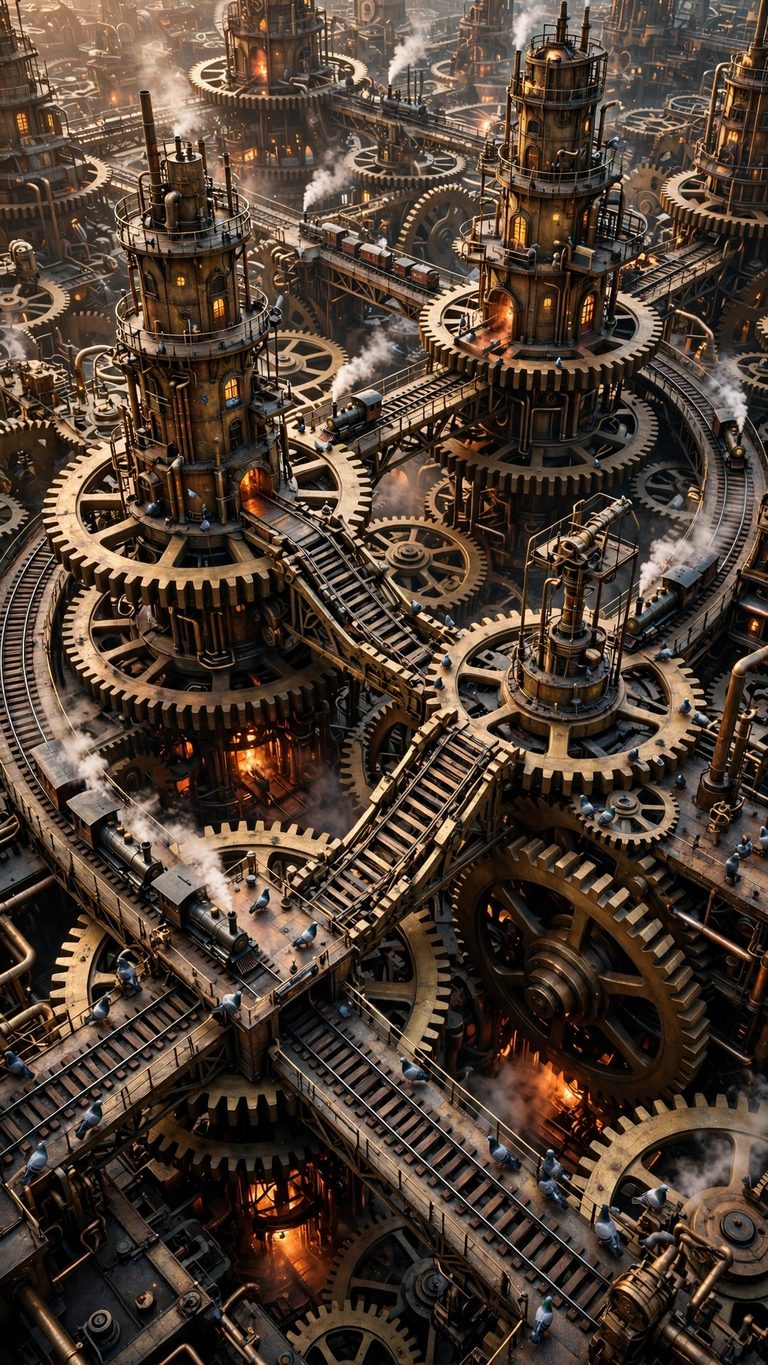
- Clockwork City AI Video Prompt: A Mesmerizing Steampunk Metropolis Built Entirely From Giant Brass Gears
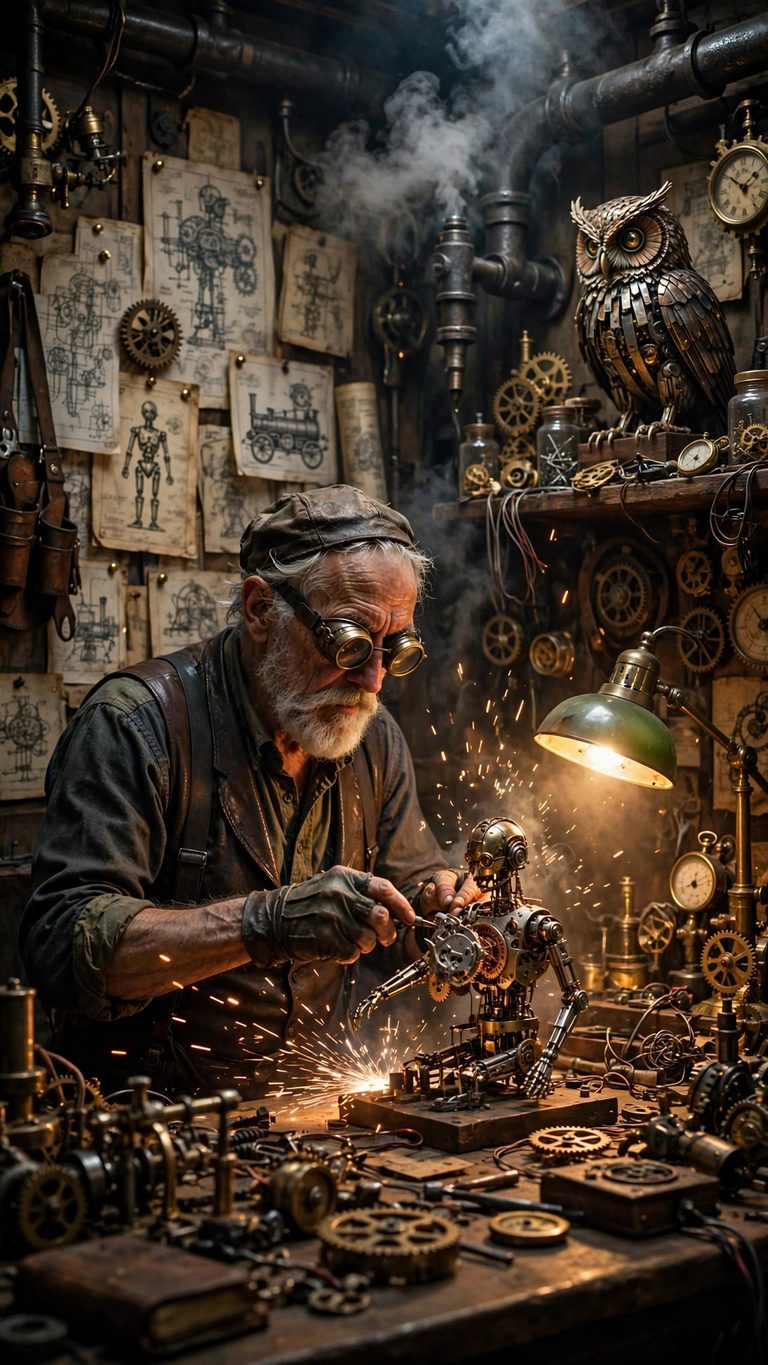
- Victorian Inventor AI Video Prompt: Inside a Cozy Steampunk Workshop Full of Brass, Steam and Genius
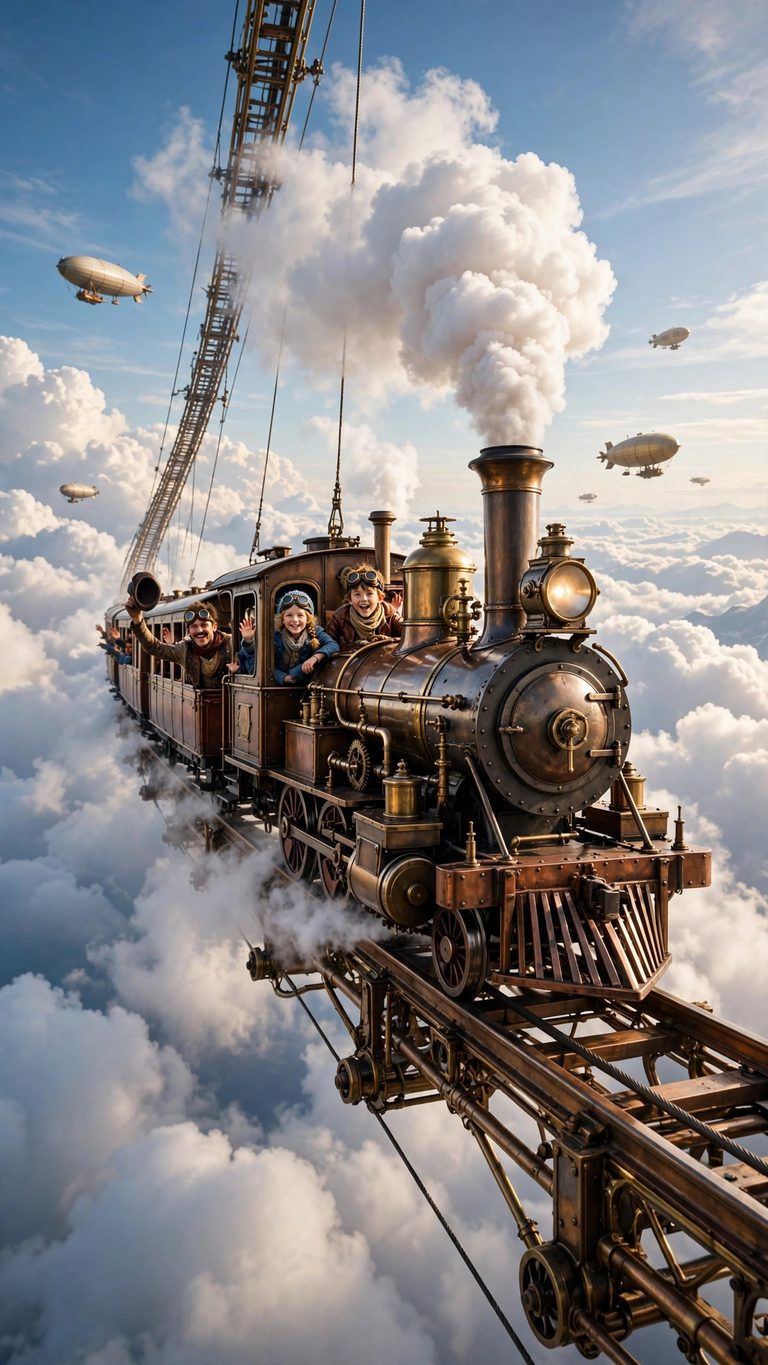
- Sky Train AI Video Prompt: Race a Vintage Steampunk Steam Train Through the Clouds in Cinematic 9:16
# A I V i d e o # P r o m p t B a z a r # S t e a m p u n k # A i r s h i p # V i c t o r i a n

Leave a Reply