
Introduction
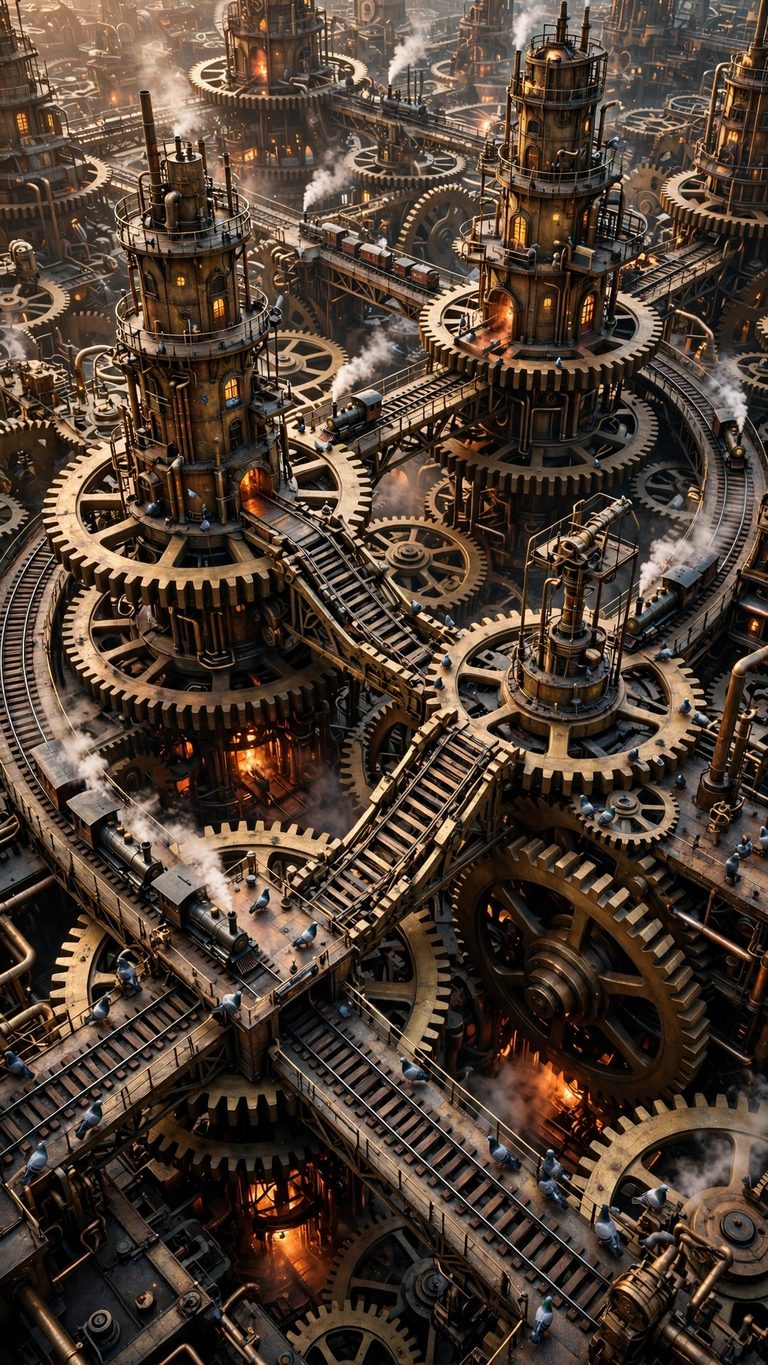
What if an entire city ran on clockwork? Picture a metropolis where skyscrapers are gear towers that turn with ponderous grace, where bridges lift as interlocking teeth mesh, and tiny steam trains rattle across the cogs like ants on a machine the size of a mountain. Pigeons perch calmly on moving parts, the only creatures unbothered by the slow, eternal rotation. A warm industrial glow rises from below, turning every brass surface into a lantern. This timelapse scene is pure mesmerism: the camera rises high above the mechanical sprawl while the whole city breathes, shifts, and turns. There is something deeply satisfying about watching giant mechanisms work in perfect synchronization, and that satisfaction is what makes this clip a scroll-stopper. It taps into the universal fascination with how things work, blown up to an impossible scale. For creators, it is also one of the most reusable steampunk visuals: a city that is itself a machine can serve as an opener, a transition, or a full atmospheric loop for music, narration, or ambient content.
The Prompt
Copy the prompt below exactly as written and paste it into your favorite AI video generator.
Fascinating steampunk timelapse of an entire city built from giant rotating brass gears, towers turning slowly, bridges lifting as gear teeth mesh, tiny steam trains crossing between cogs, pigeons perched on moving parts, camera rising high above the mechanical metropolis, warm industrial glow, ultra realistic, mesmerizing
Why This Prompt Works
The genius of this prompt is the timelapse instruction combined with mechanical specificity. Telling the model “timelapse” compresses slow motion into visible, satisfying movement, so the rotating towers and lifting bridges read clearly in just ten seconds. The prompt names concrete mechanisms: gear teeth meshing, bridges lifting, towers turning slowly. These are not vague adjectives; they are physical events the model can render as motion, which dramatically improves coherence. The small life details, tiny steam trains and perched pigeons, solve the hardest problem in AI video: scale. Without them, the viewer cannot tell whether the gears are inches or miles across. With them, the city feels monumental. The camera direction, rising high above the mechanical metropolis, gives the clip a natural dramatic arc from detail to panorama, which is exactly how trailers and title sequences move. Warm industrial glow is a smart lighting choice because it hides minor render imperfections in amber atmosphere while making brass look expensive. Ending with “ultra realistic, mesmerizing” reinforces both the look and the hypnotic effect that keeps viewers watching on loop, the metric that short-form algorithms reward most.
How to Use This Prompt
This prompt is ready to copy and paste. Choose the AI video tool that fits your workflow and follow the steps below.
- Copy the prompt exactly as written in the box above, including the style tags at the end like “ultra realistic” and “cinematic”. These quality modifiers are what keep the output looking like a film frame rather than a cartoon.
- Veo 3: Paste the prompt into the text-to-video field, set the aspect ratio to 9:16 for vertical shorts, pick a duration of 8 to 10 seconds, and generate two variations so you can choose the better hull reflection or crowd detail.
- Runway: Use the prompt in Gen-4 or the current video model, lock the camera motion setting to match the described move (for example “sweeping aerial” means a lateral glide), and generate at 1080p.
- Kling: Paste the prompt, enable professional mode for richer detail, and let the built-in physics handle the steam, smoke, and fabric motion.
- Pika: Use the prompt as the core text input, then add negative prompts like “blurry, distorted, extra limbs, watermark” to clean up the render.
- Sora: The prompt works as-is in storyboard mode; if you want a longer cut, split the scene into two beats (wide establishing shot, then the described camera move) and generate each separately.
- Post and publish: Export vertical 9:16, add the caption and hashtags from this post, and upload to your shorts, reels, or TikTok feed.
For this timelapse city, Kling and Veo 3 excel at keeping large rotating structures coherent, while Runway’s camera controls help you lock in the smooth rising motion.
Pro Tips & Creative Variations
This clockwork city is a playground for variation. Try a night version: “neon gas lamps, glowing furnace cores between the gears, sparks drifting upward” turns the metropolis into a steampunk cyberpunk hybrid. For a serene take, render a dawn timelapse with “soft blue morning light, gentle steam wisps, gears turning slower” and pair it with ambient music for a perfect lo-fi loop. Change the scale by adding “tiny hot-air balloons drifting between the towers” or “a giant clock face on the central tower with hands spinning in timelapse.” You can season it too: snow falling on the gears for winter, autumn leaves swirling through the cogs, or rain with steam bursting where droplets hit hot metal. If gears start to blur or melt into each other, add the phrase “crisp mechanical detail, interlocking teeth clearly defined” and regenerate; Pika users should also add negative prompts like “melting, morphing, blurry machinery.” For a narrative beat, append “a lone explorer in a brass diving suit walking across a giant gear” to give viewers a character to follow. Loop the final clip seamlessly by trimming the first and last frames to matching brightness.
Frequently Asked Questions
Do I need to edit the prompt before using it?
No. It was written and tested for text-to-video models. Copy it exactly for your first generation. Edit only after you see the result and know what you want to change, such as the time of day or camera angle.
Which AI video tool gives the best steampunk look?
Veo 3 and Runway currently render brass, gears, and atmospheric smoke with the most convincing realism. Kling is excellent for motion fluidity, while Pika and Sora are strong on stylized or cinematic framing. Try two tools and compare.
Why does my video look cartoonish instead of realistic?
Usually because the style tags were dropped or the model defaulted to a stylized render. Keep “ultra realistic, cinematic” in the prompt, and in tools like Pika add negative prompts such as “cartoon, anime, flat colors”.
Can I use the generated video commercially?
That depends on the terms of the AI tool you use, so check your plan’s license before monetizing. The prompt itself is free to use and adapt for your own creative projects.
A city made of gears is steampunk’s greatest daydream. Copy the prompt, let the metropolis turn, and watch your viewers get lost in the most mesmerizing machine ever built.
Related Viral Prompts
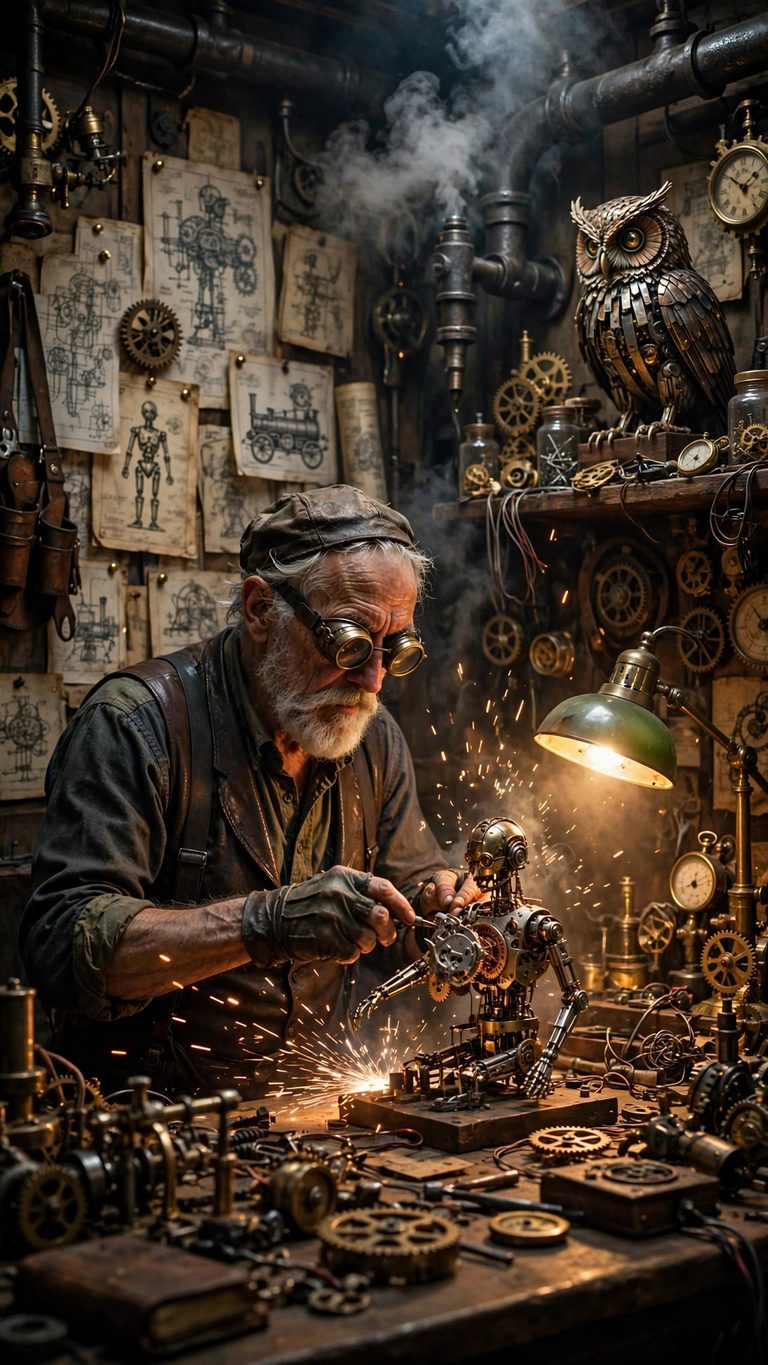
- Victorian Inventor AI Video Prompt: Inside a Cozy Steampunk Workshop Full of Brass, Steam and Genius
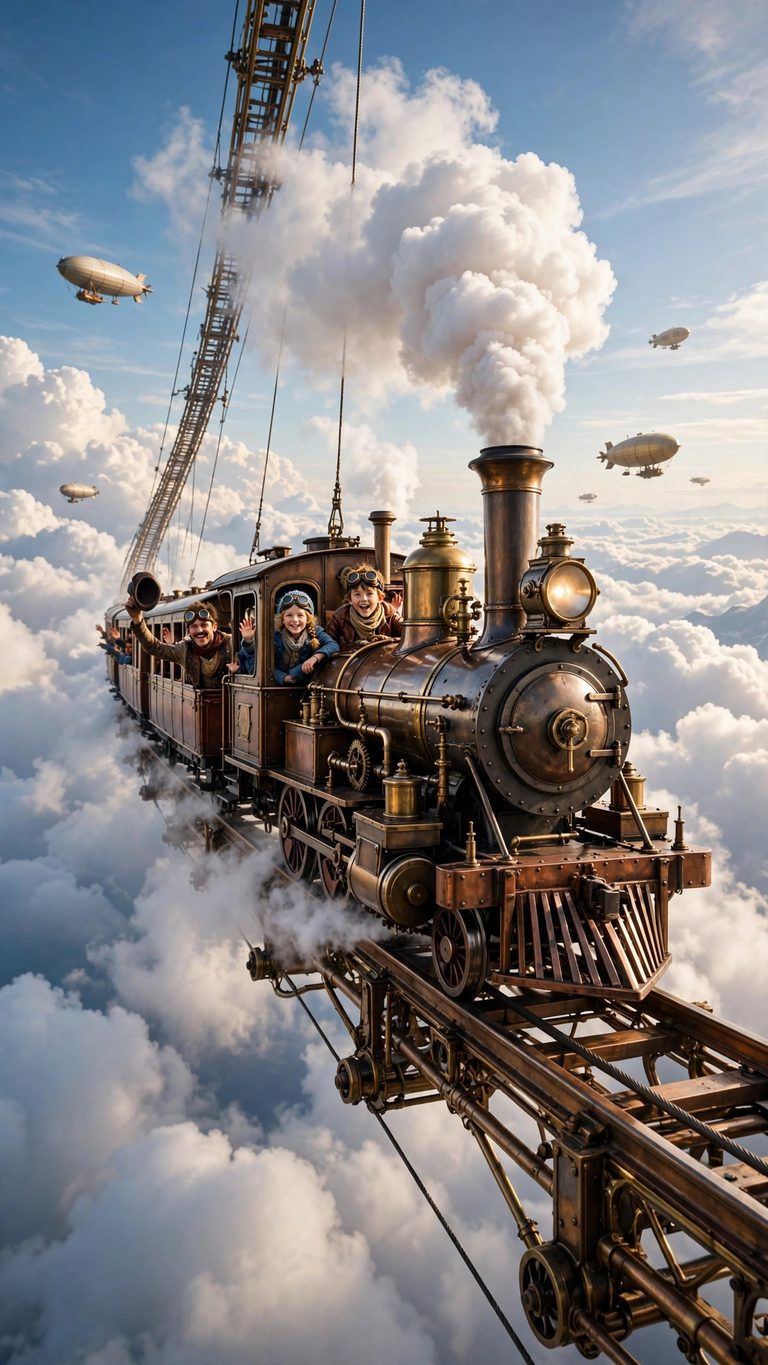
- Sky Train AI Video Prompt: Race a Vintage Steampunk Steam Train Through the Clouds in Cinematic 9:16
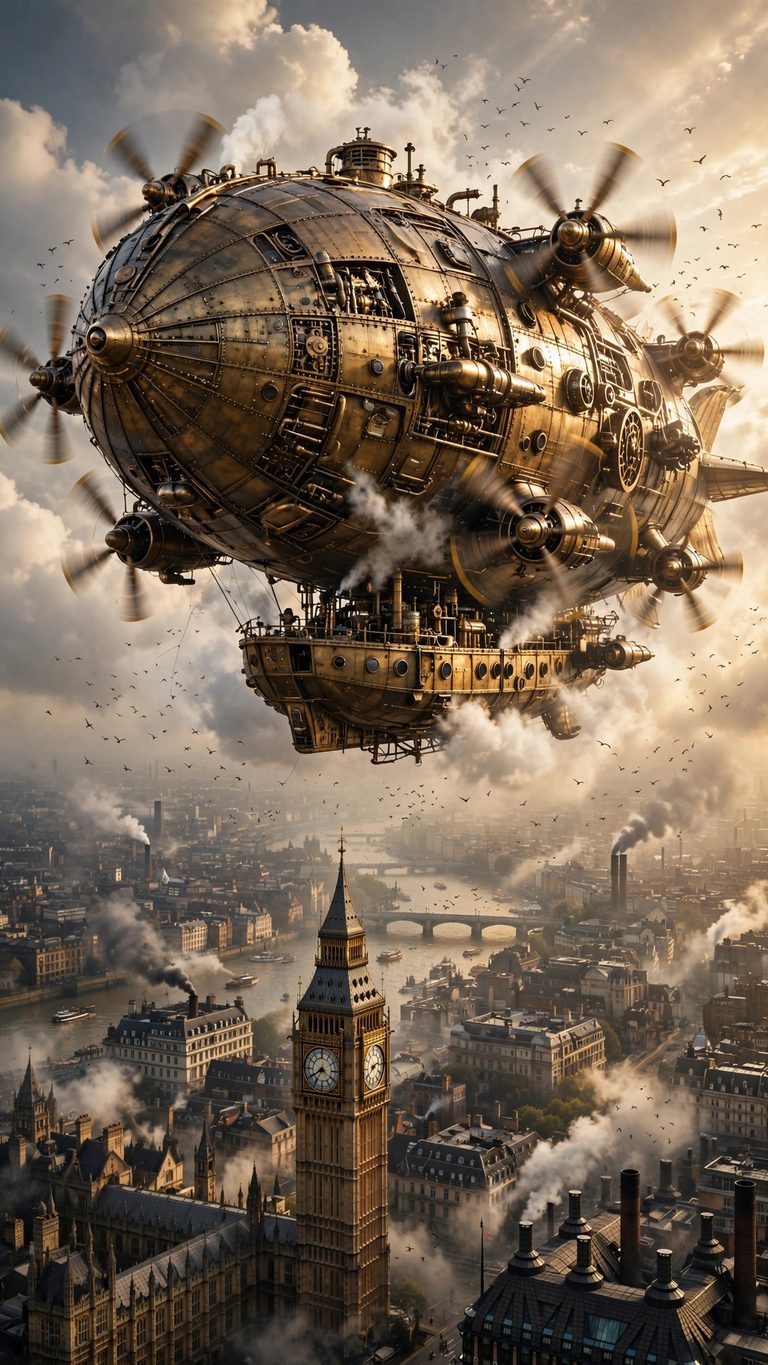
- Airship Battle AI Video Prompt: Epic Steampunk Cannon Warfare Between Two Massive Airships Above Storm Clouds
# A I V i d e o # P r o m p t B a z a r # S t e a m p u n k # C l o c k w o r k # G e a r s

Leave a Reply