
Introduction
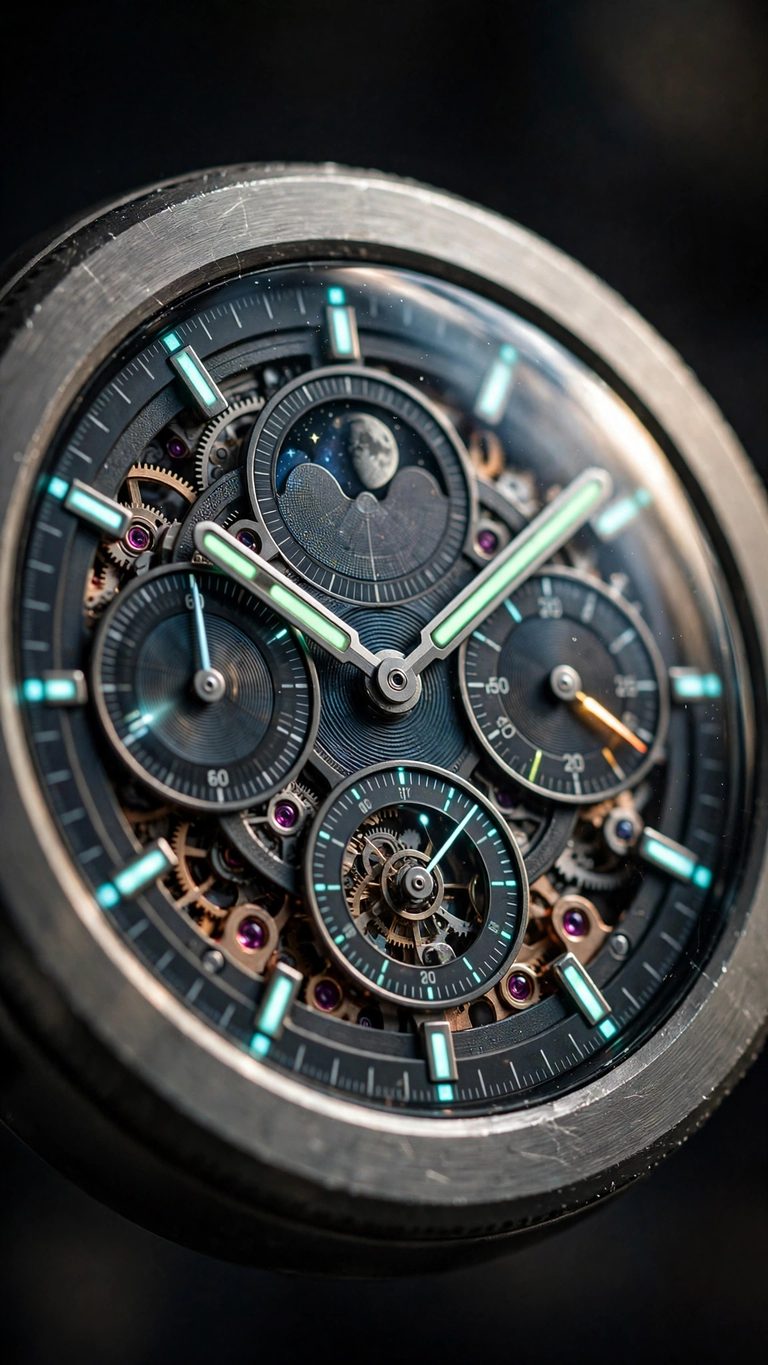
Hold a luxury watch up to the light and something remarkable happens. The sapphire crystal catches a soft gleam, tiny hands sweep over intricate complications, and indicators glow with quiet precision. It is a universe of engineering shrunk to the size of a coin, and macro photography is the only way to truly see it. The problem is that real macro watch photography is brutally difficult. You need a macro lens, a perfectly still tripod, focus stacking software, and the patience to shoot the same dial fifty times before the reflection cooperates. This AI photo prompt skips all of that and hands you the money shot directly: an exquisite macro photograph of a luxury smartwatch dial, sapphire crystal reflecting soft light, intricate complications and glowing indicators rendered in hyper detail, all wrapped in a brushed titanium case against a dark elegant background. It is horology artistry without the studio. Whether you review wearables, sell watch accessories, or simply appreciate fine craftsmanship, this prompt produces the kind of close-up that makes people zoom in and stay a while.
The Prompt
Here is the complete prompt. Copy it exactly and let the macro magic begin.
Exquisite macro photograph of a luxury smartwatch dial, sapphire crystal reflecting soft light, intricate complications and glowing indicators, brushed titanium case, shallow depth of field, dark elegant background, horology artistry, hyper-detailed, ultra sharp, 8k, photorealistic
Why This Prompt Works
Macro photography has a psychological superpower: it reveals a hidden world. We glance at watches all day without truly seeing them, so a hyper-detailed close-up feels like a revelation. This prompt leans into that effect with every phrase. “Sapphire crystal reflecting soft light” is doing quiet heavy lifting. In real product photography, controlling reflections on curved glass is half the battle, and the prompt bakes in the ideal result: a soft, elegant gleam rather than a harsh blown-out hotspot. “Intricate complications and glowing indicators” gives the AI two layers of detail to render, the mechanical-looking complications that signal craftsmanship and the glowing elements that signal smart technology. That fusion of classic horology and modern tech is exactly what makes smartwatches fascinating, and the prompt captures both in one frame.
The “brushed titanium case” adds material credibility. Brushed metal has a fine directional texture that reads as expensive even in a small image, and titanium specifically carries associations with aerospace engineering and premium endurance. “Shallow depth of field” is the classic macro signature: a razor-thin plane of focus with creamy blur falling away, which tells the viewer instantly that this is serious close-up photography, not a phone snapshot. The “dark elegant background” keeps all attention on the dial while adding gallery-like drama. Then the quality anchors, hyper-detailed, ultra sharp, 8k, photorealistic, push the generator to render the tiny textures, screws, and reflections that sell the illusion. From a content trends angle, macro shots are engagement machines. They invite pinch-to-zoom behavior on phones, which increases dwell time, and dwell time is one of the strongest signals social algorithms reward. A watch macro also crosses audiences beautifully: tech fans, fashion lovers, and photography nerds all stop for it. That triple appeal is why #Macro and #Luxury watch content travels so far beyond its original niche.
How to Use This Prompt
This prompt was designed for a 9:16 portrait frame and tuned for Midjourney v7 and Flux, both of which render fine metallic detail exceptionally well.
Midjourney v7: Paste the prompt with –ar 9:16 –v 7. For maximum realism add –style raw, which reduces Midjourney’s painterly tendencies and keeps the metal looking like metal. If the dial details smear, reroll rather than fighting a bad seed.
Flux: Flux is arguably the best choice here for crisp micro-detail. Use a portrait resolution such as 768 by 1344, paste the prompt as-is, and keep guidance at a moderate level so textures stay natural instead of over-processed.
DALL-E 3: Add “vertical 9:16 portrait” to the prompt. DALL-E 3 handles the overall composition well, though its micro-detail can be softer than Midjourney or Flux, so plan to upscale the result.
Stable Diffusion: Use an SDXL model at 768 by 1344. Place the prompt in the positive field and add a negative prompt like “blurry, deformed hands, warped numbers, smeared texture” to protect the dial geometry. Generate several variations and pick the one with the cleanest crystal reflection. Whichever tool you choose, always upscale your final pick: macro shots live or die by fine detail, and a 2x upscale makes the brushed titanium and glowing indicators dramatically more convincing.
Pro Tips & Creative Variations
The dial is your storytelling surface, so customize it boldly. Change the complication style to match an audience: “chronograph subdials and tachymeter bezel” for motorsport fans, “moonphase and minimalist markers” for dress-watch elegance, or “rugged digital readouts and compass bezel” for outdoor adventure vibes. The glowing indicators can shift color too. Try “amber glowing indicators” for vintage warmth, “ice-blue indicators” for a modern tech feel, or “green lume plots glowing in darkness” for that beloved night-dive aesthetic collectors obsess over.
Materials offer another dimension. Swap “brushed titanium case” for “polished rose gold case” to go full luxury, “matte black ceramic case” for stealthy modern style, or “worn leather strap visible at the edge” to add lifestyle context. Backgrounds can transform the mood entirely: a dark walnut desk for heritage warmth, a deep navy gradient for corporate elegance, or dramatic side lighting on pure black for gallery drama. Composition experiments pay off as well. Request “extreme macro of only the crown and pushers” for abstract texture art, or “slight tilt showing the curved sapphire edge” to emphasize the crystal. Adding context, like “soft reflection of a window in the crystal” or “a second blurred watch in the background,” creates depth that single-subject macros sometimes lack. For content series, keep the lighting setup identical and rotate through dial colors, building a cohesive #Smartwatch collection that looks like it came from one expensive photo shoot. One caution: watch for warped numerals or impossible complications in your generations. Curate strictly and regenerate anything where the dial details do not hold up under zoom, because macro audiences will absolutely zoom.
Frequently Asked Questions
Why do the numbers on the dial sometimes look wrong?
Tiny text and numerals are still hard for AI generators. If markers warp, simplify the prompt to “clean minimal markers, no numerals” for an elegant abstract dial, or plan to fix small areas with inpainting. Always inspect your result at full zoom before publishing.
Which tool is best for metal textures?
Midjourney v7 with –style raw and Flux both render brushed metal convincingly. The post settings recommend exactly this pairing. Generate the same prompt in both and compare the titanium texture at 100 percent zoom to pick your winner.
Can I make it look like a specific watch brand?
You can evoke a style, like “diver watch aesthetic” or “minimalist Scandinavian dial,” but avoid using trademarked brand names in prompts for content you publish commercially. Generic luxury cues give you 90 percent of the look with none of the legal risk.
How do I get sharper results?
Three steps: generate at the highest resolution your tool allows, pick the sharpest seed from a batch of four or more, and run a 2x AI upscale as the final step. The quality words in the prompt, like ultra sharp and 8k, help, but seed selection and upscaling matter more.
Great macro photography used to demand expensive glass and endless patience. This prompt delivers the sapphire gleam, the brushed titanium case, and the glowing complications in a single generation. Try it today, upscale your favorite result, and share your close-up with #Macro and #Luxury to show off every tiny detail.
Related Viral Prompts
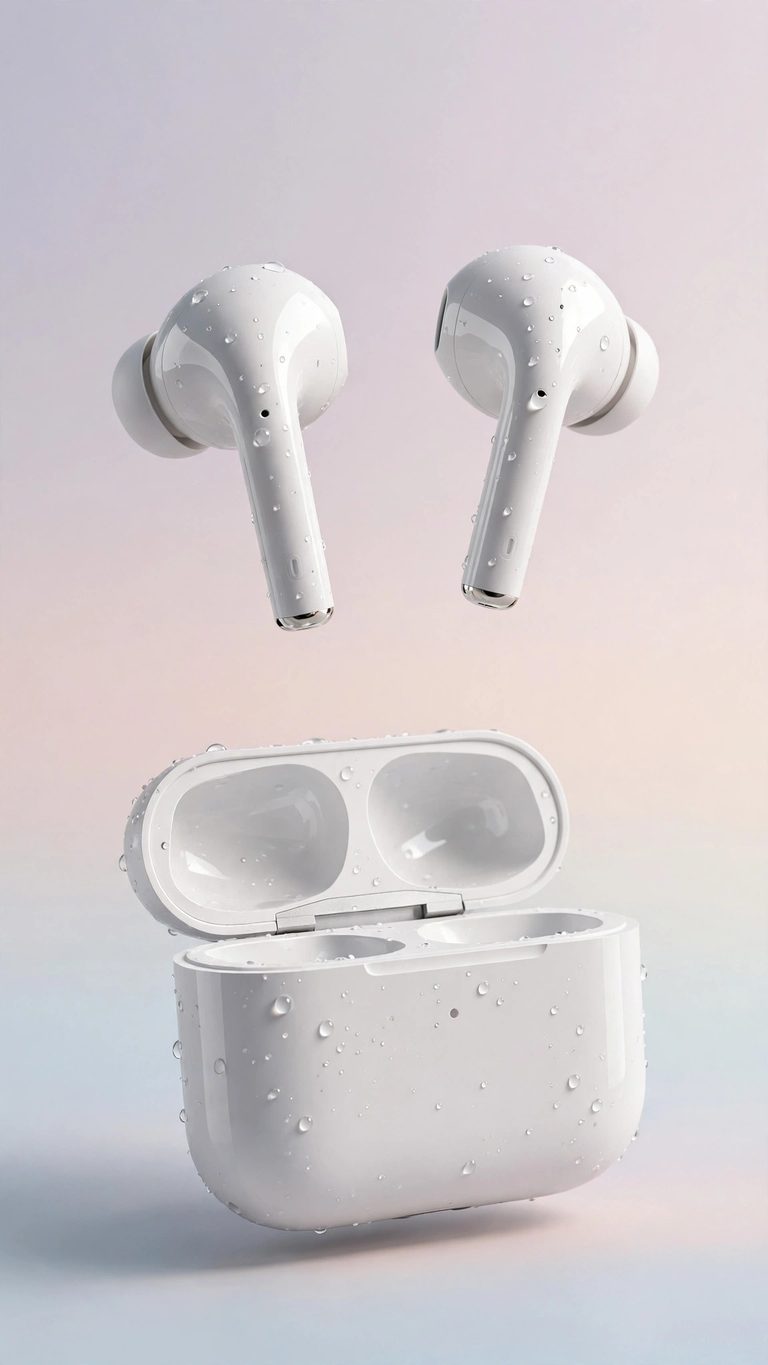
- AI Photo Prompt: Minimalist Wireless Earbuds Product Photo With Pastel Background and Fresh Water Drops
- AI Photo Prompt: Futuristic Holographic Keyboard Photo With Glowing Cyan Keys in a Cyberpunk Workspace
- AI Photo Prompt: Retro Gadget Flat Lay Photography of Vintage Tech on Warm Wood With Nostalgic Warm Tones
# A I P h o t o # P r o m p t B a z a r # S m a r t w a t c h # M a c r o # L u x u r y

Leave a Reply