
Introduction
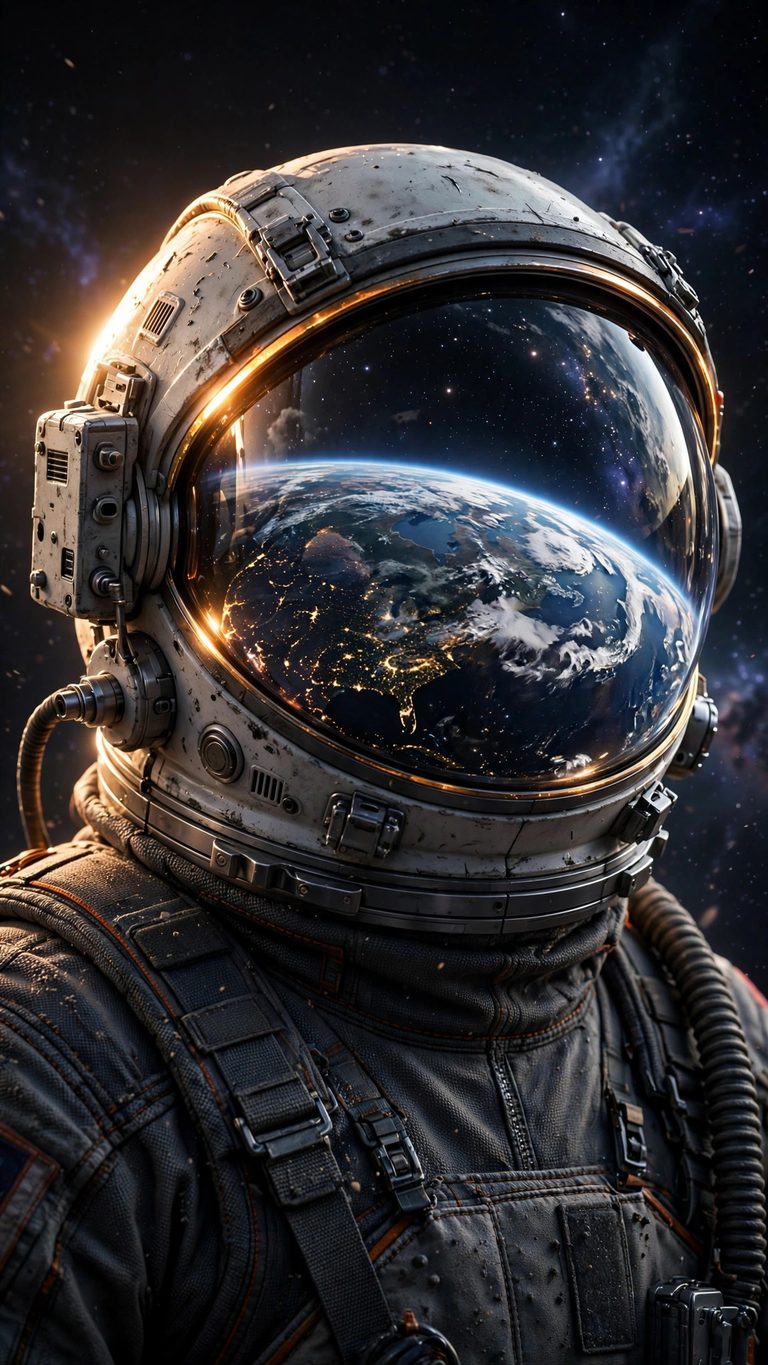
Some images make you feel the vastness of space. Others make you feel the courage it takes to go there. The astronaut helmet portrait does both at once. Picture it: a lone explorer floating in the black, face hidden behind a curved visor — and in that visor, mirrored perfectly, the blue curve of Earth hanging among the stars. It is one of the most emotionally loaded compositions in all of space imagery, because it compresses an entire story into a single frame: humanity, fragile and brave, carrying its home planet as nothing more than a reflection. Real photographs in this style are vanishingly rare, requiring actual spacewalks and perfect lighting. But this AI photo prompt recreates the magic on demand, delivering a cinematic, heroic portrait that looks like a still from the greatest space film ever made.
Why does this particular image go viral every single time? Because it works on two levels simultaneously. On the surface, it is a technical marvel — hyper-detailed textures of fabric, glass, and metal that invite viewers to zoom in and marvel. Beneath that, it is pure emotion. The hidden face lets every viewer project themselves into the suit. The Earth in the visor reminds us what is at stake. It is the kind of image people send to friends with no caption at all, because none is needed. Whether you are building a space-themed content series, designing a poster, or just want a jaw-dropping profile picture, this prompt delivers a portrait with genuine soul.
The Prompt
Copy the exact prompt below and paste it into your favorite AI image generator. Run it unchanged first — the reflection detail is precisely worded.
Striking portrait of an astronaut in a detailed spacesuit helmet, the visor reflecting the blue Earth and stars, dramatic rim lighting on the suit, dark space background, hyper-detailed textures of fabric and glass, cinematic and heroic mood, ultra detailed, 8k, photorealistic
Why This Prompt Works
The single most brilliant choice in this prompt is the visor reflection. “The visor reflecting the blue Earth and stars” is doing enormous compositional work in very few words. Reflections are catnip for viewers because they reward a second look — the eye lands on the helmet, then discovers the tiny Earth inside it, and that small discovery creates a dopamine hit that makes people share. AI image models have become remarkably good at rendering convincing reflections on curved glass, and this prompt aims the model directly at its strength. The result is the kind of clever, layered image that design blogs feature and social feeds amplify.
The lighting direction is the second masterstroke. “Dramatic rim lighting on the suit” tells the model to carve the astronaut out of the darkness with a bright edge of light — the classic cinematic technique that separates a subject from a black background. Without rim light, an astronaut against dark space would melt into the void; with it, every fold of the suit glows with definition. Rim lighting also carries emotional meaning: it reads as heroic, noble, almost sculptural. It is the difference between a snapshot and a monument, and it is why these portraits feel like they belong on a movie poster.
Then there is the texture obsession. “Hyper-detailed textures of fabric and glass” pushes the model to render the woven suit material, the scuffed metal, the layered visor glass — the small imperfections that make an image feel photographed rather than painted. Viewers may not consciously notice fabric weave, but their brains register the realism instantly, and realism is what earns the double-take: “wait, is this real?” Finally, the mood words — “cinematic and heroic” — act as a style filter over everything, steering color, contrast, and composition toward blockbuster territory. The dark space background keeps all attention on the figure, and the standard quality stack of “ultra detailed, 8k, photorealistic” ensures the output survives full-screen viewing on modern phones.
How to Use This Prompt
Creating your own heroic astronaut portrait is straightforward. Here is the exact workflow:
- Open your AI image tool of choice. Midjourney v7 and DALL-E 3 both handle reflective visors beautifully; Flux is a strong free alternative. Start a fresh generation so no leftover style settings interfere.
- Lock in the 9:16 portrait aspect ratio. This is a portrait in every sense — the vertical frame mirrors the shape of a standing figure and fills a phone screen edge to edge. In Midjourney, append
--ar 9:16. In DALL-E 3, ask for vertical/portrait orientation. In Flux, choose the 9:16 preset. - Paste the prompt exactly as written. Copy the full text from the prompt box above and paste it without edits. The reflection and lighting phrases are balanced against each other; changing one word can shift the whole composition.
- Generate and inspect the visor. This is your quality checkpoint. Zoom into the visor reflection: the Earth should be recognizable — blue, curved, with a hint of clouds — and the stars around it should be crisp. If the reflection is muddy, regenerate before touching the words.
- Download at maximum resolution. Portrait images with fine texture detail demand high resolution. Export the largest file your plan allows so the fabric weave and glass reflections stay sharp.
- Share with a human caption. This image pairs powerfully with quotes about courage, exploration, or perspective. Post it with two or three thoughtful lines and let the comments come to you.
Pro workflow tip: generate four variations at once and pick the best visor. The reflection is the hardest element for the model, so giving yourself options dramatically raises your hit rate.
Pro Tips & Creative Variations
The visor reflection is your playground. Swap “blue Earth” for “a blazing sunrise over Earth’s horizon” to get a visor full of fire and gold, or “the swirling arms of a distant galaxy” for a more cosmic, abstract feel. You can even reflect something narrative: “the visor reflecting a distant space station” turns the portrait into a story about a journey home. Each reflection change rewrites the emotional meaning of the image without touching the heroic composition that makes it work.
Try dramatic style variants too. Add “chiaroscuro lighting, Renaissance painting influence” for a fine-art portrait that belongs in a gallery. Append “retro 1960s NASA aesthetic, film grain” for a nostalgic Apollo-era feel that performs wonderfully with history-loving audiences. For a darker, more intense mood, try “lone astronaut, cracked visor, emergency lighting, tension” — the same composition, but now it is a thriller poster. Lighting experiments are equally rewarding: “cool blue rim light” feels lonely and contemplative, while “warm golden rim light” feels triumphant.
For aspect ratios beyond 9:16, a 1:1 square crop makes an outstanding profile picture or album-style art post, and 16:9 landscape works if you want the astronaut off-center with negative space for text overlays — perfect for YouTube thumbnails or blog headers. When upscaling, prioritize tools that preserve fine detail; the fabric texture is the first thing cheap upscalers destroy. If the suit ever looks too smooth or plasticky, strengthen the texture phrase to “worn fabric with visible stitching and scuffed panels.” And if you want a companion piece, generate the same astronaut from behind, looking at Earth — a two-image series like that tells a complete visual story and doubles your content output from one concept.
Frequently Asked Questions
Why is the Earth missing from my visor reflection? The reflection is the most complex element, so weaker models sometimes skip it. First, regenerate a few times — the model often nails it on the second or third attempt. If it persists, make the reflection more explicit: “the visor clearly reflecting planet Earth.” Avoid adding competing reflective elements that split the model’s attention.
Can I make the astronaut look like a specific person? Most major AI image tools block photorealistic depictions of real, identifiable people, and you should not try to circumvent that. For a generic explorer, the prompt works as written. Some tools allow stylized or clearly fictional characters — check your platform’s policy on likeness generation before attempting it.
Which tool gives the best visor reflections? In our testing, Midjourney v7 produces the most convincing curved-glass reflections, DALL-E 3 is excellent at following the reflection instruction literally, and Flux delivers strong results on its higher tiers. All three can produce a viral-worthy image with this prompt.
Can I use this image as a book cover or poster? Possibly — it depends on your AI tool’s commercial terms. Paid Midjourney plans generally include commercial rights, and many creators successfully use AI portraits for covers and prints. Always verify the current terms of service for the specific tool and plan you are using.
An astronaut’s helmet, a reflected Earth, a rim of light against the infinite dark — this is portraiture at its most heroic. Run this prompt, find your favorite visor, and share an image that reminds everyone watching what courage looks like.
Related Viral Prompts
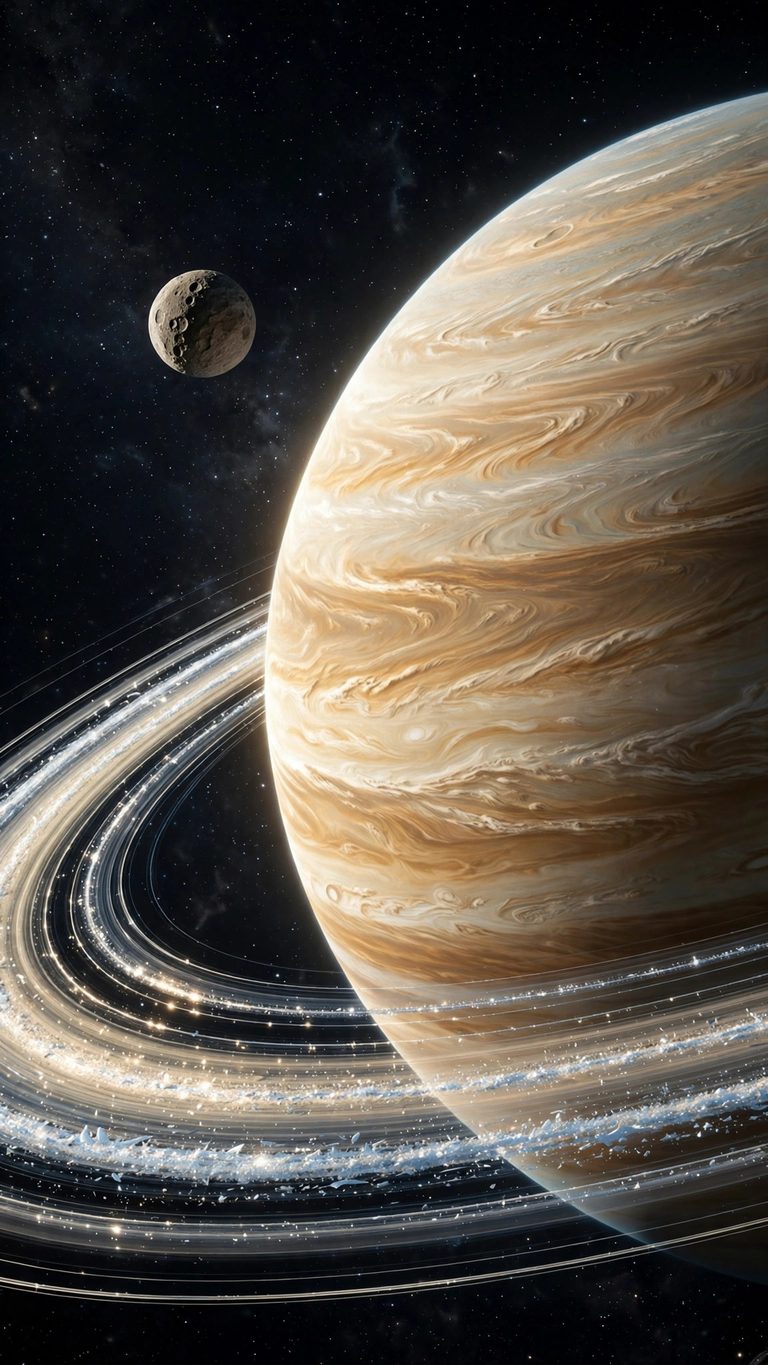
- Ringed Planet AI Photo Prompt: Generate a Majestic Gas Giant Planet With Beautiful Sunlit Icy Rings Free
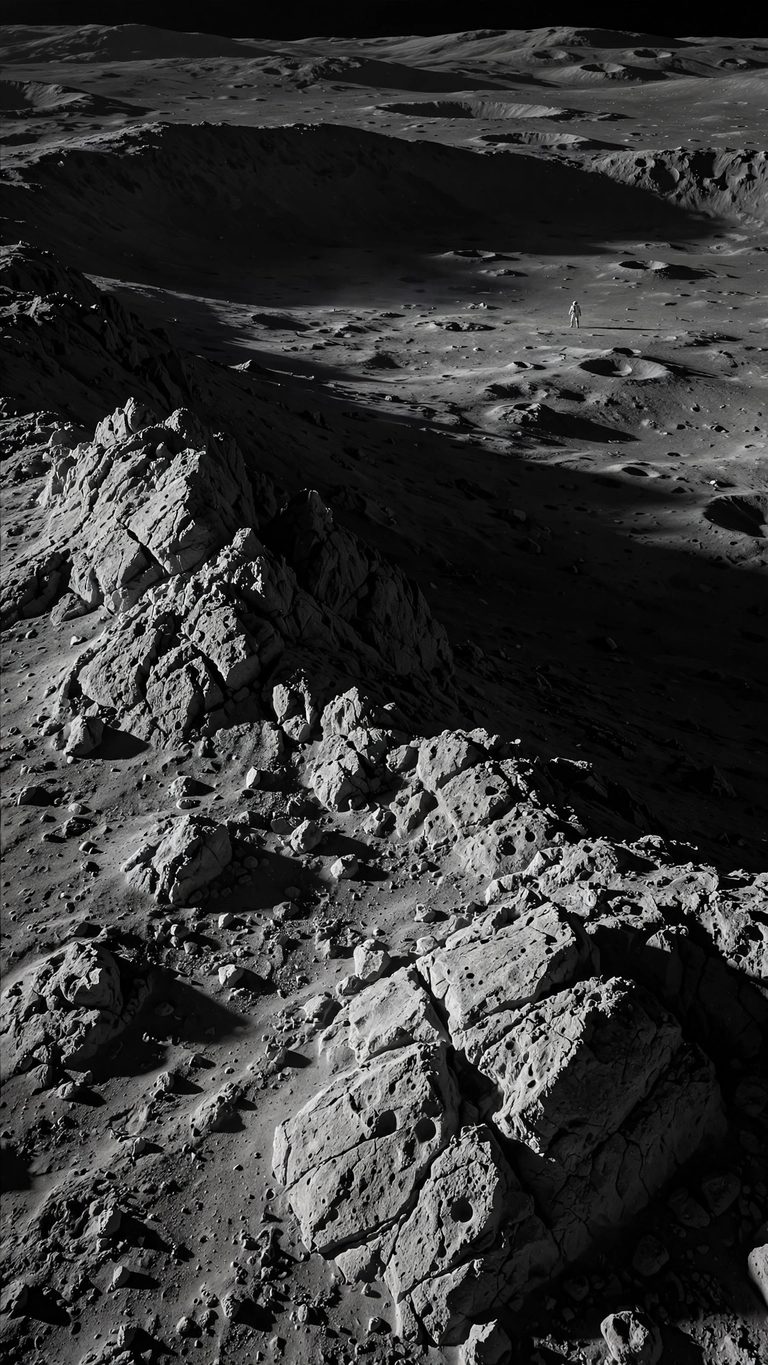
- Lunar Crater AI Photo Prompt: Create a Hyper-Detailed Moon Surface Closeup With a Tiny Astronaut for Scale
- Aurora From Space AI Photo Prompt: Generate a Rare Orbital View of Earth’s Glowing Green Curtains Free
# A I P h o t o # P r o m p t B a z a r # A s t r o n a u t # P o r t r a i t # S p a c e

Leave a Reply