
Introduction
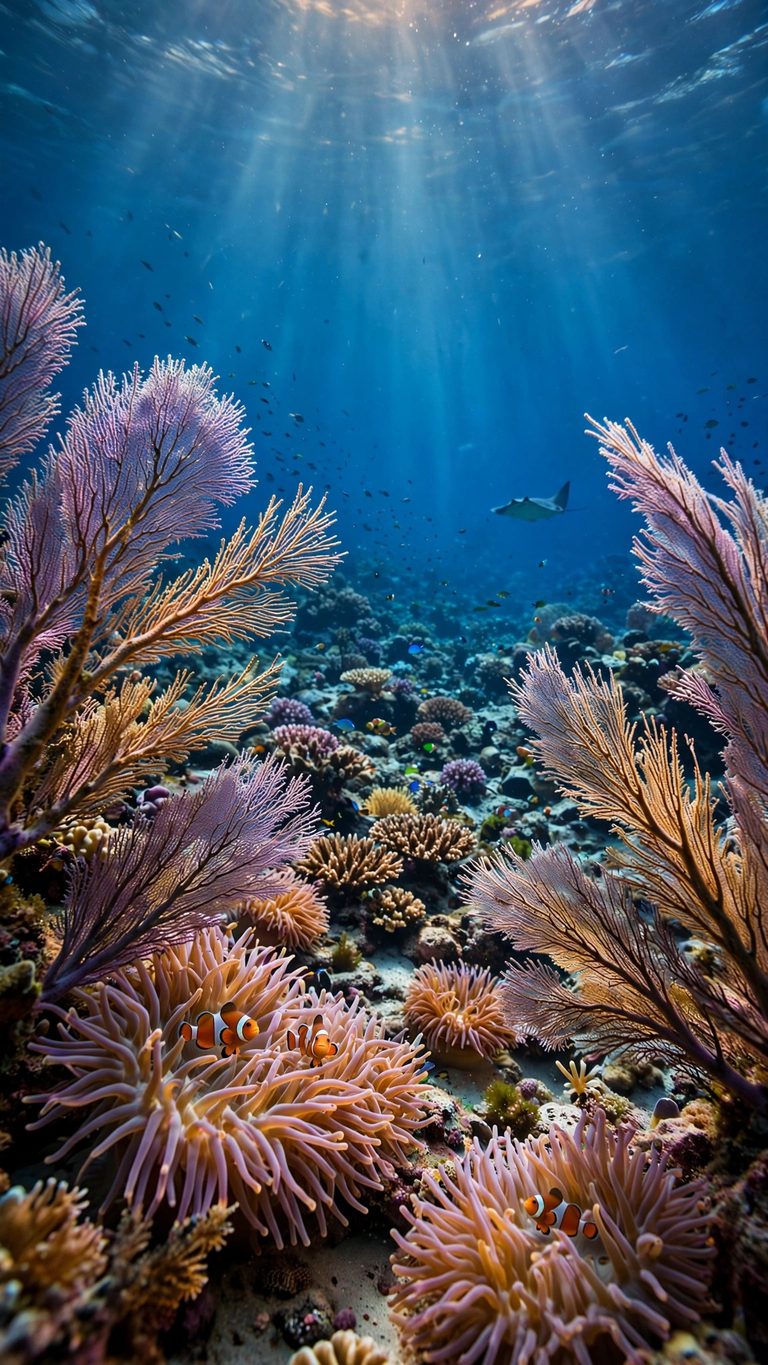
Some videos shout for attention. This one whispers, and somehow the whisper wins. Imagine drifting in slow motion over an endless coral garden, fan corals swaying like trees in a gentle breeze, clownfish peeking out from their anemone homes, and shafts of sunlight dancing across the scene like slow spotlights. That is the experience this prompt creates: a ten-second vertical float through nature’s own aquarium, calm enough to watch on loop and beautiful enough to share. In a feed full of noise, tranquil underwater content stands out because it lowers the viewer’s heart rate instead of raising it, and that emotional contrast is pure gold for retention. Creators in the #AIVideo space are discovering that peaceful clips like this earn saves and shares at remarkable rates, which is why the #CoralGarden aesthetic keeps resurfacing on every platform. Whether you need a meditation backdrop, a channel ident, or simply the most relaxing ten seconds on the internet today, this prompt delivers serenity on demand.
The Prompt
Here is the complete prompt, ready to copy. Notice how the motion words stay gentle throughout, which is the secret to its calming effect.
Peaceful drift over a sprawling coral garden, fan corals swaying like underwater trees, clownfish peeking from anemones, shafts of light dancing, a ray gliding in the distance, serene weightless float, nature's aquarium, ultra detailed, cinematic, tranquil
Why This Prompt Works
This prompt is a masterclass in restraint. Where many underwater prompts pile on sharks, storms, and spectacle, this one commits fully to peace, and that focus is its power. The opening phrase “peaceful drift” sets both the camera behavior and the emotional register in two words: the camera will glide rather than rush, and the mood will soothe rather than excite. Every AI video model reads emotional adjectives as pacing instructions, so “peaceful” and “serene” literally slow the generated motion.
The scene description builds a living composition with built-in rhythm. Fan corals “swaying like underwater trees” give the model a familiar visual metaphor to anchor on, which dramatically improves render quality because the model can borrow from its knowledge of swaying trees. Clownfish peeking from anemones add small, charming focal points that reward rewatching, while “shafts of light dancing” provide the moving highlights that keep a slow scene from feeling static. The distant ray gliding by is a stroke of genius: a single element of far-background motion creates depth parallax and gives the eye somewhere to wander on the second and third loop.
The closing trio “ultra detailed, cinematic, tranquil” does double duty. “Ultra detailed” pushes texture fidelity on coral polyps and anemone tentacles, “cinematic” steadies the framing and color discipline, and “tranquil” reinforces the emotional target so the model does not sneak in dramatic surges. The 9:16 slow-drift format at ten seconds is the ideal container: long enough to hypnotize, short enough to loop seamlessly, and perfectly shaped for the relaxation and nature niches that dominate vertical video.
How to Use This Prompt
Copy the prompt exactly and paste it into your chosen generator. In Google Veo 3, select text-to-video, 9:16 aspect ratio, and ten seconds; Veo’s natural motion model excels at the slow sway this scene needs. Runway users should pick Gen-4 and set camera motion to a gentle lateral drift or a very slow push, avoiding any zoom speed above the minimum. On Kling, enable camera control with a slow pan and keep motion strength low so the corals sway instead of thrash. Pika handles this prompt well with its default cinematic style, but set the frame interpolation high for the smoothest possible drift. In Sora, place this as the middle shot of a three-part relaxation sequence: descent, drift, and a soft fade to a sunlit surface. After rendering, check that the loop point is clean; if the last frame does not match the first, trim half a second and add a subtle crossfade. A light color grade that deepens the blues and soft ambient water audio will complete the tranquil effect.
Pro Tips & Creative Variations
The calm core of this prompt makes it endlessly remixable. For a dawn version, warm the light shafts toward gold and add the caption “morning in the garden,” which performs wonderfully with audiences in the wellness niche. A macro variation zooms the concept inward: replace the wide drift with “extreme close-up of clownfish among anemone tentacles” while keeping the tranquil tags, and you get intimate footage that feels like a nature documentary. For contrast content, generate the same garden under a passing cloud shadow, then cut between light and shadow versions to the beat of soft music for a mesmerizing before-and-after reel.
Series builders can treat this prompt as episode one of a larger underwater world: keep the light direction and color palette fixed while swapping the garden for a seagrass meadow, a sponge wall, or a sandy ray-feeding ground, and the episodes will feel like one continuous dive site. Sound design matters enormously here; try layering whale song at very low volume beneath gentle piano, since near-silence with a hint of life is the signature of real dive footage. If the model adds unwanted fish crowds that break the calm, append “sparse, uncluttered” to a regeneration. And remember that tranquil clips make superb backgrounds for text overlays, quotes, and affirmations, which multiplies their usefulness across your content calendar.
Frequently Asked Questions
How do I make the ten-second clip loop seamlessly?
The cleanest method is to generate with matching start and end framing, then trim the final frames until the motion cycles naturally and add a half-second crossfade. Some tools like Pika and Runway offer loop-friendly generation modes; if yours does not, the crossfade trick in any editor produces a loop that viewers cannot detect.
My render looks too busy for a “tranquil” scene. What went wrong?
Busy renders usually mean the motion strength was too high or the model overpopulated the frame with fish. Lower the motion setting, regenerate with a new seed, and consider adding “sparse, calm, minimal” to reinforce the mood. The word “tranquil” is already in the prompt, so the fix is typically one setting away.
Can this prompt work in landscape 16:9 for YouTube?
Absolutely. The scene description is aspect-ratio neutral; simply change the output setting to 16:9 and the garden will fill the wider frame beautifully. Landscape versions make excellent video backgrounds, screensavers, and ambient streams, so consider rendering both orientations from the same prompt.
What music pairs best with this kind of clip?
Slow ambient pads, soft piano, gentle acoustic guitar, and nature recordings all work. Keep the tempo under 70 beats per minute and the volume low enough that the water sounds breathe through. Royalty-free ambient tracks are plentiful, and matching the music’s calm to the drift is what makes viewers watch on repeat.
Let your audience drift away from the noise for ten perfect seconds of underwater calm. Generate this coral garden float today, pair it with gentle ambient sound, and post it when your followers need serenity most. Calm content earns saves and shares that loud trends never will, so make tranquility your signature and return for more prompts that grow a peaceful, loyal community.
Related Viral Prompts
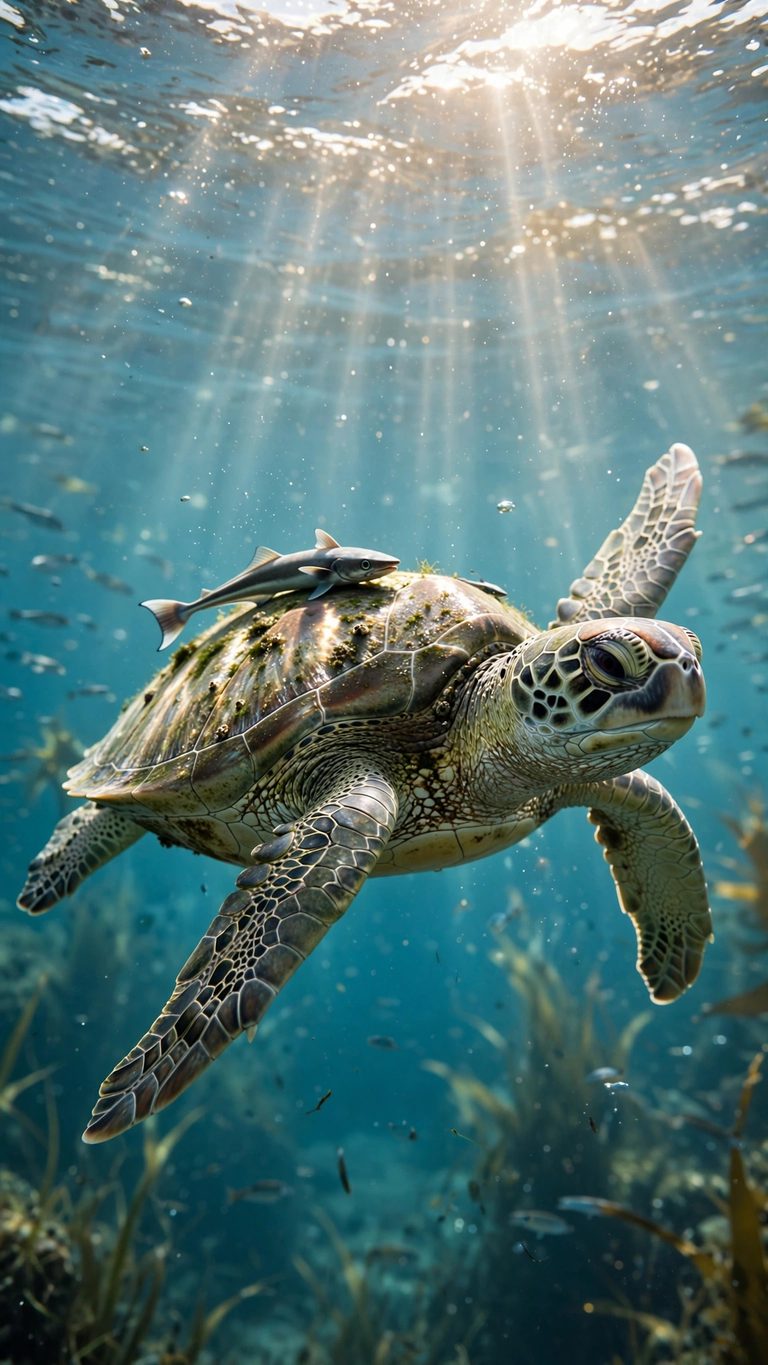
- Sea Turtle Glide AI Video Prompt: Slow-Motion Serenity as a Green Turtle Soars Through Sunlit Water Clip
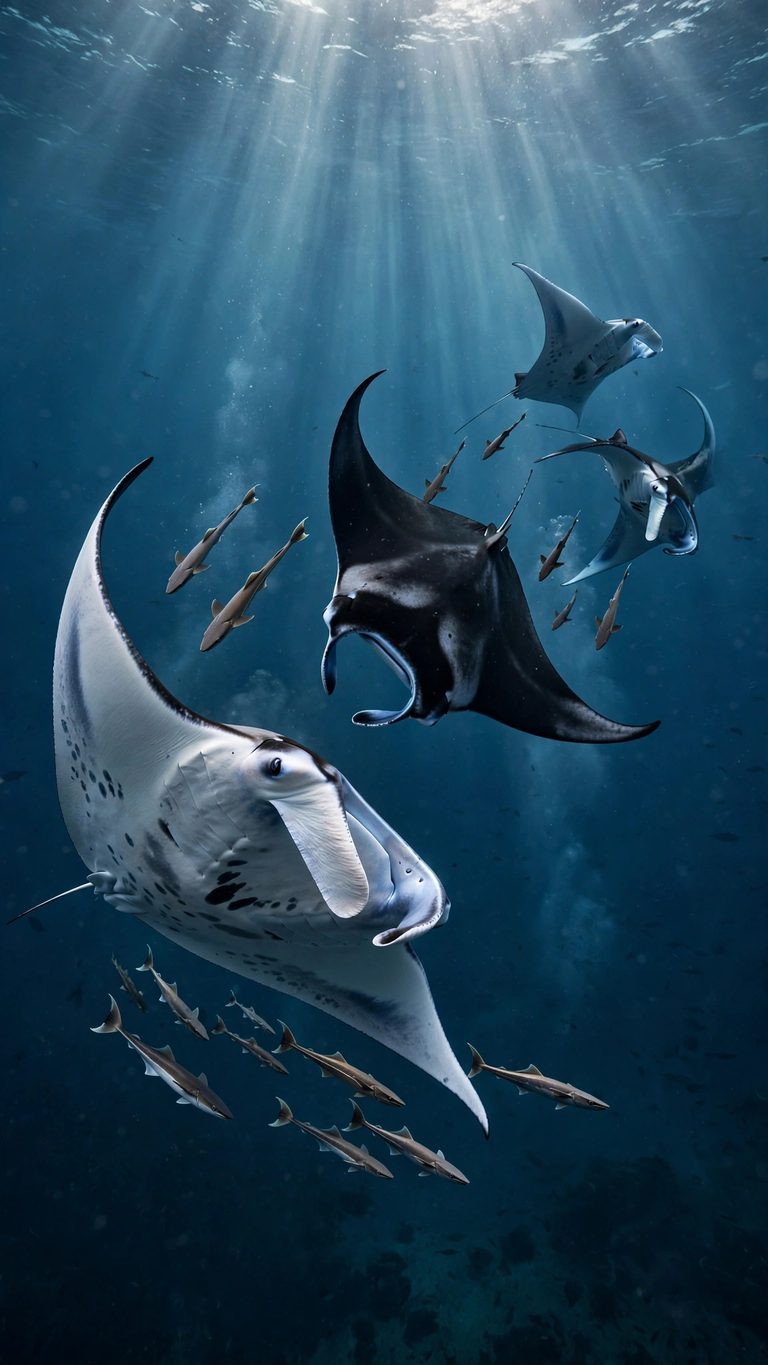
- Manta Ray Ballet AI Video Prompt: Majestic Giant Rays Somersaulting in Slow Cinematic Blue Water Scenes
- Underwater Ruins Temple AI Video Prompt: Exploring an Ancient Sunken Sanctuary in Haunting Blue Light
# A I V i d e o # P r o m p t B a z a r # C o r a l G a r d e n # D r i f t # T r a n q u i l

Leave a Reply