
Introduction
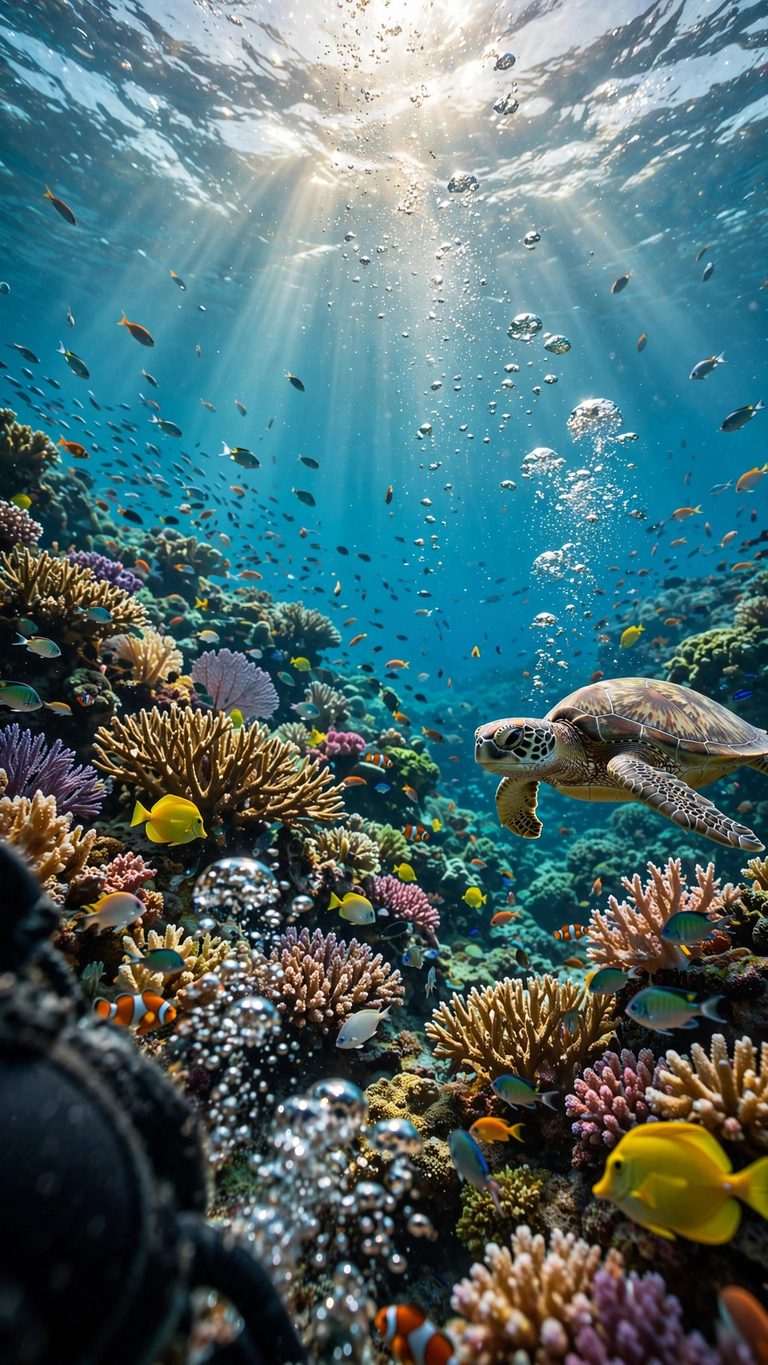
There is a moment every diver knows by heart: the instant the surface releases you and the ocean takes over. Light bends into shifting columns, sound softens into a slow heartbeat, and the whole frantic pace of life above dissolves into weightless calm. This first-person scuba diving prompt captures that exact moment and turns it into a ten-second vertical clip that feels like a real dive on the Great Barrier Reef or in the Maldives. The camera pushes forward through a living wall of coral while colorful fish scatter like confetti, a curious sea turtle glides past close enough to touch, and the diver’s own bubbles rise in glittering spirals toward the sun. It is the kind of footage that stops thumbs mid-scroll, which is exactly why clips built from this prompt belong in the #ScubaDiving conversation sweeping the #AIVideo community right now. Whether you want a channel trailer, a relaxing loop, or b-roll that looks like you hired a dive crew, this prompt delivers the rush of the deep without getting your camera wet.
The Prompt
Copy the exact prompt below and paste it into your favorite AI video generator. Every detail matters, from the first-person framing to the final realism tags.
Thrilling first-person scuba diving through a vibrant coral reef, colorful fish darting everywhere, a curious turtle gliding past the camera, sun rays piercing turquoise water, diver's bubbles rising, weightless freedom, immersive underwater adventure, ultra realistic, crystal clear, breathtaking
Why This Prompt Works
Great AI video prompts do three jobs at once: they lock the camera language, they choreograph the motion, and they set the visual standard. This prompt nails all three. Opening with “first-person scuba diving” tells the model to render the scene from the diver’s eyes rather than as an outside observer, which is the single biggest reason these clips feel immersive instead of flat. The word “thrilling” then sets the energy and pacing, so the model favors dynamic forward motion over a static postcard shot.
The middle of the prompt is a carefully layered motion stack. You get darting fish in the foreground, a turtle gliding past the camera in the midground, and sun rays piercing the water in the background. That layering is what prevents the muddy, one-dimensional look that plagues weak underwater renders. Each layer moves at its own speed, which is exactly how real ocean footage behaves and how modern video models learned to interpret depth. The “diver’s bubbles rising” detail is small but powerful: bubbles give the viewer a constant upward reference, sell the underwater physics, and create natural leading lines that draw the eye through the frame.
The closing tags “ultra realistic, crystal clear, breathtaking” act as quality anchors. Placing realism language at the end keeps it close to the render decision the model makes, and the word “crystal” quietly fights the green murk that underwater scenes tend to develop. Finally, the ten-second POV format in 9:16 vertical is tailor-made for Shorts, Reels, and TikTok, where underwater content consistently overperforms because it is exotic, calming, and visually dense all at once.
How to Use This Prompt
Start by copying the prompt exactly as written above and paste it into your generator of choice. On Google Veo 3, use text-to-video with a 9:16 output and a ten-second duration; Veo handles underwater light scattering exceptionally well, so let the “sun rays” phrase do the heavy lifting. In Runway, paste the prompt into Gen-4 and set the camera to a slow push-in so the forward dive motion feels deliberate rather than jittery. Kling users should enable its camera control and add a gentle forward dolly at low speed, which keeps the coral from smearing. On Pika, generate at 9:16 and consider its motion strength slider: a medium setting keeps the fish darting without turning the turtle into a blur. In Sora, this prompt works beautifully as a single shot inside a storyboard, and you can extend it with a second shot that surfaces for a breather. After generating, review the turtle pass closely, since models sometimes warp flipper geometry, and regenerate just that layer if needed. Finish with a light teal-and-orange grade and a soft ocean ambience track to sell the immersion.
Pro Tips & Creative Variations
Once you have a strong base render, the real fun begins. Try a night-dive variation by swapping the sun rays for a diver’s torch beam cutting through dark water, which turns the same coral reef into a bioluminescent mystery and often doubles watch time. A whale shark variation, replacing the turtle with the ocean’s gentle giant drifting overhead, produces an instant jaw-drop moment that performs brilliantly as a hook in the first two seconds. For a seasonal series, render the same dive at golden hour with warmer light shafts, then again under stormy surface chop with darker, moodier water, and post them as a day-versus-night pair.
You can also change the geography without touching the structure: swap “coral reef” for a kelp forest, a shipwreck deck, or a freshwater cenote, and every motion layer still works because fish, bubbles, and light behave the same way. If the ten-second clip feels short, generate three dives with matching light direction and stitch them into a thirty-second mini documentary with simple captions. For audio, layer low whale calls or soft bubbles under royalty-free ambient music; sound design is half the illusion. One common mistake is cranking saturation too high in post, which makes AI coral look neon and fake, so grade gently and let the “crystal clear” realism carry the shot. Finally, keep a prompt journal of which turtle passes and light angles looked best so your next dives stay consistent.
Frequently Asked Questions
Which AI video tool renders this scuba diving prompt best?
Google Veo 3 currently leads for underwater realism thanks to its strong light and particle simulation, but Runway Gen-4 and Kling 2 are close behind, especially with camera controls set to a slow push-in. Pika is excellent for quick iterations, and Sora shines when you storyboard the dive as a sequence. Try your primary tool first, then compare one alternative before committing to a full series.
Why do the fish in my render look blurry or smeared?
Blur usually comes from motion strength set too high or a duration that is too long for the model to keep coherence. Drop the motion intensity one notch, keep the clip at ten seconds or under, and make sure “crystal clear” is in the prompt, since it nudges the model toward sharper detail. Regenerating with a different seed often fixes a smeared school instantly.
How do I avoid weird diver hands or gear in a first-person shot?
First-person prompts sometimes hallucinate the diver’s own hands or mask edges at the frame borders. If artifacts appear, add a negative prompt such as “distorted hands, floating mask, warped fingers” and crop a few pixels from the edges in post. Most of the time the bubbles and fish draw attention away from the frame edges anyway.
Can I use this video commercially on my channel?
That depends on the terms of the generator you use, not on the prompt itself. Most paid tiers of Veo 3, Runway, Kling, Pika, and Sora grant commercial rights to outputs, while some free tiers do not. Check your plan’s license, keep your generation receipts, and you can safely monetize the clip.
Grab this prompt, dive in, and let your audience feel the weightless freedom of the reef for themselves. Generate your first scuba clip today, pair it with soft ocean ambience, and share it with the growing underwater creator community. Every dive you post builds your channel’s identity, so keep exploring new reefs and come back for more prompts that turn casual viewers into loyal followers.
Related Viral Prompts
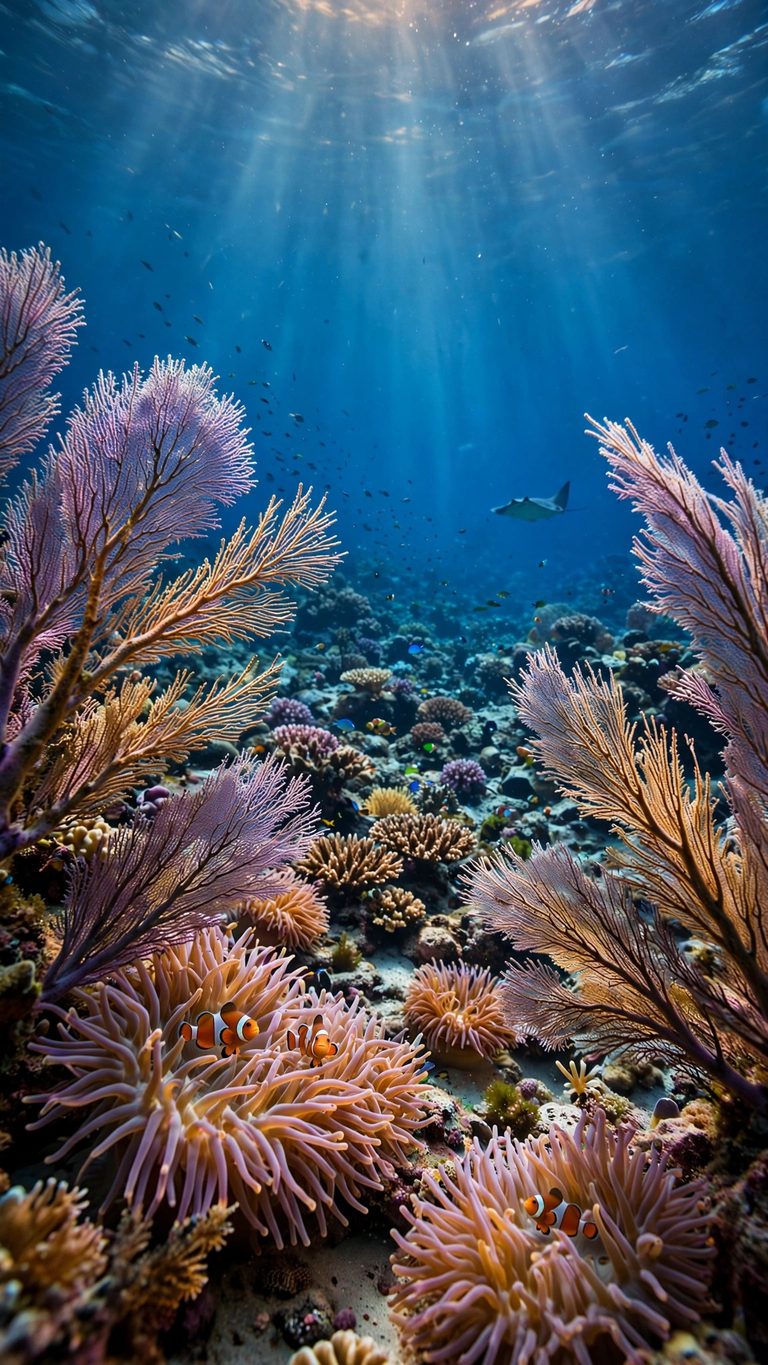
- Coral Garden Drift AI Video Prompt: Serene Slow Float Over Swaying Corals and Clownfish Havens Footage
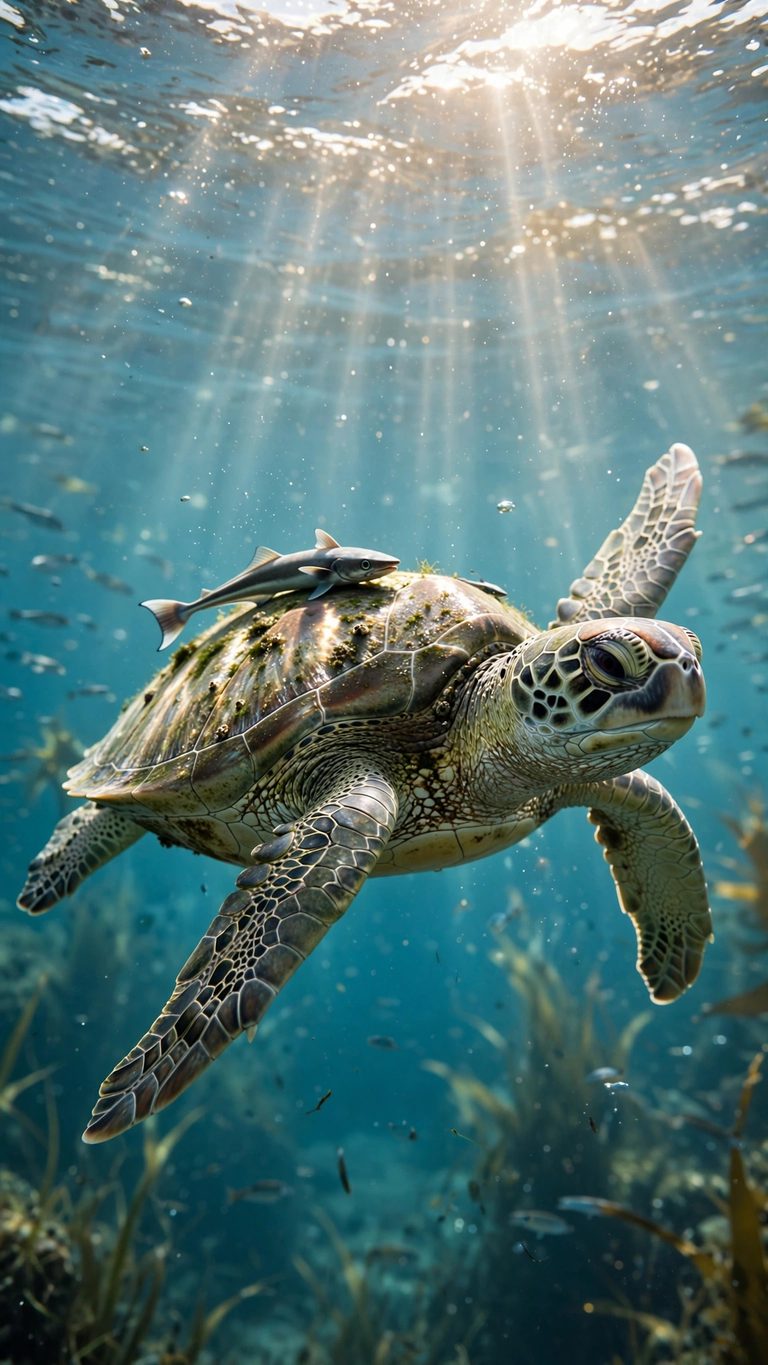
- Sea Turtle Glide AI Video Prompt: Slow-Motion Serenity as a Green Turtle Soars Through Sunlit Water Clip
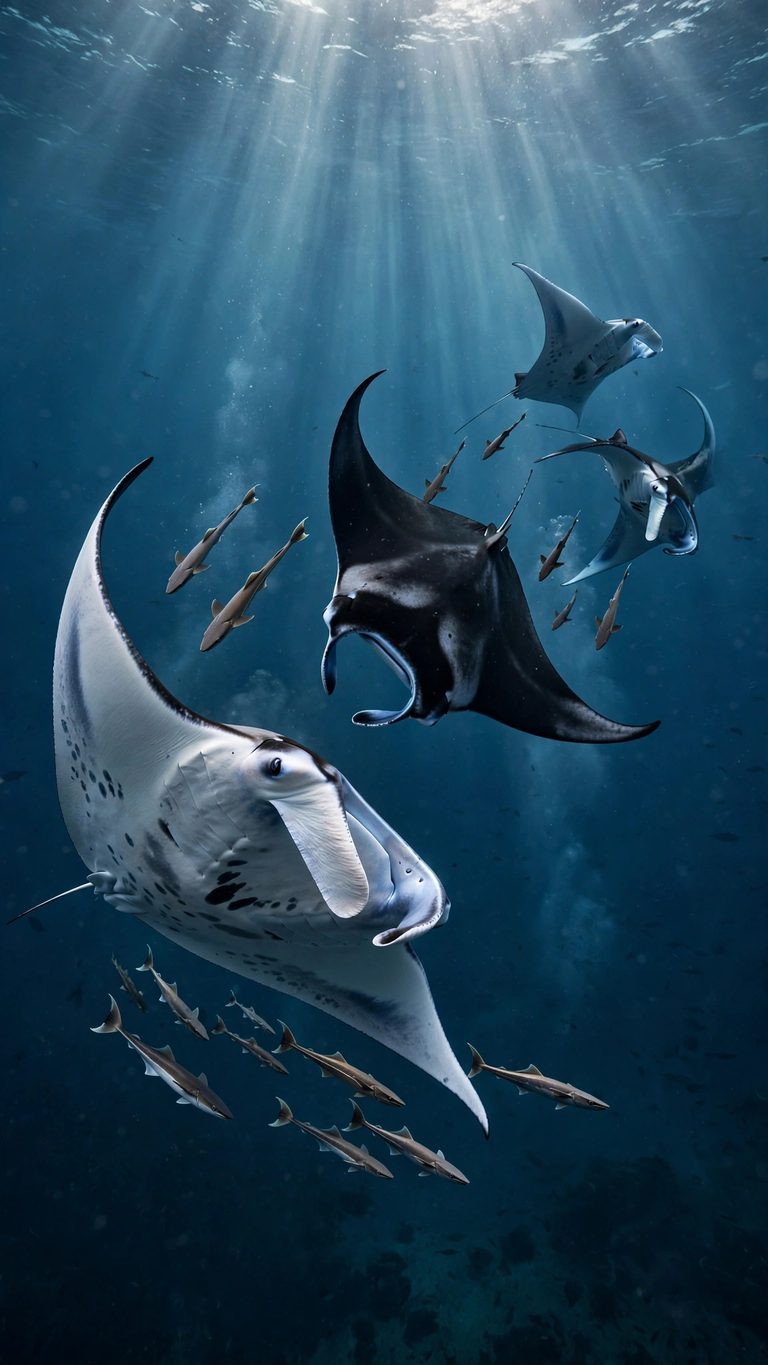
- Manta Ray Ballet AI Video Prompt: Majestic Giant Rays Somersaulting in Slow Cinematic Blue Water Scenes
# A I V i d e o # P r o m p t B a z a r # S c u b a D i v i n g # C o r a l R e e f # A d v e n t u r e

Leave a Reply