
Introduction
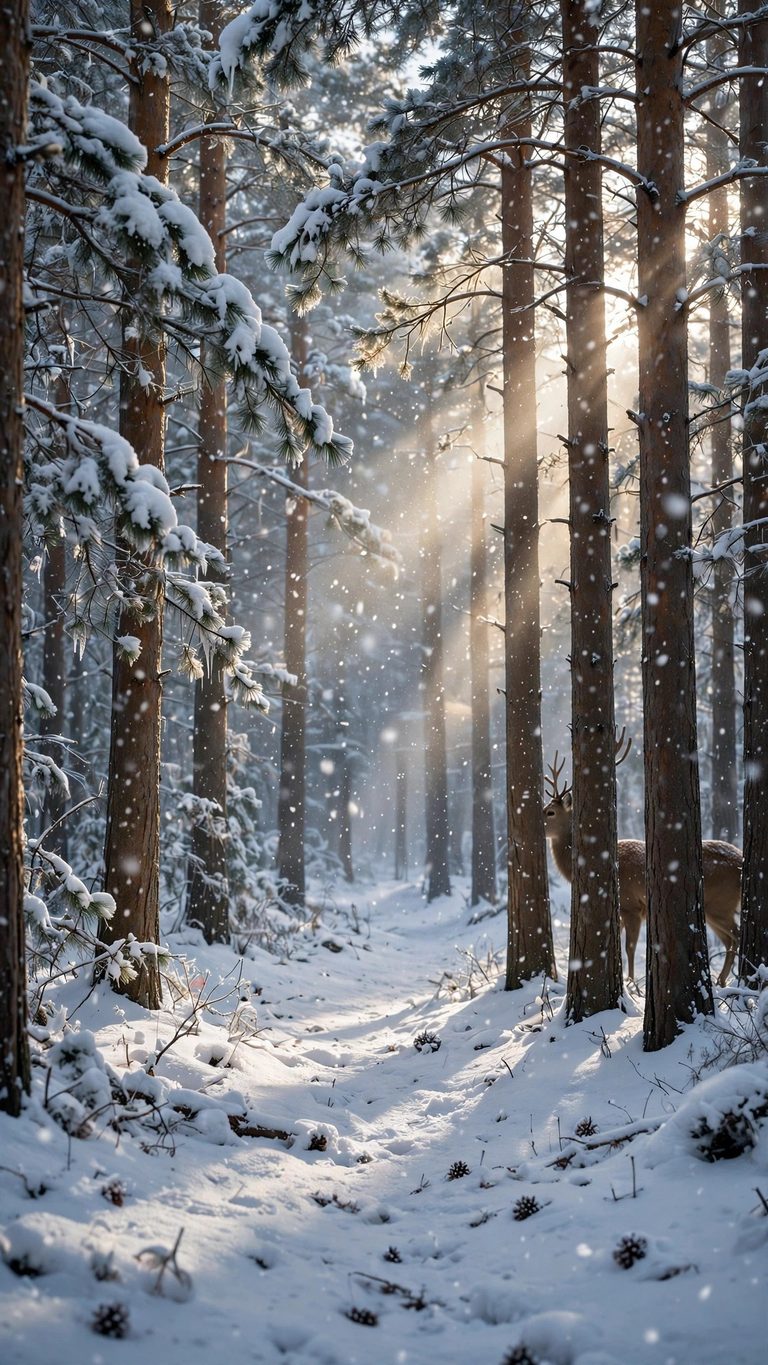
Step into the quiet. The first thing you notice in the Snowy Forest Walk is not what you see but what you hear: the crisp crunch of boots pressing into fresh powder, a sound so clean it feels like the forest itself is exhaling. Snowflakes drift down and land softly on the lens. Sunbeams pierce the pine canopy in golden shafts. Somewhere between the trunks, a deer lifts its head, watches you for a heartbeat, and melts back into the trees. Nothing hurries here, and that is exactly the point.
In a feed full of shouting, fast cuts, and flashing text, a meditative winter walk is a radical act of calm. This AI video prompt builds a first-person stroll through a silent snow-covered forest, tuned for ASMR-style relaxation content that viewers watch to unwind, to sleep, or to steal ten seconds of peace in a loud day. The gentle swaying motion of a natural walk, the ultra realistic snowfall, and the soft solitude of the scene make it the kind of clip people save to a private collection called calm and return to again and again.
The Prompt
Paste this exact prompt into your AI video generator to begin the walk:
Immersive first-person walk through a silent snow-covered pine forest, boots crunching fresh powder, snowflakes landing on the lens, sunbeams piercing the trees, a deer glimpsed between trunks, peaceful solitude, gentle swaying motion, ASMR winter calm, ultra realistic, meditative
Why This Prompt Works
Calm content is a quiet giant on short-form platforms. ASMR and ambience videos earn some of the longest average watch times of any category, because viewers do not just watch them, they sit inside them. The Snowy Forest Walk is engineered for that behavior. The first-person perspective removes the barrier between viewer and scene. You are not watching someone walk through a forest. You are the one walking, which triggers a deeper, almost physical sense of presence that third-person footage cannot match.
The sensory layering is what makes the illusion hold. Boots crunching fresh powder gives the brain a texture to latch onto. Snowflakes landing on the lens create a subtle fourth-wall break that feels intimate rather than staged. Sunbeams piercing the trees add warmth and visual rhythm, guiding the eye deeper into the frame with every step. And the deer glimpsed between trunks is a masterstroke of storytelling: a tiny narrative beat, there and gone, that rewards attention and invites a rewatch to catch it again. Rewatches are algorithmic gold.
Winter calm content also rides a powerful seasonal trend. Every year, searches for cozy, calm, and snowy ambience surge from late autumn through February, and creators who publish early capture the wave. Content in the #SnowForest niche tends to attract a loyal, low-drama audience that saves and shares rather than argues, which means steadier growth and better retention metrics than controversy-driven clips. The meditative tag in the prompt signals the model to keep motion gentle and swaying, avoiding the jittery handheld look that breaks relaxation.
Finally, the scene is endlessly reusable. A calm forest walk works as a standalone post, a background loop for study streams, an intro for a longer vlog, or a transition between high-energy clips. One generation can serve five different formats, which makes this prompt one of the most efficient in any winter content library.
How to Use This Prompt
Follow these steps to render the walk with the smooth, meditative feel the prompt intends.
- Copy the complete prompt from the
block above. Do not trim descriptors like gentle swaying motion or ASMR winter calm, they control the camera behavior.
- Open your AI video generator: Veo 3, Runway Gen-4, Kling 2, Pika, or Sora. Veo 3 and Sora excel at natural first-person camera motion; Kling handles snow particle detail beautifully.
- Set the aspect ratio to 9:16 vertical and the duration to match the post settings, 9:16 vertical, 10 sec, POV walk. If your tool only offers 5-second clips, generate two and stitch them.
- Keep motion intensity low to medium. High motion settings will fight the meditative mood and add camera shake. If your tool has a camera path option, choose a slow forward push.
- Generate three takes and select the one where the footstep sway feels even and the snowflakes read clearly against the darker trees.
- Optional but powerful: layer a soft crunching-snow sound effect or gentle wind ambience under the clip before posting, since many generators still ship silent video.
Post it with calm winter hashtags and a caption inviting viewers to take a breath, and let the algorithm find your quiet audience.
Pro Tips & Creative Variations
The base walk is a perfect loop, but small changes unlock a full content series. Shift the time of day: a dawn version with blue shadows and pink light on the snow feels crisp and hopeful, while a dusk version with long golden beams feels nostalgic and cinematic. A night walk under a full moon, with snow glowing silver and your breath visible, becomes a completely different mood that pairs beautifully with lo-fi music.
Play with weather. Add gentle heavy snowfall for a cocooned, snow-globe feeling, or thin the flakes and sharpen the sunbeams for a bright, crisp morning walk. Swap the deer for other wildlife beats: a fox crossing the trail, a rabbit pausing in a sunbeam, or an owl turning its head as you pass. Each animal cameo becomes a hook that commenters will timestamp, which drives engagement.
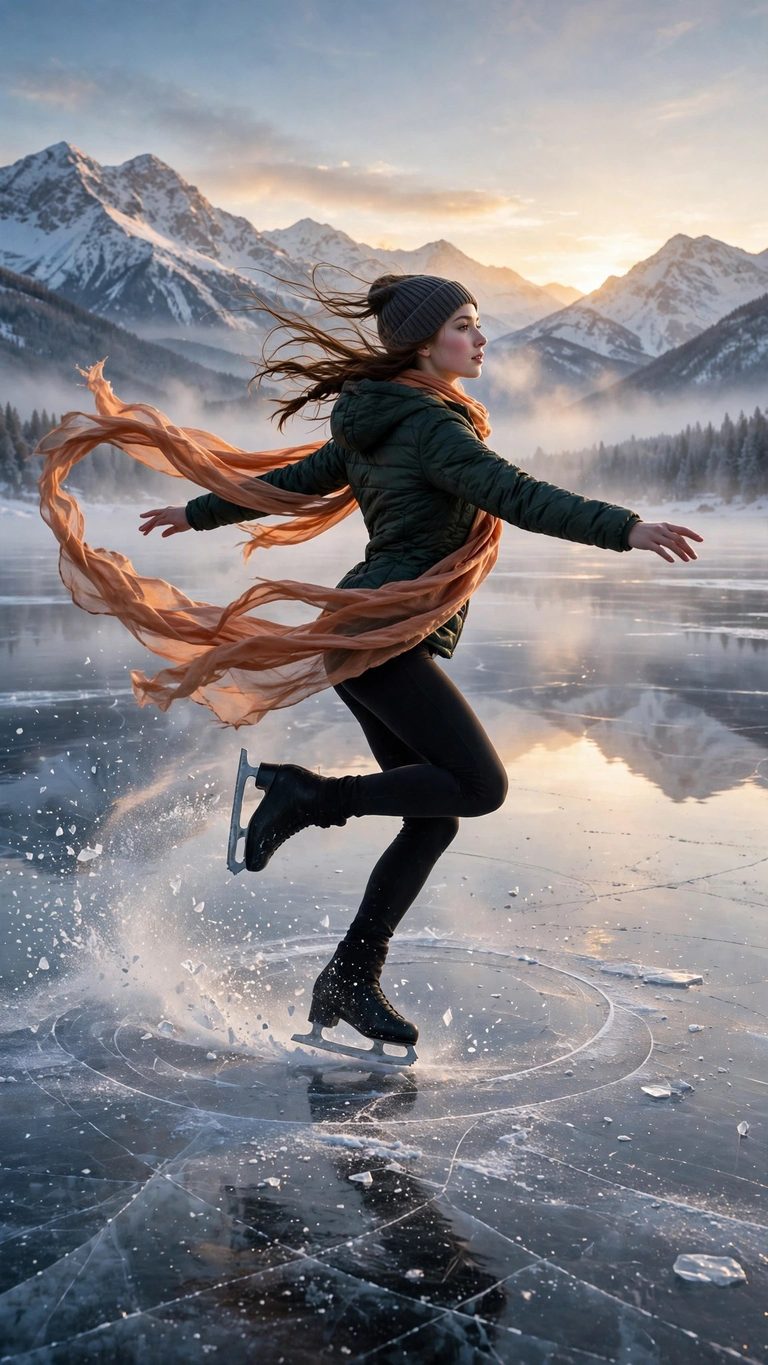
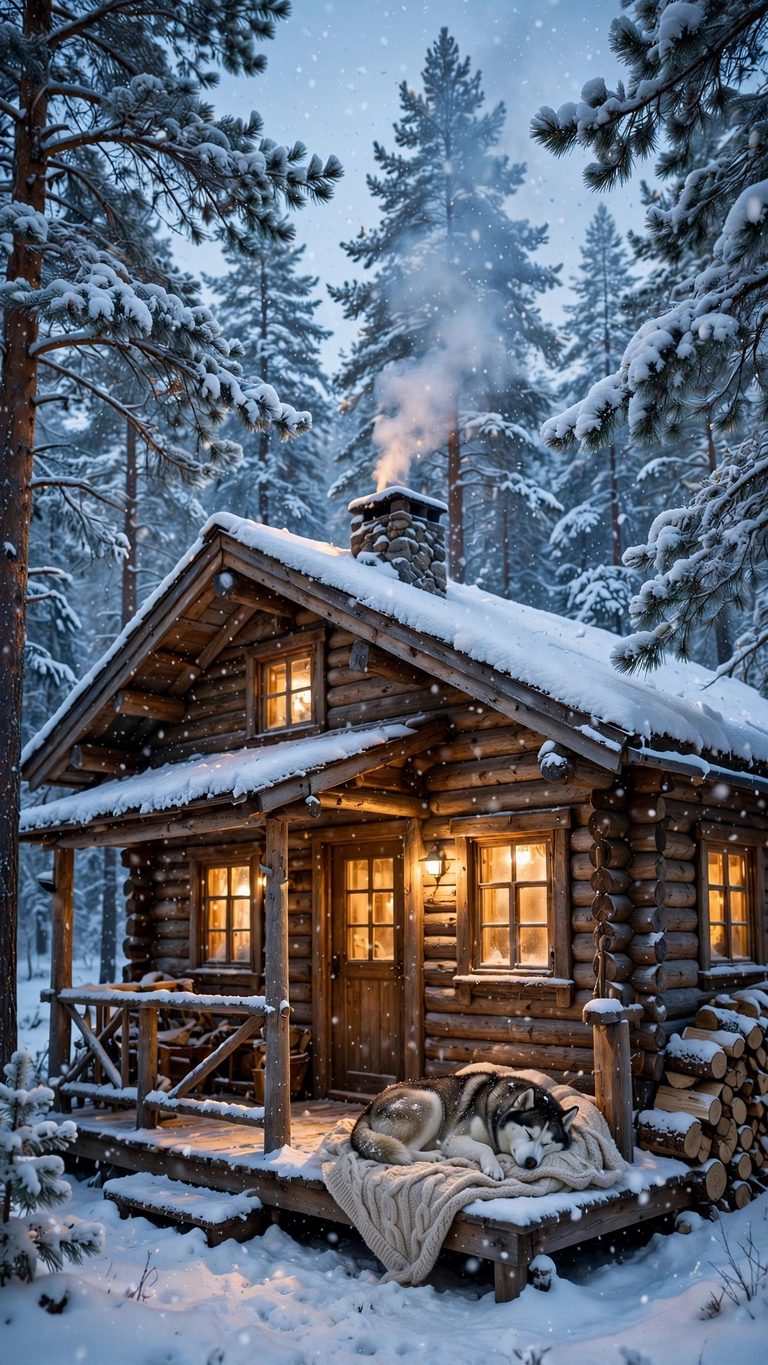
Change the terrain to keep a series fresh without losing the formula. A frozen lake walk with cracks spidering underfoot adds tension. A walk toward a distant cabin with smoke rising from the chimney adds a destination and a story. A walk that ends at a clearing with a view over snowy mountains gives viewers a payoff for staying to the last second, which boosts completion rate.
For creators building a brand, keep the walk as a recurring signature. Publish a new seasonal walk every week, same sway, same calm, different forest, and your audience will start to recognize the format the way they recognize a theme song. Consistency turns a nice clip into a ritual, and rituals earn followers.
Frequently Asked Questions
Q: Which tool gives the most natural first-person walking motion?
A: Veo 3 and Sora currently produce the smoothest POV gait, with believable up-and-down sway. Runway Gen-4 offers a dedicated camera motion control that lets you dial the sway manually. Avoid high motion strength settings, which add jitter that ruins the calm.
Q: My generator outputs silent video. How do I add the crunching snow sound?
A: Add ambience in any free editor such as CapCut. Search its sound library for snow footsteps or winter wind, or record your own by walking on cornstarch, which mimics snow crunch surprisingly well. Keep the volume low so it feels like ambience, not a sound effect.
Q: Can I make this loop seamlessly for a longer ambience video?
A: Yes. Generate the clip, then use a crossfade of the last half second into the first half second in your editor, or use a dedicated loop tool. Ten seconds loops cleanly because the forest scenery is repetitive by nature. Many creators loop it to ten minutes for study and sleep streams.
Q: Will the deer look realistic?
A: Brief background animals usually render cleanly because the model does not need to hold their anatomy for long. The prompt keeps the deer as a glimpse between trunks, which is the safest way to include wildlife. If a take shows a deformed animal, discard it and regenerate; three takes almost always yield a clean one.
The Snowy Forest Walk is proof that the quietest content can travel the farthest. Generate your ten seconds of #SnowForest calm, add the softest crunch of snow underfoot, and give your audience a place to breathe. Try the prompt today, and watch how many viewers stay for the deer tonight.
Related Viral Prompts
- Blue Ice Cave AI Video Prompt: Craft a Magical Cinematic Exploration Inside Glowing Frozen Waves and Icicle Halls
- Snowstorm Cabin Window AI Video Prompt: Build a Cozy Warm Timelapse From a Raging Storm to Moonlit Snow Dunes
- Aurora Over Snow Village AI Video Prompt: Design a Dreamlike Northern Lights Night Scene That Stops the Scroll
# A I V i d e o # P r o m p t B a z a r # S n o w F o r e s t # P O V # C a l m

Leave a Reply