
Introduction
Few sights on earth are as quietly mesmerizing as a rose in bloom. From a tightly closed bud to a full, radiant blossom, the journey takes days in real life — but with the right AI video prompt, you can compress that entire miracle into ten seconds of pure visual poetry. Flower timelapses are among the most viral formats on TikTok, Instagram Reels, and YouTube Shorts, and for good reason: they deliver an emotional payoff that feels both intimate and universal. A blooming rose timelapse does not need dialogue, narration, or even music to stop a scroller mid-swipe. The slow unfurling of petals, the glint of morning dew, and the warm wash of sunrise light create a sensory experience that feels meditative, romantic, and endlessly rewatchable. Creators who post floral timelapses consistently report higher save rates and share rates than average, because audiences treat these videos as digital keepsakes — something beautiful to return to, send to a loved one, or loop as a calming screensaver. In this guide, you will get a complete, copy-paste-ready prompt engineered for tools like Veo 3, Runway, Kling, Pika, and Sora, plus a deep breakdown of why each descriptive choice in the prompt works, how to adapt it across platforms, and pro-level variations that will help your rose bloom stand out in an increasingly crowded feed.
The Prompt
Copy the exact prompt below and paste it directly into your favorite AI video generator. It is optimized for a 9:16 vertical, 10-second timelapse clip.
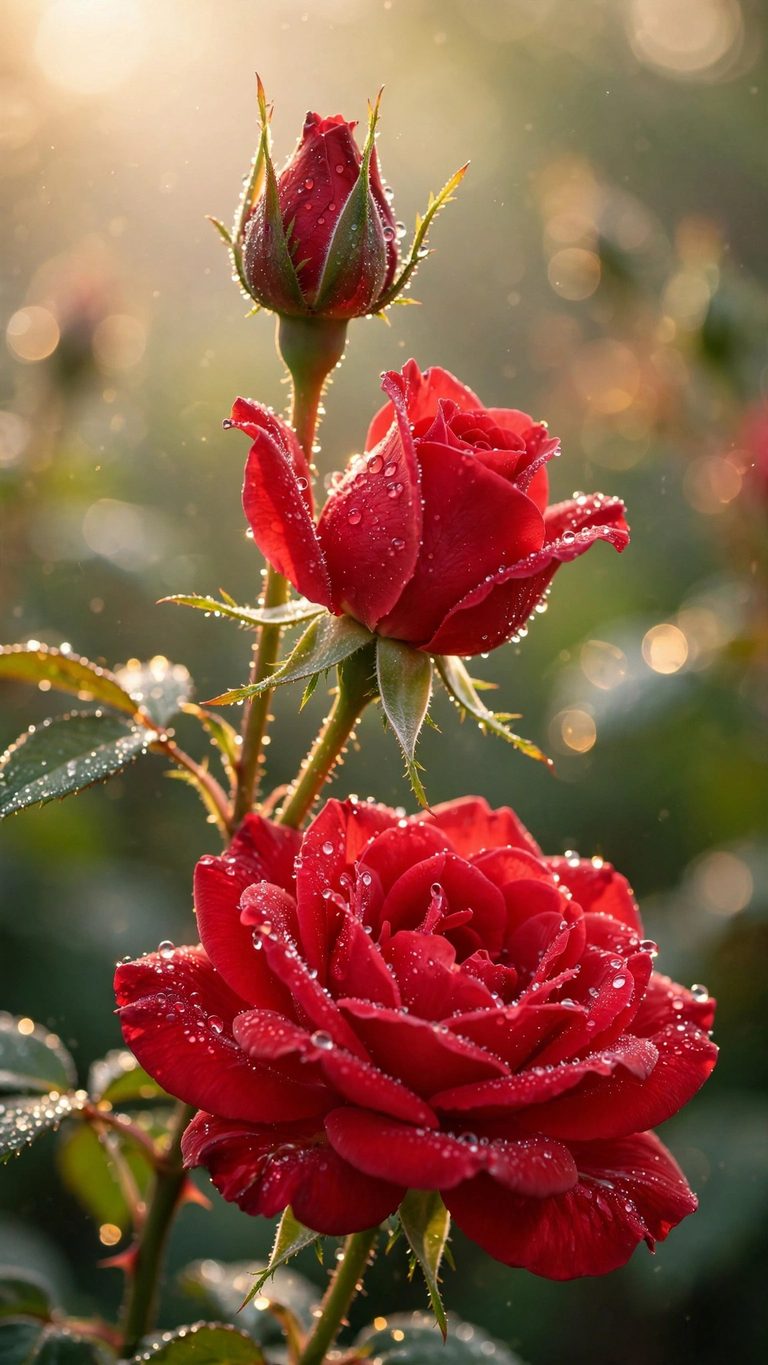
Breathtaking timelapse of a red rose blooming from tight bud to full blossom, petals unfurling gracefully, morning dew sparkling, soft sunrise light, background melting into dreamy bokeh, tiny time-lapse clouds moving, pure floral poetry, ultra detailed macro, cinematic, mesmerizing
Why This Prompt Works
This prompt succeeds because every single phrase pulls a specific, measurable weight — nothing in it is filler. It opens with “breathtaking timelapse,” which immediately tells the model two things: the camera technique (timelapse) and the quality bar (breathtaking). AI video models respond strongly to clear technique words because they map to learned motion patterns; “timelapse” signals accelerated, smooth, continuous motion rather than jittery real-time wobble. The subject description — “a red rose blooming from tight bud to full blossom, petals unfurling gracefully” — gives the model a clear start state and end state with a described transformation in between. This is one of the most reliable prompt structures in AI video generation: define where the shot begins and where it must end, and let the model interpolate the journey. “Morning dew sparkling” adds a micro-detail layer that macro-style outputs thrive on. Dew drops catch light and create specular highlights, which the model renders as tiny points of brilliance — these small glints are what separate a flat, plasticky render from something that feels photographed with a real lens. “Soft sunrise light” does double duty: it establishes the time of day and a warm, romantic color palette (golden pinks, soft ambers) that flatters petals and everything else, while also implying directional lighting that gives the flower dimensionality. “Background melting into dreamy bokeh” is a powerful depth cue. Bokeh — the soft, out-of-focus blur behind the subject — is a signature of high-end macro photography, and invoking it by name tells the model to keep the rose tack-sharp while dissolving the surroundings into creamy color. “Tiny time-lapse clouds moving” adds secondary motion in the background, which is a subtle but crucial anti-stagnation trick: even when the subject is a flower moving slowly, the sky keeps breathing, so the frame never feels frozen. “Pure floral poetry” is an aesthetic anchor — a mood word that nudges the model toward elegance rather than clinical documentary realism. “Ultra detailed macro” and “cinematic” are quality tokens that raise detail resolution and suggest filmic color grading, while “mesmerizing” sets the emotional target. Together, the prompt layers technique, subject, transformation, lighting, depth, motion, and mood in one dense, scannable sentence — which is exactly how the best viral AI video prompts are built.
How to Use This Prompt
Getting the best result is about more than pasting text — each platform has its own quirks. Here is a step-by-step workflow that works across the major tools. First, on Google Veo 3, paste the full prompt into the text-to-video box, set the aspect ratio to 9:16, and choose a 10-second duration if available. Veo 3 handles macro detail and natural lighting exceptionally well, so this prompt plays to its strengths; you can leave the default quality settings untouched. On Runway Gen-4, paste the prompt and consider adding a short negative prompt such as “blurry, distorted petals, morphing, watermark” to suppress common artifacts. Runway’s timelapse motion can sometimes be too fast, so if the bloom finishes too early, regenerate with the same seed or add “slow gradual blooming” to the end of the prompt. On Kling, use Professional mode for higher fidelity, set duration to 10 seconds, and paste the prompt as-is. Kling is excellent at smooth transformations, which makes it a strong match for the bud-to-blossom arc. On Pika, this prompt works best with the default cinematic preset; if the dew sparkle renders too subtly, append “glinting water droplets” as a reinforcement phrase. On Sora, paste the prompt and let its native cinematic bias do the heavy lifting — Sora tends to produce gorgeous macro work from prompts like this with minimal tweaking. Across all platforms, generate at least two to three variations and pick the one where the petal motion looks most organic. Render in the highest available resolution, then pair the clip with soft ambient audio or a trending gentle audio track when you post. Export in vertical 1080×1920 for Reels, TikTok, and Shorts, and you are ready to publish.
Pro Tips & Creative Variations
Once you have the base prompt working, these pro techniques will multiply its creative range. First, try a color swap variation: replace “red rose” with “white rose,” “pink peony,” or “deep purple dahlia” to build an entire series. Series content is a growth superpower — posting “Bloom #1, Bloom #2, Bloom #3” trains your audience to come back for the next one. Second, experiment with lighting moods: swap “soft sunrise light” for “moody moonlight with silver rim light” for a night-bloom aesthetic, or “golden hour backlight” for a warmer, more dramatic glow. Third, add environmental storytelling: try “gentle rain beginning as petals open” or “a honeybee landing on the blossom at the final frame” — these narrative beats turn a pretty clip into a story with a beginning, middle, and end. Fourth, play with camera language: append “slow push-in macro dolly” to make the camera drift closer as the flower opens, which intensifies the emotional climax. Fifth, consider seasonal hooks: a blooming rose performs especially well around Valentine’s Day, Mother’s Day, and the spring equinox — schedule your posts to ride those waves. A common mistake is overloading the prompt with extra adjectives; if generations start looking muddy, strip it back to the original and add only one variation at a time. Another pro move is upscaling and looping: run your best generation through an AI upscaler, then create a seamless loop in your editor for a hypnotic effect that dramatically increases average watch time — a key algorithmic signal. Finally, pair the video with a short, emotional caption in your own voice rather than a generic one; the prompt creates the spectacle, but your caption creates the connection. Test posting the same clip with two different captions a week apart and watch which one earns more saves — that data becomes your playbook for the whole series.
Frequently Asked Questions
Q: Which AI video tool gives the best results for this flower timelapse prompt?
A: All five major tools handle it well, but Veo 3 and Kling currently lead for macro floral detail and smooth timelapse motion. Runway is a close third with excellent cinematic grading. If you only have access to one tool, use whichever you have — the prompt is deliberately platform-agnostic and performs reliably everywhere.
Q: Why does my generated rose sometimes look distorted or morph oddly mid-bloom?
A: This is the most common artifact in transformation prompts. Fix it by adding a negative prompt like “morphing, distorted petals, melting” on tools that support it (Runway, Pika), generating two to three variations and choosing the cleanest, or simplifying the motion by appending “slow gradual blooming.” Shorter durations (five to eight seconds) can also reduce morphing since there are fewer frames for the model to interpolate.
Q: Can I use this prompt for commercial projects or client work?
A: Generally yes, but always check the commercial-use terms of the specific AI video platform you generate with, since licenses differ. Also verify the generated output does not contain recognizable watermarks or brand elements before using it in paid campaigns.
Q: How do I make this video go viral instead of just looking pretty?
A: Virality comes from packaging, not just pixels. Post in vertical 9:16, add a trending soft audio track, write a caption with an emotional hook or question, use five to eight relevant hashtags, and post when your audience is most active. Looping the clip seamlessly and pinning your best-performing version to your profile also compounds long-term views.
In short, this rose blooming timelapse prompt packs professional macro cinematography into a single copy-paste sentence. Try it today in Veo 3, Runway, Kling, Pika, or Sora, post your favorite variation, and watch how a ten-second bloom can blossom into real audience growth. Copy the prompt above, generate your clip, and share your blooming rose with the world — then explore more viral AI video prompts to keep your feed flourishing.
Related Viral Prompts
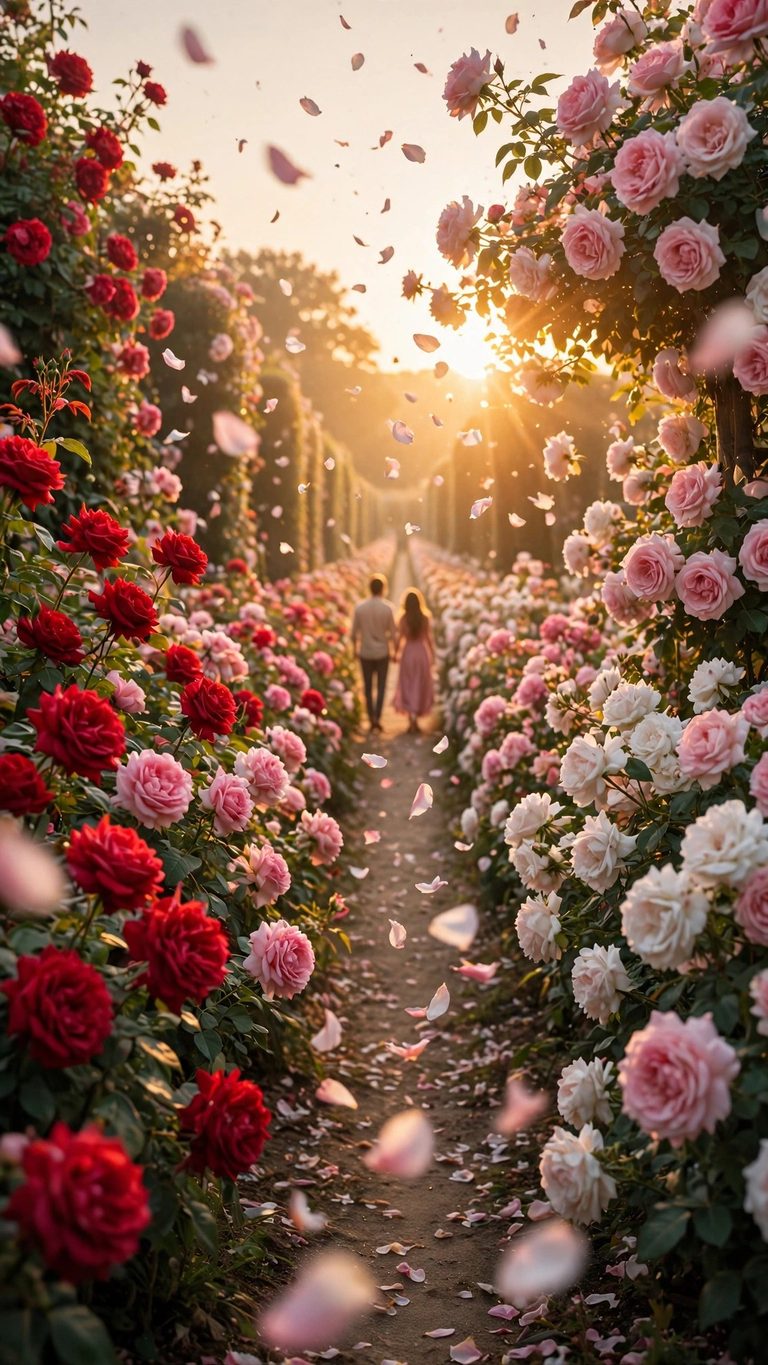
- Rose Garden Walk AI Video Prompt: Create a Romantic Golden Hour Stroll Through an Endless Blooming Garden
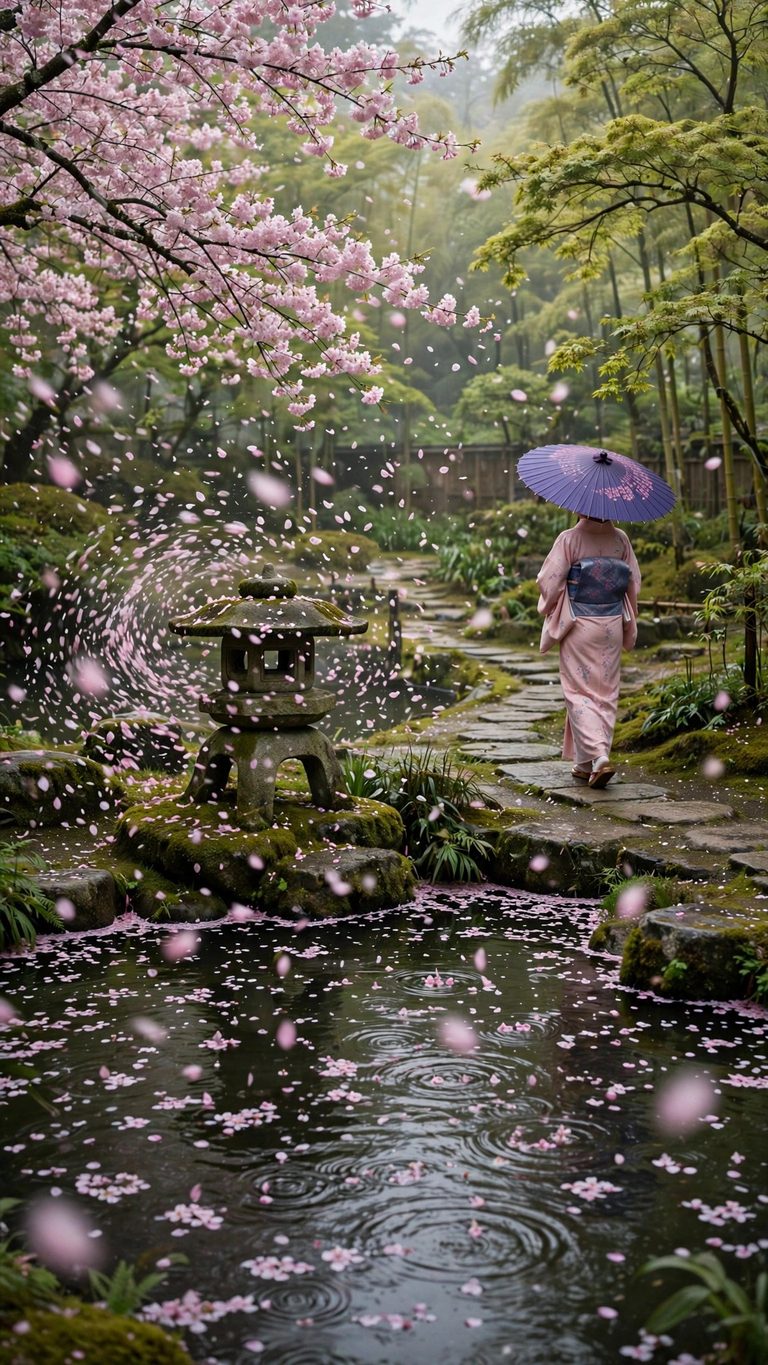
- Cherry Blossom Wind AI Video Prompt: Create a Dreamy Petal Blizzard Scene in a Japanese Garden Paradise
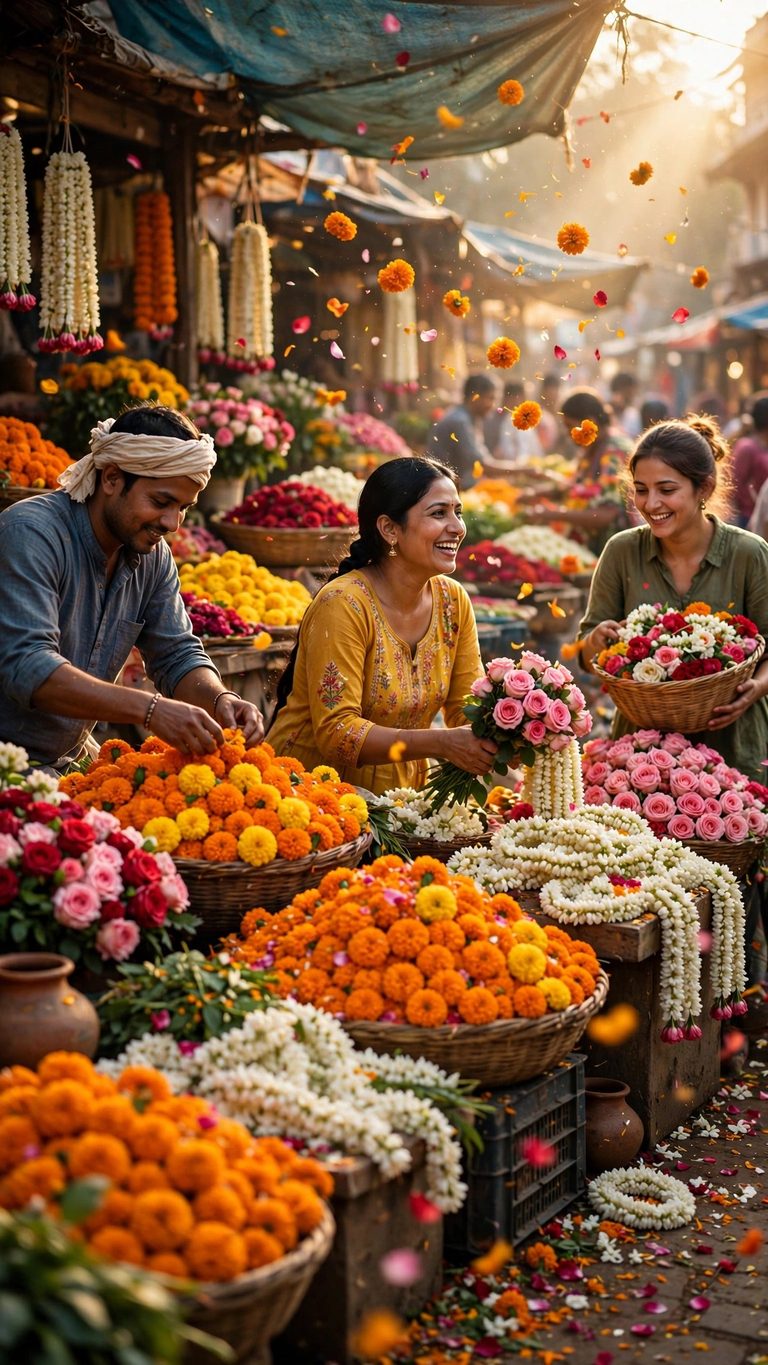
- Flower Market Morning AI Video Prompt: Create a Vibrant Cinematic Scene of Marigolds, Roses and Vendors
# A I V i d e o # P r o m p t B a z a r # R o s e # T i m e l a p s e # B l o o m

Leave a Reply