
Introduction
Ask any filmmaker what the cheapest special effect in the world is, and they will tell you: a long fall. Nothing hijacks the human nervous system like watching someone plummet from an impossible height – palms sweat, stomachs drop, and viewers physically lean back from their screens. It is pure, primal, shareable adrenaline, and it is why skyscraper dives and freefall stunts anchor the biggest trailers of every #Superhero era. In the #AIVideo short-form world, vertigo is currency: a convincing plunge earns replays, and replays earn the algorithm.
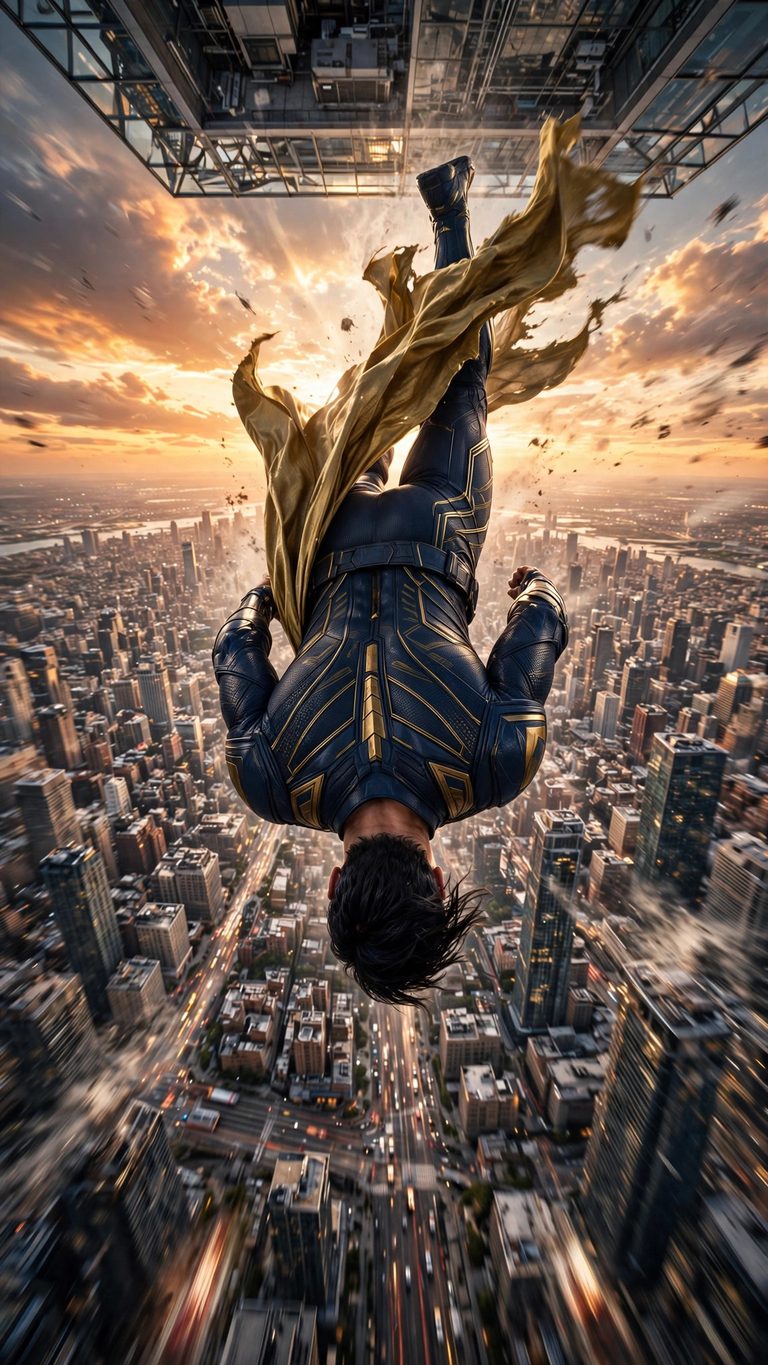
This article hands you a viral-ready AI video prompt for the definitive leap-of-faith shot: a vertigo-inducing dive from the top of a glass skyscraper at sunset, the hero plummeting headfirst as the city rushes upward, wind screaming past – until, at the last possible second, the hero pulls up into flight. Engineered for Veo 3, Runway, Kling, Pika, and Sora, this prompt delivers stomach-dropping, ultra-realistic, cinematic freefall that looks like a nine-figure stunt sequence. Below: the exact prompt, why each phrase matters, a step-by-step generation guide, pro variations, and FAQ answers. Take a breath – the #Leap begins now.
The Prompt
Copy the text below exactly as written and paste it into your AI video generator:
Vertigo-inducing superhero leap from the top of a glass skyscraper at sunset, the hero diving headfirst toward the streets far below, wind screaming past, camera plummeting alongside, city rushing upward, at the last second the hero pulls up into flight, stomach-dropping thrill, ultra realistic, cinematic
Why This Prompt Works
This prompt is built on the psychology of the drop. “Vertigo-inducing superhero leap” tells the model the goal is not just a fall but a physiological reaction – the generator leans into steep angles, rushing backgrounds, and disorienting motion because the prompt names the effect, not just the action. Naming the desired viewer reaction is an advanced prompting technique: models trained on captioned film footage associate “vertigo-inducing” with plummeting drone shots and stomach-lurch camera moves, so you get better cinematography for free.
“From the top of a glass skyscraper at sunset” is a triple-value setting. Glass gives reflective surfaces that shimmer as the camera falls past; the skyscraper provides the extreme height that makes the fall terrifying; sunset delivers golden-hour lighting, the most flattering and cinematic light available, which makes even AI-generated footage look like a film still. “The hero diving headfirst toward the streets far below” commits to the most dramatic body position – headfirst reads as intentional and fearless, while feet-first would read as accidental. “Wind screaming past” is an audio-visual texture cue that pushes the model toward motion blur, rushing particles, and streaked clouds.
“Camera plummeting alongside” is the masterstroke: instead of watching the fall from safety, the viewer falls with the hero, which is what triggers the physical vertigo response and the replay impulse. “City rushing upward” inverts the expected motion in a way that sells terminal velocity. Then the release: “at the last second the hero pulls up into flight” delivers the cathartic save that transforms terror into triumph – the exact emotional arc that makes viewers exhale, grin, and share. “Stomach-dropping thrill” names the feeling once more for emphasis, and “ultra realistic, cinematic” locks the quality bar.
How to Use This Prompt
Step 1 – Choose your generator. Veo 3 and Sora produce the most convincing high-speed descent physics. Kling handles the “plummeting alongside” camera beautifully. Runway lets you extend the fall or the pull-up separately. Pika works for a stylized, anime-inflected dive.
Step 2 – Frame the fall. 9:16 vertical is perfect here – the portrait frame emphasizes height and the long drop. 16:9 suits a trailer-style YouTube cut where the skyline stretches wide.
Step 3 – Paste verbatim. The sequence timing (dive, rush, last-second save) is choreographed in the word order; keep it exact for the first generation.
Step 4 – Negative prompts. Add: “morphing buildings, warping hero body, extra limbs, watermark, text.” Falling footage is where geometry warps most, so guardrails are essential.
Step 5 – Generate twice, keep the drop. Run at least two seeds. Choose the take where the sense of speed is strongest and the pull-up into flight reads clearly – that save is your thumbnail and your final frame.
Step 6 – Sound design sells it. A rising wind roar that cuts to silence at the pull-up, then a deep heroic swell. Add the caption “Trust the fall.” Post with #AIVideo, #PromptBazar, #Superhero, #Skyscraper, and #Leap.
Pro Tips & Creative Variations
The leap formula travels well. Change the launch: “a cliff edge above ocean waves at dawn,” “a crumbling bridge,” or “the open ramp of a cargo plane” – each keeps the vertigo engine while feeling like a new stunt. Change the light: a night dive through neon rain, or a storm-cloud plunge with lightning, turns the same choreography into a totally different mood.
Experiment with perspective. Append “first-person POV: the hero’s hands visible, city spiraling below” for a dive viewers feel in their own bodies – POV freefall clips are among the most replayed formats on the #AIVideo feed. Or try “drone shot spiraling down around the falling hero” for a showreel-worthy orbital descent.
Extend into a sequence. Generate the standing-at-the-edge shot (wind in the cape, city far below), the dive, and the pull-up as three separate clips, then cut them together with a heartbeat sound that stops at the save. Three clips, one story, fifteen seconds – this is how #Superhero creators turn a single prompt into a mini-film.
Tame the warp. If buildings bend like rubber during the fall, shorten generations to 4-5 seconds and add “rigid architecture, stable geometry” to the prompt. If the hero’s body distorts, add “coherent humanoid form throughout the dive.” The pull-up frame matters most – regenerate until that single moment looks heroic.
Frequently Asked Questions
Why do falling scenes glitch more than other AI video? Rapid background motion forces the model to redraw the entire environment every frame, which strains geometric consistency. Shorter clips, strong “stable geometry” language, and picking the cleanest seed are the practical fixes.
Which tool is best for the skyscraper leap? Veo 3 leads on realistic descent physics and lighting. Kling is superb for dynamic falling cameras. If you want maximum control, generate the edge-standing shot as an image first, then use image-to-video for the dive.
Should I use vertical or horizontal format? Vertical (9:16) for TikTok, Reels, and Shorts – it maximizes the feeling of height. Horizontal (16:9) for YouTube or cinematic compilations. Generate natively in your target ratio rather than cropping.
How do I make the last-second save hit harder? In editing, let the wind roar build to a peak, then cut all sound for a half-beat as the hero pulls up, then drop the music swell. That micro-silence is what turns a cool save into a gasp moment.
Courage is a leap taken before you can see the landing. Paste this freefall prompt into Veo 3, Runway, Kling, Pika, or Sora, dive off that sunset skyscraper, and pull up into flight at the last possible second – then share the rush with #AIVideo, #PromptBazar, #Superhero, #Skyscraper, and #Leap. The edge is waiting. Jump.
Related Viral Prompts
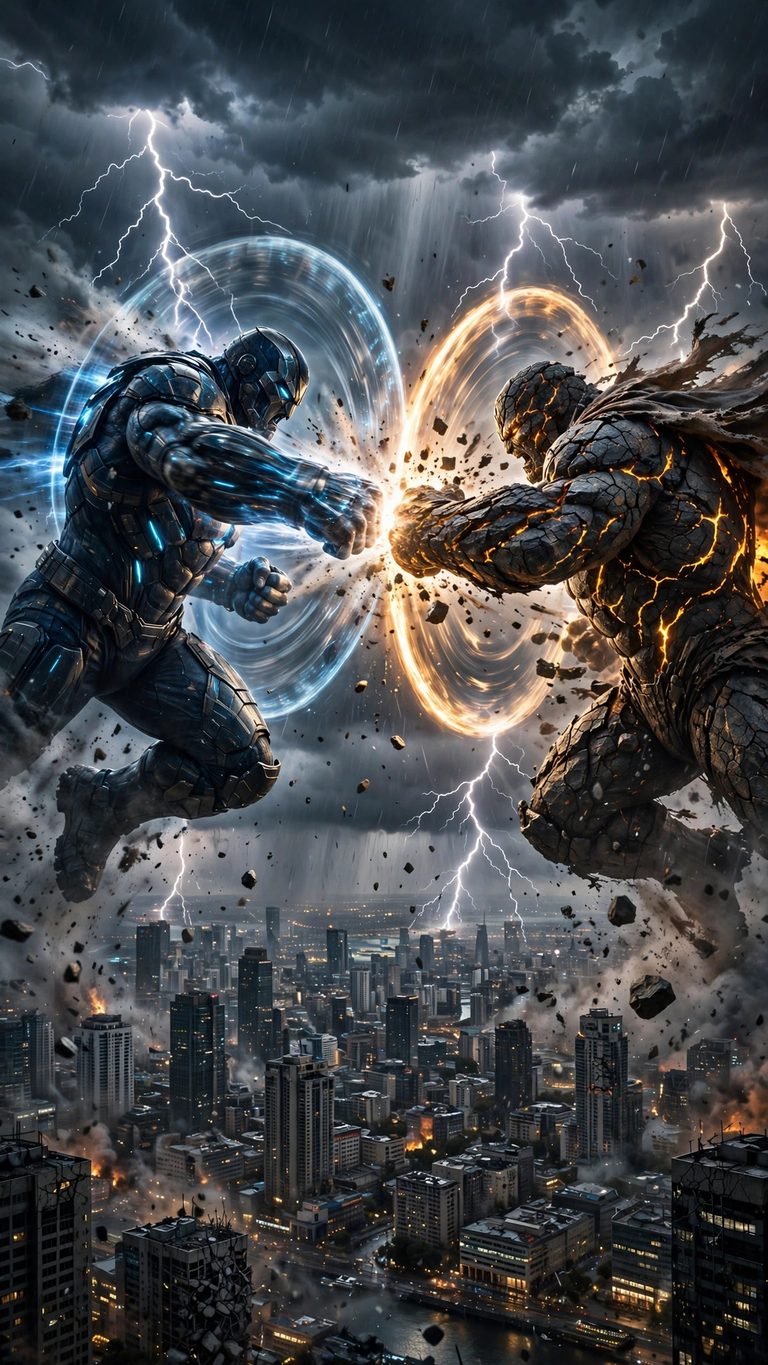
- Epic Beam Clash Showdown: Free Viral AI Video Prompt for Cinematic Superhero Power Struggle Scenes of Pure Destruction
- Soaring Into the Sunrise: Free Viral AI Photo Prompt for an Epic Superhero Flying Triumphantly at Dawn
- Dark Knight in the Pouring Night Rain: Free Viral AI Photo Prompt for a Moody Cinematic Superhero Scene
# A I V i d e o # P r o m p t B a z a r # S u p e r h e r o # S k y s c r a p e r # L e a p

Leave a Reply