
Introduction
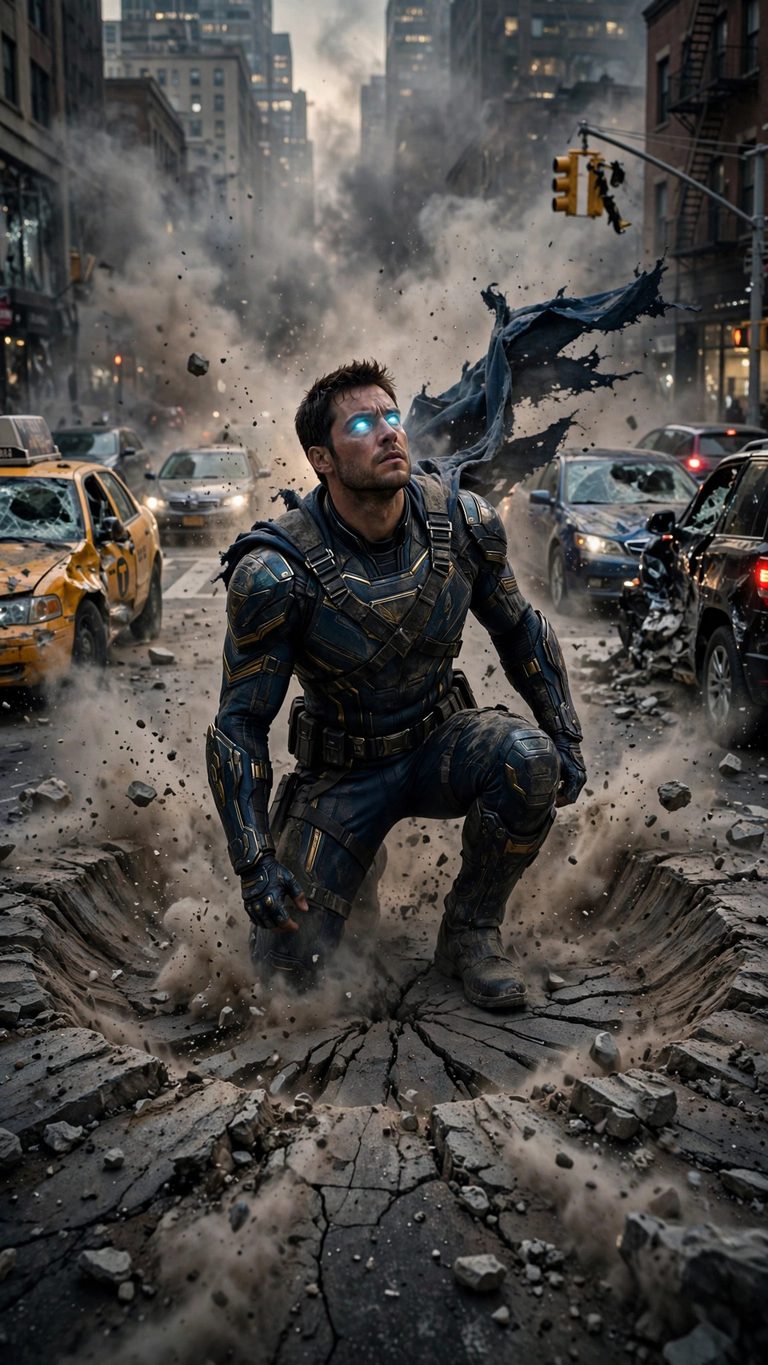
There is no entrance in all of superhero cinema more instantly recognizable than the hero landing. The sky splits open, the ground shatters, and for one electrifying second the whole world seems to hold its breath. Now imagine capturing that exact heart-pounding moment in your own AI-generated video, no film crew, no stunt budget, no CGI studio required. This free AI video prompt delivers the legendary crater landing shot in all its glory: a hero crashing down from the heavens into a city intersection, concrete exploding outward in a perfect crater while dust and debris swirl through the air. As the dust settles, the hero rises slowly from a crouch, eyes glowing with raw power, while car alarms wail around the scene. It is the kind of #Superhero spectacle that stops thumbs mid-scroll and racks up millions of views, because it taps into something primal in all of us. Every culture loves a savior who arrives with thunder. Whether you are a content creator building a viral #AIVideo channel, a filmmaker storyboarding your next short, or simply a fan who has always dreamed of directing epic moments, this prompt hands you the keys to one of cinema’s most electric images. In this guide from PromptBazar, we will break down exactly why this prompt works, how to run it across every major AI video platform, and how to twist it into a dozen fresh variations. Get ready to make the ground shake.
The Prompt
Below is the exact prompt, ready to copy and paste into your favorite AI video generator. Use it exactly as written for the best results, or customize it with the variation ideas further down this article.
Iconic superhero scene of a hero crashing down from the sky into a city intersection, concrete exploding outward in a perfect crater, dust and debris swirling, the hero rising slowly in a crouch with glowing eyes, cars alarmed around, camera shaking with impact then stabilizing on the hero, ultimate power entrance, ultra realistic, cinematic
Why This Prompt Works
This prompt is a masterclass in AI video prompt engineering because it stacks five critical ingredients that generative video models need: a clear subject, explosive action, a defined environment, directed camera behavior, and cinematic style language. Let us unpack each layer. First, the subject and action are unmistakable: a hero crashing down from the sky. That single phrase gives the model a complete narrative beat, arrival through impact, instead of a static pose. Second, the environment detail, a city intersection with concrete exploding outward in a perfect crater, grounds the fantasy in a recognizable real-world setting, which is exactly what makes viewers gasp. The best viral superhero clips feel like they happened on a street you might drive through tomorrow.
Third, the motion design is choreographed beat by beat: dust and debris swirling, the hero rising slowly in a crouch, glowing eyes, cars alarmed around the scene. Each clause is a visual instruction the model can render as motion, which matters enormously because AI video tools struggle with vague prompts but thrive on sequential, concrete action. Notice how the prompt even directs the camera: shaking with the impact, then stabilizing on the hero. That camera instruction is the secret weapon. It mimics how a real cinematographer would shoot a power entrance, selling the physics of the moment before locking onto the character reveal. The closing phrases, ultimate power entrance, ultra realistic, cinematic, act as style anchors that push the model toward photoreal rendering, dramatic lighting, and film-grade composition rather than cartoonish or flat output. When you post the result with tags like #HeroLanding and #Epic, the visual payoff matches the hype the hashtags promise, and that alignment between thumbnail, title, and spectacle is what converts casual viewers into followers.
How to Use This Prompt
Using this prompt is simple, but a few platform-specific tweaks will dramatically improve your results. On Google Veo 3, paste the full prompt into the text box, set your duration to the maximum available, and choose a 16:9 aspect ratio for YouTube or 9:16 if you are posting to TikTok, Reels, or Shorts. Veo 3 handles camera shake instructions particularly well, so expect a genuinely visceral impact moment. On Runway, use Gen-4 or the latest available model and consider generating at higher resolution, then use the built-in upscaler. If the crater looks too clean, regenerate with the same prompt; small variations in debris physics can make or break realism. On Kling, which excels at physical motion and particle effects, this prompt truly shines, the swirling dust and exploding concrete play to Kling’s strengths, so try the professional mode for maximum detail. On Pika, keep your clip length short and punchy, then extend the shot if you want the hero’s slow rise to linger. On Sora, you can request a slightly longer take and let the model develop the rising-from-the-crater beat naturally. Whichever tool you use, generate three to five variations and pick the one where the crater geometry and the hero’s crouch look most convincing. A good rule of thumb: if the landing does not make you flinch a little, regenerate.
Pro Tips & Creative Variations
Once you have nailed the classic version, the real fun begins: remixing. Here are professional-grade variations that keep the core power of the prompt while giving your audience something they have not seen before. Swap the setting: change city intersection to a rain-soaked rooftop at midnight, a desert highway at golden hour, or a snowy mountain village, each environment completely changes the mood while the landing choreography stays epic. Change the time of day and weather: a hero landing in a thunderstorm, with lightning backlighting the dust cloud, is an instant upgrade in drama. Customize your hero: add two or three words of description, such as a caped figure in crimson armor or a hooded warrior wreathed in blue energy, to give the character identity across a series. Slow it down: append slow motion, debris hanging in the air to stretch the impact into a balletic, almost dreamlike sequence. Flip the perspective: try a first-person version where the camera is a bystander diving for cover, which makes the scale feel enormous and immersive.
For series creators, build a signature: use the same hero description across multiple prompts to create a recurring character your audience follows, the kind of continuity that turns one-off viral clips into a bingeable #AIVideo saga. Sound design matters enormously, so pair your clip with a deep sub-bass boom and shattering glass on the impact, then silence as the hero rises; free sound libraries are full of options. Finally, experiment with the aftermath: extend the scene by prompting a follow-up shot of the hero standing in the crater as crowds gather with phones raised, which is a natural sequel hook that keeps viewers coming back. Creators who treat prompts as starting points rather than finished products are the ones who build lasting audiences on PromptBazar-style channels.
Frequently Asked Questions
Which AI video generator gives the best results for this prompt?
Kling and Veo 3 currently produce the most convincing physics for exploding concrete and swirling debris, which are the heart of this shot. Runway is excellent for cinematic color grading, while Pika is fastest for quick social-media drafts. Try two platforms and compare.
Why does my hero look blurry or distorted during the landing?
High-speed impact frames are the hardest for models to render cleanly. Regenerate a few times, keep the hero’s description simple, and avoid asking for intricate costume details in the same shot as the explosion. You can also generate the landing and the hero-rising beat as two separate clips and cut them together.
Can I use this video commercially on my channel?
Generally yes for content you generate, but always check the terms of service of the specific AI platform you use, as commercial rights vary between free and paid tiers. Also avoid recreating trademarked characters; design your own original hero.
How do I make this go viral on TikTok or Reels?
Hook viewers in the first second with the impact frame as your thumbnail, add a trending bass-drop sound synced to the crater explosion, and caption it with hashtags like #HeroLanding, #Epic, and #AIVideo. Post consistently and reply to comments asking for part two.
The hero landing is more than a cool shot, it is a promise of power, and now that promise fits in a single prompt. Copy the prompt above, run it through your favorite AI video tool, and watch your feed erupt. Try it today, share your crater landing with the PromptBazar community, and let the world feel the impact.
Related Viral Prompts
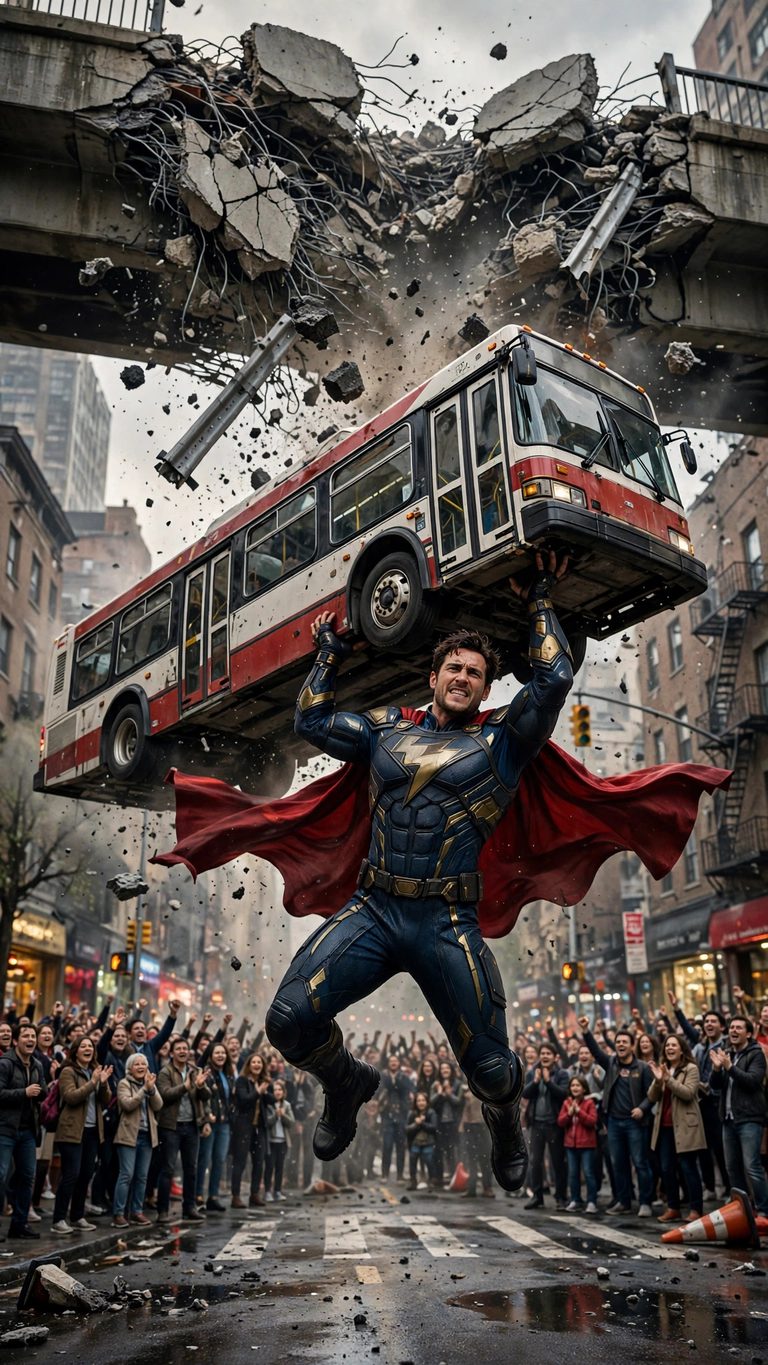
- Supersonic Bus Rescue Scene: Free AI Video Prompt for Heart-Stopping Superhero Rescue Videos That Go Viral
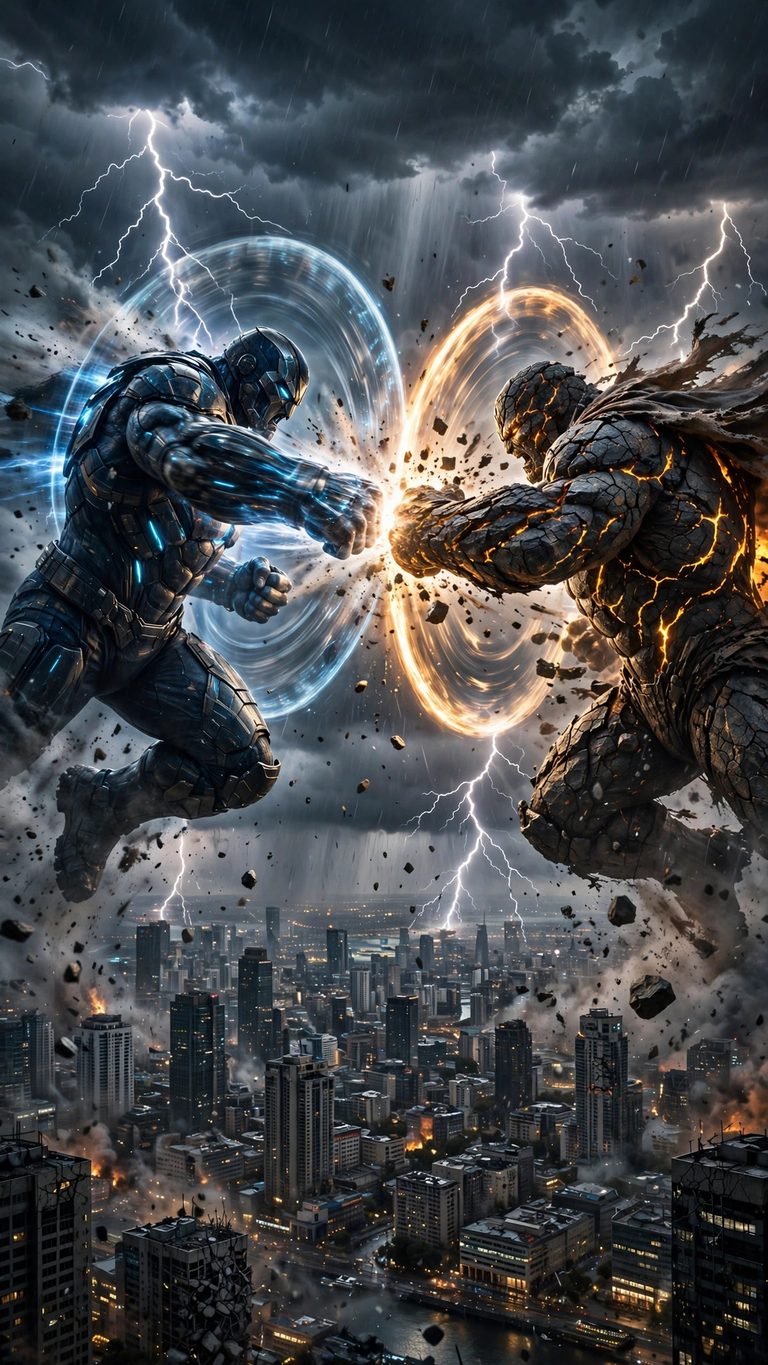
- Epic Superhero Sky Battle: Free AI Video Prompt for Stormy Titan Clash Action Videos That Go Viral Online
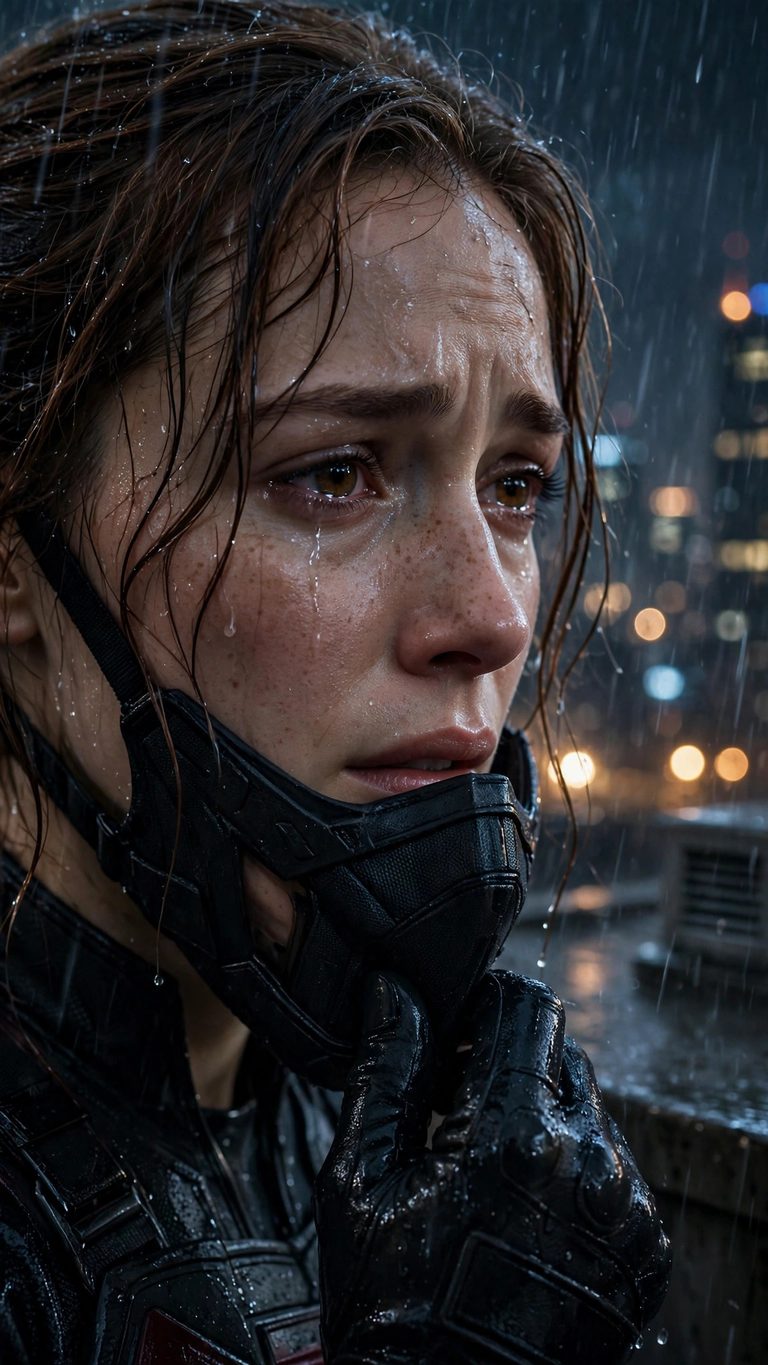
- Mask Reveal Rooftop Moment: Free AI Video Prompt for Emotional Rain-Soaked Superhero Scenes That Go Viral
# A I V i d e o # P r o m p t B a z a r # S u p e r h e r o # H e r o L a n d i n g # E p i c

Leave a Reply