
Introduction
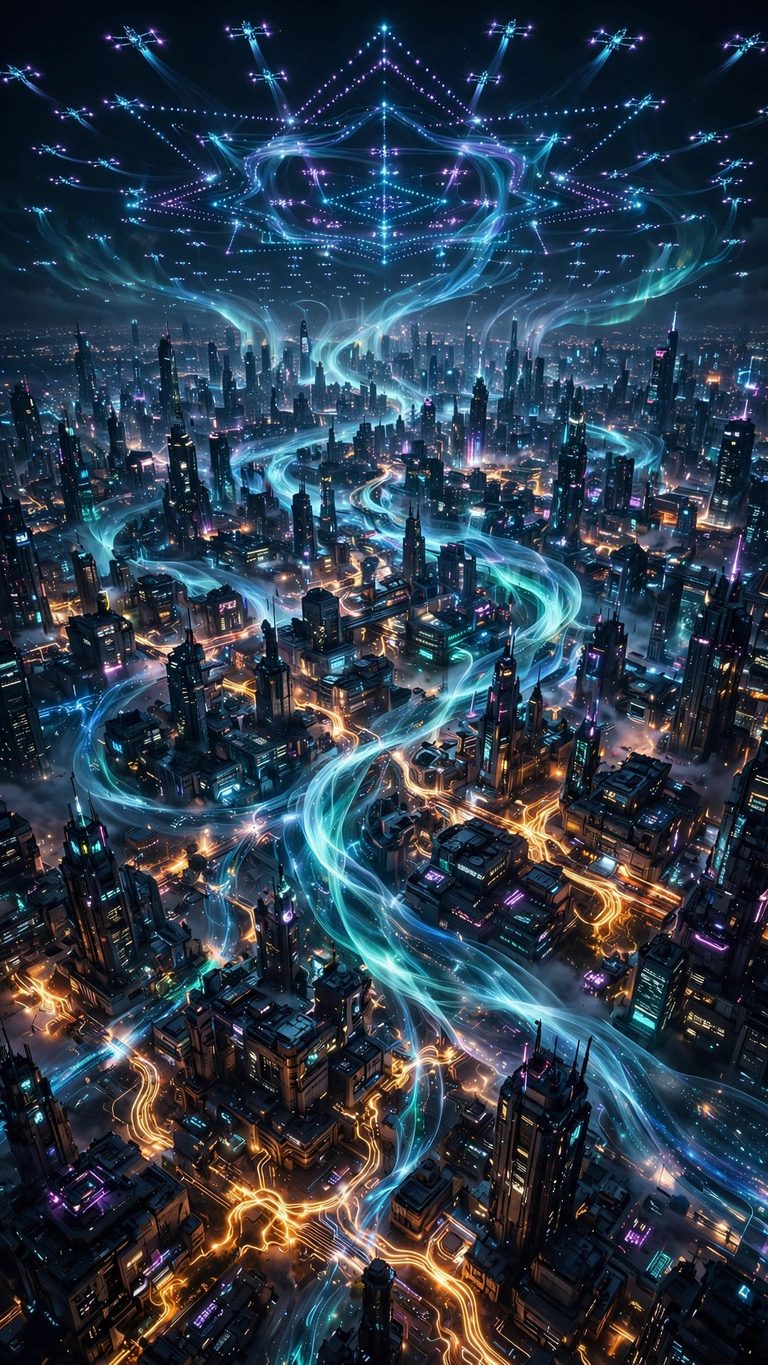
Now pull back — way back — until the city below stops looking like buildings and starts looking like something alive. Rivers of glowing data stream between midnight towers like digital auroras, drones paint light patterns in formation, and the entire megacity pulses like a living circuit as the camera dives slowly through the luminous currents. This AI video prompt is the wide-shot answer to every claustrophobic street-level cyberpunk clip on your feed: overwhelming scale, impossible beauty, and a ten-second slow dive that feels like flying. Aerial spectacle is one of the highest-retention formats in #AIVideo because the human brain is wired to stare at vast, glowing systems — think of every viral drone video ever made, then electrify it. The “data stream” concept gives the scene its identity: this is not just a pretty city, it is a visualization of the information age made physical, and that idea resonates with tech audiences on a level pure eye candy cannot reach. Whether you need an opening establishing shot for a cyberpunk series, a looping background for a music release, or a standalone #Aerial showpiece, this prompt delivers. Below we break down why the prompt works, how to render it across Veo 3, Runway, Kling, Pika, and Sora, and how to vary it into an entire collection.
The Prompt
Copy the block below exactly. Aerial prompts are sensitive to scale words, and this one calibrates “overwhelming scale” against “slow dive” — keep both intact for the intended effect.
Mind-bending cyberpunk aerial shot above a megacity at midnight, rivers of glowing data streaming between towers like digital auroras, drones painting light patterns in formation, the whole city pulsing like a living circuit, camera diving slowly through the luminous currents, overwhelming scale and beauty, ultra realistic, cinematic, 8k
Why This Prompt Works
This prompt works because it sells scale through metaphor, and metaphor is something image models translate into visuals surprisingly well. “Rivers of glowing data streaming between towers like digital auroras” does not just describe light — it tells the model to render flowing, ribbon-like structures with the color behavior of the northern lights, which produces those gorgeous translucent currents no literal description could specify. “The whole city pulsing like a living circuit” is the prompt’s conceptual masterstroke: it unifies thousands of independent light sources into one rhythmic system, so the render feels designed rather than noisy, and it gives viewers the uncanny sense that the city is breathing — the single most commented-on quality in #DataStream-style content. The drone formations add a second motion layer at a different altitude and tempo than the data rivers, creating parallax depth that makes the slow camera dive feel three-dimensional instead of flat. Speaking of the dive: “camera diving slowly through the luminous currents” is a deliberate pacing choice that fights the biggest failure mode of aerial AI video, which is drifting aimlessly. A slow, committed dive gives the ten seconds a direction and a destination, and direction is what keeps viewers watching to the end. “Overwhelming scale and beauty” reads as an emotional brief, pushing composition toward the sublime — tiny camera, vast city — which triggers awe, the emotion most strongly linked to sharing behavior in published research on viral content. The “8k” and “cinematic” tail tags act as quality gates, biasing the model toward fine detail in the light structures rather than muddy glow. Platform-wise, this prompt sits at the intersection of three proven trends: drone-style aerials, oddly satisfying flow visuals, and cyberpunk world-building, each with massive #AIVideo audiences. It also loops beautifully — the pulsing rhythm makes the end blend into the start — and loopable clips earn disproportionate replays, which the algorithms reward heavily.
How to Use This Prompt
Paste the prompt verbatim into your generator of choice. Set the aspect ratio to 9:16 vertical — a vertical dive through data currents uses the frame’s height as a depth axis, making the descent feel longer and more dramatic than a horizontal version. Set the duration to 10 seconds per the “slow dive” setting; the camera needs time to travel through the luminous currents without rushing, and cutting it short collapses the sense of scale. On Veo 3, aerial volumetrics and light ribbons render with exceptional clarity — this is arguably the best platform for this prompt, so start there if you can. In Runway, use a slow push-in or descend camera preset to reinforce the dive, and generate at the highest quality tier since fine light detail separates stunning results from mushy ones. Kling’s 9:16 output handles the pulsing city rhythm well; its temporal consistency keeps the data rivers flowing smoothly across the full ten seconds. In Pika, add a negative prompt like “daytime, empty, static, low detail” to protect the midnight density, and consider the high-motion setting so the currents visibly stream. Sora renders the drone formations with lovely precision — choose Sora when the light-pattern choreography matters most. Whichever tool you use, generate three or four takes and select the one where the data rivers read as distinct flowing structures rather than general glow; that distinction is the difference between “pretty” and “mind-bending.” Export at maximum resolution, and if you plan to loop it, trim the first and last half-second so the pulse phase matches at the cut.
Pro Tips & Creative Variations
The aerial data-city is a genre unto itself, so treat the prompt as episode one. Change what flows between the towers: streams of golden memory-light, crimson warning signals during a citywide alert, or green code-rain falling upward instead of down. Each palette swap re-themes the entire emotional register while the composition stays proven. Change the viewpoint: a lateral glide skimming the rooftops, a vertigo-inducing straight-down plunge toward a glowing central spire, or an orbit around a single mega-tower while data rivers spiral around it. Time-lapse variations are spectacular — append “time-lapse, clouds of data racing, day breaking over the neon” for a clip that compresses the city’s whole night into ten seconds. For narrative, introduce a subject into the vastness: a lone flying vehicle threading the data rivers, a colossal holographic face watching over the circuit-city, or a blackout wave sweeping tower to tower with lights dying and reigniting — scale plus story is unbeatable. Seasonal and weather remixes work too: data rivers freezing into crystalline structures, or a storm where lightning and data streams intertwine. Try the “descent into the streets” two-parter: end this aerial dive aimed at one glowing intersection, then generate a street-level clip at that same intersection — the match cut from macro to micro feels like a real film transition. For audio-capable platforms, pair the dive with a deep sub-bass pulse synced to the city’s rhythm; sound sells scale as much as image. You can also invert the concept entirely: dive upward from the street through the data currents into the sky, turning the prompt’s descent into an ascension — same words, reversed camera, completely new feeling. Build a series of these with consistent palettes and your profile becomes a destination for #Cyberpunk #Aerial collectors.
Frequently Asked Questions
My aerial looks flat, like a wallpaper with a zoom effect. How do I get real depth?
Depth comes from layered motion at different speeds. Make sure the prompt’s three layers — data rivers, drone formations, pulsing city — are all visible in your take. If one is missing, regenerate; and confirm your tool’s camera is actually moving through the scene, not just scaling the frame.
Should the dive be slow or fast?
Slow, as the prompt specifies. Fast dives turn ten seconds into a blur and destroy the “overwhelming scale” effect. If you want intensity, increase the data-river flow speed and keep the camera slow — contrast between fast currents and slow camera is pure cinema.
Can this work as a looped background or wallpaper video?
Beautifully — it is one of the best use cases. The pulsing rhythm disguises the loop point. Trim to match pulse phases, export high bitrate, and it works as a stream background, event visual, or phone wallpaper.
Which is better for this prompt: Veo 3 or Sora?
Veo 3 currently leads on volumetric light ribbons; Sora leads on drone-formation precision. For the definitive version, generate the rivers on Veo 3 and, if you are compositing, the drones on Sora — or simply pick whichever single take has the clearest flowing structures.
Few prompts capture the sublime like this one: a living circuit-city, rivers of data, a slow dive through light itself. Render it in 9:16, give it the full ten seconds, pick the take where the currents truly flow — then remix the palette, the viewpoint, or the story and build your aerial collection. Try it tonight.
Related Viral Prompts
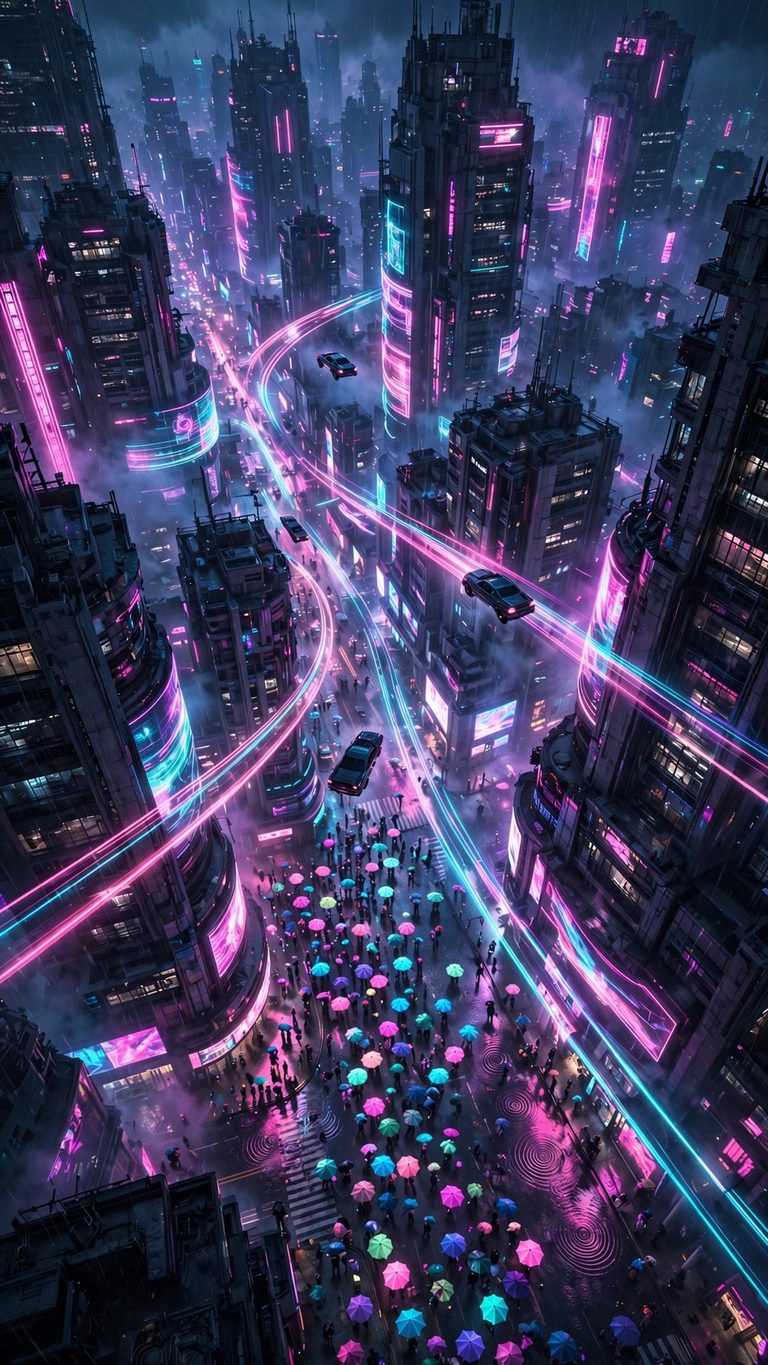
- Rainy Neon Alley AI Photo Prompt: Generate a Stunning Cyberpunk Street Portrait in Cinematic Detail Now
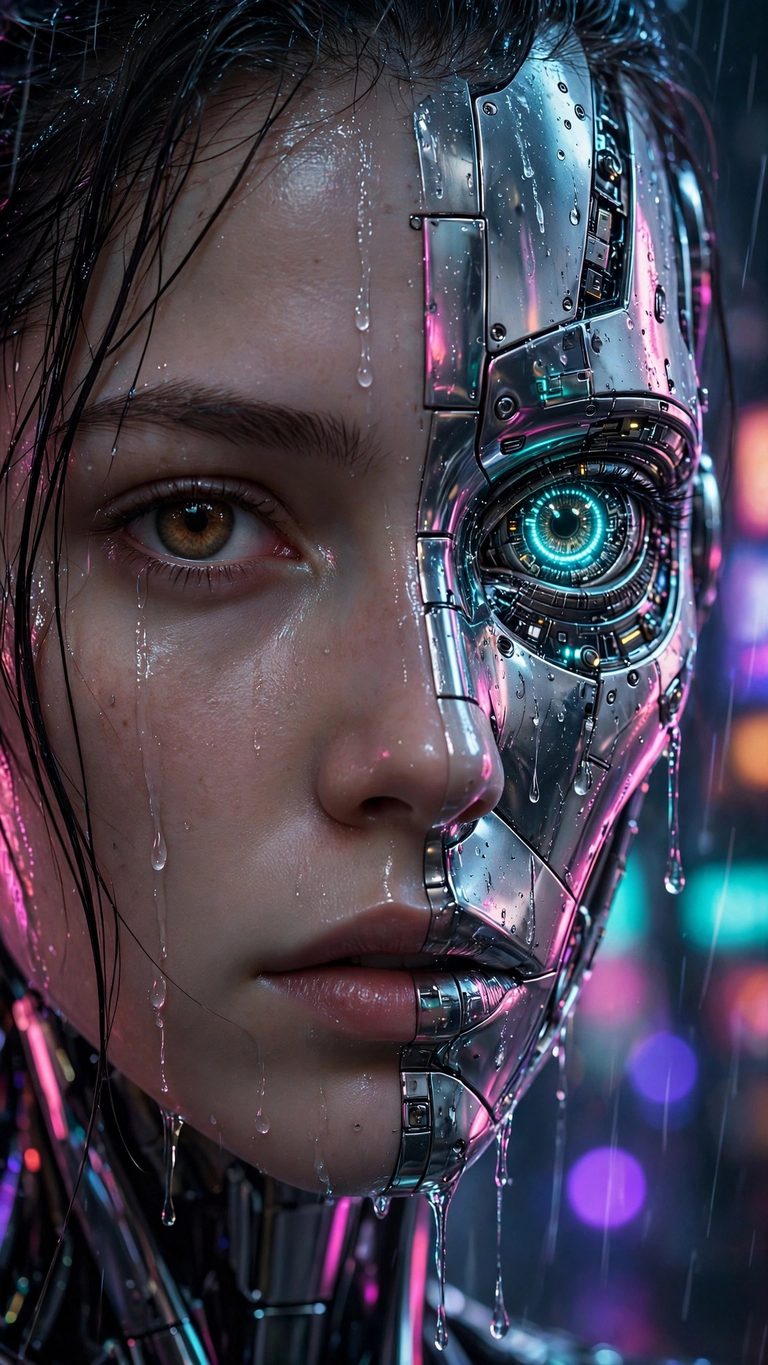
- Cyborg Eye AI Photo Prompt: Capture a Jaw-Dropping Hyper-Detailed Macro Shot With Midjourney Right Now
- Street Food AI Photo Prompt: Create a Heartwarming Cyberpunk Night Market Noodle Scene With Neon Glow
# A I V i d e o # P r o m p t B a z a r # C y b e r p u n k # D a t a S t r e a m # A e r i a l

Leave a Reply