
Introduction
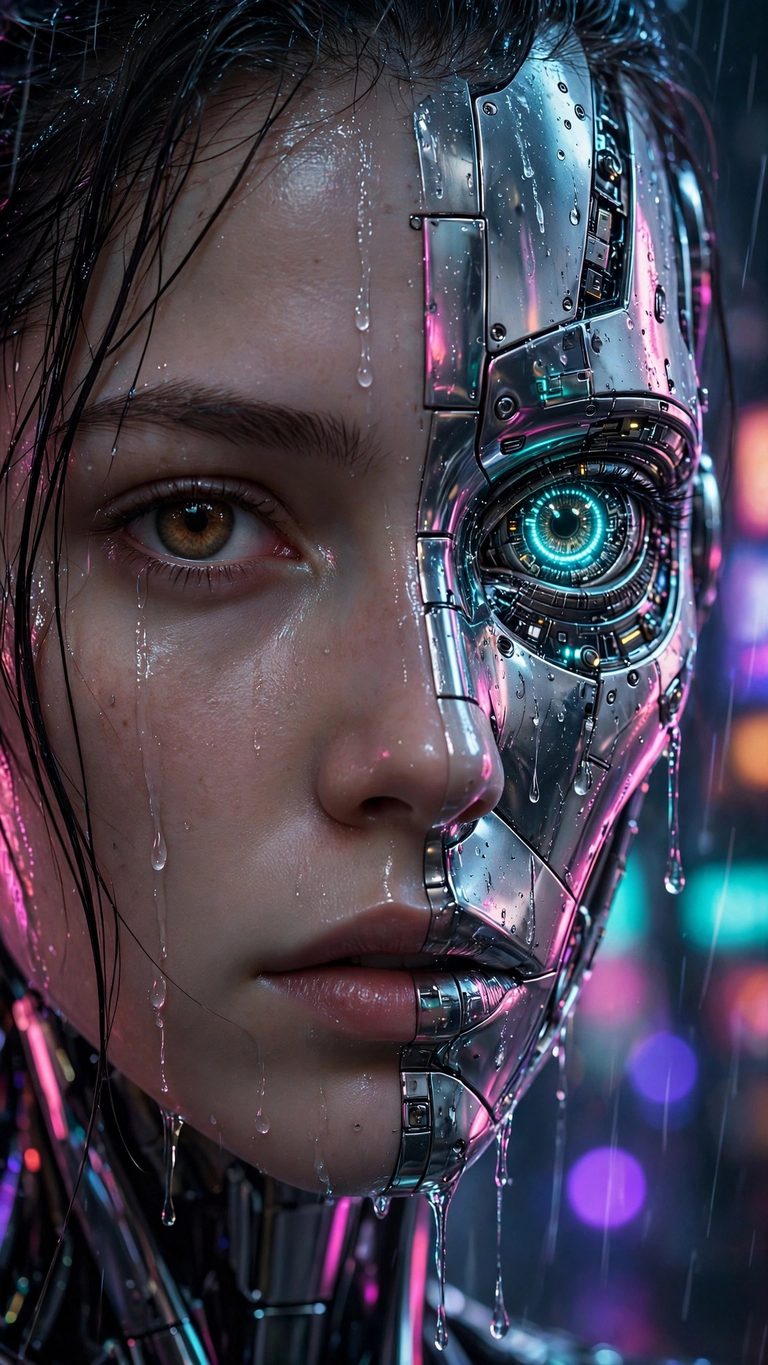
She turns toward you slowly, rain sliding down chrome cheek plates, neon signs smearing pink and blue across her face. One eye is human, warm and searching. The other is a machine iris, glowing with cold precision. You cannot look away, and that is the entire point. This AI Video Prompt creates the single most arresting image on any feed: a face making eye contact with the viewer. In a scroll environment measured in fractions of a second, a cyborg portrait close-up is a full stop.
Close-up portraits outperform almost every other shot type on short-form platforms because the human brain is hardwired to read faces before anything else. Add the uncanny tension of the #Cyborg aesthetic, one foot in humanity and one in the machine, and you get a clip that triggers curiosity, unease, and fascination in the same eight seconds. Rain droplets, servo micro-movements, shallow depth of field: every element of this prompt is engineered to make a synthetic face feel alive. Render it once and you will understand why #CloseUp android clips collect comments like did she just look at me.
The Prompt
Copy the prompt below exactly as written, paste it into your AI video generator, and meet your android:
Hypnotic close-up of a female cyborg face slowly turning toward camera, one human eye and one glowing mechanical iris, rain droplets sliding down chrome skin plates, neon signs reflecting across her face, subtle servo movements, shallow depth of field, dramatic cyberpunk lighting, ultra realistic, cinematic, 8k detail
Why This Prompt Works
This prompt works because it aims directly at the oldest attention system humans have: face detection. Before we process color, composition, or context, our visual cortex asks one question, is that a face, and is it looking at me. A slow turn toward camera weaponizes that instinct. The viewer does not decide to watch; their neurology decides for them. That is why portrait close-ups dominate #AIVideo feeds and why this particular prompt, with its hypnotic turn, functions as a scroll trap.
The genius is in the duality. One human eye and one glowing mechanical iris create a visual paradox the brain cannot resolve quickly, and unresolved images hold attention longer while the mind works. This is the uncanny valley working for you instead of against you: just enough humanity to empathize with, just enough machine to stay strange. Rain droplets sliding down chrome skin plates add tactile realism, because water on a surface is one of the hardest things to fake and one of the strongest realism signals. Neon reflections moving across her face as she turns give you motion inside a nearly static shot, and subtle servo movements sell the idea that something alive, or almost alive, is in there. Shallow depth of field blurs the chaos of the city into creamy bokeh, so nothing competes with her gaze.
Culturally, the timing is perfect. The #Cyberpunk portrait trend, from Blade Runner replicants to Ghost in the Shell edits, has trained audiences to read the android face as premium science fiction. AI portrait clips with the she is watching you hook routinely pull outsized comment counts, because viewers narrate their own reaction. Ultra realistic, cinematic, 8k detail pushes the render away from video-game stylization and toward film still, which is the quality bar the #Cyborg tag community expects. Eight seconds is also the ideal length: long enough for the turn to complete, short enough to loop seamlessly while the viewer replays it, wondering if the mechanical eye just followed them.
How to Use This Prompt
Portraits are the most demanding subject for AI video, so settings matter more here than anywhere. Step one: choose your generator. Veo 3 and Kling currently render the most stable human-machine faces; Runway gives excellent control over the slow push-in; Pika is fine for quick drafts. Whichever you use, set 9:16 vertical and an 8-second duration per the settings, because a face fills a phone screen perfectly and the slow push-in needs room to breathe.
Step two: paste the prompt verbatim and add a face-specific negative prompt, something like extra eyes, deformed face, asymmetrical eyes, melting skin, cartoon, blurry. Faces are where models fail most visibly, so be aggressive here. Step three: render at least four or five seeds. The difference between a good cyborg portrait and a great one is micro-expression quality, and that varies enormously between seeds. Look for the take where the turn feels smooth and both eyes stay consistent through the motion. Step four: keep the camera move subtle in post. The settings specify a slow push-in, so resist the urge to add zoom effects in your editor; the power of this clip is restraint. Export at 1080×1920, add a faint servo whir and rain ambience to the audio, and post with #Cyberpunk #Cyborg #CloseUp #AIVideo.
Pro Tips & Creative Variations
The base prompt gives you a female cyborg, but the concept is endlessly remixable. Try a weathered male android with a cracked chrome jaw for a battle-damaged veteran look, or an elderly cyborg whose human eye carries decades of story against a brand-new optical implant. Age contrast between the organic and mechanical halves is a narrative shortcut: viewers instantly invent a backstory, and backstory drives comments.
Recolor the machine eye for emotional range. A cold blue iris reads as calm and clinical; shift it to amber and she feels warm but dangerous; push it to red and you have a hunter. You can also vary the environment reflected in her face: swap neon signs for rain-streaked car headlights, emergency vehicle strobes, or the green glow of a server room, and the same portrait tells a different story. Adding a single tear, or a drop of black oil instead of water, sliding from the mechanical eye is a devastating detail that turns a cool clip into an emotional one.
For creators building a series, consistency is everything. Use your tool’s character reference or face-lock feature with your best render, then generate the same android in new scenes: the alley market, the flying taxi, the hacker den. A recurring synthetic character across your #Cyberpunk episodes builds a following faster than any single viral clip, because audiences subscribe to characters, not shots. End the eight seconds on a held gaze directly into the lens and add on-screen text like she remembers you. That direct address converts viewers into followers.
Finally, think about sound. A portrait this intimate deserves detailed audio: rain ticking on metal, a soft servo whir timed to the turn, a low synth drone underneath. Many creators post portraits silent, so rich sound design is an easy way to stand out in the #CloseUp niche. Loop the clip two or three times with a barely-there audio swell and watch your average watch time climb.
Frequently Asked Questions
Q: The face warps or melts during the turn. How do I fix it?
A: Faces in motion are the hardest task for video models. Use a strong negative prompt with deformed face, morphing features, asymmetrical eyes, and render more seeds than you think you need, five minimum. Shorter durations help too; the 8-second setting is already optimized for stability.
Q: Can I keep the same cyborg character across multiple videos?
A: Yes. Most leading tools now offer character reference or face-lock features. Generate your hero portrait first, save the best frame, and feed it back as a reference image with new prompts. This is how #PromptBazar creators build recurring android characters for their series.
Q: How slow should the push-in be?
A: Barely perceptible. The settings call for a slow push-in because the drama comes from her turn, not the camera. If your tool has camera controls, set the dolly speed to its lowest value. The movement should feel like leaning in, not zooming.
Q: Will this work as a profile picture or loop?
A: Beautifully. Export the final held-gaze frame as a still for a profile picture, and loop the 8-second clip for ambient posts. The turn-then-hold structure loops almost seamlessly, which is ideal for Reels and TikTok replays.
One human eye. One machine iris. Eight seconds of eye contact that stops the scroll cold. Copy this AI Video Prompt, render your cyborg portrait, and post it with #AIVideo and #Cyborg. Then watch the comments roll in, because nobody scrolls past a face that is looking right back at them. Try it tonight and meet your android.
Related Viral Prompts
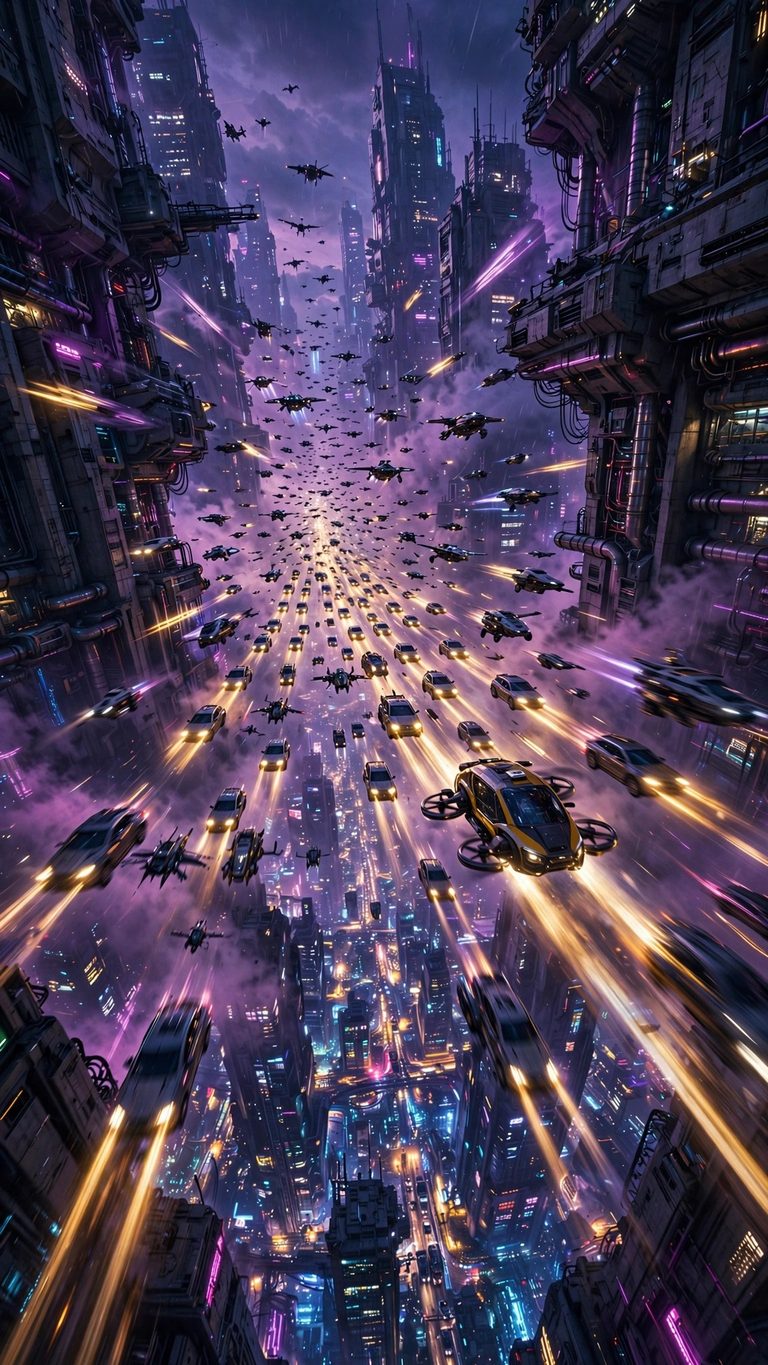
- Flying Cars at Dusk AI Video Prompt: Build an Epic Cyberpunk Skyline Chase With Hundreds of Hover Vehicles
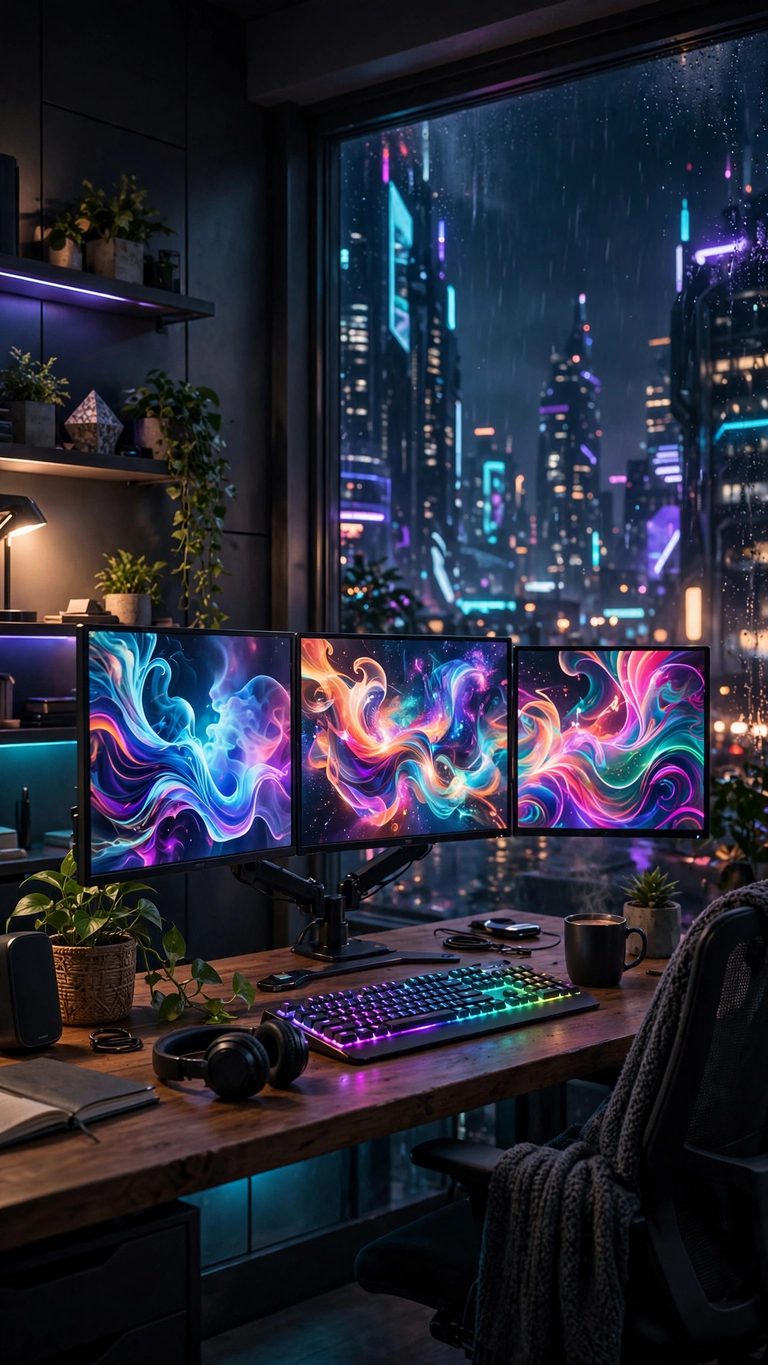
- Hacker Room Glow AI Video Prompt: Craft a Tense Cyberpunk Hacker Den Scene Bathed in Green Terminal Light
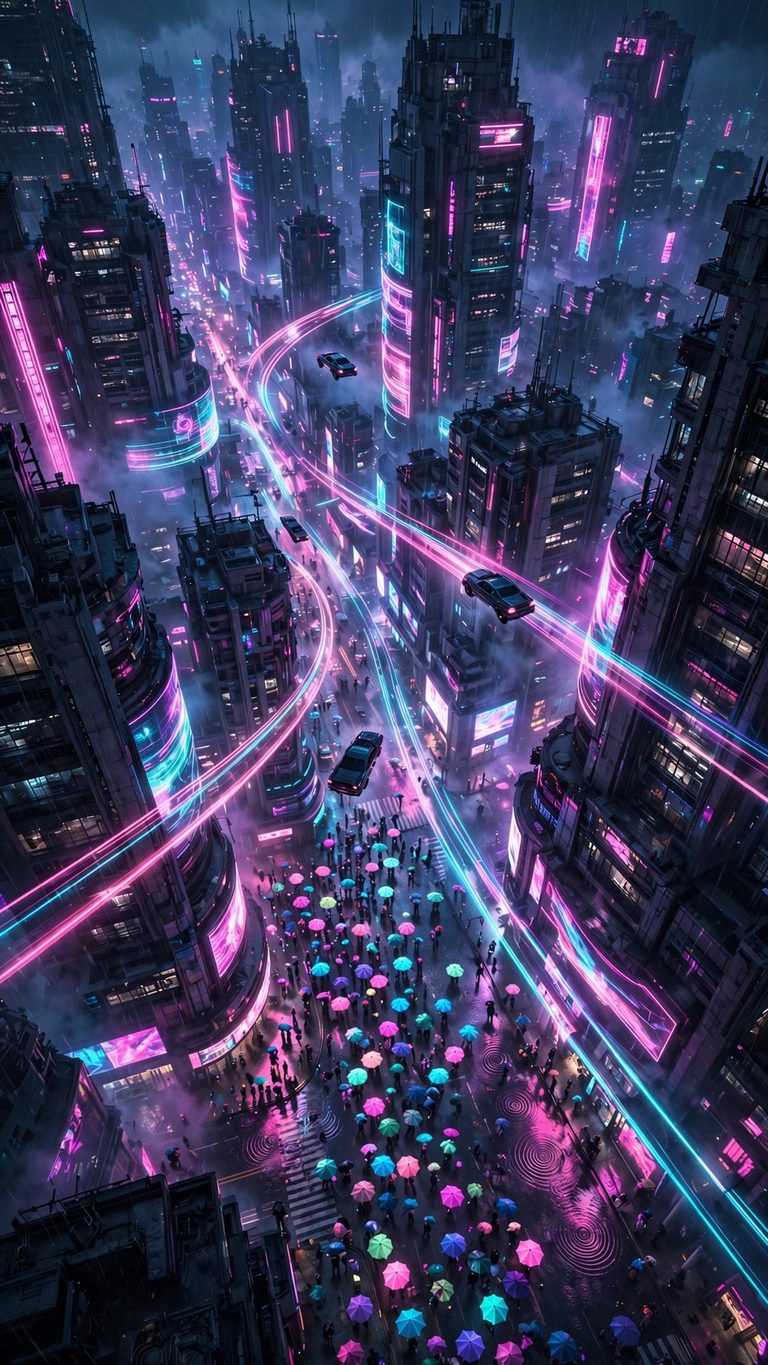
- Rainy Neon Alley Market AI Video Prompt: Film a Steamy Cyberpunk Street Market Buzzing With Neon Life
# A I V i d e o # P r o m p t B a z a r # C y b e r p u n k # C y b o r g # C l o s e U p

Leave a Reply