
Introduction
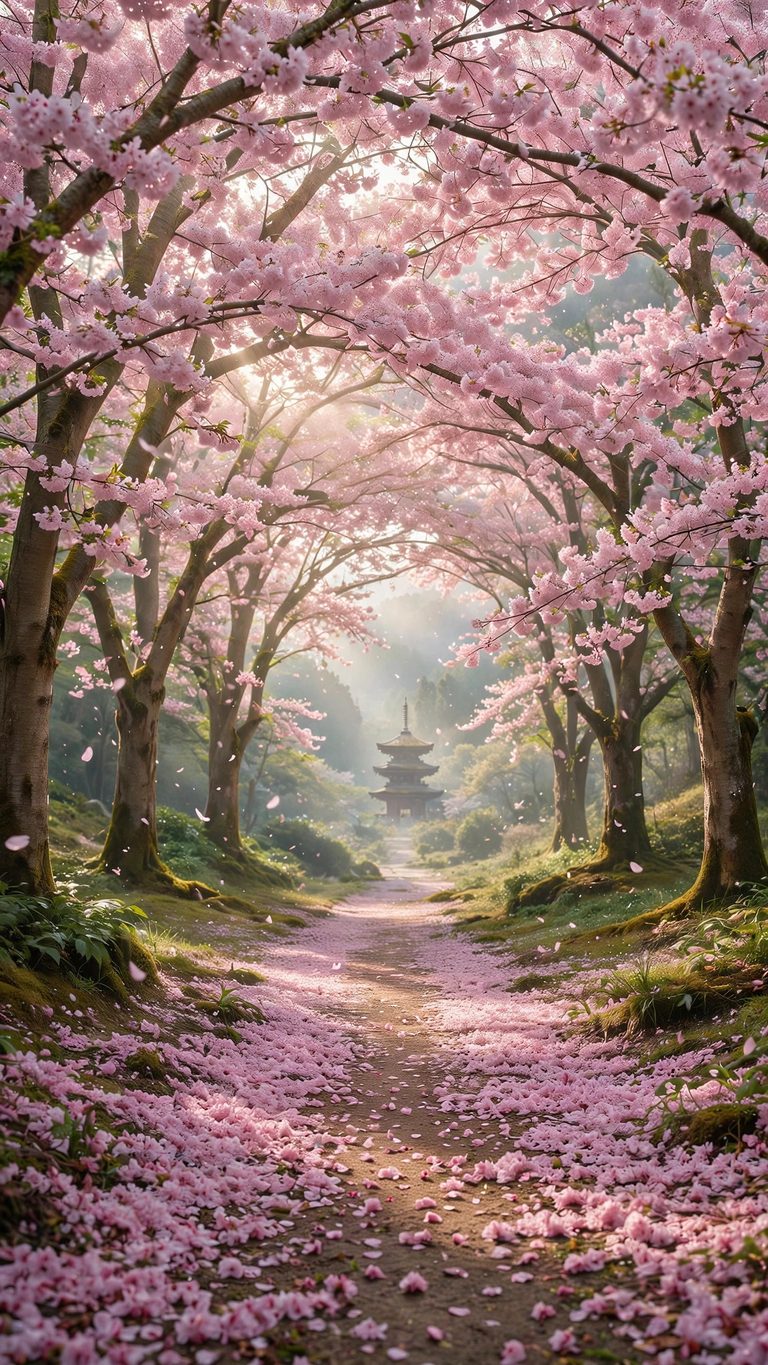
Every spring, millions of travelers plan entire trips around one sight: walking beneath a tunnel of cherry blossoms in full bloom. There is something primal about it, a pink canopy arching overhead, petals drifting down like snow, sunlight breaking through the branches in golden shafts. It feels less like a walk and more like stepping inside a dream. Professional travel photographers wait all year for the few perfect days when the blossoms peak, the crowds thin, and the light cooperates. This AI photo prompt hands you that dream on demand. It builds a photorealistic tunnel of cherry blossom trees, petals carpeting the path, soft sunlight filtering through, and a distant pagoda glowing at the end of the walkway like a promise. Whether you are creating wanderlust content, designing a spring campaign, or just want a breathtaking wallpaper, this guide shows you the exact prompt, why every phrase in it works, how to run it across Midjourney, DALL-E 3, and Flux, and how to turn one tunnel into an entire season of content.
The Prompt
Copy the exact text below and paste it into your favorite AI image generator. No edits are needed for a stunning first result:
Dreamlike photograph walking through a tunnel of cherry blossom trees in full bloom, pink canopy arching overhead, petals carpeting the path, soft sunlight filtering through, a distant pagoda, ethereal spring fantasy, ultra detailed, 8k, professional travel photography, photorealistic
Why This Prompt Works
This prompt succeeds because it is built like a travel photographer’s shot list, not a random wish. It starts with perspective: walking through a tunnel puts the viewer inside the scene rather than looking at it from outside, and first-person immersion is one of the strongest engagement triggers in travel imagery. The subject, cherry blossom trees in full bloom, is specific enough to lock the species and the season, so the model renders recognizable sakura rather than generic pink flowers. Then the composition layers stack beautifully. A pink canopy arching overhead creates a natural frame, the oldest trick in landscape photography, drawing the eye inward along the path. Petals carpeting the path fills the foreground with texture and color, eliminating dead space and giving the image richness from edge to edge. Soft sunlight filtering through is the lighting direction that makes the whole scene glow; backlit blossoms turn translucent, and the model renders that luminous quality reliably because the cue is so explicit. The masterstroke is a distant pagoda. It gives the eye a destination, adds cultural context that screams Japan in spring, and creates depth through atmospheric perspective. Without it, the tunnel could feel like an abstract pink corridor; with it, the image tells a story of a journey. The mood phrase ethereal spring fantasy lifts the realism just enough to feel magical without tipping into illustration, and the quality stack, ultra detailed, 8k, professional travel photography, photorealistic, keeps the output crisp and camera-true. Every element guides the eye from foreground petals to midground trunks to the glowing pagoda, which is exactly how a great travel photo is composed.
How to Use This Prompt
Follow these steps to get a postcard-perfect result on your generator of choice. On Midjourney, paste the prompt and add --ar 2:3 for a portrait composition that emphasizes the tunnel’s height and depth, plus --v 7 for the latest rendering. If the pagoda comes out too small or too large, use Vary (Region) to repaint just that area with a follow-up description. On DALL-E 3, paste the prompt exactly as written and add in vertical 2:3 portrait format in the same message. DALL-E is excellent at literal compositions like this, so the tunnel perspective usually lands on the first try; if the path feels too empty, ask in a follow-up for a few distant walkers under the blossoms for scale. On Flux, keep the full prompt, as Flux thrives on descriptive density, and set a portrait aspect ratio in your interface before generating. Across all tools, generate a batch of four and choose the version where the light shafts are most visible and the pagoda sits naturally at the vanishing point. Avoid over-saturating in post; the prompt’s palette is already rich. A gentle contrast lift and slight sharpening is all this image needs before it is ready to publish.
Pro Tips & Creative Variations
This tunnel template is endlessly remixable, and the smartest creators build whole series from it. The easiest variation is seasonal: swap cherry blossom for autumn maple trees with red and gold leaves for a fall version, wisteria hanging overhead for a purple spring alternative, or snow-dusted pines for a winter walk that feels like Narnia. Change the destination at the end of the tunnel: a torii gate, a stone lantern, a distant temple on a hill, or even a bicycle leaning against a tree for a lifestyle feel. Time of day transforms the mood completely. Try illuminated at night with paper lanterns for the famous yozakura night-blossom look, morning mist for mystery, or golden hour with long shadows for warmth. You can add life to the scene with a woman in a kimono walking away or petals swirling in a gentle breeze, which introduces motion and a human story. For social media, this concept is carousel gold: generate the same tunnel at dawn, noon, sunset, and night, and post them as a four-frame day-in-the-life series. If you make wallpapers, render a wide 16:9 version too by changing only the aspect ratio. And for a fine-art twist, add long exposure, petals blurred in motion to get a painterly, gallery-style interpretation. One tunnel, infinite journeys.
Frequently Asked Questions
Why does the prompt specify a pagoda instead of just blossoms? A distant landmark gives the composition a focal destination and a sense of depth. It also anchors the cultural context, turning a pretty pink corridor into a story about a place, which is far more engaging and shareable than an abstract floral frame.
What aspect ratio is best for a blossom tunnel? Portrait ratios like 2:3 or 9:16 work best because tunnels are vertical experiences: canopy above, path below. Portrait framing captures the arching branches and the carpeted path in one frame without awkward cropping.
Which generator handles the light filtering through blossoms best? Midjourney v7 excels at volumetric light and glowing backlit petals. DALL-E 3 is very reliable at the tunnel perspective itself. Flux delivers crisp detail on individual blossoms. All three can produce excellent results with this prompt.
Can I make this look like a real location in Japan? Yes. Add a place cue such as Kyoto or along the Philosopher’s Path to steer the architecture and atmosphere. The model will blend the location reference with the tunnel composition for a more authentic travel-photo feel.
Some images are pretty; this one is a portal. One prompt, one tunnel of blossoms, one distant pagoda glowing in the spring light. Paste it, generate your walk through the petals, and let your audience feel the breeze. Spring is waiting, so go create it.
Related Viral Prompts
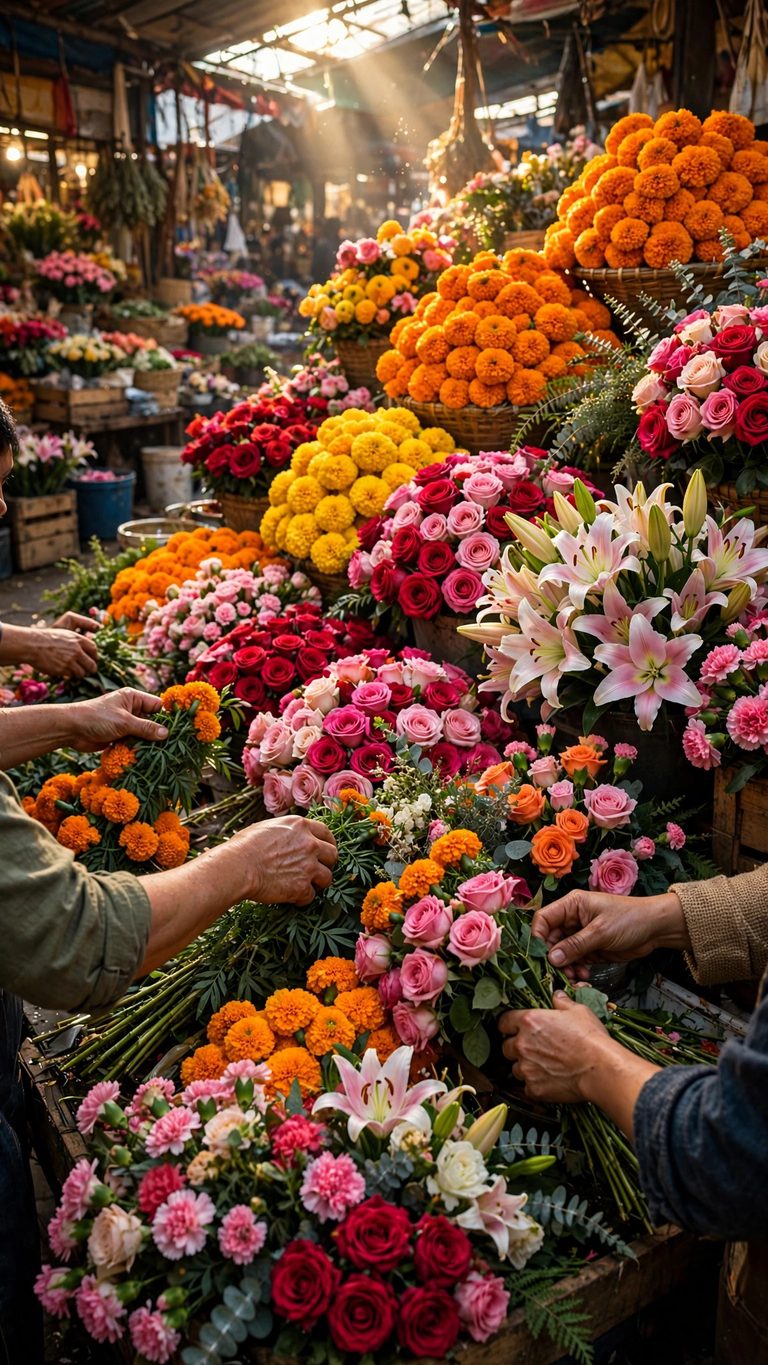
- Flower Market Colors AI Photo Prompt: Capture a Vibrant Explosion of Marigolds, Roses and Lilies in Morning Light
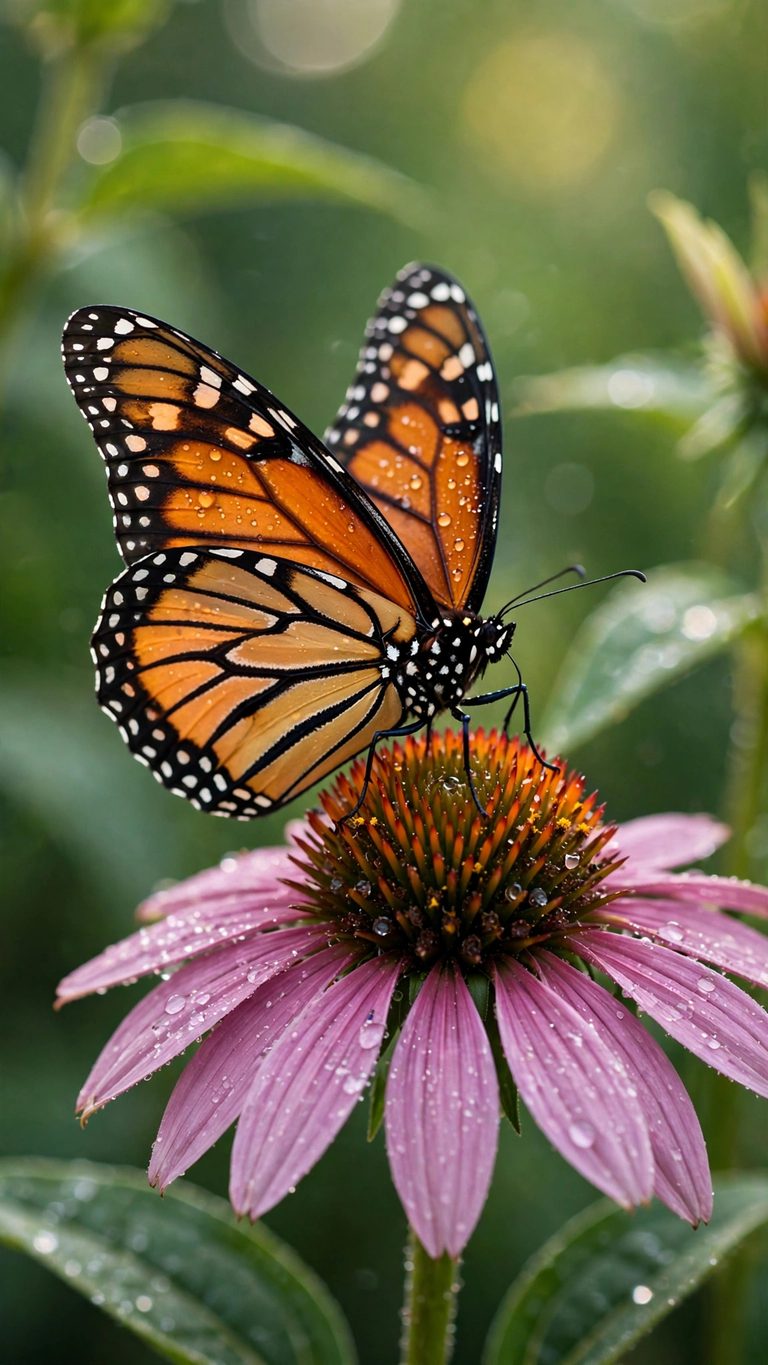
- Butterfly on Flower AI Photo Prompt: Photograph a Monarch Butterfly Resting on a Purple Coneflower in Macro Detail
- Sunflower Bee AI Photo Prompt: Capture a Honeybee Covered in Golden Pollen Glowing in Warm Sunset Backlight
# A I V i d e o # P r o m p t B a z a r # A I P h o t o # C h e r r y B l o s s o m # T u n n e l

Leave a Reply