
Introduction
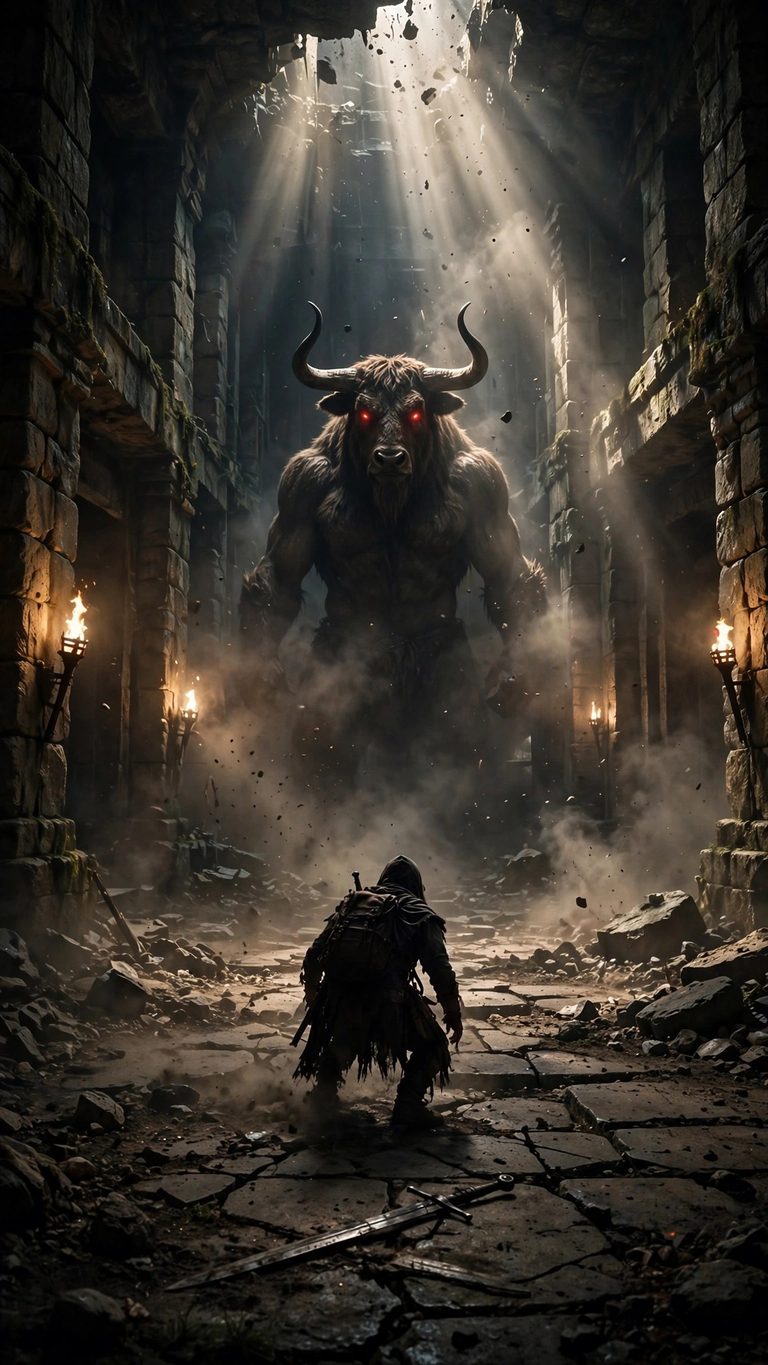
Dark fantasy has teeth, and few images bite harder than a towering minotaur emerging from torch-lit shadows deep inside an ancient stone labyrinth. This is the kind of #AIPhoto that makes viewers feel the dust in the air and the weight of those curved horns. Mythology-based content is surging across social platforms — Greek myths in particular have found a massive second life through BookTok, fantasy gaming, and cinematic fan art. The minotaur, trapped forever in the labyrinth of Knossos, is one of mythology’s most visually arresting monsters: part man, part bull, all menace.
This AI Photo Prompt is engineered for maximum tension. Glowing red eyes in darkness, dust swirling through beams of torchlight, a dropped sword on cracked stone, a terrified adventurer’s silhouette in the foreground — every element is chosen to tell a story in a single frame. Images that tell stories get shared, saved, and debated in comments, which is exactly the engagement that pushes posts into algorithmic overdrive. Whether you want a dramatic wallpaper, concept art for a game or novel, or a show-stopping post for your #Fantasy feed, this prompt delivers a cinematic masterpiece on demand. Below, we will dissect why it works so well, walk through using it in Midjourney, Flux, or DALL-E 3, and explore variations that keep the labyrinth fresh.
The Prompt
Copy the prompt below exactly as written and paste it into your favorite AI image generator for a dramatic dark-fantasy masterpiece.
Dramatic fantasy photograph deep inside an ancient stone labyrinth, a towering minotaur with curved horns and glowing red eyes emerging from torch-lit shadows, dust swirling in light beams, a dropped sword on the cracked floor, terrified adventurer silhouette in foreground, tension thick in the air, ultra detailed, 8k, masterpiece
Why This Prompt Works
This prompt is a masterclass in visual psychology, specifically the psychology of fear and awe. The minotaur’s glowing red eyes exploit a primal response: humans are hardwired to notice eyes in darkness, and red reads as danger across cultures. By having the beast “emerging from torch-lit shadows,” the prompt uses partial reveal — one of the most powerful techniques in horror and dark fantasy — because what we half-see frightens us more than what is fully shown. The dust swirling in light beams adds volumetric atmosphere that gives the image depth and a tangible, choking-air quality viewers can almost feel.
Storytelling is the prompt’s second superpower. The dropped sword on the cracked floor and the terrified adventurer silhouette in the foreground turn a monster portrait into a narrative: someone was here, they fought, they lost, and now you are next. Narrative images dramatically outperform static portraits on shareability because viewers project themselves into the scene and discuss it in comments — “what would you do?” is engagement gold. Platform-wise, dark fantasy under tags like #Minotaur and #Labyrinth thrives with gaming communities, Dungeons & Dragons players, and mythology fans, all highly engaged niches that save and share aggressively. The low-key torchlit palette also stands out in feeds dominated by bright, cheerful content; darkness creates contrast that stops scrolling. And the closing “ultra detailed, 8k, masterpiece” tokens ensure the stone texture, horn curvature, and eye glow render with crisp, cinematic fidelity rather than muddy darkness.
How to Use This Prompt
Follow these steps to summon your minotaur. First, pick your generator: the recommended settings suggest 9:16 portrait in Midjourney v7 or Flux. Midjourney v7 excels at moody, cinematic lighting and will make those torch beams look spectacular; Flux delivers excellent photorealistic texture on stone and fur. DALL-E 3 also works and tends to include every narrative prop — the sword, the silhouette — most reliably. Second, paste the prompt exactly as written, word for word, since phrases like “tension thick in the air” guide the model’s atmospheric rendering in ways paraphrasing would lose.
Third, set a 9:16 vertical aspect ratio (–ar 9:16 in Midjourney) so the towering minotaur fills the frame like a movie poster. Fourth, generate three to five variations and choose the one where the red eyes and horn silhouette read most clearly — in dark scenes, readability of the focal point matters more than background detail. Fifth, if the image is too dark, add “cinematic rim lighting” to a rerun rather than brightening in post, which preserves the mood. Finally, upscale and share: this #AIPhoto is ideal for fantasy art accounts, D&D campaign visuals, YouTube thumbnails for mythology videos, or a dramatic phone wallpaper that guarantees questions from anyone who sees it.
Pro Tips & Creative Variations
The labyrinth is endlessly remixable. Change the monster’s presentation: “a minotaur warrior in bronze armor raising a double-headed labrys axe” for a battle-ready variant, or “the minotaur’s massive shadow cast on the labyrinth wall, the beast itself barely visible” for a subtler, more psychological horror take. Swap the lighting scheme entirely — “cold blue moonlight shafts through cracks in the labyrinth ceiling” creates a very different, ghostly mood versus the warm torchlight original.
Play with the story props to change the narrative. Replace the dropped sword with “a shattered shield and broken spear,” “ancient Greek pottery shards,” or “a spool of red thread leading into the darkness” — a brilliant nod to Ariadne’s thread that mythology fans will instantly recognize and love. Change the point of view: a first-person version (“viewed over the shoulder of the adventurer”) increases immersion, while a top-down “labyrinth maze map view with the minotaur at its center” makes striking infographic-style art. For series potential, build a collection: the minotaur, then the labyrinth entrance, then Theseus with his sword — a three-image carousel telling the whole myth. Color-grade variations work too: “desaturated sepia like an ancient fresco” or “high-contrast chiaroscuro in the style of a Baroque painting.” Each variation keeps the #Labyrinth theme cohesive while giving followers a reason to keep coming back.
Frequently Asked Questions
Which generator handles dark scenes best for this prompt?
Midjourney v7 is the top pick for moody, cinematic darkness — its torchlight and volumetric dust effects are exceptional. Flux renders stone and fur texture with impressive photorealism. If your scene comes out too dark to read, add “dramatic rim light on the minotaur’s silhouette” and regenerate rather than editing brightness afterward.
How do I make sure the red eyes actually glow?
The phrase “glowing red eyes” is already optimized for this, but you can strengthen it with “piercing glowing red eyes, luminous” if a run comes back dull. Generating multiple variations helps too — eye intensity varies between seeds, so curate the most striking one.
Can I use this minotaur image for my D&D campaign or book cover?
Many creators do exactly that. Just confirm the commercial-use terms of your generator’s plan first — paid tiers of Midjourney, DALL-E, and Flux providers typically include commercial rights, but terms change, so verify before publishing or selling.
My generations keep missing the adventurer silhouette. What should I do?
Foreground figures sometimes get dropped in complex scenes. Try emphasizing it: “terrified adventurer silhouette in the immediate foreground, back to viewer.” DALL-E 3 tends to honor every listed element most faithfully, so it is a good fallback when a specific prop keeps vanishing.
This Minotaur Labyrinth AI Photo Prompt puts one of mythology’s greatest monsters at your command. The torchlight, the red eyes, the dropped sword — it is a whole legend in a single frame. Paste it into Midjourney or Flux today, try the Ariadne’s thread variation, and share your descent into the labyrinth. Just remember: in the dark, something is always watching.
Related Viral Prompts
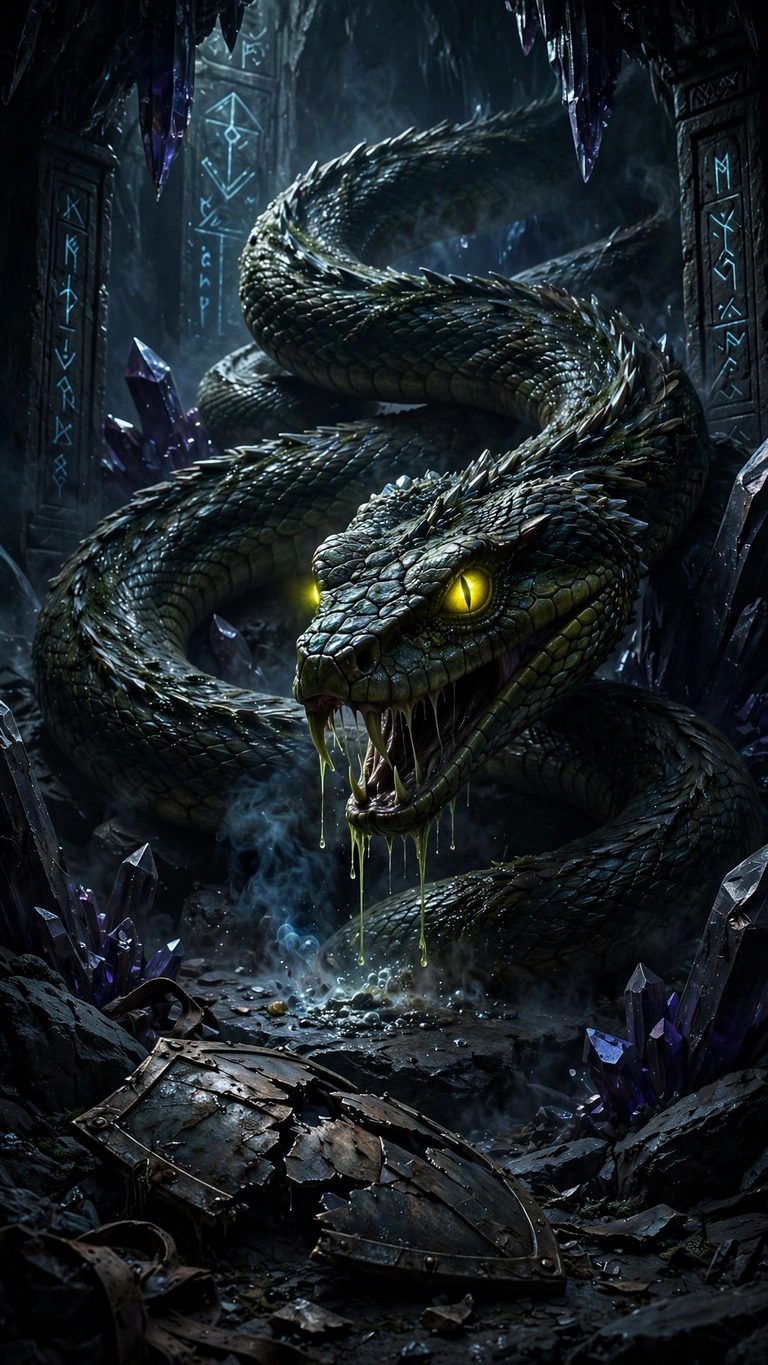
- Basilisk Cave AI Photo Prompt: Create a Terrifying Dark Fantasy Image of the Giant Serpent with Hypnotic Eyes
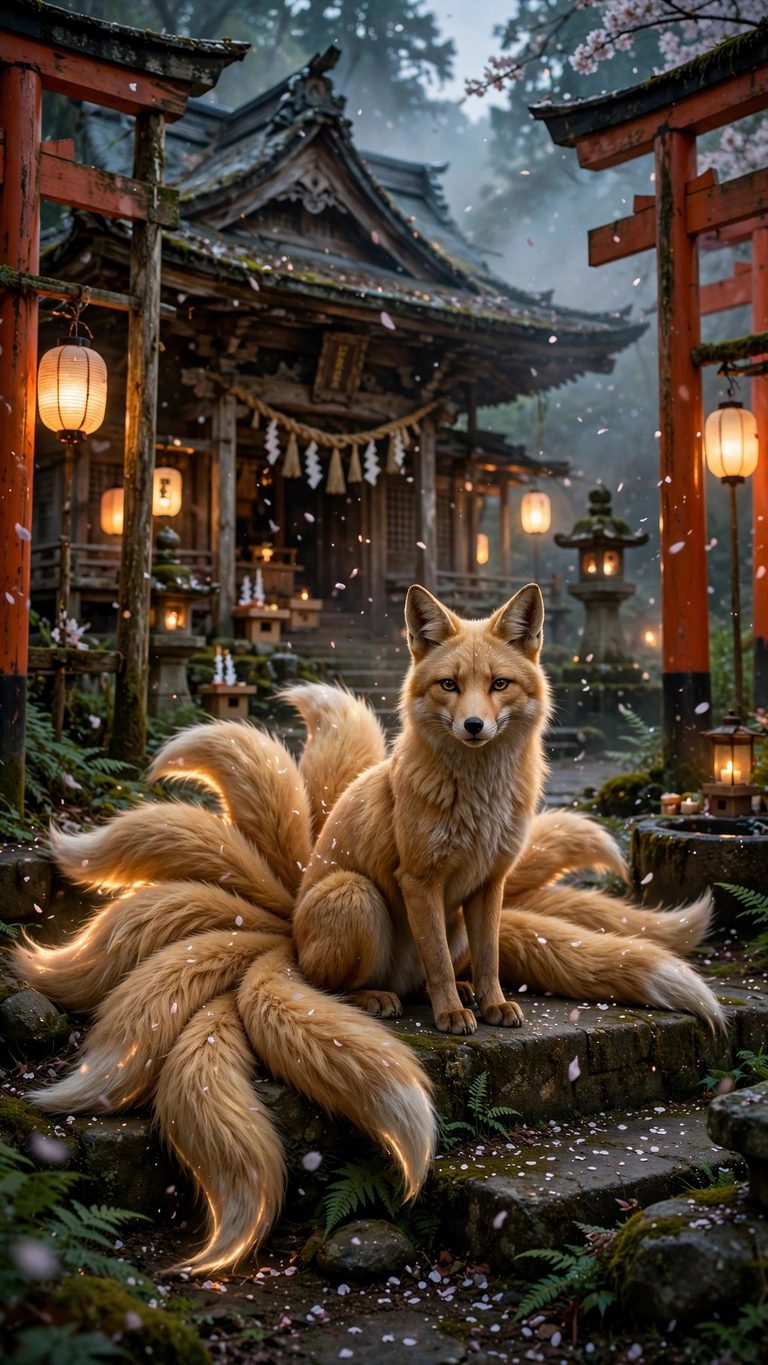
- Kitsune Shrine AI Photo Prompt: Generate a Beautiful Nine-Tailed Fox Spirit Fantasy Image at a Japanese Shrine
- Mermaid Queen AI Photo Prompt: Generate a Majestic Underwater Coral Palace Fantasy Image of Ocean Royalty
# A I P h o t o # P r o m p t B a z a r # M i n o t a u r # F a n t a s y # L a b y r i n t h

Leave a Reply