
Introduction
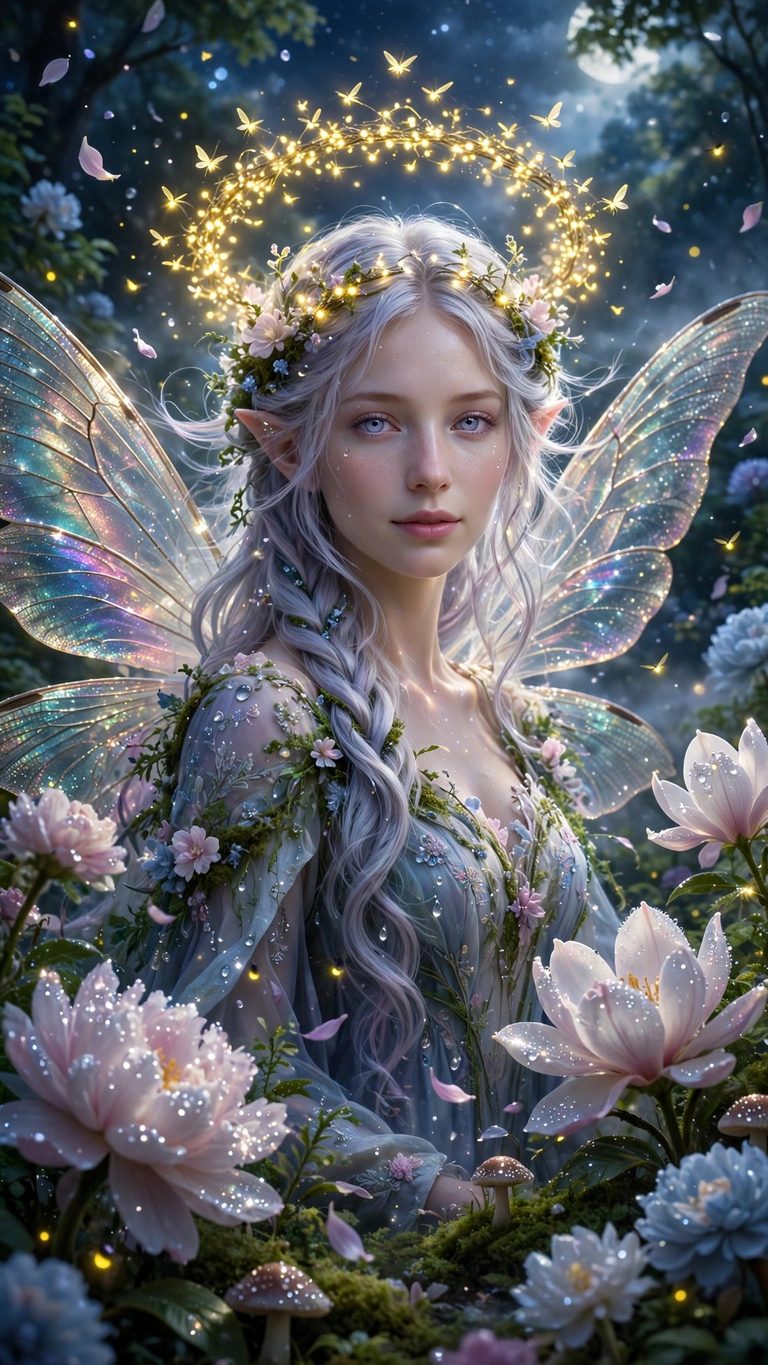
Some images stop your thumb mid-scroll. A radiant fairy queen standing in a moonlit garden, her iridescent wings catching the light while petals drift around her like falling snow, is one of them. Fantasy art is having a massive moment right now. From book-cover aesthetics on BookTok to magical creature art flooding Pinterest and Instagram, audiences are hungry for images that feel like they were pulled straight out of a storybook. The #Fantasy and #Magical tags consistently rank among the most saved and shared aesthetics on visual platforms, and ethereal fairy imagery sits right at the heart of that trend.
What makes this particular AI Photo Prompt so powerful is how deliberately it layers atmosphere. Moonlight, floating petals, fireflies forming a crown of light, dewdrops on giant blooms — each element adds a new point of visual interest without cluttering the composition. The result is the kind of #AIPhoto that works as a phone wallpaper, a book cover, a poster print, or a viral social post. Best of all, you do not need any photography gear or a fantasy wardrobe to create it. One well-crafted prompt in Midjourney, DALL-E 3, or Flux is all it takes. In this article, we will break down exactly why this prompt works, how to use it step by step, and how to customize it into a whole gallery of magical variations.
The Prompt
Copy the prompt below exactly as written and paste it into your favorite AI image generator. It is engineered to produce a gallery-quality fantasy portrait on the first try.
Exquisite fantasy photograph of a radiant fairy queen with iridescent wings standing in a moonlit flower garden, petals floating around her like snow, fireflies forming a crown of light above her head, dewdrops sparkling on giant blooms, soft ethereal glow on her serene face, magical botanical wonderland, ultra detailed, 8k, masterpiece
Why This Prompt Works
This prompt succeeds because it speaks directly to the visual psychology of wonder. Human brains are wired to respond to bioluminescence and glow: fireflies, moonlight, and sparkling dewdrops trigger the same fascination as stars or candlelight in the dark. By placing the fairy queen’s face in a soft ethereal glow, the prompt guarantees a luminous focal point that draws the eye instantly, while the darker moonlit garden around her creates the contrast that makes her radiate even more. The iridescent wings add prismatic color shifts that keep viewers looking longer, and longer look time is exactly what social algorithms reward.
From a platform-trend perspective, fantasy portraiture is one of the most shareable aesthetics online. Magical creature content under tags like #FairyQueen and #Magical earns enormous save rates because people use these images as wallpapers, profile pictures, and vision-board material. The prompt’s “magical botanical wonderland” phrasing taps into the cottagecore-meets-fantasy trend that dominates Pinterest boards and Instagram explore pages. Compositionally, the prompt is also smart: petals floating like snow create natural leading lines and depth, the firefly crown adds a halo effect that frames the subject’s head, and the giant blooms establish a sense of scale that makes the scene feel otherworldly rather than ordinary. Finally, the closing quality tokens — “ultra detailed, 8k, masterpiece” — push the generator toward its highest-fidelity output, ensuring crisp wings, glowing particles, and painterly skin tones instead of a flat, muddy render.
How to Use This Prompt
Using this AI Photo Prompt is simple, and it works across all the major image generators. Here is a step-by-step workflow. First, choose your tool: Midjourney v7, DALL-E 3, or Flux are all excellent for this style, as noted in the recommended settings (9:16 portrait). Midjourney tends to give the most painterly, gallery-like fantasy results; DALL-E 3 follows the prompt’s details most literally; Flux offers superb photorealistic texture. Second, paste the entire prompt exactly as written into the prompt box — do not paraphrase, because the specific word choices like “iridescent” and “crown of light” carry precise visual meaning the models understand.
Third, set your aspect ratio to 9:16 portrait so the image is optimized for phones, stories, and reels covers. In Midjourney, add –ar 9:16; in DALL-E 3, select portrait orientation; in Flux interfaces, choose a vertical canvas. Fourth, generate two to four variations and pick the one with the best wing detail and facial glow. Fifth, upscale your favorite at full resolution. If you want a cleaner result in Midjourney, you can append –style raw for a more photographic feel, or leave the default stylization for a more illustrative look. Finally, export and share: this #AIPhoto is perfect for Instagram posts, Pinterest pins, and even print-on-demand products like posters and phone cases.
Pro Tips & Creative Variations
Once you have your first fairy queen, the real fun begins: customizing. Change the season to transform the mood entirely — try “autumn fairy queen in a golden maple forest with falling amber leaves” or “winter fairy queen in a frost-covered garden with snowflakes and ice-blue wings.” Swap the time of day: a dawn version with “rose-gold sunrise light and morning mist” feels hopeful and fresh, while a twilight version with “deep indigo sky and glowing blue fireflies” feels mysterious and cinematic.
Experiment with the wings, since they are the visual signature of the piece. Replace “iridescent wings” with “translucent butterfly wings veined with gold,” “dragonfly wings shimmering with rainbow light,” or “feathered wings glowing softly from within.” You can also change the queen herself: a “dark fairy queen with obsidian wings in a thorn garden,” an “elder fairy queen with silver hair and moonstone crown,” or a “childlike spring fairy dancing among tulips.” Adjust the color palette with phrases like “emerald and gold color scheme,” “pastel pink dream aesthetic,” or “bioluminescent teal glow.” For composition variety, try a close-up portrait version focusing on “her serene glowing face framed by wings,” or a wide establishing shot of the “entire magical botanical wonderland.” Small edits like these let you build a cohesive #Fantasy series — a fairy court of queens, each with her own season, palette, and personality — that performs beautifully as a carousel post or a themed print collection.
Frequently Asked Questions
Which AI image generator works best for this fairy queen prompt?
Midjourney v7 produces the most painterly, gallery-quality fantasy results and handles glowing particles beautifully. DALL-E 3 follows the prompt most literally, so every element you described will appear. Flux excels at photorealistic skin and fabric texture. All three can create a stunning #FairyQueen image — try the same prompt in two tools and compare.
How do I get the wings to look realistic instead of blurry?
Keep the word “iridescent” and add “intricate wing detail, delicate veining” to the prompt. Generate at the highest resolution available and upscale your favorite. Avoid over-editing the prompt down to fewer words — the descriptive density is what gives the model enough guidance for crisp wings.
Can I use this image commercially, like on posters or book covers?
That depends on the terms of the generator you use. Most paid plans from Midjourney, DALL-E, and Flux providers include commercial rights, but always check the current license terms of your specific tool before selling prints or merchandise featuring the image.
Why do my results look different every time I generate?
AI image models are probabilistic, so each generation is a fresh interpretation. That is actually an advantage: generate four to eight versions and curate the best. Consistent elements like the firefly crown and moonlit garden will appear across runs, while details vary in delightful ways.
In the end, this Fairy Queen AI Photo Prompt is your shortcut to creating gallery-worthy fantasy art in seconds. The moonlit garden, the glowing wings, the crown of fireflies — it all combines into an image people cannot resist saving and sharing. Paste the prompt into Midjourney, DALL-E 3, or Flux today, try one of the seasonal variations, and watch your own magical botanical wonderland come to life. Your fairy queen is waiting.
Related Viral Prompts
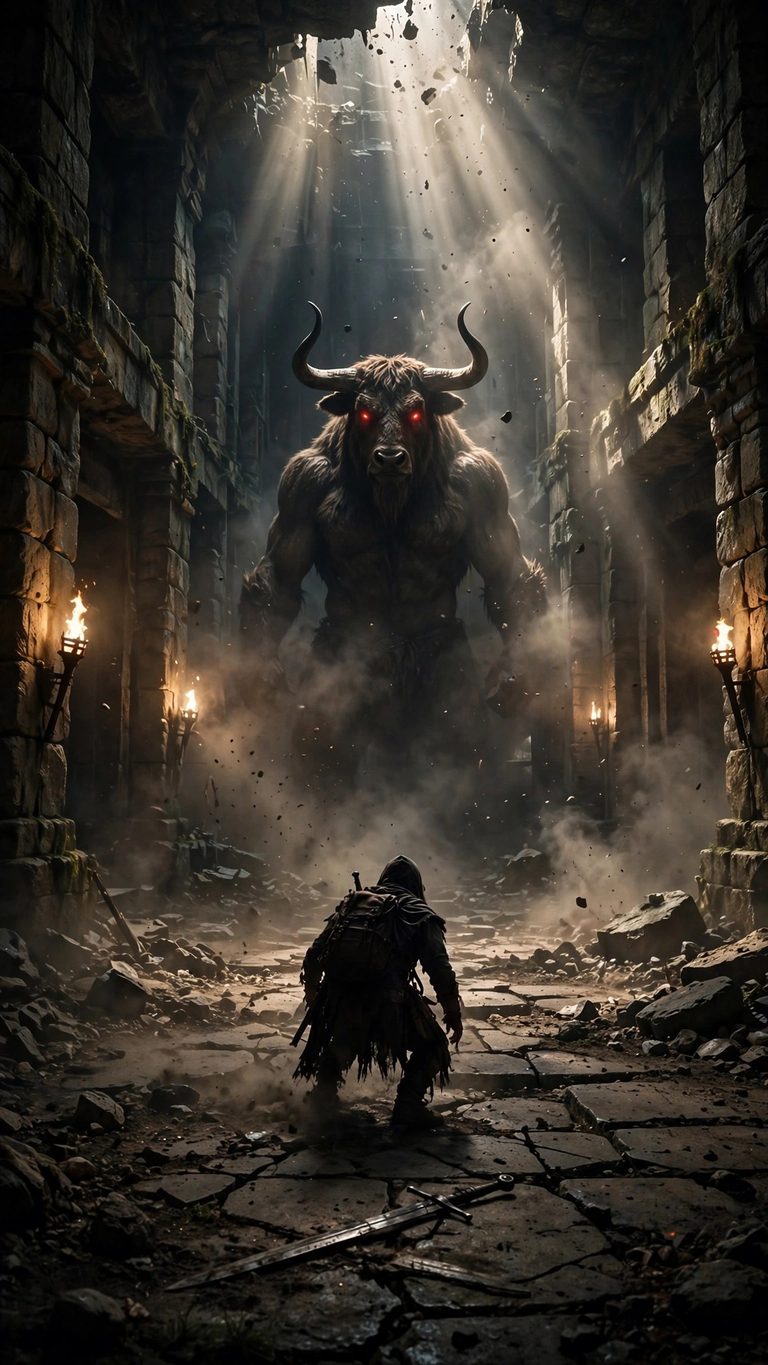
- Minotaur Labyrinth AI Photo Prompt: Generate a Dark Cinematic Fantasy Image of the Legendary Bull-Headed Beast
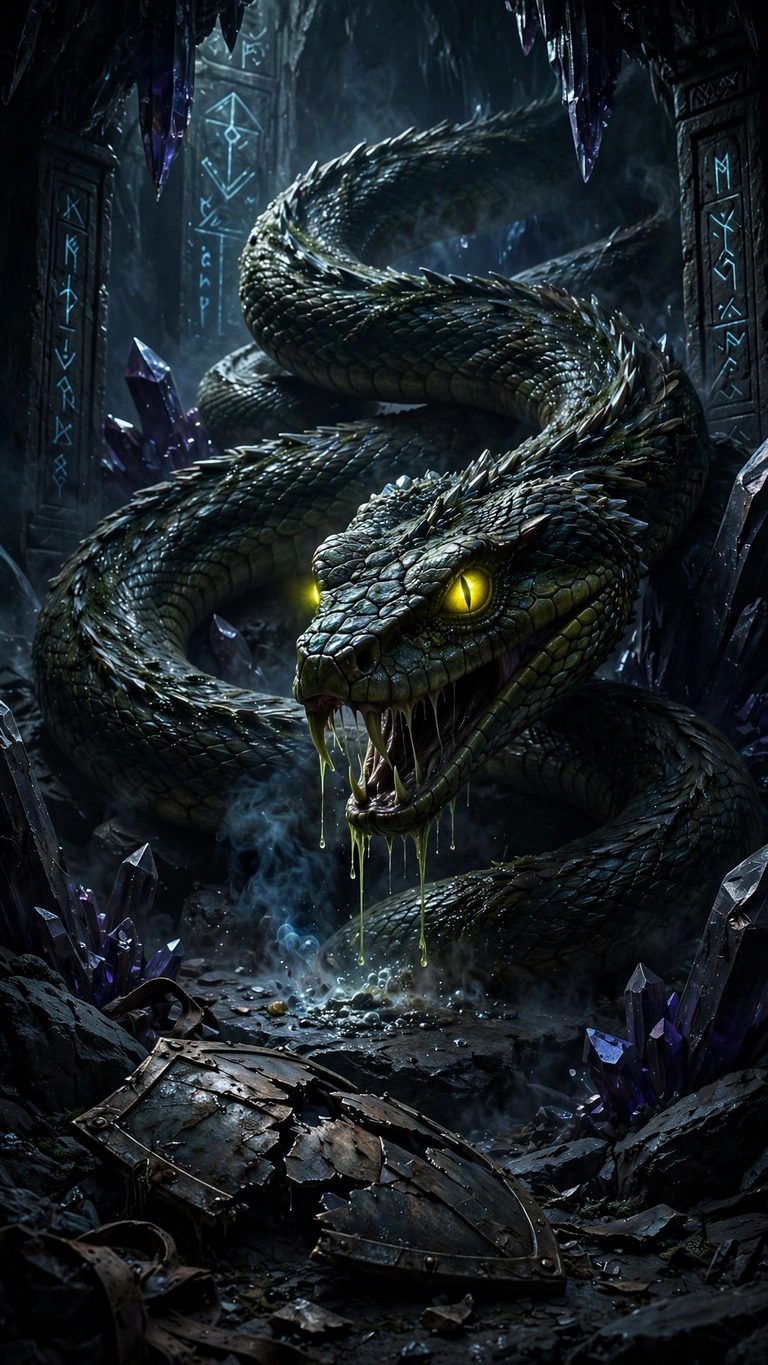
- Basilisk Cave AI Photo Prompt: Create a Terrifying Dark Fantasy Image of the Giant Serpent with Hypnotic Eyes
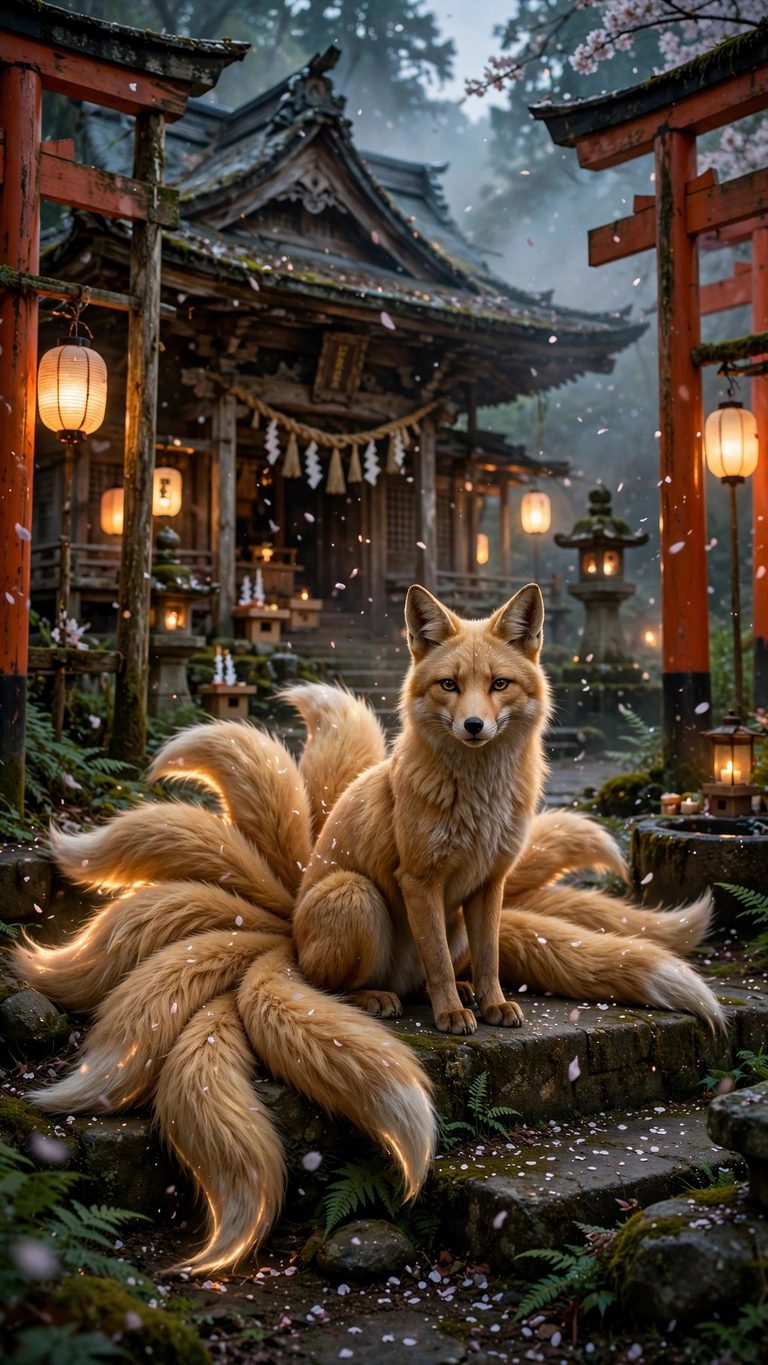
- Kitsune Shrine AI Photo Prompt: Generate a Beautiful Nine-Tailed Fox Spirit Fantasy Image at a Japanese Shrine
# A I P h o t o # P r o m p t B a z a r # F a i r y Q u e e n # F a n t a s y # M a g i c a l

Leave a Reply