
Introduction
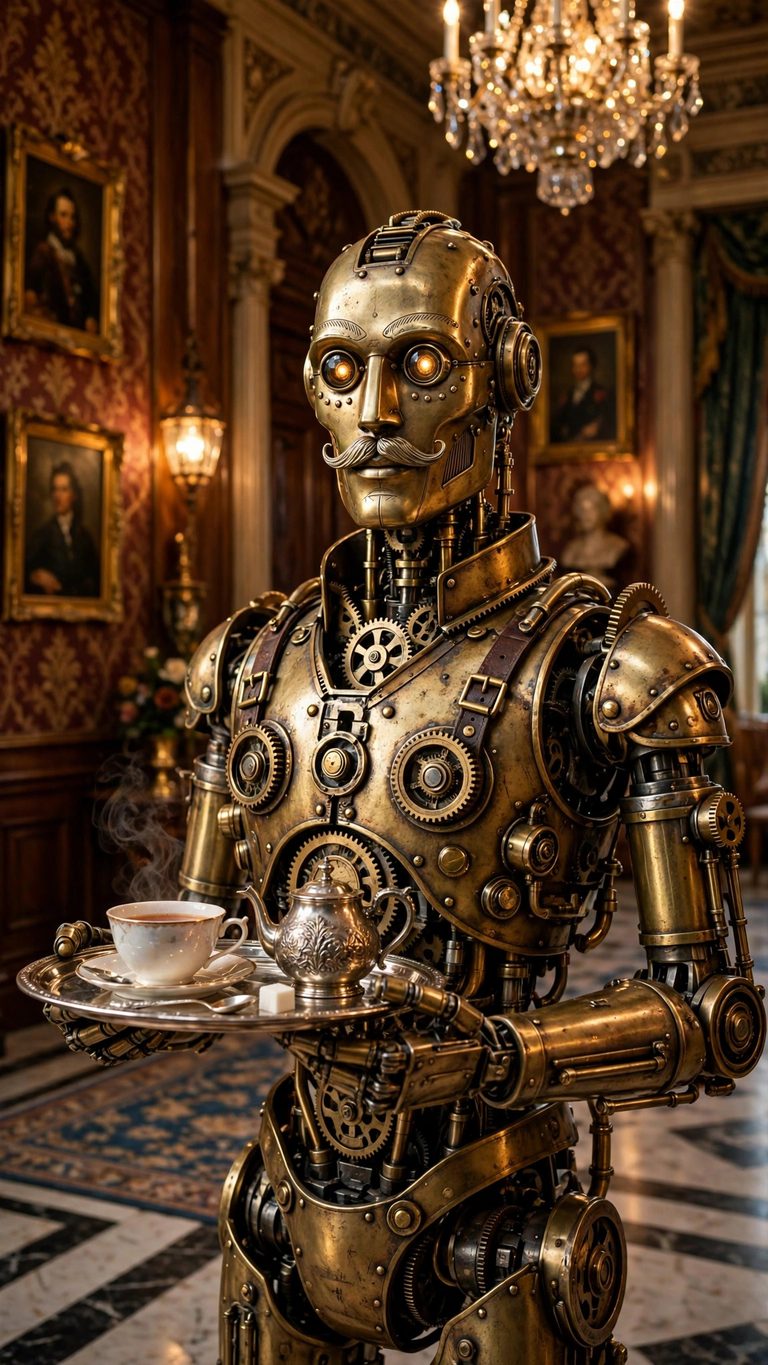
The grand mansion hall falls silent as the butler arrives. He is seven feet of polished brass, his faceplate etched with a dignified handlebar mustache that no tailor or barber ever touched. A crystal chandelier scatters light across hundreds of rivets, and on his steady silver tray a porcelain teapot steams softly beside a folded napkin. Behind him, oil paintings of long-forgotten lords watch from gilt frames, as if the mechanical servant has simply always belonged here. This is the steampunk fantasy at its most charming: a world where Victorian manners survived the machine age, and the finest servant in the house runs on clockwork and steam. Images like this one stop thumbs mid-scroll because they blend two irresistible things, the elegance of a period drama and the wonder of a robot. The brass robot butler is not a monster or a soldier; he is polite, precise, and utterly photogenic. In a vertical 9:16 portrait he fills the frame like a Renaissance noble, and audiences on Instagram, Pinterest, and Facebook love saving and sharing characters they can imagine having a story. With the AI photo prompt below, you can generate this exact scene in seconds, no foundry or costume department required.
The Prompt
Copy the exact prompt below and paste it into your favorite AI image generator to recreate this scene.
Regal steampunk photograph of a tall brass robot butler with a polished mustache etched on its faceplate, standing in a grand Victorian mansion hall, holding a silver tray with tea, chandelier light gleaming on riveted metal, oil paintings behind, dignified pose, intricate mechanical details, warm luxurious lighting, ultra detailed, 8k, masterpiece
Why This Prompt Works
This prompt works because it gives the image generator one commanding hero subject and surrounds it with texture, light, and setting, the three things that separate a flat AI render from a believable photograph. First, the subject is described with layered mechanical detail: tall brass body, a polished mustache etched on the faceplate, a silver tray with tea. The etched mustache is a masterstroke of prompt craft, because it tells the model this robot has character and old-world manners rather than being a generic machine. Second, the materials are spelled out. Words like brass, polished, riveted, and silver tray push the generator toward warm metallic reflections instead of gray plastic. Third, the setting does heavy lifting. A grand Victorian mansion hall, chandelier light, and oil paintings instantly establish wealth, history, and scale, and they give the composition background interest without competing with the butler. Fourth, the lighting tokens matter enormously. Warm luxurious lighting plus chandelier gleam on rivets instruct the model to build the image around specular highlights and soft shadows, which is exactly how real photography sells metal. Finally, the quality stack at the end, intricate mechanical details, ultra detailed, 8k, masterpiece, acts as a finishing pass that sharpens edges, enriches texture, and reduces the mushy look of under-described generations. Portrait prompts like this outperform busy action prompts for one simple reason: the model can devote all of its attention budget to a single face and body, so proportions, symmetry, and detail all come out cleaner.
How to Use This Prompt
Using this prompt takes less than a minute in any major generator. Follow these steps:
1. Midjourney v7: Paste the full prompt into the prompt box. Add –ar 9:16 –v 7 to lock the vertical portrait format. For maximum photographic realism, add –style raw so Midjourney follows your lighting and detail words literally. Run two or three variations and pick the one with the cleanest tray and hands.
2. DALL-E 3: Paste the prompt into the image tool and add one instruction: vertical portrait orientation. DALL-E understands natural language, so you can also ask it to keep the brass warm and reflective, not gray, if a first result looks dull.
3. Flux: Flux (Dev or Schnell) handles long descriptive prompts beautifully. Paste as-is, set the aspect ratio to 9:16 portrait, and use 30 to 50 steps. If the mustache looks painted rather than etched, emphasize the etched wording in a second pass.
4. Stable Diffusion (SDXL): Use a photorealistic checkpoint, 30 to 40 steps, CFG scale around 6, and the prompt unchanged. Add a negative prompt like blurry, deformed hands, cartoon, plastic to protect the fine mechanical detail. Upscale the winner 2x for a crisp final file.
Pro Tips & Creative Variations
The butler is only the beginning. Small edits to this prompt produce an entire cast of characters. Swap the setting to change the mood completely: in a candlelit library turns him into a scholar’s servant, in a grand ballroom makes him a party host, and on a moonlit terrace gives you a mysterious night portrait. Change the tray contents for storytelling: a silver tray with letters suggests a spy thriller, while a tray of pocket watches hints at a time-traveling master. For a close-up variant, replace the word tall with extreme close-up portrait of the faceplate to showcase the etched mustache and rivets. Material swaps are powerful: try aged copper with green patina for an antique feel, or chrome and brass for a newer machine. Add props for Victorian flavor: a monocle hanging from a chain, a pocket watch on a vest chain, or white gloves on the tray hand. If you want action, change dignified pose to bowing gracefully or pouring tea from a brass teapot and watch the scene come alive. For print or wallpaper use, change the aspect ratio to 3:4 or 16:9. And when you get a result you love, save the seed, because reusing the same seed with tiny word changes is the fastest way to build a consistent character series for a story or social media theme.
Frequently Asked Questions
Q: Which AI model renders the brass butler most realistically?
A: Midjourney v7 with the –style raw flag currently gives the most convincing metal, because it follows the lighting and texture words closely. DALL-E 3 is a close second and is easier for beginners who prefer plain instructions. Flux is excellent for long prompts and fine faceplate detail.
Q: My robot’s hands or tray look distorted. How do I fix that?
A: Regenerate with a negative prompt like deformed hands, extra fingers, warped metal and keep the pose simple. The dignified standing pose in the original prompt is already hand-friendly; action poses like pouring tea are harder, so generate those separately and pick the best of several.
Q: Can I use this image commercially?
A: That depends on the terms of the generator you use, not on the prompt itself. Most paid plans grant commercial rights to images you create, while free tiers vary. Check your provider’s current terms before selling prints or using the image in ads.
Q: How do I make the butler look less like a cartoon?
A: Keep the quality tokens, add photorealistic studio photography near the front, and avoid words like cute or stylized. In Midjourney, –style raw is the single biggest lever for realism.
A brass butler with an etched mustache and a silver tea tray is the kind of character audiences remember, and this prompt builds him with lighting, setting, and detail that make the metal feel real. Copy the prompt, try it in your favorite generator, and then make him yours: change the room, the tray, or the pose and watch a whole household of mechanical characters emerge. Your steampunk mansion is one generation away.
Related Viral Prompts
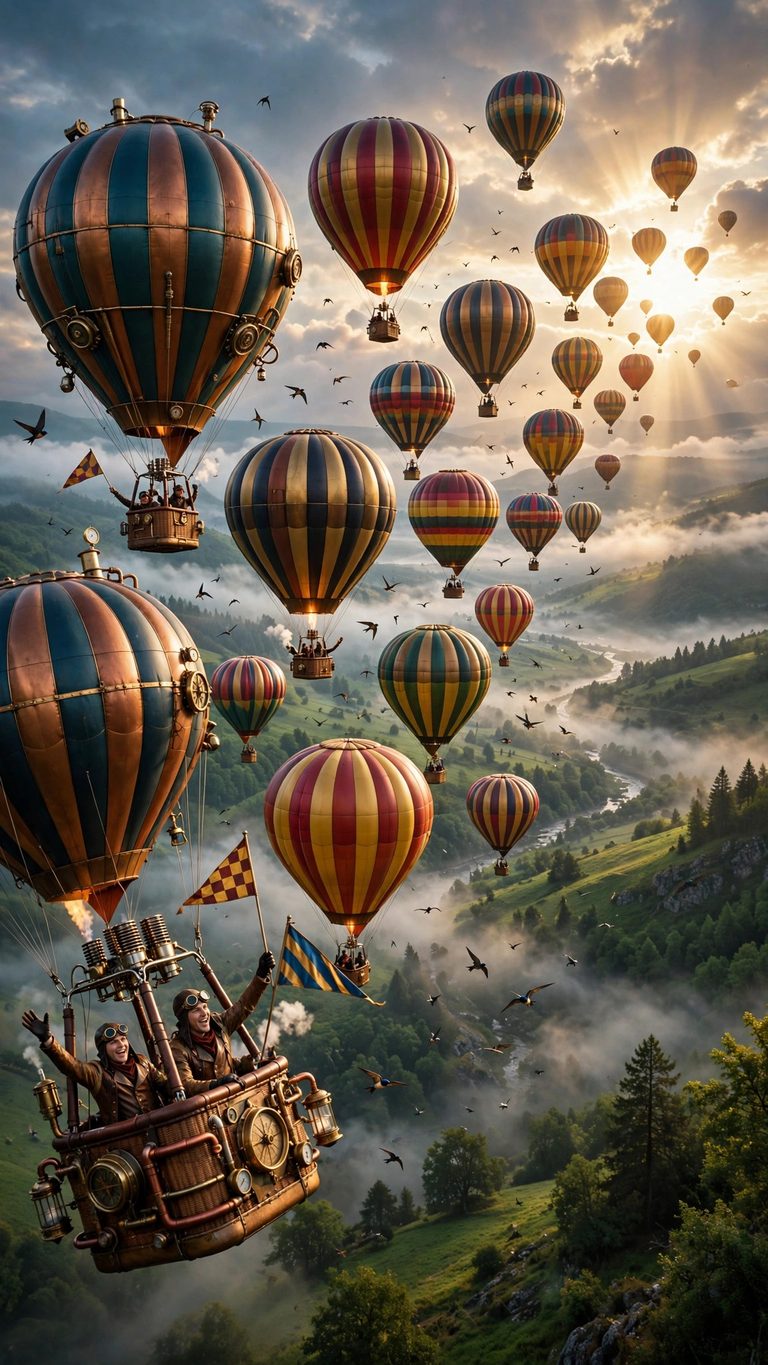
- Hot Air Balloon Race AI Photo Prompt: Capture a Thrilling Steampunk Balloon Festival at Dawn in Vertical 9:16
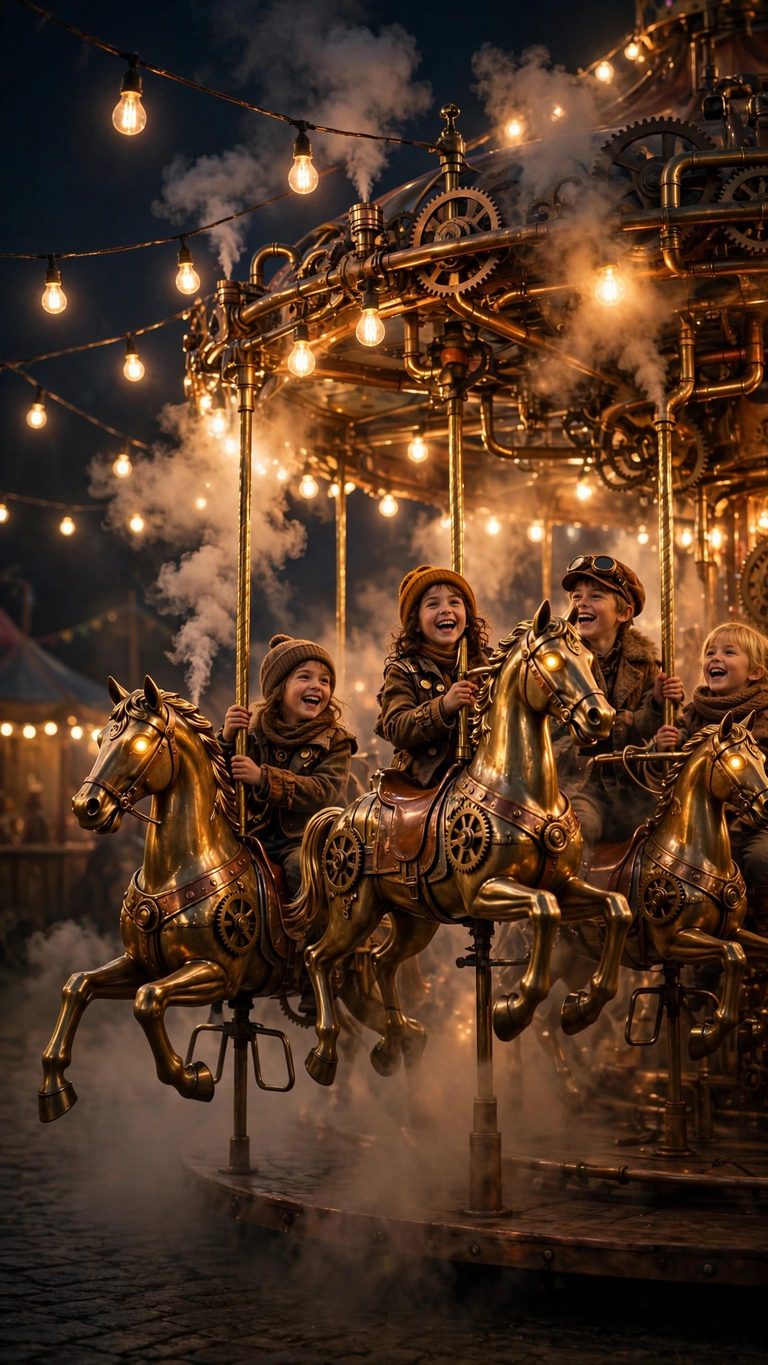
- Steam Carousel Night AI Photo Prompt: Generate a Glowing Steampunk Carnival Scene with Brass Horses in 9:16
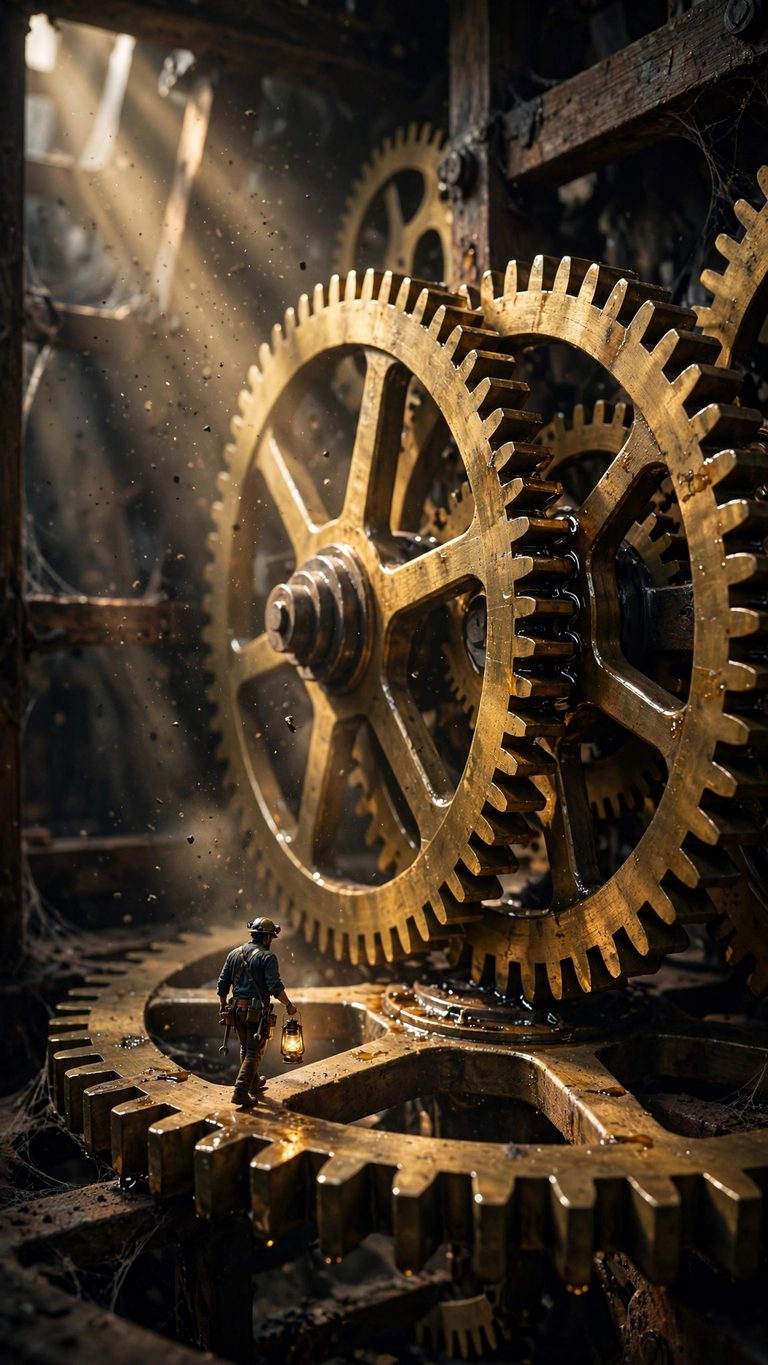
- Clock Tower Gears Macro AI Photo Prompt: Photograph Giant Brass Gears Up Close in a Steampunk Macro Shot 9:16
# A I P h o t o # P r o m p t B a z a r # S t e a m p u n k # R o b o t # B u t l e r

Leave a Reply