
Introduction
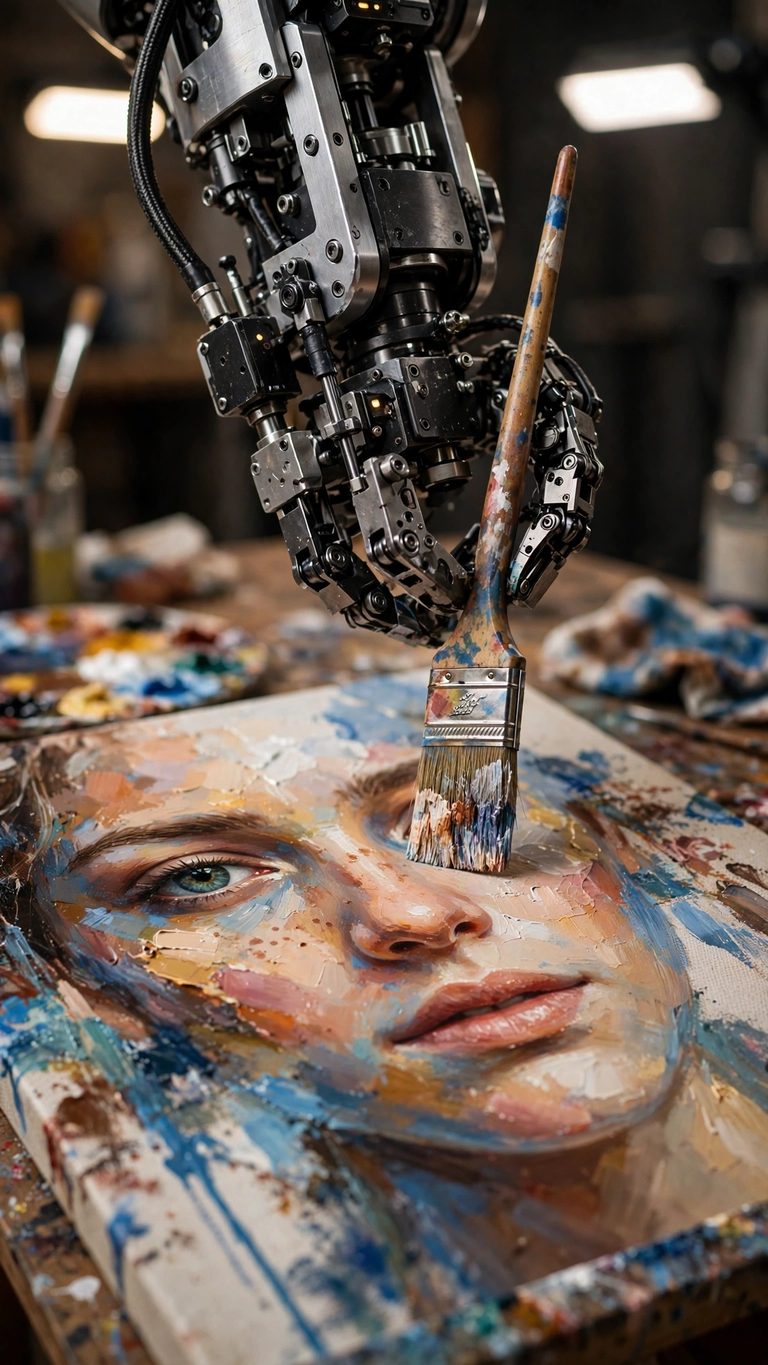
There is a moment in every great process video when chaos resolves into meaning — when scattered brushstrokes suddenly become a face staring back at you. Now imagine the hand holding that brush is not human at all, but a precision-engineered robotic arm, and the portrait emerging on the canvas is breathtakingly beautiful. That single image, rendered in ultra-realistic 8k with dramatic studio lighting, is currently stopping thumbs mid-scroll across every short-form platform, and it is sparking one of the most fascinating comment-section debates on the internet: can a machine create art?
The robot-artist clip works on two levels at once. On the surface, it is pure visual candy — close-ups of bristles bending against canvas, pigments blending in hypnotic swirls, a human face materializing stroke by stroke as if by magic. Beneath the surface, it is philosophical dynamite. Every viewer brings their own answer to the question of machine creativity, and they cannot resist sharing it. The result is a comment section that functions as a second piece of content, driving watch time and algorithmic reach far beyond what the eight seconds of footage could achieve alone.
In 2026, as generative AI reshapes every creative industry, videos that dramatize the human-versus-machine creativity debate are guaranteed engagement magnets. This prompt distills that entire cultural conversation into one elegant, endlessly rewatchable scene. Here is the exact prompt, why every phrase in it matters, and how to make your own version that dominates the art and tech corners of the feed.
The Prompt
Paste this prompt exactly as written into your AI video generator of choice. The carefully layered details — from the visible brushwork to the dramatic lighting — are what separate a generic robot clip from a gallery-worthy viral moment.
Fascinating scene of a robotic arm with a paintbrush creating a stunning portrait on canvas, precise strokes forming a human face, paint colors blending beautifully, studio lights, close-ups of the brushwork, artistic wonder, smooth camera moves, ultra realistic, 8k, creative machine wonder
Why This Prompt Works
Process videos are among the most rewatchable formats ever discovered by short-form platforms, and this prompt is process content at its most mesmerizing. Human brains are wired to find gradual creation deeply satisfying — watching a face emerge from nothing, stroke by stroke, delivers a dopamine arc with a built-in payoff, and the eight-second runtime compresses that arc into something viewers will loop three or four times just to catch details they missed. Every replay is another signal to the algorithm that this content deserves a wider audience.
The close-ups are the prompt’s secret weapon. “Close-ups of the brushwork” forces the generator into macro territory, where paint texture, bristle flex, and color blending become the stars. Macro detail is catnip for AI video models, which render small-scale textures with stunning fidelity, and it is equally irresistible to viewers — there is a reason satisfying close-up content dominates craft and cooking niches. The “precise strokes” and “paint colors blending beautifully” phrases guarantee the two most hypnotic visual elements: mechanical precision and organic fluidity, side by side in a single frame.
Then there is the debate engine. “Creative machine wonder” frames the scene with awe rather than dread, but viewers will supply their own arguments regardless — artists defending human soul, technologists celebrating machine capability, philosophers questioning what creativity even means. Controversy-adjacent content with a positive frame is the safest possible engagement fuel: passionate comments, stitch videos, duets, and quote-posts, all without the toxicity that gets content suppressed. Shareability is built in too, because the clip is the perfect thing to send to the one friend who is always arguing about AI art. In a year when AI creativity dominates headlines, this prompt turns a cultural fault line into pure watch time.
How to Use This Prompt
Step 1: Pick the right tool for detail. Veo 3 and Sora currently render paint texture and fine brushwork most convincingly. Runway’s camera controls are excellent if you want to choreograph the move from wide shot to extreme close-up yourself. Kling 2 handles the mechanical arm motion smoothly, and Pika is ideal for fast low-cost iterations while you dial in the look.
Step 2: Paste the prompt exactly and set your format. Use 9:16 vertical, 8 seconds, and request the highest quality tier available. The “ultra realistic, 8k” tail is doing real work — it pushes the model toward photographic texture rather than a stylized render.
Step 3: Generate multiple takes and judge the reveal. The money moment is the portrait emerging — generate at least three variants and choose the one where the face resolves most clearly and beautifully. Watch for the classic failure mode: brushstrokes that smear without forming a coherent image. If that happens, strengthen the prompt with “face becoming clearly visible” and regenerate.
Step 4: Direct the camera with intention. If your tool supports it, structure the eight seconds as a journey: start on a medium shot of the arm and canvas, push into an extreme close-up of the brushwork for the middle beats, then pull back slightly for the reveal of the emerging face. This three-move structure mirrors professional art documentaries.
Step 5: Sound and caption finish the job. Layer a soft classical or lo-fi track underneath, add a caption question like “Is this art? The painter is a robot,” and always disclose AI generation. Debate-bait captions are the highest-ROI text you can add to this format.
Pro Tips & Creative Variations
Three craft details separate amateur attempts from the versions collecting millions of views. First, keep the brush strokes visible and legible — the viewer must see individual marks landing on canvas, not a blurry smear. If your render muddies the strokes, add “distinct visible brushstrokes” and regenerate. Second, choreograph the portrait reveal gradually: the most satisfying versions show an abstract swirl for the first two seconds, hints of features by second five, and a clearly recognizable face by the end. A face that appears too early wastes the suspense; one that never resolves wastes the payoff. Third, make the studio lighting dramatic — a strong key light raking across the canvas with deep shadows behind the arm gives the scene its gallery-grade mood and makes wet paint gleam.
The variation space here is enormous, and each one taps a different audience. Render the robot painting in distinct styles: thick impasto oil strokes for the fine-art crowd, neon cyberpunk portraiture for the tech audience, delicate watercolor washes for the satisfying-content niche. Scale it up to a mural on a city wall for epic scope, or scale it down to miniature painting for ASMR-adjacent detail lovers. Try a diptych concept where a human hand and the robotic arm paint the same portrait side by side — that single image will ignite the debate harder than any caption. You can also serialize it: “robot paints famous masterpieces” as a recurring series gives followers a reason to return, and each episode’s style change keeps the format fresh indefinitely.
Frequently Asked Questions
Q: Why do the brushstrokes sometimes look like random smearing instead of forming a face?
A: This is the most common failure mode, and it happens because the model prioritizes paint texture over compositional structure. Fix it by adding compositional anchors to the prompt such as “face becoming clearly visible” or “portrait clearly emerging,” and generate several takes. Judging the reveal frame-by-frame before publishing saves you from posting a dud.
Q: Which generator handles the robotic arm motion best?
A: Kling 2 has the smoothest mechanical motion in current testing, with Veo 3 close behind and superior paint texture. If the arm movement looks jerky, reduce motion intensity settings if your tool offers them, or describe the movement as “slow deliberate strokes” in the prompt.
Q: Should I lean into the “can machines make art” debate in my caption?
A: Absolutely — respectfully. A genuine question like “The painter is a robot. Is this art?” invites passionate, good-faith discussion and dramatically lifts comment counts. Avoid taking an aggressive stance yourself; let the audience debate while you collect the engagement.
Q: Can I build a whole account around this concept?
A: Yes, and it is one of the stronger AI-video niches for it. A “machine artist” persona with consistent robot design, recurring series like famous-masterpiece recreations, and process-focused content has clear branding, endless content ideas, and an audience that spans art lovers and tech enthusiasts — a rare and valuable combination.
Some prompts entertain; this one provokes, mesmerizes, and starts conversations that outlive the eight-second runtime. The image of a machine coaxing a human face out of blank canvas is the defining visual metaphor of our era — and now you hold the exact words that create it. Render your robot artist, ask your audience the big question, and watch the debate paint your analytics green.
Related Viral Prompts
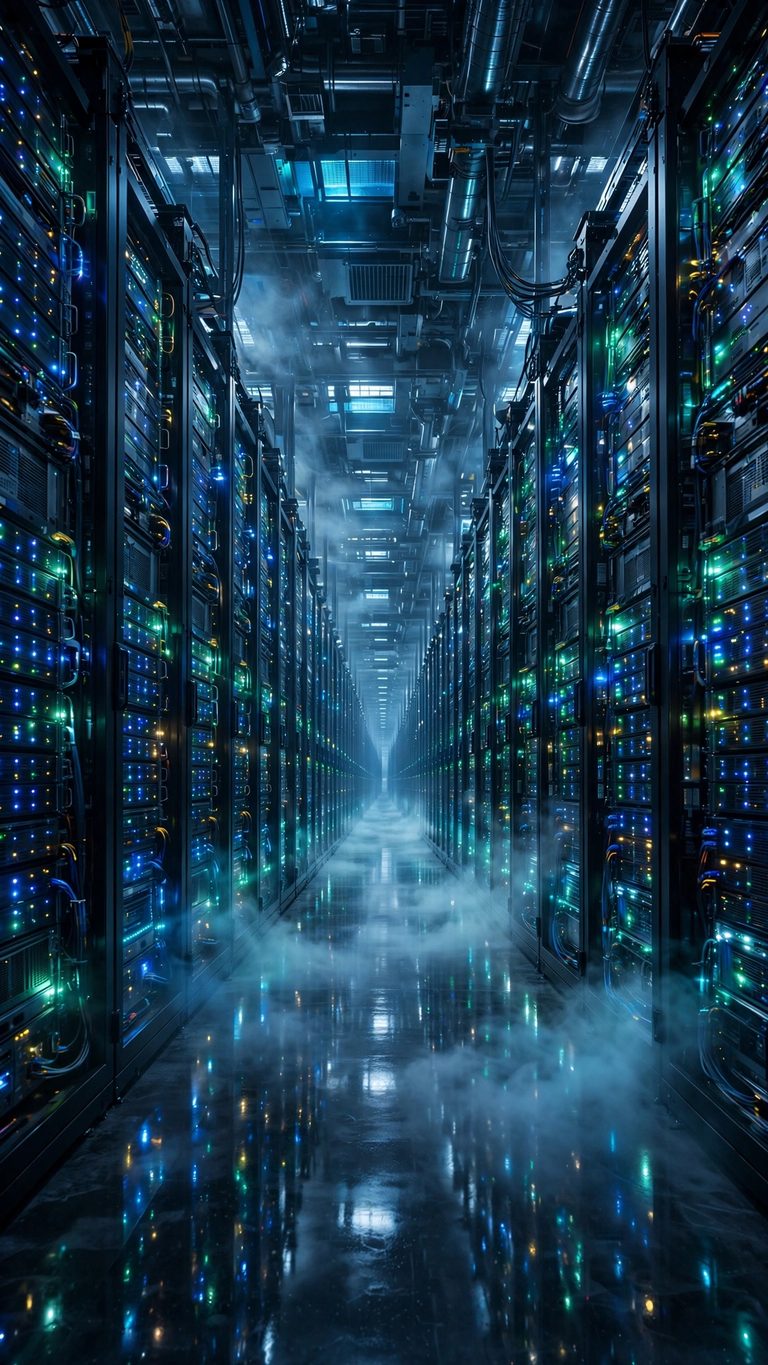
- Epic AI Data Center Corridor AI Video Prompt: A Cinematic Glide Through the Heart of the Machine Age
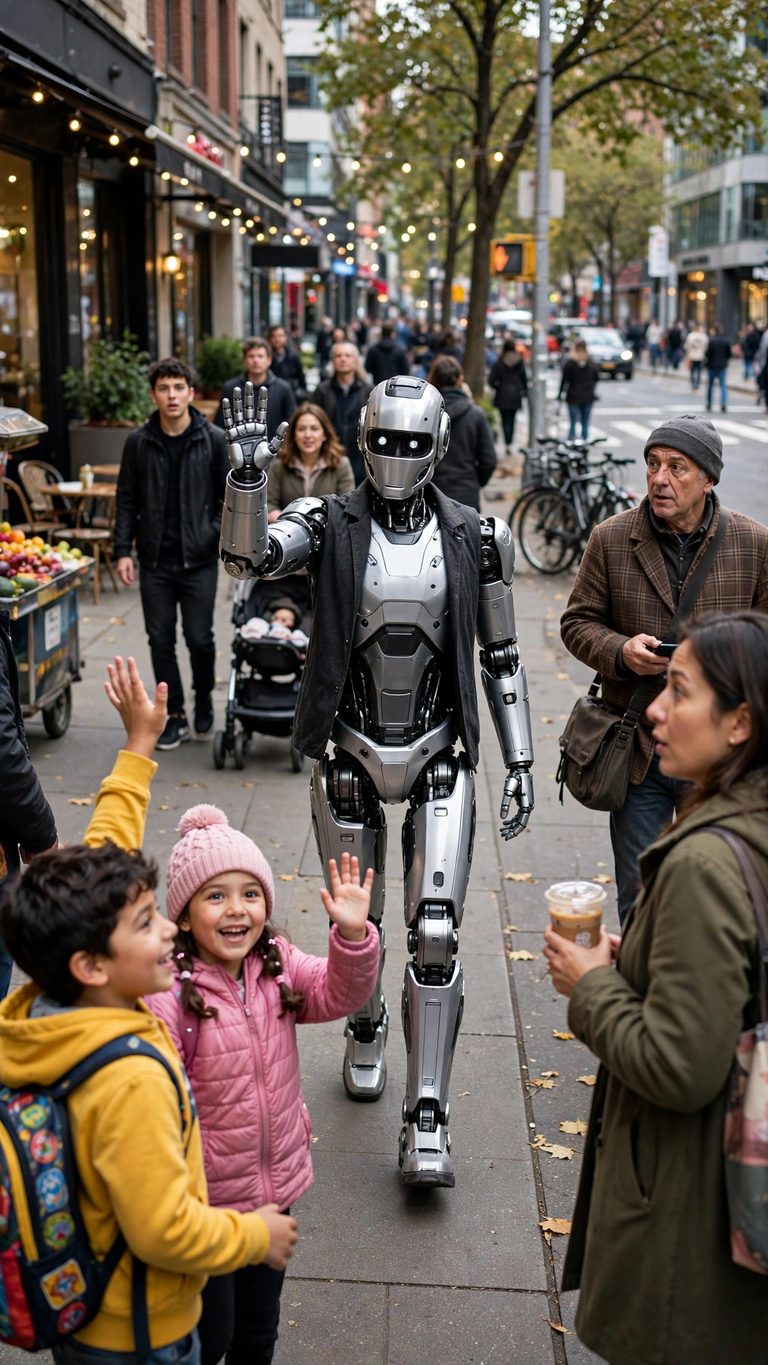
- Humanoid Robot City Walk AI Video Prompt: The Candid Street Scene Everyone Cannot Stop Watching in 2026
- Robot Barista Latte Art AI Video Prompt: The Coziest Viral Coffee Moment You Will See Right Now in 2026
# A I V i d e o # P r o m p t B a z a r # R o b o t A r t i s t # A r t # A I

Leave a Reply