
Introduction
Nothing electrifies an audience like the one-against-many showdown. It is the oldest power fantasy in storytelling – a single hero standing in a ruined plaza as an endless chrome tide closes in – and it is also one of the most reliably viral formats in short-form video. Underdog battles trigger something primal: viewers do not just watch, they root, they gasp, they replay the best hits. That is why #Superhero battle clips rack up millions of views under the #AIVideo hashtag, and why the #PromptBazar community keeps asking for bigger, louder, more explosive fight prompts.
This article delivers exactly that: a viral-ready AI video prompt for an epic one-vs-army superhero battle where a lone hero smashes through waves of chrome combat robots, sparks flying with every punch, energy waves spinning outward as reinforcements pour in endlessly. Built for Veo 3, Runway, Kling, Pika, and Sora, this prompt turns a single text line into a whirling, unstoppable melee that looks ripped from a summer blockbuster. Below you will find the exact prompt, a deep dive into why each phrase hits so hard, a step-by-step generation guide, pro variations to keep your #RobotArmy content fresh, and answers to the most common questions. Strap in – the #Battle starts now.
The Prompt
Copy the text below exactly as written and paste it into your AI video generator:
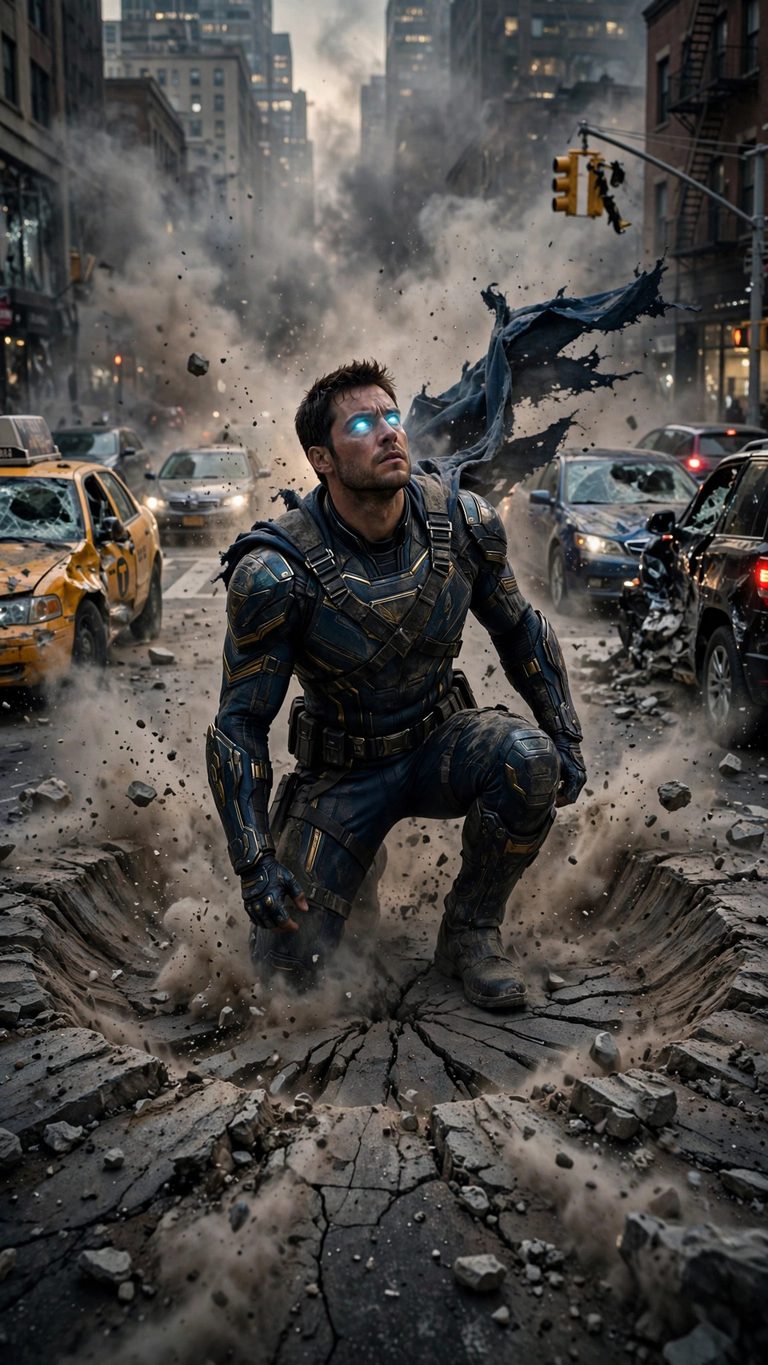
Epic one-vs-army superhero battle, a lone hero smashing through waves of chrome combat robots in a ruined plaza, robots flying apart in sparks with every punch, the hero spinning with energy waves, reinforcements pouring in endlessly, camera whirling through the melee, unstoppable underdog fury, ultra realistic, cinematic
Why This Prompt Works
The genius of this prompt is that it describes a battle the way a fight choreographer would: in beats, not just imagery. “Epic one-vs-army superhero battle” sets the genre contract in five words – the model knows this is large-scale combat, not a duel. “A lone hero smashing through waves” gives the generator its hero-to-threat ratio and its core verb, “smashing,” which diffusion models translate into big, readable, impactful motion rather than the small jittery movements that plague weak fight prompts. “Chrome combat robots” is a smart material choice: reflective chrome surfaces catch light dramatically and read as expensive and futuristic even at lower resolutions, which makes the footage feel premium on a phone screen.
“Robots flying apart in sparks with every punch” is the money phrase. It mandates cause and effect – every strike produces a visible payoff – which is what separates satisfying action from empty flailing. AI video models often struggle with contact and impact; explicitly demanding sparks and flying debris gives the model a visual language for force. “The hero spinning with energy waves” adds a signature move, a repeatable visual motif that makes the hero memorable and gives viewers a “did you see that spin?” moment to comment on. “Reinforcements pouring in endlessly” solves the classic AI problem of battles that fizzle out: it instructs the model to keep the threat density high, so the frame stays alive and the underdog tension never deflates.
The camera and emotion cues seal the deal. “Camera whirling through the melee” is active, immersive cinematography – the viewer is inside the fight, not watching from a balcony. “Unstoppable underdog fury” dictates the emotional register so the hero never looks tired or defeated; the energy stays triumphant. And the “ultra realistic, cinematic” anchor pushes lighting, debris physics, and color grading toward blockbuster quality. The result is a prompt that does not just describe a fight – it directs one.
How to Use This Prompt
Step 1 – Choose your battlefield generator. Veo 3 and Sora handle complex multi-figure combat with the fewest glitches. Kling excels at dynamic camera motion for the “whirling” feel. Runway is ideal if you want to extend a great 5-second take into a longer sequence. Pika can deliver a punchier, stylized comic-book variant.
Step 2 – Frame for impact. Use 9:16 vertical for Shorts, Reels, and TikTok, or 16:9 for YouTube. Generate at the highest resolution your plan allows – sparks, chrome reflections, and debris all benefit from extra pixels.
Step 3 – Paste verbatim, then guard. Paste the full prompt exactly as written. In the negative prompt field add: “blurry limbs, melting robots, extra arms, watermark, text.” Robot crowds are where AI models most often produce anatomical chaos, so these guardrails matter.
Step 4 – Run multiple seeds. Combat is the hardest thing for AI video to render coherently, so generate three to four takes and keep the one with the cleanest impacts. Look for punches that visibly connect and robots that break apart convincingly.
Step 5 – Edit like a trailer. Cut on impacts, add metallic clang and bass-heavy hit sounds, and use a hard-cut montage rhythm. A 12-second cut with four big hits outperforms a single unbroken 10-second take almost every time.
Step 6 – Post with a hook. Open with on-screen text like “He refused to fall.” Add your hashtags – #AIVideo, #PromptBazar, #Superhero, #RobotArmy, #Battle – and publish at peak hours for your audience.
Pro Tips & Creative Variations
This prompt is a franchise starter. Swap the army: replace “chrome combat robots” with “obsidian war drones,” “scrap-metal mechs,” or “shadow soldiers” to create a whole series of one-vs-many battles without rewriting the choreography. Each variant feels fresh while the proven structure keeps working.
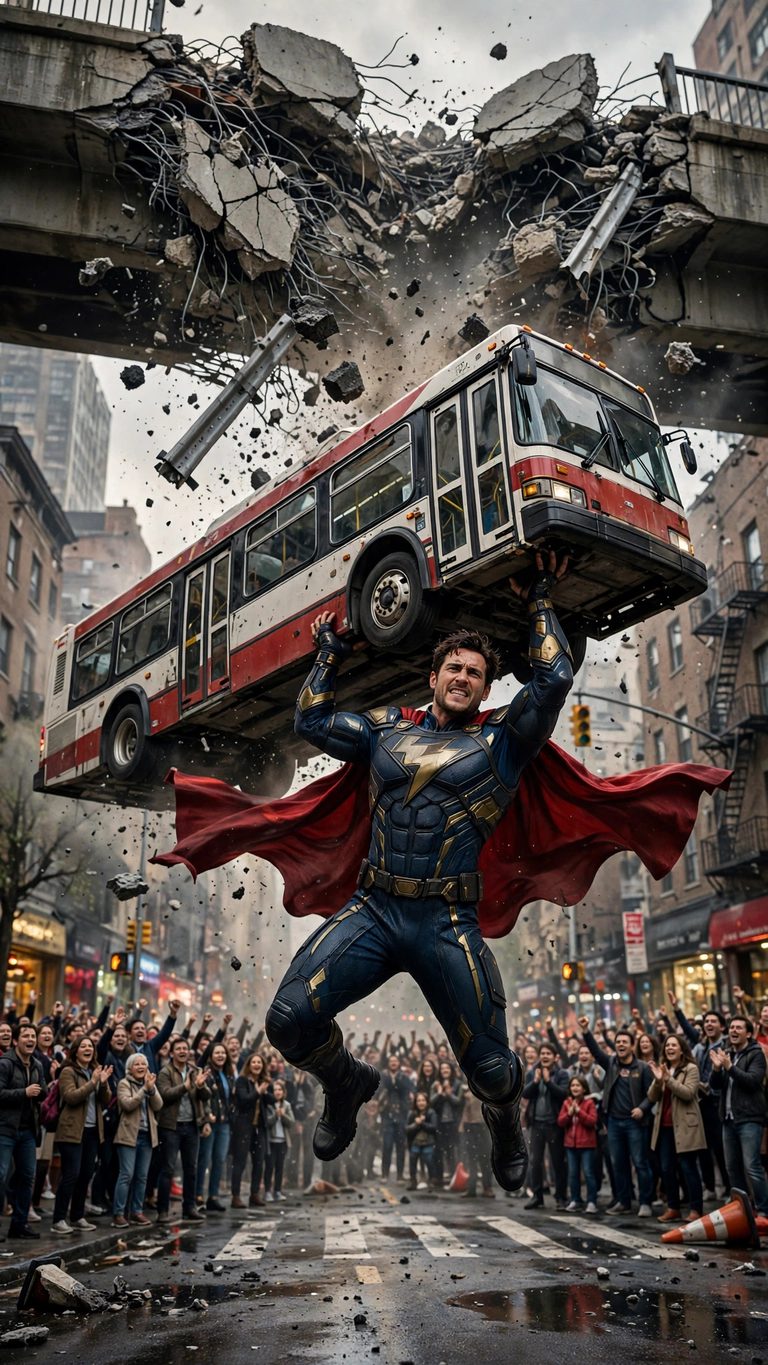
Change the arena. A “ruined plaza” is classic, but try “a collapsing bridge at dawn,” “a flooded subway tunnel,” or “the deck of a burning aircraft carrier.” Environmental storytelling makes viewers feel the stakes rising with each episode, and reflective surfaces like water or wet metal make the sparks pop even harder.
Direct signature moments. Append “finishing move: hero slams the ground, shockwave flattens the front line” to engineer a climax beat you can use as the thumbnail and the final second of the clip. Or add “slow-motion close-up: a robot’s visor cracking” for a detail shot that sells the realism. If your tool supports start/end frames, generate the hero-surrounded opening still first, then animate the breakout.
Troubleshoot the melee. If robots merge into a chrome blob, reduce crowd density language (“waves” to “a ring of”) and regenerate. If the hero’s powers look weak, strengthen the impact verbs: “obliterating,” “shattering,” “detonating.” And remember: the best #RobotArmy clips on the #AIVideo feed are rarely one perfect generation – they are two or three good takes edited into a rhythm.
Frequently Asked Questions
Why do my AI fight scenes look messy or glitchy? Combat involves many moving bodies, which is the hardest task for current video models. The fix is shorter generations (5 seconds), strong impact verbs, negative prompts against morphing limbs, and editing multiple takes together instead of hoping for one perfect shot.
Which tool is best for the robot army battle? Veo 3 leads on coherent multi-figure action. Kling is excellent for the whirling camera energy. Runway’s extend feature lets you continue a great take. If you only have one tool, pick the one whose motion quality you trust most and lean on editing.
Can I make this a series? Yes, and you should. Keep the hero consistent by reusing the same character description or reference image across episodes, then change the enemy type and arena each time. Series build followers faster than one-offs – viewers subscribe to see the next #Battle.
How do I avoid copyright issues with the hero design? Describe an original hero (“a hero in matte black armor with a glowing blue core”) rather than naming existing characters. Original designs keep your content safe to monetize and let you build your own #Superhero brand.
Every legend has a last-stand moment – now you can direct yours. Paste this one-vs-army prompt into Veo 3, Runway, Kling, Pika, or Sora, generate your chrome-shattering battle, and unleash it with #AIVideo, #PromptBazar, #Superhero, #RobotArmy, and #Battle. The reinforcements are endless, but so is the hero. Hit generate and let the sparks fly.
Related Viral Prompts
- Shield vs Explosion Showdown: Free Viral AI Video Prompt for Cinematic Superhero Defense Moments That Break the Internet
- Skyscraper Leap of Faith: Free Viral AI Video Prompt for Cinematic Superhero Freefall Scenes That Stop Hearts Cold
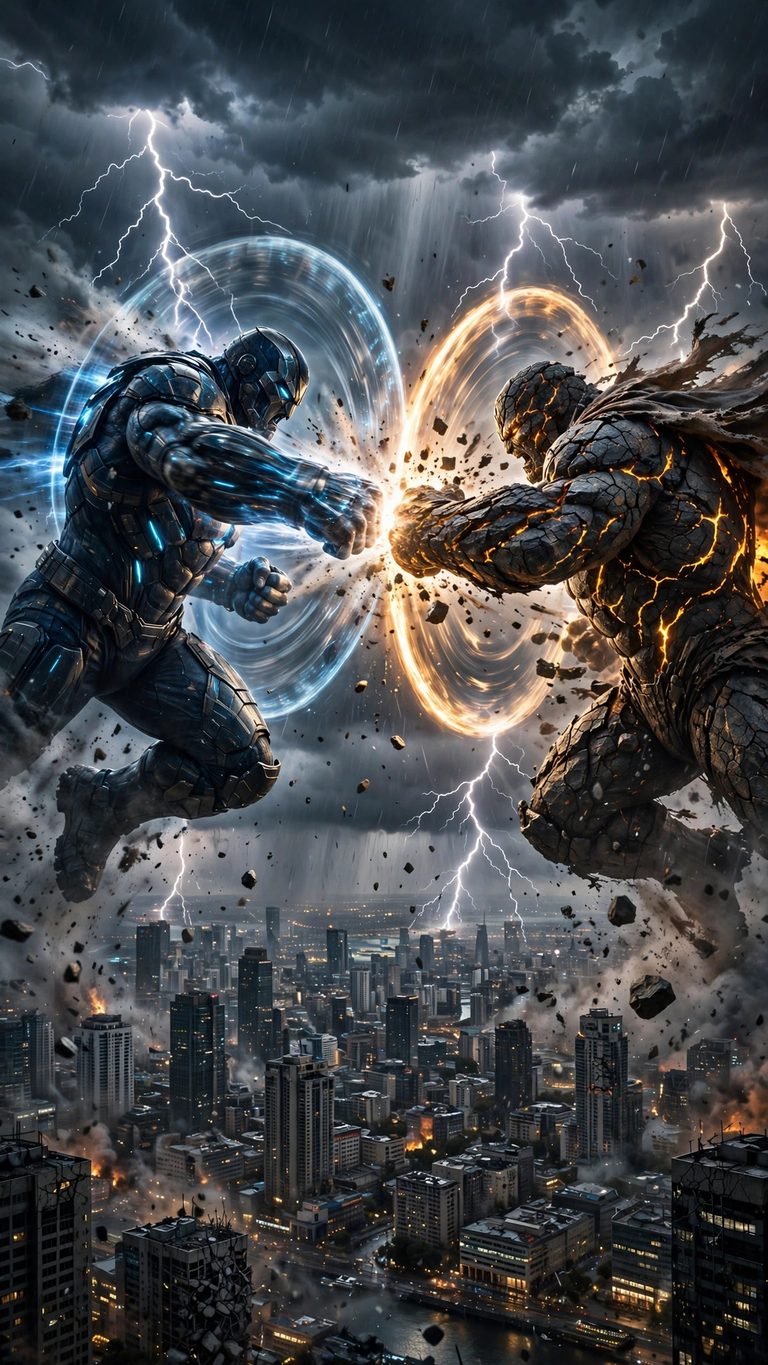
- Epic Beam Clash Showdown: Free Viral AI Video Prompt for Cinematic Superhero Power Struggle Scenes of Pure Destruction
# A I V i d e o # P r o m p t B a z a r # S u p e r h e r o # R o b o t A r m y # B a t t l e

Leave a Reply