
Introduction
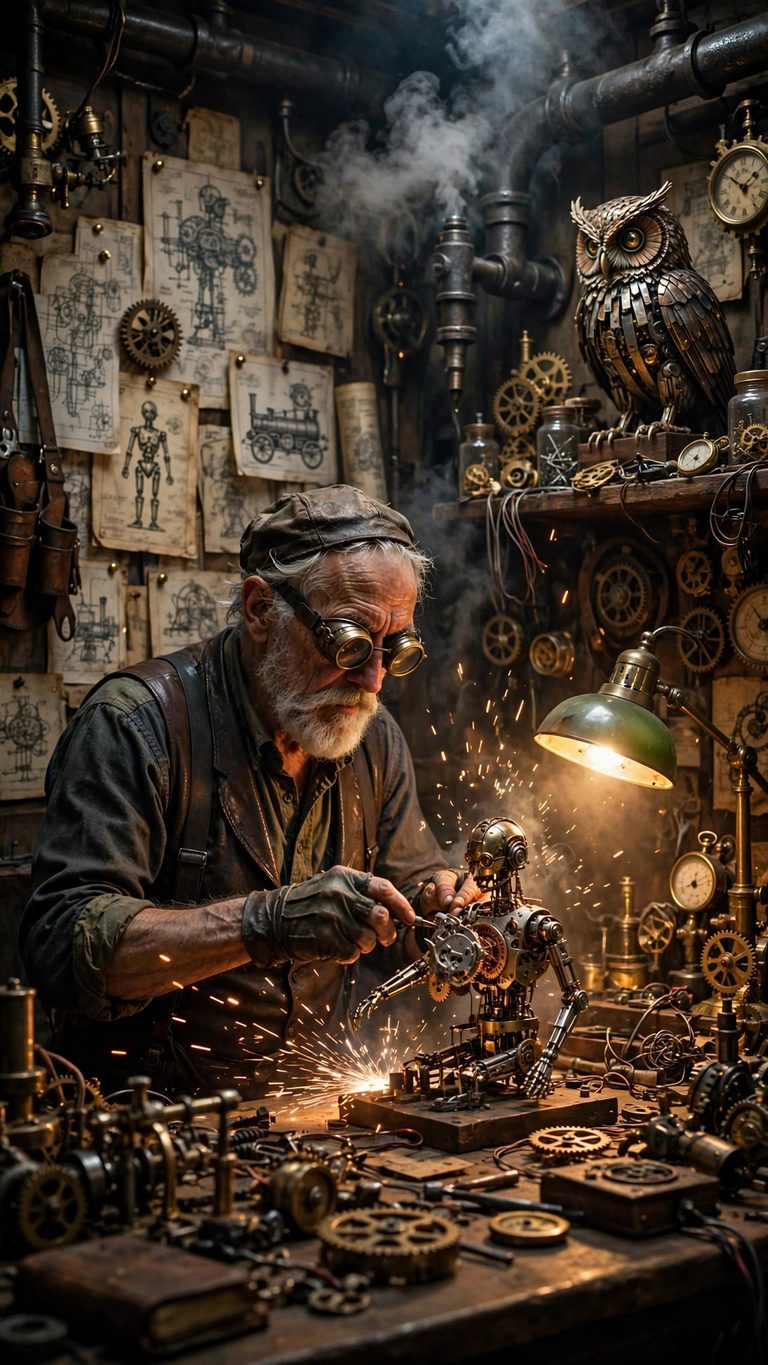
Step through the door of a Victorian inventor’s workshop and the modern world falls away. An elderly genius with brass goggles pushed up on his forehead leans over a workbench, assembling a delicate automaton while sparks fly and hiss into the air. Blueprints are pinned across every wall, dense with impossible machines. On a shelf, a clockwork owl swivels its head to watch you, its brass feathers catching the warm lamplight. Steam hisses from copper pipes overhead, and the camera drifts through the clutter like a curious guest. This is steampunk at its most intimate: not the grand airship or the roaring battle, but the quiet room where impossible things are born. The coziness is the hook. Viewers feel like they have been let into a secret, and secrets get shared. The scene is dense with storytelling detail, every gear, drawing, and tool suggesting a lifetime of obsession. For creators, workshop interiors are gold: they work as character introductions, ASMR-adjacent ambience, and endlessly remixable sets for narrative series.
The Prompt
Copy the prompt below exactly as written and paste it into your favorite AI video generator.
Cozy steampunk scene inside a Victorian inventor workshop, an elderly genius with goggles assembling a brass automaton, sparks flying from his workbench, blueprints pinned everywhere, a clockwork owl watching from a shelf, steam hissing from pipes, warm lamplight, camera drifting through the cluttered wonder, ultra realistic, cinematic
Why This Prompt Works
This prompt works because it builds a character, a space, and a mood in one compact block. The inventor is described with just enough specificity, elderly genius with goggles, to read instantly as an archetype without over-constraining the model. The action is hands-on and continuous: assembling an automaton with sparks flying. Continuous workshop action is ideal for short video because there is always motion in frame, which holds attention across the full eight seconds. The set dressing does heavy lifting: blueprints pinned everywhere, a clockwork owl, steam-hissing pipes. Each prop is a storytelling object that rewards rewatching, and rewatching drives shares and comments. The camera instruction, drifting through the cluttered wonder, is perfect for interiors because a slow drift reveals depth without demanding complex choreography. Warm lamplight is the ideal lighting for a workshop; it flatters brass, softens shadows, and creates the cozy glow the caption promises. Closing with “ultra realistic, cinematic” keeps textures, aged wood, worn leather, polished brass, from sliding into cartoon territory. Together, these choices produce a scene that feels lived-in, which is the hardest and most valuable quality in AI-generated interiors.
How to Use This Prompt
This prompt is ready to copy and paste. Choose the AI video tool that fits your workflow and follow the steps below.
- Copy the prompt exactly as written in the box above, including the style tags at the end like “ultra realistic” and “cinematic”. These quality modifiers are what keep the output looking like a film frame rather than a cartoon.
- Veo 3: Paste the prompt into the text-to-video field, set the aspect ratio to 9:16 for vertical shorts, pick a duration of 8 to 10 seconds, and generate two variations so you can choose the better hull reflection or crowd detail.
- Runway: Use the prompt in Gen-4 or the current video model, lock the camera motion setting to match the described move (for example “sweeping aerial” means a lateral glide), and generate at 1080p.
- Kling: Paste the prompt, enable professional mode for richer detail, and let the built-in physics handle the steam, smoke, and fabric motion.
- Pika: Use the prompt as the core text input, then add negative prompts like “blurry, distorted, extra limbs, watermark” to clean up the render.
- Sora: The prompt works as-is in storyboard mode; if you want a longer cut, split the scene into two beats (wide establishing shot, then the described camera move) and generate each separately.
- Post and publish: Export vertical 9:16, add the caption and hashtags from this post, and upload to your shorts, reels, or TikTok feed.
For this interior drift, Veo 3 and Sora handle slow camera moves through cluttered rooms gracefully, while Runway gives you tight control over the eight-second drifting shot.
Pro Tips & Creative Variations
The workshop is one of the easiest scenes to personalize. Change the inventor: a young woman in a leather apron with copper goggles, a pair of apprentice siblings racing to finish a flying machine, or a retired captain building a ship in a bottle the size of a room. Swap the automaton for whatever your story needs: a mechanical hand that waves at the camera, a brass songbird that flaps its wings, a tiny walking tea tray. Adjust the owl’s behavior by adding “the clockwork owl blinks and tilts its head toward the camera” for a moment of charm that viewers love. Lighting variations change everything: a fireplace glow for winter coziness, green-tinted gas lamps for mystery, or a single shaft of window light cutting through dust for drama. Add sound-design-friendly details like “a wall of ticking clocks” or “a kettle whistling on a steam vent.” If the clutter turns to mush, tighten the prompt with “organized clutter, every object distinct and readable.” For series creators, generate the same workshop from three angles and intercut them; consistent warm lamplight will sell them as one room.
Frequently Asked Questions
Do I need to edit the prompt before using it?
No. It was written and tested for text-to-video models. Copy it exactly for your first generation. Edit only after you see the result and know what you want to change, such as the time of day or camera angle.
Which AI video tool gives the best steampunk look?
Veo 3 and Runway currently render brass, gears, and atmospheric smoke with the most convincing realism. Kling is excellent for motion fluidity, while Pika and Sora are strong on stylized or cinematic framing. Try two tools and compare.
Why does my video look cartoonish instead of realistic?
Usually because the style tags were dropped or the model defaulted to a stylized render. Keep “ultra realistic, cinematic” in the prompt, and in tools like Pika add negative prompts such as “cartoon, anime, flat colors”.
Can I use the generated video commercially?
That depends on the terms of the AI tool you use, so check your plan’s license before monetizing. The prompt itself is free to use and adapt for your own creative projects.
Every great invention starts in a cluttered room full of steam. Copy the prompt, step inside the workshop, and let your viewers watch a genius at work.
Related Viral Prompts
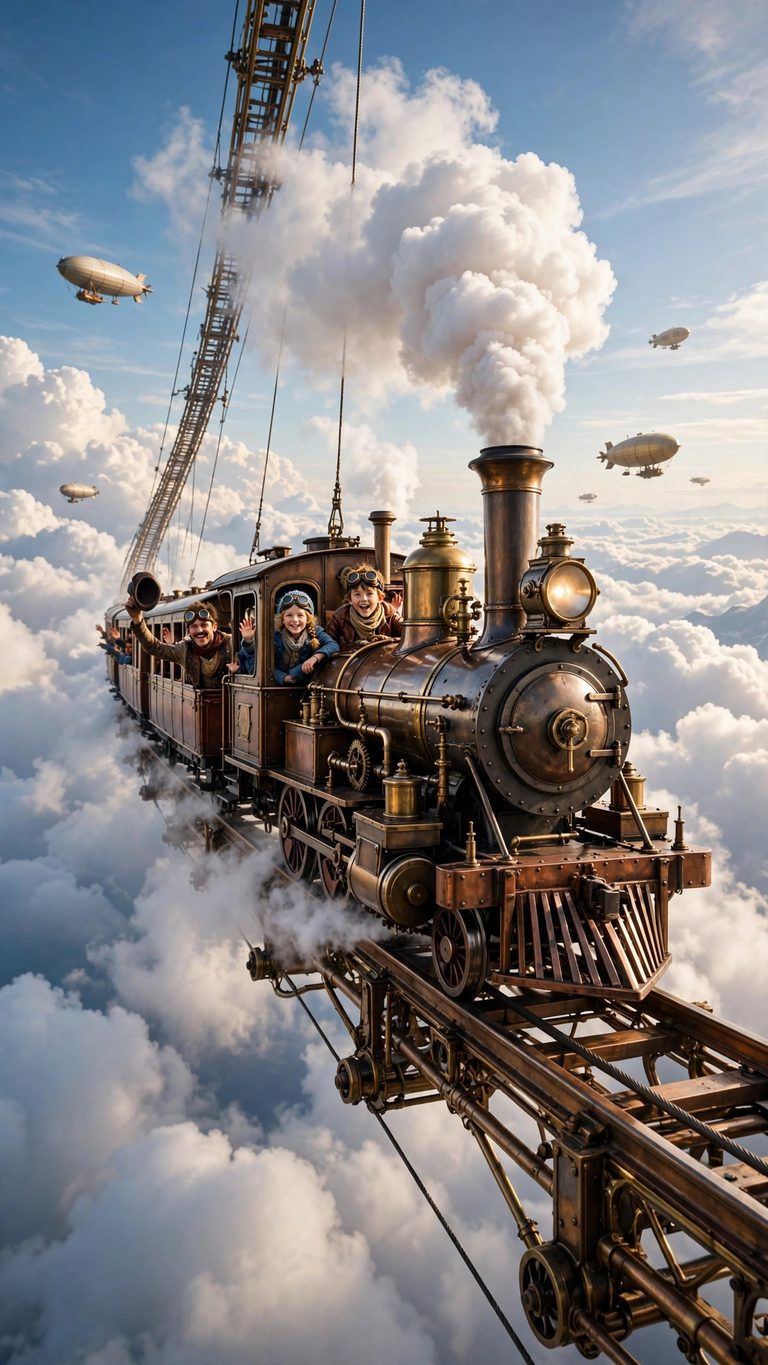
- Sky Train AI Video Prompt: Race a Vintage Steampunk Steam Train Through the Clouds in Cinematic 9:16
- Airship Battle AI Video Prompt: Epic Steampunk Cannon Warfare Between Two Massive Airships Above Storm Clouds
- Clockwork Owl Flight: Cinematic Steampunk AI Video Prompt With a Magical Brass Owl Over Gaslit Streets
# A I V i d e o # P r o m p t B a z a r # S t e a m p u n k # I n v e n t o r # W o r k s h o p

Leave a Reply