
Introduction
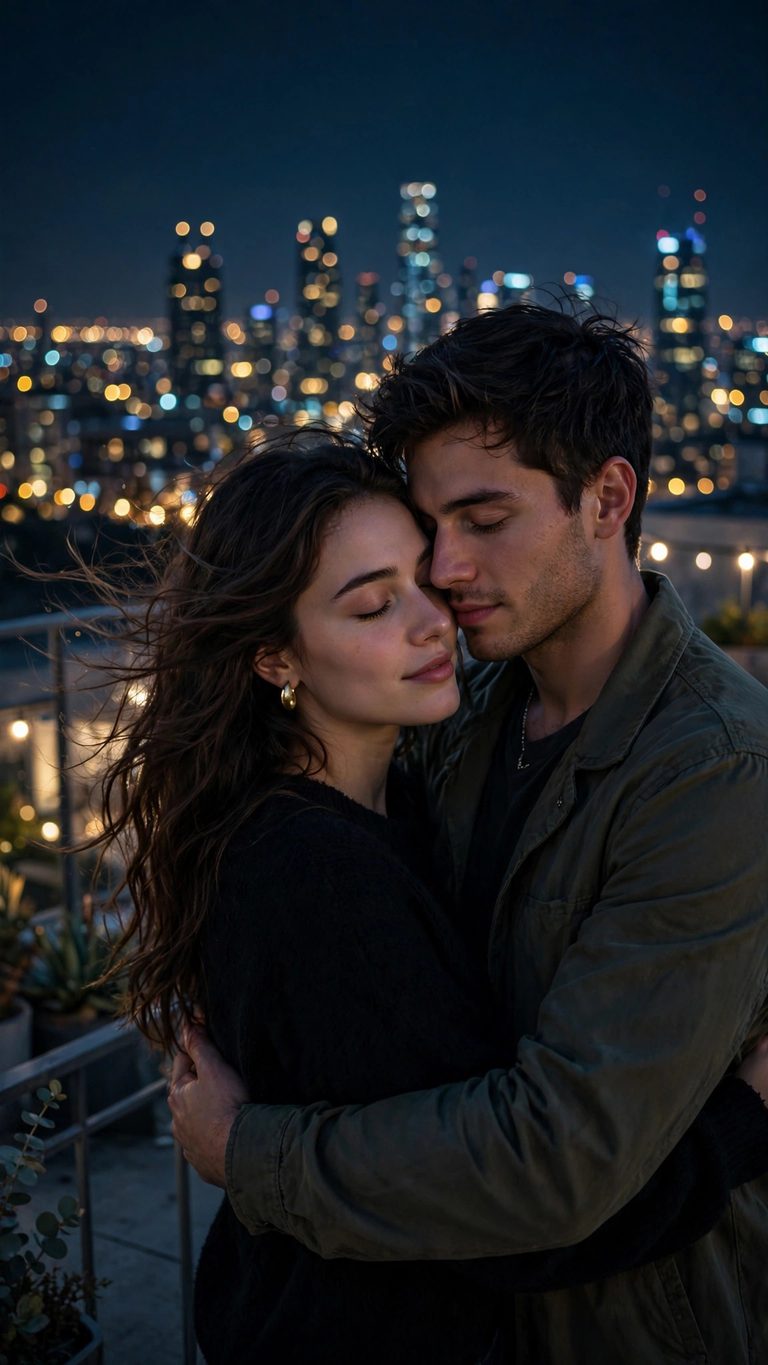
There is a particular kind of magic that only exists above the city at night. The traffic hums far below, a million windows flicker like slow fireworks, and for a moment two people can feel like the only quiet thing in a loud world. That is the emotional core of the rooftop romance, and it is why night-city couple shots never stop performing on social media. They sell a fantasy that is both glamorous and intimate: the whole glittering skyline belongs to the frame, but the tenderness belongs only to the couple. A slow pull-back from an embrace on a rooftop, hair moving in the wind against a sea of bokeh lights, gives creators the most cinematic eight seconds a phone screen can hold. This prompt is engineered for exactly that shot, with ultra-realistic rendering and a modern romance tone that feels like the poster of a film you already love. Whether you are building a cinematic edit, a music video snippet, or a moody anniversary post, this single prompt hands you the scene, the lighting, and the camera move in one block.
The Prompt
Paste the block below verbatim into your AI video generator. The slow pull-back, the bokeh skyline, and the wind in the hair are doing the cinematic heavy lifting, so keep every phrase intact:
Stylish night shot of a couple embracing on a rooftop overlooking glittering city lights, wind gently moving hair, camera slowly pulling back, bokeh skyline, intimate quiet moment amid urban energy, cinematic modern romance, ultra realistic, 8k, distant traffic hum below, private world above the city
Why This Prompt Works
Urban night aesthetics are one of the most reliable visual currencies on short-form platforms. Bokeh, the soft out-of-focus glow of city lights, is practically a genre of its own on Reels and TikTok: it reads as expensive, cinematic, and emotionally charged before the viewer has even registered the subjects. This prompt layers that visual wealth under a genuinely tender human moment, and the contrast is what makes it stop thumbs. Psychologically, the “private world above the city” framing triggers two powerful responses at once. First, elevation and night skies are associated with freedom, possibility, and escape, which is why rooftop scenes feel aspirational. Second, an embrace is a universal symbol of safety, so viewers get aspiration and comfort in the same frame. The slow pull-back camera move amplifies both: it starts close and personal, then reveals the vast glittering world around the couple, a visual metaphor for love feeling bigger than everything else. Platform trends back this up. Night-city couple edits routinely anchor trending audios, from lo-fi beats to cinematic orchestral drops, because the footage is flexible enough to carry almost any emotional sound. Creators in the #CityLights niche post these clips as standalone mood pieces, as backgrounds for quotes, and as transitions in longer vlogs. The prompt’s “modern romance” direction keeps the tone stylish rather than old-fashioned, which matters for younger audiences who respond to sleek, editorial aesthetics. And because the scene needs no dialogue, it travels across languages and cultures effortlessly, widening its viral ceiling far beyond any single market.
How to Use This Prompt
Paste the complete prompt into your generator of choice and set the output to 9:16 vertical at 8 seconds with a slow pull-back, matching this post’s settings. In Veo 3, camera instructions like “slowly pulling back” are interpreted reliably, and the model’s night rendering produces rich, natural bokeh without the artificial glow cheaper models add. In Runway, use the 9:16 canvas and an 8-second duration; if the skyline looks flat, regenerate once, since Runway’s second passes often deepen background blur and light detail. Kling is a strong pick for this scene because it handles hair and fabric motion in wind with unusual realism; keep the motion setting moderate so the hair movement stays gentle rather than stormy. In Pika, consider a light negative prompt such as “daytime, blurry skyline, distorted faces” to lock in the night mood. Sora users can paste the prompt as-is and trust its cinematic instincts, which tend to nail the “modern romance” grade. After generation, add a night-city lo-fi audio track, the pro tips specifically call for that pairing, and consider a subtle film-grain overlay plus letterbox bars if you want an even more cinematic feel. A short text hook in the first second, something like “our city, our world,” lifts completion rates on #ViralReels.
Pro Tips & Creative Variations
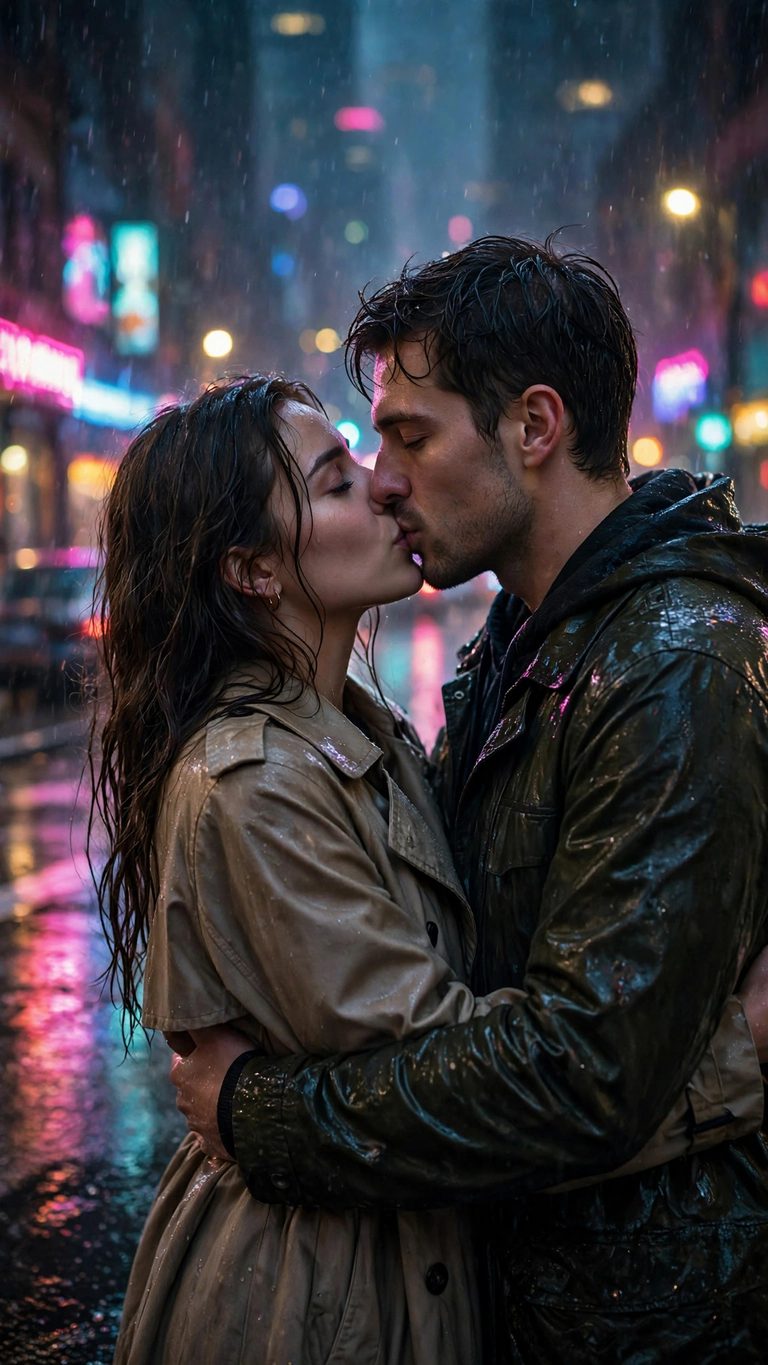
The details in this prompt are doing precision work, so protect them. The city bokeh background is non-negotiable: it is the visual signature of the entire scene, and a render where the skyline reads as a flat dark smear loses half its impact. If bokeh looks weak, strengthen the phrase to “dense bokeh city lights, glowing skyline” on a regeneration. Wind in the hair is the second make-or-break element; it supplies the only organic motion in an otherwise still embrace, and natural-looking hair movement is what separates premium AI footage from the uncanny. Keep the wind gentle in your mind’s eye and resist cranking motion settings to maximum. For creative variations, try a rain-slicked rooftop with reflections for a moodier, neo-noir romance, or swap the skyline for a coastal city with harbor lights for a travel-romance hybrid. A fireworks version, timed to a music drop, is a proven high-performer for celebration posts like engagements and New Year’s Eve. You can also invert the camera move: a slow push-in from the skyline toward the couple creates rising intimacy instead of expanding scale, which works beautifully as the closing shot of an edit. Color grading is another lever; a teal-and-orange grade leans blockbuster, while a soft magenta grade leans dreamy editorial. Finally, generate a matching daytime version of the same rooftop and cut between night and day for a “then and now” anniversary edit. Each variation is a fresh post from one strong concept, and the #Rooftop aesthetic gives you a recognizable series your followers will start to expect.
Frequently Asked Questions
Why does my night scene look muddy or too dark?
Night generations need strong light sources to expose against, which is why this prompt leans so hard on the glittering skyline and bokeh. If your render comes out murky, regenerate rather than brightening in post; brightening amplifies noise. Veo 3 and Kling currently produce the cleanest night exposures. A gentle contrast and highlights lift in your editor can finish the job.
Can I add dialogue or a voiceover to this clip?
Absolutely. The scene is designed as a visual bed with no lip movement, so a voiceover, a whispered quote, or a trending dialogue audio will sit cleanly on top. Keep any text overlay minimal; the skyline is already busy, and one short line in the lower third is plenty.
What music fits a rooftop embrace best?
Night-city lo-fi is the classic pairing and the one the pro tips recommend. Cinematic piano, slow R&B, or a trending slowed-and-reverbed track also work. Match the audio’s energy to the pull-back: choose something that swells gently rather than dropping hard, so the reveal of the skyline feels earned.
How do I keep the couple looking consistent if I generate multiple scenes?
Use your tool’s character reference or seed-locking feature if available. Generate the rooftop shot first, then reuse the same seed or reference image for companion scenes. Consistent wardrobe helps too; describe the same outfits in each prompt, for example “woman in cream coat, man in dark jacket,” so the #Romance series feels like one continuous story.
Above the noise of the city, two people and a skyline full of light: this prompt turns eight seconds into a miniature film. Generate it tonight, pair it with a lo-fi track, and let your audience feel the quiet at the top of the world. The city is waiting.
Related Viral Prompts
- Shared Umbrella Rain AI Video Prompt: Dreamy Rainy-Day Couple Scene for Romantic Reels, TikTok & Shorts
- Candlelight Dinner Date AI Video Prompt: Elegant Romantic Table Scene for Reels, TikTok & YouTube Shorts
- Hot Air Balloon Romance AI Video Prompt: Breathtaking Sunrise Aerial Couple Scene for Viral Reels & TikTok
# A I V i d e o # P r o m p t B a z a r # R o o f t o p # C i t y L i g h t s # R o m a n c e # V i r a l R e e l s


Leave a Reply