
Introduction
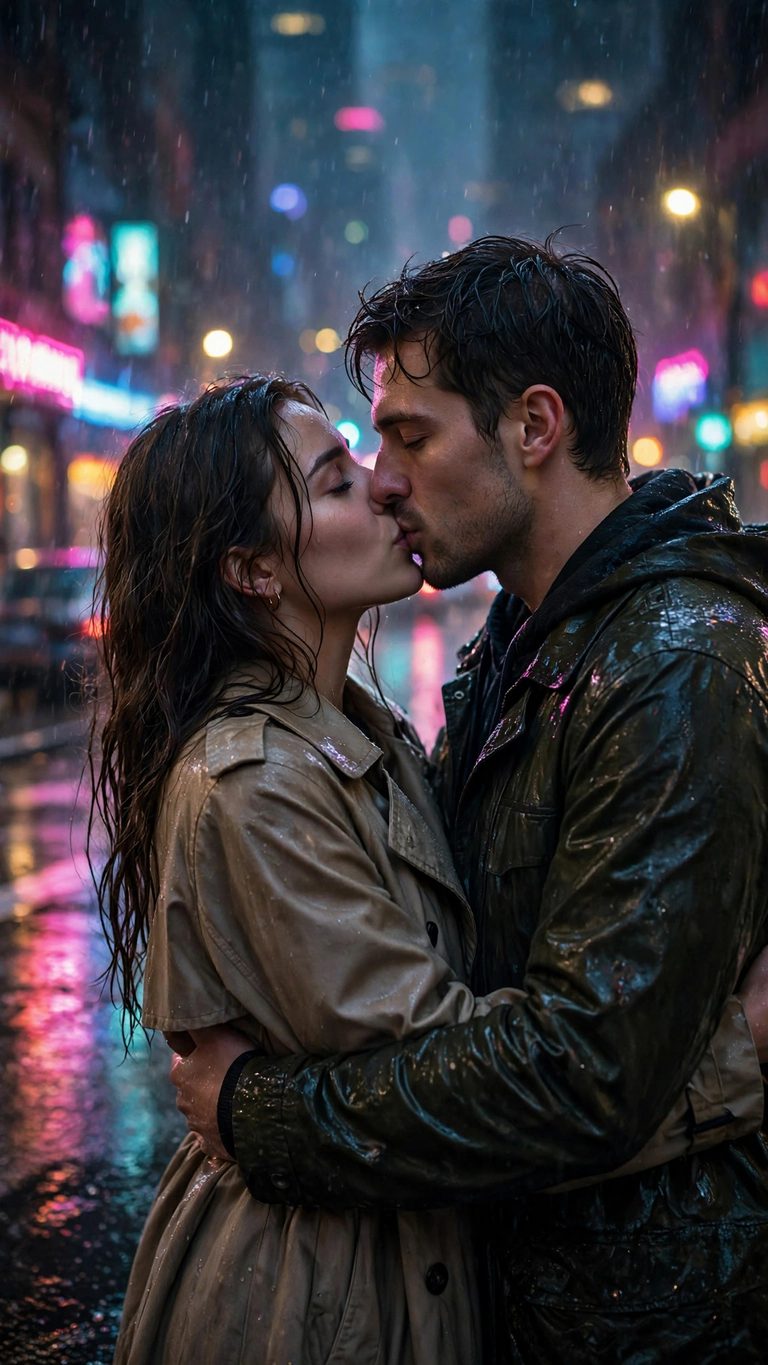
There is a reason rain has been cinema’s favorite love language for a century. A kiss on a rain-soaked street carries a weight that sunshine never could: it says this moment mattered more than comfort, more than staying dry, more than the whole rushing city around them. On Reels and TikTok, rain romance clips consistently outperform polished studio romance because they feel earned — two people choosing each other in the middle of beautiful chaos.
And now, creators do not need a film crew, a rain machine, or a city permit to capture that magic. With a single well-crafted AI video prompt, you can generate a rain-kissed cinematic moment that looks like it cost thousands of dollars to shoot. The neon-drenched city street is the perfect stage: glowing signs bleeding color across wet asphalt, each raindrop catching the light as it falls in slow motion, the camera drifting in a slow orbit around a couple lost in each other. It is the kind of ten-second clip that stops thumbs mid-scroll, pulls viewers into a whole story they invent themselves, and earns the shares and saves that push a reel into viral territory. This article breaks down exactly why this prompt works, how to use it in today’s best AI video tools, and how to make it unmistakably yours.
The Prompt
Copy the prompt below exactly as written and paste it into your AI video generator. Every word was chosen for a reason — the lighting, the camera movement, and the mood keywords all work together to produce a polished, cinematic result on the first try.
Cinematic shot of a couple sharing a tender kiss on a rain-soaked city street at night, neon signs reflecting on wet asphalt, raindrops sparkling in slow motion, camera circling gently around them, blurred city lights bokeh, deeply romantic mood, film-like grain, ultra realistic, 8k romantic cinema
Why This Prompt Works
Romance content goes viral when it makes the viewer feel something physical, and rain does that work better than almost any other weather. Psychologists call it the misattribution of arousal: heightened senses in dramatic conditions intensify emotion, which is why fictional rain kisses lodge themselves in our memory. When a viewer watches two people kiss under falling rain, their brain does not just register “romance” — it registers urgency, devotion, and surrender, all in ten seconds. That emotional density is the engine of shares and saves.
Then there is the visual layer, which is engineered for the feed. Neon reflecting on wet asphalt creates natural leading lines and saturated color blocks that pop on small phone screens, where most Reels and Shorts are watched. The “night city” aesthetic has been one of the most durable trends on TikTok and Instagram for years — from lo-fi city loops to cyberpunk edits — because it combines urban loneliness with warmth in a way young audiences find deeply relatable. Slow-motion raindrops add a layer of dreamlike texture that rewards replays, and every replay tells the algorithm to push the clip wider.
The camera direction matters just as much. A slow orbit around the couple creates parallax — foreground and background moving at different speeds — which reads as true three-dimensional cinema rather than a flat AI render. Combined with film-like grain, bokeh city lights, and the “8k romantic cinema” finish, the result clears the believability bar that stops viewers from scrolling past. Finally, the scene is a perfect open loop: viewers invent the backstory themselves. Are they reuniting? Saying goodbye? Giving in after a fight? That ambiguity drives comments, and comments drive reach. It is no surprise this #RainKiss style of clip gets tagged, duetted, and sent between couples constantly — a classic piece of #AIVideo romance that earns its virality.
How to Use This Prompt
Using this prompt is straightforward, and it works across all the major AI video platforms. First, copy the full prompt text from the box above without changing a word. Open your tool of choice — Google Veo 3, Runway Gen-4, Kling, Pika, or Sora — and paste it into the text-to-video field. Set the output to 9:16 vertical so it fills the phone screen natively on Reels, TikTok, and Shorts, and set the duration to 10 seconds to match the slow orbit the prompt describes.
Most tools let you lock a camera behavior or seed image; if yours supports camera control, choose a gentle orbital or 360-style movement to reinforce the circling feel. Generate two or three variations and pick the one where the couple’s faces stay clear through the rain and the neon reflections read strongly on the ground — those two details separate a good render from a great one. Export in the highest resolution available, then finish the clip outside the generator: lay a soft romantic piano track underneath, add a one-line caption like a short love quote, and post with tags such as #RainKiss and #AIVideo so it lands in the right discovery feeds. The whole workflow, from prompt to published reel, takes under fifteen minutes.
Pro Tips & Creative Variations
The core scene is strong, but small customizations are what make your version stand out in a crowded feed. Start with rain intensity: the prompt implies a medium, cinematic rainfall, and you should keep it there. Torrential rain looks dramatic in a still but blurs faces in motion; a gentle-to-moderate fall keeps the couple readable while every drop still sparkles in the neon light. If your tool supports negative prompts, add “no distorted faces, no extra limbs” to protect the kiss close-up.
Next, own the color palette. The prompt says neon signs, but you decide which city they belong to: hot pink and cyan for a Tokyo-night feel, warm amber and red for a rainy Parisian lane, or electric blue and violet for a futuristic metropolis. Couple styling sells the fantasy just as hard — a red dress or umbrella against blue neon is an instant classic, while soaked trench coats and glistening hair push the scene toward high-fashion editorial. Seasonal twists work beautifully too: swap the city for a monsoon-soaked Mumbai street, add falling autumn leaves mixing with the rain, or turn the precipitation to light snow for a winter version of the same prompt.
For camera experimentation, try rendering a second version with a slow dolly-in instead of the orbit and cut between the two for a fifteen-second edit. You can also extend the story across a carousel of clips: the approach through the rain, the kiss itself, and a wide pull-back of the empty glowing street afterward. Finally, remember the settings baked into this post — 9:16 vertical, 10 seconds, slow orbit — are the sweet spot for the format, so keep those locked while you play with everything else.
Frequently Asked Questions
Which AI video tool gives the most cinematic rain for this prompt?
Veo 3 and Kling currently render the most convincing rain and wet-surface reflections, especially the neon-on-asphalt look this prompt relies on. Runway Gen-4 is excellent for camera control if you want to fine-tune the orbit. Pika and Sora both handle it well too — the prompt is written with universal cinematic keywords, so pick whichever tool you already subscribe to and focus on generating multiple variations rather than switching platforms.
How do I keep the couple’s faces clear through the rain?
Keep rain intensity at a medium level rather than a downpour, and generate three to four variations, choosing the take with the cleanest faces. Many tools let you set a fixed seed once you get a good result, which helps you iterate on everything else without losing the faces. A slight slow-motion feel, which the prompt already requests, also helps the model render cleaner features frame to frame.
What audio should I pair with this clip?
A slow, minimal piano piece is the safest and most effective choice — it matches the tender mood without fighting the visuals. Lo-fi rain-and-piano mixes perform especially well because the audio theme mirrors the video. Keep the volume low enough that the clip feels intimate rather than dramatic, and always use royalty-free or platform-licensed music so the reel can be monetized.
Can I use AI-generated romance clips commercially?
In most cases yes, but check your specific tool’s terms of service, since commercial rights vary between free and paid tiers. Paid plans on Veo, Runway, Kling, Pika, and Sora generally include commercial usage for generated video. If you plan to run the clip as a paid ad or sell it as stock-style content, use a paid tier and keep a copy of the license terms for your records.
Some love stories need a film crew. This one just needs a prompt. Paste it into your favorite AI video tool, let the neon rain fall, and watch a ten-second kiss do what big-budget romance tries to do in two hours. Try it tonight — your next viral reel might be one generation away.
Related Viral Prompts
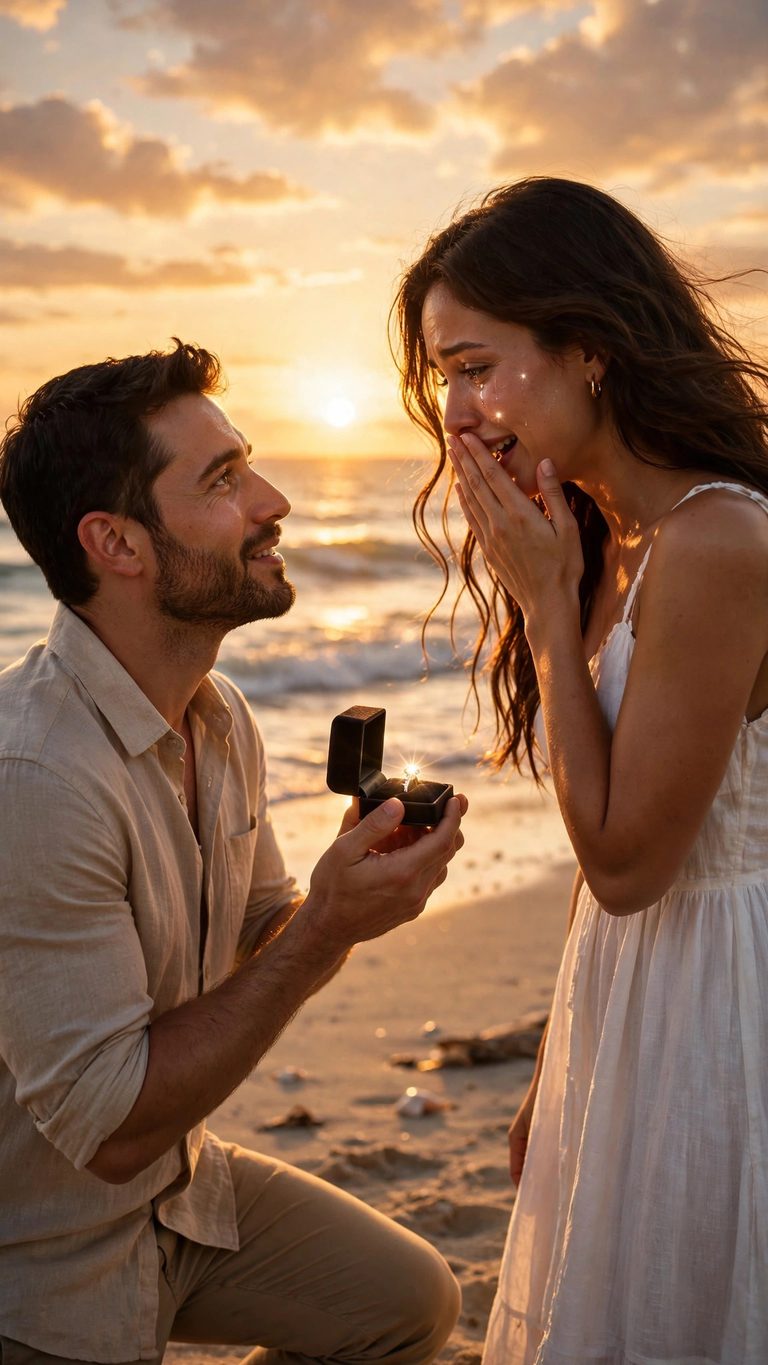
- Sunset Beach Proposal: Free Viral AI Video Prompt for a Cinematic Golden Hour Engagement Reel (2026)
- Love Letters in the Wind: Free Viral AI Video Prompt for a Nostalgic Vintage Romance Short Film Reel (2026)
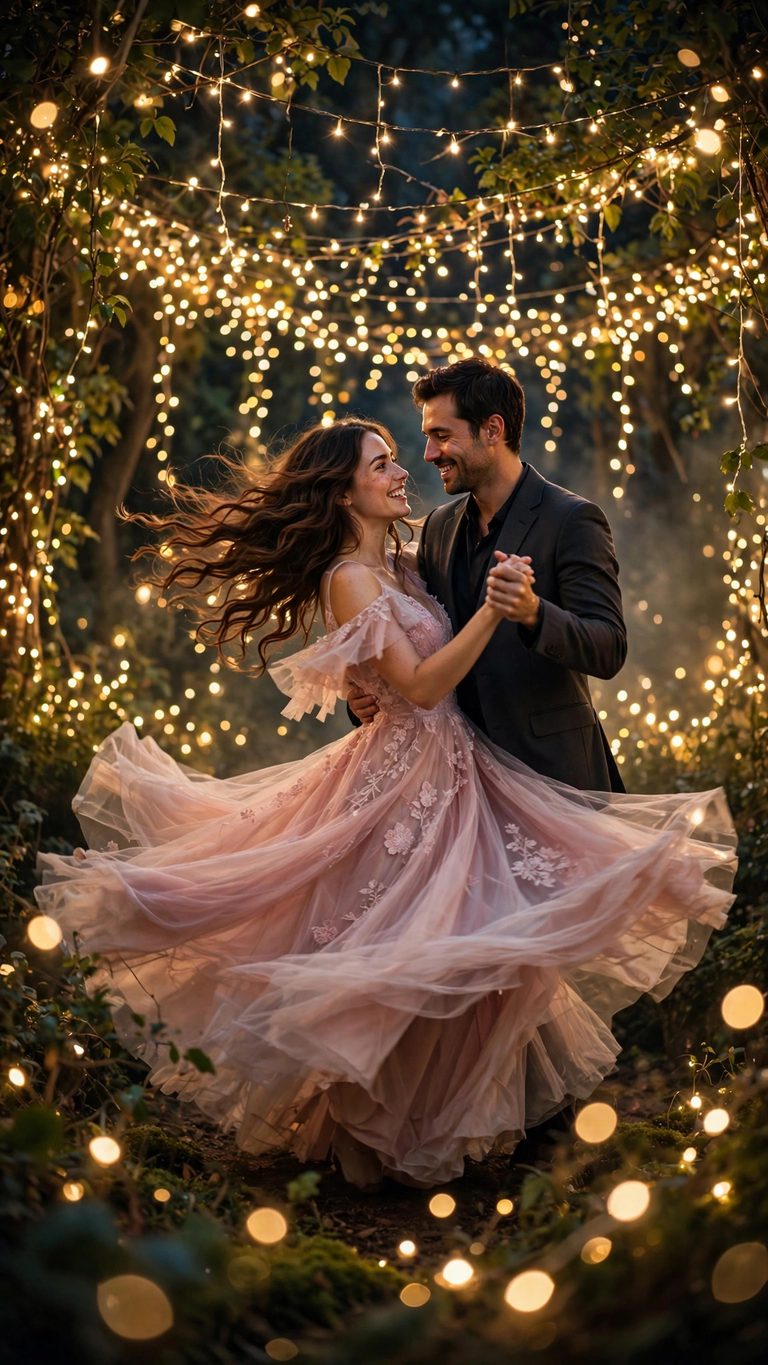
- Fairy Light Couple Dance: Free Viral AI Video Prompt for a Dreamy Glowing Bokeh Slow-Dance Reel (2026)
# A I V i d e o # P r o m p t B a z a r # R o m a n c e # R a i n K i s s # L o v e # V i r a l R e e l s


Leave a Reply