
Introduction
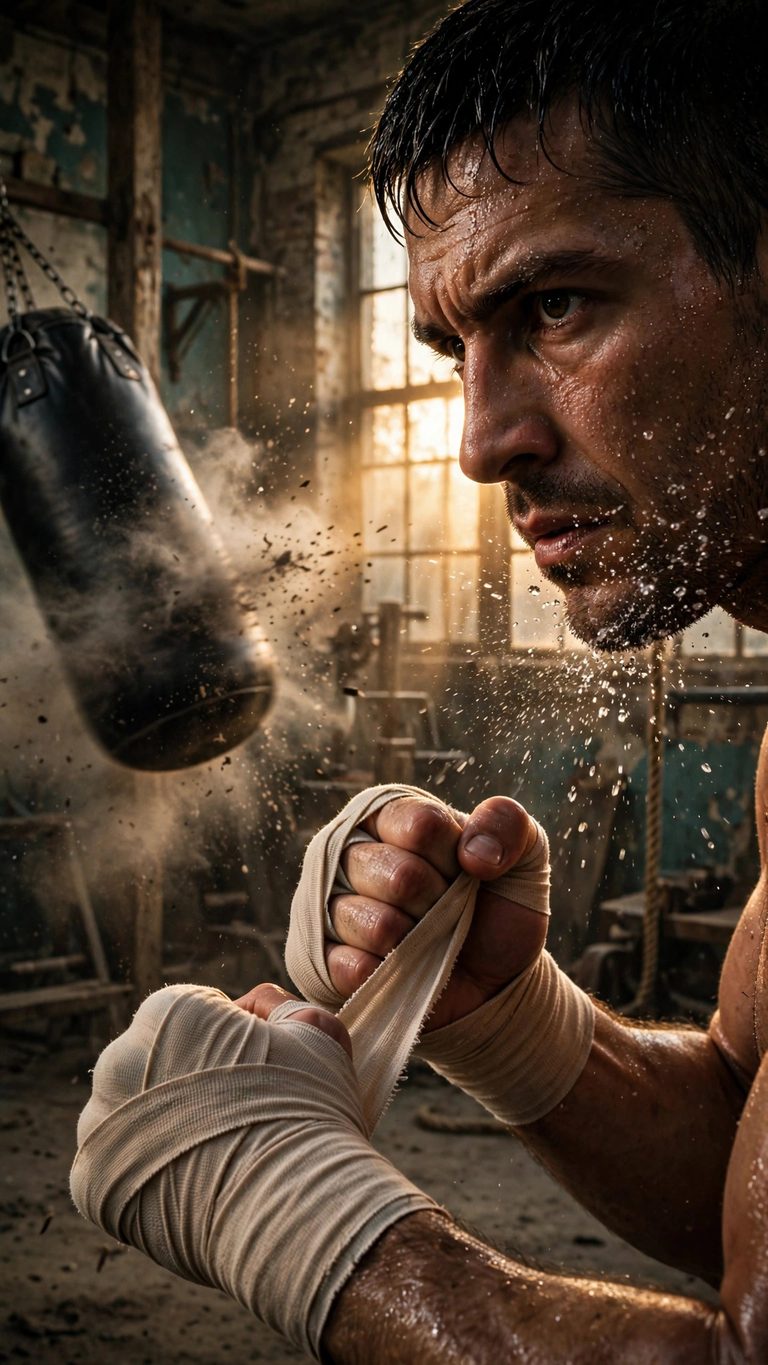
There is a reason every great boxing film opens the same way: a dark gym, the first light of dawn cutting through dusty windows, and the rhythmic thud of leather on leather. That montage is pure motivation in visual form, and for decades only Hollywood budgets could produce it. This AI video prompt changes that equation completely. With a single paragraph of text, you can generate a cinematic boxing training montage that looks like it was shot on 35mm film in a 1970s fight gym: fists being wrapped in close-up, the heavy bag pounding with dust bursting off every impact, the speed bag blurring into a silver smear, and sweat flying off a jaw in slow motion as golden sunrise streams through the room. The gritty film grain and dramatic shadows complete the illusion so thoroughly that viewers will swear they are watching a documentary. Motivation content is the most rewatchable genre on fitness social media, and boxing montages sit at its peak because they compress discipline, struggle, and triumph into seconds. Creators are using this prompt to anchor entire pages, posting a new variation every morning like a visual alarm clock for their audience. If you have ever wanted fight-film production value without a camera crew, this is your prompt.
The Prompt
Here is the complete original prompt. Copy it exactly as written and paste it into your AI video generator of choice.
Cinematic montage of a boxer training at dawn in an old-school gym, fists wrapping in close-up, heavy bag pounding with dust bursting, speed bag blurring, sweat flying off jaw in slow motion, golden sunrise streaming through dusty windows, camera pushing in on determined eyes, gritty film grain, dramatic shadows, ultra realistic, 8k
Why This Prompt Works
The genius of this prompt is that it asks for a montage rather than a single shot, and it gives the model a shot list disguised as prose. Fists wrapping in close-up, heavy bag pounding, speed bag blurring, sweat flying off the jaw: each clause is a distinct beat that the video model can interpret as a cut. Modern generators have learned the grammar of montages from millions of training clips, so when you feed them a sequence of vivid actions, they naturally produce rhythmic cutting between them. This is far more effective than writing the word montage alone and hoping for variety.
The sensory layering is equally deliberate. Dust bursting off the heavy bag gives impact physics, the speed bag blurring gives motion rhythm, and sweat flying in slow motion gives the money shot that audiences replay. Layered sensory detail is what makes AI video feel directed rather than random, because each element implies the others: a bag that sheds dust must have been hit hard, and a jaw shedding sweat in slow motion must belong to someone deep in a workout. The model fills in these causal links beautifully.
Light is the third pillar. Golden sunrise streaming through dusty windows is one of the most powerful phrases you can give a video model. It specifies the color temperature, the direction, the atmosphere, and even the particulate matter in the air, all in seven words. Volumetric dawn light is inherently cinematic and emotionally loaded with new-beginning symbolism, which is precisely why motivational audiences respond to it. The camera instruction is simple and reliable: pushing in on determined eyes. A slow push-in is the most stable camera move a generator can execute, and eyes are the emotional anchor of the whole piece. Finally, gritty film grain and dramatic shadows set the texture. Film grain hides the subtle smoothness that betrays AI footage, while deep shadows add contrast that reads as production value. The closing tokens ultra realistic and 8k lock the quality ceiling high. Every phrase pulls weight, which is why this prompt delivers consistent, post-ready results across every major generator.
How to Use This Prompt
Montage prompts reward a slightly different workflow than single-shot prompts. Follow these steps, tuned to the post settings of 9:16 vertical, 10 seconds, montage cuts.
- Pick your generator. Paste the prompt into Veo 3, Kling, Runway, Pika, or Sora. Kling and Veo 3 currently handle multi-beat montages with the most coherent cutting, while Runway gives you the finest control over individual shot timing.
- Set 9:16 vertical and 10 seconds. The extra two seconds beyond the usual eight matter here: a montage needs room to breathe between cuts. Ten seconds lets the model fit four to five beats without rushing.
- Enable montage or multi-shot mode if available. Some generators offer a scene or shot-count setting. If yours does, request four to five shots so each beat in the prompt gets its own cut.
- Generate in batches of three. Montage coherence varies more between takes than single shots do, so run at least three generations. Keep the one where the cuts land on action: wrap, punch, bag blur, sweat, eyes.
- Score it like a film. Lay a bass-heavy track under the clip and cut or time-remap so each punch lands on a beat. Punch sounds synced to the heavy bag hits transform the clip from pretty to visceral.
- Post it as a series. Morning motivation is a daily habit format. Generate variations with the same grading and post one each dawn with a short discipline quote to build a ritual your audience expects.
Pro Tips & Creative Variations
The base prompt is a complete film in ten seconds, but small additions unlock entirely new moods. For extra authenticity, append gritty 35mm film look with halation on the window light. Halation, the soft glow film stock produces around bright sources, is a detail that instantly signals analog cinema to the viewer’s subconscious. If you want the piece to feel harder and more underground, replace golden sunrise with cold blue pre-dawn light and add the phrase concrete walls, single hanging bulb. The same actions under cold light become a different story: not inspiration but grind.
Shot-level variations keep a series fresh for months. Generate a dedicated close-up pass of just the hand wraps with the phrase weathered hands wrapping worn leather hand wraps, chalk dust in air, then intercut it with the main montage for a director’s-cut feel. A low angle of the boxer’s shadow boxing against the sunrise window makes a stunning thumbnail and opening frame. For narrative depth, add a final beat: boxer staring at an old championship poster on the wall. One storytelling image turns a workout clip into a character.
Think in franchises. This montage structure works for any combat discipline: swap boxer for Muay Thai fighter with elbow strikes on pads, or an MMA athlete hitting the cage-side bag, keeping the dawn light and film grain identical so the videos feel like episodes of one series. Fitness coaches can personalize it by generating the montage and then filming their own talking-head intro to stitch on the front, borrowing Hollywood production value for a personal brand. And never underestimate audio: the thud of the heavy bag, the rattle of the speed bag platform, and a distant gym ambience mixed under motivational narration will make viewers feel the workout in their chest. Post the finished piece with a caption about discipline over motivation and watch the saves roll in, because this is exactly the content people bookmark for the mornings they want to quit.
Frequently Asked Questions
How many distinct shots will the AI actually generate? It varies by model and take, but most generators interpret this prompt as four to six quick cuts across the ten seconds. If you get fewer, regenerate rather than editing: the model’s internal cutting rhythm usually improves across takes. Runway users can force the issue with explicit shot-count settings where available.
Which generator handles the film grain look best? Sora and Veo 3 render the most convincing analog grain, while Pika and Kling produce a slightly cleaner digital image that still grades beautifully. If grain is essential to your aesthetic, add heavy 35mm film grain explicitly and consider overlaying a subtle real grain plate in your editor for total control.
Can I add a real boxer or myself into the video? Most generators now support image-to-video or character reference features. Upload a photo of the athlete as a reference frame alongside this prompt to steer the boxer’s appearance. Results vary, so treat it as inspiration rather than a likeness guarantee, and always have the person’s permission before publishing.
What is the best posting strategy for boxing montages? Post in the early morning in your audience’s timezone to match the dawn theme, pair the clip with a short discipline quote, and keep a consistent grade across the series so followers recognize your work instantly. Motivation content earns saves and shares more than likes, so optimize captions for bookmarking with phrases like save this for tomorrow morning.
One prompt, ten seconds, a lifetime of motivation. Paste it into Veo 3 or Kling, set vertical 9:16 and a full ten seconds for the cuts to breathe, sync the punches to a heavy beat, and post it at dawn. Your audience is waiting for a reason to train today. Try this boxing montage prompt and give them one.
Related Viral Prompts
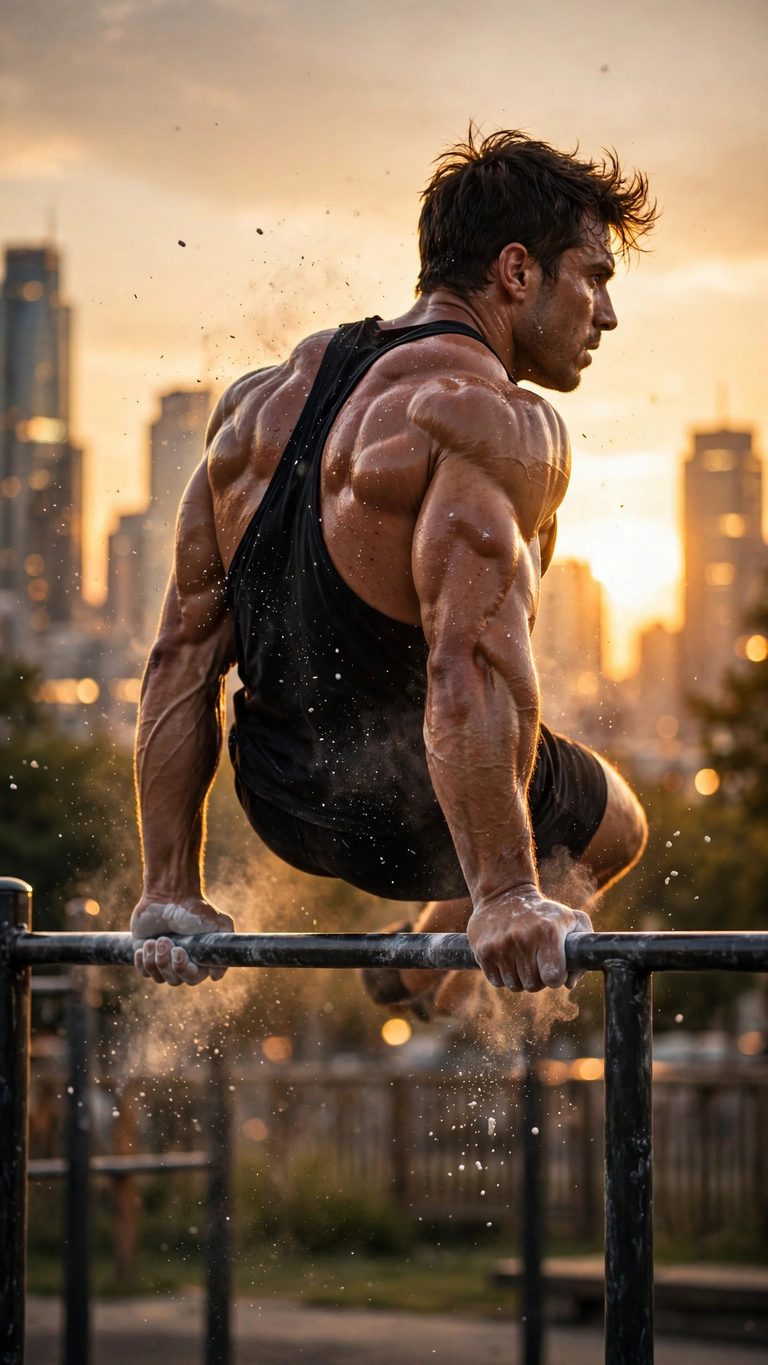
- Muscle-Up AI Video Prompt: Explosive Sunset Calisthenics Bar Shot in Slow Motion for Veo 3, Kling & Pika
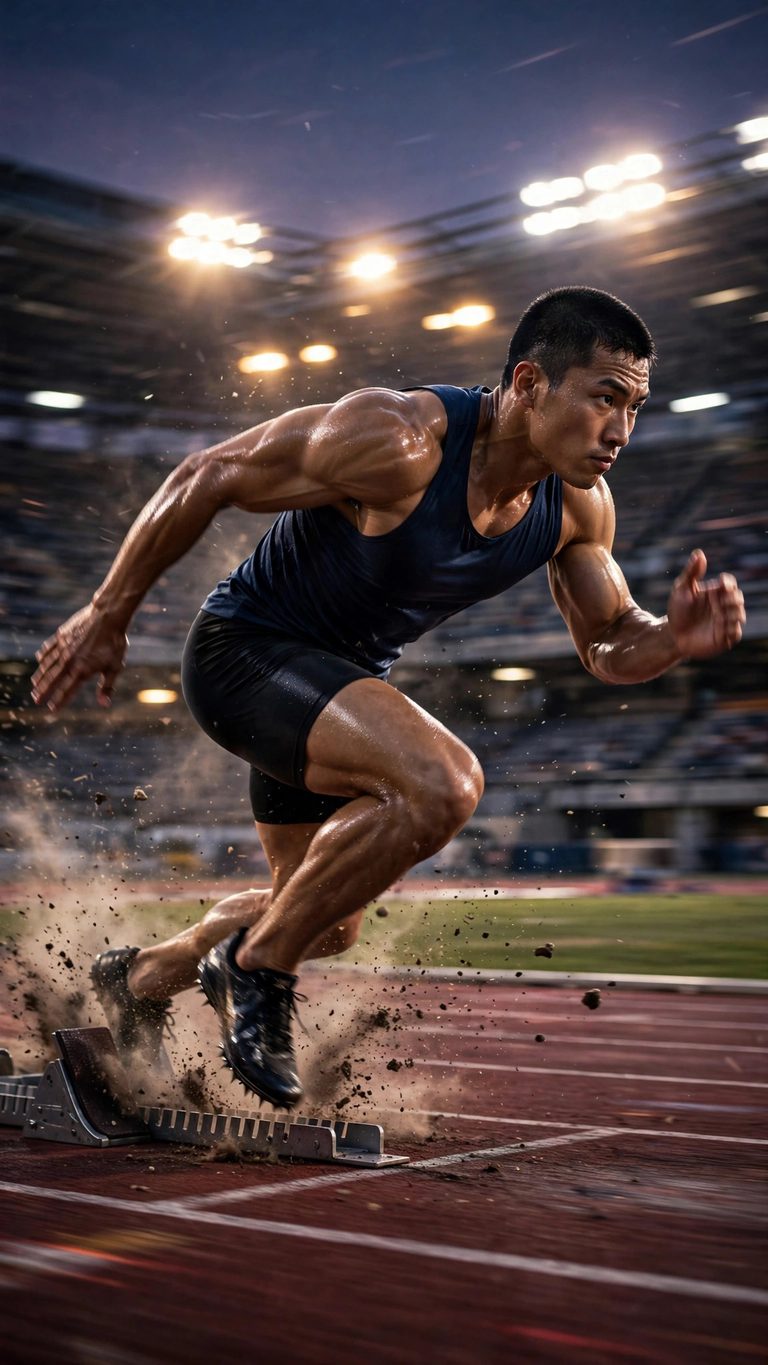
- Explosive Sprint Start AI Video Prompt: High-Speed Track Cinematic Shot for Veo 3, Kling, Runway & Pika
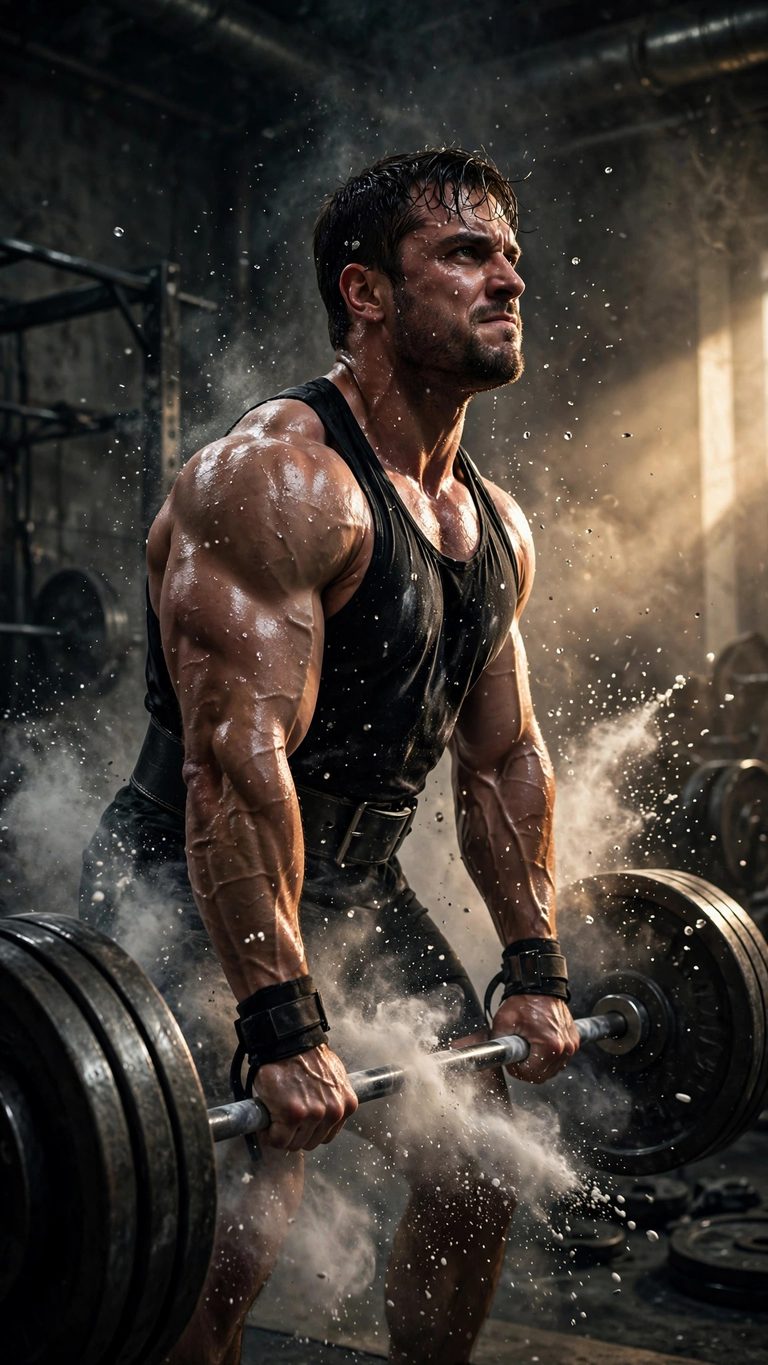
- Kettlebell Swing AI Video Prompt: Moody Dark Gym Cinematic Workout Clip for Veo 3, Kling, Runway & Pika
# A I V i d e o # P r o m p t B a z a r # B o x i n g # T r a i n i n g # M o t i v a t i o n # V i r a l R e e l s

Leave a Reply