
Introduction
There is a particular kind of silence that only a desert night can offer — the kind where the absence of city lights lets the sky do something extraordinary. Far from every glowing billboard and streetlamp, the Milky Way rises like a river of fire over the dunes, and for a few hours the universe feels close enough to touch. Professional astrophotographers chase this moment for years. They drive for hours into the dark, check moon phases, wait for the galactic core to climb above the horizon in the right season, and then shoot hundreds of frames just to capture one keeper. Now, with the right AI photo prompt, you can conjure that same once-in-a-lifetime frame in under a minute — no telescope, no desert expedition, and no all-night shoot required.
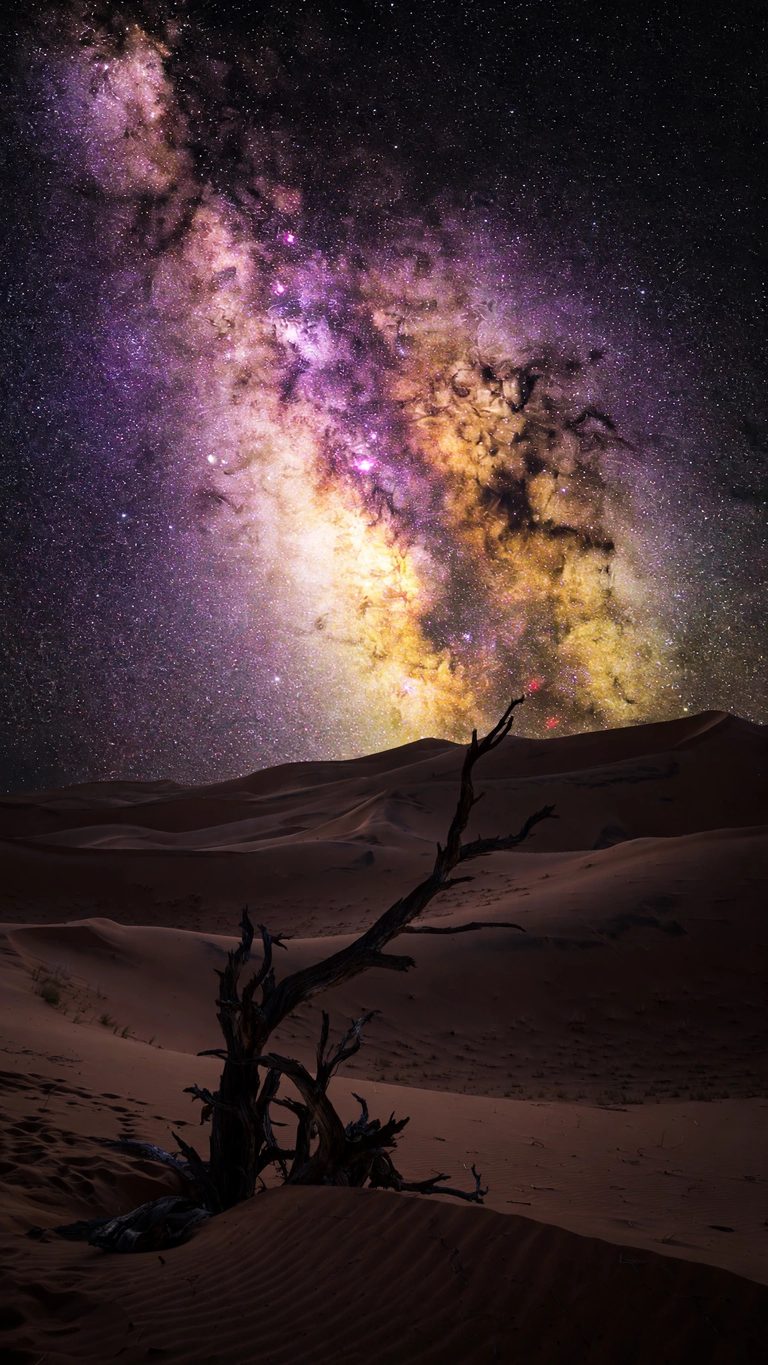
This Milky Way desert prompt has become one of the most shared space image prompts online, and it is easy to see why. It layers the raw grandeur of the galactic core — painted in vibrant purples, pinks, and golds — over the sculpted curves of desert sand dunes. Then it adds the single most powerful compositional trick in landscape photography: a lone dead tree silhouette standing in the foreground. That solitary figure grounds the cosmic spectacle in something human and melancholy. The result is an image that stops thumbs mid-scroll, racks up saves on Pinterest and Instagram, and gets reused as phone wallpaper by thousands of people who have never once pointed a camera at the real night sky.
The Prompt
Copy the exact prompt below and paste it into your favorite AI image generator. Do not change a word on your first run — this prompt has been tuned for maximum impact.
Spectacular astrophotograph of the Milky Way core blazing over desert sand dunes, vibrant purples, pinks and golds in the galactic band, a lone dead tree silhouette in the foreground, thousands of sharp stars, perfect dark sky clarity, ultra detailed, 8k, photorealistic, professional astrophotography
Why This Prompt Works
The genius of this prompt is how it stacks three layers of visual drama, each doing a different job. First, the Milky Way core itself is the undisputed star. By specifying “blazing” and “vibrant purples, pinks and golds in the galactic band,” the prompt tells the image model exactly which palette to reach for — not the washed-out white smear that beginners get, but the rich, colorful core that professional astrophotographers reveal through long exposures and careful processing. Color words are the most powerful lever in any AI prompt, and this one pulls it hard. People share colorful space images at dramatically higher rates than monochrome ones, because color triggers emotion before the brain even registers the subject.
Second, the desert sand dunes provide the ideal foreground. Empty desert is nature’s perfect canvas: smooth, flowing lines that lead the eye upward toward the sky, with enough texture to catch implied moonlight and shadow. Dunes photograph beautifully because they have no distracting details — no buildings, no trees, no people — just pure form. In an AI-generated image, this matters even more, because simpler foregrounds give the model less opportunity to hallucinate weird artifacts. The dunes keep the composition clean and elegant, which is exactly what makes the image feel premium rather than busy.
Third, and most importantly, the lone dead tree silhouette is the emotional anchor. A single tree against an infinite sky creates instant narrative: solitude, endurance, the smallness of life against the cosmos. Silhouettes are beloved by photographers because they reduce a subject to pure shape, and AI models render clean silhouettes exceptionally well. This one element transforms the image from a pretty sky photo into a story — and stories are what get shared, saved, and commented on. Add “thousands of sharp stars” and “perfect dark sky clarity,” and the model knows to render a dense, crisp star field instead of a sparse, blurry one. The closing quality tags — “ultra detailed, 8k, photorealistic, professional astrophotography” — push the output toward the hyper-clean aesthetic that performs best on visual platforms.
How to Use This Prompt
Generating your own Milky Way masterpiece takes less than two minutes. Follow these steps:
- Pick your AI image tool. This prompt was optimized for Midjourney v7 and DALL-E 3, and it also performs beautifully in Flux. Open whichever tool you prefer and start a new image generation.
- Set a 9:16 portrait aspect ratio. In Midjourney, add
--ar 9:16to the end of the prompt. In DALL-E 3 or ChatGPT, request a portrait/vertical orientation. In Flux, select the 9:16 preset. Portrait format is the native shape of phone screens, Instagram Stories, Reels covers, and Pinterest pins — it fills the screen and stops the scroll. - Paste the exact prompt. Copy the full prompt from the box above, character for character, and paste it into the prompt field. Do not paraphrase on your first generation.
- Generate and review. Hit generate and wait for the results. AI tools usually return two to four variations. Look for the one where the galactic core sits high in the frame, the tree silhouette is clean and recognizable, and the star field is dense and sharp.
- Download in the highest resolution available. Always export the largest file size your plan allows. A high-resolution download keeps stars crisp when the image is viewed full-screen on a phone.
- Share it. Post it as a Story, a wallpaper share, or a blog header. Add a caption about chasing the galactic core, and watch the saves roll in.
If your first result is not quite right, regenerate two or three times before changing any words. AI image models are probabilistic — the same prompt can produce a masterpiece on the third roll that the first roll missed entirely.
Pro Tips & Creative Variations
Once you have a result you love, the real fun begins: remixing. The dead tree silhouette can be swapped for other iconic foreground elements while keeping the cosmic sky intact. Try replacing it with “a lone cactus silhouette” for a Sonoran desert vibe, “a weathered rock arch” for a Utah-style composition, or “a small tent with warm glowing light” to add a human presence and a cozy contrast against the cold stars. Each substitution changes the emotional register of the image completely — from melancholy to adventure to wonder — while the Milky Way does the heavy lifting above.
Aspect ratio is your next creative lever. While 9:16 portrait is ideal for social media, a 16:9 landscape version makes a spectacular desktop wallpaper or YouTube thumbnail background. In Midjourney, swap to --ar 16:9; in other tools, select the widescreen preset. A 1:1 square crop works well for Instagram feed posts and profile-worthy art prints. For maximum print quality, generate at the highest resolution your tool offers and then run the result through an AI upscaler — this is especially effective for star fields, where upscaling sharpens individual stars instead of smearing them.
Color grading variations are worth exploring too. Append phrases like “deep blue hour tones,” “warm golden horizon glow,” or “rare airglow green on the horizon” to shift the mood. If you want a more documentary look, add “single exposure, natural colors, minimal processing” to tame the saturation. For a dreamier, more artistic take, try “long exposure light trails of stars, ethereal glow.” And if the model ever renders the tree as a blurry blob, strengthen the silhouette by changing “silhouette” to “crisp black silhouette, sharp branches against the sky.” Small wording tweaks like these are how prompt engineers turn a good image into a viral one — iterate deliberately, change one variable at a time, and save every version you love.
Frequently Asked Questions
Can I use this prompt for free? Yes. The prompt itself is free to copy and use. You will need access to an AI image generator — Midjourney requires a paid plan, while DALL-E 3 is available through ChatGPT Plus and Flux has free tiers on several platforms. Once you have access to a tool, this prompt costs nothing extra to run.
Why does my Milky Way look blurry or washed out? This usually happens when the model underweights the detail words. Make sure “thousands of sharp stars” and “perfect dark sky clarity” are in your prompt, and avoid adding words like “soft” or “dreamy” unless you want that effect. Generating at higher resolution also helps, since star fields need pixel density to look crisp.
Can I sell prints or use this image commercially? That depends on the terms of the AI tool you use — Midjourney’s paid plans, for example, generally grant commercial rights, while free tiers of some tools do not. Always check your generator’s current terms of service before selling or licensing AI-generated artwork.
How do I get the tree silhouette to look right? If the tree comes out muddy, emphasize the silhouette with stronger wording like “pitch-black silhouette” or “backlit dead tree, pure black shape.” You can also simplify the request to “single dead tree silhouette” so the model focuses its attention on rendering one clean shape instead of a cluster.
Few images capture the feeling of standing small beneath an infinite universe like a Milky Way blazing over silent desert dunes. This prompt hands you that moment on demand — a gallery-worthy astrophotograph generated in seconds, ready to share, save, or print. Copy it, run it, and let the cosmos do the rest.
Related Viral Prompts
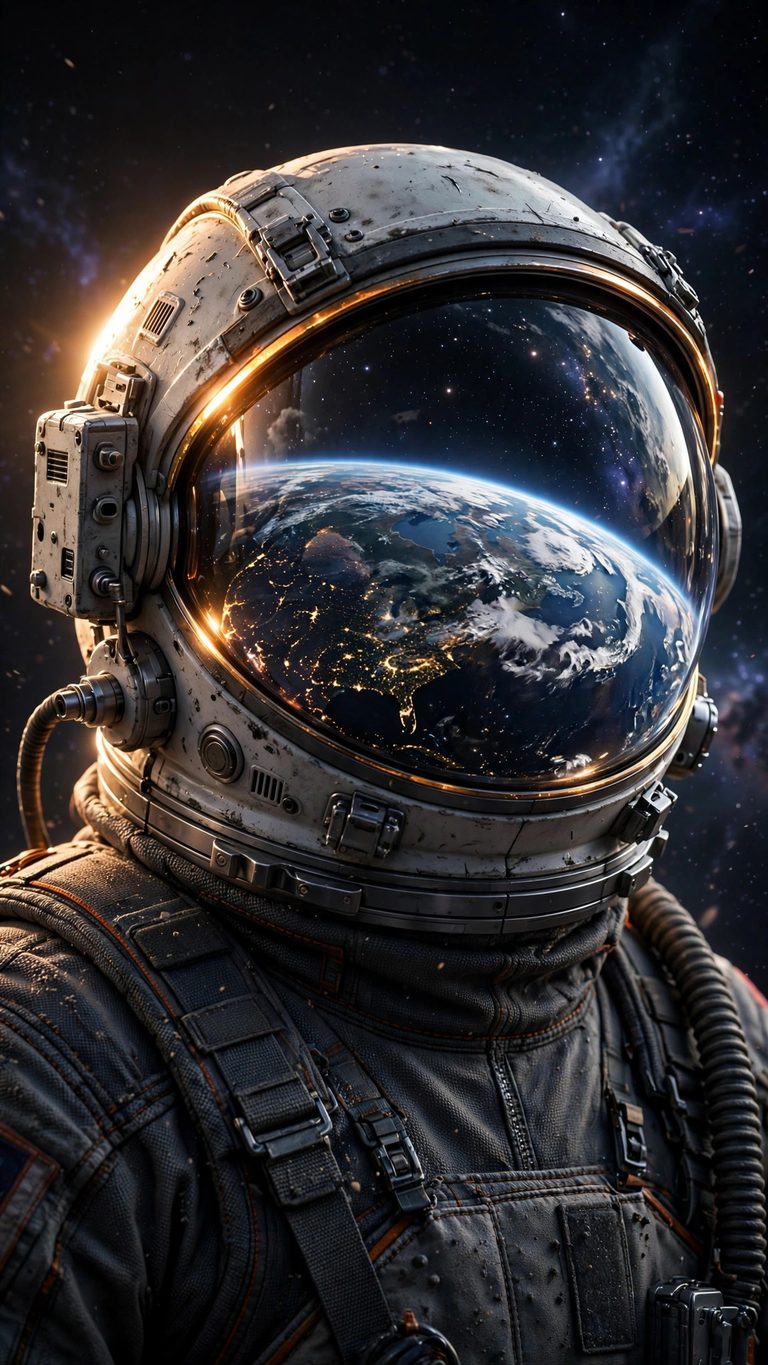
- Astronaut Helmet AI Photo Prompt: Create a Heroic Space Portrait With Planet Earth Reflected in the Visor
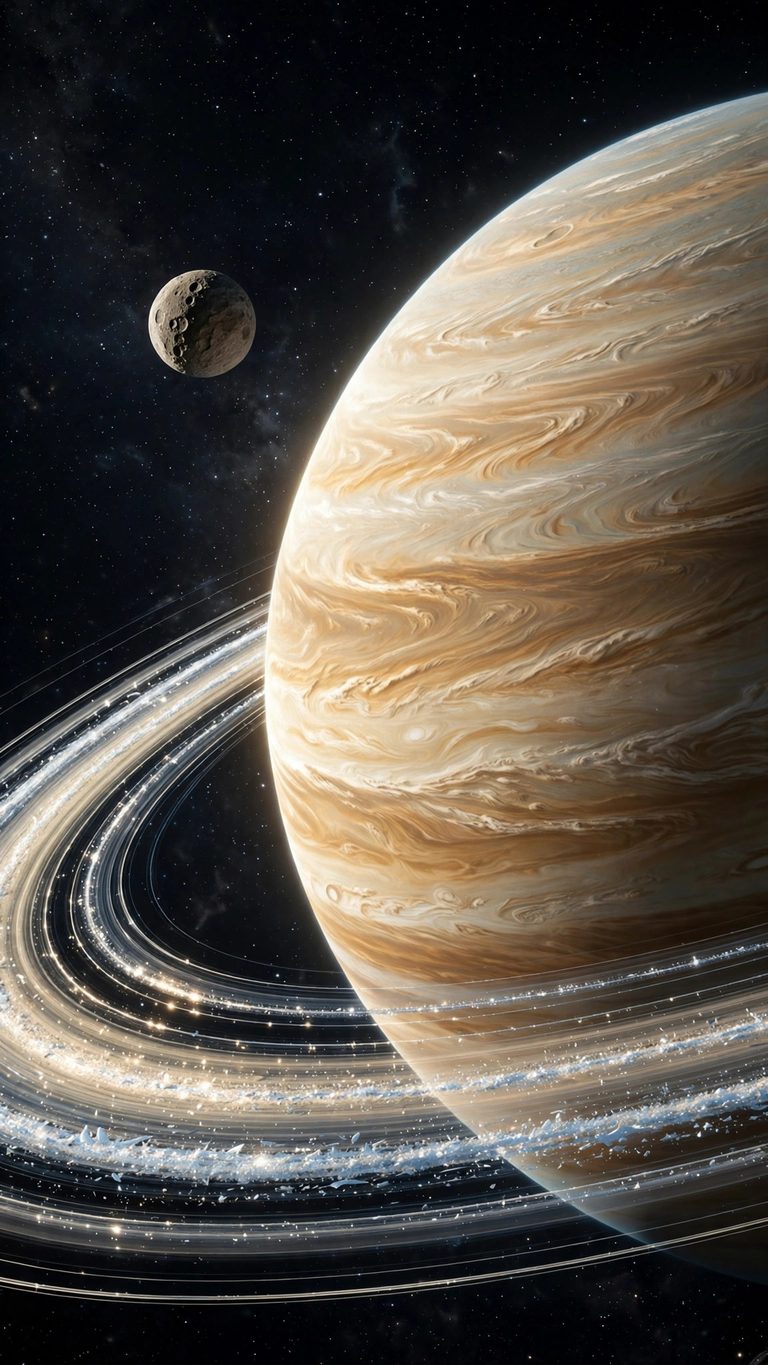
- Ringed Planet AI Photo Prompt: Generate a Majestic Gas Giant Planet With Beautiful Sunlit Icy Rings Free
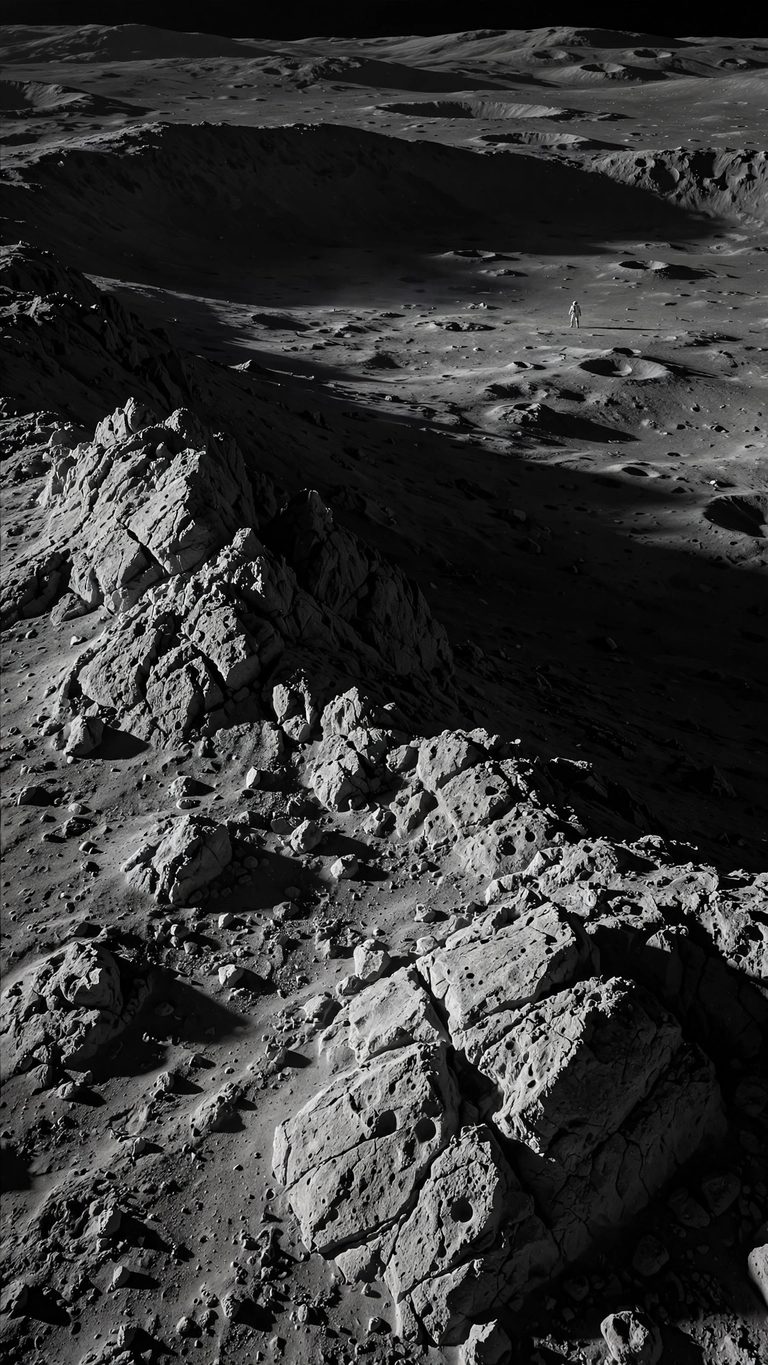
- Lunar Crater AI Photo Prompt: Create a Hyper-Detailed Moon Surface Closeup With a Tiny Astronaut for Scale
# A I P h o t o # P r o m p t B a z a r # M i l k y W a y # A s t r o # N i g h t S k y

Leave a Reply