
Introduction
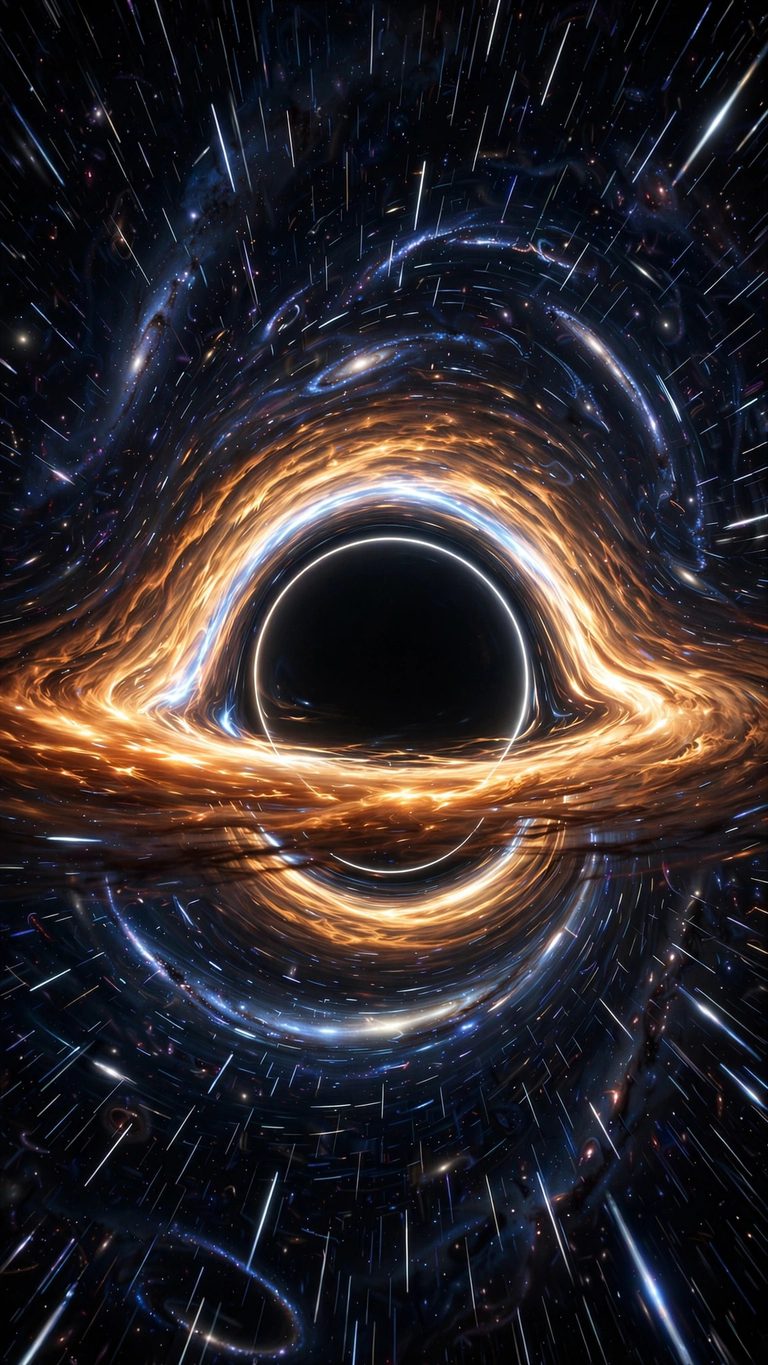
There is a place in the universe where physics surrenders. Light — the fastest thing in existence, the one constant every scientist trusted — goes in and never comes out. Around that place, matter spirals inward at a fraction of light speed, heating to millions of degrees until it outshines entire galaxies. This is a supermassive black hole, and the Black Hole Accretion Disk AI video prompt puts your viewer in a slow, hypnotic orbit around one: a glowing disk of doomed matter bending light itself into a perfect Einstein ring, stars streaking past like rain on a windshield, the camera circling the event horizon with a deep, bass-like visual rumble you can feel in your teeth. It is terrifying and beautiful in equal measure — the exact combination that makes people unable to look away. Black hole content has a permanent seat at the viral table because it sits at the intersection of real science and primal fear. Everyone understands, on some gut level, what it means to face something from which there is no escape. This article hands you the exact prompt, explains the cinematic physics that make it mesmerizing, and walks you through rendering and posting it on every major AI video platform.
The Prompt
Copy the prompt below exactly as written and paste it into your favorite AI video generator:
Terrifyingly beautiful orbit around a supermassive black hole, glowing accretion disk bending light into an Einstein ring, stars streaking past, camera slowly circling the event horizon, deep bass-like visual rumble feel, dark and hypnotic, ultra realistic, cinematic, 8k
Why This Prompt Works
This prompt works because it weaponizes the most fascinating object in modern physics with the most hypnotic camera move in cinema. Start with the subject: black holes are mystery magnets. They dominate science headlines, blockbuster films, and late-night rabbit holes because they represent the edge of human knowledge — the place on the map labeled “here be dragons.” Any content featuring one inherits that bottomless curiosity. But the prompt does not just name-drop a black hole; it stages it with genuine astrophysics. “Glowing accretion disk bending light into an Einstein ring” describes gravitational lensing, the real phenomenon where a black hole’s gravity warps spacetime so severely that light orbits it. When a video model renders this, viewers see something their brains flag as impossible — light curving in a circle — and impossibility is the raw material of virality.
The camera direction is equally deliberate. “Camera slowly circling the event horizon” creates orbital motion, the most trance-inducing movement in film language. Slow orbits tell the viewer’s nervous system that something enormous and dangerous is being observed with reverence, which is why every great sci-fi film uses them. The phrase “deep bass-like visual rumble feel” is a stroke of genius: it instructs the model toward low-frequency visual texture — pulsing, throbbing light — that reads as sound even in silence, and it tells you, the creator, exactly what audio to pair it with. “Dark and hypnotic” sets the grade: crushed blacks, glowing edges, a palette that looks incredible on OLED phone screens. And the emotional framing — “terrifyingly beautiful” — gives the clip its rewatch value. Fear makes people watch once; beauty makes them watch ten times. Together they create the loop behavior that short-form algorithms reward above all else.
How to Use This Prompt
Follow these steps to turn the prompt into a finished vertical video, ready for Reels, Shorts, and TikTok:
- Pick your generator. Open Veo 3, Runway Gen-4, Kling 2.x, Pika 2.x, or Sora. Sora and Veo 3 handle the light-bending geometry most convincingly; Runway gives you the finest control over orbit speed.
- Paste the prompt exactly. Copy the full text from the
block above into the text-to-video field. Keep the phrase "Einstein ring" intact — it is the scientific anchor that keeps the render physically plausible instead of generically swirly.
- Set vertical format. Choose 9:16. A vertical frame lets the accretion disk arc across the screen dramatically while the black hole's shadow dominates the center.
- Set the duration. Generate a 10-second clip matching the prompt's slow orbit. The slowness is the point — do not speed it up in editing or you will destroy the dread.
- Generate multiple orbits. Run three to four generations and choose the one where the disk's glow looks like bent light rather than a flat ring graphic. The best takes have visible distortion — stars visibly smeared and duplicated near the shadow's edge.
- Add sub-bass audio. Layer a deep, rumbling drone — the "visual rumble" made audible. A slow riser that never quite resolves keeps viewers in suspense through the final frame and into the loop.
- Post with a chilling hook. Caption idea: "This is what it looks like to orbit a black hole. The light you see is trapped — it will never escape." Hashtags: #blackhole #space #physics #aivideo #cosmos. Post across Reels, Shorts, and TikTok in one session.
Pro Tips & Creative Variations
The accretion disk's color is your first creative lever. The default render will lean toward hot white-orange, which is scientifically accurate — but "blood-red disk with violet edges" creates a more demonic, horror-adjacent variant that performs exceptionally well in October and with true-crime-adjacent audiences, while "ice-blue disk" reads as cold, alien, and elegant. Specify the disk color explicitly in your own remixes and you can build a whole palette series from one concept. Your second lever is the orbit itself. The prompt's slow circle is hypnotic, but a "camera spiraling inward toward the event horizon" variation creates escalating dread — pair it with text like "past this line, nothing returns" for a clip engineered to be saved and shared in group chats.
For educational virality, add the one fact that breaks brains: time itself slows near the event horizon, so a clock falling in would appear to freeze from the outside. Burn that into the video as a caption and watch the comments explode — time-dilation content consistently overperforms because it attacks the viewer's basic assumptions about reality. You can also build a comparison series: black hole versus neutron star versus supernova, each rendered in the same orbital style, posted as a three-part "most extreme objects" arc. Another powerful variation is the scale reveal — start tight on the disk, then pull back to show the black hole against its host galaxy, with text noting that some black holes outweigh our sun by billions of times. Finally, try the silent-cut strategy: post one version with zero audio and the caption "the loudest silence in the universe." Counterintuitive audio choices stop thumbs because they violate expectations, and this prompt's "total" darkness makes silence feel like a creative decision rather than an omission.
Frequently Asked Questions
Q: Is the Einstein ring in the video scientifically accurate?
A: Conceptually, yes. Gravitational lensing around black holes is real physics, famously visualized in the film Interstellar with guidance from physicist Kip Thorne, and confirmed by the Event Horizon Telescope's images of M87* and Sagittarius A*. AI renders are artistic interpretations, not simulations, so treat the video as an evocative visualization rather than a textbook diagram — and say so in your caption to build trust with science-savvy viewers.
Q: My render looks like a glowing donut rather than a black hole. What went wrong?
A: The model likely rendered the disk face-on and symmetric, which reads as flat. Fix it by emphasizing the edge-on perspective: append "viewed at a tilted angle, disk wrapping over and under the shadow" to your remix, or regenerate until you get a take with visible light distortion above and below the shadow. The asymmetry is what sells the physics.
Q: Is black hole content too scary or dark for a general audience?
A: Not when framed as "terrifyingly beautiful" rather than pure horror. The prompt deliberately balances dread with wonder, which keeps it in the awe category that performs broadly. If your audience skews young or casual, lean into the wonder: captions about the science rather than the danger.
Q: How do I avoid my black hole video looking like everyone else's?
A: Differentiate through context, not just visuals. Add a unique narrative layer — a countdown, a real mission name, a thought experiment ("what would you see in the final second?") — or grade yours with a signature color palette and post it as part of a branded series. The prompt is the starting line; your storytelling is the moat.
A black hole is the universe's way of reminding us that reality is stranger than imagination — and this prompt lets you orbit one from the safety of your couch. Copy it, render it slowly, let the bass rumble. Some videos you watch. This one you survive.
Related Viral Prompts
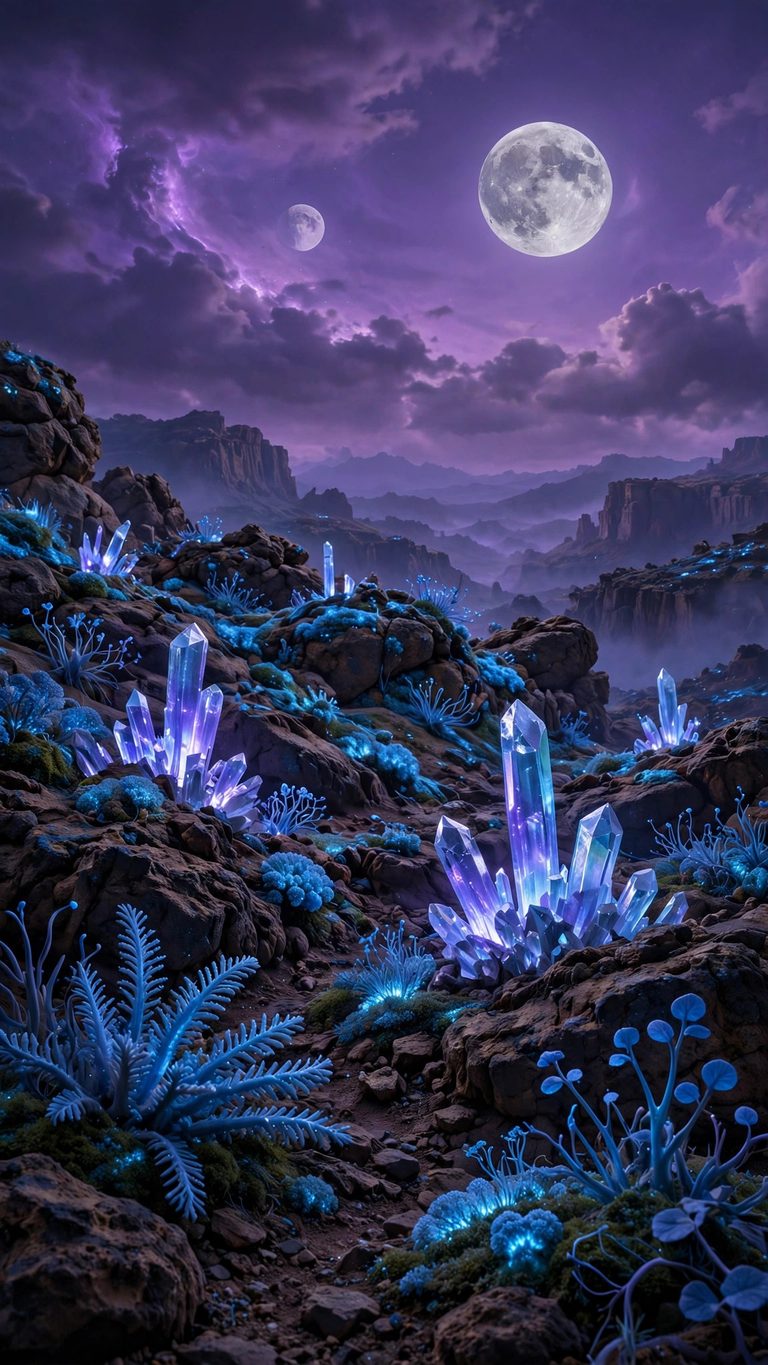
- Alien Planet Surface Walk AI Video Prompt: Explore a Strange Exoplanet World in Cinematic Rover POV Video
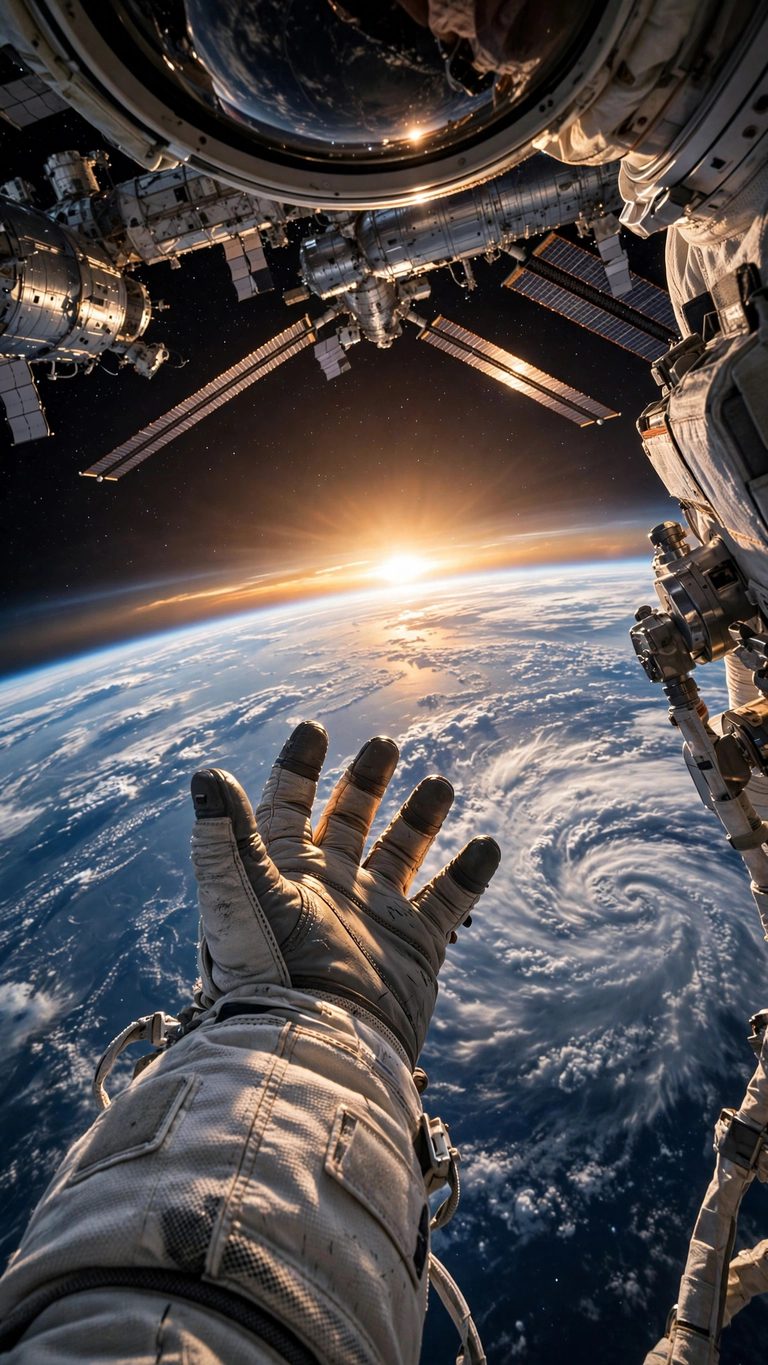
- Space Station Sunrise Orbit AI Video Prompt: Watch the ISS Glide Over Earth at Sunrise in Stunning 8K
- Nebula Flythrough AI Video Prompt: Soar Through a Dreamlike Pink, Teal & Gold Cosmic Storm Free Viral Clip
# A I V i d e o # P r o m p t B a z a r # B l a c k H o l e # S p a c e # E p i c

Leave a Reply