
Introduction
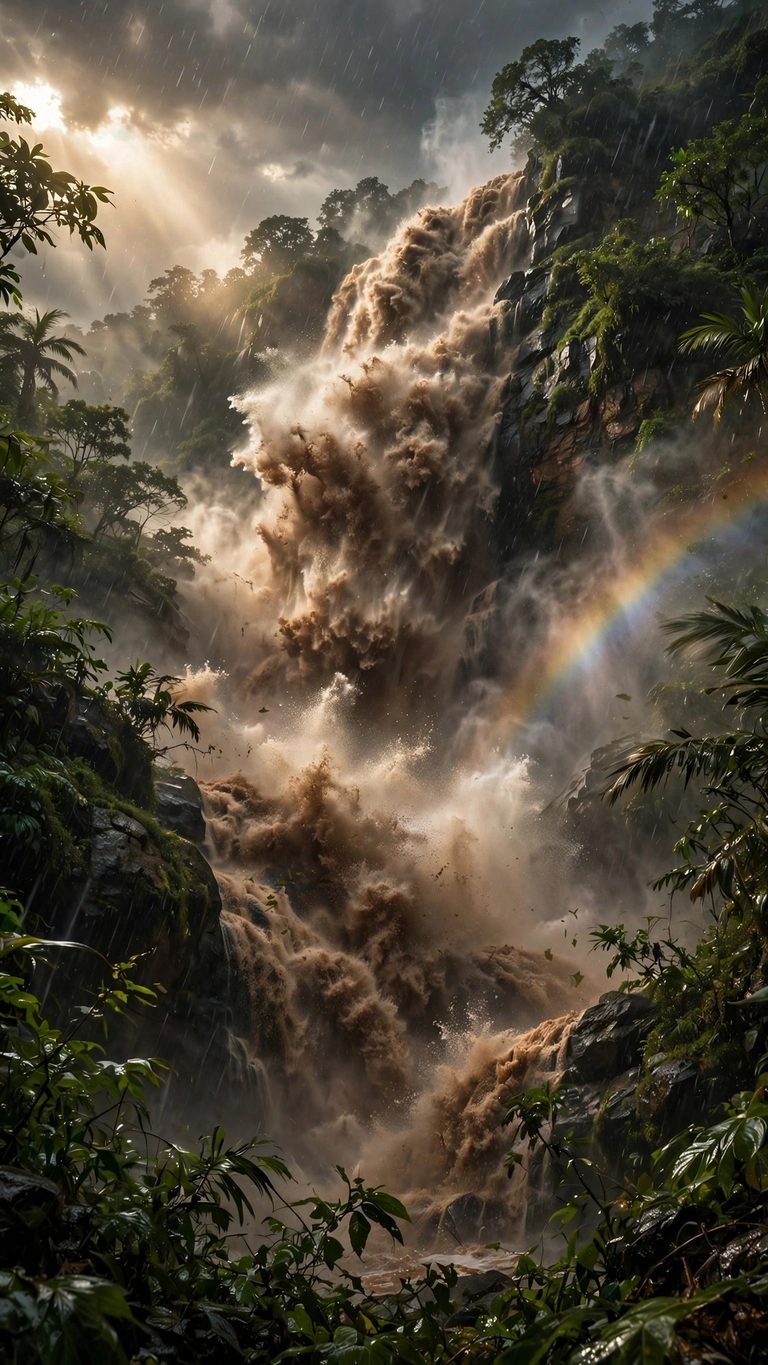
Every monsoon, a quiet waterfall becomes something else entirely. Weeks of rain gather in the hills, the river swells, and the falls turn chocolate-brown and furious, thundering over the cliff with a force you feel in your chest. Spray explodes skyward, the jungle thrashes, and a rainbow flickers in the mist like nature signing its work. It is raw, untamed, awe-inspiring power.
Waterfall content is evergreen on social media, but monsoon-surge waterfalls are its most dramatic form, and brutally hard to film in real life. The best vantage points are slippery or closed during peak flow, and the weather that creates the surge ruins cameras. AI video sidesteps it all. This AI video prompt describes a monsoon waterfall at maximum fury with cinematic language that makes models deliver spectacle. In this article, you will learn why this prompt hits so hard, how to run it across Veo 3, Runway, Kling, Pika, and Sora, and how to customize it into a library of powerful #AIVideo nature content.
The Prompt
Copy the full prompt below and paste it directly into your AI video generator of choice. The slow-motion and scale cues are doing the heavy lifting, so keep them.
Powerful shot of a waterfall surging with monsoon fury, chocolate-brown water thundering down the cliff, spray exploding upward into the air, jungle leaves whipping violently, rainbow flashing in the thick mist, raw untamed energy, dramatic slow motion, cinematic, ultra realistic, awe-inspiring
Why This Prompt Works
Scale and motion are the two hardest things to get right in AI video, and this prompt engineers both. “Powerful shot” and “monsoon fury” establish scale emotionally. “Chocolate-brown water thundering down the cliff” gives the model a specific, unusual color that reads as floodwater instantly; brown water signals volume and power far more effectively than pretty blue water. “Spray exploding upward” adds counter-motion against the downward fall, creating the two-directional energy that makes waterfall footage feel massive. “Jungle leaves whipping violently” provides a foreground motion layer that sells the wind and chaos. “Rainbow flashing in the thick mist” is the reward detail: a small, beautiful surprise that gives viewers a discovery moment on rewatch.
The prompt also builds in a cinematic arc through “dramatic slow motion.” Slow motion on a waterfall stretches the chaos into something legible: individual curtains of water, the bloom of spray, the shudder of leaves. Human perception finds stretched power deeply satisfying, which is why slow-motion nature clips dominate the awe niche. “Raw untamed energy” and “awe-inspiring” steer the model’s style away from postcard prettiness toward something wilder, while “cinematic, ultra realistic” keeps the physics believable. The 10-second duration in the settings gives the surge room to breathe; a 5-second clip would feel clipped, while 10 seconds lets the viewer settle into the roar.
Platform dynamics favor this content heavily. Awe is one of the most shared emotions online: people send awe-inducing clips to friends with no caption needed. Waterfall surges also perform exceptionally as sound-on content, since viewers imagine the thunder, and as thumbnails, since brown water and white spray create high-contrast stills. The clip works in nature compilations, travel dream lists, and “places that don’t look real” formats, giving it multiple discovery paths. With hashtags like #AIVideo and #Waterfall, plus monsoon-season timing, this single render can circulate for months, resurfacing every time the rains return. It is the definition of evergreen viral fuel.
How to Use This Prompt
Paste the prompt as-is and generate in 9:16 at 10 seconds with slow motion enabled. On Veo 3, this is a showcase prompt: Veo’s water simulation handles the thundering fall and exploding spray convincingly, so render at 1080p and let the slow motion stretch naturally. In Runway Gen-4, set duration to 10 seconds and keep the camera nearly static or on a very slow push; fast camera moves fight the grandeur of the falls. Kling is strong on mist and atmosphere, making it excellent for the rainbow-in-the-mist beat; if the rainbow does not appear, append “vivid rainbow arcing through the spray” to strengthen the cue.
On Pika, raise motion strength to capture the violence of the surge, and generate at least three takes since water turbulence varies enormously between renders. Sora users should treat the 10 seconds as two beats: the thundering fall dominating the first half, the spray and rainbow resolving in the second. Across all tools, the most common flaw is water that looks like looping stock rather than a continuous surge; if you see visible repetition, regenerate with slightly different wording in the motion phrases. In the edit, add deep waterfall rumble audio and let the clip breathe without text overlays for the first 3 seconds; the spectacle is the hook. Save alternate takes for future compilation videos.
Pro Tips & Creative Variations
Change the waterfall’s character for a whole series. A “towering single-drop fall in a misty gorge” feels majestic, while “a wide curtain waterfall spanning the whole frame” feels overwhelming. Move it geographically: “monsoon waterfall in the Western Ghats, tea gardens on the cliffs” or “jungle waterfall in Southeast Asia, mist and gibbons calling” gives each render a distinct identity. Alter the water’s mood: “crystal-clear waterfall after the storm, sunbeams piercing the spray” for serenity, or “night waterfall lit by lightning flashes” for pure drama.
Camera language controls the awe. “Drone shot pulling back to reveal the full height of the falls” delivers the classic jaw-drop reveal and makes a perfect video opener. “Low shot from the plunge pool, spray raining down on the lens” puts the viewer inside the power. “Side profile of the cliff, water thundering past ancient rock layers” emphasizes geological time. Add living detail: “a lone figure in a raincoat on the viewing ledge, dwarfed by the falls” gives scale that no wide shot alone can convey, and viewers love the tiny-human-versus-nature framing.
For compilations, generate four surges in different landscapes and cut them to a rising music track with the rainbow beat landing on the drop. For a narrative arc, render the same waterfall in three states: gentle pre-monsoon flow, peak brown surge, and the calm aftermath, then post as a trilogy. You can also composite the falls behind text for motivational content; “raw untamed energy” pairs naturally with captions about resilience. Keep “cinematic, ultra realistic, awe-inspiring” in every variant and protect the 10-second slow-motion setting. One great waterfall prompt, properly varied, can anchor a nature channel for a season.
Frequently Asked Questions
How do I make sure the rainbow actually appears?
Rainbows are a subtle cue that models sometimes skip. Strengthen it with “vivid rainbow arcing through the thick mist” and make sure the scene includes implied sunlight or brightness contrast, since rainbows need light. If it still does not appear after two takes, generate the waterfall clean and composite a subtle rainbow in your editor; honesty with your audience matters more than a perfect single render.
Why does my waterfall look like it is looping?
Visible looping happens when the model’s motion pattern repeats within the clip. Regenerate with varied motion phrasing, extend to the full 10 seconds, and avoid perfectly symmetrical compositions that make repetition obvious. Three to five takes usually produce one with continuous, non-repeating flow.
Is 10 seconds better than 8 for nature spectacle clips?
For waterfalls, yes. Eight seconds suits quick punchy moments like lightning, but a surge needs time for the viewer to absorb the scale. Ten seconds lets the eye travel from the cliff top to the plunge pool and catch the rainbow. Watch your retention graph: if viewers drop at 7 seconds, trim to 8, but most awe clips hold well past 10.
What is the best way to monetize waterfall content?
Build compilations and license-ready B-roll packs, since travel brands and meditation channels buy calming and dramatic nature footage. Post consistently through monsoon season with tags like #AIVideo and #Monsoon, and check your AI tool’s commercial terms before selling outputs. A library of varied surges becomes a sellable asset.
The cliff is thundering and the mist is rising. Paste this AI video prompt into your generator, unleash a monsoon waterfall surge, and let your audience feel the raw power of nature. Try it today and share the surge that leaves you speechless.
Related Viral Prompts
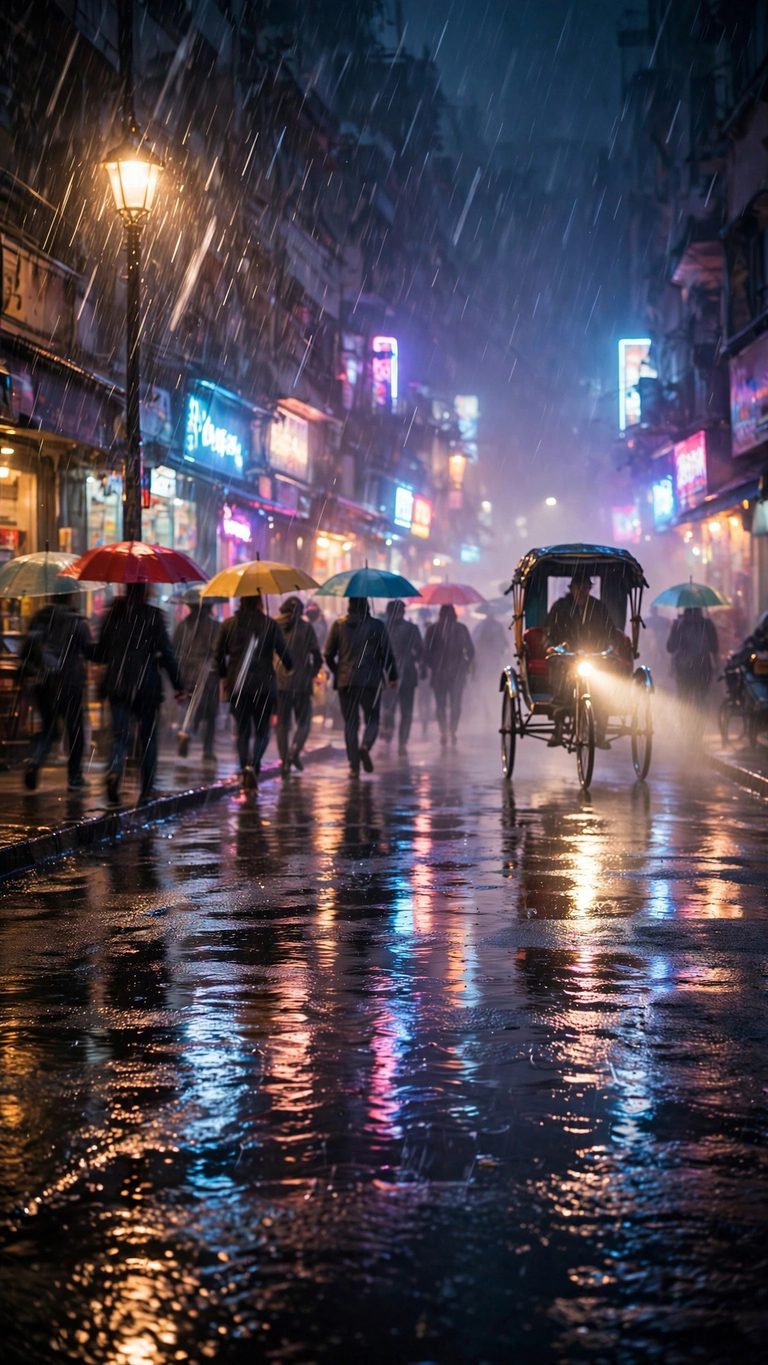
- Rainy Neon Street Photo: Free Viral AI Photo Prompt for Moody Monsoon Night Street Photography Art Guide
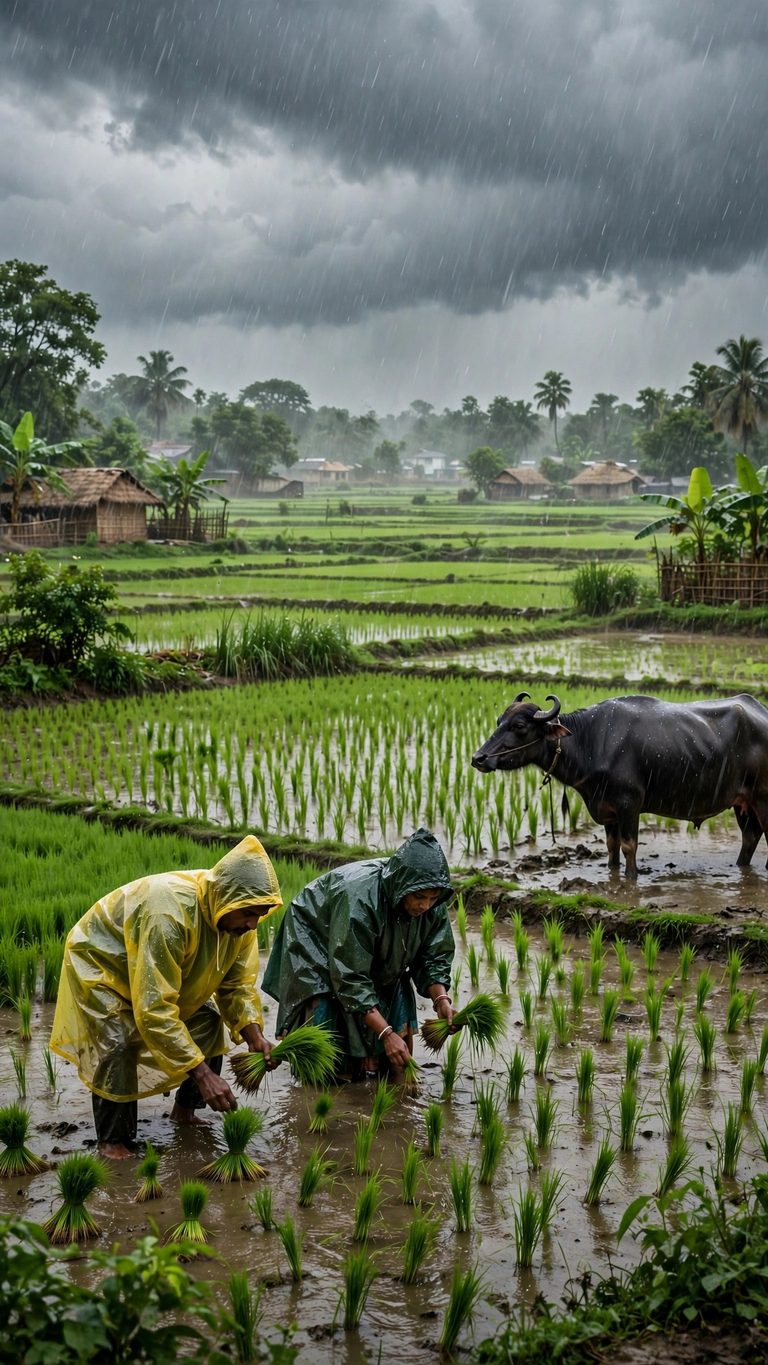
- Monsoon Paddy Field Photo: Free Viral AI Photo Prompt for Lush Green Rainy Landscape Photography Ideas
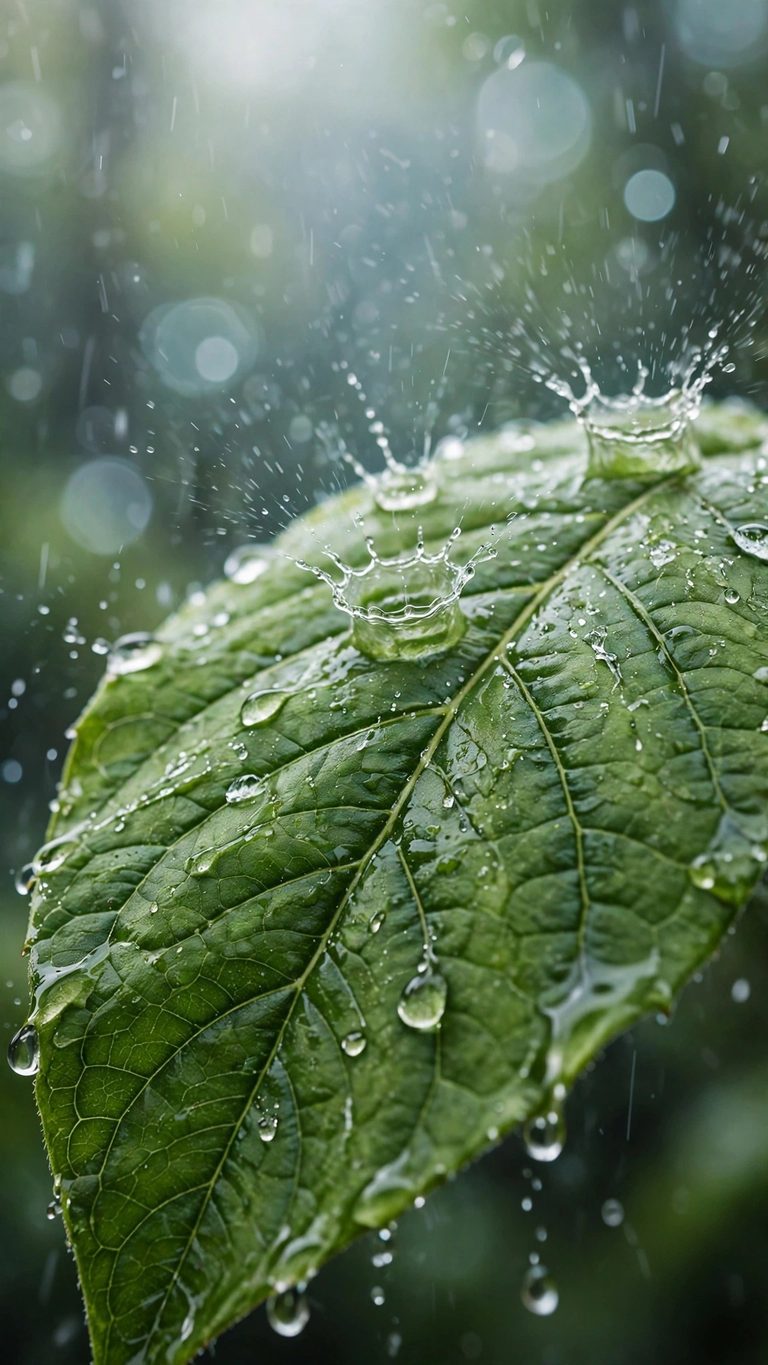
- Raindrop Crown Splash Photo: Free Viral AI Photo Prompt for Stunning High-Speed Macro Water Photography
# A I V i d e o # P r o m p t B a z a r # W a t e r f a l l # M o n s o o n # P o w e r f u l

Leave a Reply