
Introduction
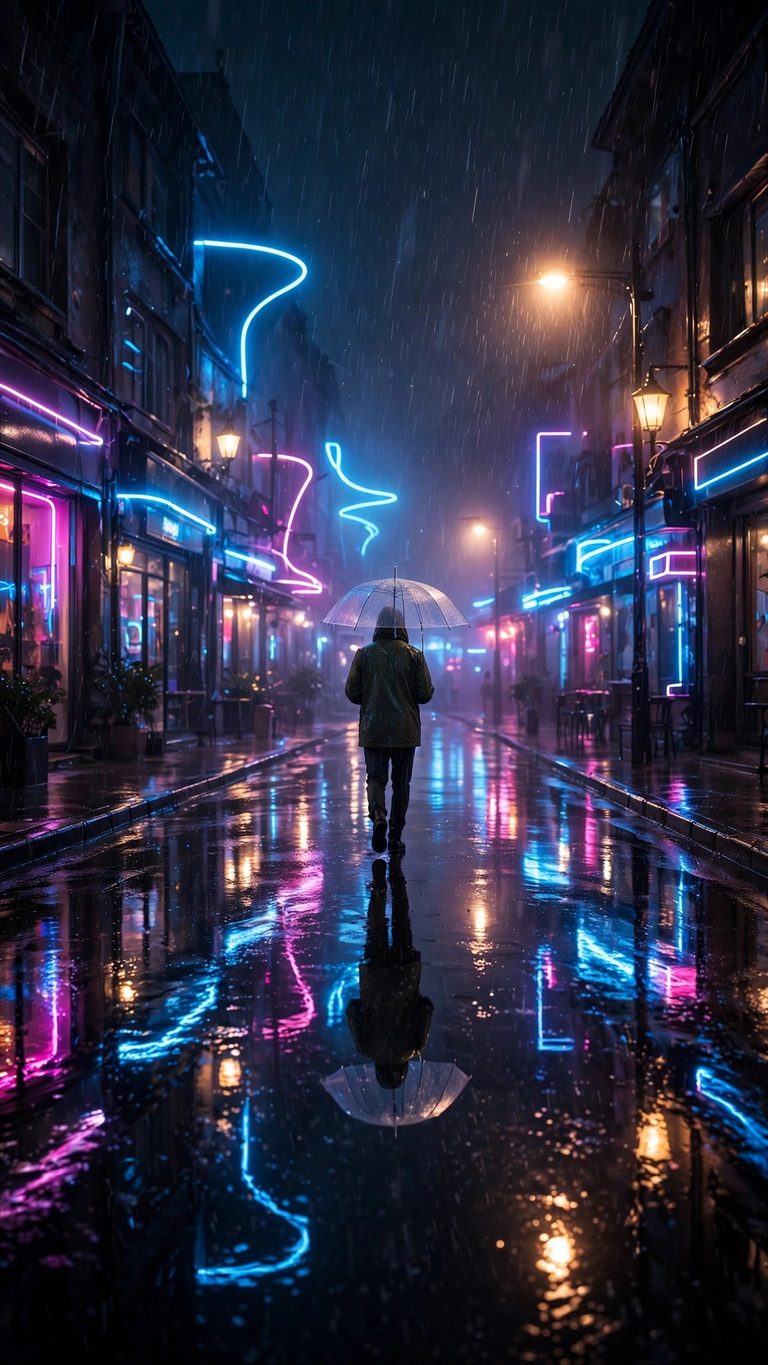
There is a reason the rainy neon street is the most recycled aesthetic in modern photography: it is the visual shorthand for urban solitude, cinematic longing, and that beautiful ache you feel walking home under a flickering sign at 2 a.m. When neon bleeds across rain-soaked asphalt, the city stops being a place and becomes a feeling – equal parts loneliness and possibility. Photographers have chased this look for decades with expensive lenses, dangerous weather, and endless patience, but AI image generation has democratized it completely. A single well-engineered prompt can now produce a frame that looks like it was shot by a seasoned street photographer who waited three monsoons for the perfect puddle.
This particular prompt is engineered for maximum mood: a lone figure with a transparent umbrella, rain streaks frozen in lamplight, and a blue-and-magenta palette borrowed straight from cinema. Images like this dominate #AIPhoto feeds and rainy-day mood boards because they work as wallpapers, album covers, and story backgrounds all at once. In this guide you will get the exact copy-paste prompt, the psychology behind why it goes viral, step-by-step generation instructions for every major AI tool, and a library of variations so one prompt can fuel a whole series of posts.
The Prompt
Here is the exact prompt behind this image. Copy it word for word into your AI image generator – every adjective was chosen to steer the model toward a photorealistic, viral-ready result.
Cinematic night photograph of a rain-soaked street glowing with neon signs, perfect mirror reflections on wet asphalt, a lone figure with a transparent umbrella, rain streaks frozen in lamplight, moody blue and magenta palette, urban loneliness beauty, ultra detailed, 8k, professional street photography, photorealistic
Why This Prompt Works
This prompt works because it stacks four of the most powerful viral triggers in visual content: reflections, color psychology, human solitude, and cinematic familiarity. Mirror reflections on wet asphalt are the single most reliable engagement magnet in night photography because they double the image’s information density – every neon sign appears twice, once in the air and once in the ground, and the human eye lingers longer on symmetrical doubling. Viewers on Instagram and Pinterest zoom into reflections instinctively, and that zoom behavior is a strong ranking signal. The blue-and-magenta palette is no accident either: cool blues trigger calm and melancholy while magenta adds electric energy, a pairing popularized by cyberpunk cinema that an entire generation now associates with beauty, late nights, and urban romance.
The lone figure with a transparent umbrella is the emotional anchor. A human silhouette in a vast glowing street invites instant self-projection – every viewer has walked alone in the rain, and the image becomes a mirror for their own memories. The transparent umbrella is a stroke of genius in the prompt: it keeps the figure visible while framing them in a delicate rain-spattered dome, adding texture and a sense of fragile shelter. Rain streaks frozen in lamplight provide the motion contrast that makes the image feel alive, a technique borrowed from slow-shutter street photography. Finally, “urban loneliness beauty” tells the model the emotional register explicitly, so the composition leans into negative space and moody lighting rather than busy detail. On Pinterest this style lives for years on “moody aesthetic” and “rainy night” boards; on Instagram it thrives as wallpaper content and moody Reels covers – the highest-intent saves on the platform.
How to Use This Prompt
Generating this image takes minutes. Copy the prompt exactly as written and paste it into Midjourney, DALL-E 3, Flux, or Stable Diffusion. Set a 9:16 portrait aspect ratio – in Midjourney add –ar 9:16 on version 7, in DALL-E 3 select portrait orientation, in Flux choose the portrait output size, and in Stable Diffusion set your dimensions to 768×1344 or 832×1472. The vertical frame is essential because neon reflections read best in tall compositions, and it matches phone wallpapers and Stories formats where this aesthetic lives.
Generate three to four variants and evaluate the reflections first: the best versions show crisp, readable neon shapes mirrored in the asphalt rather than a blurry glow. Check the lone figure – the transparent umbrella should be visible but not dominate the frame, and the silhouette should read cleanly against the neon. If the rain streaks look smeared rather than frozen, regenerate; the “frozen in lamplight” wording usually lands within a few tries. Midjourney v7 currently renders the most convincing wet-asphalt reflections, while DALL-E 3 follows the palette description most literally. Once you have a keeper, upscale to maximum resolution, save it with a descriptive filename like rainy-neon-street-ai.jpg, and share it with #RainyStreet and moody-aesthetic hashtags for discovery.
Pro Tips & Creative Variations
One prompt, endless series. Start with the palette: swap “blue and magenta” for “teal and amber” to get a warmer, Blade Runner-adjacent variant, or “deep violet and cyan” for a dreamier, anime-influenced version. Change the human element for fresh emotion – “a couple sharing one umbrella” turns loneliness into romance, “a child splashing in a puddle, neon reflections” adds playfulness, and “an empty street, no people” creates a pure liminal-space image that performs exceptionally well in aesthetic communities. The transparent umbrella can become “a red umbrella” for a single bold color pop against the cool palette, a classic street-photography trick that reliably boosts saves.
Shift the setting while keeping the rain-and-neon formula: a Tokyo back alley with hanging lanterns, a London street with a red phone booth, a Mumbai lane with monsoon-wet colonial facades – each location change gives you a fresh post with the same proven viral mechanics. Change the weather intensity with “drizzle, light mist” for softness or “torrential downpour, motion-blurred rain” for drama. For a carousel, generate the wide street shot, a close crop of the umbrella with rain streaks, and a reflection-only abstract crop of the asphalt – the zoom-in sequence mimics how viewers naturally explore the image and earns full swipe-throughs. You can also combine this prompt with a daytime version of the same street and post them as a “same street, 12 hours apart” contrast piece. Keep the negative space generous; the mood lives in the emptiness, and clutter is the enemy of cinematic loneliness.
Frequently Asked Questions
Q: Which AI generator gives the most realistic rain reflections?
A: Midjourney v7 leads for wet-asphalt reflections and neon glow falloff. DALL-E 3 is strong at following the exact palette wording, and Flux is an excellent free alternative. Generate the same prompt in two tools and keep the better render.
Q: Can I use this image as a phone wallpaper or sell prints?
A: Personal wallpaper use is fine on any tier. For commercial prints, use a paid plan that grants commercial rights and upscale to maximum resolution. The 9:16 ratio suits phone wallpapers; regenerate in landscape for wide prints.
Q: My rain streaks look like noise instead of light trails. How do I fix it?
A: Make sure you kept the words “frozen in lamplight” – they tell the model the streaks should read as lit motion. If it persists, regenerate rather than editing; streak rendering varies significantly between seeds.
Q: Does this prompt work for Reels covers and thumbnails?
A: Absolutely. The strong vertical composition and readable neon shapes make it ideal for covers. Add your text overlay in the darker upper third of the frame where the sky sits.
The rainy neon street prompt proves that mood is a formula: reflections plus cinematic color plus one lonely figure equals an image people save, share, and set as wallpaper. Generate it, refine the glow, post it vertical, and let the monsoon-lit city do the storytelling for you. Try the prompt now and watch your feed turn cinematic.
Related Viral Prompts
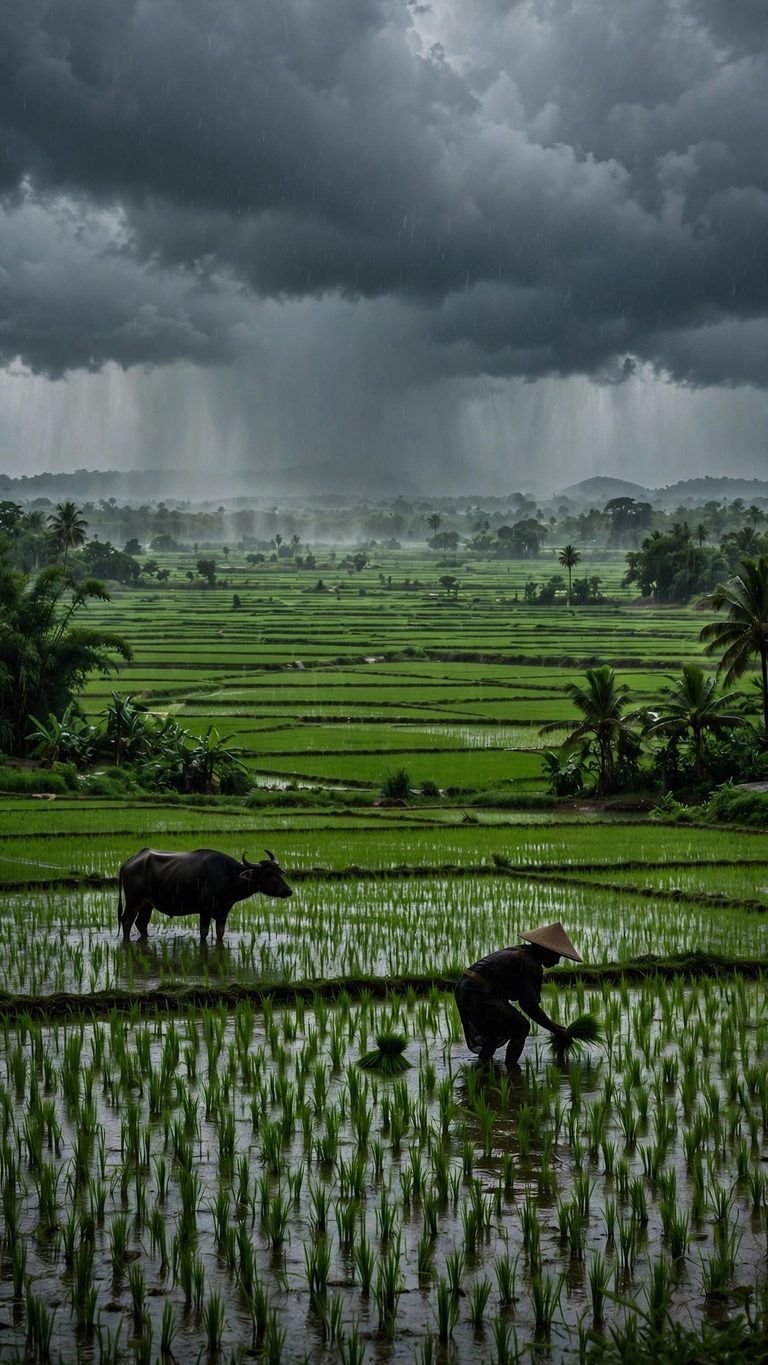
- Monsoon Paddy Field Photo: Free Viral AI Photo Prompt for Lush Green Rainy Landscape Photography Ideas
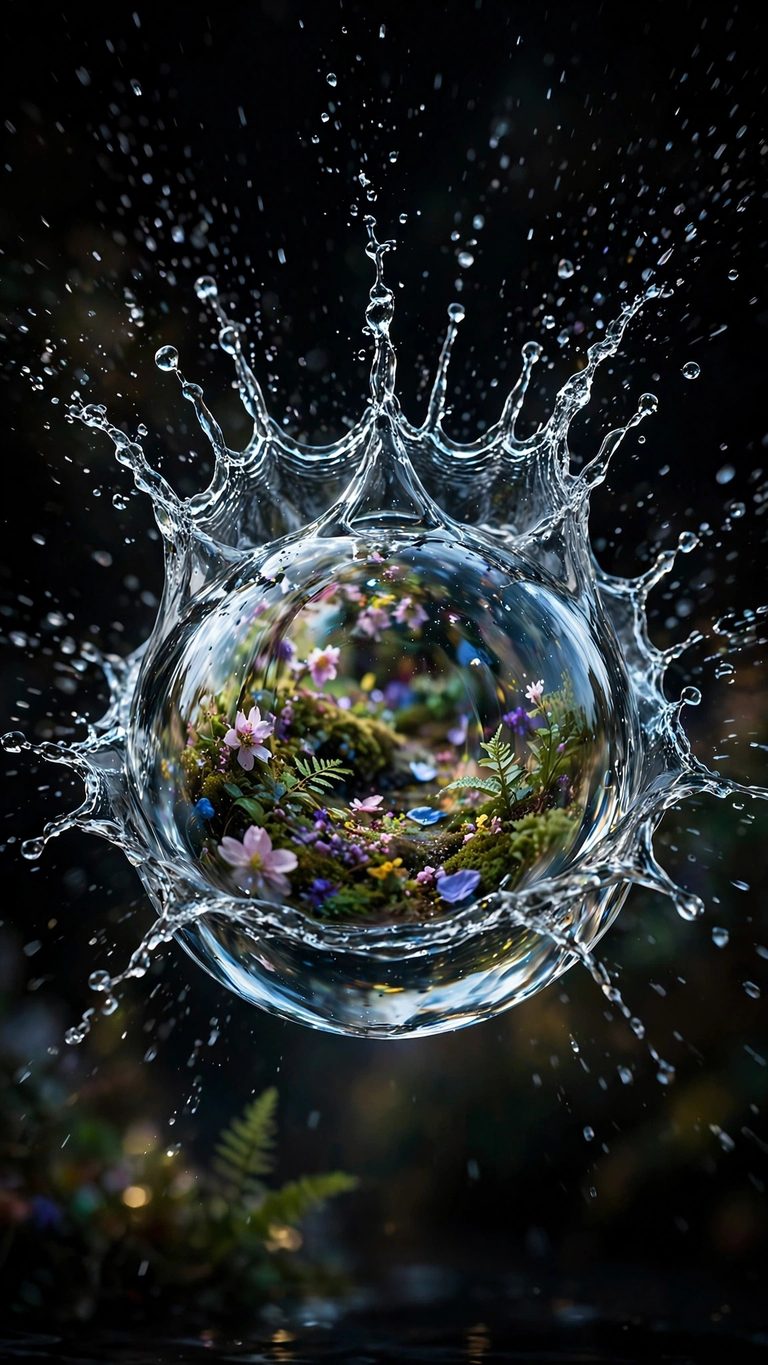
- Raindrop Crown Splash Photo: Free Viral AI Photo Prompt for Stunning High-Speed Macro Water Photography
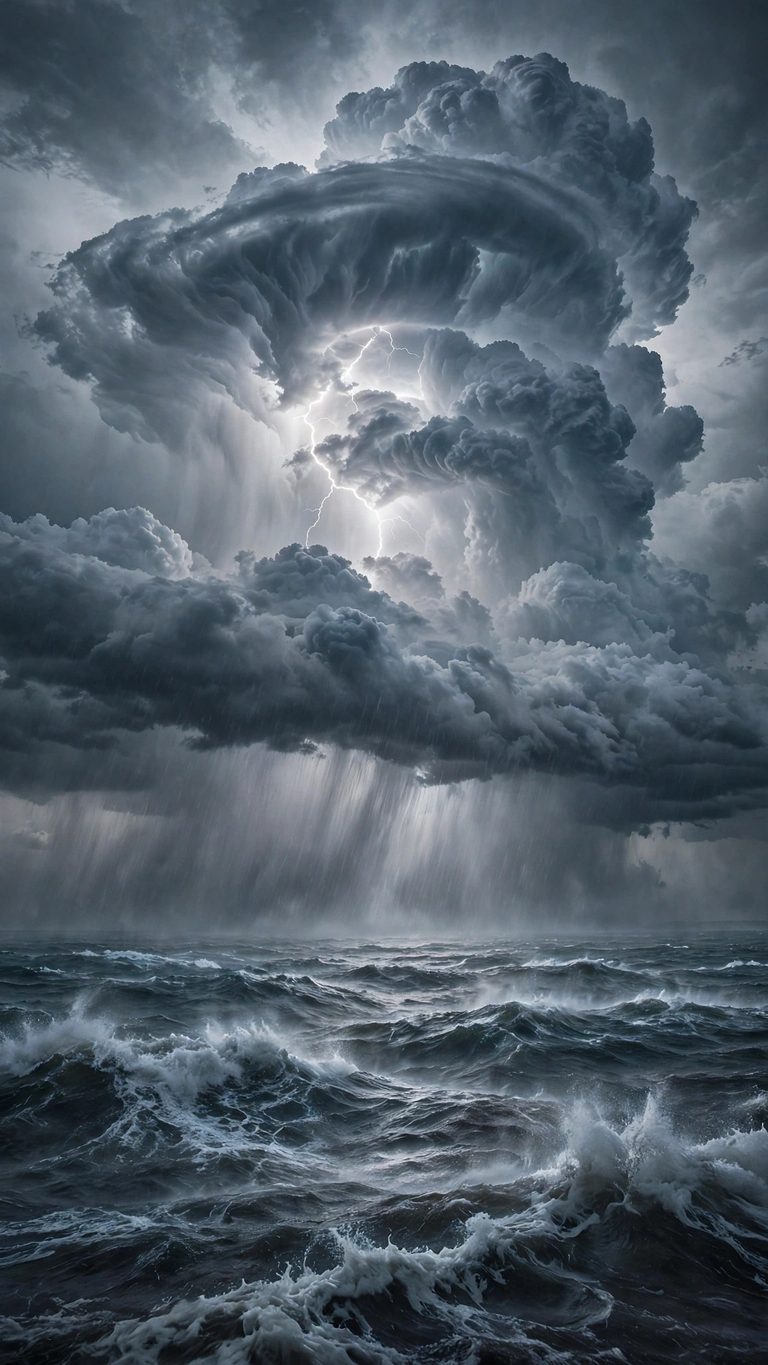
- Storm Clouds Over Sea Photo: Free Viral AI Photo Prompt for Epic Dramatic Ocean Seascape Photography Art
# A I V i d e o # P r o m p t B a z a r # A I P h o t o # R a i n y S t r e e t # N e o n

Leave a Reply