
Introduction
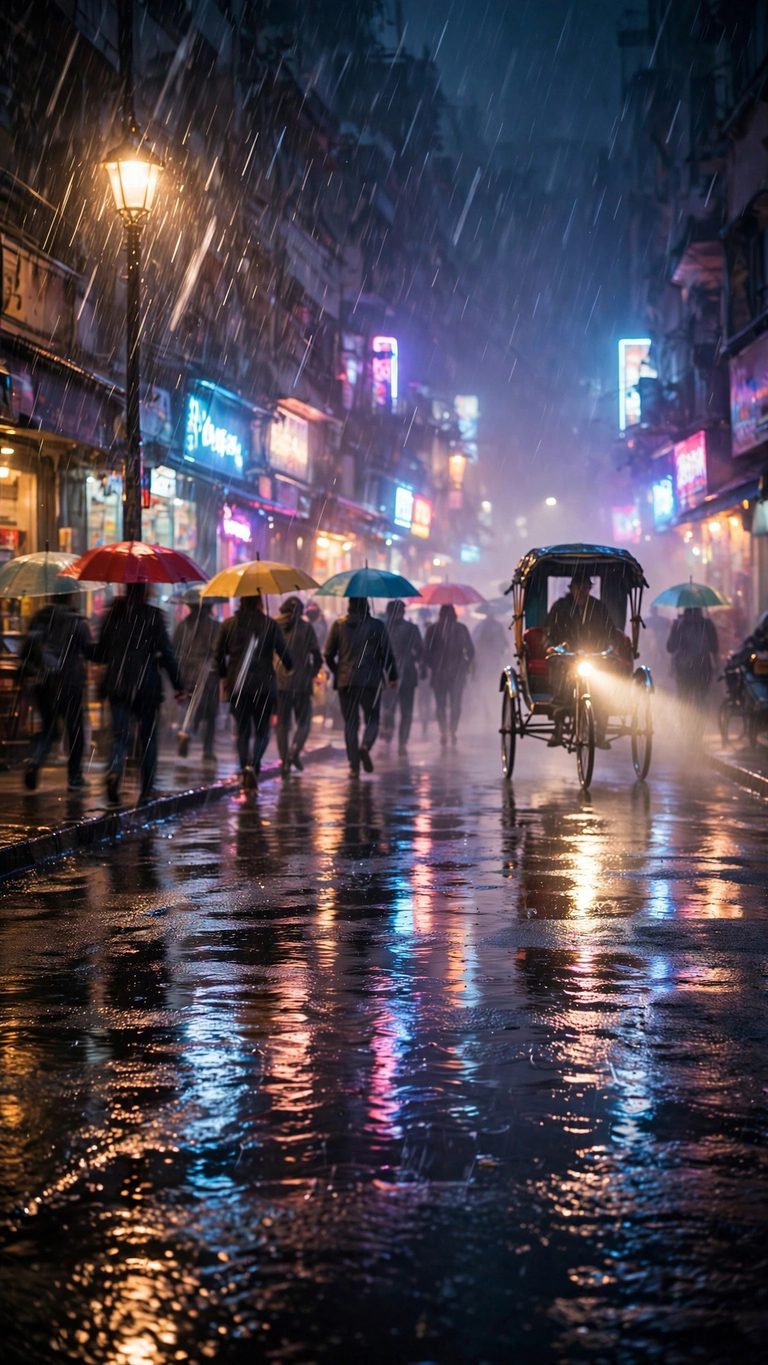
There is a special kind of magic that happens when rain meets a city at night. The streets turn into mirrors, neon signs bleed color onto the wet asphalt, and every passing headlight stretches into a ribbon of light. This AI video prompt captures exactly that feeling: a moody, cinematic rain-soaked city street where people hurry under colorful umbrellas, raindrops streak past a glowing street lamp, and rickshaw headlights cut through drifting mist.
It is the kind of scene that stops thumbs mid-scroll, because it looks like a frame from a film you have always wanted to watch. Rain content performs exceptionally well on Reels, TikTok, and Shorts, and night rain is the most cinematic version of all. Whether you are building an aesthetic page, making lo-fi music visuals, or simply love monsoon nights, this prompt gives you a professional-looking clip in under a minute. Tag your finished video with #Rain and #CityNight to join the growing community of creators turning ordinary weather into extraordinary art. Keep reading for the exact prompt, why it works, and how to get the best result from any AI video tool.
The Prompt
Here is the exact prompt, ready to copy and paste into your favorite AI video generator:
Moody cinematic shot of heavy rain falling on neon-lit city streets at night, reflections shimmering on wet asphalt, people hurrying with colorful umbrellas, raindrops streaking past a street lamp, rickshaw headlights cutting through mist, melancholic beautiful atmosphere, slow cinematic pan, ultra realistic, dramatic lighting
Why This Prompt Works
From a visual psychology standpoint, this prompt is engineered to hold attention. Reflections effectively double the amount of color and light in the frame, and the human brain reads symmetry and glow as beautiful without any conscious effort. Falling rain adds constant, gentle motion across the entire screen, which keeps the eye engaged far longer than a static image ever could. The melancholic mood is the secret weapon: emotion drives saves and shares, and a beautiful-but-sad rainy night makes people feel something in the first two seconds. The color contrast does heavy lifting too, with cool blue rain set against warm neon signs, a combination that pops on small phone screens even at low brightness.
Platform trends are firmly on this prompt’s side. Compilations of rain at night routinely pull millions of views, and lo-fi streams built on rainy city visuals run for hours with loyal audiences. Cinematic city b-roll has become the backbone of aesthetic accounts, used as backgrounds for quotes, poetry, and music. An eight-second vertical clip is the perfect native format for Reels, TikTok, and Shorts, where retention in the first three seconds decides everything. Rain also pairs effortlessly with trending audio, from soft piano to distant thunder soundscapes, giving you endless remix potential from a single generation.
Shareability is where night rain truly shines. Almost everyone has hurried through a rainy street with an umbrella, so the scene triggers instant personal nostalgia, especially during monsoon season. The clip works beautifully as a seamless loop, which quietly multiplies watch time as viewers let it replay. It is wallpaper-worthy, which means saves, and it is duet and stitch friendly for creators who add commentary or music. Small brands even use moody rain footage for product shots, because a wet neon street makes almost anything look premium.
How to Use This Prompt
Using this prompt is simple, and the whole process takes only a few minutes. Step one: copy the exact prompt from the box below. Step two: open your AI video tool of choice, whether that is Veo 3, Runway, Kling, Pika, or Sora, and paste the text into the text-to-video field. Step three: set your canvas to 9:16 vertical and your duration to 8 seconds, which matches the slow cinematic pan the prompt describes. If your tool offers a camera control, choose a slow pan or leave it on auto, since the prompt already directs the movement.
Step four is optional but recommended: add a short negative prompt such as blurry, warped faces, extra fingers, watermark, and text, which cleans up the most common AI artifacts. Step five: generate two or three variations and pick the one with the richest reflections and the most natural rain motion. Step six: add sound, because rain without audio is only half the experience. Layer a rain ambience track or a lo-fi beat, export at 1080 by 1920, and post it with your hashtags. That is the entire workflow, and you can repeat it daily with small tweaks to build a whole series.
Pro Tips & Creative Variations
The real fun begins when you start customizing. Change the city to give the scene local flavor: swap the rickshaw for a yellow taxi, a tram, or a cycle rickshaw with a Dhaka street specified, and regional audiences will recognize their own monsoon instantly. Control the color palette by naming it directly, such as teal and orange neon for a blockbuster look, pink and purple for cyberpunk energy, or warm amber lamps for an old-town feel. Umbrella colors are a powerful motif: try specifying red umbrellas only and watch a single bold accent carry the whole frame.
Experiment with point of view for fresh variations. Generate the same street seen from inside a cozy cafe window with rain racing down the glass, from under a shop awning, or as a first-person walk holding an umbrella. Add drama with a distant lightning flash, thickening fog, or a couple sharing one umbrella in the foreground. If you want an infinite loop, add the words seamless loop to the prompt, or trim the first and last frames in your editor so the rain cycles perfectly. For a matching series, keep the same seed and settings while changing one element per clip, such as the umbrella colors or the time of night.
A few technical tips will save you frustration. AI still struggles with crowds, so keep people few and slightly silhouetted to avoid warped faces. If the rain looks smeared, regenerate rather than fighting it, since rain physics varies between generations. After rendering, run the clip through your tool’s upscaler and add a touch of film grain for an authentically cinematic finish. Finally, try a blue-hour version by replacing night with dusk: the deep blue sky against fresh neon gives you a completely different but equally viral mood.
Frequently Asked Questions
Which AI video tool renders rain the best?
Veo 3 and Kling currently handle rain physics and wet reflections most convincingly, while Runway is excellent for cinematic lighting and mood. Pika leans more stylized, which can look gorgeous for an artistic take, and Sora produces strong realism when you have access. The honest answer is to try the same prompt in two tools and compare, because each engine interprets neon glow and rain streaks a little differently.
How long should my rainy city clip be?
Eight seconds is the sweet spot for Reels, TikTok, and Shorts, and it matches this prompt’s slow pan pacing. If you want a longer post, loop the clip three or four times to reach thirty seconds; rain loops so naturally that viewers rarely notice the repeat. For YouTube Shorts you can extend to sixty seconds with a slow zoom added in your editor.
My raindrops look smeared and the people look warped. How do I fix it?
Rain is one of the hardest things for video models, so regenerate a few times and pick the cleanest take. Keep the crowd small and slightly out of focus or silhouetted, which hides face artifacts. A negative prompt with blurry, warped faces, and extra fingers helps, and rendering at the highest quality setting gives the model more detail to work with. Slight motion blur on rain is actually realistic, so judge the overall feel rather than individual drops.
Can I monetize videos made with this prompt?
In most cases, yes. Videos you generate are generally yours to post and monetize according to your AI tool’s terms of service, so check the commercial use policy of whichever generator you use. The prompt text itself is free for you to use and adapt. If a brand sponsors the post, just make sure your tool’s license covers commercial client work.
Rain, city lights, and night have been cinema’s favorite combination for decades, and now you can create that look in minutes. Copy the prompt, generate your clip, and post it with #Rain and #CityNight to reach the audience that lives for moody monsoon visuals. Try two or three variations tonight and see which one your followers save the most.
Related Viral Prompts
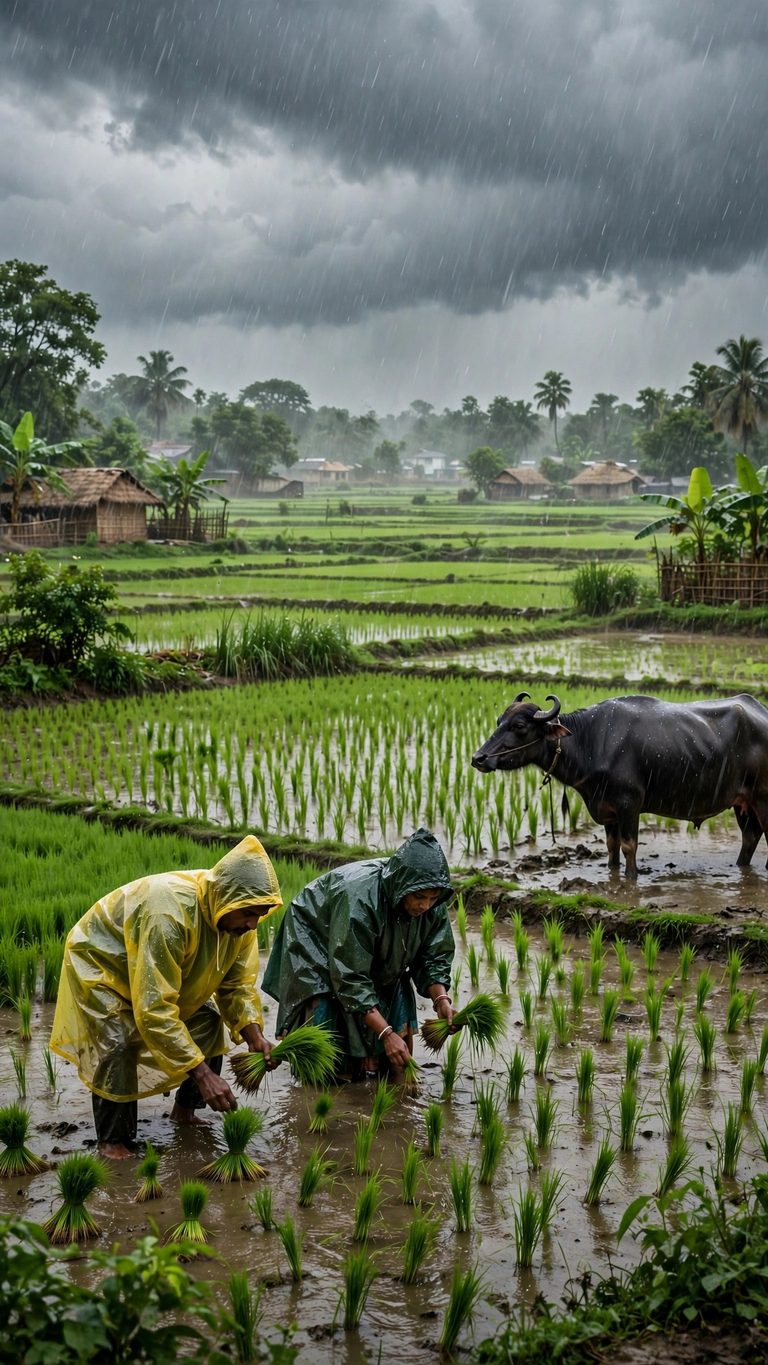
- Monsoon Village Paddy Field: Free Viral AI Video Prompt for Lush Green Bengal Rain Reels and Village Life Clips
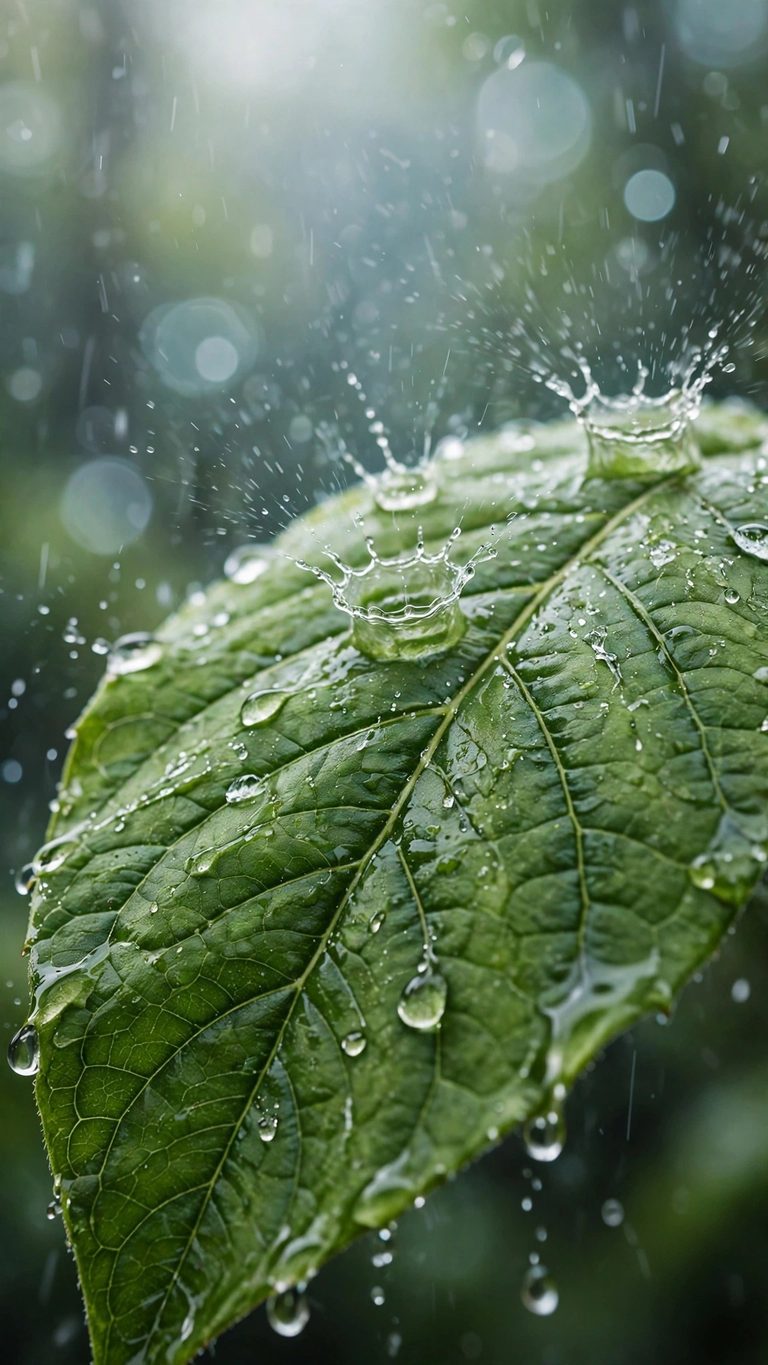
- Raindrops On A Green Leaf: Free Viral AI Video Prompt for Hypnotic Macro Slow Motion Rain Reels and ASMR Clips
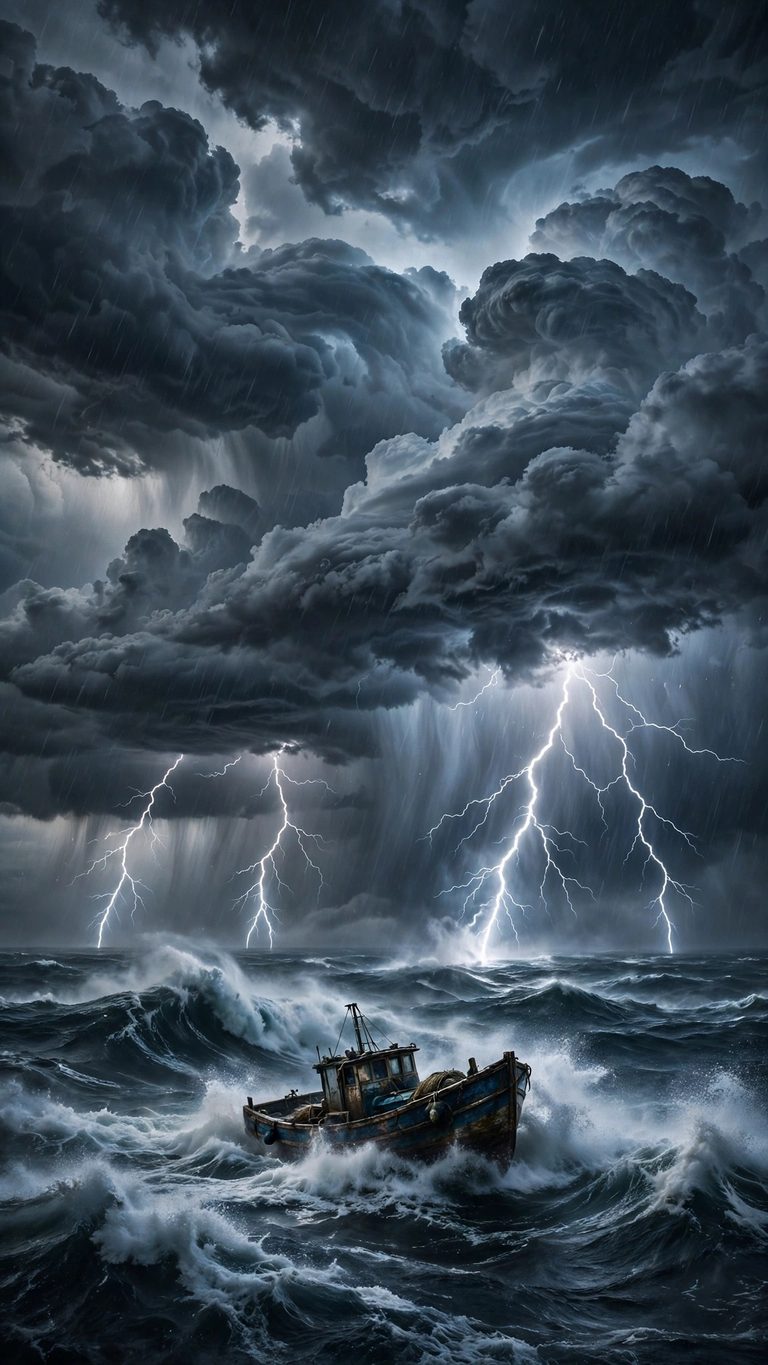
- Storm Over The Sea: Free Viral AI Video Prompt for Epic Dramatic Ocean Monsoon Reels and Thrilling Storm Clips
# A I V i d e o # P r o m p t B a z a r # R a i n # C i t y N i g h t # M o o d y

Leave a Reply