
Introduction
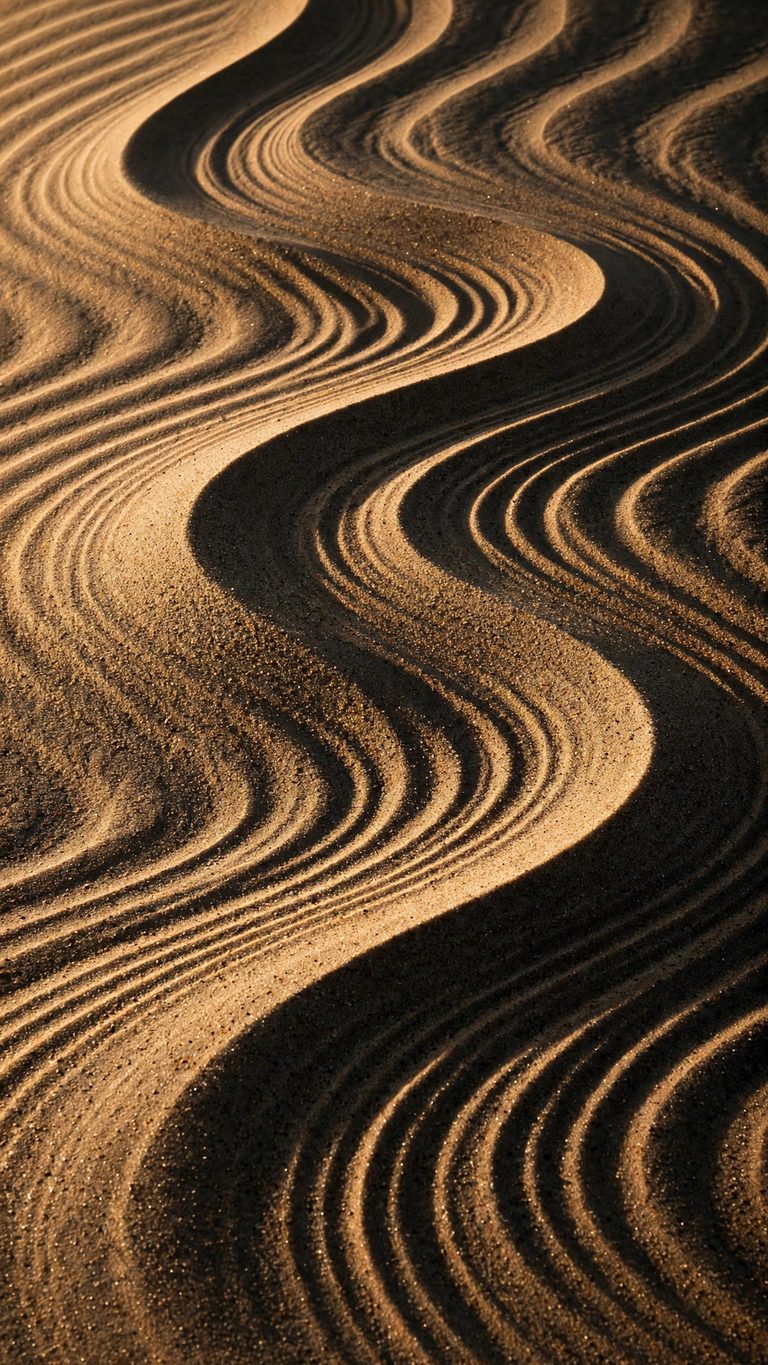
Stand on a desert dune at the right hour and the ground beneath your feet stops looking like sand and starts looking like sculpture. Wind, the most patient artist on Earth, carves the surface into flowing ripples and curves that repeat with hypnotic rhythm. This AI photo prompt captures that quiet miracle in fine-art form: an abstract photograph of wind-sculpted dune ripples, rendered in monochrome gold and bronze, with dramatic side lighting digging deep shadows into every ridge. There is no subject here in the usual sense, no animal, no person, no landmark, and that is precisely the point. Minimalist abstract images like this one have a dedicated, passionate audience that saves them, shares them, and sets them as phone wallpapers. They bring a sense of calm to a chaotic feed, and calm is a rare commodity online. With this prompt you can generate a meditative, gallery-worthy image in seconds, one that looks like it belongs in a fine-art exhibition rather than a social feed. The #Dunes aesthetic community loves exactly this kind of satisfying, zen visual.
The Prompt
Copy the exact text below and paste it into your favorite AI image generator. Every word is tuned for maximum realism and beauty:
Abstract fine-art photograph of wind-sculpted sand dune ripples, hypnotic flowing lines and curves, dramatic side lighting carving deep shadows, monochrome gold and bronze tones, minimalist zen composition, macro-like detail of grains, meditative and satisfying, ultra detailed, 8k, professional abstract photography, photorealistic
Why This Prompt Works
Abstract images win for reasons that are almost the opposite of cute-animal content, and understanding them helps you use this prompt with confidence. First, there is the psychology of pattern. The human brain is wired to find repeating lines and curves deeply satisfying, which is why ripple and wave imagery gets saved at extraordinary rates. Viewers experience a small dopamine reward from visual order, and they bookmark the image to return to that feeling. Second, the minimalist zen composition creates negative space, and negative space is a superpower on crowded platforms. While everyone else shouts with busy, colorful images, a calm gold-and-bronze abstract whispers, and the whisper gets noticed. Third, the dramatic side lighting is doing the technical work. Raking light across ripples carves deep shadows that reveal macro-like grain detail, giving the image a tactile quality that makes people want to reach out and touch it. Texture is one of the strongest drivers of perceived image quality. Platform trends back this up: abstract and minimalist art accounts have some of the most loyal followings on Instagram and Pinterest, and satisfying-texture content routinely goes viral on TikTok and Reels as calming or oddly satisfying material. The monochrome gold palette keeps the image timeless and premium, avoiding trendy colors that date quickly. Add “professional abstract photography” and “photorealistic”, and the generator produces something that could hang in a gallery, which elevates your page perceived quality with every post. Finally, these images double as wallpapers, and wallpaper posts earn saves, the engagement signal algorithms currently value most.
How to Use This Prompt
Turning this prompt into a finished image takes less than five minutes. Follow these steps for each major tool.
Step 1: Pick your generator. This prompt works beautifully in Midjourney, DALL-E 3, Flux, and Stable Diffusion. Midjourney v7 and Flux currently lead on photorealistic detail, DALL-E 3 is the easiest option inside ChatGPT, and Stable Diffusion gives you free, unlimited local control.
Step 2: Paste the prompt verbatim. Copy the full prompt from the box above and paste it unchanged for your first generation. The wording has been tuned for lighting, texture, and realism, so resist the urge to paraphrase until you see the baseline result.
Step 3: Set the portrait format. In Midjourney add –ar 9:16. In DALL-E 3 request a vertical portrait orientation. In Flux or Stable Diffusion set the canvas to 768 by 1344 or 832 by 1216. Portrait images fill a phone screen, which is where most discovery happens.
Step 4: Generate three to four variations. AI generators interpret prompts slightly differently each run. Create a small batch, compare them, and pick the one with the cleanest details, the best lighting, and the most natural composition. One of four is almost always a winner.
Step 5: Upscale and post. Upscale your favorite with your tool built-in upscaler or a dedicated enhancer, then post it with a short hook caption and the post hashtags. Publish during evening peak hours and reply to early comments to push the image into wider distribution.
Pro Tips & Creative Variations
The base prompt is already strong, but small adjustments unlock completely different moods. The most important variable is lighting direction: keep the dramatic side lighting for maximum texture, but try “low raking light just after sunrise” for longer, softer shadows, or “harsh midday light” for a stark, high-contrast graphic look. You can also change the palette while keeping the composition. Swap “monochrome gold and bronze tones” for “cool silver and blue moonlit tones” for a night-desert feel, or “warm terracotta and deep umber” for an earthier, editorial style. A black-and-white version, “pure monochrome black and white, Ansel Adams style”, is stunning and timeless. For composition variety, add “single footprint trail crossing the ripples” to introduce a human story, or “a lone desert grass tuft breaking the pattern” for a focal point that minimalists adore. Zoom language matters too: “extreme macro of individual sand grains on a ripple crest” produces an almost alien landscape, while “aerial view of vast ripple fields” gives epic scale. If you want motion content, generate a slow zoom video from the still image using an image-to-video tool, ripple patterns look incredible in gentle motion and perform well as calming Reels. For a series, generate five ripples in five different palettes and post them as a carousel titled with a calming caption. Tag it #AIPhoto and #Abstract to reach both the AI art crowd and the fine-art crowd, and consider offering the best one as a free phone wallpaper to drive saves and shares.
Frequently Asked Questions
Q1: Will abstract images really perform as well as subject photos?
Yes, in the right niche. Abstract and minimalist images earn fewer quick likes but far more saves, and saves are a stronger ranking signal on most platforms. They also attract a loyal, design-conscious audience.
Q2: How do I avoid the image looking like a blurry mess?
Keep “dramatic side lighting” and “macro-like detail of grains” in the prompt, and generate at the highest resolution your tool allows. If the ripples look soft, add “tack sharp focus” and raise the detail or stylize settings.
Q3: Can I print these as wall art?
Absolutely. Abstract dune images make gorgeous large prints. Generate at maximum size, run the result through a dedicated AI upscaler, and print on matte fine-art paper for a gallery look. Check your generator commercial terms first.
Q4: What caption works best for abstract posts?
Short, poetic captions outperform long explanations. Try one evocative line plus a question, such as asking followers which palette calms them most. Questions drive comments, and comments drive reach.
Wind-sculpted dune ripples prove that nature is the greatest abstract artist of all. Generate your own golden ripple masterpiece with this prompt today, try a new palette or lighting twist, and give your followers a moment of calm they will want to save, share, and return to again and again.
Related Viral Prompts
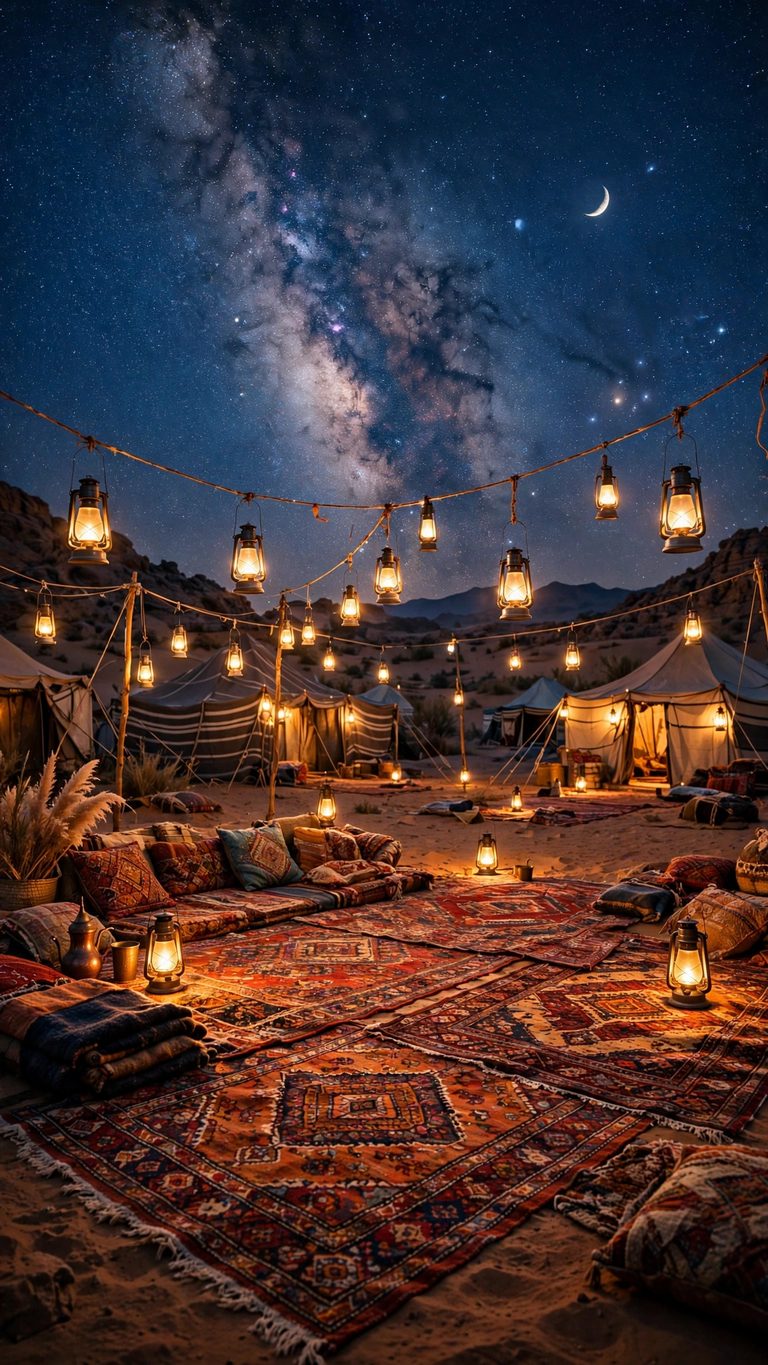
- Bedouin Tent Interior AI Photo Prompt: Generate Cozy Arabian Nights Scenes Full of Warmth and Culture
- Milky Way Over Desert Dunes AI Photo Prompt: Capture Breathtaking Astrophotography Night Sky Wonders
- Ancient Desert Fort AI Photo Prompt: Build Epic Sunrise Travel Photos of Timeless Arabian Architecture
# A I V i d e o # P r o m p t B a z a r # A I P h o t o # A b s t r a c t # D u n e s

Leave a Reply