
Introduction
There is a kind of silence you only find on a desert dune at golden hour. The wind carves the crest into a blade of glowing gold, the sky drains from amber into deep blue, and for a few suspended minutes the whole world narrows to a single traveler walking a thin line between earth and sky. Professional travel photographers spend years chasing this exact moment, returning to the same dunes at the same hour, hoping the light, the wind and the emptiness will line up.
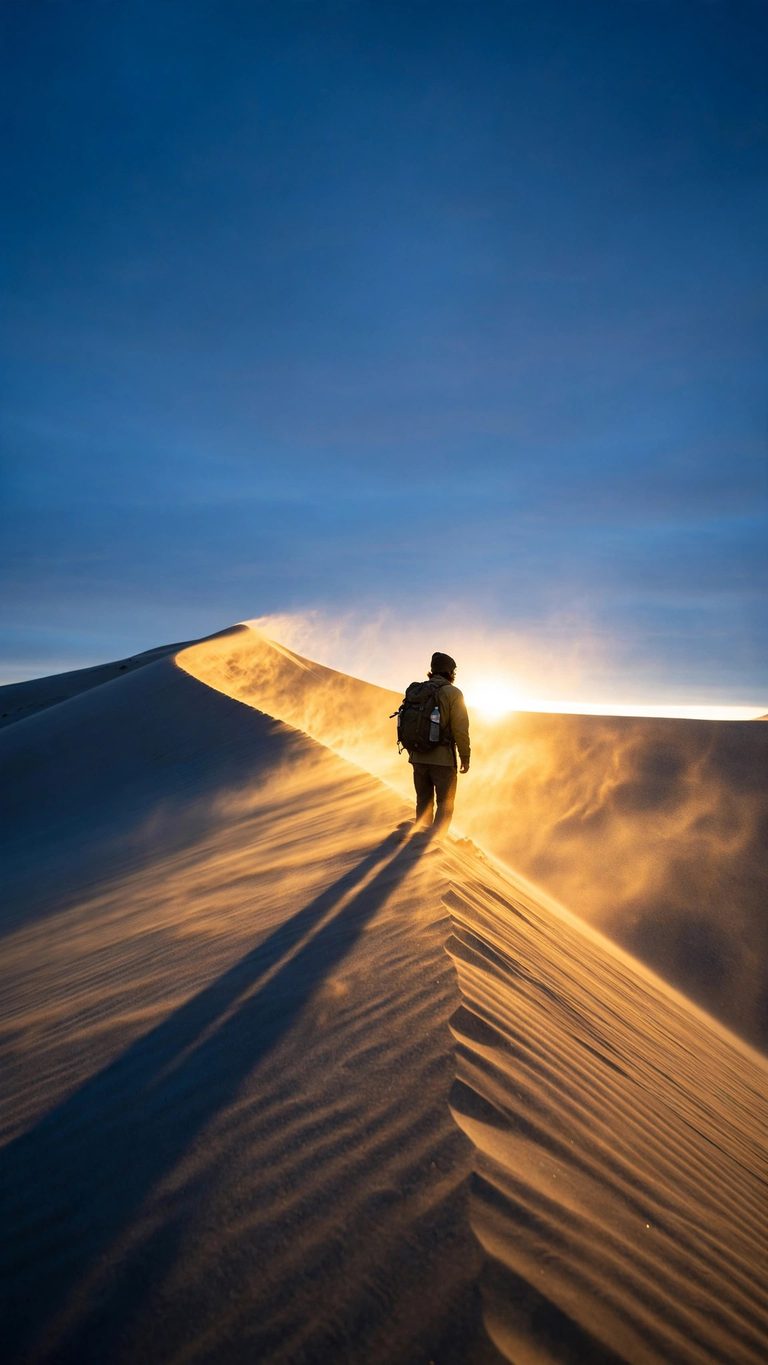
This AI photo prompt hands you that moment on demand. It builds a portrait-orientation image of a lone traveler with a backpack striding along the razor-sharp crest of a giant sand dune, a long dramatic shadow stretching behind, wind-blown grains glowing in the backlight, and acres of empty sky above. It is minimalist travel photography at its most powerful, the kind of image that stops a scroll, triggers a save, and plants the seed of a journey. In this guide you will learn why this composition performs so well, how to run the prompt on Midjourney, DALL-E 3, Flux and Stable Diffusion, and how to reshape it into your own signature desert shots.
The Prompt
Copy the exact prompt below and paste it into your favorite AI image generator. No editing is needed, though the variations later in this guide will probably tempt you.
Breathtaking portrait-orientation photograph of a lone traveler with a backpack walking along the razor-sharp crest of a giant golden sand dune at golden hour, long dramatic shadow stretching behind, wind-blown sand glowing in backlight, minimalist composition with vast negative sky, warm amber and deep blue tones, ultra detailed, 8k, professional travel photography, photorealistic
Why This Prompt Works
Minimalism is a superpower on crowded feeds. When every other post screams with clutter, a single small figure against a vast empty sky becomes visual relief, and the human eye is drawn to it like water. The prompt’s minimalist composition with vast negative sky is not decoration; it is the engine of its virality. Negative space lowers cognitive load, and lower cognitive load means longer dwell time, which is exactly what recommendation algorithms reward.
Then there is the solitary figure. Viewers project themselves into the lone traveler instantly, triggering wanderlust, a quiet longing that consistently drives saves and shares in #AIPhoto and #Desert communities. The backpack is a small but crucial detail: it turns a landscape into a story, a journey with a beginning the viewer cannot see and a destination they are invited to imagine. That open narrative is why people comment things like “take me there” instead of just tapping like.
Color psychology does the rest. Warm amber sand set against a deep blue sky is a complementary color pairing, the highest-contrast combination the eye finds naturally pleasing. Golden hour backlight adds glowing edges and a long dramatic shadow that acts as a leading line, pulling the gaze straight to the traveler. The result is an image that works as a phone wallpaper, a travel poster, or a viral post, and those three use cases multiply its shareability across Pinterest, Instagram and Facebook travel groups.
How to Use This Prompt
Midjourney: Paste the full prompt and append –ar 9:16 –v 7 –style raw for a clean portrait render. If the figure looks too small, re-roll with a chaos value under 10, then upscale your favorite variant and run subtle variations to refine the shadow length.
DALL-E 3: Paste the prompt verbatim into ChatGPT or the image tool and add the sentence “Render in portrait orientation, 9:16 aspect ratio.” DALL-E 3 handles natural language well, so you can follow up with “make the shadow longer” without retyping the whole prompt.
Flux: Run it on a host like Replicate or Fal with a guidance scale around 3.5 to 5 and the 9:16 output preset. Flux excels at photorealistic texture, so the wind-blown sand detail and glowing grains will shine.
Stable Diffusion: Put the prompt in the positive field and add a negative prompt like “blurry, deformed, cartoon, watermark, text”. Use the DPM++ 2M Karras sampler at 30 steps with CFG around 6, and generate at 768×1344 for a true portrait frame.
Pro Tips & Creative Variations
Want a signature look? Start with the backpack. Ask for a bright red backpack and the tiny color accent will anchor the composition and make your version instantly recognizable. Swap golden hour for blue hour and the mood shifts from warm adventure to lonely mystery, perfect for building a series of moods from the same prompt skeleton.
Play with the figure. Replace the traveler with a camel rider, a photographer with a tripod, or two distant figures walking together to tell a companionship story. Add a crescent moon rising in the blue section of sky for extra drama, or ask for faint footprints trailing behind to emphasize the journey. Each swap changes the narrative while keeping the viral geometry intact.
Change the camera. Add “shot on 70mm telephoto lens, compressed perspective” to flatten the dune into an abstract golden wave, or “aerial drone view” for a top-down ribbon of crest cutting through shadow. For a cinematic set, append “film grain, anamorphic lens flare, muted teal shadows” and generate four variations as a carousel post. These twists keep the prompt’s proven structure, a lone figure, a glowing crest, a vast sky, while giving you original images that stand out in AI photo roundups and travel feeds.
Frequently Asked Questions
Which generator gives the most realistic result? Midjourney v7 and Flux both produce excellent photorealism for this prompt. Midjourney tends to render more beautiful skies, while Flux handles fine sand texture and shadow physics slightly better.
Why does my traveler look distorted? Small human figures are hard for older models. Generate at higher resolution, keep the figure description simple, and avoid asking for visible faces at this distance.
Can I use this image commercially? Check the terms of the generator you use. Most allow commercial use of images you create, but the rules differ between providers, so read your provider’s policy before selling prints or using the image in ads.
How do I make the shadow longer? Emphasize the light angle by adding “sun just above the horizon, extremely long shadow” to the prompt, or mention “low raking light” for the same effect.
Some images do not just show a place; they promise a feeling. This lone traveler prompt delivers one of the most shareable feelings on the internet: the pull of the open horizon. Copy the prompt, generate your first dune, and post it with #TravelPhoto energy. Your audience is already dreaming of the desert, so give them the picture they have been waiting for.
Related Viral Prompts
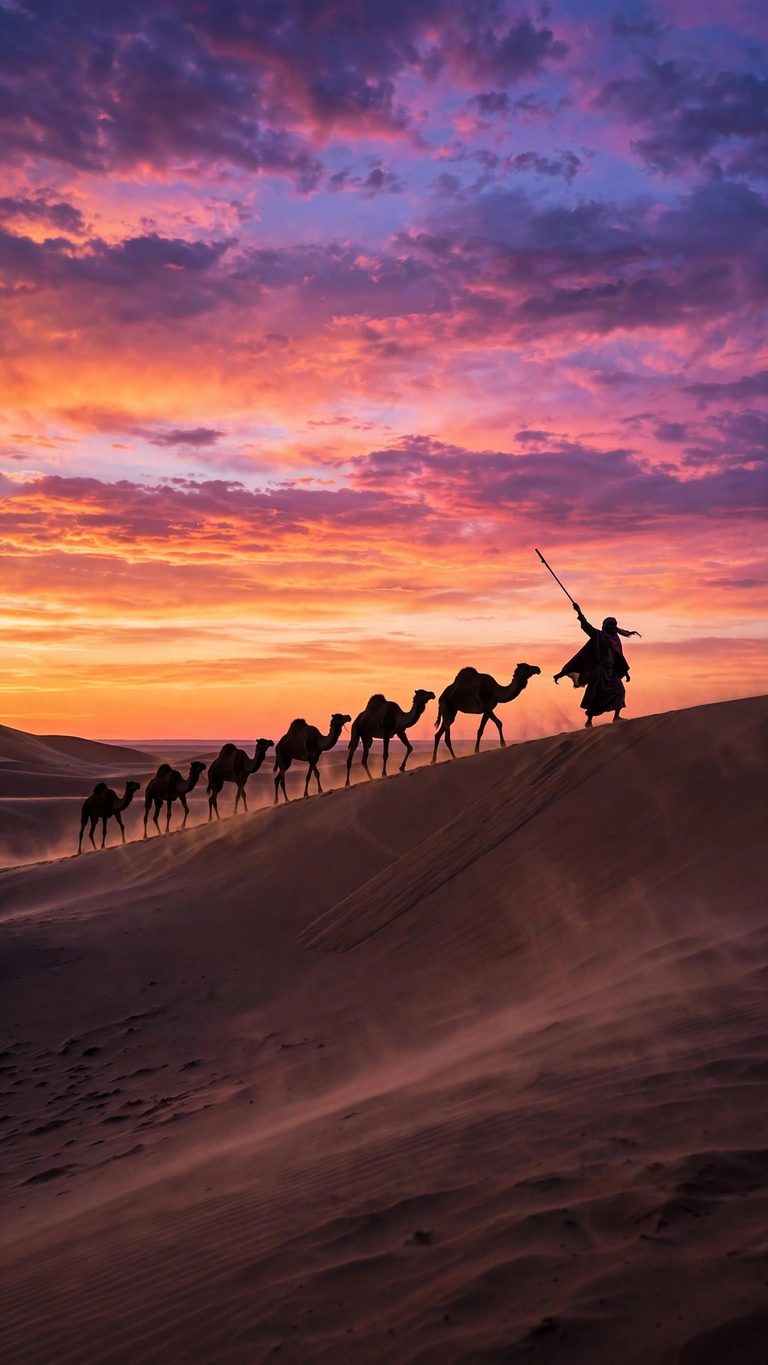
- Camel Caravan Silhouette at Sunset: Free Viral AI Photo Prompt for Epic Desert Sky Photography and Viral Posts
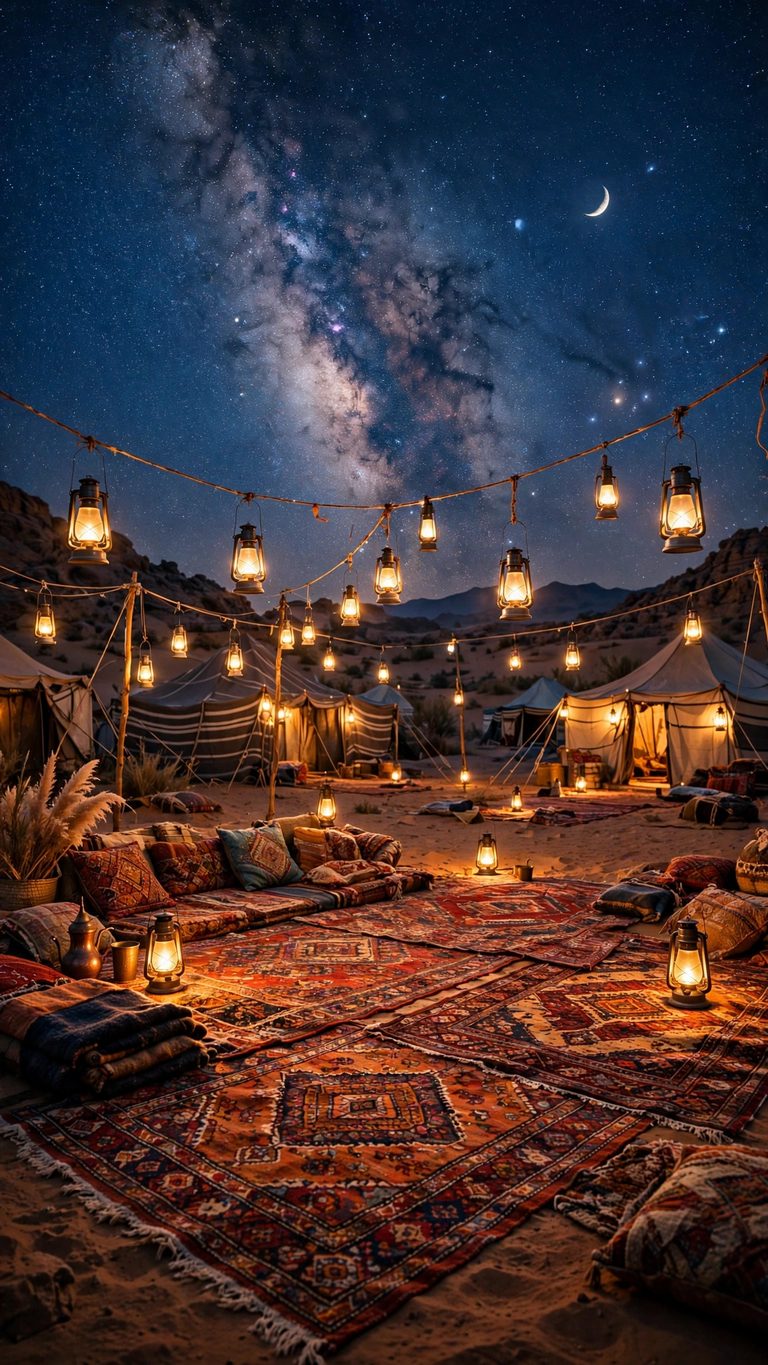
- Desert Camp Lanterns Under the Milky Way: Free Viral AI Photo Prompt for Magical Night Shots and Travel Feeds
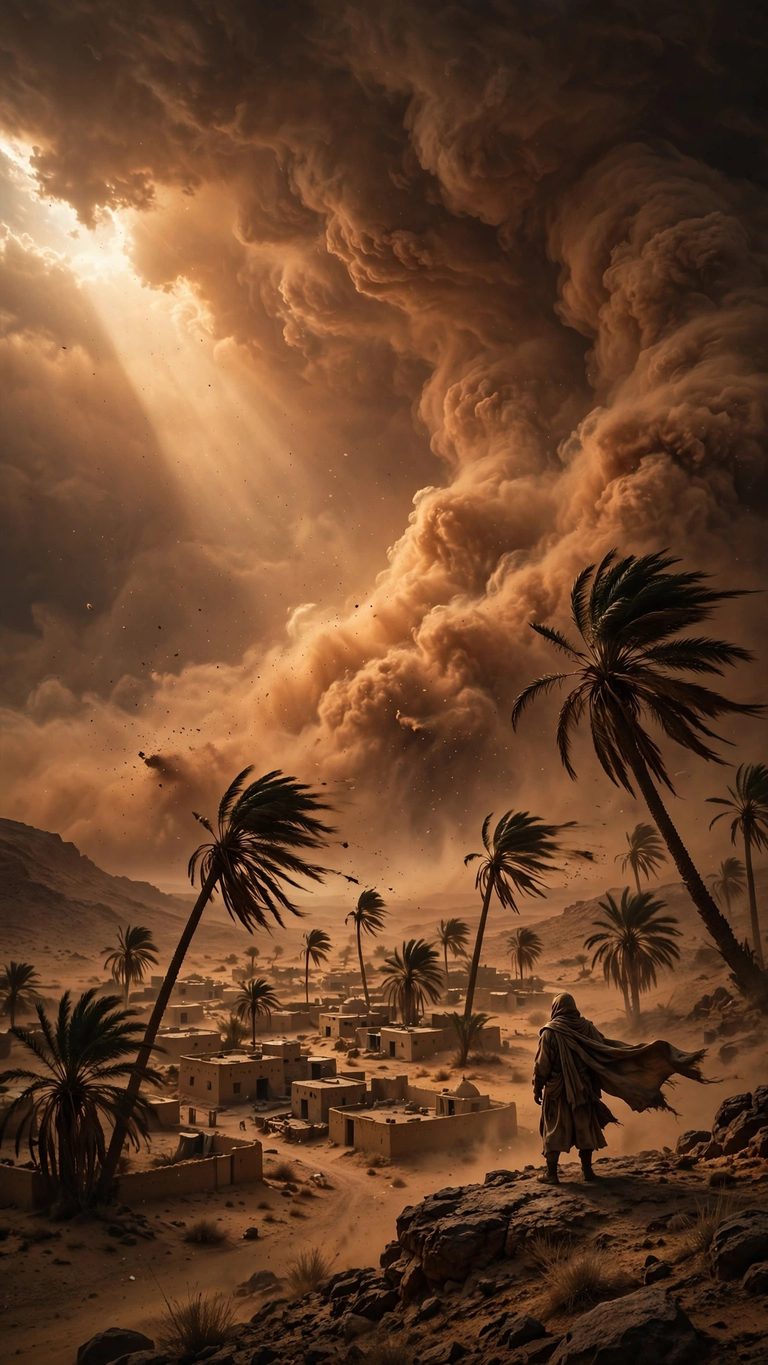
- Towering Sandstorm Wall Photo: Free Viral AI Photo Prompt for Dramatic Desert Storm Imagery and Viral Feeds
# A I V i d e o # P r o m p t B a z a r # A I P h o t o # D e s e r t # T r a v e l P h o t o

Leave a Reply