
Introduction
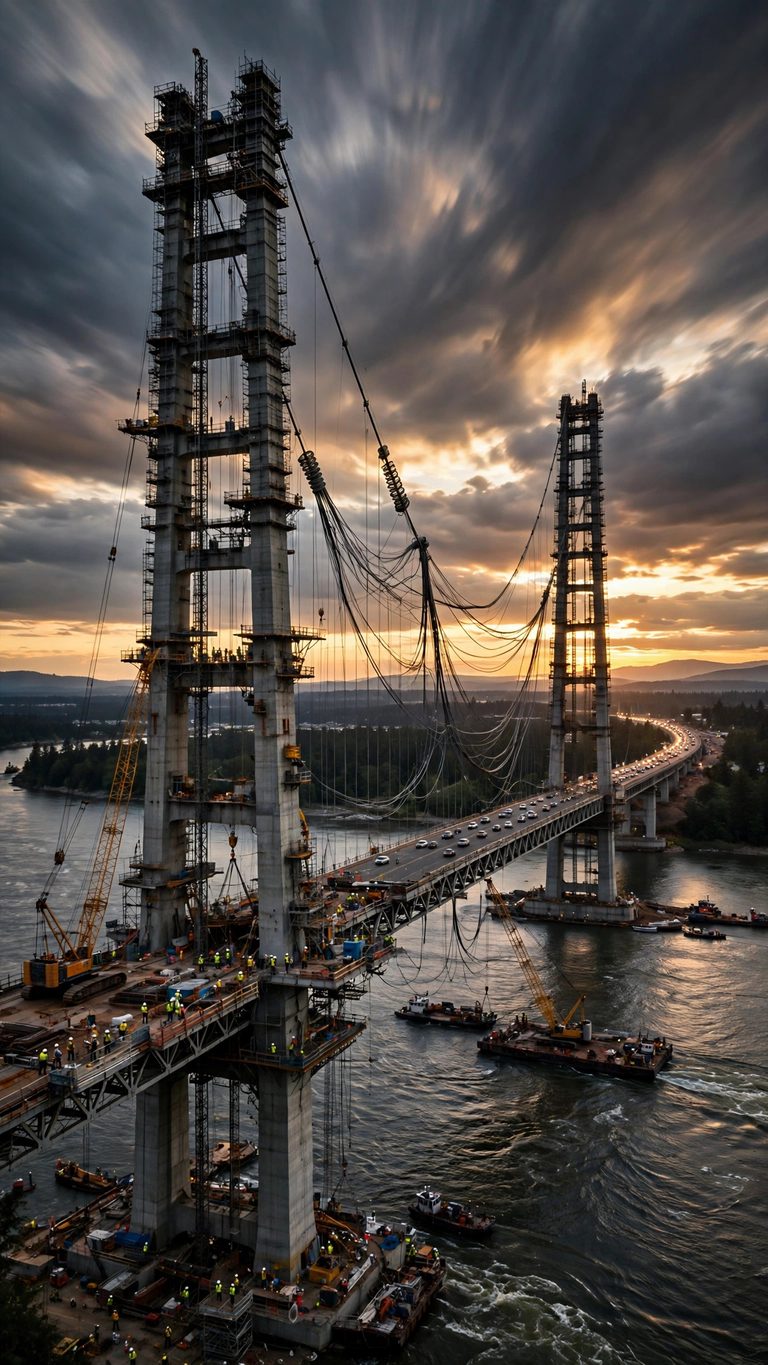
Picture a wide river at dawn, empty and indifferent. Then the first pylon rises from the water — a concrete giant clawing toward the sky. Cables begin spinning across the span in silver threads, cranes crawl along the deck, and tiny workers move like ants across a skeleton of steel. Clouds tear past overhead. And in the final shot, as the sun melts into the horizon, cars stream across the finished bridge — a ribbon of light conquering the river. Ten seconds. An entire engineering epic.
Bridge construction timelapses are among the most satisfying videos on the internet because they tell the oldest story there is: humans versus nature, and humans winning beautifully. This prompt captures that triumph in vertical format, engineered for Reels, Shorts, and TikTok. Whether your audience loves megaprojects, infrastructure, or just deeply satisfying transformations, this clip delivers a finale — cars crossing at sunset — that viewers will replay again and again.
The Prompt
Copy the prompt below exactly as written, paste it into your favorite AI video generator, and raise a suspension bridge from the river in seconds:
Dramatic timelapse of a massive suspension bridge being built across a wide river, towering pylons rising, cables spinning across the span, tiny workers and cranes, clouds moving fast, final shot of cars crossing at sunset, engineering triumph, ultra realistic, 8k, epic scale
Why This Prompt Works
The prompt is built as a three-act story, and stories outperform spectacles. Act one: towering pylons rising — the challenge. Act two: cables spinning, workers and cranes swarming — the struggle, with constant motion keeping every frame alive. Act three: cars crossing at sunset — the triumph, bathed in golden light. Viewers who invest in the first two acts feel emotionally compelled to stay for the payoff, which is why narrative timelapses retain audiences far better than random construction footage.
Scale contrast is the secret weapon. The prompt deliberately includes “tiny workers and cranes” against a “massive suspension bridge” — that juxtaposition triggers the sublime, the awe we feel before things vastly larger than ourselves. Megaproject content tagged #Construction travels far beyond engineering circles because it makes every viewer feel the grandeur of collective human effort. The #Engineering audience, meanwhile, shares it as a point of professional pride, giving the clip a built-in distribution network of passionate advocates.
The sunset finale is a masterstroke of visual psychology. Golden-hour light bathes everything in warmth and optimism, so the “engineering triumph” lands as an emotional experience rather than a technical one. The fast-moving clouds guarantee the frame never sits still — motion is attention — and the “ultra realistic, 8k, epic scale” finish tells the model to render every cable and rivet with cinematic weight. It looks expensive, and expensive-looking content gets shared.
How to Use This Prompt
Big-structure timelapses need stability and scale. Here is the workflow:
- Pick your platform. Kling and Veo 3 handle large-scale timelapse motion with the fewest artifacts; Sora keeps long structures coherent; Runway Gen-4 gives you camera-path control for the finale; Pika is ideal for fast drafts. Choose the strongest renderer you can access.
- Paste the exact prompt into text-to-video mode. Use 9:16 vertical and a 10-second duration per the recommended settings — the vertical crop actually intensifies the pylons’ height, which works in your favor.
- Generate two or three variants and compare the cable work. Suspension cables are thin and complex — pick the take where they spin cleanly across the span without tangling or dissolving, since cable coherence is the make-or-break detail.
- Verify the sunset payoff. The final shot of cars crossing must read clearly: bridge deck, moving vehicles, warm sky. If the ending feels muddy, regenerate — the triumph shot carries the share, so it has to land.
- Export at 1080×1920, add an epic orchestral or cinematic-percussion track that swells at the sunset reveal, caption it with something like “Built across the impossible,” and publish with #Bridge, #Construction, and #Engineering.
Ask viewers in a pinned comment to guess how long the real build took — curiosity questions like that pull comments, and comments pull reach.
Pro Tips & Creative Variations
Change the bridge and the hour. Swap the suspension design for a cable-stayed bridge with its harp-like fan of cables, a soaring concrete arch, or a futuristic transparent-deck concept bridge. Then reschedule the finale: a night version with car headlights painting light trails across the deck is pure magic, while a foggy-dawn start makes the pylons emerge like ghosts. Each combination is a fresh video from the same proven skeleton.
Direct the weather and the river. A storm-build variant — dark racing clouds, choppy water, cranes working through the drama — adds a man-versus-elements narrative that performs brilliantly. Or go serene: glassy water with perfect pylon reflections doubles the visual symmetry. Add boats passing beneath the rising span for scale and life; moving water traffic keeps the lower frame busy while the bridge grows above.
Extend the epic. Generate a companion clip — a slow aerial orbit around the finished bridge at sunset — and stitch it after the timelapse for a twenty-second mini-documentary feel. For sound, layer deep metallic groans and cable tension sounds under the build, then release into a soaring orchestral theme as the first cars cross. That audio arc mirrors the visual story, and viewers experience the triumph in surround sound.
Frequently Asked Questions
Q: My bridge cables look tangled or melt — how do I fix it?
A: Thin, complex structures like suspension cables are the hardest thing for AI video models to keep coherent. Generate multiple variants and select the cleanest cable work — most models get it right within three tries. Keeping the “ultra realistic, 8k” quality tags and avoiding extra camera shake during the cable-spinning phase also reduces artifacts.
Q: Can I make a longer version of this timelapse?
A: Absolutely. Generate the 10-second timelapse as your core clip, then create a second 8 to 10-second clip — for example, an aerial orbit of the finished bridge — and stitch them in any free editor like CapCut. Two-clip mini-stories perform well because they combine transformation with a lingering beauty shot.
Q: Which platform renders construction timelapses best?
A: Kling and Veo 3 currently lead for large-scale timelapse coherence, with Sora close behind on structural consistency. Runway Gen-4 is strong if you want precise camera control. For quick experiments, Pika’s speed is unbeatable. Try the same prompt on two platforms and keep the winner — the difference is often striking.
Q: Can I monetize videos made with this prompt?
A: On paid plans, Veo 3, Runway, Kling, Pika, and Sora generally grant commercial usage rights, so monetized channels and client work are covered. Free tiers usually limit output to personal, non-commercial use. Always confirm your specific plan’s terms before running ads or sponsored content.
This suspension bridge prompt turns a wide, indifferent river into a conquered crossing in ten epic seconds — pylons, cables, and a sunset triumph. Run it in Kling, Veo 3, Runway, Pika, or Sora, share it with #Construction and #Engineering, and watch your audience feel the victory. What impossible structure should we build next?
Related Viral Prompts
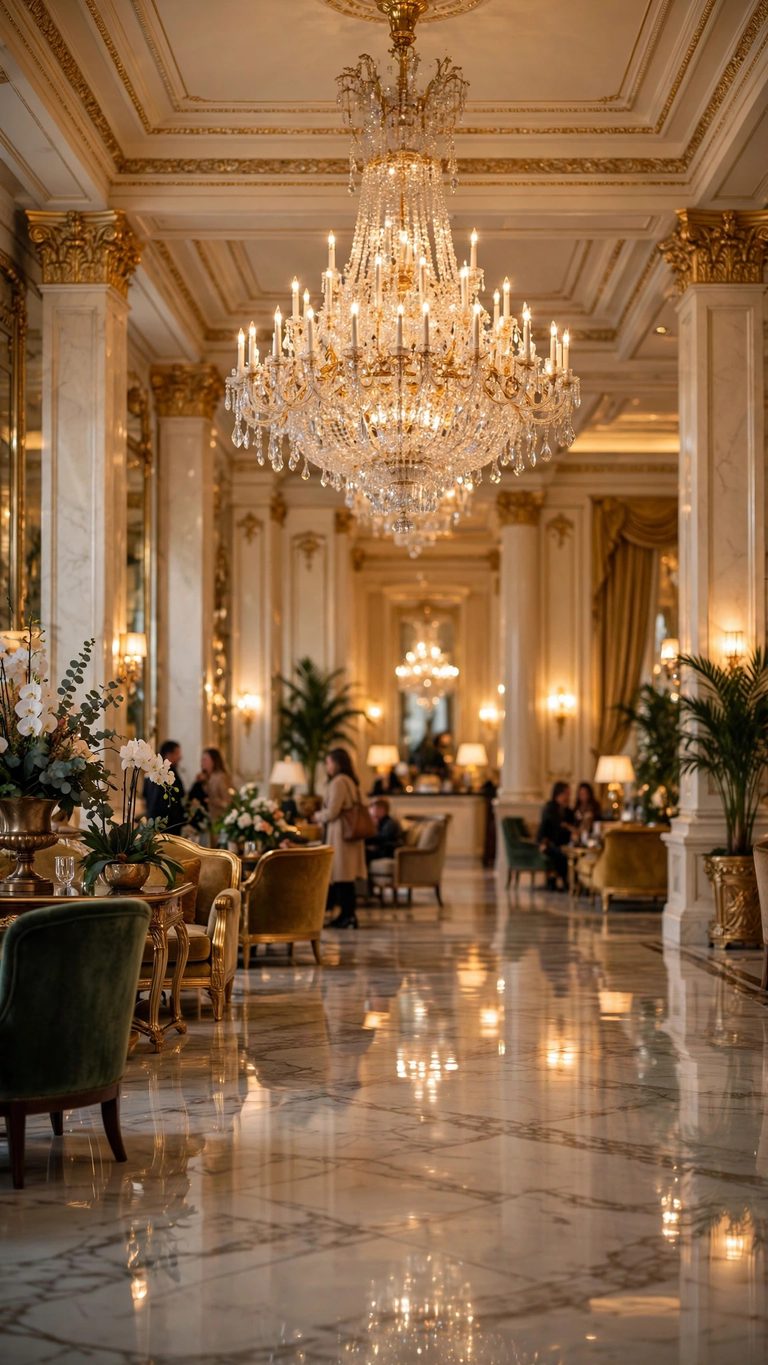
- AI Video Prompt: Luxurious Grand Hotel Lobby Dolly Reveal — Marble Floors, Sparkling Chandeliers & Golden Light
- AI Video Prompt: Hypnotic Spiral Staircase Drone Descent — Dizzying Geometric Symmetry in Mesmerizing 8K Motion
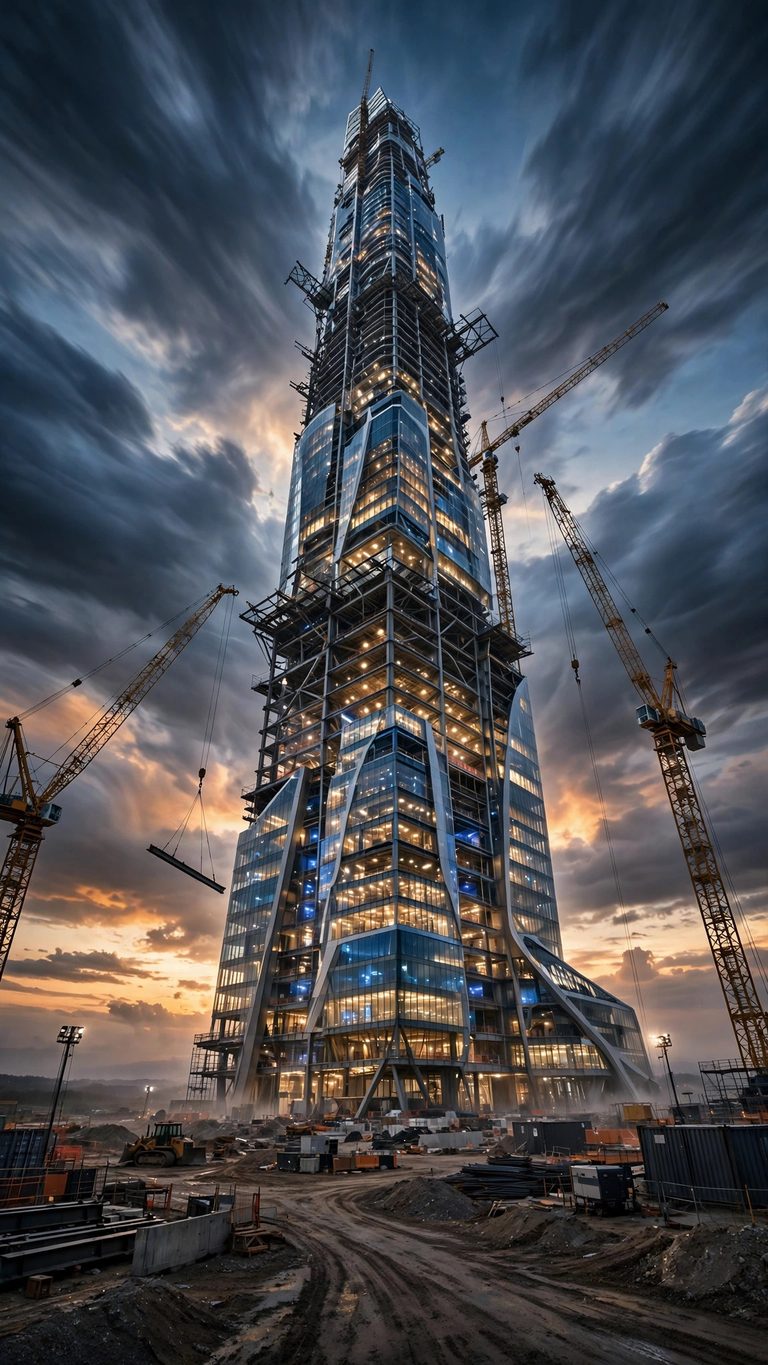
- AI Video Prompt: Glass Skyscraper Piercing Fast-Moving Clouds in a Dreamy Timelapse of Surreal Urban Poetry
# A I V i d e o # P r o m p t B a z a r # B r i d g e # C o n s t r u c t i o n # E n g i n e e r i n g

Leave a Reply