
Introduction
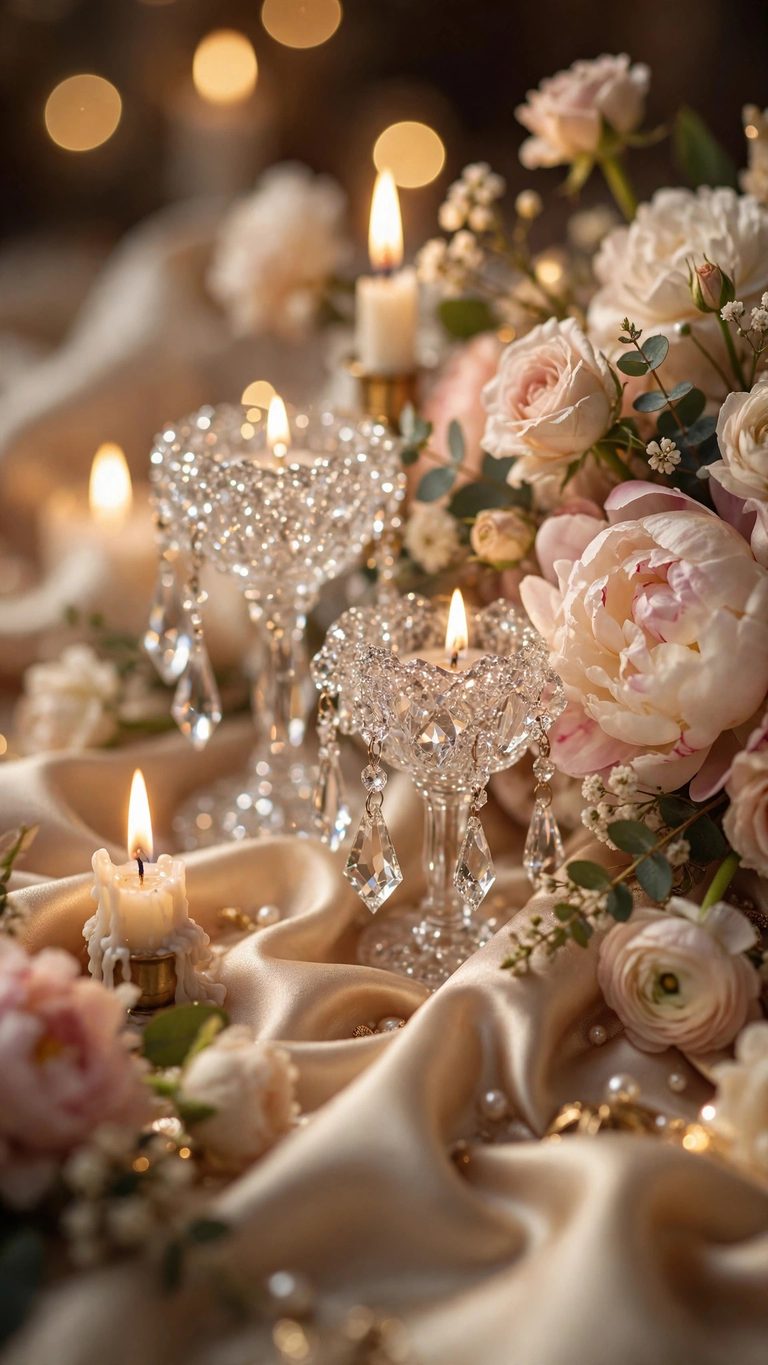
Ask any wedding planner where the real luxury lives and they will not point at the ballroom — they will point at the details. The crystal catching candlelight on a centerpiece. A flame trembling inside hand-cut glass. Silk catching a warm glow as it drapes across the table. These tiny, perfect moments are what make a wedding feel expensive, and macro video is the language that speaks them fluently. A slow glide across decor details is pure visual satisfaction, the kind of clip viewers watch on loop and save to their inspiration boards. The problem is that macro cinematography demands specialized lenses, rock-steady rigs, and hours of careful setup. This AI video prompt hands you all of it in a single line: a luxurious macro glide over sparkling centerpieces, flickering candles, lush florals, and silk textures, finished with the glint of a champagne tower. It is the fastest way to make any wedding page look like a million dollars, and it takes less than a minute to generate.
The Prompt
Copy the prompt below exactly and paste it into Veo 3, Runway, Kling, Pika, or Sora. Keep every detail phrase intact for your first render — the luxury lives in the specifics:
Luxurious macro video gliding over wedding decor details, crystal centerpieces sparkling, candles flickering, flower arrangements in close-up, silk fabric textures, camera rack focusing between details, opulent warm glow, ultra realistic, cinematic wedding film, 8k, champagne tower glinting nearby, opulent celebration details
Why This Prompt Works
Macro footage works on the human brain like a magnet. Close-ups of sparkling, glowing, flickering things trigger the same satisfaction response as the most-watched satisfying videos online, which is why decor detail clips get saved at extraordinary rates. This prompt is engineered around that psychology. The crystal centerpieces sparkling and candles flickering give the frame constant micro-motion, so the eye never rests and the clip never feels static. The flower arrangements in close-up and silk fabric textures supply rich color and tactile beauty that read as expensive even on a phone screen. Then comes the masterstroke: camera rack focusing between details. Rack focus is a signature move of professional cinematographers — shifting sharp focus from one beautiful object to another — and including it tells the AI to mimic high-end camera language instead of a flat pan. The opulent warm glow wraps everything in golden-hour richness, while the champagne tower glinting nearby adds a hero sparkle, a single bright accent that elevates the whole frame. Closing with ultra realistic, cinematic wedding film, and 8k locks in photorealistic quality. The result feels like a luxury venue’s showreel, which is exactly why #WeddingDecor content travels so far among planners, brides, and decor lovers.
How to Use This Prompt
Getting a flawless decor macro is straightforward. First, copy the prompt exactly as written. Second, choose your tool: Runway and Pika render fine surface detail beautifully, Veo 3 excels at realistic light play on glass and crystal, Kling handles the slow glide smoothly, and Sora produces richly textured close-ups. Third, set 9:16 vertical and an 8-second duration, matching the prompt’s macro glide pacing. Fourth, paste the prompt and add a negative prompt such as blurry, distorted, watermark if your platform supports it. Fifth, generate three variations and choose the one with the cleanest rack focus transitions and the most natural candle flicker. Sixth, edit lightly: add a soft luxury piano track, place a slow fade at both ends, and consider looping the 8 seconds into a seamless repeat for extra watch time. Export at 1080 by 1920 and post with #WeddingDecor #AIVideo #Cinematic #ViralReels, tagging wedding planners and venues to multiply your reach.
Pro Tips & Creative Variations
The difference between a good decor clip and a great one is light behavior. Emphasize candle flames dancing in your mind as you review renders — the take where flames tremble naturally will always outperform a static-looking one. Watch the rack focus carefully: the best version shifts crisply from crystal to flower to silk without smearing. If the champagne tower does not glint, regenerate; that sparkle is your money shot. For variations, try an evening version by adding moonlit blue tones contrasting the candle glow, or a daytime version with soft natural window light for a fresh garden-party feel. Swap the champagne tower for a towering floral installation to target florist audiences. You can also build a series: one clip for the table, one for the mandap florals, one for the entryway, and stitch them into a 30-second venue tour that wedding planners will happily repost. Pair the video with a still-image carousel of the same details for Instagram, and you have turned one prompt into a full content package that positions your page as a source of #Wedding inspiration.
Frequently Asked Questions
Q: Which tool renders macro detail best for this prompt?
A: Veo 3 and Runway currently produce the sharpest glass, crystal, and fabric textures. Pika is excellent for quick stylized drafts when you want a dreamier, softer macro look.
Q: Is 8 seconds long enough for a decor video?
A: Yes — macro clips perform best as short loops. The 8-second glide is designed to repeat seamlessly, and looped videos earn significantly higher watch time on Reels and TikTok.
Q: My candles look flickery in a glitchy way. How do I fix that?
A: Flame artifacts usually come from too much motion in a short clip. Regenerate with a fresh seed, and if your tool allows it, lower the motion intensity slightly so the flicker reads as natural rather than strobing.
Q: Can wedding planners use this clip in their portfolio or ads?
A: Absolutely — AI decor visuals are widely used for mood boards, ads, and social content. Check your generator’s commercial license, and be transparent with clients about AI-assisted visuals where it matters.
This wedding decor prompt turns ten seconds of macro footage into a luxury experience viewers can feel. Generate it today in Veo 3 or your favorite tool, post it with #WeddingDecor and #PromptBazar, and give your audience the satisfying detail shots they cannot stop saving.
Related Viral Prompts
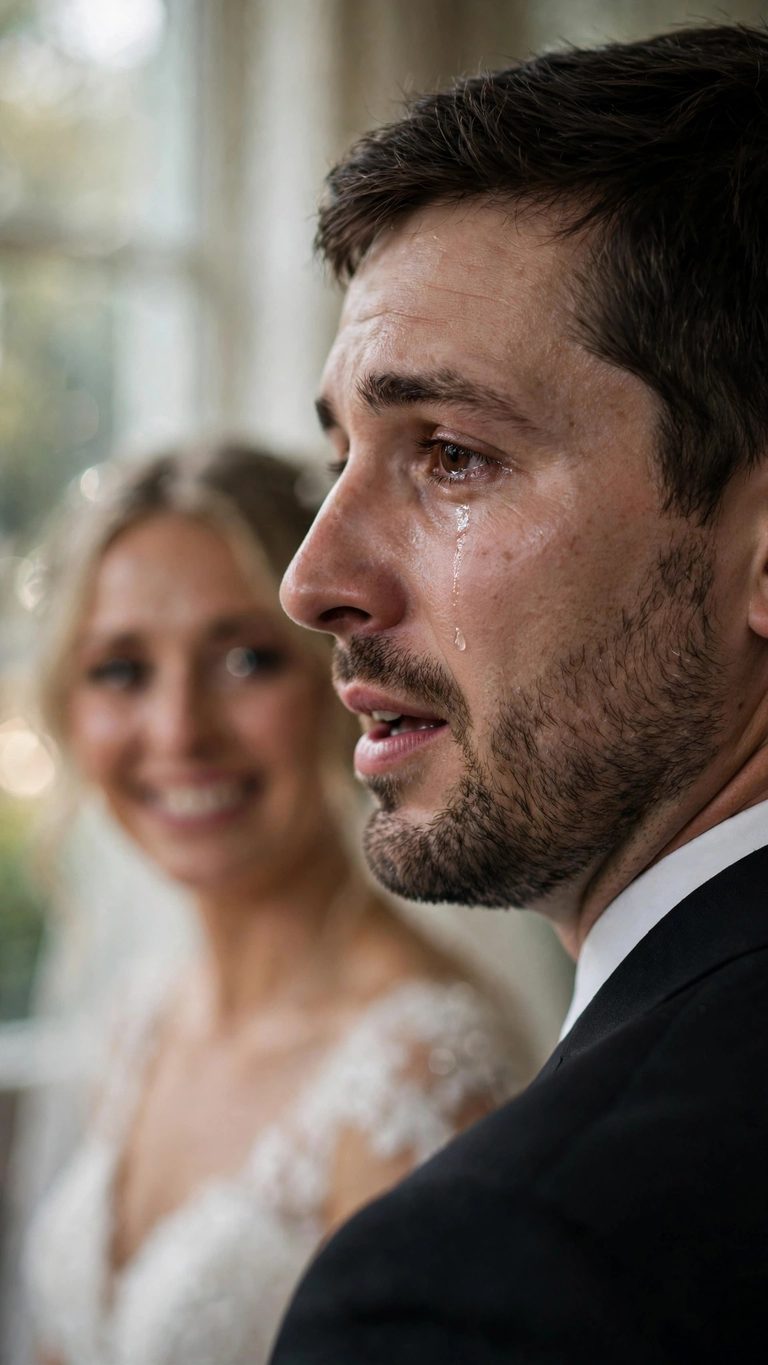
- Wedding Vows AI Video Prompt: Emotional Close-Up of a Groom’s Tearful Vows in Cinematic 8K Wedding Film
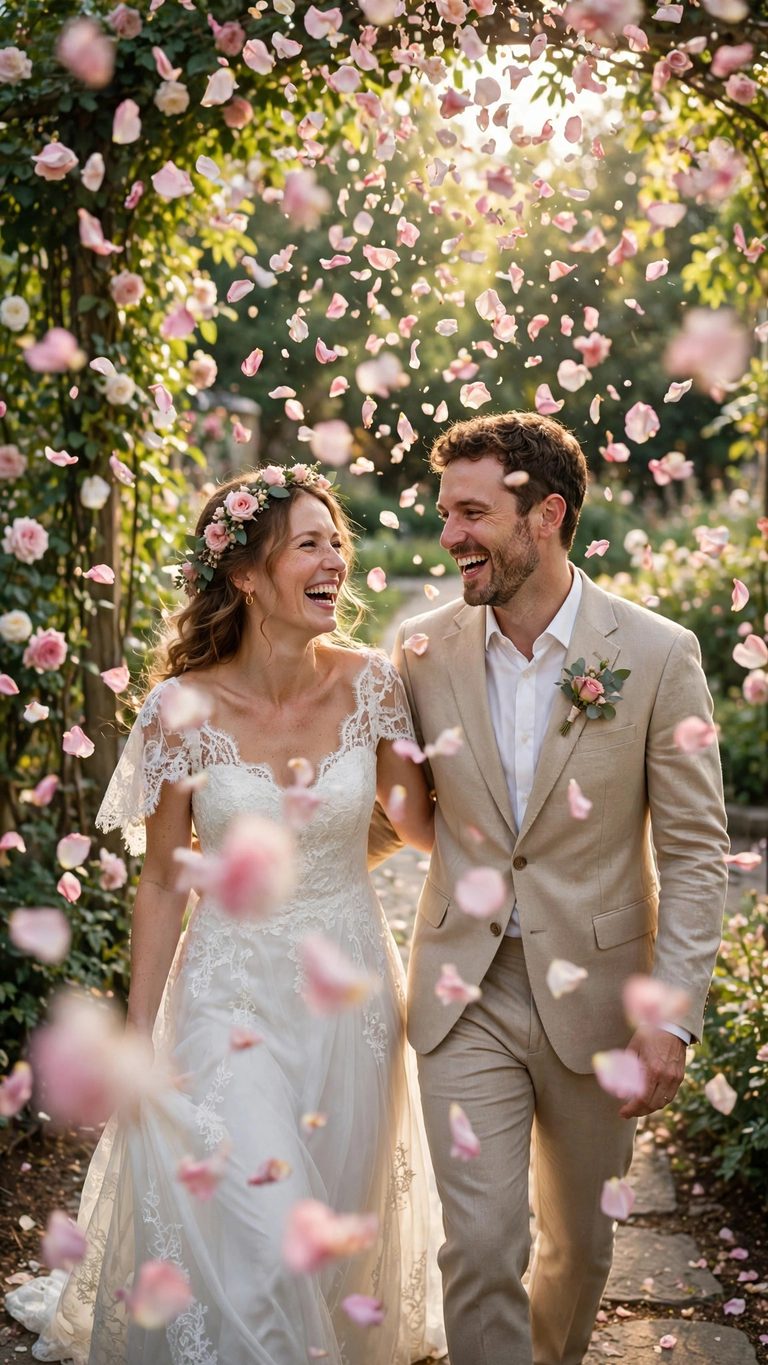
- Flower Shower AI Video Prompt: Dreamy Slow-Motion Petal Walk for a Fairy-Tale Wedding Cinematic Video
- Wedding Venue Drone AI Video Prompt: Epic Dusk Aerial Reveal of a Glowing Mandap for Viral Wedding Films
# A I V i d e o # P r o m p t B a z a r # W e d d i n g D e c o r # D e t a i l s # C i n e m a t i c # V i r a l R e e l s

Leave a Reply