
Introduction
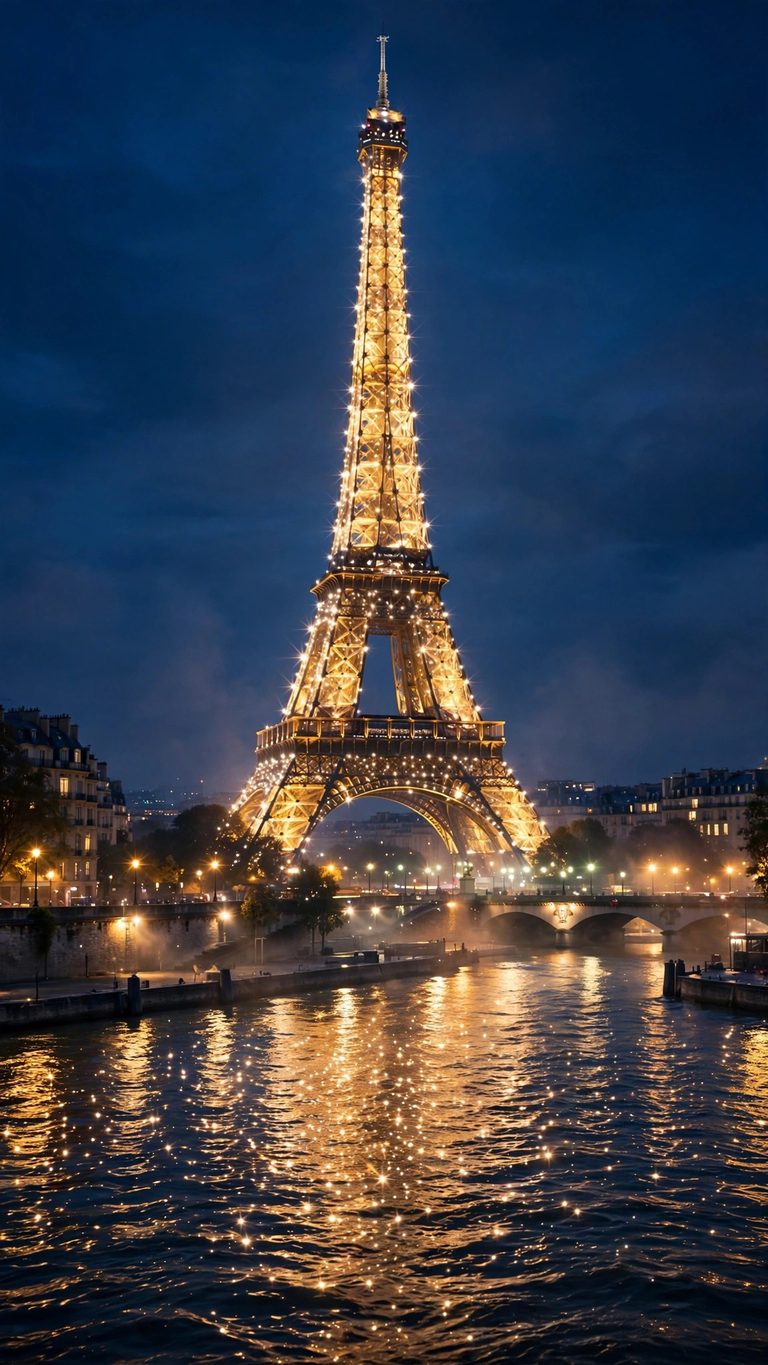
Paris after dark is pure magic, and nothing captures it like the Eiffel Tower’s hourly light show. For five dazzling minutes every hour, twenty thousand sparkling lights turn the Iron Lady into a glittering beacon visible across the city — it is one of the most filmed moments in all of travel content. Videos of the sparkling Eiffel Tower routinely pull millions of views because they compress romance, wonder, and the Paris dream into a few seconds of twinkling light. Capturing it yourself means standing on the Champ de Mars at the right hour with a tripod and patience. This AI video prompt recreates the entire spectacle as a cinematic orbiting timelapse, complete with the Seine’s golden reflections and a deep blue Parisian night sky. The result is a clip that feels like the opening shot of a romantic film — perfect for travel pages, proposal videos, anniversary posts, or anyone selling the Paris fantasy to their audience.
The Prompt
Copy the exact prompt below and paste it into your favorite AI video generator:
Magical timelapse of the Eiffel Tower sparkling at night, thousands of lights twinkling every hour, camera slowly orbiting around the tower, the Seine river reflecting golden lights below, deep blue Parisian night sky, romantic atmosphere, ultra realistic, cinematic, 8k
Why This Prompt Works
Timelapse is one of the highest-retention formats in short video because it compresses time into visual poetry — viewers get the payoff of a full light show in seconds. The orbiting camera movement is the secret weapon here: instead of a static postcard shot, the slow orbit adds parallax and depth, making the tower feel monumental and three-dimensional. That motion keeps eyes engaged far longer than a fixed frame. The sparkling lights themselves trigger a primal response — humans are drawn to twinkling, shimmering motion the way we are drawn to fireflies or stars. Layering the Seine’s reflections doubles the visual richness: every sparkle appears twice, once in the sky and once on the water. The deep blue night sky provides the perfect dark canvas that makes golden lights pop with maximum contrast. Romantic atmosphere is not just a mood word — it guides the AI toward soft glows, gentle haze, and warm color temperature rather than harsh, cold lighting. The cinematic and 8k tags push for film-quality detail in the iron lattice structure, which is essential because viewers know exactly what the Eiffel Tower should look like; any structural sloppiness breaks the illusion instantly.
How to Use This Prompt
Step 1: Copy the complete prompt, including the technical tags at the end. Step 2: Open Veo 3, Runway, Kling, Pika, or Sora. For night scenes with complex lighting, Veo 3 and Kling handle sparkle effects most convincingly. Step 3: Set 9:16 vertical aspect ratio and a 10-second duration — timelapse needs those extra two seconds to let the sparkle rhythm breathe. Step 4: Generate at the highest quality setting. Night scenes reveal compression artifacts easily, so quality matters more here than in daylight clips. Step 5: Generate three variations and compare the light twinkle: you want random, organic sparkling, not a uniform blink. Pick the take where the tower’s silhouette stays crisp. Step 6: Pair with a French accordion waltz, a soft piano piece, or a trending romantic audio, then post with hashtags like #Paris #EiffelTower #TravelGoals. Pro posting tip: publish between 7 and 9 PM your audience’s local time, when romance content gets peak engagement.
Pro Tips & Creative Variations
To personalize this prompt, try changing the vantage point: add the words viewed from a rooftop terrace with champagne glasses in the foreground for a luxury travel angle, or from a bridge over the Seine for a classic postcard composition. For seasonal variations, add gentle falling snow for a winter wonderland version that performs exceptionally well in December, or spring blossoms in the foreground for April and May. If the sparkle effect looks too uniform, append organic random twinkling, varied intensity to the prompt. Color grading tip: a slight teal-and-orange grade makes the gold pop even harder against the blue sky — many creators add this in CapCut after generation. For a storytelling angle, start your Reel with a daytime Paris clip and transition into this night timelapse with a smooth zoom cut; the day-to-night contrast doubles watch time. You can also slow the orbit by adding very slow orbital movement for a more meditative feel, ideal for anniversary or proposal announcements. Finally, consider the reflection: emphasizing mirror-like Seine reflections with the phrase glassy water reflection creates a symmetrical composition that thumbnail algorithms love.
For creators ready to go further, consider the editing layer as your second shoot. Import your generated timelapse into CapCut or Premiere and apply a subtle film grain overlay — it unifies AI footage with an organic texture that viewers subconsciously trust. Try speed-ramping: keep the first two seconds at normal pace, then ease into 120 percent speed as the sparkles peak, creating a gentle crescendo that mirrors the light show’s own rhythm. Paris content also benefits enormously from a signature color LUT; build one with lifted blacks, warm highlights, and a whisper of teal in the shadows, then apply it across all your Paris clips for instant brand recognition. Finally, think in funnels: this Eiffel clip is your hook, but link it to a carousel post about the best Paris viewpoints or a longer YouTube video about the tower’s history. One viral clip should always feed a deeper content ecosystem that converts viewers into followers.
Frequently Asked Questions
Q: Will the AI get the Eiffel Tower’s shape right?
A: Modern video models know the Eiffel Tower extremely well since it appears in millions of training images. The lattice structure usually renders accurately; if you see warping, regenerate — two to three takes typically fix it.
Q: Can I make this longer than 10 seconds?
A: Yes, if your tool supports extended durations. A 15-second version with a slower orbit works beautifully as a YouTube Shorts background or a website hero video.
Q: The sparkles look fake in my version. What should I change?
A: Add thousands of individual twinkling points of light, natural randomness to the prompt and avoid the word strobe, which can make the effect look mechanical. Higher generation quality also helps enormously.
Q: Is this good for a travel agency ad?
A: Absolutely — sparkling Eiffel Tower footage is one of the highest-converting visuals in travel advertising. Just verify your AI tool’s commercial license terms first.
In conclusion, this Eiffel Tower sparkle timelapse prompt bottles the most romantic five minutes in Paris and serves them as a perfect ten-second clip. The orbiting camera, twinkling lights, and Seine reflections combine into content that feels expensive and emotional. Generate it tonight, pair it with the right music, and watch the Paris dreamers flood your comments.
Related Viral Prompts
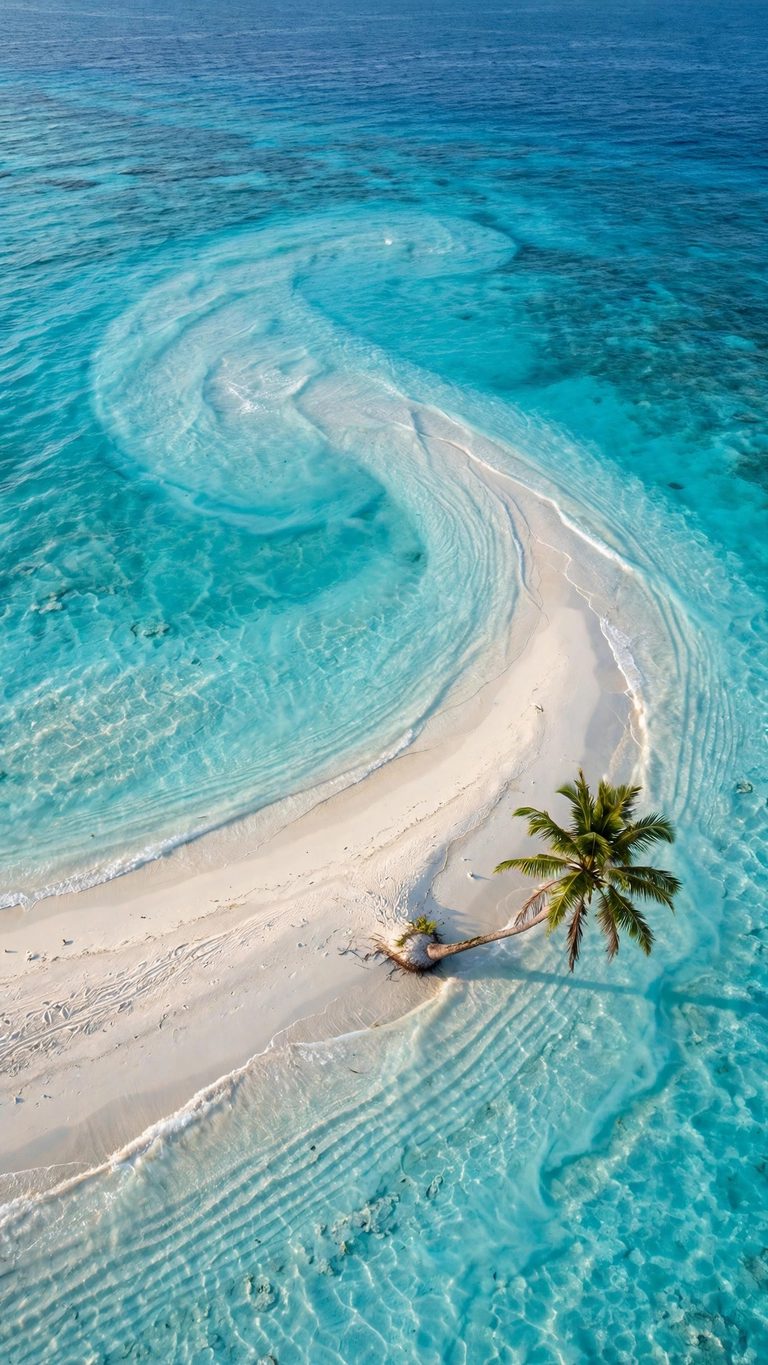
- Hidden Maldives Sandbank Aerial: Stunning AI Video Prompt for Turquoise Lagoon Drone Shots & Beach Reels
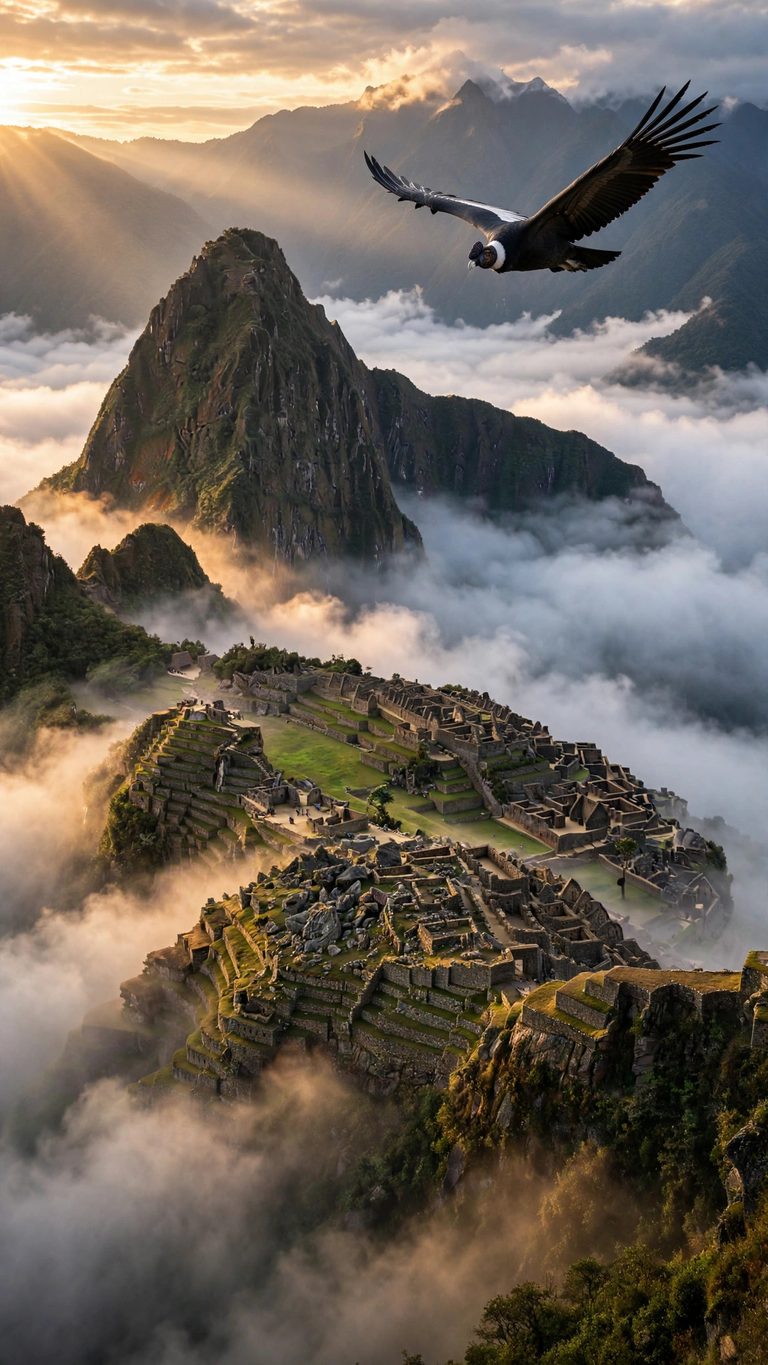
- Machu Picchu Sunrise Through Clouds: Epic AI Video Prompt for Mystical Ancient Wonder Travel Films
- Dubai Marina Night Flyover: Thrilling AI Video Prompt for Futuristic Skyscraper Drone Videos & Reels
# A I V i d e o # P r o m p t B a z a r # P a r i s # E i f f e l T o w e r # N i g h t

Leave a Reply