
Introduction
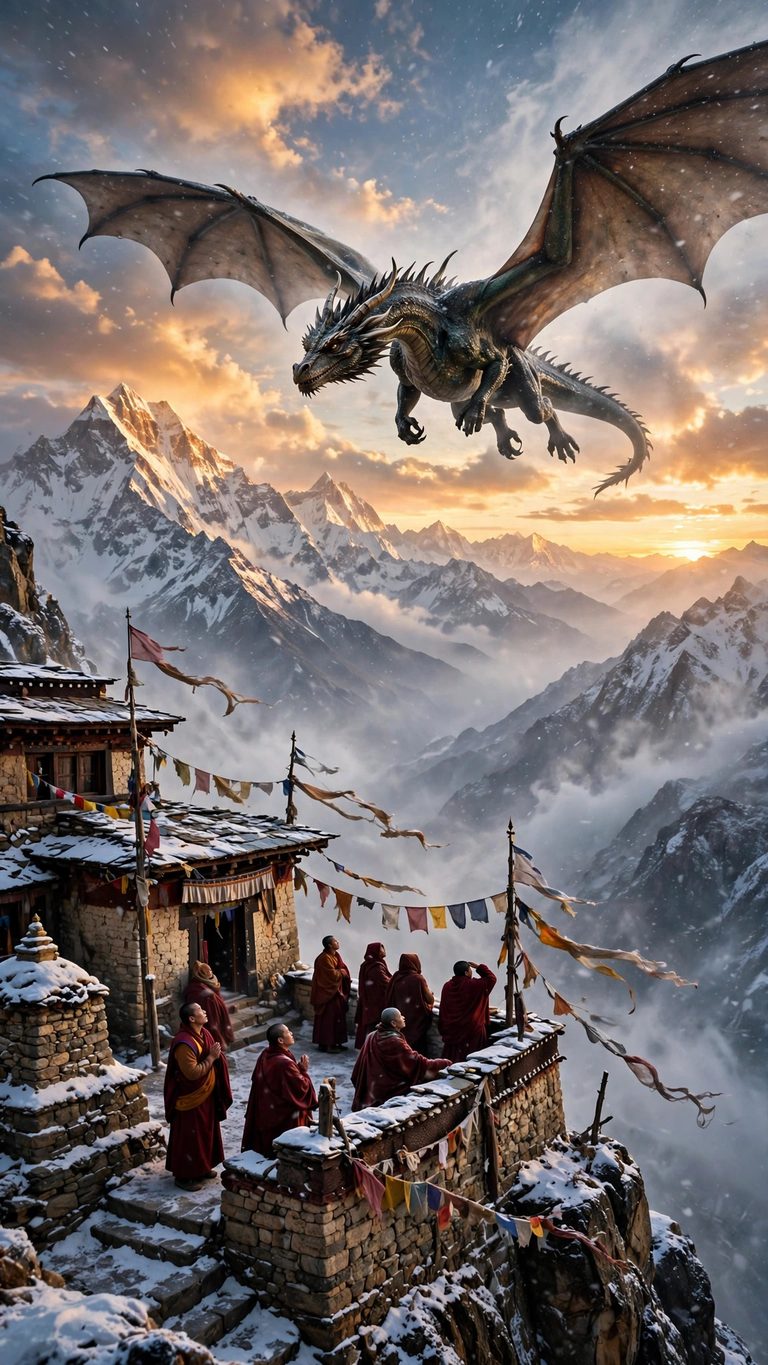
Picture the Himalayas at sunset: jagged snow-covered peaks glowing amber and rose, thin air, absolute silence. Then, from behind the tallest ridge, a shadow sweeps across the snowfields. A dragon rises into view, its wings spanning wider than a village house, each downstroke scattering powder snow into glittering clouds. Far below, on the stone terrace of an ancient monastery, a group of monks in maroon robes looks up, their prayer flags snapping in the wind the great wings create.
This is the scene this AI video prompt delivers in ten epic seconds. It blends the grandeur of high fantasy cinema with one of the most awe-inspiring landscapes on Earth, and it does it with a photorealistic finish that makes viewers do a double take. Fantasy lovers have dreamed about moments like this since childhood, and now you can generate one, post it, and watch the comments flood in, all without a film crew, a budget, or a single line of code.
The Prompt
Here is the exact prompt. Copy it character for character for the best results:
Epic fantasy scene of a majestic dragon soaring over Himalayan peaks, wings spanning wide, snow swirling, monks watching from a monastery, sunset glow, cinematic fantasy epic, ultra realistic
Why This Prompt Works
Epic fantasy is one of the most consistently viral genres on short-form video, and this prompt is engineered to exploit every reason why. Start with scale. The human brain is wired to respond to vastness: towering mountains, an enormous creature, an endless sky. Psychologists call the feeling awe, and awe is one of the strongest drivers of the share button. When viewers feel small in the best possible way, they want others to feel it too.
Then there is the dragon itself. Dragons sit at the very top of fantasy iconography, beloved across cultures from Game of Thrones fans to readers of Asian mythology. A photorealistic dragon is still rare enough in everyday feeds that it stops thumbs instantly, yet familiar enough that no explanation is needed. The snow swirling off those massive wings adds dynamic particle motion in every frame, which keeps eyes locked on the screen and pushes up the all-important average watch time that Reels, Shorts, and TikTok algorithms reward.
The monks watching from the monastery add the crucial human element. A dragon alone is spectacle; a dragon witnessed by tiny human figures becomes a story. Viewers instinctively place themselves in the monks’ position, looking up in wonder, and that emotional projection turns passive watching into active feeling. The sunset glow bathes everything in warm cinematic color, giving the clip the color-graded look of a Hollywood trailer. Fantasy pages, movie fan accounts, and travel dreamers all share this kind of content for different reasons, which means one video can travel across multiple audience communities at once. That cross-community spread is the hidden engine behind the biggest viral hits.
How to Use This Prompt
Step one: copy the full prompt text exactly as written above, keeping phrases like wings spanning wide and cinematic fantasy epic intact, because they control the composition and the film-like grade.
Step two: choose your generator. Veo 3 and Kling excel at large creatures and natural landscapes, Runway gives you fine control over camera movement, and Pika and Sora are both capable of strong fantasy renders. Step three: set 9:16 vertical format and a 10-second duration, the sweet spot for epic reveals on mobile.
Step four: paste the prompt and generate at least three versions, because dragon anatomy varies between renders and you want the cleanest wings and the most natural flight motion. Step five: add an epic orchestral score or a deep, rumbling wind-and-wing-flap sound design from a royalty-free library. Sound sells scale; without it, even a great dragon looks small. Step six: export with a hook caption like POV: you look up from the monastery, add hashtags such as #AIVideo #Dragon #Fantasy #Epic, and post in the evening when entertainment scrolling peaks.
Pro Tips & Creative Variations
The real power of this prompt appears when you start remixing it. For a dramatic sequel, prompt the dragon banking toward the camera with snow blasting past the lens, which creates a heart-pounding point-of-view shot your followers will replay. For a calmer, more mystical mood, change sunset glow to moonlit night with stars and let the dragon’s silhouette glide across a full moon, an image that performs beautifully as a loop.
Experiment with dragon design through small prompt edits. Adding ancient silver-scaled dragon gives an elegant, wise creature, while obsidian black dragon with ember eyes creates a darker, more threatening beast for a villain arc. You can build a whole series: episode one is the distant soaring shot from this prompt, episode two is the dragon landing on a peak and folding its wings, episode three is the monks lighting signal fires. Serialized fantasy storytelling keeps viewers following your page for the next chapter.
Camera language matters enormously here. If your tool supports it, request a slow aerial tracking shot that follows beside the dragon, or a dramatic low-angle shot from the monastery courtyard looking straight up as the wings eclipse the sun. For maximum realism, generate at the highest resolution your plan allows and avoid heavy filters, because the ultra realistic detail in the scales and snow is the whole selling point. Finally, consider pairing the clip with a trending fantasy audio, a famous movie score snippet, or a deep-voiced narration line like the mountains remember. The right audio can double your shares.
Frequently Asked Questions
Q: Why does my dragon sometimes look distorted or have extra wings?
A: Large flying creatures are genuinely hard for AI models, especially wing joints and limb counts. Generate several variations and select the cleanest one. Adding the phrase anatomically correct wings and single pair of wings can reduce errors, and image-to-video starting from a dragon illustration gives the model better structure.
Q: Which tool renders dragons best?
A: Veo 3 currently leads for photorealistic creatures, with Kling close behind for smooth flight motion. Runway is excellent if you want precise camera moves like the aerial tracking shot. All of them benefit from generating multiple takes.
Q: Can I use this video on a monetized channel?
A: Generally yes for your own original AI generations, but check your tool’s commercial terms, and avoid pairing the clip with copyrighted movie music if you plan to monetize.
Q: How do I make the scene feel even more epic?
A: Sound design is the secret. Layer deep wing flaps, rushing wind, and a swelling orchestral score. Also try extending the clip with your tool’s extend feature for a 15 to 20 second director’s cut version for YouTube.
Some videos entertain for a second, and some make people feel something enormous. This dragon over the Himalayas belongs firmly in the second category. Paste the prompt, pick your most majestic render, add that epic score, and give your audience ten seconds of pure wonder. Try it today.
Related Viral Prompts
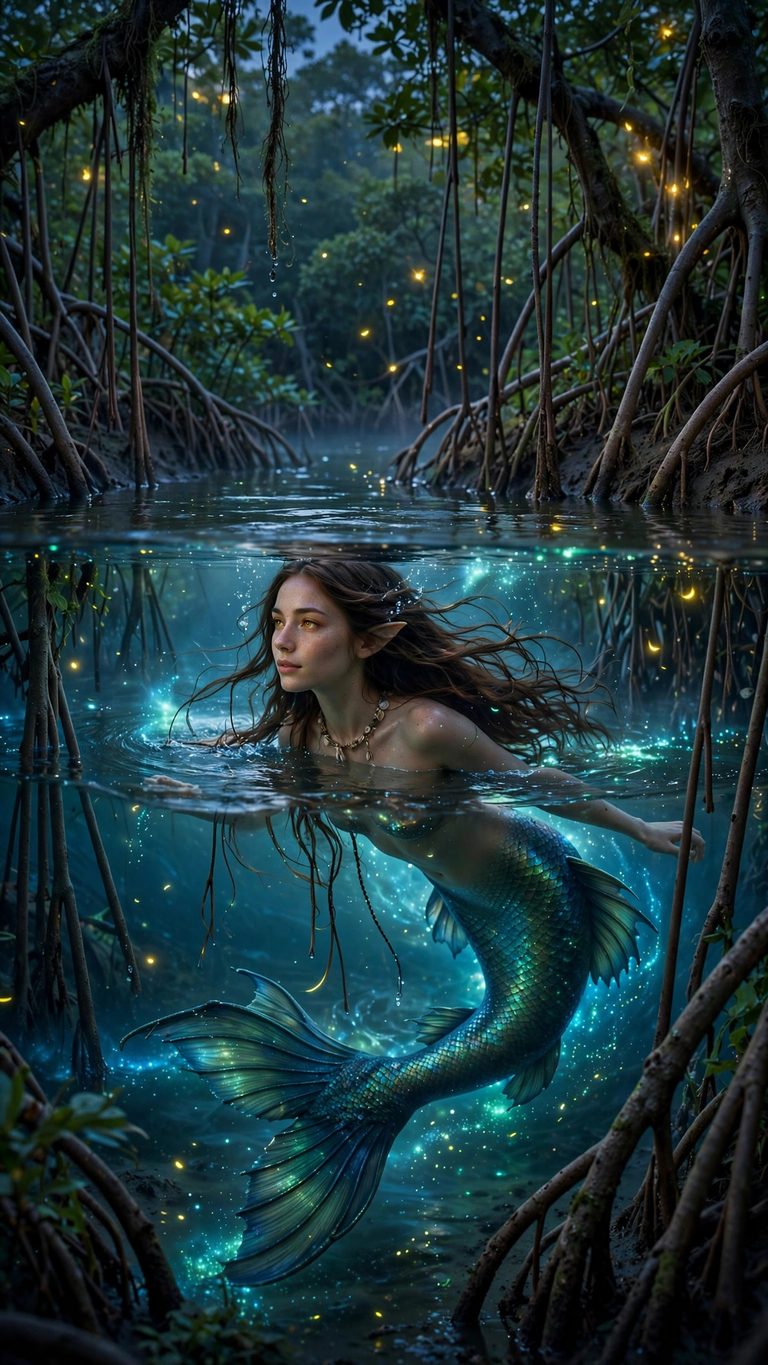
- Mermaid in the Sundarbans: Enchanting AI Video Prompt for a Magical River Fantasy at Dusk (Free to Use)
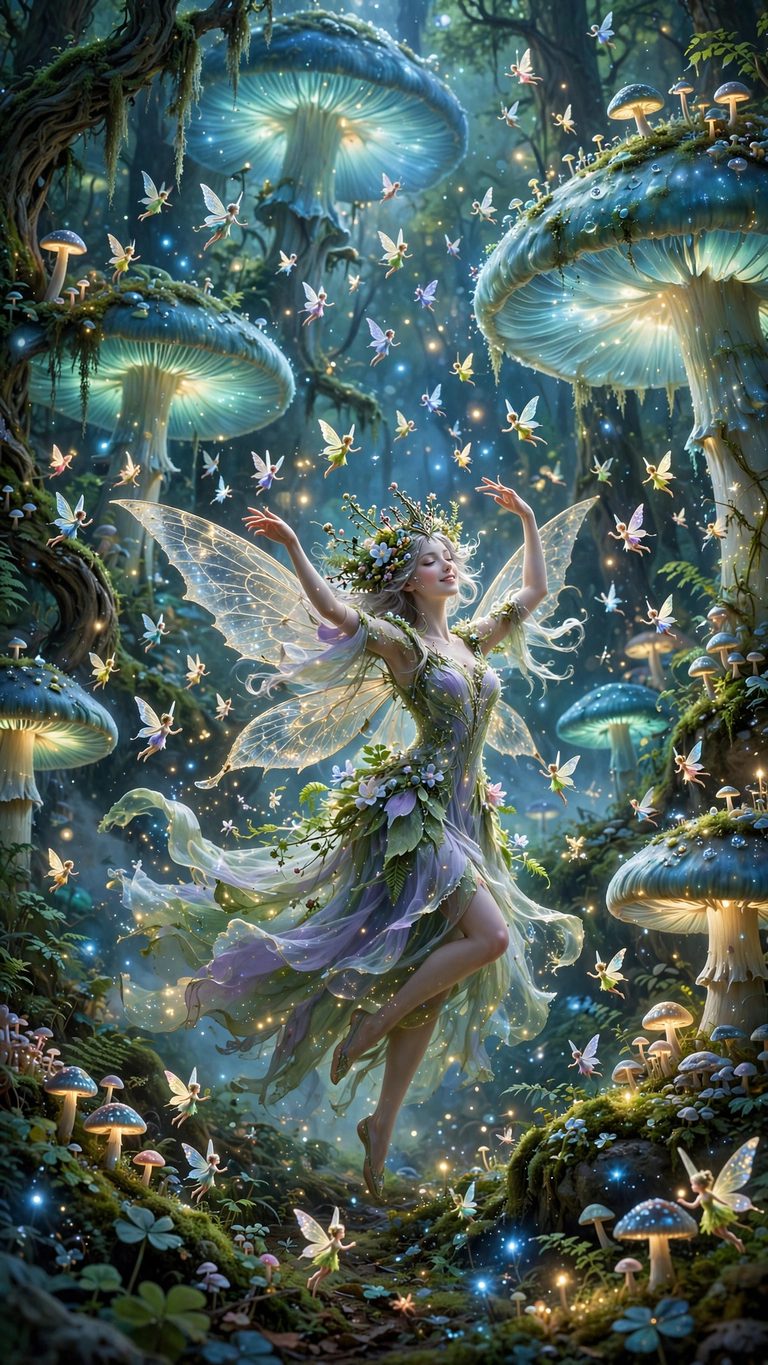
- Glowing Fairy Forest: Magical AI Video Prompt for a Dreamlike Enchanted Woodland Scene (Free to Use)
- Friendly Giant Over a Bengal Village: Heartwarming AI Video Prompt for a Whimsical Fantasy (Free to Use)
# A I V i d e o # P r o m p t B a z a r # D r a g o n # F a n t a s y # E p i c

Leave a Reply