
Introduction
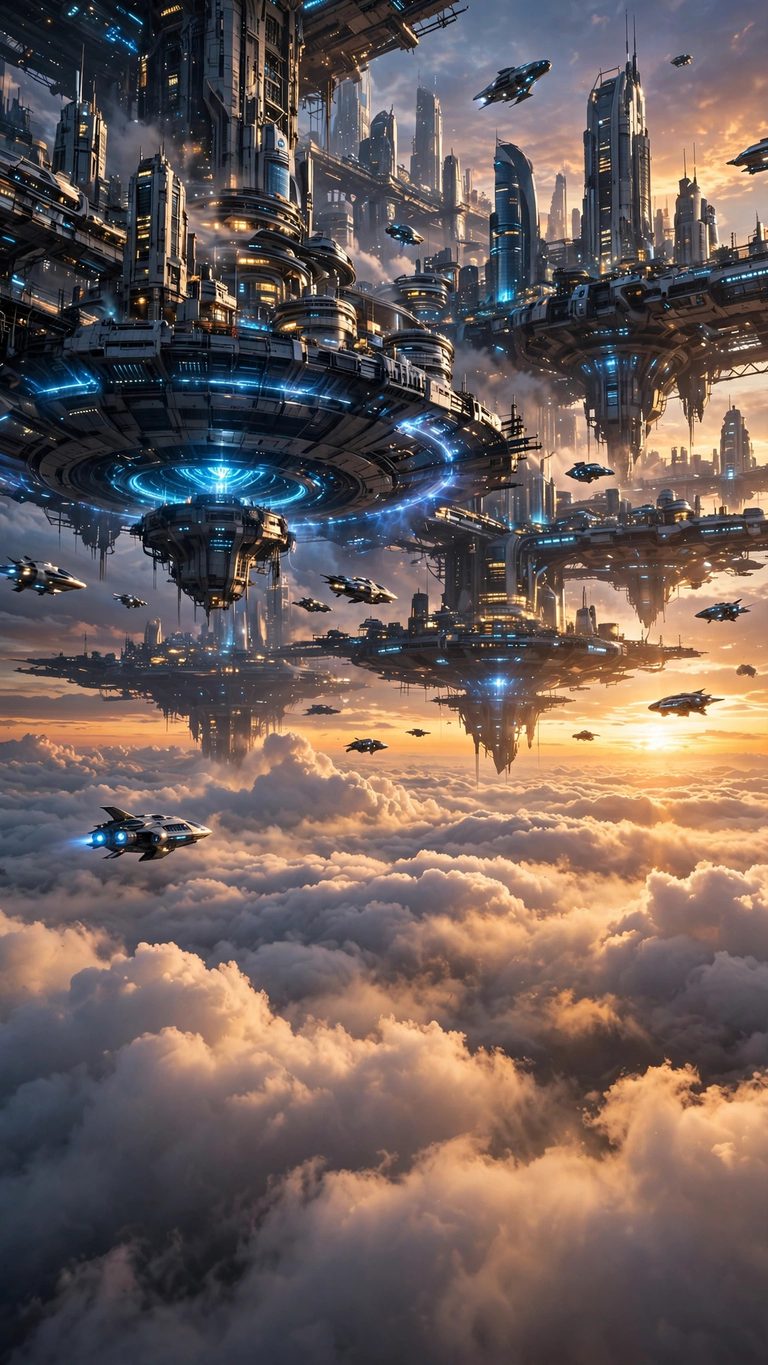
There is something about a city in the sky that stops a scroller cold. A floating city above a sea of clouds is one of the most beloved images in all of science fiction, and it never gets old. From Laputa: Castle in the Sky to the sky-cities of modern blockbusters, the idea of entire civilizations drifting weightlessly through the sunset has a universal pull. AI video creators love this subject because it delivers maximum wonder with minimum effort — one strong prompt produces a clip that looks like a million-dollar VFX shot, and viewers reward that spectacle with watches, replays, and shares.
Sunset is the secret weapon here. Golden-hour light turns ordinary cloud tops into an ocean of glowing cotton, and when you place massive futuristic towers above it, the scale feels genuinely epic. Flying vehicles weaving between glowing towers give the scene motion and life, which is exactly what short-form platforms reward: movement in the first second, beauty in every frame, and a loop that begs to be watched again. Whether you are building a sci-fi channel or just want one showstopper clip for your feed, this floating city prompt is one of the most reliable viral formulas in the AI video playbook.
The Prompt
Copy the prompt below exactly as written and paste it into your favorite AI video generator. Every descriptive phrase was chosen to push the model toward cinematic scale and photorealistic detail:
Epic sci-fi shot of a massive futuristic city floating above a sea of clouds at sunset, anti-gravity platforms, flying vehicles moving between towers, glowing windows, cinematic epic scale, ultra realistic
Why This Prompt Works
This prompt works because it stacks four proven engagement triggers in a single scene: epic scale, golden-hour beauty, dynamic motion, and mystery. The human brain is wired to respond to vastness — psychologists call it the awe response — and a massive city floating above clouds triggers it instantly. Viewers feel small in the best possible way, and that feeling converts directly into longer watch time, which is the single most important ranking signal on TikTok, Instagram Reels, and YouTube Shorts.
The sunset setting does heavy lifting for color psychology. Warm oranges and pinks against deep blue shadows create natural contrast that pops on phone screens, even at small sizes and with brightness turned down. Flying vehicles moving between towers add the motion that keeps eyes locked for the full duration of the clip, while glowing windows create hundreds of tiny focal points that reward rewatching. Shareability comes from the mystery: nobody knows how the city floats, and that unanswered question drives comments like “how is this possible” and “I want to live there,” which pushes the algorithm to show the video to more people. Sci-fi and fantasy content also has one of the most passionate, comment-heavy audiences online, so a floating city clip tends to attract the kind of engaged community that turns a one-time viewer into a follower.
How to Use This Prompt
- Veo 3: Paste the prompt into the text-to-video field, set aspect ratio to 9:16, and choose a 10-second duration to match the “epic” pacing in the settings. Generate two or three variations and pick the one with the most dramatic cloud movement.
- Runway: Use Gen-3 or Gen-4 in text-to-video mode with 9:16 vertical framing. Set the duration to 10 seconds and nudge the camera setting toward a slow aerial push-in so the city feels even more massive.
- Kling: Paste the prompt, select 9:16 portrait mode, and generate at 10 seconds. Kling handles large-scale environments well, so let it render the full clip and trim the strongest 5 seconds for your hook if needed.
- Pika: Enter the prompt in text-to-video, choose vertical 9:16 output, and aim for an 8 to 10 second clip. Add a gentle camera zoom in the motion controls to emphasize the epic scale.
- Sora: Paste the prompt as-is, select vertical 9:16, and generate a 10-second version. Sora’s physics are excellent for drifting clouds, so the “sea of clouds” layer will look especially convincing.
- Finish and post: Add a subtle cinematic soundtrack, export in 1080×1920, and post natively to Reels, TikTok, and Shorts with sci-fi hashtags.
Pro Tips & Creative Variations
Once you have the base clip, small tweaks create entirely new videos. Try changing the time of day: “at sunrise” gives softer pastels, “at night” with glowing windows against dark clouds creates a moody cyberpunk mood, and “during a storm” with lightning around the floating platforms adds pure drama. You can also change the architecture — swap “futuristic city” for “ancient floating temples,” “Victorian airship docks,” or “crystal spires” to target fantasy, steampunk, or solarpunk audiences with the same proven structure.
For series potential, keep the camera language consistent across episodes: always start with the same slow push-in toward the city so viewers recognize your style instantly. Add a tiny human element for emotional scale, like a single small airship flying toward the towers — viewers latch onto a lone vehicle the way they latch onto a character. Sound design matters enormously: deep ambient drones with soft wind sounds make the scale feel real, while an epic orchestral swell on the reveal moment boosts replays. Finally, try a day-to-night transition version by generating the same prompt twice with different lighting and crossfading them — transformation clips are among the highest-retention formats on short-form video.
Frequently Asked Questions
Which AI video generator gives the best results for this prompt?
Veo 3 and Sora currently produce the most photorealistic large-scale environments, making them the top picks for this floating city scene. Runway and Kling are excellent alternatives with strong camera controls, and Pika is great for quick iterations. The prompt is written to be tool-agnostic, so use whichever generator you have access to — the descriptive detail carries the quality.
What aspect ratio and length should I use?
Always generate in 9:16 vertical for TikTok, Reels, and Shorts. The source settings call for a 10-second, epic-paced clip, which is ideal: long enough to establish the scale, short enough to loop cleanly. If your tool only supports 8 seconds, that works fine too — just make sure the motion is continuous so the loop feels seamless.
Can I use this clip commercially or for monetization?
Generally yes, but check your specific generator’s terms of service, since commercial rights vary by platform and subscription tier. Most paid tiers grant commercial use of generated videos. Always review the current terms before using AI-generated clips in ads or monetized content.
How do I make my floating city video stand out from others?
Customize the architecture, lighting, and camera movement as described in the Pro Tips section, and develop a consistent visual style across multiple videos so your audience recognizes your work. Original sound design and a strong opening hook — the most dramatic frame in the first half-second — make the biggest difference.
This floating city prompt is a proven viral formula: epic scale, golden light, and endless mystery in one 10-second clip. Copy the prompt, generate your version in 9:16 vertical, and share your sky city with the world — then try the night and storm variations to build a whole series your audience will follow.
Related Viral Prompts
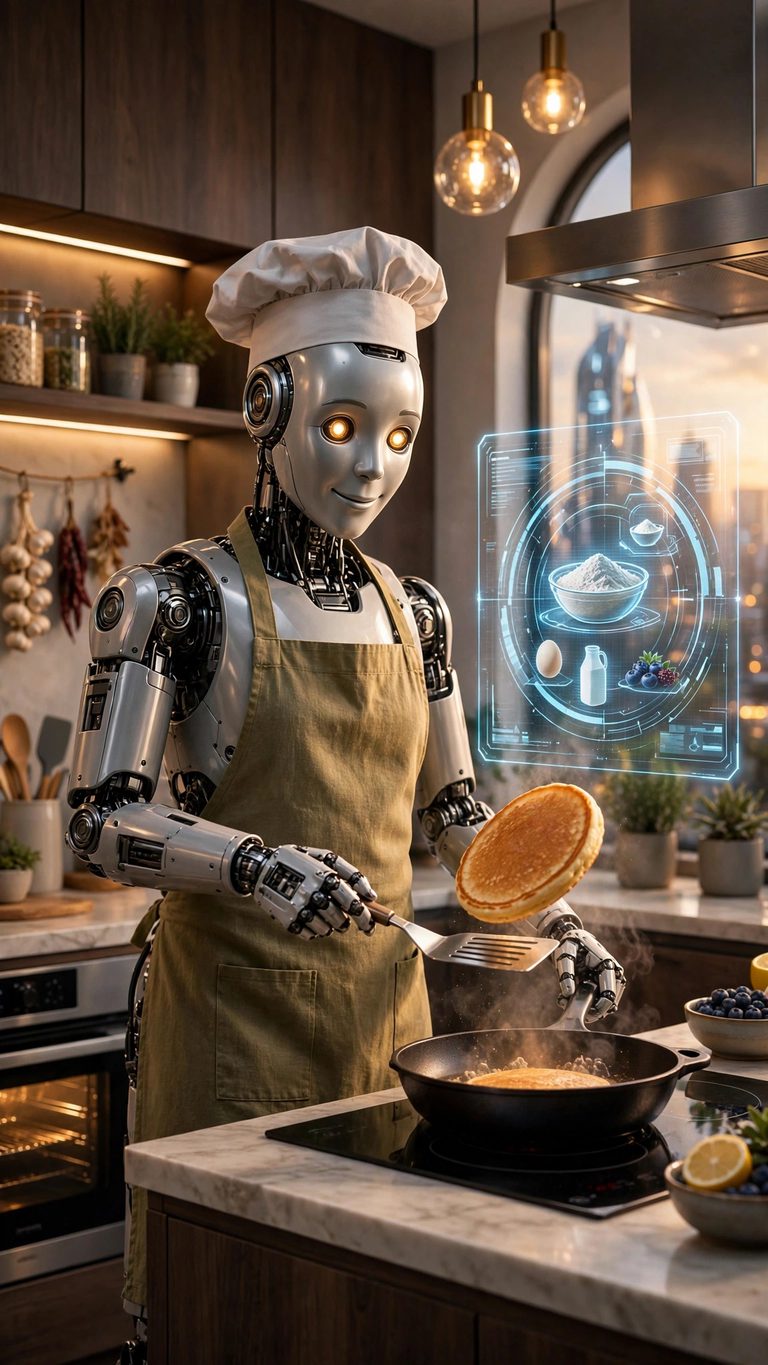
- Robot Chef Cooking in a Smart Kitchen: Viral Free AI Video Prompt for Wholesome Cute Futuristic Short Videos
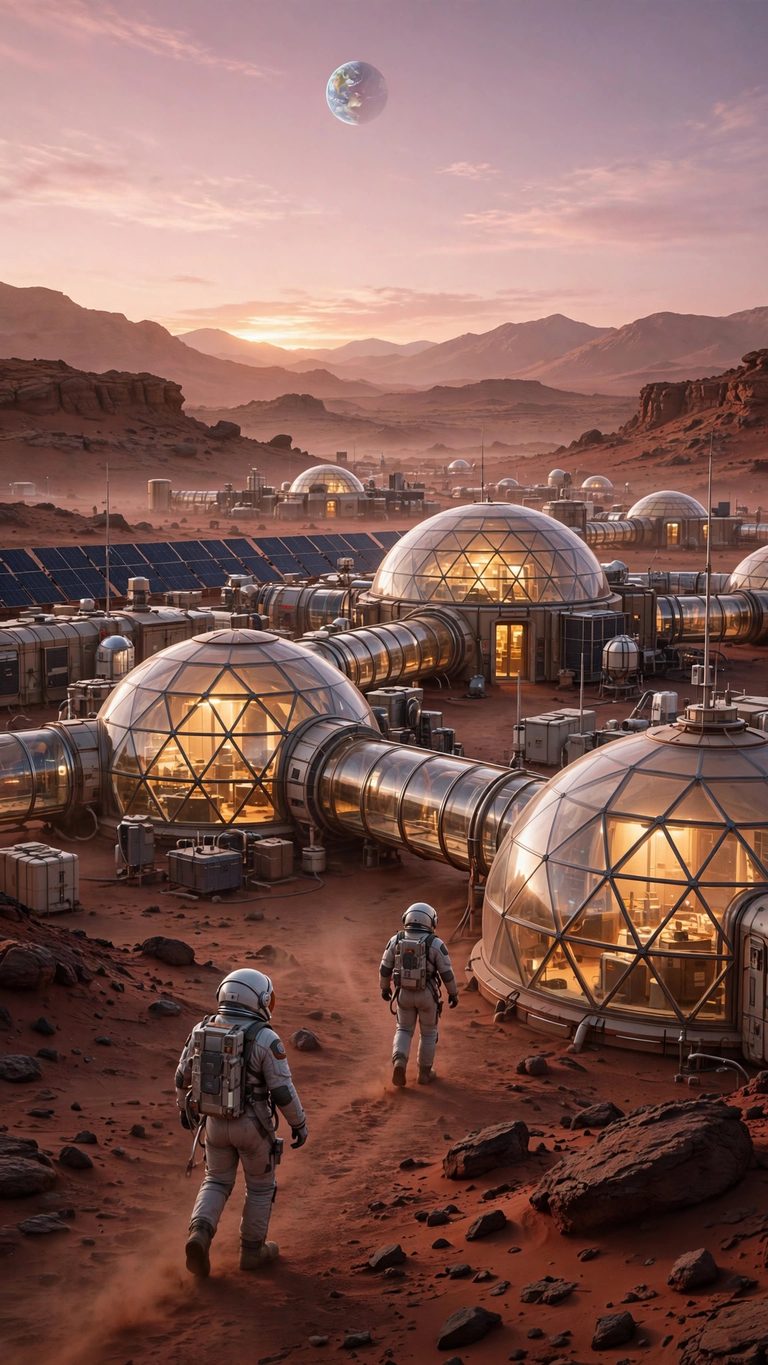
- Mars Colony Sunrise on the Red Planet: Free Viral AI Video Prompt for Cinematic Space Exploration Shorts
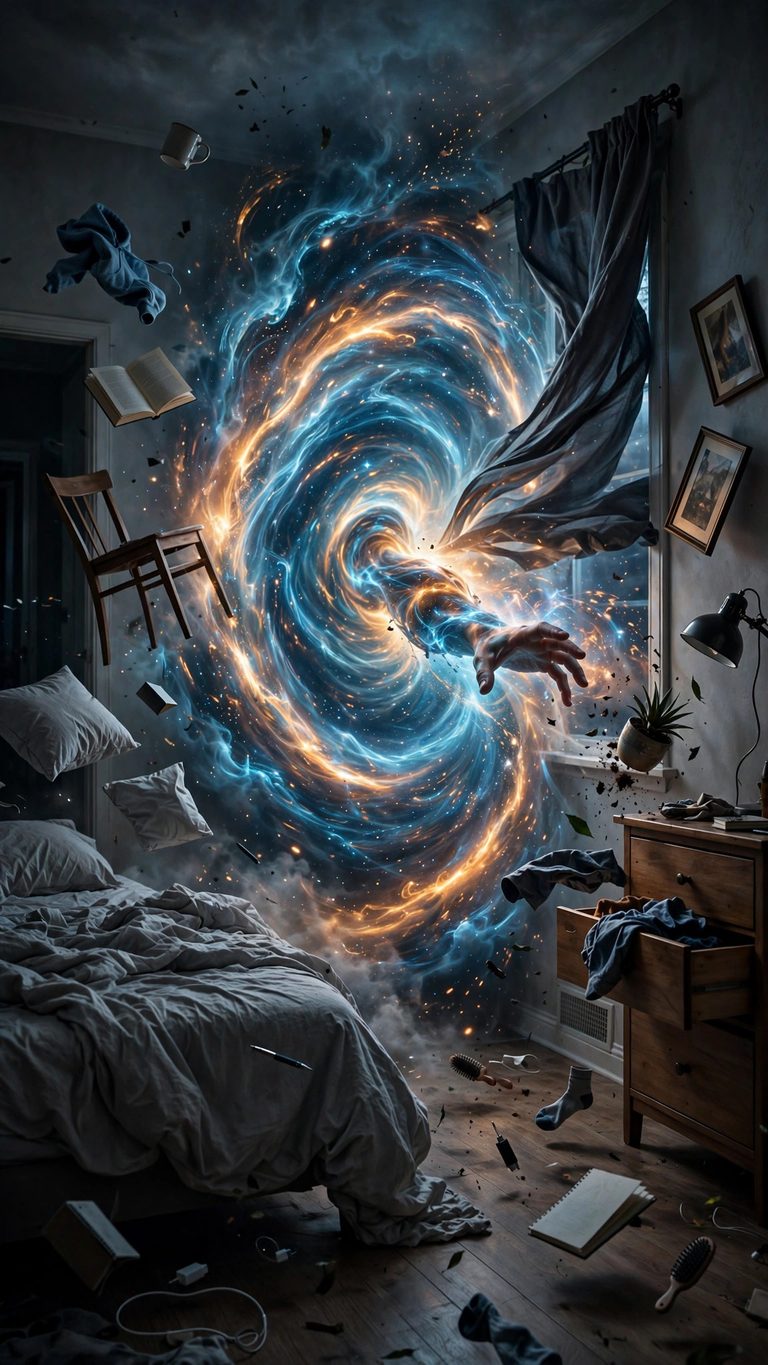
- Glowing Time Portal Opens in Your Bedroom: Free Viral AI Video Prompt for Mind-Bending Sci-Fi Thriller Clips
# A I V i d e o # P r o m p t B a z a r # S c i F i # F u t u r e # E p i c

Leave a Reply