

Introduction
There is a moment every underwater photographer dreams about: the instant a wild sea turtle turns, locks eyes with the lens, and holds the gaze. No fear, no hurry, just a calm and ancient intelligence looking straight back at you. The trouble is that real turtle encounters are rare, brief, and bound by strict rules about not disturbing wildlife, which means most creators will never get that perfect frame in the wild. That is exactly where AI image generation changes the game. With a carefully engineered prompt, you can conjure the soulful turtle portrait of your dreams in seconds: textured skin, a wise amber eye, sun rays filtering through deep blue water, all rendered in photorealistic detail. In this guide we break down a battle-tested AI photo prompt for a green sea turtle portrait, explain why every phrase in it earns its place, and show you how to adapt it across Midjourney, DALL-E 3, and Flux. Whether you are building a marine conservation campaign, a #SeaTurtle art print, or scroll-stopping social content, this prompt is your shortcut to the shot.
The Prompt
Copy the prompt below exactly as written, then paste it into your image generator of choice:
Soulful close-up portrait photograph of a green sea turtle underwater, ancient textured skin, wise amber eye looking into the lens, remora attached to its shell, sun rays behind, deep blue water bokeh, timeless ocean elder, ultra detailed, 8k, professional underwater photography, photorealistic
Why This Prompt Works
Great AI prompts are built like great photographs: subject, light, mood, and technical quality all get their own explicit instructions, and this prompt delivers on every layer. It opens with “Soulful close-up portrait photograph,” which tells the model three things at once: the emotional register (soulful), the framing (close-up portrait), and the medium (photograph, not illustration or painting). That opening phrase is doing heavy lifting because it anchors the composition before a single detail is added. Next, “green sea turtle underwater” locks in the species and the environment, preventing the model from drifting toward a beach scene or a stylized cartoon reptile. The phrase “ancient textured skin” is a masterstroke of descriptive prompting: instead of asking for generic detail, it asks for a specific surface quality, and diffusion models respond beautifully to tactile adjectives because they map directly to the high-frequency detail the model learned from real wildlife photography. Then comes the emotional core of the image: “wise amber eye looking into the lens.” Eye contact is the single most powerful element in portrait photography, human or animal, and specifying the color (amber) plus the direction of the gaze (into the lens) gives the model a precise target instead of a vague “nice eye.” The supporting details build authenticity layer by layer. A “remora attached to its shell” adds a small storytelling element that real divers recognize instantly, and those truthful micro-details are what separate a convincing wildlife photo from an obvious render. “Sun rays behind” provides the lighting design, creating rim light and god rays that sculpt the turtle out of the blue. “Deep blue water bokeh” handles the background, giving that creamy out-of-focus gradient that screams professional underwater photography. “Timeless ocean elder” sets the mood and even the implied age of the animal, nudging the model toward weathered, characterful features. Finally, the quality stack – “ultra detailed, 8k, professional underwater photography, photorealistic” – is the standard finisher that pushes the model toward its highest-fidelity output mode and away from painterly or illustrated styles. Every clause has a job, and together they leave the model almost no room to misunderstand the assignment. That is why this prompt is so shareable in the #AIPhoto community: it is specific enough to be reliable and open enough to surprise you.
How to Use This Prompt
Using this prompt is simple, but each platform has its own quirks. Follow these steps for the best results.
- Midjourney: Paste the prompt into the Discord input or the web interface, then add
--ar 9:16 --v 7 --style rawfor the vertical portrait format this shot was designed for. The raw style keeps the photorealism honest. Run two or three variations and pick the one with the sharpest eye. - DALL-E 3: Paste the prompt into ChatGPT or the image interface and add “vertical 9:16 portrait orientation” at the end, since DALL-E 3 defaults to square. If the turtle looks too smooth or cartoonish, add “shot on a full-frame camera with a 100mm macro lens” to push the realism.
- Flux: Flux handles long descriptive prompts exceptionally well, so paste it verbatim and set the aspect ratio to 9:16 portrait. Try a guidance scale between 3 and 4 for the most natural skin texture.
- Refine the eye: After your first generation, zoom into the eye at full resolution. If it looks glassy or misplaced, regenerate with the seed locked and add “perfectly symmetrical amber eye, catchlight reflection” to that phrase.
- Upscale and finish: Run your favorite through the platform upscaler, then do a light pass in any photo editor: a touch of contrast, slight blue color grading, and gentle sharpening on the eye will sell the photograph completely.
Pro Tips & Creative Variations
Once you have the base portrait dialed in, this prompt becomes a launchpad for an entire series. The easiest variation is changing the species: swap “green sea turtle” for “leatherback sea turtle” or “hawksbill sea turtle” and the model will adjust the shell pattern and head shape while keeping the soulful composition intact. For a completely different mood, try a night-dive version by replacing “sun rays behind” with “diver torch beam cutting through black water” – the dramatic chiaroscuro lighting makes the amber eye glow like a lantern. A blackwater diving variant works beautifully too: use “black background, tiny bioluminescent plankton drifting” to create a fine-art studio-portrait feel. If you want environmental storytelling, pull the camera back with “medium shot, turtle swimming over a coral reef, small pilot fish escort” and you get a conservation-poster composition. Color grading variations are cheap and effective: add “teal and orange cinematic color grade” for a filmic look, or “vintage National Geographic film scan, subtle grain” for a nostalgic documentary feel. One advanced trick is to control the remora: the original prompt includes one, but adding “no remora, clean shell” gives you a sleeker fine-art portrait, while “three remoras and a school of tiny silver fish” turns it into a bustling ecosystem portrait. For print sellers, generate a matched set of four – green turtle, hawksbill, leatherback, and loggerhead – with identical lighting phrases so they hang together as a gallery series. And if you work in video, this portrait makes a perfect first frame: generate it, then use an image-to-video tool with the motion prompt “turtle blinks slowly, particles drift, sun rays shimmer” for a mesmerizing living portrait. Each of these variations keeps the proven skeleton of the prompt and swaps only one or two elements, which is the golden rule of prompt engineering: change as little as possible between tests so you always know what caused the improvement.
Frequently Asked Questions
Q: Will this prompt really produce a photorealistic turtle, or will it look like AI art?
A: It produces genuinely convincing results on current models because every phrase points at real photographic phenomena: textured skin, bokeh, sun rays, and a specific lens-like framing. The “professional underwater photography, photorealistic” finisher steers the model away from illustration. Always inspect the eye and the skin texture at full size, since those are the two places AI artifacts hide, and regenerate if anything looks waxy.
Q: Can I change the species or the setting without breaking the prompt?
A: Yes, and that is the best way to use it. Swap the species name, change “sun rays behind” to a different light source, or trade the remora for another detail. Keep the quality stack at the end untouched, and change only one element at a time so you can judge what each edit does to the result.
Q: What aspect ratio works best for this portrait?
A: The prompt was designed for 9:16 vertical, which suits phone wallpapers, stories, and reels covers. For a framed print, switch to 4:5 or 2:3 in Midjourney with the –ar flag. The close-up composition survives cropping well because the eye sits near the upper third of the frame.
Q: Can I use the generated image commercially?
A: That depends on the platform you generate with, since Midjourney, OpenAI, and Flux have different terms for commercial use. Check your plan’s license before selling prints or using the image in ads. Also be transparent with buyers that the piece is AI-generated, which builds trust and is required on some marketplaces.
In the end, this sea turtle portrait prompt proves that the best AI photography starts with the same ingredients as real photography: a compelling subject, honest light, and an emotional connection through the eyes. Copy the prompt, make it yours with a few careful variations, and share your favorite result with the #SeaTurtle community. The ocean’s oldest soul is waiting for its close-up – go give it one.
Related Viral Prompts
- Coral Garden Wide AI Photo Prompt: Create a Thriving Underwater Reef Panorama in Breathtaking 8K Detail
- Manta Ray Top Down AI Photo Prompt: Capture Minimalist Ocean Elegance From Above in Photorealistic 8K
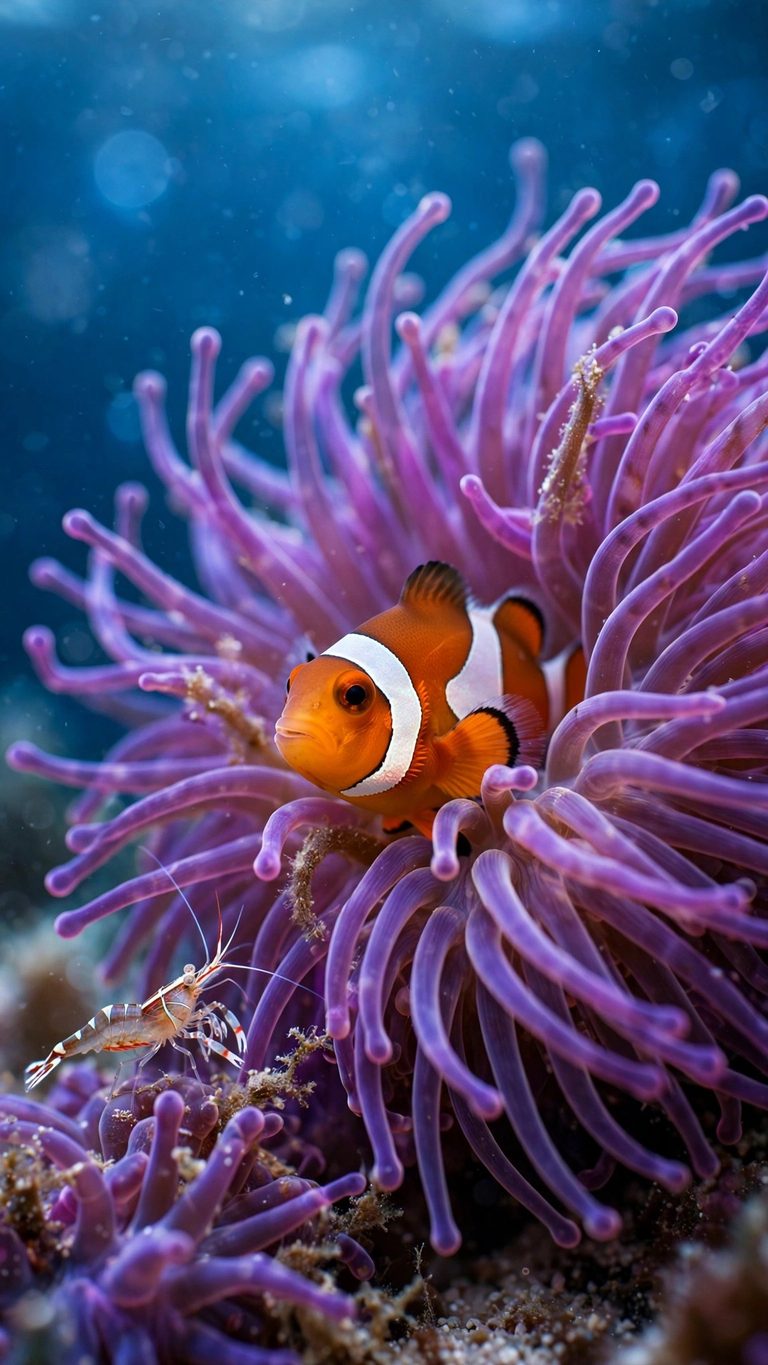
- Clownfish Anemone AI Photo Prompt: Snap an Adorable Underwater Macro Shot With Vivid Colors in 8K Detail
# A I V i d e o # P r o m p t B a z a r # A I P h o t o # S e a T u r t l e # P o r t r a i t


Leave a Reply