
Introduction
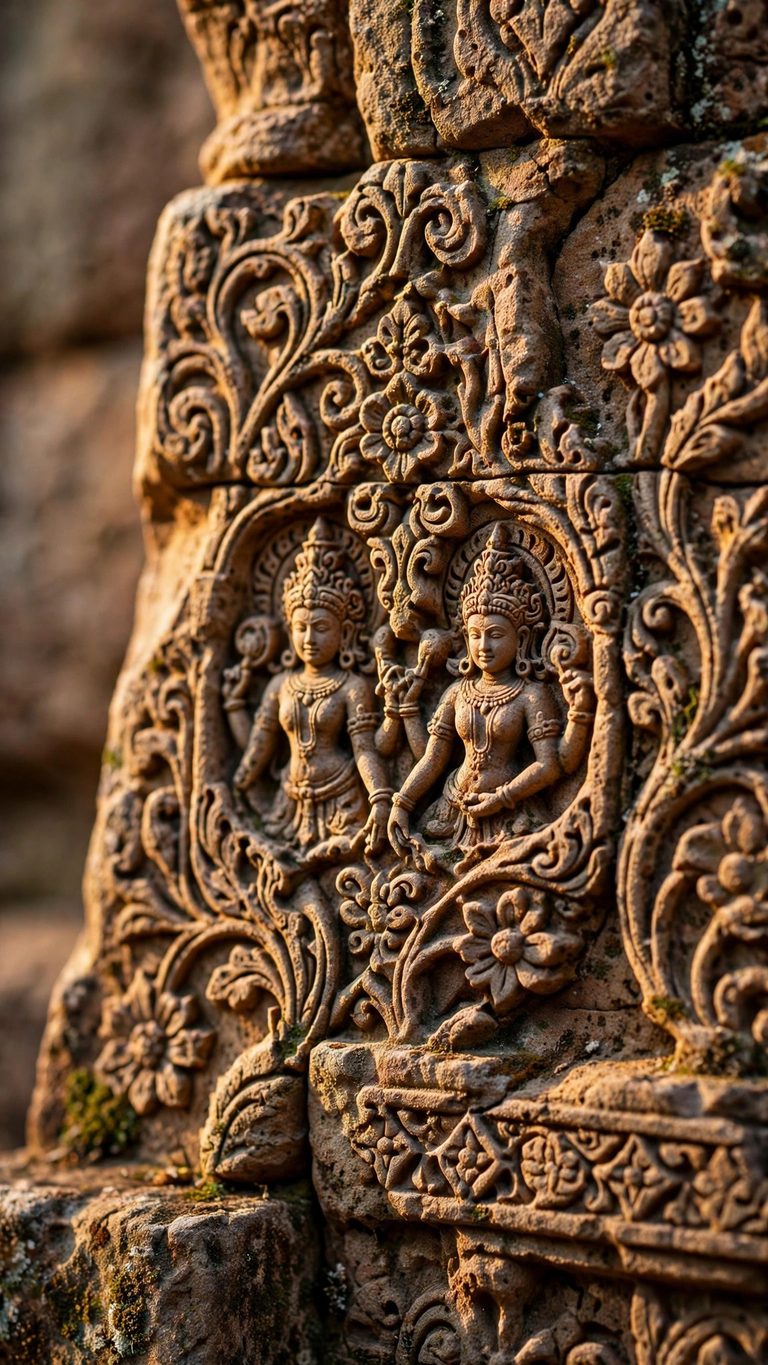
Run your fingertips across a thousand-year-old temple wall and you can feel history in the stone: every chisel mark, every weathered curve of a deity’s smile, every floral pattern softened by centuries of monsoon rain and desert wind. Macro photography of ancient carvings is one of the most soul-stirring corners of architecture photography, because it shrinks the grandeur of a temple down to the intimate scale of a single craftsman’s hand. Heritage photographers travel to Angkor Wat, Khajuraho, Hampi, and Borobudur to capture these textures in warm raking light, waiting for that golden moment when side light carves every groove into sharp relief. The #TempleCarving aesthetic has found a passionate audience online, where close-ups of weathered sandstone routinely outperform wide temple shots because texture is something viewers can almost feel through the screen. Generative AI now makes this exquisite detail accessible to everyone. With a carefully engineered AI photo prompt, you can render centuries of history in stone, complete with intricate deity figures, warm side light, and the shallow depth of field that turns a flat wall into a three-dimensional dreamscape.
The Prompt
Copy the prompt below exactly as written and paste it into your favorite AI image generator. It is optimized for a 9:16 portrait frame that lets carved details fill the screen like a museum close-up.
Exquisite macro photograph of ancient temple stone carvings, intricate deity figures and floral patterns in weathered sandstone, warm side light revealing every chisel mark, shallow depth of field, centuries of history in texture, ultra detailed, 8k, photorealistic
Why This Prompt Works
This prompt is a masterclass in texture-driven visual psychology. Human beings are tactile creatures, and photographs that strongly imply touch, rough stone, crisp chisel grooves, softly eroded edges, trigger a vicarious sensory response that keeps viewers staring far longer than they would at a flat, clean image. By specifying ‘weathered sandstone’, the prompt taps into one of the richest material vocabularies in photography: warm, granular, imperfect surfaces that read as authentic and ancient rather than artificial. The lighting instruction is the real secret weapon. ‘Warm side light revealing every chisel mark’ replicates the raking-light technique that professional heritage photographers swear by, because light striking a carved surface at a low angle throws every ridge into highlight and every groove into shadow, effectively tripling the perceived detail. Shallow depth of field then does the emotional work: by softening the background while keeping one carved figure tack sharp, it mimics how our eyes naturally focus on what fascinates us, creating an intimate, contemplative mood that wide shots cannot match. The phrase ‘centuries of history in texture’ is a brilliant piece of prompt engineering because it steers the model away from clean, newly-carved stone toward the beautifully eroded, lichen-flecked, time-worn surfaces that signal authenticity to the viewer. Adding ‘ultra detailed, 8k, photorealistic’ ensures the fine grain of the sandstone survives generation instead of melting into smooth plastic, which is the most common failure mode in AI texture work. From a trends perspective, heritage and craftsmanship content is surging as audiences push back against disposable digital culture; images that celebrate slow, handmade artistry carry powerful shareability because they feel meaningful. Every element of this prompt, material, light, focus, and mood, works together to produce a macro photograph that feels less like a render and more like a reverent act of preservation.
How to Use This Prompt
Texture prompts reward patience and iteration, so plan to generate several variations. In Midjourney, paste the full prompt with --ar 9:16 --v 7; version 7 handles fine surface detail far better than earlier versions, and you can add --style raw if the results look too polished or digital. Try the subtle upscale on your favorite result to bring out even more grain. In DALL-E 3, paste the prompt verbatim through ChatGPT; it follows descriptive material language faithfully, so feel free to append specifics like ‘a serene carved deity face in sharp focus’ if you want to direct the subject. In Flux, which is outstanding at material realism, run the prompt at 9:16 and consider adding ‘extreme surface detail, visible stone grain’ for extra texture; Flux rarely produces the plasticky look that plagues other models. In Stable Diffusion with SDXL or a realism checkpoint, use 35 to 45 steps, a 768×1344 canvas, and a negative prompt like ‘smooth plastic, blurry, low detail, cartoon, oversaturated’. A detail-enhancing sampler or a light pass with an upscaler such as ESRGAN will make the chisel marks pop dramatically. Whichever tool you choose, zoom into your results at full size before picking a winner: the best macro image is the one where you can practically count the grains of sand in the stone.
Pro Tips & Creative Variations
The base prompt gives you a timeless sandstone carving, but small changes unlock entirely different heritage worlds. Change the material first: ‘weathered granite’ yields darker, more monumental carvings with a solemn mood; ‘moss-covered volcanic stone’ transports you to a jungle-swallowed ruin; ‘white marble with gold leaf traces’ evokes Mughal and Rajput splendor. Lighting is your most powerful creative lever after material. Try ‘cool moonlight raking across the carvings’ for a mysterious nocturnal temple, ‘dramatic shaft of light through a doorway’ for a chiaroscuro masterpiece, or ‘soft overcast daylight’ for the gentle, even illumination that museum catalog photographers prefer. Direct the subject matter explicitly: ‘carved dancing apsara figure’, ‘intricate lotus mandala pattern’, ‘weathered lion guardian statue’, or ‘ancient Sanskrit inscription rows’ each tell a different story and perform differently with audiences. Depth of field can be pushed further with ‘extreme macro, single chisel groove in focus, everything else melting into golden bokeh’ for an almost abstract result. For a living-heritage feel, add ‘marigold petals resting on the carving’ or ‘a diya oil lamp glowing beside the stone’, small human touches that make the image feel like a real moment rather than a museum specimen. Color grading variations include ‘warm amber monochrome’, ‘faded archaeological-plate sepia’, and ‘rich saturated tones of festival day’. You can even cross eras: ‘futuristic temple carving with circuit-like patterns’ or ‘underwater-ruin carving with coral growth’ for fantasy series. Creators on #PromptBazar love stacking a lens note at the end, such as ‘shot on 100mm macro lens, f/2.8’, which nudges the AI toward authentic macro optics with that creamy background falloff. Build a series around one temple style and you will have a cohesive, gallery-worthy collection.
Frequently Asked Questions
Why is side lighting so important in this prompt?
Side or raking light strikes the carved surface at a shallow angle, which throws every raised ridge into bright highlight and every recessed groove into deep shadow. This contrast is what makes texture visible to the camera; flat front lighting would wash the carvings out and make them look two-dimensional. The prompt’s ‘warm side light’ instruction replicates the golden-hour technique real heritage photographers use, and it is the single biggest factor in making the stone look ancient and tactile.
How do I avoid the 'plastic stone' look in AI generations?
Plastic-looking stone happens when the model smooths over fine grain. Fight it with three moves: keep ‘ultra detailed, 8k, photorealistic’ in the prompt, add material-specific words like ‘granular’, ‘pitted’, and ‘eroded’, and generate at higher resolution before downscaling. In Midjourney, the raw style helps; in Stable Diffusion, more steps and a good realism checkpoint make a visible difference.
Can I specify a particular temple style or culture?
Absolutely. Append a style anchor such as ‘Khmer Bayon style’, ‘South Indian Dravidian temple’, ‘Gothic cathedral stonework’, or ‘Mayan stepped-pyramid relief’ to steer the carving motifs. The more specific your cultural reference, the more distinctive and authentic the deity figures and floral patterns become, which also helps your images stand out in a crowded heritage feed.
What is the best way to use these images?
Macro carving images shine as phone wallpapers, art prints, book covers, meditation-app backgrounds, and educational content about heritage crafts. Because they are vertical 9:16, they slot perfectly into Stories and Reels covers. If you plan commercial use, confirm the licensing terms of your generator, and consider pairing the image with a short caption about the craft tradition it celebrates for extra engagement.
Ancient carvers left their stories in stone, and this AI photo prompt lets you read those stories in breathtaking macro detail. Generate your own weathered deity, experiment with light and material, and share the results with the #PromptBazar community. Every chisel mark you render is a small act of keeping heritage artistry alive in the digital age.
Related Viral Prompts
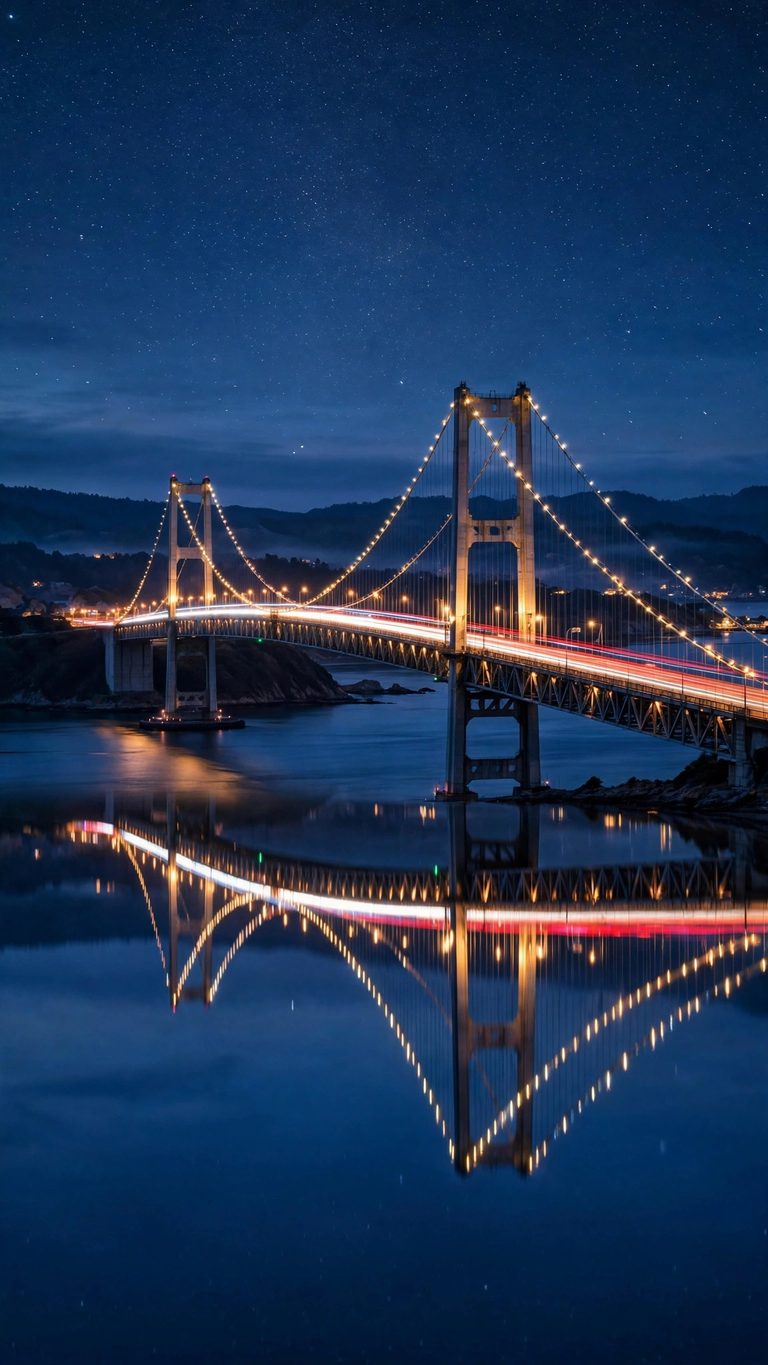
- AI Photo Prompt for Bridge Night Long Exposure: Stunning Light Trails Over Water in Cinematic Night Photos
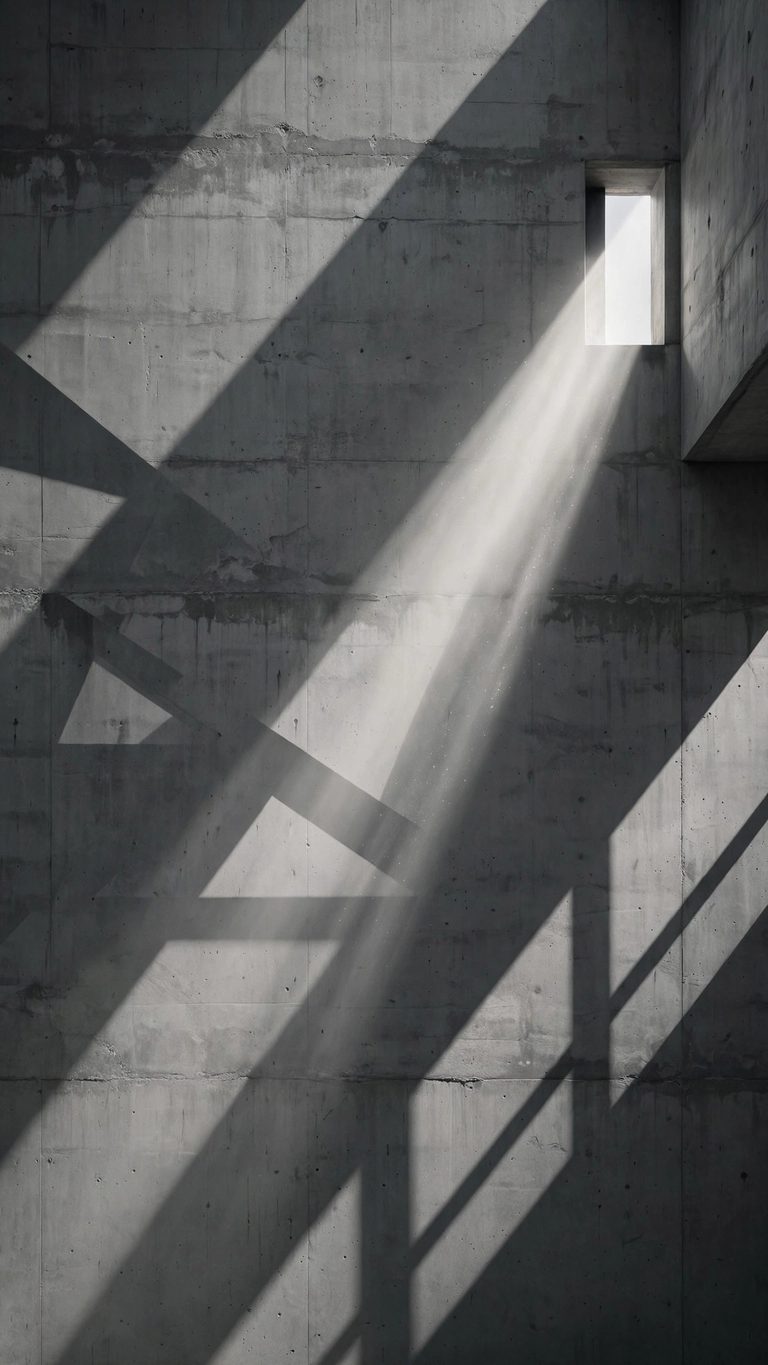
- AI Photo Prompt for Concrete Minimalism: Brutalist Architecture Photos with Dramatic Shadows and Calm
- AI Photo Prompt for Palace Courtyard Symmetry: Royal Architecture Photos with Golden Light and Grandeur
# A I P h o t o # P r o m p t B a z a r # T e m p l e C a r v i n g # M a c r o # H e r i t a g e

Leave a Reply