
Introduction
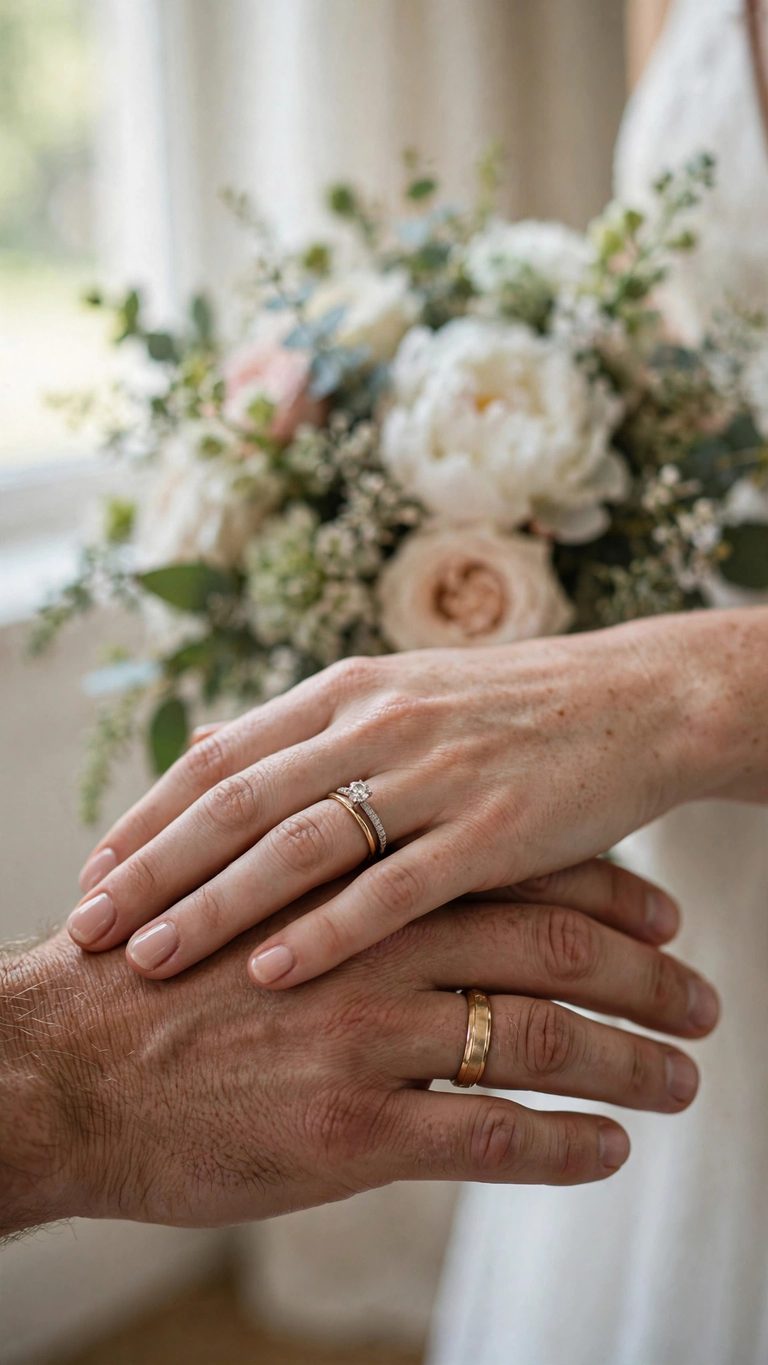
Some wedding photographs do not need faces to tell the whole story. Two hands, gently stacked, rings catching the light, henna patterns winding across skin like poetry: this is the kind of image that gets framed, tattooed into memory, and shared with captions about forever. Detail shots like this are the quiet workhorses of wedding albums, the images couples return to decades later when they want to remember exactly how it felt. This AI photo prompt is precision-built for that emotional bullseye: an intimate close-up of the bride and groom’s hands showing their wedding rings, wrapped in soft window light with the bouquet melting into bokeh behind. Whether you are designing anniversary content, building a fine-art wedding portfolio, or creating #Rings and #Hands imagery for social media, this #AIPhotoPrompt delivers gallery-grade intimacy on Midjourney, DALL-E 3, and Flux. Keep reading for the anatomy of why it works, platform-specific instructions, and variations that turn one prompt into an entire detail-shot series.
The Prompt
Copy the block below character for character into your image generator. Note the apostrophe in groom’s: keep it exactly as written.
Intimate close-up photograph of bride and groom's hands gently stacked showing wedding rings, bridal bouquet blurred behind, soft natural window light, tender bond concept, hyper-detailed skin and jewelry, fine-art wedding photography, ultra detailed, 8k quality, henna patterns intricate, love sealed forever
Why This Prompt Works
This prompt succeeds because it understands that intimacy in photography is a function of restraint. Intimate close-up photograph tells the model to fill the frame with the subject and nothing else, eliminating the wide-shot temptation to add distracting context. The subject itself, bride and groom’s hands gently stacked showing wedding rings, is a pose with centuries of visual tradition behind it, and image models have seen it rendered beautifully thousands of times, which means strong priors for elegant, natural-looking results.
The lighting choice is quietly brilliant. Soft natural window light is the most flattering light known to portraiture: directional enough to model the delicate topography of knuckles and ring facets, soft enough to keep skin tones creamy. It also sidesteps the harsh flash look that ruins so many AI close-ups. Bridal bouquet blurred behind adds color and context without competing for focus, a textbook background layer that gives depth while the tender bond concept phrase steers the emotional register toward warmth rather than sterile product photography.
Then the detail directives do their real work. Hyper-detailed skin and jewelry is a direct instruction to the renderer to spend its detail budget exactly where it matters: the glint on the gold band, the texture of skin, the facets of any stones. Intricate henna patterns adds culturally rich micro-detail that rewards close viewing and makes the image unmistakably bridal. Fine-art wedding photography anchors the style to gallery aesthetics rather than snapshot realism, and the closing love sealed forever gives the composition its emotional punctuation. The 8k quality and ultra detailed tags ensure none of this fine work gets lost to softness.
How to Use This Prompt
On Midjourney, paste the prompt with /imagine and add –ar 9:16 –v 7 for a tall, phone-friendly crop. Hands are the classic AI failure point, so append –no deformed hands, extra fingers, fused fingers as insurance, and generate four or five variations, keeping only the anatomically clean ones. If the rings look dull, regenerate with sparkling ring glints added; jewelry responds well to explicit sparkle language.
On DALL-E 3, paste the prompt verbatim in portrait orientation. DALL-E 3 handles the stacked-hands pose faithfully, but watch for merged fingers between the two hands; if they blend, follow up with the two hands clearly separated, fingers distinct. Its rendering of henna patterns is genuinely impressive, so this prompt plays to a real strength.
On Flux, run the prompt at 9:16 with 40+ steps and guidance near 3.5. Flux excels at skin texture and jewelry, making it arguably the best of the three for this particular image. For maximum sharpness on the rings, add tack-sharp focus on wedding rings in a variation. Across platforms, view the result at full size and zoom into the fingers before posting; this image lives or dies on detail, and a quick check saves you from publishing a flawed close-up.
Pro Tips & Creative Variations
The original pro tips point the way: keep the bouquet blurred behind for that dreamy color wash, hold the gently stacked pose since it reads as tender rather than stiff, and protect the soft window light, it is the soul of the image. Build on them with these refinements. First, ring emphasis: if the bands are not catching light, add a variation with sunlight glinting off the gold bands, and the whole image will snap into focus. Second, henna storytelling: intricate henna patterns can carry the frame alone, so try a version cropped even tighter, just the bride’s hand with full henna and the ring, for a powerful cultural detail shot.
Creative variations multiply the value. A black-and-white fine-art version, with only the ring glint left in color via selective editing, is devastatingly elegant and hugely shareable. Swap the bouquet for different seasonal flowers, peonies for spring, marigolds for autumn, to build a year of content. Try the groom’s hand gently holding the bride’s wrist from below for a protective variation, or add a soft veil draped across the corner of the frame for bridal texture. For anniversaries, generate the same composition with slightly aged hands and a caption about decades together; emotional storytelling like that, tagged with #Wedding and #PromptBazar, consistently outperforms generic pretty pictures. Finally, pair this detail shot with the golden hour portrait prompt as a two-image carousel: face, then hands, a mini narrative arc in a single post.
Frequently Asked Questions
How do I avoid the infamous AI deformed hands?
Generate multiple variations and be ruthless in selection; even a 25 percent keeper rate is normal for hand close-ups. Use negative prompts like –no deformed hands, extra fingers on Midjourney, keep the pose simple and clearly described, and inspect fingers at full zoom before publishing. Simple stacked poses fail far less often than intertwined ones.
Can I feature a specific ring design in the image?
Approximately. Describe the ring explicitly, such as solitaire diamond ring with thin gold band, and image-to-image tools can go further: upload a photo of the actual ring and blend it into the composition. For marketing use by jewelers, this workflow produces remarkably convincing product-lifestyle hybrids.
Does this work for non-henna weddings?
Completely. Remove henna patterns intricate and the prompt loses nothing structurally; replace it with delicate lace cuff detail or pearl bracelet for a Western bridal variation. The lighting, pose, and fine-art anchoring carry the image regardless of cultural details.
What is the ideal crop for Instagram?
The prompt is tuned for 9:16, which fills the phone screen on Reels covers and Stories. For the feed, a 4:5 crop centered on the hands keeps maximum detail visible. Generate at 9:16 and crop down rather than generating square; you preserve the option to use both.
Two hands, two rings, one forever: this prompt captures the smallest, most meaningful frame of a wedding day in gallery-grade detail. Generate it today, try the black-and-white and seasonal variations, and share your version with #AIPhotoPrompt and #PromptBazar. Love, sealed forever, is worth a thousand words, and this image says them all.
Related Viral Prompts
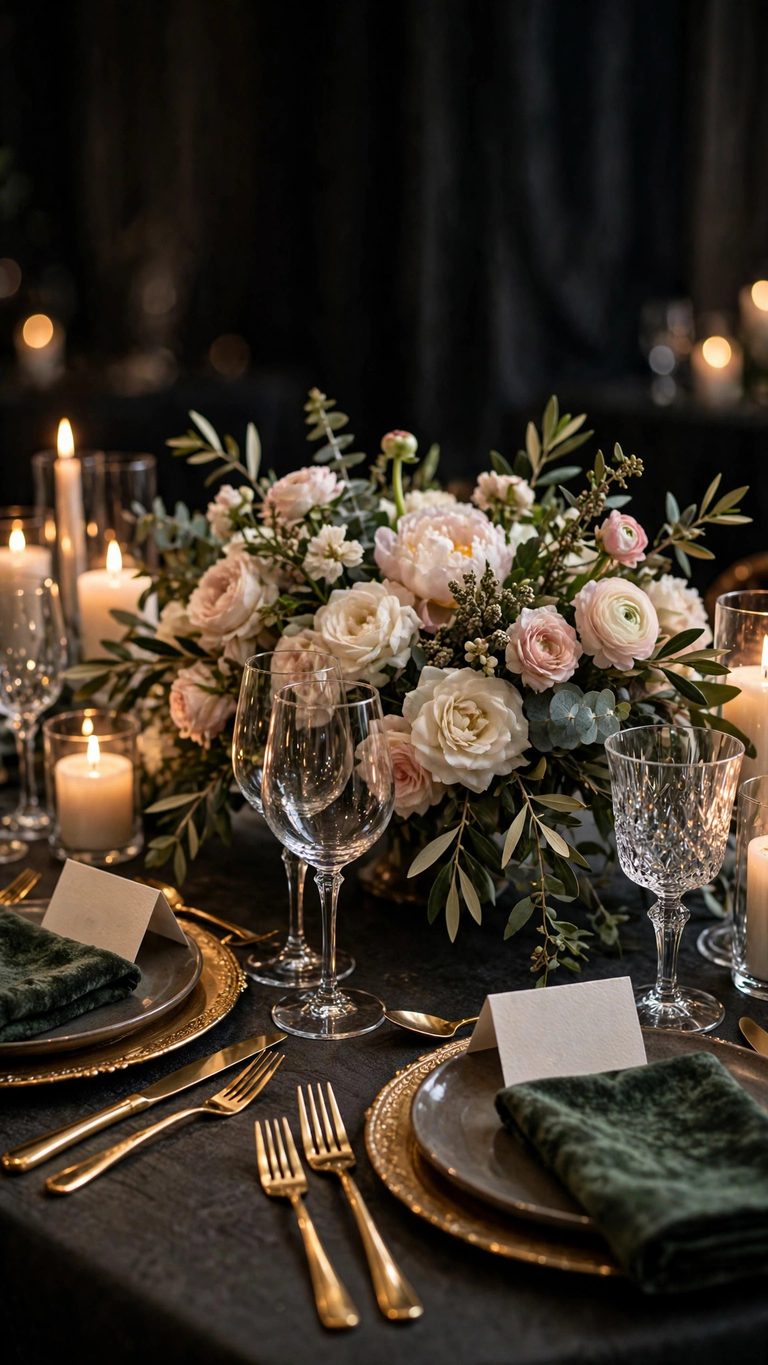
- Luxurious Wedding Table Setting AI Photo Prompt: Crystal, Gold Cutlery & Candle Glow in Elegant 8k Detail
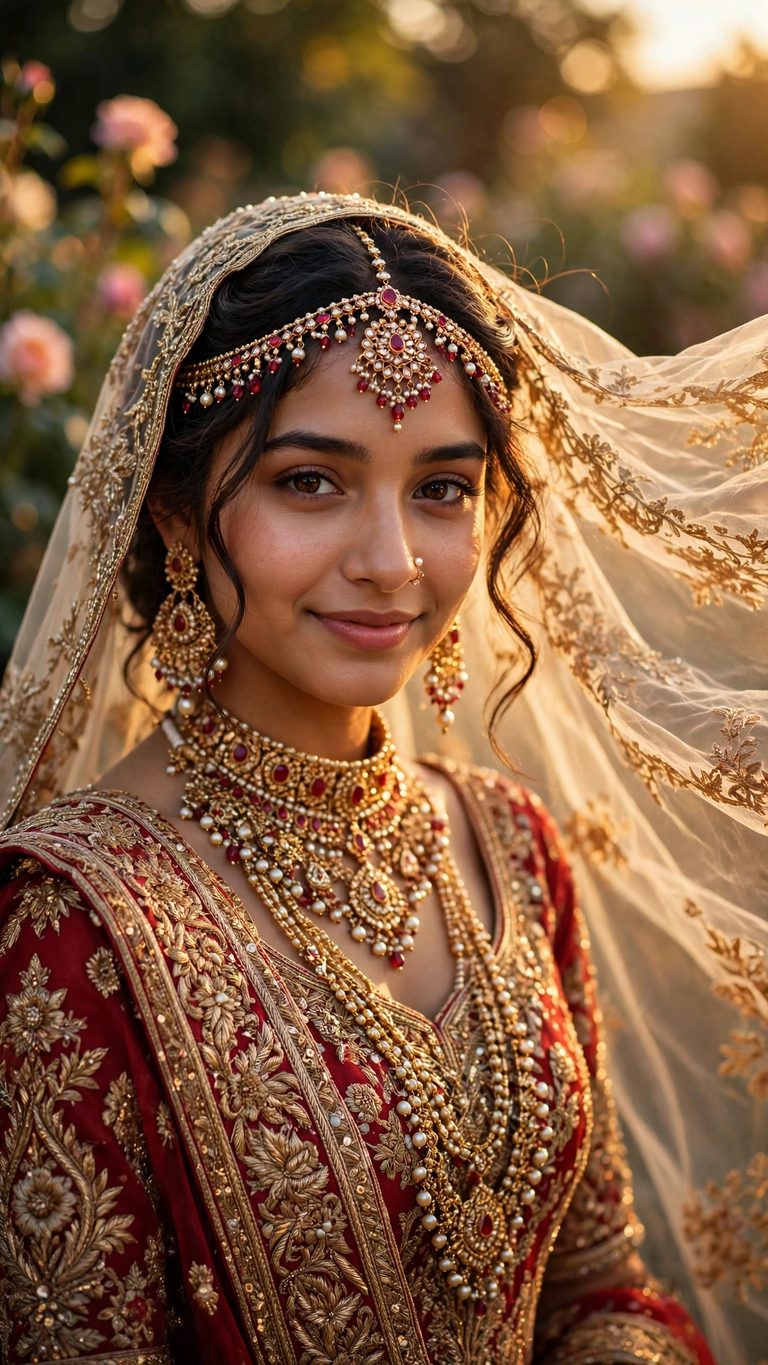
- Bridal Lehenga Embroidery AI Photo Prompt: Stunning Zardozi & Sequin Macro Detail in 8k Textile Photography
- Confetti Kiss AI Photo Prompt: Capture Pure Wedding Joy in a Colorful Celebration Burst — Free Guide
# A I V i d e o # P r o m p t B a z a r # A I P h o t o P r o m p t # H a n d s # R i n g s # W e d d i n g

Leave a Reply