
Introduction
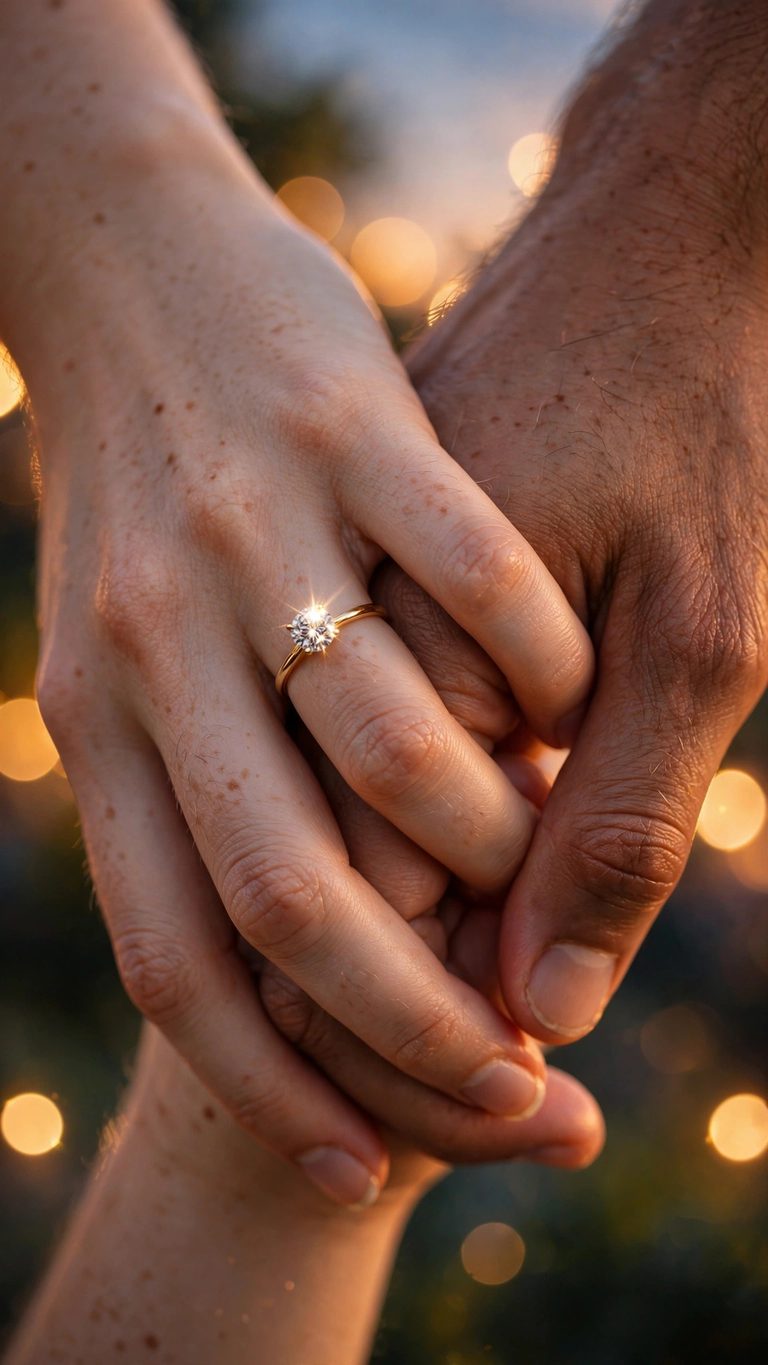
Some images shout. The best romantic images whisper. A close-up of two hands with interlaced fingers says more about devotion than any sweeping landscape ever could, because it shows love at the scale we actually live it: skin on skin, a ring catching the light, a quiet promise made without words. Macro romance photography has become one of the most saved and shared genres on social media, and it is easy to see why. These images feel personal in a way that faces never can. They invite the viewer into an intimacy that is tender rather than performative.
Real macro photography of hands is notoriously fiddly. You need a fast lens, cooperative light, perfectly still subjects, and a ring that decides to sparkle on cue. AI image generation removes every one of those obstacles. With a single well-crafted prompt, you can produce a hyper-detailed close-up with twilight bokeh, warm romantic tones, and a ring that glints exactly where you want it. This guide breaks down a professional #HoldingHands macro prompt, explains the emotional psychology that makes hand imagery so viral, and walks you through running it in Midjourney, DALL-E 3, Flux, and Stable Diffusion. If you create engagement announcements, anniversary posts, or romantic aesthetic content, this #AIPhotoPrompt belongs in your permanent collection.
The Prompt
Copy the text below exactly as written. Note how the prompt balances intimate detail language with lighting cues so the model renders both skin texture and the sparkling ring faithfully:
Intimate macro photograph of a couple holding hands with interlaced fingers, engagement ring sparkling, soft twilight bokeh background, warm romantic tones, hyper-detailed skin texture, tender love concept, fine-art close-up photography, ultra detailed, 8k quality, promise of forever in touch, delicate vein details
Why This Prompt Works
Hands are among the most emotionally loaded subjects in all of photography. Long before we understand words, we understand touch, and an image of interlaced fingers triggers an immediate, almost physical sense of closeness. Unlike faces, hands carry no identity, which means every viewer can imagine their own hand in the frame. This anonymity is precisely why macro hand images are shared so widely: they are universal love letters rather than portraits of strangers. The engagement ring adds a second layer of meaning, transforming a tender gesture into a story about commitment, and the sparkle acts as a visual magnet that draws the eye exactly where the photographer wants it.
The background treatment is doing quiet heavy lifting. Soft twilight bokeh turns the world behind the hands into glowing orbs of color, a technique that reads as romance on a nearly instinctive level. Warm romantic tones amplify the effect, since warm light is associated with comfort, safety, and affection. On Instagram and Pinterest, close-up couple imagery with bokeh backgrounds consistently ranks among the highest-saved formats in the relationship and wedding categories, and the #Love tag carries billions of views precisely because content like this is endlessly reshareable. The prompt also leans on fine-art close-up photography and hyper-detailed skin texture to push the result away from stock-photo blandness and toward gallery quality, with delicate vein details adding the realism that separates a convincing image from a plastic one.
There is also a practical virality factor: simplicity. A macro of hands works at any size, from a tiny phone thumbnail to a full-screen story, because the subject is bold and the composition is uncluttered. It needs no caption to be understood, which makes it perfect for announcements, save-the-dates, and anniversary posts where the image must speak instantly. Promise of forever in touch gives the model narrative direction, so the hands read as purposeful and tender rather than posed, and that emotional legibility is what turns a pretty picture into a saved one.
How to Use This Prompt
Begin by setting a portrait canvas. In Midjourney v7, paste the prompt with –ar 9:16; Midjourney’s macro rendering is superb, and it handles the interplay of skin texture and bokeh with particular grace. DALL-E 3 accepts the prompt verbatim in a portrait request and tends to interpret emotional cues like tender love concept very literally, which helps the interlaced fingers look natural rather than stiff. Both tools were specified in this post’s settings because they reliably nail the two hardest elements: believable hands and a ring that actually sparkles.
For Flux, keep the full prompt and generate at a high resolution so the skin detail and sparkle points resolve cleanly; Flux is strong with jewelry highlights. In Stable Diffusion, use a portrait resolution around 768 by 1344, 30 to 40 steps, and consider a detail-enhancing sampler for the macro texture. Whichever tool you choose, generate at least three variations and inspect the fingers closely: AI models occasionally add or merge digits, and the interlaced-fingers pose is the detail most worth checking. If a finger looks wrong, use inpainting on just that area with a short corrective phrase like natural interlaced fingers. A final light upscale sharpens the ring’s sparkle points, and your image is ready to post.
Pro Tips & Creative Variations
The ring sparkle is the eye-catching hero of this composition, so treat it with care. The key pro tip is to keep the catchlight: the tiny bright reflection that makes a diamond look alive. If your generations come out flat, strengthen the prompt’s sparkling language or add phrases like bright catchlight on diamond, starburst sparkle. Positioning matters too; a slight rotation of the hand so the ring catches the twilight glow will do more for the image than any amount of post-processing.
Lighting variations open up a whole series. Try a candlelit version with warm amber bokeh for anniversary content, a rainy-window variant where droplets blur the city lights behind the hands, or a golden-morning take with soft sunlight wrapping the fingers. The twilight bokeh background can become fairy lights at a wedding reception, fireworks on New Year’s Eve, or a campfire glow on an adventure elopement. Each keeps the hands as the constant and changes the story around them.
Composition tweaks multiply the possibilities further. Pull back slightly to include a wristwatch, a tattoo, or a bouquet stem for personal storytelling. Switch the setting to black and white with a single warm highlight for a fine-art editorial feel. Seasonal props work beautifully: autumn leaves drifting behind the hands, snowflakes landing on skin in winter, or cherry blossom petals in spring. You can even vary whose hands they are: weathered hands for a golden-anniversary tribute, or a parent’s hand holding a child’s for a different kind of love story. The macro format is endlessly adaptable because the emotional core, touch itself, never changes.
Frequently Asked Questions
Why do AI models sometimes get hands wrong, and how do I fix it?
Hands are complex articulated shapes, and older models struggled with finger counts. Modern tools like Midjourney v7 and DALL-E 3 are dramatically better, especially when the prompt explicitly describes the pose, as this one does with interlaced fingers. Always inspect the fingers at full zoom, generate multiple variations, and use inpainting to correct any single problem area rather than discarding a great image.
Can I change the ring style, for example to a vintage or minimalist band?
Absolutely. Replace engagement ring sparkling with your preferred style, such as vintage oval emerald ring or thin gold wedding band, and keep the rest of the prompt intact. The lighting and bokeh cues will adapt to the new jewelry automatically.
Is 9:16 portrait the right ratio for an engagement announcement?
Yes for phone-first platforms. Portrait images dominate Instagram Stories, Reels covers, and Pinterest, and the tall frame gives the bokeh room to glow above and below the hands. For a printed announcement card, regenerate at 4:5 or 5:7 with no other changes.
How do I make the image feel less like stock photography?
The prompt already fights blandness with delicate vein details and hyper-detailed skin texture, which add human imperfection. You can push further with phrases like natural unposed feel, faint freckles, or soft film grain. Small imperfections are what make macro romance feel real.
A single photograph of two hands can hold an entire love story, and now you can create one in seconds. Copy this AI photo prompt, generate your twilight macro tonight, and let interlaced fingers and a sparkling ring say what words cannot. Try it now and capture the promise of forever in a single touch.
Related Viral Prompts
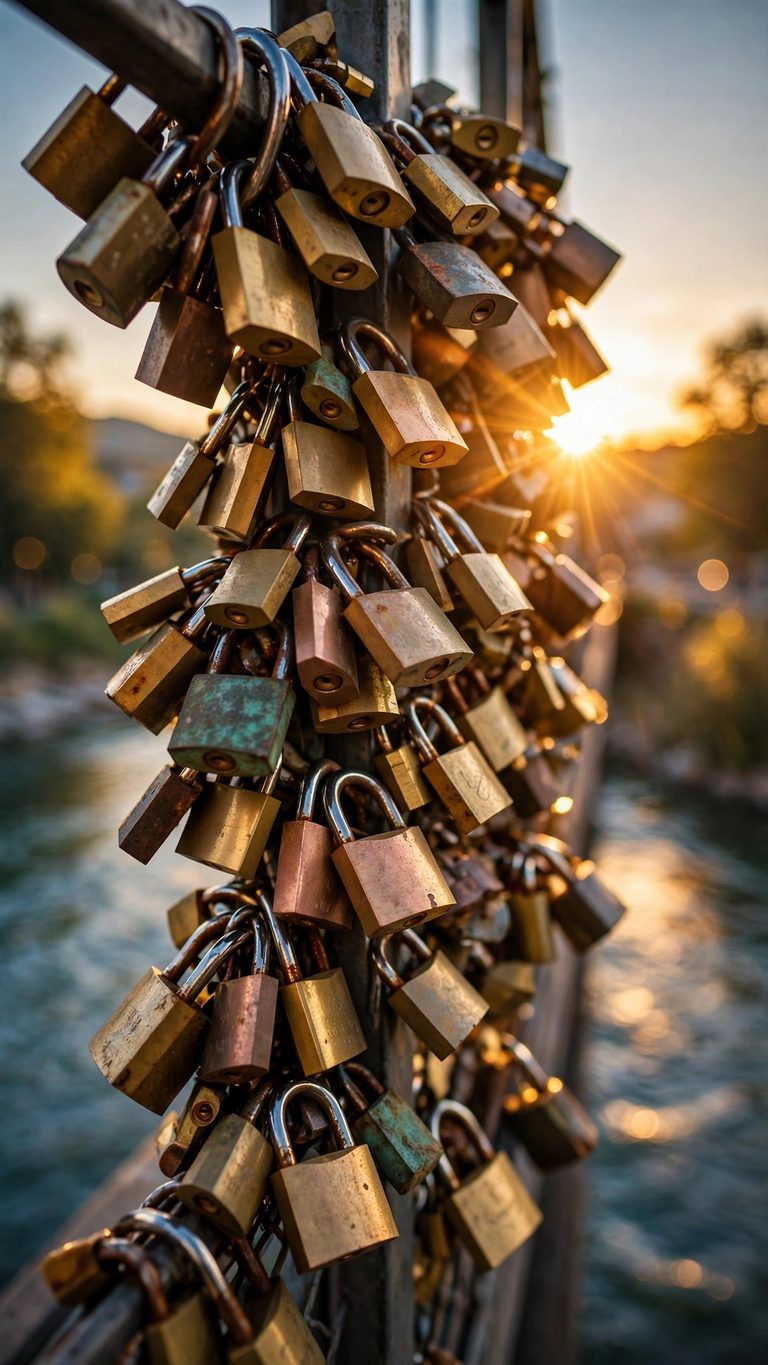
- Love Lock Bridge AI Photo Prompt: Golden Sunset Flare Through Padlocks With Engraved Initials and River Glow
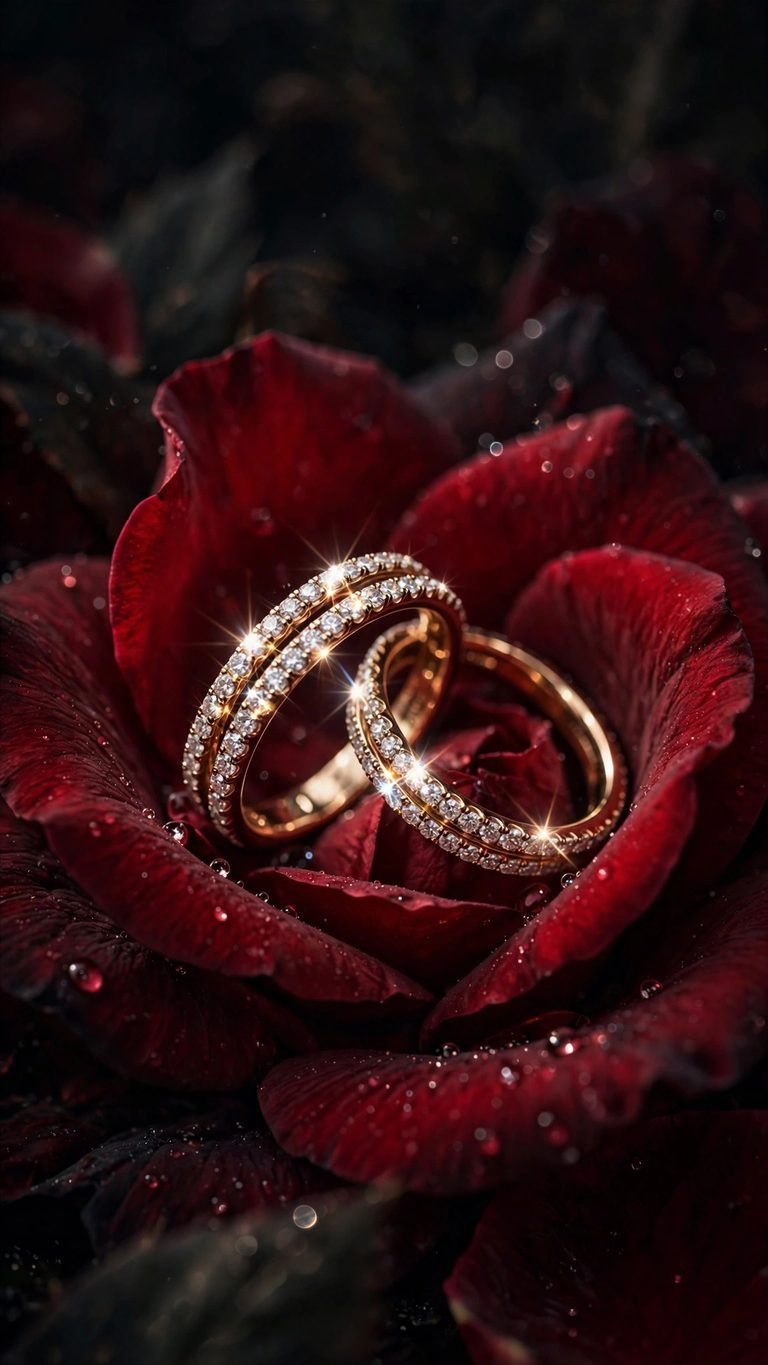
- Rings on Rose Petals AI Photo Prompt: Diamond Sparkle Macro With Velvet Box for a Luxurious Proposal Scene
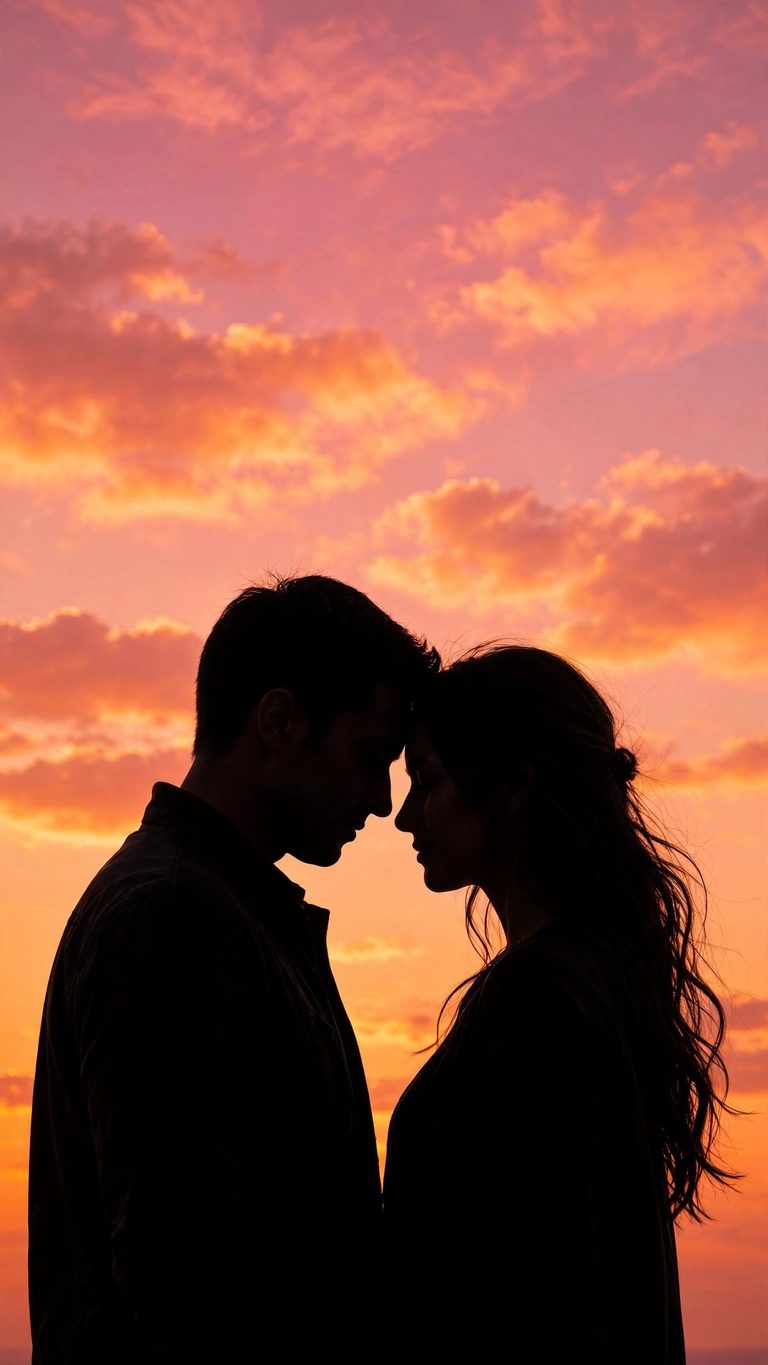
- Milky Way Couple AI Photo Prompt: Tiny Silhouette Under a Vibrant Galaxy Core With Glowing Tent and Stars
# A I V i d e o # P r o m p t B a z a r # A I P h o t o P r o m p t # H o l d i n g H a n d s # L o v e # C l o s e U p

Leave a Reply