
Introduction
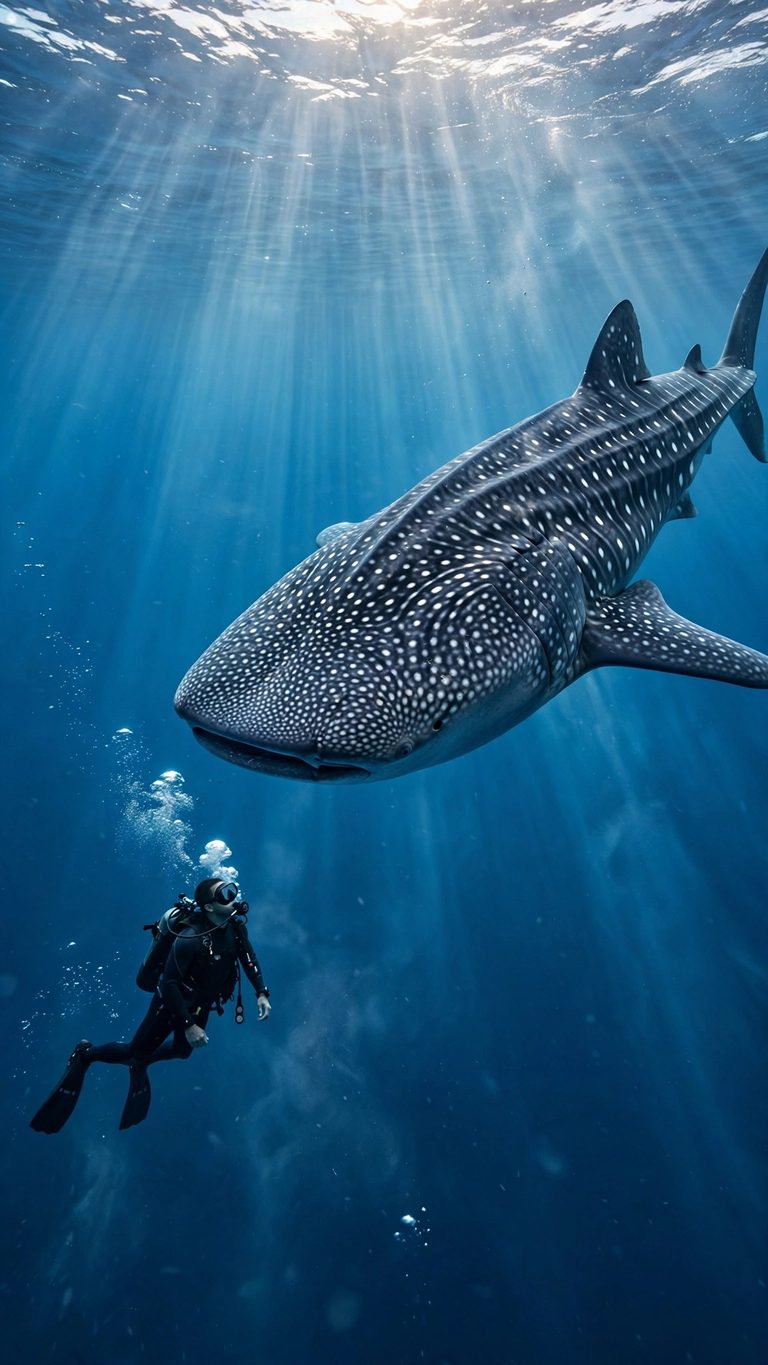
Few creatures on Earth command the kind of instant, jaw-dropping attention that a whale shark does. At lengths of up to 40 feet and weights rivaling a small bus, Rhincodon typus is the largest fish in the ocean — and one of its gentlest. This colossal filter feeder has no interest in divers, no aggression, no menace. It simply glides, mouth agape, through sunlit water, wearing its constellation of white spots like a star map. That combination of staggering scale and serene calm is exactly why AI-generated ocean content goes viral. Social media feeds are saturated with cute pets and food photography, but a towering whale shark swimming beside a tiny human diver stops thumbs mid-scroll. On Instagram, underwater portraits in vertical 9:16 format fill the entire screen, and on Pinterest they get saved into dream boards for travel, diving, and bucket lists. A whale shark image does something most viral content cannot: it makes the viewer feel small, humbled, and inspired all at once, which is why it earns likes, saves, and shares at rates far above average. With this AI photo prompt, you can create that moment of awe in seconds, no dive boat required.
The Prompt
Here is the exact prompt, ready to copy and paste into your favorite AI image generator. Every word was chosen to maximize photorealism, scale, and that viral sense of awe:
Awe-inspiring photograph of a massive whale shark gliding through sunlit blue water, white spots and stripes patterning its huge back, a diver swimming alongside for scale, light rays dancing down, gentle giant serenity, ultra detailed, 8k, photorealistic, underwater photography
Why This Prompt Works
The magic of this prompt lies in how it stacks three proven viral triggers — scale, light, and serenity — into a single frame. First, the prompt insists on a diver swimming alongside the whale shark “for scale.” Scale is the single most important element in giant-creature photography, because without a human reference the viewer’s brain cannot register how enormous the animal really is. When your eye travels from the tiny diver to the massive spotted body, you experience a micro-moment of shock, and shock drives engagement. Second, the prompt specifies “sunlit blue water” with “light rays dancing down.” God rays in underwater photography create natural leading lines and a cathedral-like atmosphere, transforming a simple animal portrait into something almost spiritual. The human eye is drawn to high-contrast light beams, which is why these images perform so well as thumbnails and grid posts. Third, the phrase “gentle giant serenity” tells the AI to render the scene with calm body language: a relaxed glide rather than a dramatic charge. Calm imagery gets saved and shared because it lowers the viewer’s stress — it is digital therapy, and calm ocean imagery is one of Pinterest’s highest-saving categories. Technically, the prompt closes with “ultra detailed, 8k, photorealistic, underwater photography,” a stack of quality keywords that modern image models like Midjourney v7 and DALL-E 3 interpret as instructions to maximize texture: the unique spot pattern, the ridged skin, the granular light caustics on the water surface. On Instagram and Pinterest, photorealism is non-negotiable; viewers smell a fake instantly and scroll past. This prompt delivers the crisp, believable detail that survives zoom-ins and earns comments like “wait, this is real?” — the holy grail of AI photo virality.
How to Use This Prompt
Step one: copy the entire prompt text from the box above, word for word, including the quality tags at the end. Step two: paste it into your image generator of choice — Midjourney, DALL-E 3, or Flux all handle this prompt beautifully. In Midjourney, append –ar 9:16 to force the vertical portrait format; in DALL-E 3, select the 9:16 portrait orientation before generating. Step three: generate four variations and study them like a photo editor. Look for the frame where the diver’s position gives the best sense of scale — ideally small against the shark’s full body — and where the light rays are most dramatic. Step four: upscale your winner. Midjourney’s U-buttons followed by the upscale or “Subtle” enhance option will sharpen the spot patterns and skin texture; in Flux, run the image through your favorite upscaler to 4x. Step five: share it. On Instagram, post as a Reel cover or a standalone portrait post with an awe-driven caption and ocean hashtags; on Pinterest, upload it to an ocean or travel board with a keyword-rich title like “Whale Shark Underwater Photography.” The whole process takes under ten minutes, and the result looks like a shot from a National Geographic expedition that cost thousands of dollars to capture.
Pro Tips & Creative Variations
The base prompt is a proven performer, but the real creative gold comes from variation. Try changing the time of day: replace “sunlit blue water” with “dawn-lit surface glow” for warmer tones, or “moonlit deep blue water” for a mysterious nighttime dive that pops against dark backgrounds. Swap the camera angle by adding “dramatic low-angle shot looking up at the whale shark’s belly” — underbelly shots emphasize scale even more because the animal looms over the viewer. Change the subject by trading the diver for “a sea turtle swimming in the foreground” or “a school of remoras near the shark’s head” for fresh compositions in the same majestic style. For mood shifts, try “storm-lit ocean surface, dramatic mood” instead of serenity, or “dreamy pastel water, ethereal atmosphere” for a softer aesthetic that performs beautifully on Pinterest. Species swaps open an entire series: replace “whale shark” with “manta ray” and “white spots” with “graceful wingspan,” or go bigger with “basking shark in cold green water.” You can also combine this prompt’s structure with other PromptBazar deep-ocean prompts — for example, keep the diver-for-scale trick but place it in the “sunken shipwreck” scene from another prompt to build a coherent dive-adventure series that followers will binge. Series outperform one-offs on every platform: post three to five whale shark variations across a week, and watch your saves compound.
Frequently Asked Questions
Q: Will this prompt work in Midjourney v7?
A: Yes — it was tuned for it. Use –ar 9:16 –v 7 (or your latest version) and generate in a fresh prompt thread so previous images do not bias the results. If the diver looks distorted, re-roll with the word “silhouette” added, which simplifies the human figure.
Q: How do I make the image look less AI and more like a real photograph?
A: Add imperfection language: “slight motion blur on the diver’s fins, natural water particles floating, subtle grain.” Real underwater photos are never perfectly clean. Also avoid over-upscaling, which can create a plastic look.
Q: Can I use this image commercially on my ocean-themed page?
A: Generally yes, since you generated it — but check your generator’s terms. Midjourney paid plans include commercial rights; DALL-E 3 grants you the rights to images you create. Always verify the current terms for your plan before selling prints or merch.
Q: Why does the whale shark sometimes come out looking like a whale?
A: Models confuse “whale shark” with “whale” because of the name. Strengthen the fish identity by appending “flat wide head, distinctive checkerboard spot pattern, gills visible” to anchor the shark anatomy.
There is no faster way to put a forty-foot gentle giant on your followers’ screens than this prompt. Generate it, upscale it, and post it — then watch a creature most people will never meet in person become the most-saved image on your profile. The ocean does the heavy lifting; you just have to press generate.
Related Viral Prompts
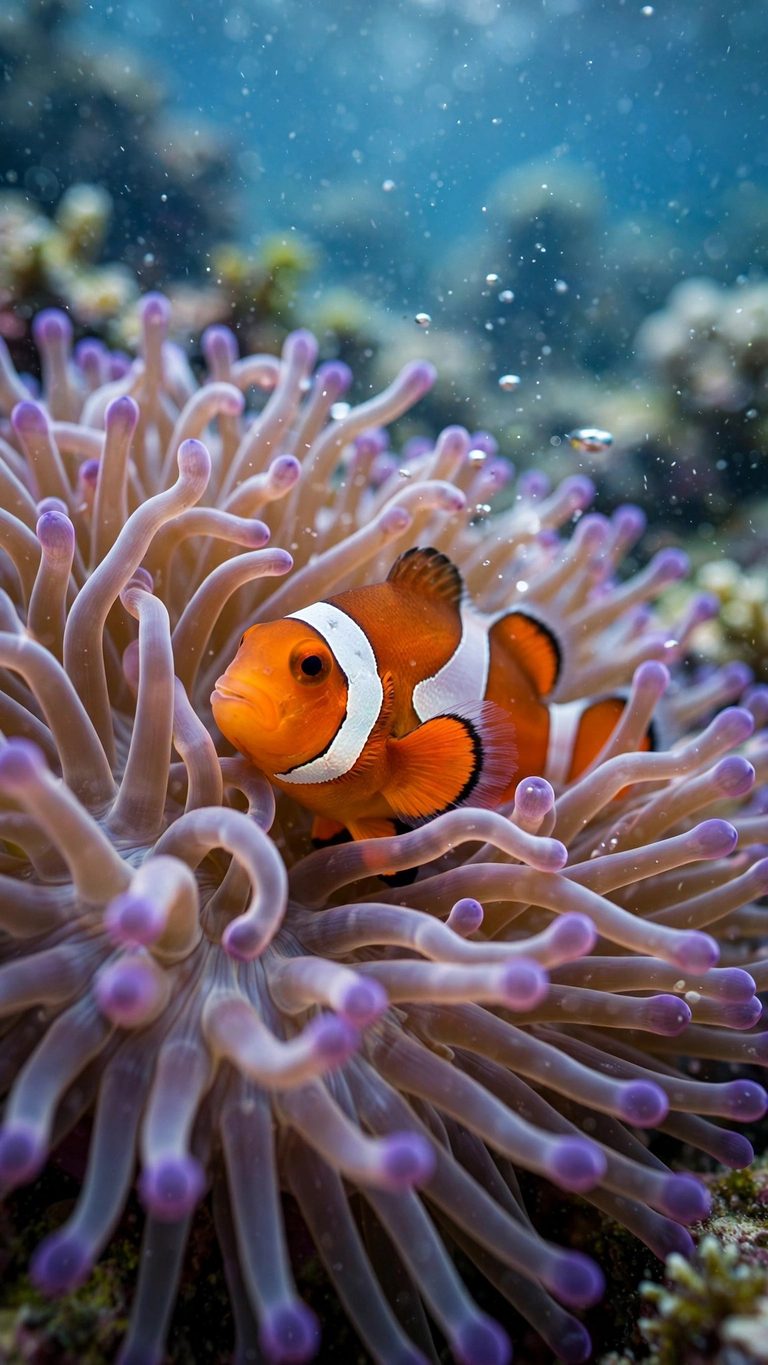
- Clownfish Anemone AI Photo Prompt: Vibrant Reef Macro Photography in Vertical 9:16 Portrait for Pinterest
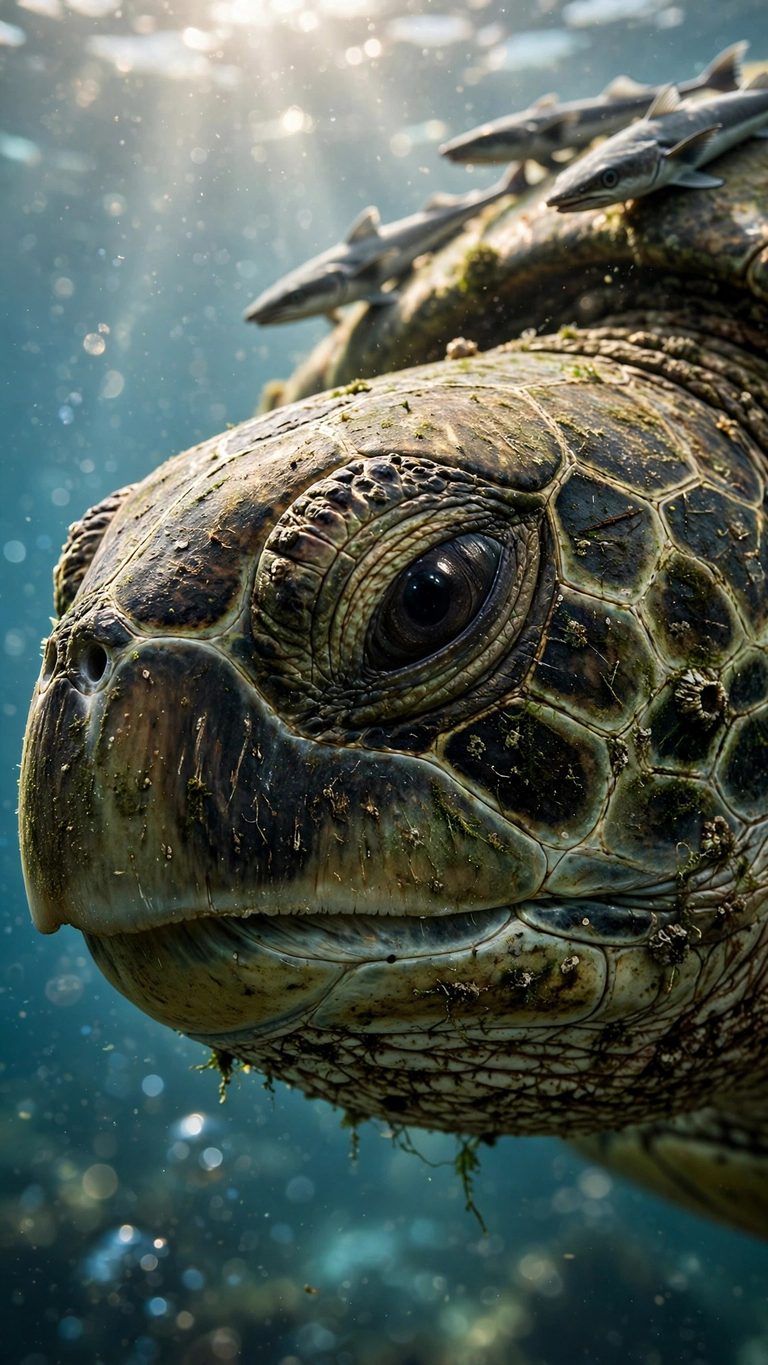
- Sea Turtle Portrait AI Photo Prompt: Wise Ocean Elder Close-Up in Vertical 9:16 for Instagram & Pinterest
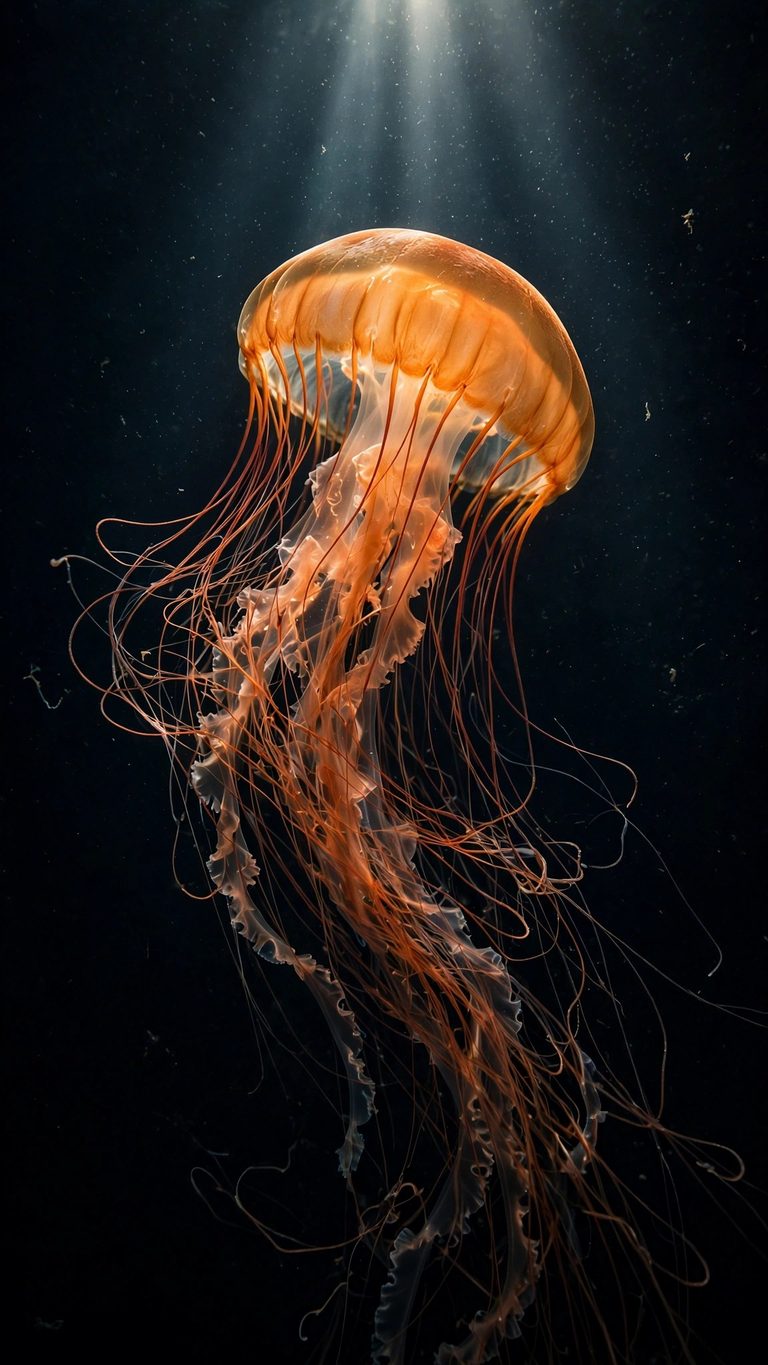
- Deep Sea Jellyfish AI Photo Prompt: Glowing Lantern Aesthetic in the Dark Ocean, Vertical 9:16 Wallpaper Art
# A I P h o t o # P r o m p t B a z a r # W h a l e S h a r k # O c e a n # D i v i n g

Leave a Reply