
Introduction
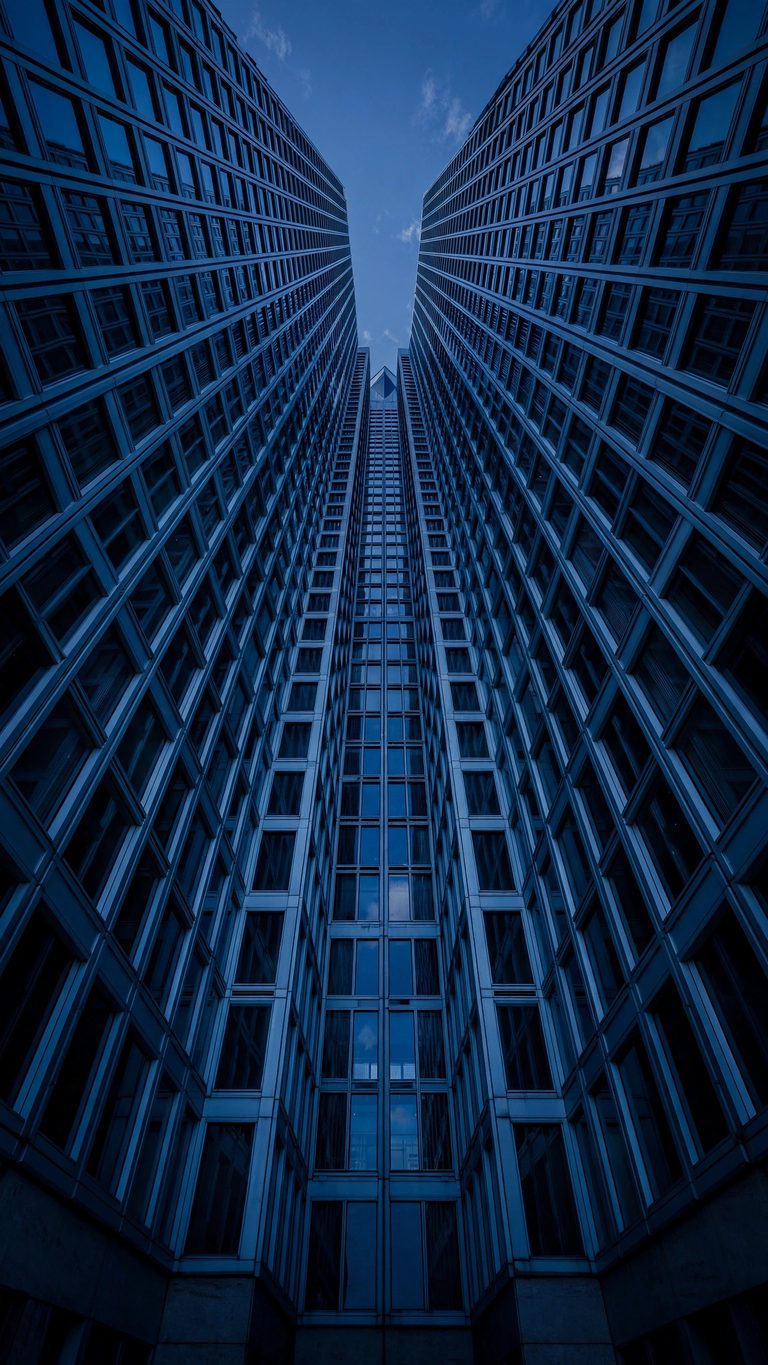
There is a moment every city photographer knows by heart. You are standing on a busy sidewalk in a financial district, briefcase crowds streaming past you, and you tilt your head all the way back until your neck aches. Above you, two glass towers lean toward each other like giants whispering secrets, their facades dissolving into a perfect funnel of steel, reflection, and sky. This is the look-up shot, and it is one of the most magnetic compositions in all of architecture photography. For decades, photographers have crouched at the base of skyscrapers with ultra-wide lenses, waiting for the exact second when the light rakes across the glass and the buildings converge into pure geometry. The #Skyscraper look-up trend has exploded across Instagram, Pinterest, and photography portfolios because it transforms familiar city streets into something vertigo-inducing and abstract, a canyon of glass that makes viewers feel thrillingly small. Now, generative AI lets anyone create this jaw-dropping perspective without traveling to Manhattan, Dubai, or Shanghai. With the right AI photo prompt, you can conjure that dramatic low-angle symmetry on demand, complete with deep blue tones, geometric window patterns, and a tiny patch of sky pulling the whole composition upward.
The Prompt
Copy the prompt below exactly as written and paste it into your favorite AI image generator. It is tuned for a flawless 9:16 portrait composition, perfect for reels, stories, and phone wallpapers.
Dramatic low-angle photograph looking straight up between towering glass skyscrapers, perfect symmetry converging to a small patch of sky, geometric patterns of windows, deep blue tones, tiny clouds above, vertigo-inducing perspective, architectural abstraction, ultra detailed, 8k, photorealistic
Why This Prompt Works
This prompt succeeds because it stacks several powerful visual-psychology triggers that the human brain finds almost impossible to ignore. First, there is perfect symmetry. Our visual system is wired to reward symmetrical compositions with a small hit of pleasure; symmetry signals order, intention, and beauty, which is why the most shared architecture photographs on social media almost always feature centered, mirrored compositions. By asking the model to look straight up between two towers, the prompt guarantees a natural vanishing point: every window line, mullion, and reflection converges toward that small patch of sky, creating a compositional magnet that pulls the viewer’s eye exactly where the photographer wants it. Second, there is the vertigo effect. Low-angle architectural shots trigger a mild thrill response because they exaggerate scale and distort our normal sense of gravity. Viewers linger on images that make them feel something physical, and a towering look-up view delivers that stomach-drop sensation even on a phone screen, which dramatically increases dwell time and shareability. Third, the color strategy is deliberate. Deep blue tones carry associations of trust, calm, and corporate power, which is exactly the emotional register of a glass financial district, while the tiny clouds add a whisper of softness that keeps the image from feeling cold or sterile. The phrase architectural abstraction matters too: it tells the model to treat the buildings as pure pattern rather than literal structures, which produces the ultra-detailed geometric window grids that make this style so hypnotic at thumbnail size. Finally, photorealistic and 8k push the generator toward crisp edges and believable reflections instead of painterly mush, and that crispness is what separates a viral architecture image from an obvious AI render. In short, this prompt is engineered around how people actually look at and share photos.
How to Use This Prompt
Using this prompt well is about matching it to each tool’s strengths. In Midjourney, paste the full prompt and append --ar 9:16 --v 7 to lock in the tall portrait framing and the latest model’s superior handling of geometric detail. If the first result feels too chaotic, add --style raw for a cleaner photographic look, or reroll with a chaos value under 10 to keep the symmetry disciplined. In DALL-E 3 (via ChatGPT), paste the prompt as-is; the model follows natural language faithfully, so you can also add a sentence like ‘keep both towers perfectly mirrored’ if you want extra enforcement. DALL-E 3 renders at square or landscape by default, so request a vertical crop afterward or generate and crop to 9:16 in any editor. In Flux, use the Dev or Pro model with the prompt verbatim and set the aspect ratio to 9:16; Flux excels at clean straight lines, which is exactly what a skyscraper grid demands, and it rarely warps window rows the way older models did. In Stable Diffusion (SDXL or a photorealism checkpoint), paste the prompt into the positive field, add a negative prompt such as ‘blurry, warped windows, tilted horizon, cartoon, painting’, set 30 to 40 sampling steps, and use a 768×1344 canvas for the portrait ratio. Across all tools, generate at least four variations and pick the one with the straightest convergence lines, because a single leaning edge can break the whole illusion of symmetry.
Pro Tips & Creative Variations
Once you have the base composition working, this prompt becomes a playground for customization. Start with the sky: swapping ‘deep blue tones’ for ‘stormy charcoal clouds’ creates a moody, cinematic Gotham feel, while ‘warm sunset glow reflecting in the glass’ turns the same towers into a golden-hour postcard. For a night variant, try ‘city lights glittering in every window, deep navy sky’ and watch the towers become a canyon of stars. Scale is your next lever. Adding ‘a tiny human silhouette at the bottom center’ injects jaw-dropping perspective contrast that makes the buildings feel impossibly tall, a trick architectural photographers use constantly. You can also change the architecture itself: replace ‘glass skyscrapers’ with ‘art deco stone towers’, ‘twisting futuristic skyscrapers’, or ‘historic brick high-rises’ to travel across eras and cities without leaving your desk. Weather transforms the mood completely, so experiment with ‘light fog softening the upper floors’, ‘rain-streaked glass reflections’, or ‘snow dusting the ledges’. For maximum abstraction, push toward ‘extreme close-up of converging facades, sky reduced to a thin slit’, which turns the photo into pure geometric art that performs beautifully as a phone wallpaper. Color grading variations work wonders too: ‘teal and orange cinematic grade’, ‘desaturated monochrome with a single blue window lit’, or ‘infrared-style surreal tones’ each give the same composition a radically different personality. Finally, remember that PromptBazar creators often stack small modifiers at the end, such as ‘shot on 14mm ultra-wide lens’ or ‘subtle lens flare’, to nudge the AI toward specific photographic hardware aesthetics. Save every variation you love, because this single prompt can easily generate a whole themed series for your feed.
Frequently Asked Questions
Why does the 9:16 portrait ratio matter for this prompt?
The look-up composition is inherently vertical: the drama comes from height, convergence, and the long journey of the eye from the bottom of the frame to the sky. A 9:16 portrait frame amplifies that verticality and fills a phone screen edge to edge, which is why this format dominates Instagram Reels, TikTok, Stories, and wallpapers. Landscape crops chop off the convergence lines and destroy the vertigo effect, so always generate or crop vertical for this style.
How do I keep the towers perfectly symmetrical?
Symmetry is the hardest part for AI models because they love organic randomness. The words ‘perfect symmetry’ and ‘converging’ in the prompt do most of the work, but you can reinforce them by adding ‘perfectly mirrored left and right’ to the prompt. In Midjourney, keep chaos low and reroll until the vanishing point sits dead center. In Stable Diffusion, a symmetrical composition benefits from higher CFG values (7 to 9) so the model follows your wording more strictly.
Can I use these AI skyscraper images commercially?
Images you generate with your own subscription on Midjourney, DALL-E 3, Flux, or Stable Diffusion are generally yours to use under each platform’s terms, including commercial projects like posters, book covers, and ad creatives. However, always check the current terms of the specific tool you use, since policies evolve, and avoid implying that a real, identifiable building or brand is depicted if you plan to sell the work.
My windows look warped or melted. How do I fix that?
Warped geometry usually means the model needs stronger photographic guidance. Add ‘sharp straight lines, precise architectural geometry’ to the prompt, raise the step count in Stable Diffusion, or switch to Flux, which handles rigid structures exceptionally well. Generating at a higher resolution and downscaling also cleans up wobbly window grids, and a light pass of manual perspective correction in any photo editor can rescue an otherwise great render.
The skyscraper look-up is proof that the most powerful camera angle is sometimes just tilting your head back. Paste this AI photo prompt into your favorite generator, experiment with skies, eras, and moods, and build a whole vertical series of glass-canyon masterpieces. When you create something breathtaking, share it with the #PromptBazar community and tag your favorite variation so others can remix it too.
Related Viral Prompts
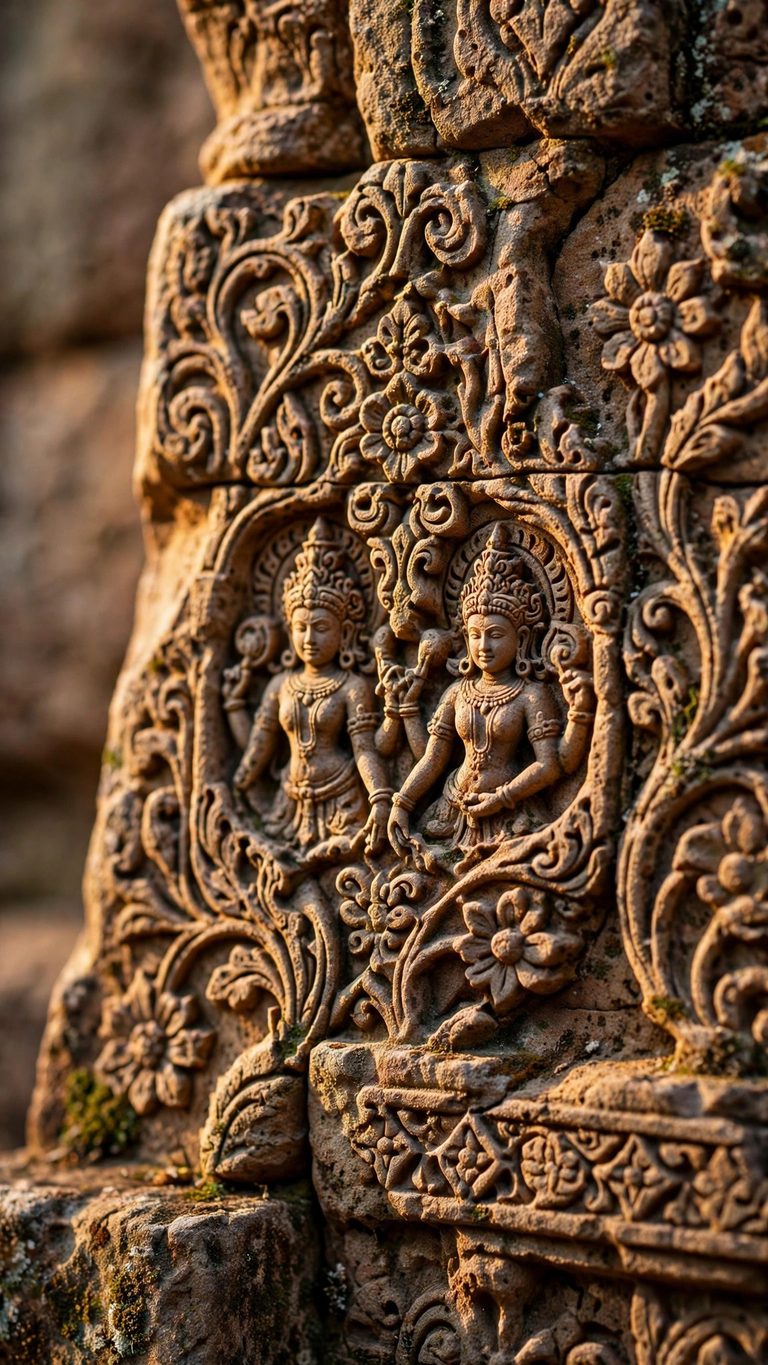
- AI Photo Prompt for Temple Carving Macro Shots: Capture Ancient Stone Detail in Ultra-Detailed Heritage Photos
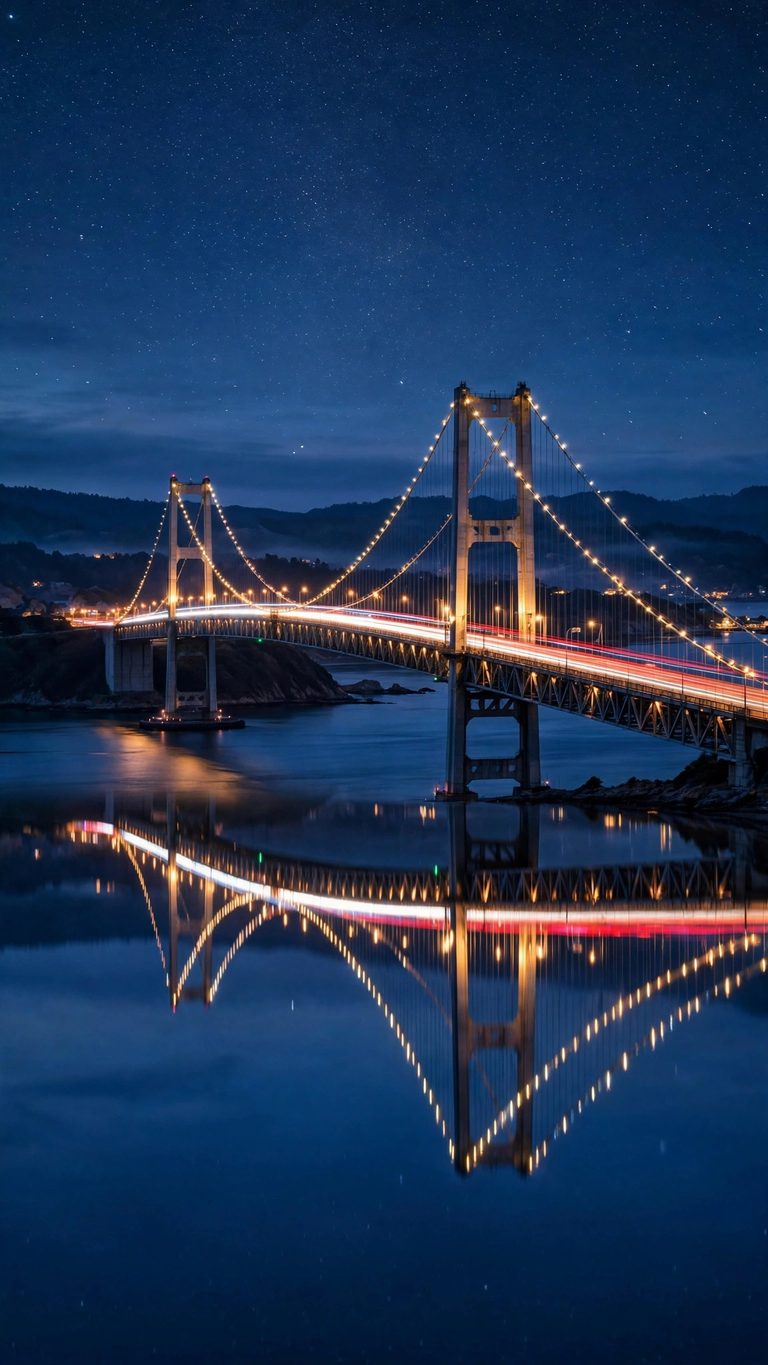
- AI Photo Prompt for Bridge Night Long Exposure: Stunning Light Trails Over Water in Cinematic Night Photos
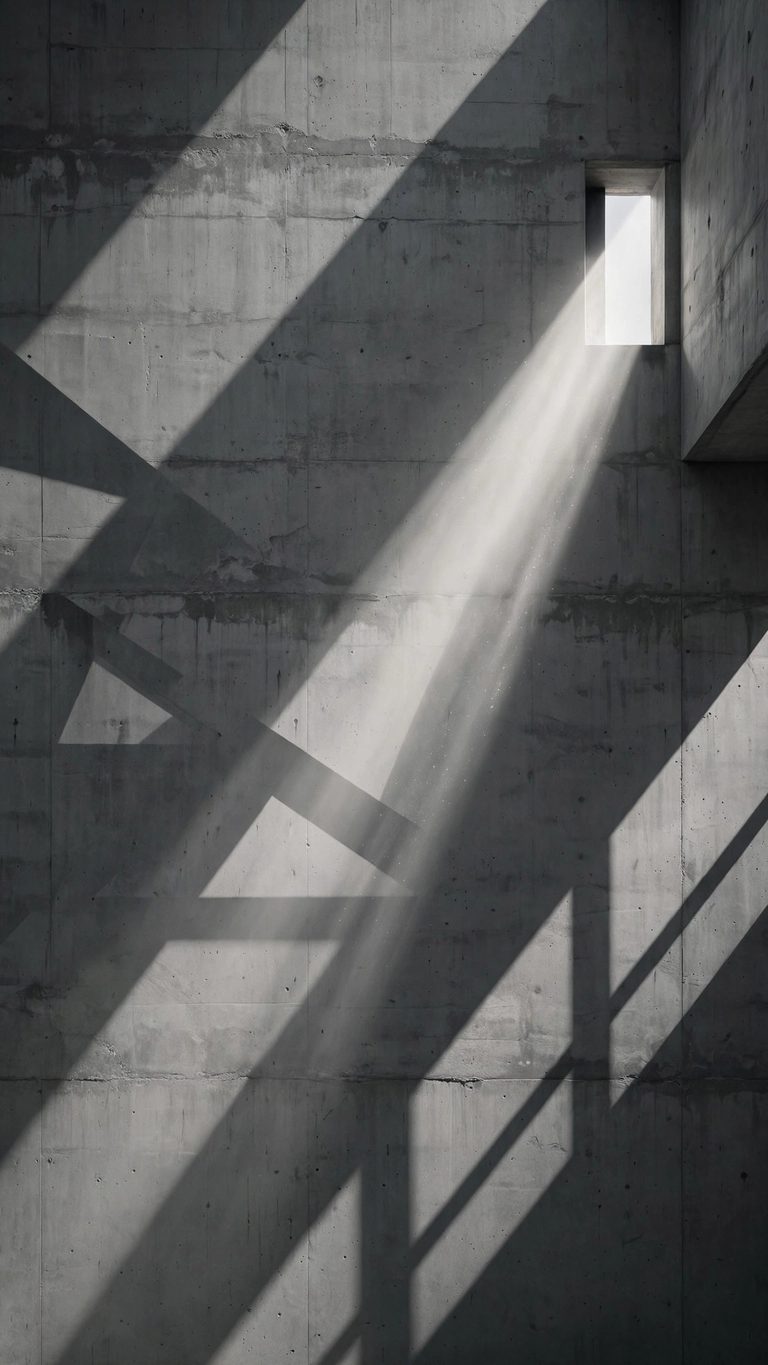
- AI Photo Prompt for Concrete Minimalism: Brutalist Architecture Photos with Dramatic Shadows and Calm
# A I P h o t o # P r o m p t B a z a r # S k y s c r a p e r # S y m m e t r y # L o o k U p

Leave a Reply