
Introduction
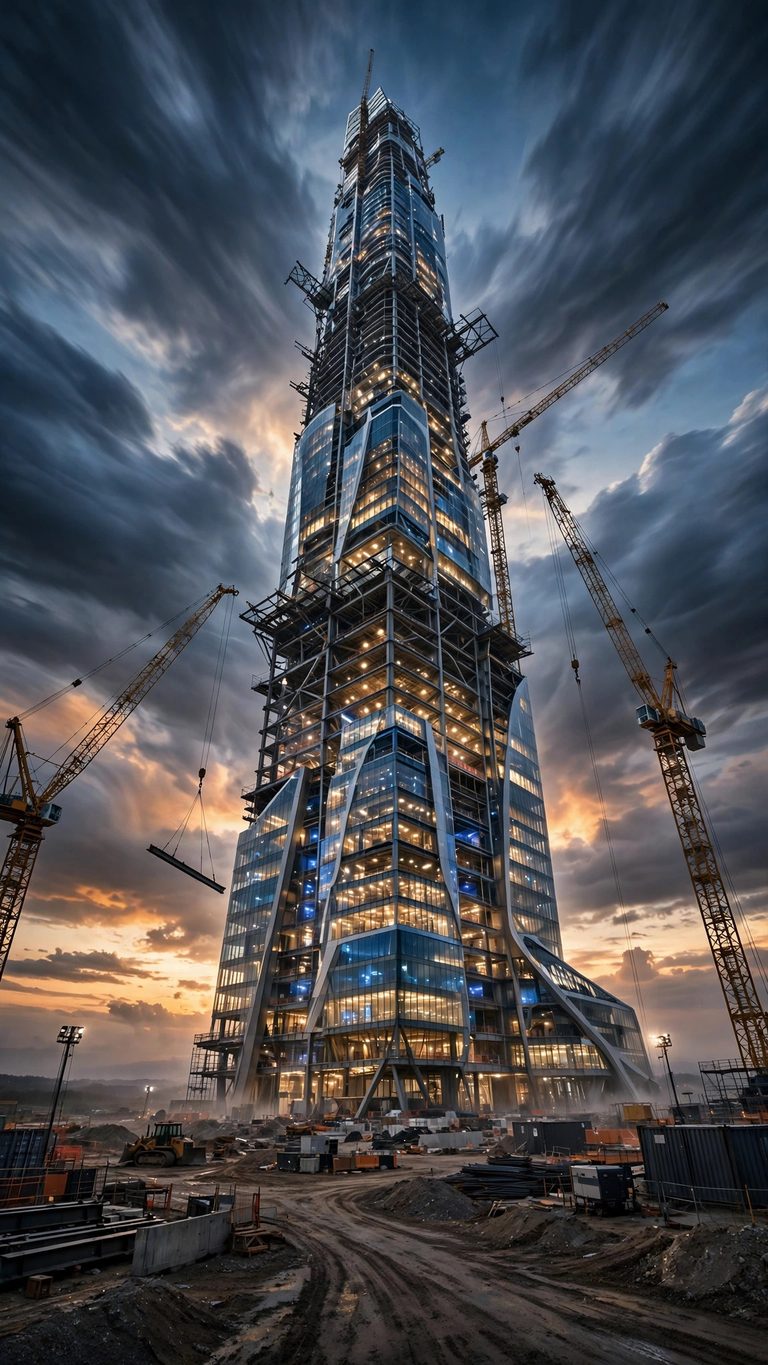
Few sights hold a viewer the way a building rising from nothing does. The first frame shows only an empty lot: bare dirt, safety barriers, and the quiet promise of something enormous. Then the cranes arrive, swinging their loads in slow arcs across the sky. A steel skeleton climbs floor by floor while clouds race overhead, compressing weeks of labor into heartbeats. Glass panels begin sheathing the frame, flashing in the sun. And just as the rhythm feels unstoppable, day melts into night — and the tower ignites, every window blazing like a constellation built by human hands.
This is the kind of clip that stops thumbs mid-scroll. Construction timelapses compress months of invisible effort into ten electric seconds, and the human brain is wired to reward that payoff with a hit of pure satisfaction. Whether you run an architecture page, love engineering marvels, or are simply hunting for a reliably viral format, this skyscraper timelapse prompt delivers the full emotional arc — ambition, struggle, triumph — in one vertical video built for Reels, Shorts, and TikTok.
The Prompt
Copy the prompt below exactly as written, paste it into your favorite AI video generator, and watch an empty construction lot become a glowing city landmark in seconds:
Epic construction timelapse of a futuristic glass skyscraper rising from an empty lot, cranes swinging, steel skeleton climbing floor by floor, clouds racing overhead, day turning to night with the tower lighting up, triumphant engineering marvel, dramatic scale, ultra realistic, 8k, cinematic
Why This Prompt Works
The psychology here is progress made visible. Humans are deeply motivated by watching things grow and complete — it is the same reason fitness transformations and renovation reveals dominate feeds. This prompt front-loads that instinct: an empty lot gives the eye a clear “before,” and every rising floor is a micro-reward. By the time the tower lights up at night, the viewer has lived through an entire story of creation, and the brain files it under deeply satisfying.
Architecture content has a permanent home in the oddly satisfying economy. Timelapse construction clips routinely pull millions of views because they combine scale, motion, and transformation — the three ingredients of scroll-stopping video. Posts tagged #Timelapse consistently outperform static architecture photos, and the day-to-night transition in this prompt is a deliberate retention trick: it creates a second “wow” moment halfway through, resetting attention just as viewers might swipe away.
Shareability is baked in. Engineers repost it as professional pride, city lovers share it as urban wonder, and general audiences forward it as a “how it’s built” marvel — each group spreading it for a different reason, which is the definition of viral range. The racing clouds keep every frame in motion, the swinging cranes add kinetic energy, and the “ultra realistic, 8k, cinematic” finish signals premium quality that makes people proud to share. #Engineering communities especially love content that celebrates the craft behind the skyline.
How to Use This Prompt
You can run this prompt on any major AI video platform. Here is a workflow that works consistently:
- Pick your platform. Veo 3 delivers the most photorealistic architecture; Kling handles smooth timelapse-style motion beautifully; Runway Gen-4 gives strong camera control; Pika is fast for drafts; Sora excels at coherent long motion. Choose based on what you have access to.
- Paste the exact prompt into the text-to-video field. Set the aspect ratio to 9:16 vertical and the duration to 10 seconds, matching the recommended settings — vertical is non-negotiable for Shorts, Reels, and TikTok.
- Generate two or three variants and compare the crane motion and the glass facade. Pick the take where the tower grows steadily without warping — structural wobble is the most common artifact in AI construction clips.
- Inspect the day-to-night transition closely. If you see flicker or melting windows, regenerate with the same prompt; lighting shifts are where most models stumble, and a clean transition is what sells the magic.
- Export at 1080×1920, add a trending ambient or epic-orchestral audio track, overlay a short caption, and publish with hashtags like #Skyscraper, #Timelapse, and #Engineering to reach architecture and engineering audiences.
Post during evening peak hours in your audience’s timezone, and pin a comment containing the prompt so followers can try it themselves — that single move routinely doubles saves and shares.
Pro Tips & Creative Variations
Change the building’s identity. Swap “futuristic glass skyscraper” for a twisted tower, an Art Deco high-rise, or a bamboo-framed eco tower to spin a whole series out of one workflow. Each variation feels like a brand-new video to your audience while costing you nothing extra in effort, and series content keeps followers coming back for the next reveal.
Direct the finale, because the night lighting is the emotional climax. Specify it in the prompt: “warm golden windows,” “cool blue corporate glow,” or “rainbow LED facade for a festival night.” A stormy sky with racing clouds adds drama; a clear sunset sky adds romance. The weather and lighting you choose set the entire mood of the piece, so treat them as creative decisions, not defaults.
Play with the camera and the sound. Ask for a low-angle hero shot looking up as the tower grows, or a crane-mounted point of view swinging with the loads. For a premium finish, generate a second clip — a slow aerial orbit of the finished glowing tower — and stitch it after the timelapse for a twenty-second mini-story. Add sound design: a deep construction rumble swelling into a triumphant orchestral hit the moment the lights come on. Viewers will feel the triumph, not just see it.
Frequently Asked Questions
Q: Can I make this video with a free AI video tool?
A: Yes. Pika and several other platforms offer free daily credits that are enough to generate a 10-second clip like this. Free tiers may render at lower resolution or add a watermark, so for a watermark-free, premium finish, a paid plan on Veo 3, Kling, or Runway is worth considering once the format proves itself on your channel.
Q: Why does my construction timelapse flicker or morph?
A: Flicker usually comes from the model struggling with the day-to-night lighting shift. Regenerate the clip — most models nail it within two or three tries. Keeping the prompt’s “ultra realistic, cinematic” quality tags helps, and avoiding extra camera movement during the transition reduces morphing artifacts.
Q: Should I post this in vertical or horizontal format?
A: Vertical 9:16 is the right choice. The prompt’s settings specify 9:16, and TikTok, Reels, and Shorts all reward vertical video with wider distribution. A horizontal version works for YouTube long-form compilations, but for reach and shareability, stay vertical.
Q: Can I use AI-generated videos like this commercially?
A: On most platforms — Veo 3, Runway, Kling, Pika, Sora — paid plans grant commercial usage rights, while free tiers often restrict output to personal use. Check your plan’s terms before running ads or client work. For organic social posting, free-tier output is generally fine.
This skyscraper timelapse prompt turns an empty lot into a glowing triumph in ten seconds flat — and it can do the same for your content calendar. Paste the prompt into Veo 3, Kling, Runway, Pika, or Sora today, generate your tower, and share the result with #Timelapse and #Engineering. Then tell us: what will your tower look like?
Related Viral Prompts
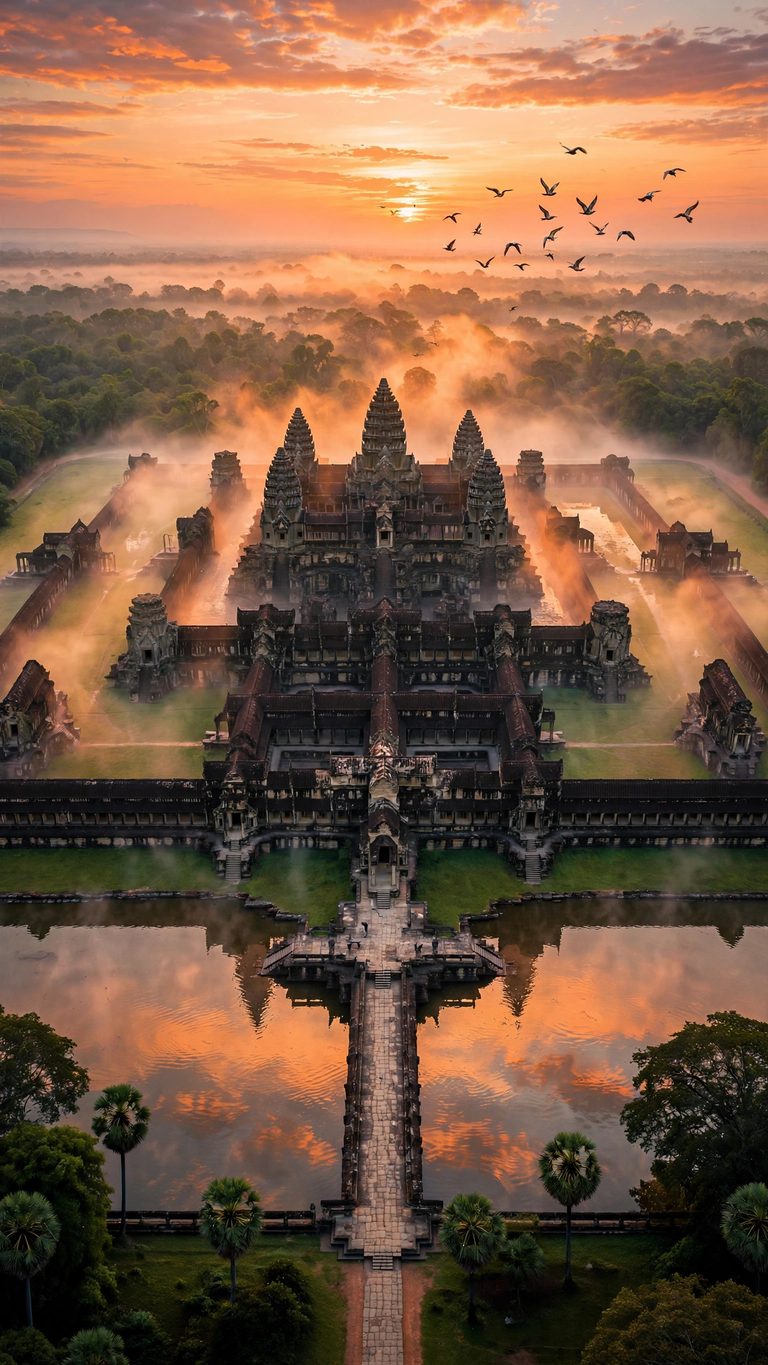
- AI Video Prompt: Breathtaking Angkor Wat Sunrise Drone Flight Over Misty Ancient Temple Towers in Cinematic 8K
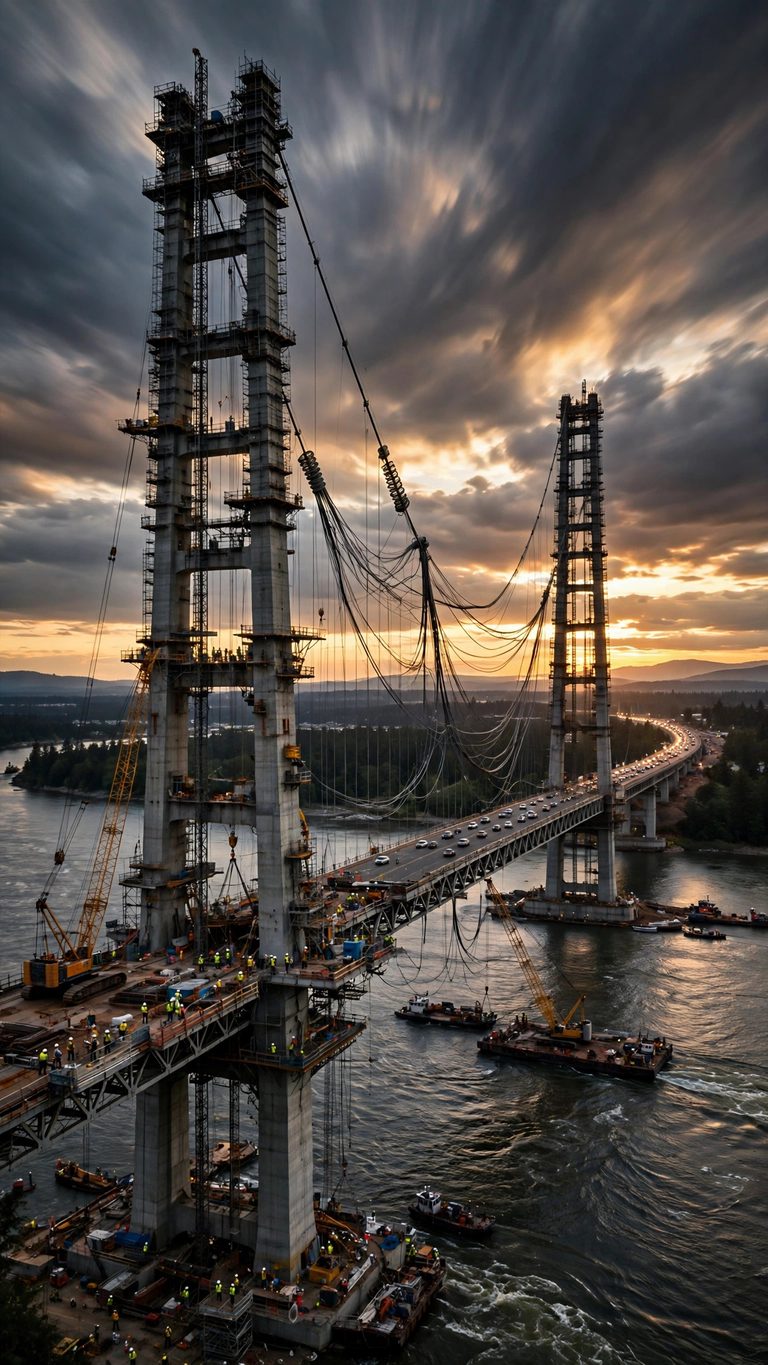
- AI Video Prompt: Epic Suspension Bridge Construction Timelapse — Towering Pylons, Spinning Cables, Sunset Triumph
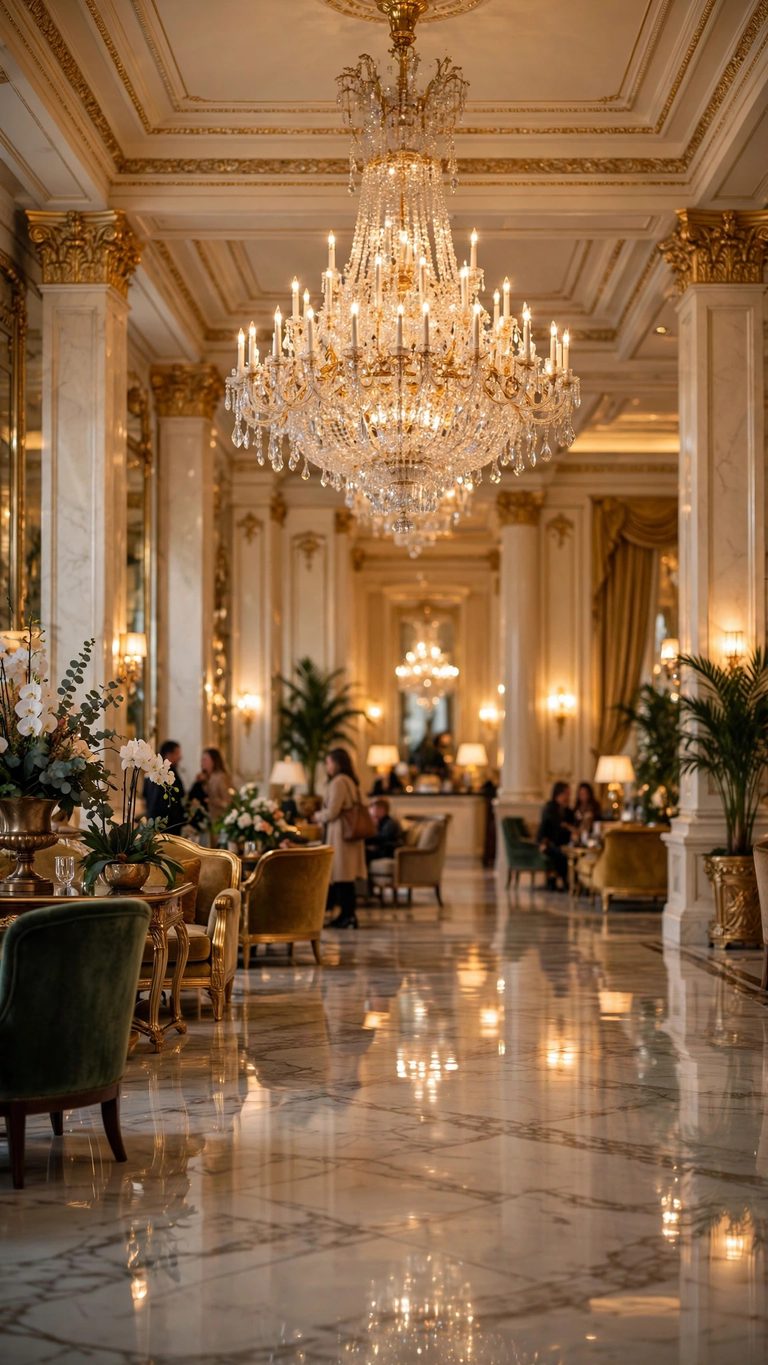
- AI Video Prompt: Luxurious Grand Hotel Lobby Dolly Reveal — Marble Floors, Sparkling Chandeliers & Golden Light
# A I V i d e o # P r o m p t B a z a r # S k y s c r a p e r # T i m e l a p s e # E n g i n e e r i n g

Leave a Reply