
Introduction
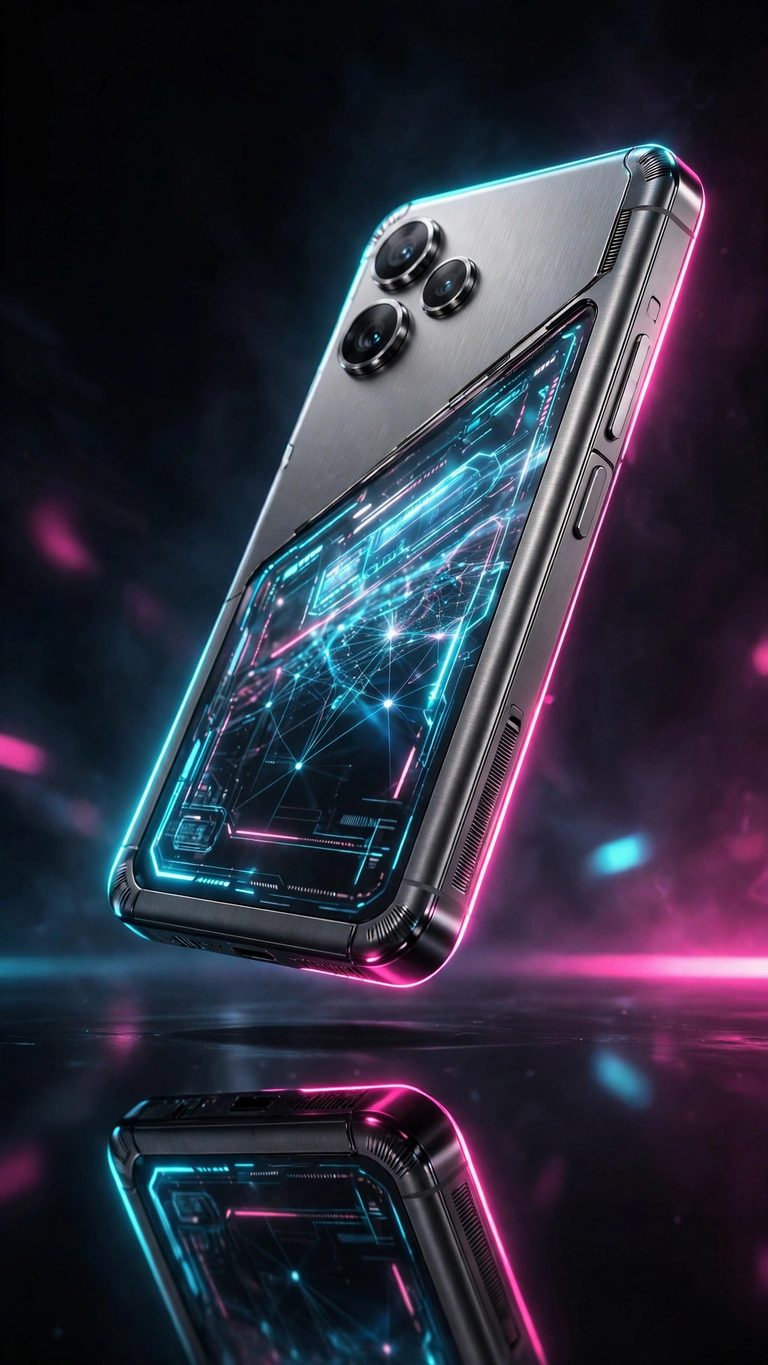
Every flagship phone launch feels less like a press event and more like a light show. The lights drop, a phone rises from darkness in pink and cyan glow, and the crowd gasps before a single spec is mentioned. That reaction is not an accident. Smartphone brands spend millions on advertising photography because they know one truth: we fall in love with the glow before we read the spec sheet. A neon product shot turns an everyday slab of glass and metal into an object of desire: powerful, futuristic, and worth every dollar. The best news: you no longer need a studio, expensive lighting rigs, or technicians to create that look. With one well-crafted AI photo prompt, you can generate advertising-quality smartphone imagery in under a minute from your laptop. This prompt builds a futuristic titanium smartphone floating at a dynamic angle, edged with neon pink and cyan rim lighting, its holographic interface glowing above a reflective black surface. Whether you are a tech blogger, an online seller, a content creator, or simply someone who loves gorgeous gadget art, this is your shortcut to product photography that stops the scroll.
The Prompt
Here is the exact prompt. Copy it word for word into your favorite AI image generator and watch the magic happen.
Premium product photograph of a futuristic titanium smartphone floating at a dynamic angle, neon pink and cyan rim lighting, reflective black surface below, holographic UI glowing on screen, dramatic studio setup, hyper-detailed metal textures, razor sharp, advertising quality, ultra detailed, 8k, photorealistic
Why This Prompt Works
This prompt is a masterclass in commercial product photography language, and every phrase earns its place. The neon pink and cyan rim lighting is the star of the show. Pink and cyan sit opposite each other on the color wheel, so they create maximum contrast while still feeling harmonious. That complementary pairing is why cyberpunk posters, gaming setups, and sci-fi movie posters keep using it: the human eye is wired to find it exciting. Rim lighting does something equally important. By tracing a bright edge around the phone, it separates the device from the dark background and gives it a crisp, expensive silhouette, exactly like the edge light photographers create with strip softboxes in real studios.
The floating dynamic angle adds energy that a flat lay-on-table shot can never match. A phone suspended in mid-air, tilted as if caught mid-motion, feels alive and premium, like the hero shots in launch keynotes. Below it, the reflective black surface doubles the visual impact. Reflections imply a polished, high-end environment and add depth without cluttering the frame. Then there is the holographic UI glowing on the screen. Instead of a blank black rectangle, the screen tells a story about the future, which makes viewers lean in and imagine using the device. Finally, the quality stack at the end, with phrases like hyper-detailed metal textures, razor sharp, advertising quality, ultra detailed, 8k, and photorealistic, pushes the generator toward crisp, commercial-grade output instead of a soft amateur render. From a trends perspective, neon gadget art dominates tech YouTube thumbnails, TikTok unboxings, and Instagram reels because it reads clearly even at tiny sizes. That instant readability is what makes this image so shareable: anyone scrolling past recognizes premium tech in half a second, and that recognition drives likes, saves, and reposts across the #Smartphone community.
How to Use This Prompt
Getting a great result is mostly about matching the prompt to your tool of choice. This post was designed for a 9:16 portrait format and tuned for Midjourney v7 and DALL-E 3, so start there if you can.
Midjourney v7: Paste the full prompt, then add –ar 9:16 –v 7 at the end. The 9:16 aspect ratio gives you a tall vertical frame that is perfect for phone wallpapers, reels covers, and story posts. If the first result feels too stylized, add –style raw for a more photographic look.
DALL-E 3: Paste the prompt into the chat and add one line: “vertical portrait orientation, 9:16 aspect ratio.” DALL-E 3 follows natural language instructions well, so you can also ask it to “make the rim lighting stronger” or “tilt the phone more dramatically” in follow-up messages.
Flux: Flux handles photorealism beautifully. Paste the prompt as-is and set your output to a portrait resolution such as 768 by 1344. Keep the guidance scale moderate so the neon glow stays smooth rather than crunchy.
Stable Diffusion: Use an SDXL-based model at 768 by 1344 for the 9:16 frame. Add the prompt to the positive field and consider a light negative prompt like “blurry, distorted screen, warped edges” to protect the phone geometry. Generate three or four variations, pick the sharpest one, and you are done. Whichever tool you use, keep the aspect ratio vertical: the tall frame is what makes this composition feel like a movie poster instead of a snapshot.
Pro Tips & Creative Variations
Once you have the base image working, this prompt becomes a playground. Start with the lighting, because color is the fastest way to change the mood. Swap the neon pink and cyan for orange and teal to get a sunset blockbuster feel, or try violet and lime green for a gaming energy drink vibe. You can also ask for a single-color scheme, like all-cyan lighting on a dark blue stage, for a colder, more minimal luxury look. Next, experiment with materials. Replace “titanium smartphone” with “matte ceramic smartphone” for a softer flagship feel, or “carbon fiber smartphone” for an aggressive gaming aesthetic. The reflective black surface can become brushed dark metal, wet asphalt for street style, or even a mirror-like liquid chrome pool for maximum drama.
The screen content is another rich area to customize. Instead of a generic holographic UI, specify what the phone displays: a futuristic map interface, a camera viewfinder, a music player with glowing waveforms, or a video call frozen mid-frame. Each choice tells a different story and suits a different audience, from travel bloggers to mobile photographers. Composition tweaks matter too. Ask for the phone “held in a human hand emerging from darkness” to add scale and relatability, or request an extreme close-up macro crop of the camera module with the neon rim light raking across the lenses. For seasonal content, add “floating dust particles like snow” for winter or “warm bokeh city lights behind” for a night-out mood. If you are building a series, keep the lighting identical and only change the phone color or background across images. That consistency makes a #Neon themed carousel or wallpaper pack feel professionally art-directed. Finally, generate in small batches and curate ruthlessly: pick the one frame where the reflection, angle, and glow all align, because a single perfect hero shot outperforms ten decent ones.
Frequently Asked Questions
Which AI generator gives the best results for this prompt?
Midjourney v7 and DALL-E 3 both handle it well, and the post settings recommend exactly those two. Midjourney tends to produce richer neon glow and more dramatic reflections, while DALL-E 3 follows the composition instructions more literally. Flux is a strong third choice for photorealism. Try the same prompt in two tools and compare before committing to a full series.
Why does the text or UI on the screen sometimes look garbled?
AI models still struggle with tiny legible text. If the holographic UI comes out distorted, simplify that part of the prompt to “glowing abstract holographic interface, no text” and the problem usually disappears. You can always composite real UI graphics over the generated phone later in an editor.
Can I change the aspect ratio to landscape or square?
Yes. The prompt was built for 9:16 portrait, which suits phones and vertical video, but the scene works in other ratios too. In Midjourney change the flag to –ar 16:9 for a YouTube thumbnail or –ar 1:1 for an Instagram post. Just be aware that wider frames give the generator more empty background to fill, so you may want to add “city bokeh background” to keep it interesting.
Can I use these images commercially?
That depends on the terms of the AI tool you use, not on the prompt itself. Most paid plans from major generators allow commercial use of images you create, but always check your plan’s license. If you are selling phone cases or running ads, generate the final image on a paid tier and keep a record of your settings.
This neon smartphone prompt proves you do not need a studio to shoot like an advertiser. Copy the prompt, pick your generator, dial in that 9:16 portrait frame, and create a hero shot worthy of a flagship launch. Try it today and tag your glowing results with #Smartphone and #Neon so the community can see what you made.
Related Viral Prompts
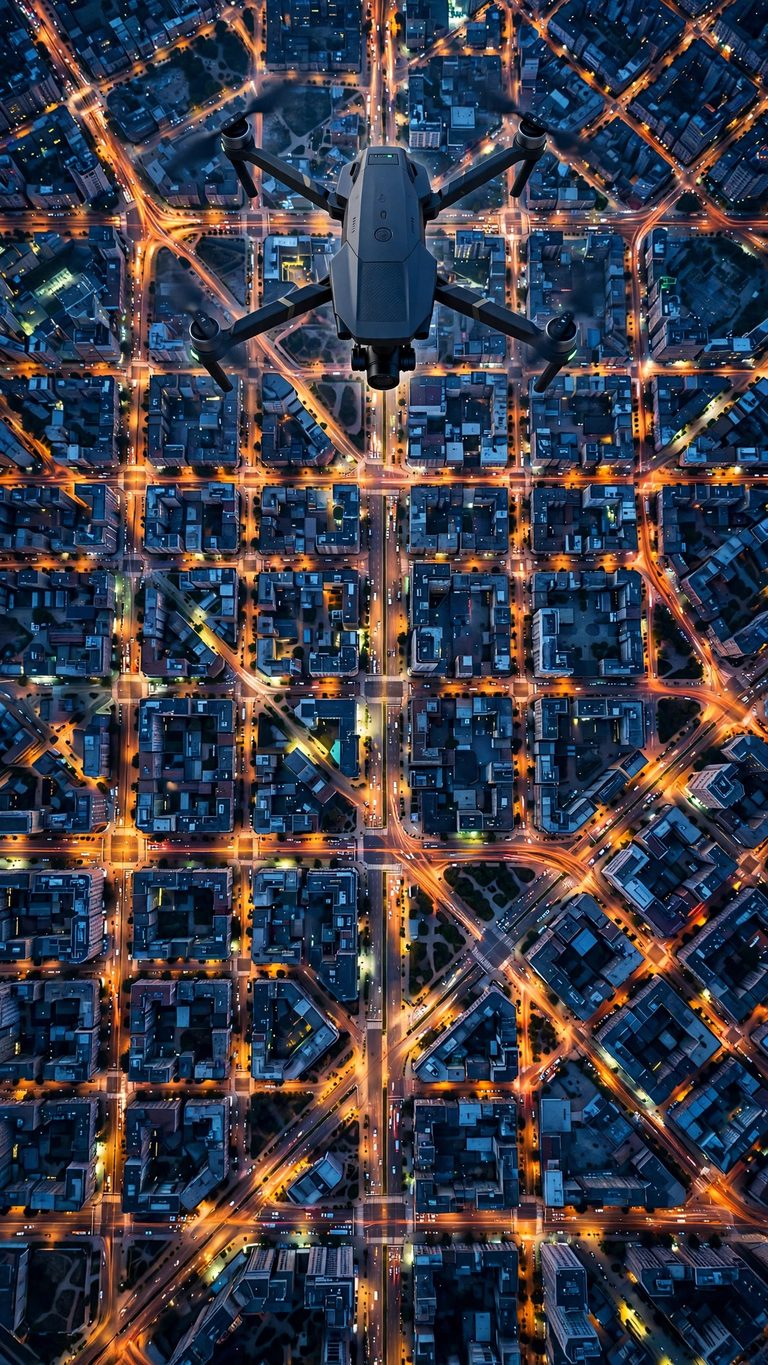
- AI Photo Prompt: Breathtaking Drone Aerial Photo of a Glowing City Grid Captured at Blue Hour for Stunning Visuals
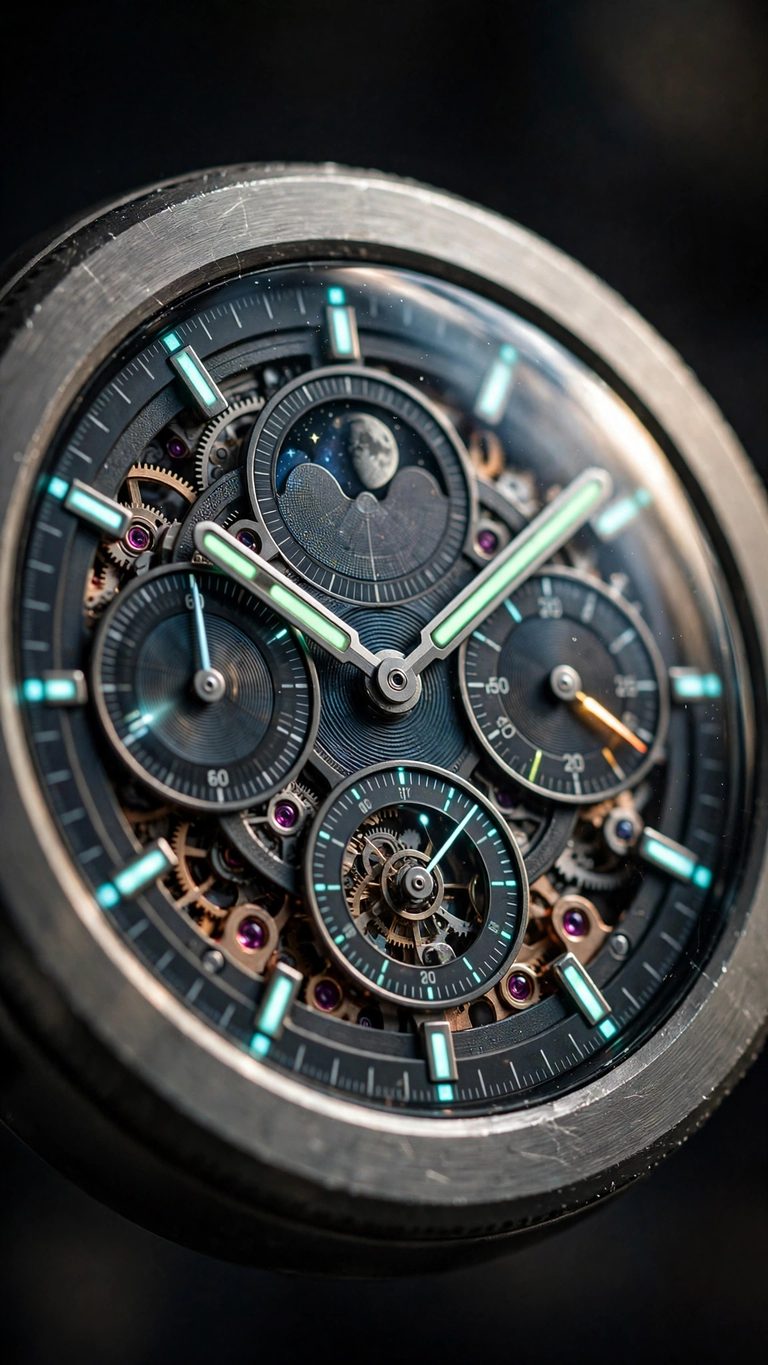
- AI Photo Prompt: Exquisite Luxury Smartwatch Macro Photo With Sapphire Dial and Titanium Case Detail
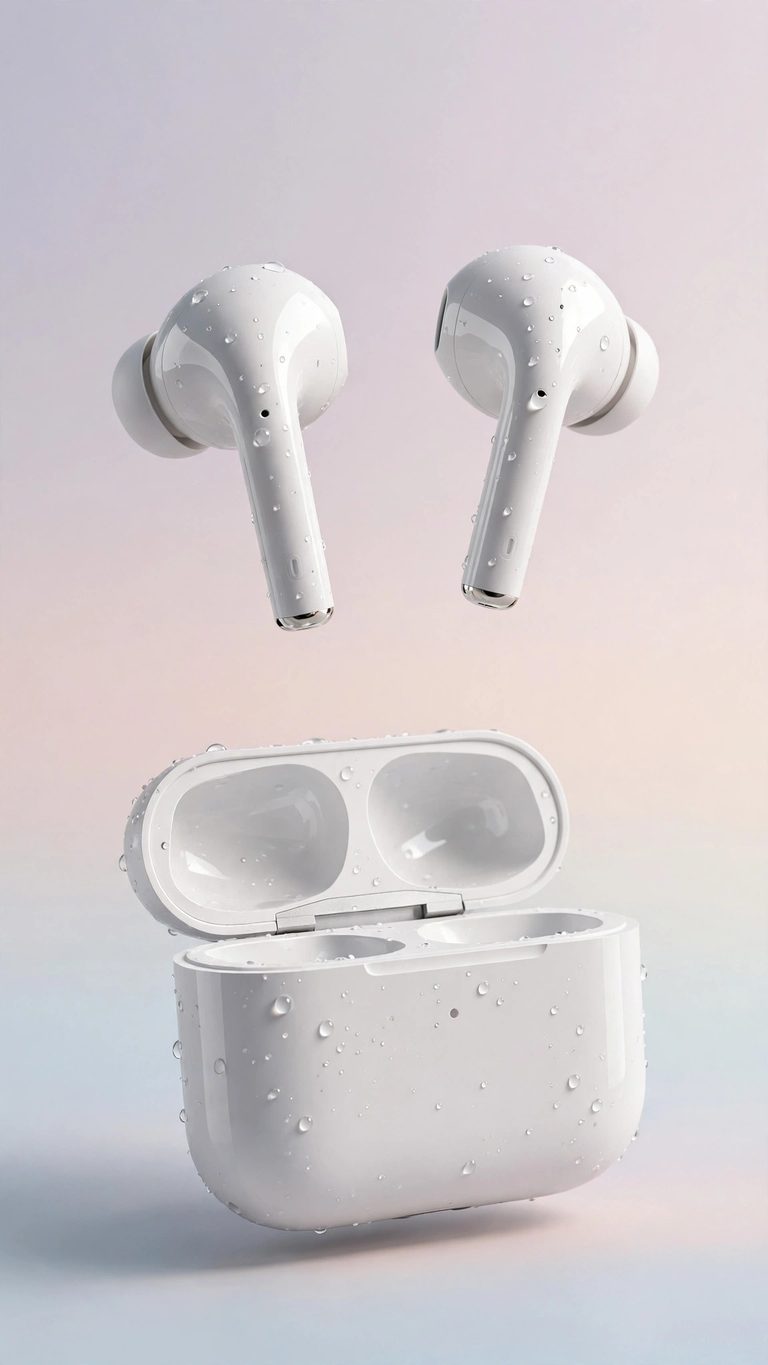
- AI Photo Prompt: Minimalist Wireless Earbuds Product Photo With Pastel Background and Fresh Water Drops
# A I P h o t o # P r o m p t B a z a r # S m a r t p h o n e # P r o d u c t S h o t # N e o n

Leave a Reply