

Introduction
Picture the moment every tech launch tries to manufacture: the lights dim, a hush falls, and a single device rises glowing like a visitor from 2045. Now imagine bottling that electricity into an eight-second vertical video made from one sentence. A sleek smartphone unfolds in a dark studio, and as the hinge opens, a luminous 3D hologram city blooms above the screen, towers of light rising while particles swirl around the frame.
Product reveals are the lifeblood of tech content on TikTok, Reels, and Shorts. Unboxings and concept phone animations pull millions of views because they sell a feeling: holding tomorrow in your hand today. The slow orbit, neon accents cutting through darkness, and floating holographic UI elements read as premium commercial footage that once demanded a full VFX studio.
Whether you run a gadget channel or love futuristic visuals, this scene stops thumbs mid-scroll. Below are the exact prompt, why it performs so well, a step-by-step workflow for every major AI video platform, and creative variations to make the concept unmistakably yours.
The Prompt
Copy the prompt below exactly as written and paste it into your favorite AI video generator. Every descriptive phrase was chosen to guide the model toward a polished, commercial-grade reveal shot.
Futuristic product reveal, a sleek smartphone unfolding to project a glowing 3D hologram city above it, camera orbiting slowly around the device, light particles swirling, dark studio with neon accents, holographic UI elements floating, premium tech commercial style, ultra realistic, 8k, cinematic lighting
Why This Prompt Works
Great AI video prompts succeed because they give the model three things: a clear subject, a dynamic camera move, and an emotional lighting story. This prompt delivers all three in one dense package. The subject, a folding smartphone projecting a hologram city, is instantly readable even at phone-screen size. Viewers understand what they are looking at within the first half second, which is critical because short-form platforms reward videos that hook before the viewer can swipe.
The slow orbiting camera is the secret weapon. Static product shots feel like photographs, but a gentle orbit introduces parallax, shifting reflections, and a sense of physical presence that tricks the brain into perceiving the render as real footage. Visual psychology research on motion perception shows that smooth rotational movement around an object increases perceived value and desirability, which is exactly why luxury car commercials and flagship phone launches use the same technique. The prompt also layers atmosphere through light particles and neon accents, giving the model rich texture to work with instead of a flat, empty background.
From a content-trend perspective, this sits at the intersection of three proven viral formats: the product reveal, the futuristic concept render, and the satisfying tech loop. Concept phone videos have been a staple of tech YouTube and TikTok for years, and AI generation has supercharged the genre by removing the need for 3D modeling skills. The hologram city adds a science-fiction payoff that elevates the clip beyond a simple device showcase. Shareability comes from the “wow” compression: the entire narrative, unfold, projection, glowing metropolis, lands in about eight seconds, making it perfect for looping, stitching, and duet reactions. Creators who post this style of future tech content consistently report higher-than-average watch time, because viewers rewatch to catch details in the holographic skyline they missed the first time.
How to Use This Prompt
Follow these steps to turn the prompt into a finished vertical video on any major AI video platform.
- Choose your generator. Paste the prompt into Veo 3, Runway Gen-4, Kling, Pika, or Sora. Veo 3 and Kling currently handle reflective surfaces and particle effects especially well, while Runway gives you the most control over camera motion if you want to exaggerate the orbit.
- Set the aspect ratio to 9:16. This is a vertical-first prompt designed for TikTok, Instagram Reels, and YouTube Shorts. In Veo 3 select portrait output, in Runway choose the 9:16 frame, in Kling pick vertical mode, and in Pika or Sora set the resolution to a portrait format such as 1080×1920.
- Match the duration and motion settings. The post is tuned for an 8-second clip with a slow orbit. If your tool exposes camera controls, select orbit or arc movement at low speed. In Runway, use the camera controls panel; in Pika, add “slow cinematic orbit” to the negative-free prompt area or camera settings.
- Generate two to three variations. AI video is probabilistic, so run the same prompt a few times and pick the take with the cleanest hinge motion and the most legible hologram city. Small differences in particle density can make or break the premium feel.
- Finish and post. Trim the best take to a seamless loop if your editor allows it, add subtle whoosh and hum sound effects, and caption it with a hook like “The phone of 2030 just leaked.” Export at 1080×1920 and publish.
Pro Tips & Creative Variations
The base prompt is a finished commercial shot, but the real fun begins when you bend it toward your niche. Start with the device itself: swap “sleek smartphone” for a “transparent glass smartphone” to lean into the concept-device trend, or describe a “rugged outdoor phone” projecting a holographic topographic map for an adventure-tech angle. Changing the projected content is the fastest way to make the video yours. Instead of a city, try a hologram solar system, a glowing human heart for a health-tech post, or a miniature concert stage for music gadget channels.
Lighting is your second dial. The prompt specifies a dark studio with neon accents, which reads premium, but a “sunrise gold” or “ice blue arctic” palette can completely change the mood and help the video stand out in a feed full of neon. If you want a stronger brand tie-in, add your brand color to the hologram, for example “hologram city glowing in electric violet and white.” Camera language offers a third axis of control: replace the slow orbit with a “dramatic push-in” for a more aggressive ad feel, or a “top-down reveal” that starts on the hologram and tilts down to the phone.
For creators building a series, keep the phone and lighting identical across videos and only change the hologram subject each week. That consistency trains your audience to recognize your content instantly, and it turns a single viral clip into a repeatable format. Finally, pair the video with on-screen text that asks a question, such as “Would you buy this?” Question-driven captions reliably lift comment rates on tech videos, and comments are the engagement signal that pushes future tech clips onto more For You pages.
Frequently Asked Questions
Which AI video tool gives the best results with this prompt?
Veo 3 and Kling currently produce the most convincing reflective materials and light particles for this scene, while Runway offers the finest camera control for nailing the slow orbit. Pika and Sora also handle it well. The prompt is written in plain descriptive language with no tool-specific syntax, so it ports cleanly across all five platforms.
Can I make the video longer than 8 seconds?
Yes. The 8-second setting matches the punchy short-form format, but you can extend to 10 or 15 seconds in tools that support it. If you extend, consider adding a second beat, such as the hologram city rotating or zooming into a single glowing tower, so the extra time adds new information rather than just lingering.
Why does my hologram look blurry or unreadable?
Holograms are a common weak point because models sometimes render them as generic glow. Fix it by emphasizing structure: add phrases like “sharp geometric skyscrapers” or “clearly defined holographic buildings.” Generating three or four takes and picking the sharpest one also helps, as does keeping the camera move slow so the model has stable frames to work from.
How should I caption this for maximum reach?
Lead with curiosity and a touch of controversy. Hooks like “Apple would never show you this” or “This phone does not exist yet” outperform plain descriptions. Add 3 to 5 niche hashtags around smartphones and future tech, post during your audience’s peak evening hours, and reply to the first comments quickly to boost early engagement velocity.
Futuristic product reveals are among the most reliable viral formats in tech content, and this prompt hands you a studio-quality version in seconds. Paste it into Veo 3, Runway, Kling, Pika, or Sora, render it in 9:16, and watch a simple unfold become a glowing city in the palm of your hand. Try the prompt today, tweak the hologram to match your style, and post the result. Your next viral tech clip might be one generation away.
Related Viral Prompts
- Drone Swarm Phoenix Light Show: An Epic Viral AI Video Prompt for Breathtaking Night Sky Spectacle Videos
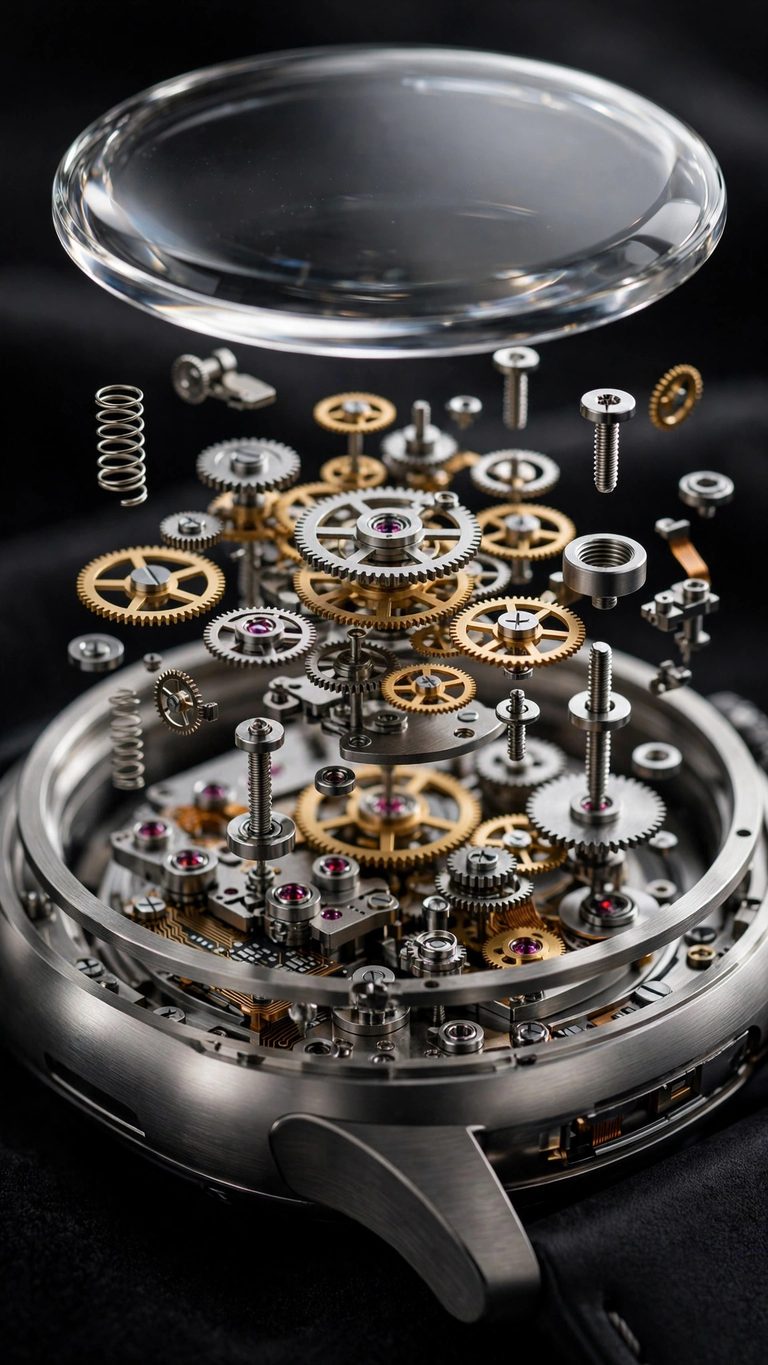
- Self-Assembling Smartwatch Macro Timelapse: A Deeply Satisfying Viral AI Video Prompt for Tech Close-Ups
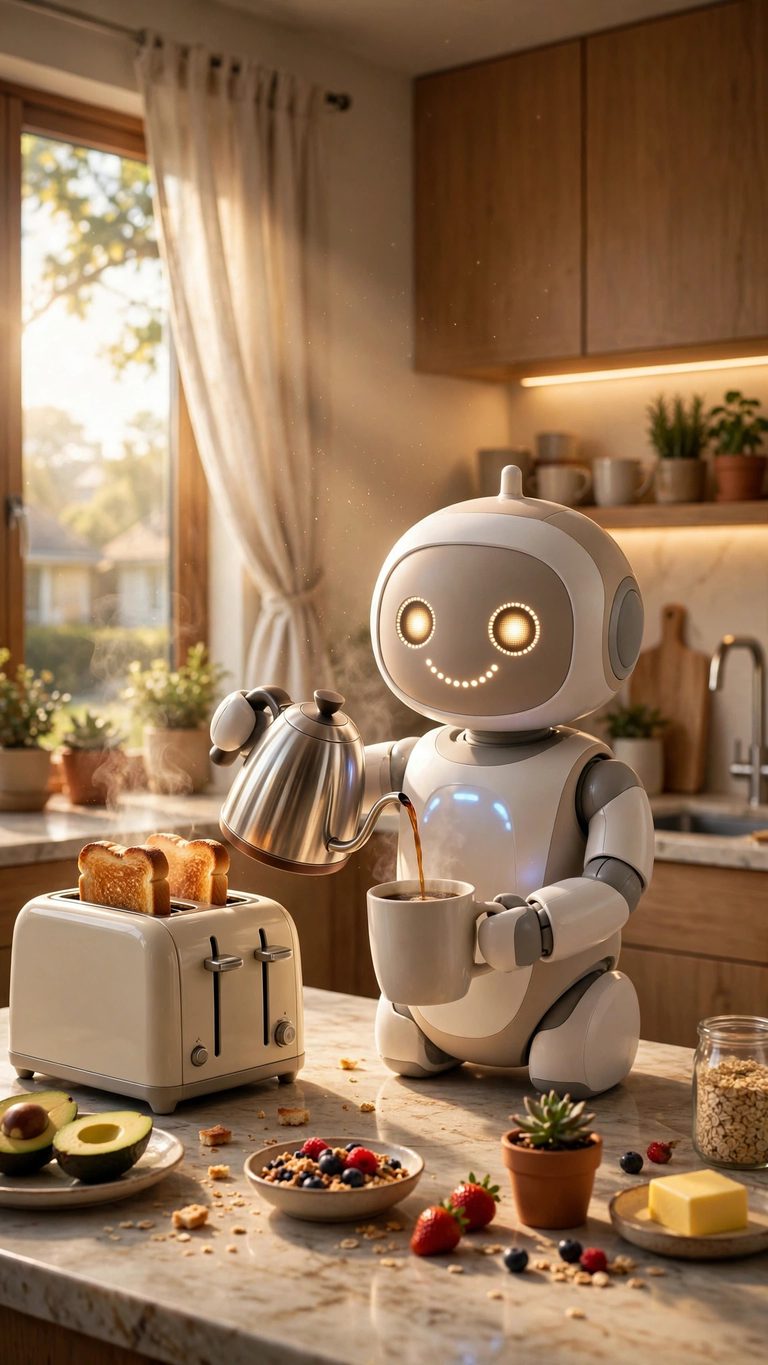
- Home Robot Making Breakfast: A Cozy Heartwarming AI Video Prompt for Futuristic Smart Kitchen Living
# A I V i d e o # P r o m p t B a z a r # S m a r t p h o n e # H o l o g r a m # F u t u r e T e c h


Leave a Reply